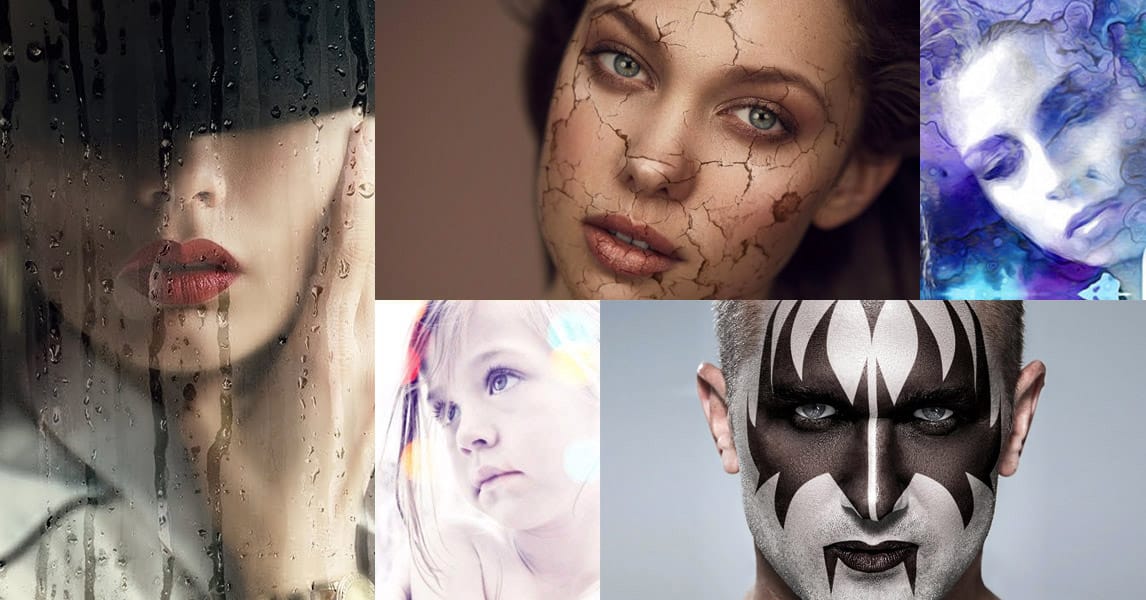
Sure, the title says you’ll want to slap these effects on every selfie (that was me trying to grab your attention 😅) — but let’s be honest: these aren’t one-tap filters. Every tutorial here is built on real Photoshop craftsmanship — lighting, masking, blending, and a good dose of creative intuition.
What makes these effects worth your time is how they walk that fine line between eye-catching and professional. They grab attention without looking cheap, they feel bold without going overboard, and when used with quality portraits, they can completely redefine the tone of an image.
Think of this as a collection of high-impact, editorial-grade techniques — designed not just to impress, but to inspire.
The Portrait Effects
Each effect on this list offers a different way to shape mood, texture, and personality through portrait editing. Some are clean and polished, others bold or experimental, but all of them show how much character a single photo can hold when you push beyond routine retouching.
And while most of these tutorials are fairly recent, a few go back a bit further. Don’t let that fool you — good visual concepts age far better than software interfaces. The buttons may have moved, but the creative value hasn’t.
1 - Halftone Motion Blur
The distinctive look of dotted halftone patterns mixed with dynamic motion blur creates a striking fusion of vintage print and modern digital energy. This effect turns portraits into bold, kinetic graphic art with flowing particle textures.
Video by P A N T E R. Any links or downloads mentioned by the creator are available only on YouTube
2 - Photocopy Pop Art
Drawing on vintage photocopy aesthetics, this effect infuses portraits with raw texture, bold contrast, and vivid pop art color. The result is a striking graphic style that echoes the tactile energy of underground print culture.
Video by P A N T E R. Any links or downloads mentioned by the creator are available only on YouTube
3 - Pixelated Dither
Inspired by early computer graphics, this pixelated dither effect reimagines portraits with nostalgic, 8-bit character. Through controlled color reduction and deliberate pixel placement, it achieves a retro digital texture that feels both vintage and stylistically modern.
Video by P A N T E R. Any links or downloads mentioned by the creator are available only on YouTube
4 - Vector Stencil
The vector stencil effect distills portraits into powerful black-and-white compositions with a sharp, graphic edge. Its minimalist contrast and cutout aesthetic evoke the bold immediacy of street art and classic poster design.
Video by P A N T E R. Any links or downloads mentioned by the creator are available only on YouTube
5 - Shadow Overlay
The shadow overlay effect adds cinematic depth and atmosphere by simulating natural light patterns across the face. Subtle gradients and layered shadows create the illusion of sunlight or studio lighting, transforming a flat portrait into a moody, photorealistic composition.
Video by PiXimperfect. Any links or downloads mentioned by the creator are available only on YouTube
6 - VHS Glitch
The VHS glitch effect distorts portraits with analog-style interference, evoking the raw energy of broken video signals. Split color channels, scan lines, and static textures create a chaotic digital aesthetic that feels unpredictable, electric, and unmistakably retro.
Video by P A N T E R. Any links or downloads mentioned by the creator are available only on YouTube
7 - Torn Paper Reveal
The torn paper reveal effect introduces layered depth and visual contrast, simulating the look of ripped edges that expose another version of the portrait beneath. It adds a bold, tactile dimension that works equally well for artistic compositions, mixed-media aesthetics, or editorial-style layouts.
Video by Photoshop Arthouse. Any links or downloads mentioned by the creator are available only on YouTube
8 - Face Behind Wet Glass
The wet glass effect adds cinematic atmosphere by simulating moisture, fog, and raindrops on a window surface. Subtle blurring and light diffusion create the sense of distance and mood, turning a standard portrait into a visually immersive scene.
Video by PiXimperfect. Any links or downloads mentioned by the creator are available only on YouTube
9 - Face Paint
The face paint effect blends artwork directly onto the skin, making designs, symbols, or patterns look naturally painted rather than digitally added. Careful shading and texture integration give portraits a realistic, expressive finish.
Video by Blue Lightning. Any links or downloads mentioned by the creator are available only on YouTube
10 - Double Exposure
The double exposure effect merges portrait photography with secondary imagery to create layered, story-driven compositions. By blending textures, landscapes, or abstract elements within a silhouette, it produces a surreal, cinematic look that feels both artistic and emotionally resonant.
Video by Spoon Graphics. Any links or downloads mentioned by the creator are available only on YouTube
11 - Text Portrait
The text portrait effect combines typography and portraiture, using words to shape the highlights and shadows of a face. This technique turns a simple photo into a bold graphic composition where text and image work together to define form and personality.
Video by Blue Lightning. Any links or downloads mentioned by the creator are available only on YouTube
12 - Vector Syle Portrait
The vector style portrait effect simplifies photographs into bold, flat-color compositions with crisp edges and graphic impact. Strong contrast and minimal detail give portraits a modern illustrated look inspired by poster art and digital illustration.
Video by Texturelabs. Any links or downloads mentioned by the creator are available only on YouTube
13 - Caricature Portrait
The caricature effect amplifies facial features to create expressive, cartoon-like portraits with humor and personality. Exaggerated proportions and smooth, polished textures turn realistic photos into lively illustrations that feel playful and character-driven.
Video by Pixvu. Any links or downloads mentioned by the creator are available only on YouTube
14 - Comic Book Style
The comic book effect converts portraits into vivid, high-contrast illustrations with bold outlines and halftone textures. Simplified color palettes and graphic shading give images the dynamic, print-like quality of classic comic art.
Video by LetsPhotoshop. Any links or downloads mentioned by the creator are available only on YouTube
15 - Film Noir
The film noir effect recreates the moody drama of classic black-and-white cinema through deep shadows, sharp contrast, and focused lighting. It gives portraits a timeless, cinematic quality that evokes tension, intrigue, and vintage sophistication.
Video by Spoon Graphics. Any links or downloads mentioned by the creator are available only on YouTube
Related Articles and Downloads
Explore more photo and portrait effects techniques with these tutorials and downloads:
 Enrique Flouret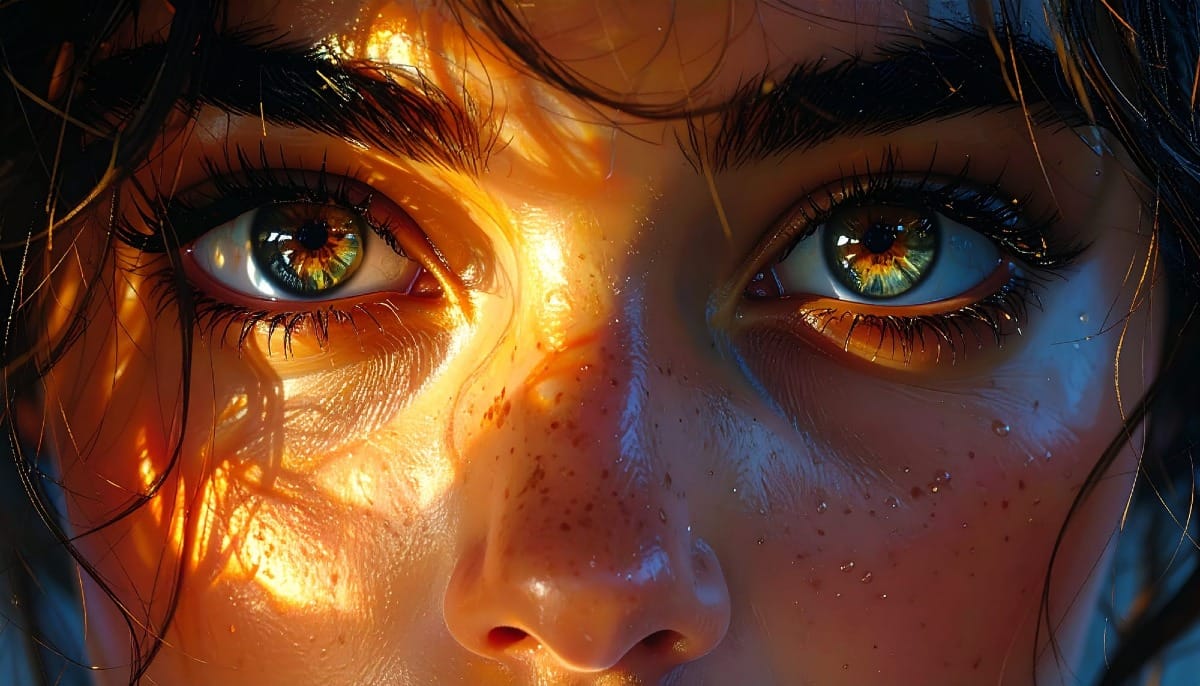
 Creative Fabrica
 Dealjumbo
 Enrique Flouret