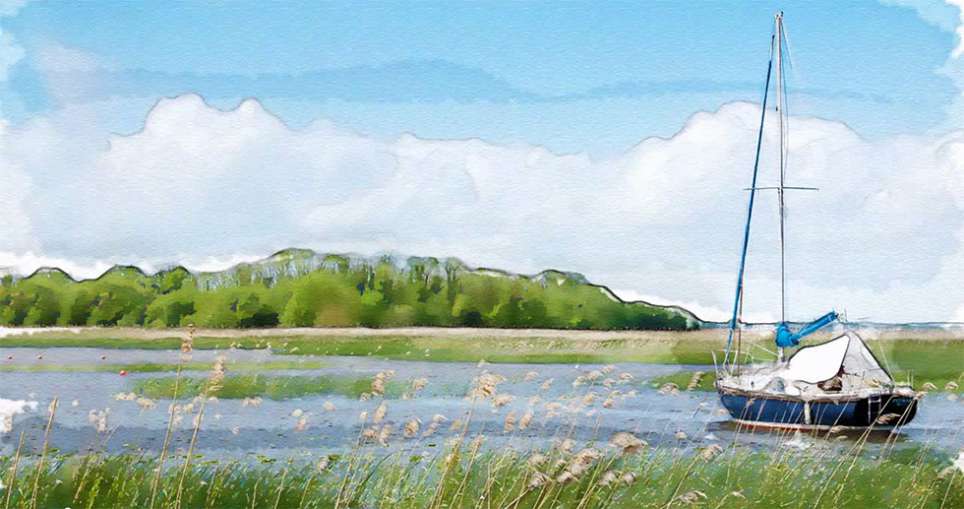
Converting photographs into artistic paintings becomes straightforward when you combine basic adjustment layers with built-in filters. This beginner-friendly technique uses vibrance adjustments, pixelate effects, and artistic filters to create convincing painted effects from any image.
The method works particularly well for landscapes and portraits, transforming them into stylized artwork that maintains the original composition while adding painterly qualities and reduced detail.
Watch the Video
Practical Tips
Follow these key techniques to achieve the best painting effect:
- Duplicate your background layer before applying any effects to preserve the original image
- Set both vibrance and saturation to around 50 to enhance colors before applying filters
- Convert layers to smart objects before filtering to maintain editability and non-destructive workflow
- Keep pixelate cell size between 5-8 for optimal balance between detail reduction and recognizable features
- Try colored pencil filter for soft pastel effects or dry brush filter for more textured oil painting styles
Related Articles and Tutorials
Explore more creative approaches to transform your photos into various painting styles.
Turn Pictures Into Paintings Using Generative Fill In Photoshop
Converting photographs into artistic paintings has traditionally required advanced Photoshop skills, complex layer blending techniques, or expensive third-party plugins. Many photographers and designers struggle with creating convincing painted effects that maintain the original image's character while adding genuine artistic style.
This tutorial demonstrates how to transform photos into paintings using Photoshop's generative fill feature combined with channel-based selections. The technique cr
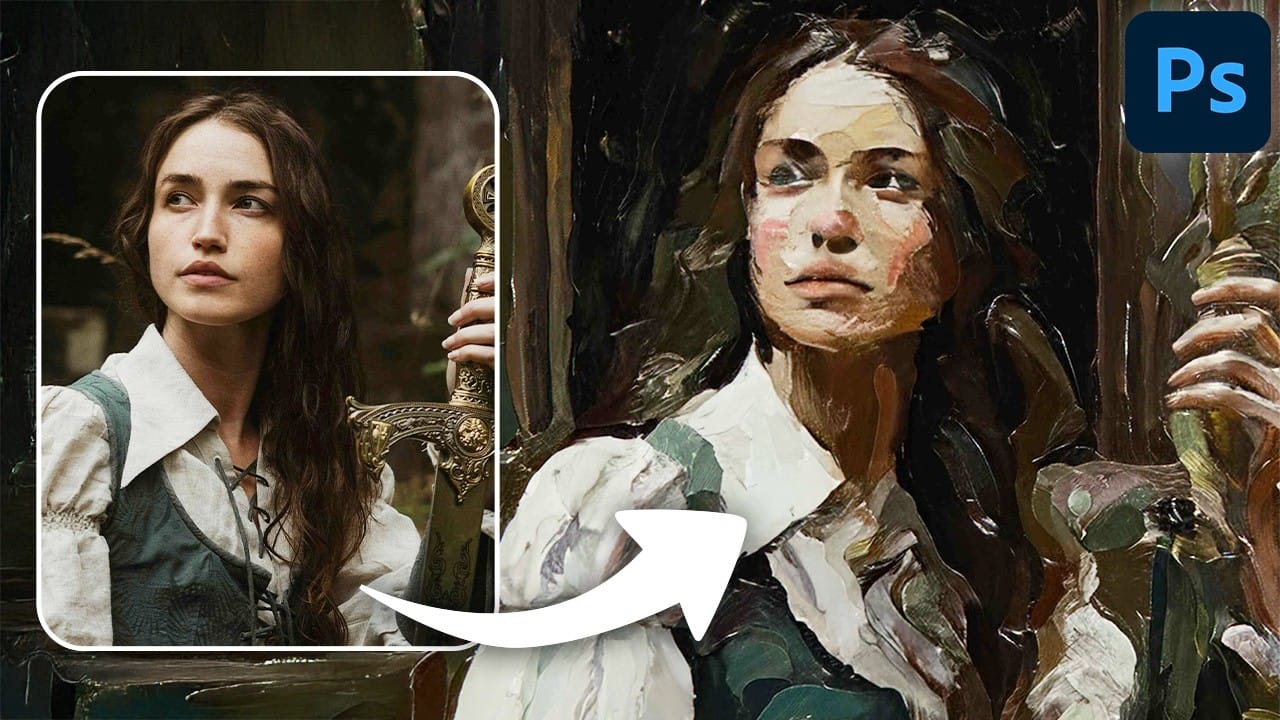
1-Click Photo to Digital Painting Effect in Photoshop
In this digital painting effect Photoshop Tutorial, you'll learn how to make a quick digital art effect out of any image in a few seconds! You'll learn how to use a simple combination of filters and patterns to make a realistic digital painting effect in photoshop. You will also learn how to use smart objects and reuse them to reapply this painting effect in photoshop with a SINGLE CLICK.
Watch tutorial
Learn How to Create a Watercolor Photo Effect in Photoshop
Transforming a photograph into a convincing watercolor painting opens up a world of creative possibilities. This artistic effect adds depth and emotion, turning ordinary images into unique pieces of art. The result captures the delicate washes and textures of traditional watercolor, bringing a hand-painted feel to your digital art.
This tutorial guides you through creating a hand-painted effect in Photoshop, going beyond basic filters. By using a combination of smart blurs, glowing edges, and c
How to Transform Photos into Watercolor Paintings in Photoshop
Watercolor paintings capture light and emotion in ways that photography alone cannot achieve. The flowing pigments, soft edges, and organic textures create an artistic interpretation that transforms mundane subjects into compelling visual stories.
This tutorial demonstrates how to recreate these traditional watercolor qualities digitally, combining Photoshop filters with custom brushwork to achieve authentic-looking results that maintain the spontaneous, hand-painted feel of real watercolor art
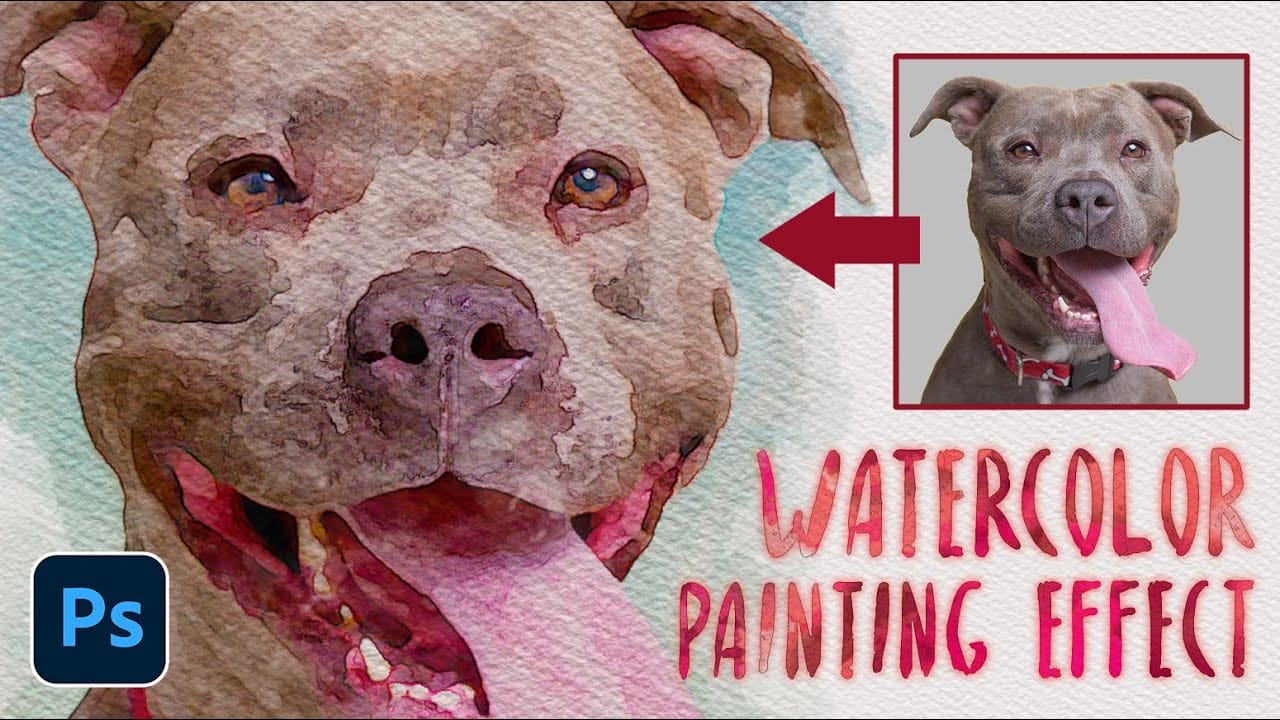
Beautiful Oil Painting Effect in Photoshop With Oil Paint Filter
Struggling to capture the artistic flair of oil paintings with your digital photos? Look no further! This short and sweet Photoshop tutorial, clocking in at just 90 seconds, will show you how to use the Mixer Brush to transform your photos into captivating works of art.
The instructor, Jesus Ramirez from photoshoptrainingchannel.com, will guide you through the entire process. You'll learn how to leverage the unique capabilities of the Mixer Brush, mimicking real-life oil painting techniques lik
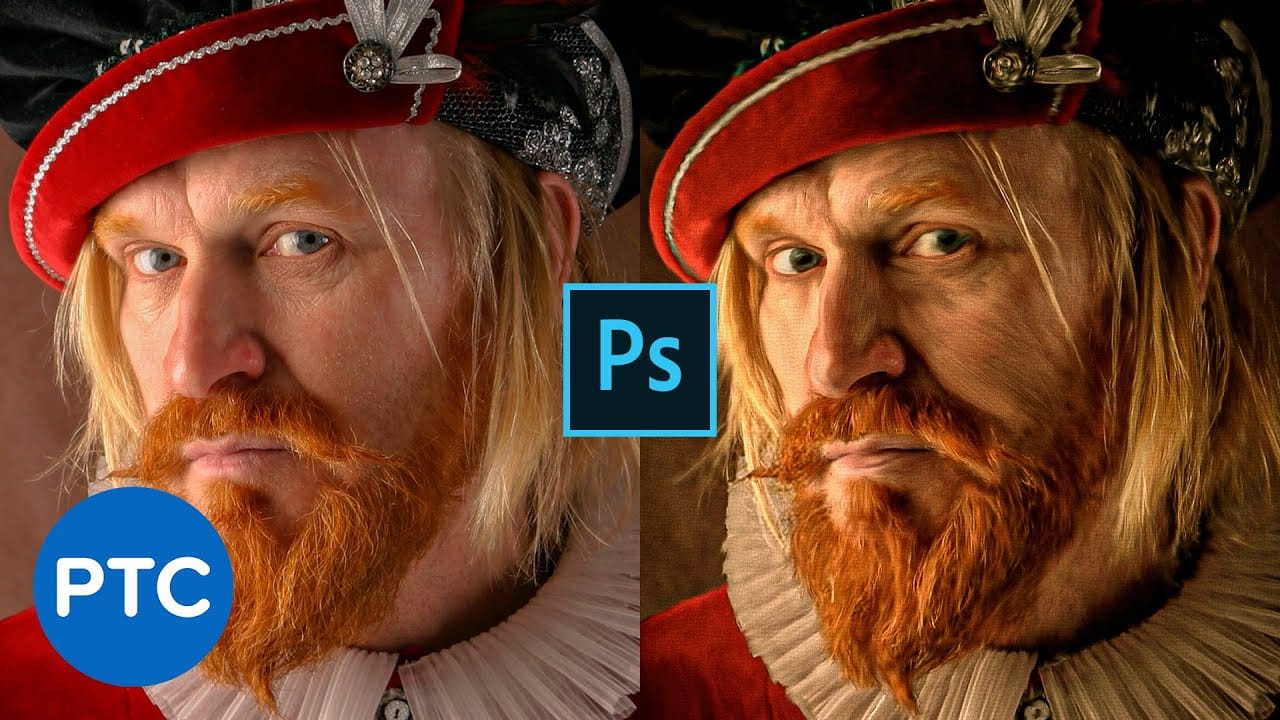
One-click Van Gogh Digital Painting in Photoshop
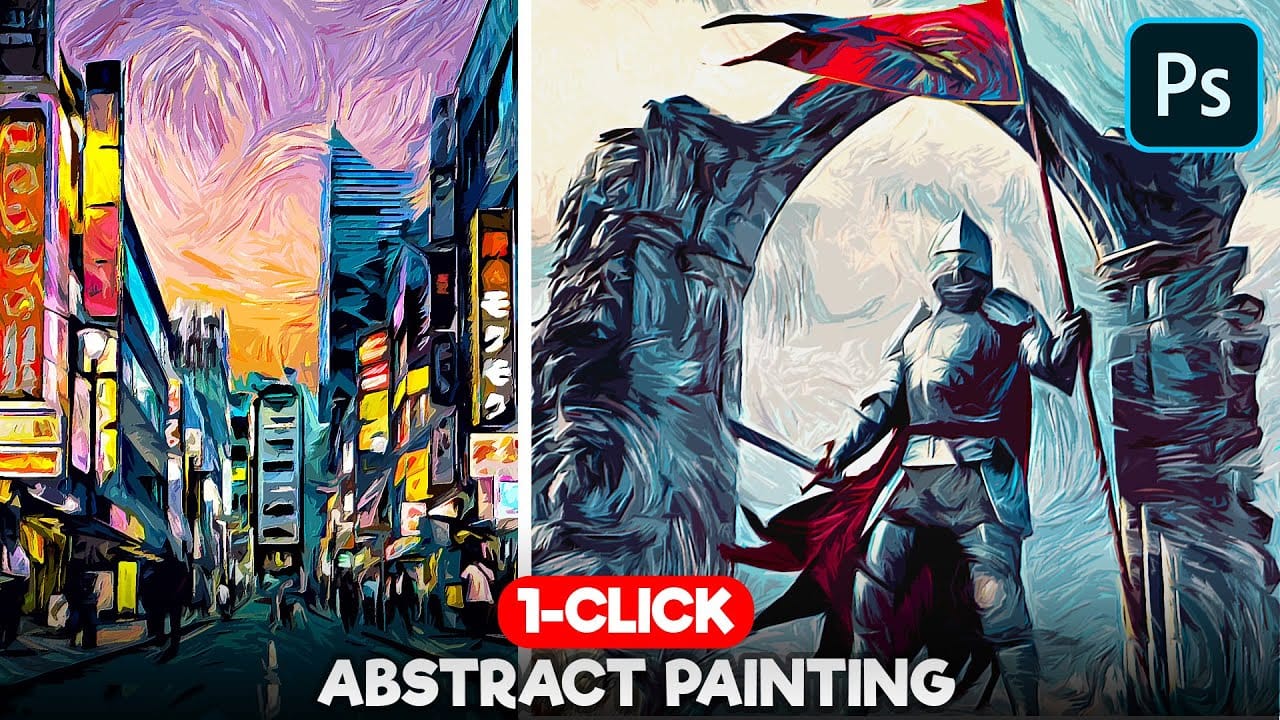
In this detailed tutorial, Pixivu demonstrates how to transform a photo into a digital painting masterpiece with just a few clicks using Adobe Photoshop.
By leveraging smart objects and a variety of filters, you can effortlessly create a stunning painting effect that mirrors the iconic style of Van Gogh. The final outcome features raised brush strokes, giving it a rich, textured, painted look. This tutorial is perfect for both beginners and experienced users who want to achieve a classic, artis
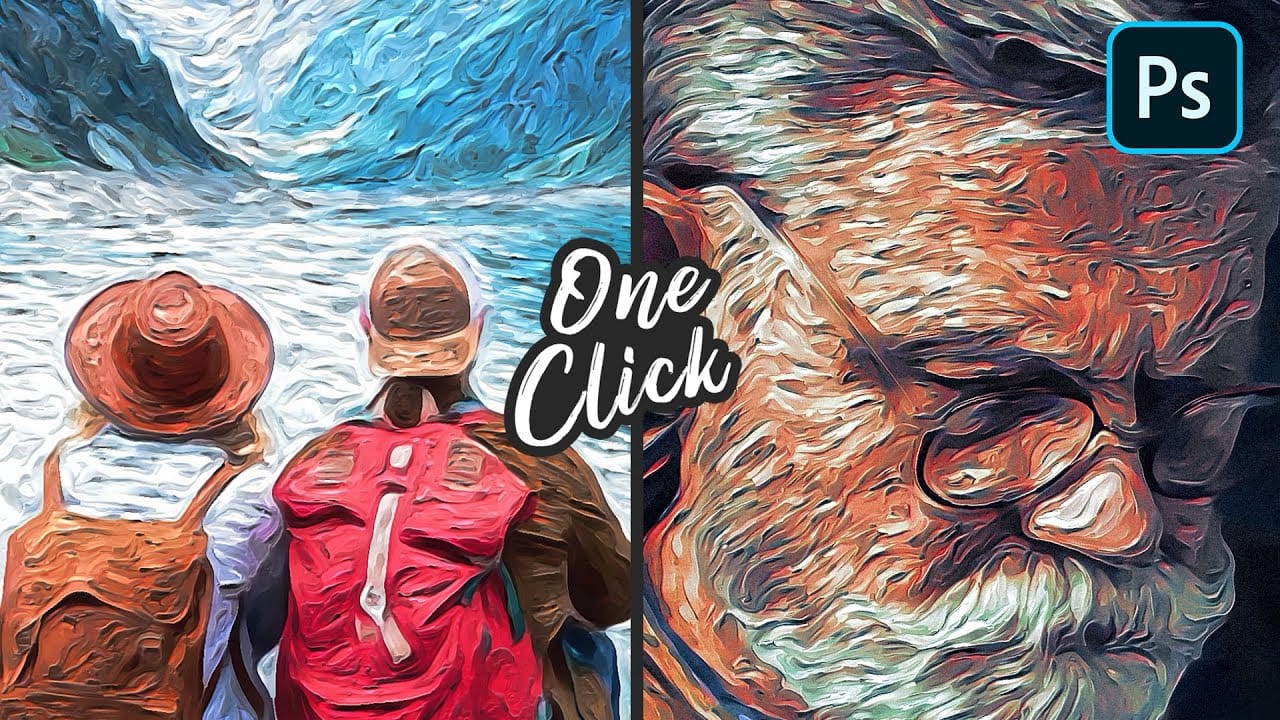
Create an Action to Transform your Photos into Impressionist Paintings
Digital art techniques allow for creative transformation of ordinary images into unique visual pieces. This video explores a method to convert photographs into pointillist-style paintings within Photoshop.
Viewers will learn how to set up a reusable Photoshop Action, automating the process of applying artistic filters and color adjustments. This enables quick application of a distinct impressionist aesthetic to various images, enhancing their artistic appeal.
Watch the Tutorial: Automate Poin
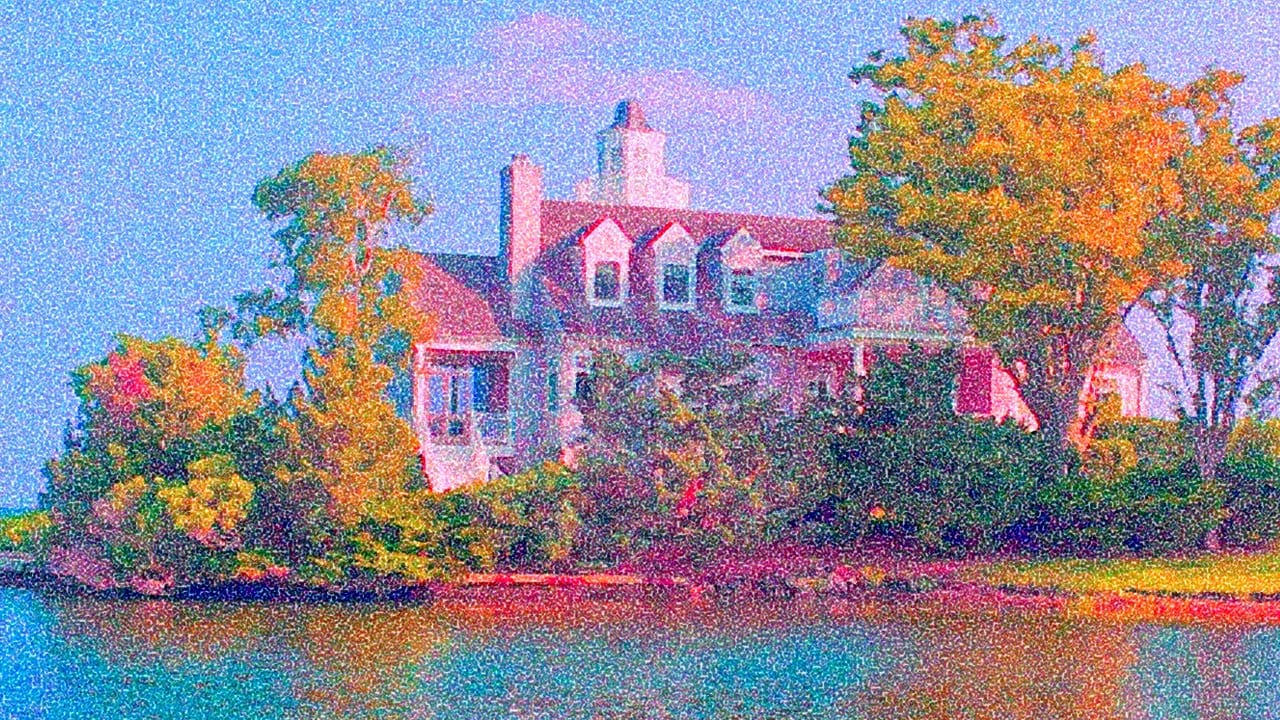
How to Transform a Photo into an Antique, Oil Painting Photoshop
This tutorial explores a fascinating method to transform digital photographs into timeless antique oil paintings. It focuses on techniques that emulate the classic appearance of aged art, adding character and depth to modern images.
Viewers will discover how to apply artistic effects within Photoshop, including specific color adjustments, textural overlays, and brushstroke simulations, to achieve a convincing vintage aesthetic reminiscent of historical artworks.
Watch the Video
Crafting the
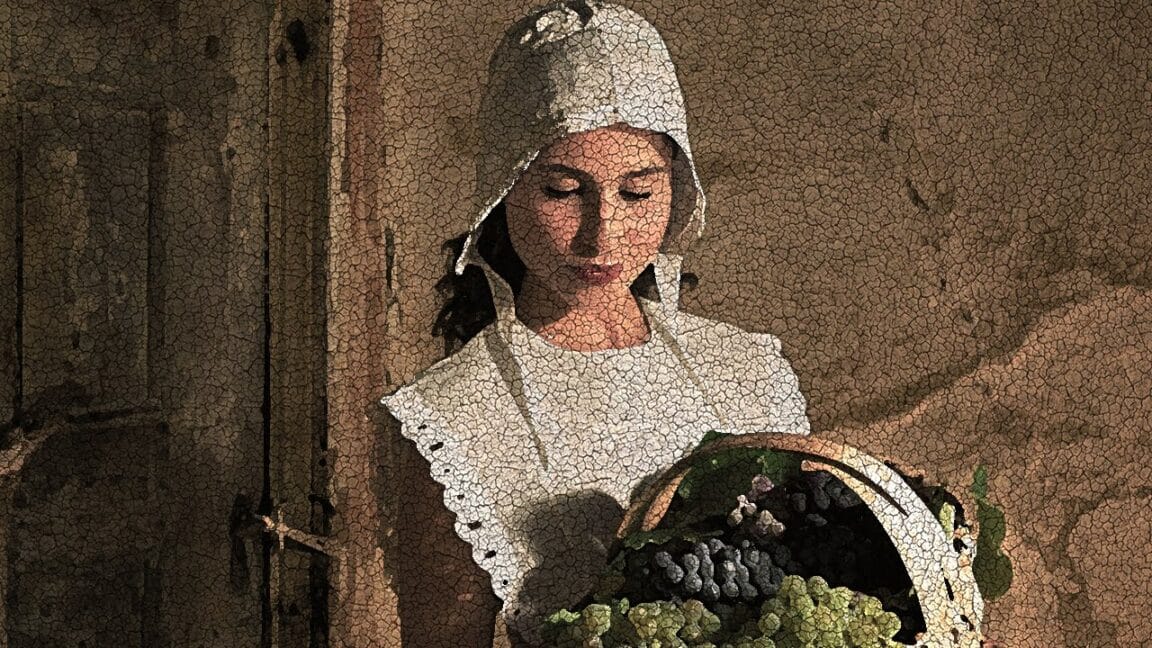
Easy Watercolor Painting Effects in Photoshop
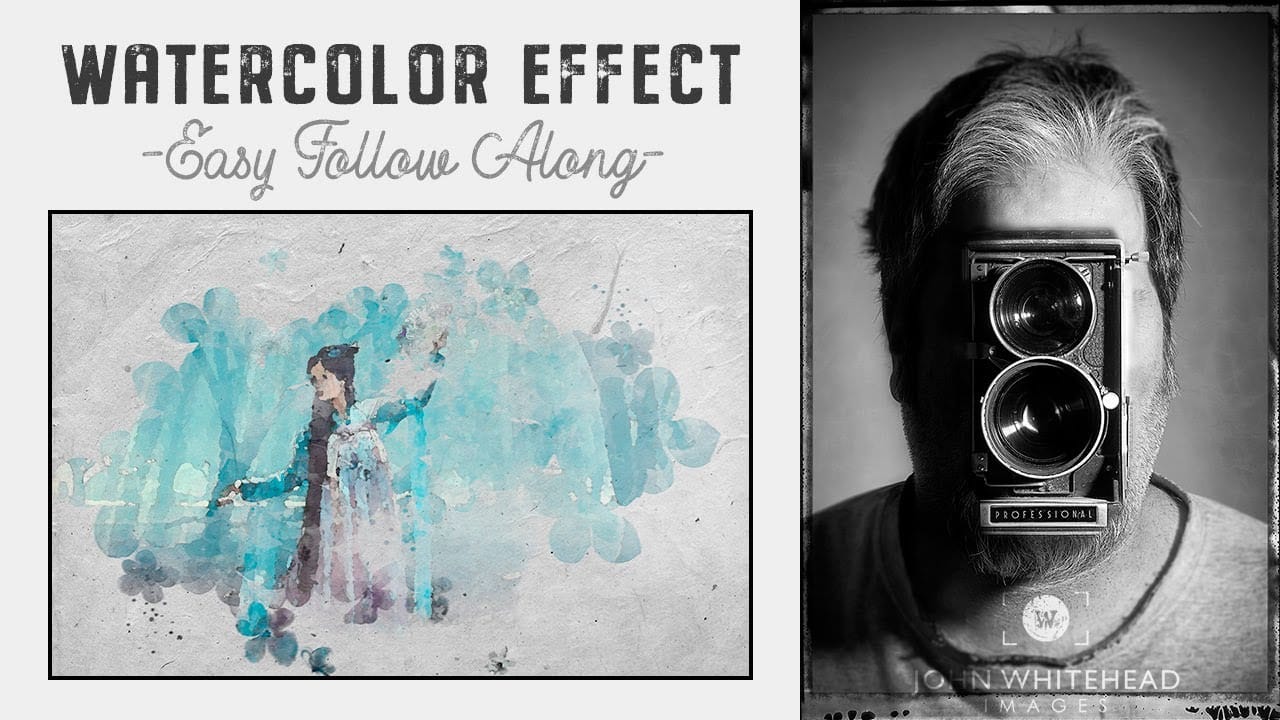
Creating watercolor painting effects in Photoshop is easy and fun with this step-by-step tutorial by John Whitehead. In this guide, you'll learn how to transform any image into a beautiful watercolor painting using Adobe Photoshop. John walks you through the entire process, from selecting the right brushes to applying the effects.
If you don't already have watercolor brushes, don't worry! John also shows you how to create your own brushes from watercolor images, allowing you to customize and en