Adobe's generative AI features transform how creatives work, but understanding which tools consume credits can save you time and budget frustration. The credit system divides features into standard and premium tiers, with different consumption rates based on processing complexity.
Knowing the difference between assistive AI tools that cost nothing and generative features that require credits helps you plan projects more effectively and avoid unexpected limitations.
Watch the Video
Video by Adobe. Any links or downloads mentioned by the creator are available only on YouTube
Practical Tips
These strategies help you maximize your generative credits and work more efficiently:
- Check your credit balance regularly by clicking your profile icon in the upper right corner of any Creative Cloud app
- Use assistive AI features like background removal and selection tools without worrying about credits
- Plan premium feature usage carefully since video, audio, and translation tools consume multiple credits per generation
- Remember that credits reset monthly but unused credits don't carry over to the next billing cycle
- Upgrade your plan or purchase additional credits directly from the app when you need more capacity
Related Articles and Tutorials
Explore more techniques for maximizing your creative workflow with AI-powered tools and features.
Firefly, Adobe's new AI art generator will change the way we create art forever.
Experience a groundbreaking transformation in the world of art with Adobe's latest AI art generator, Firefly. Using advanced algorithms, Firefly can create unique, lifelike images that were previously impossible to generate.
This innovative technology offers artists a world of possibilities for creative expression and fresh design concepts. In this post, we'll explore the power of Firefly and how it's set to change the game for artists worldwide. Join us as we delve into the world of AI art gen
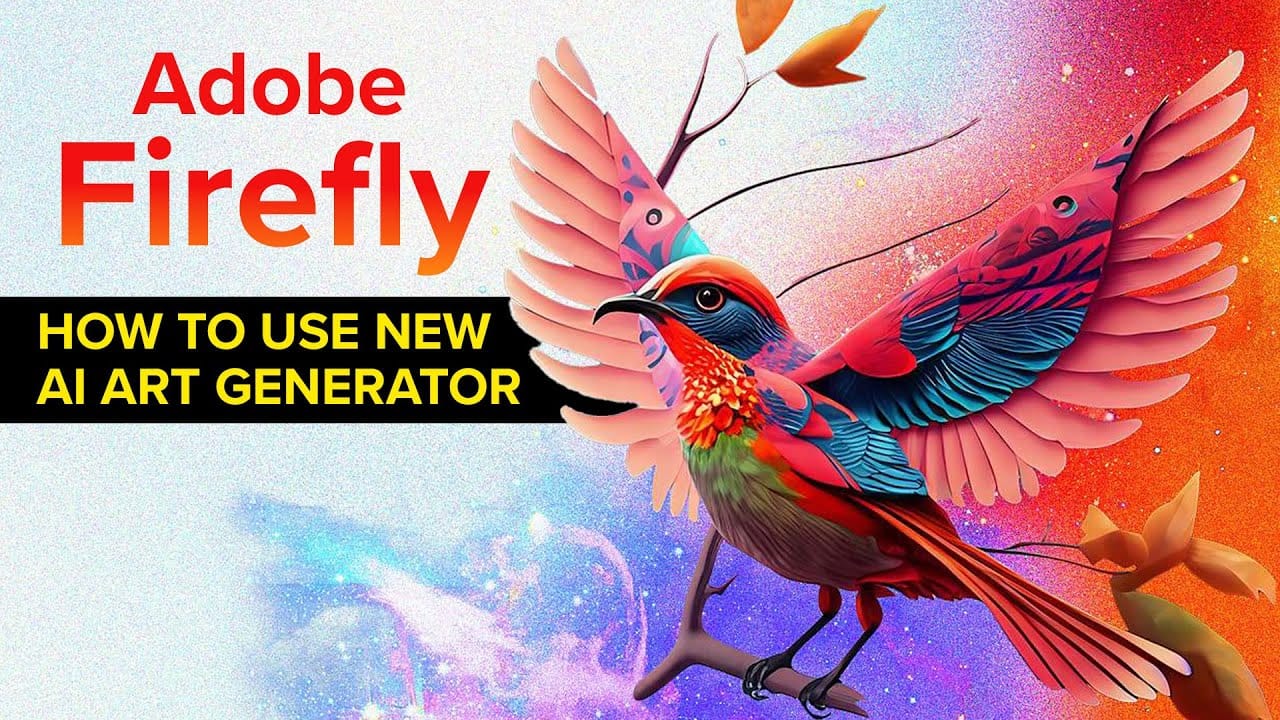
Unfolding Paradoxes: How Adobe Firefly Transforms Abstract Concepts Into Visual Realities
AI image generation has revolutionized how artists and designers explore creative concepts. These tools, like Adobe Firefly, are built with one primary objective: to serve the user's vision. Their extensive training prepares them to interpret precise prompts, guided by established techniques like keyword specificity, compositional references, and style definitions. The process is a collaboration where the user outlines a vision, and the AI diligently shapes it, often with extraordinary fidelity.

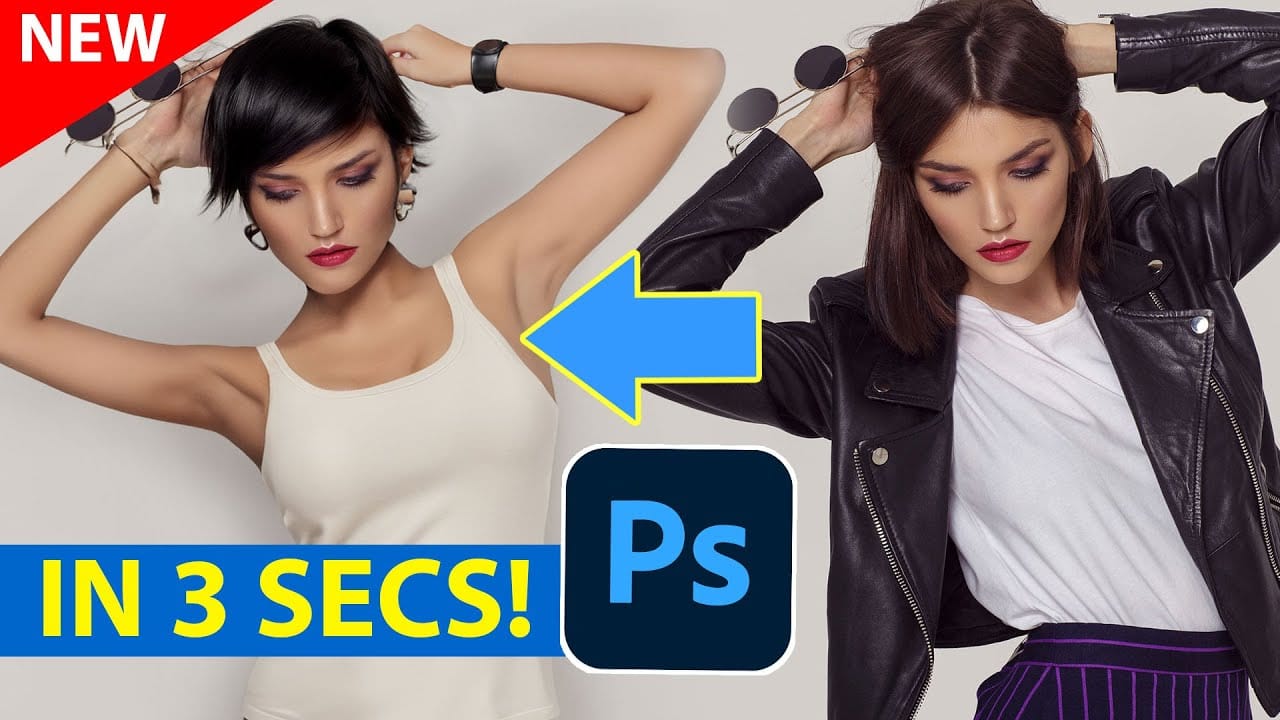
Generative AI: A new era of Photoshop begins
Generative AI has made its way into the world of Photoshop, and in this fascinating video, Colin Smith from Photoshop Cafe explores its transformative capabilities.
Generative AI is an incredible technology that's transforming the world of artificial intelligence. It's like having a creative companion that can generate all sorts of new content, from stunning images to captivating music and even imaginative stories. With its advanced algorithms and neural networks, generative AI brings a touch o
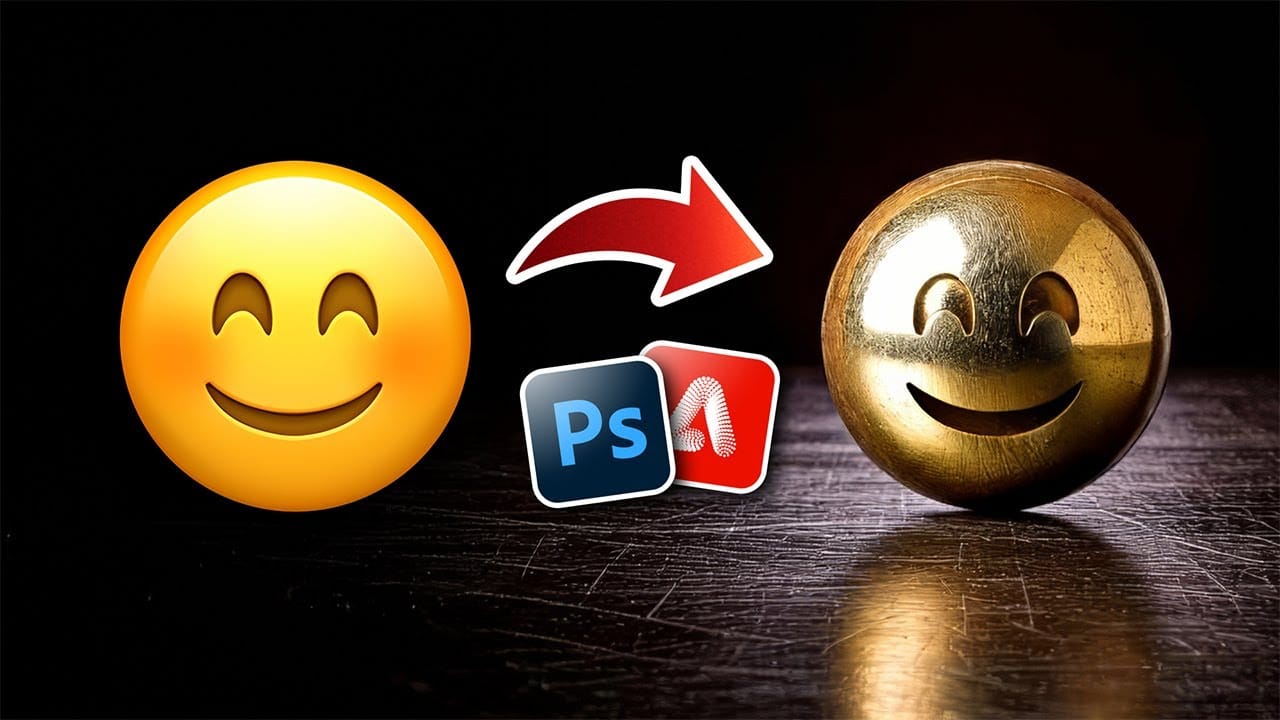
Turn Anything into Realistic 3D with Photoshop and Firefly
Achieving realistic 3D effects from simple 2D shapes can significantly enhance your designs. This process becomes remarkably accessible with the integration of generative AI tools like Adobe Firefly into Photoshop.
This tutorial demonstrates a streamlined workflow, enabling you to transform ordinary graphics into striking, dimensional visuals. You gain control over surface textures, reflections, and dramatic lighting, pushing creative boundaries with ease.
Watch the Video
Bridging 2D and 3D
Mineral Splendor: A Macro Journey Through Crystals, Stones, and Craftsmanship Created with Adobe Firefly
In visual art, the fusion of natural beauty and human craftsmanship has long been a profound source of inspiration. Whether it is the intricate designs of a finely cut gemstone or the raw allure of an unpolished mineral, the interplay of light, texture, and color evokes an undeniable fascination. In recent years, the advent of AI-driven tools like Adobe Firefly has opened new creative frontiers, allowing artists to explore these natural wonders in ways that were once unimaginable.
AI Image Gen

How to Use Nano Banana Pro in Adobe Firefly for Advanced AI Image Generation
Adobe Firefly now includes Gemini 3 with Nano Banana Pro, offering sharper 2K image generation with improved text clarity and precision blending. This advanced AI model works seamlessly within Firefly's generative workspace, enabling powerful workflows like multi-image composition and virtual try-on effects.
The integration provides access to sophisticated presets and reference image capabilities that go beyond basic Photoshop workflows, making complex generative tasks simple and intuitive.
W

Photoshop 2026 New Features: AI Tools and Credit System Overview
Photoshop 2026 introduces powerful AI-driven features including advanced generative fill models, sophisticated upscaling tools, and seamless harmonization effects. These updates promise to streamline complex editing tasks while delivering professional-quality results.
The software now operates on a credit-based system that divides features into standard and premium tiers, fundamentally changing how users access certain tools.
Watch the Video
Key Features and Practical Tips
* Access the co

Whipped, Glazed, and Imagined: Crafting Delicious Desserts with Adobe Firefly
Desserts are more than just a treat for the palate—they're a feast for the eyes. The delicate swirls of frosting, the glossy sheen of chocolate, the colorful burst of fresh fruits; these details make confections as visually enticing as they are satisfying to eat. But what happens when desserts aren't crafted in a kitchen but instead come to life through the power of artificial intelligence?
This article invites you to explore a series of dessert-inspired images crafted with Adobe Firefly, a gen

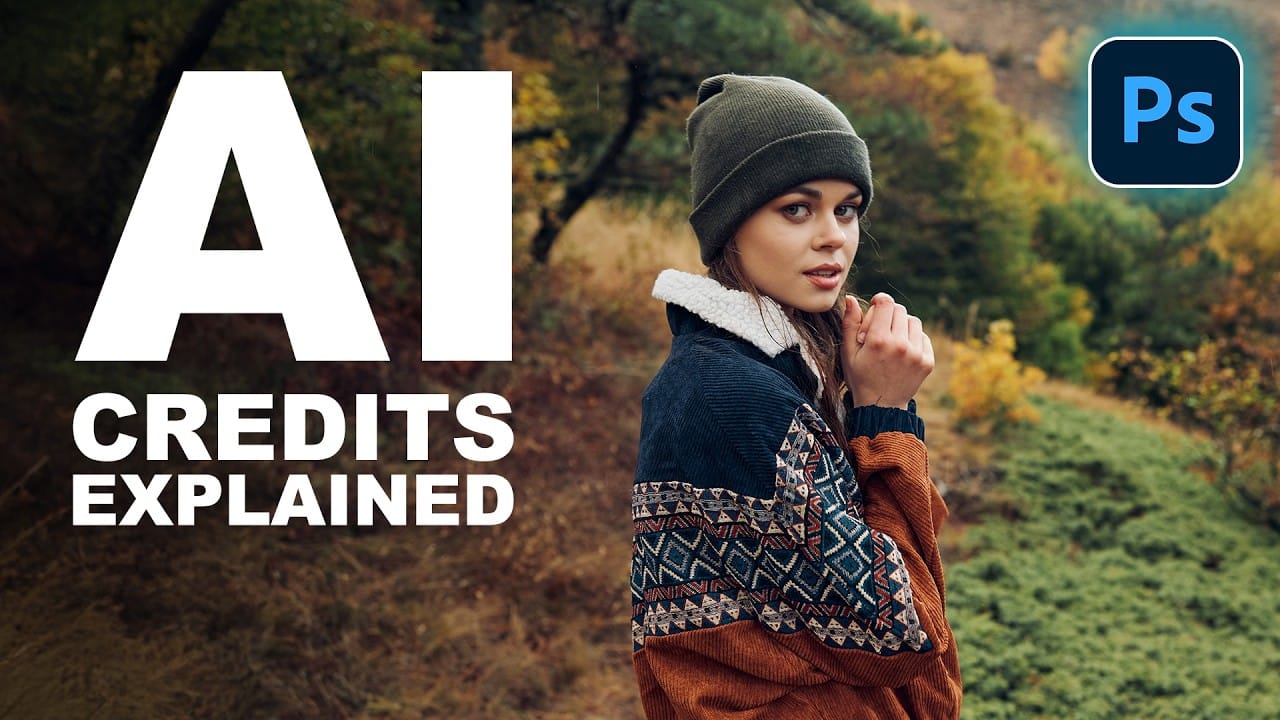
Understanding Generative AI Credits: Which Tools Cost Nothing and Which Tools Drain Your Budget
Navigating the world of AI-powered editing tools can be confusing when you're unsure which features consume credits and which are free to use. Many powerful AI functions don't require any credits at all, while others can quickly exhaust your monthly allowance depending on which models and settings you choose.
This comprehensive guide breaks down exactly which tools use credits, how many they consume, and smart strategies to maximize your editing power without burning through your budget unneces
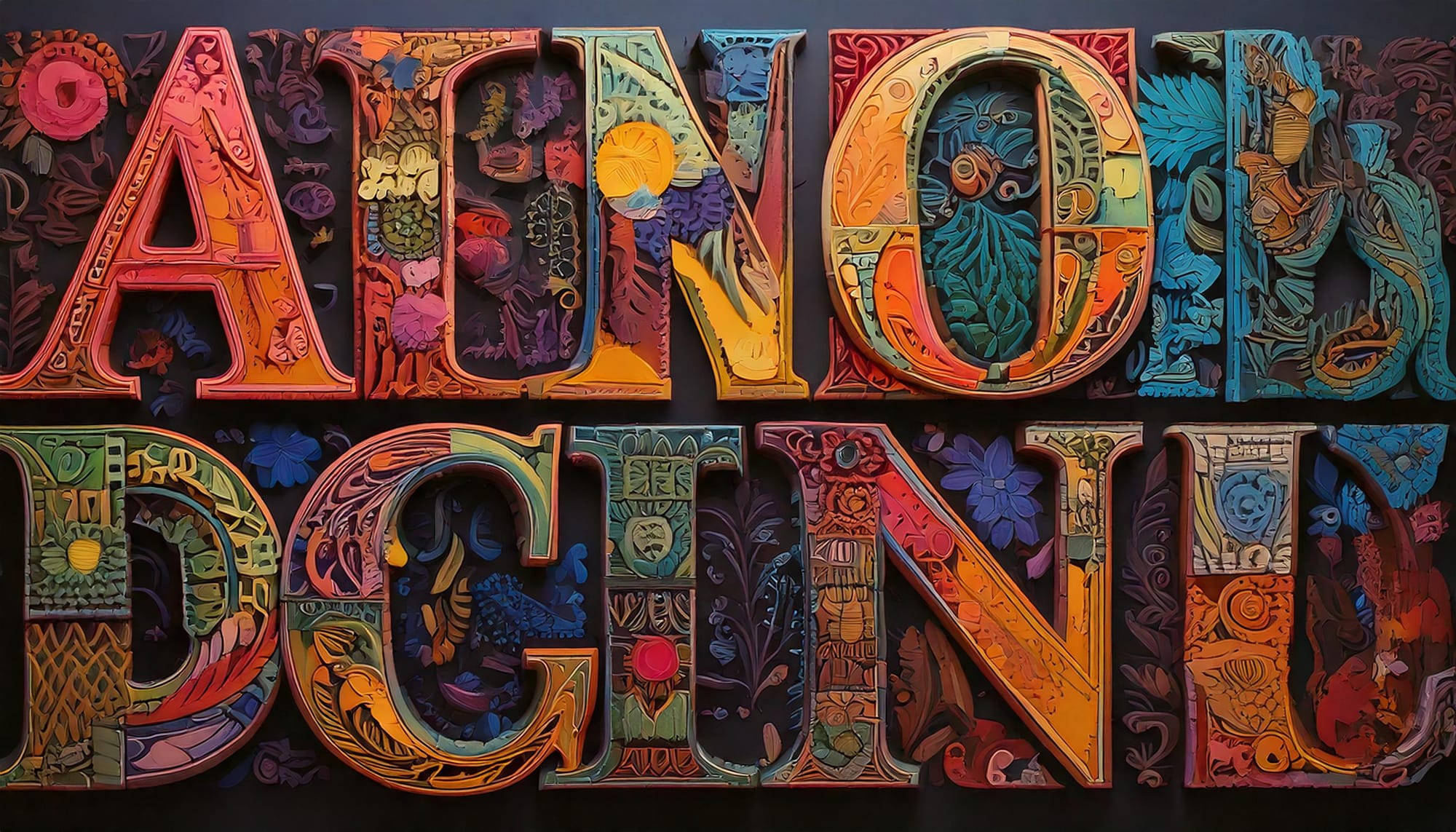
The Beauty of Letters: Exploring Typography Through AI Innovation
Letters transcend mere symbols; they represent a fusion of form and function. Their shapes—whether curved, angular, bold, or delicate—carry a visual language that resonates with viewers. While familiar, they also hold potential for innovation. Through the lens of artistry, traditional forms can transform into something extraordinary. This is where AI plays a pivotal role, enabling us to explore new creative dimensions in typography.
AI tools like Adobe Firefly are changing the design landscape