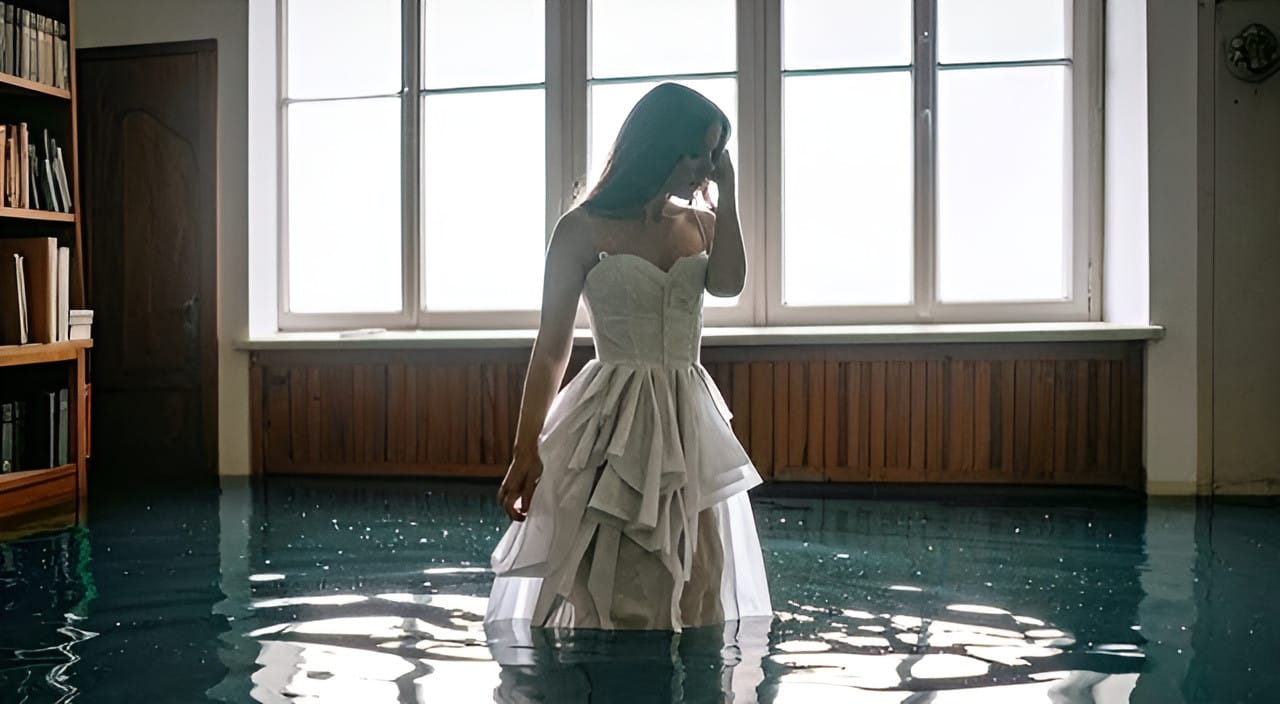
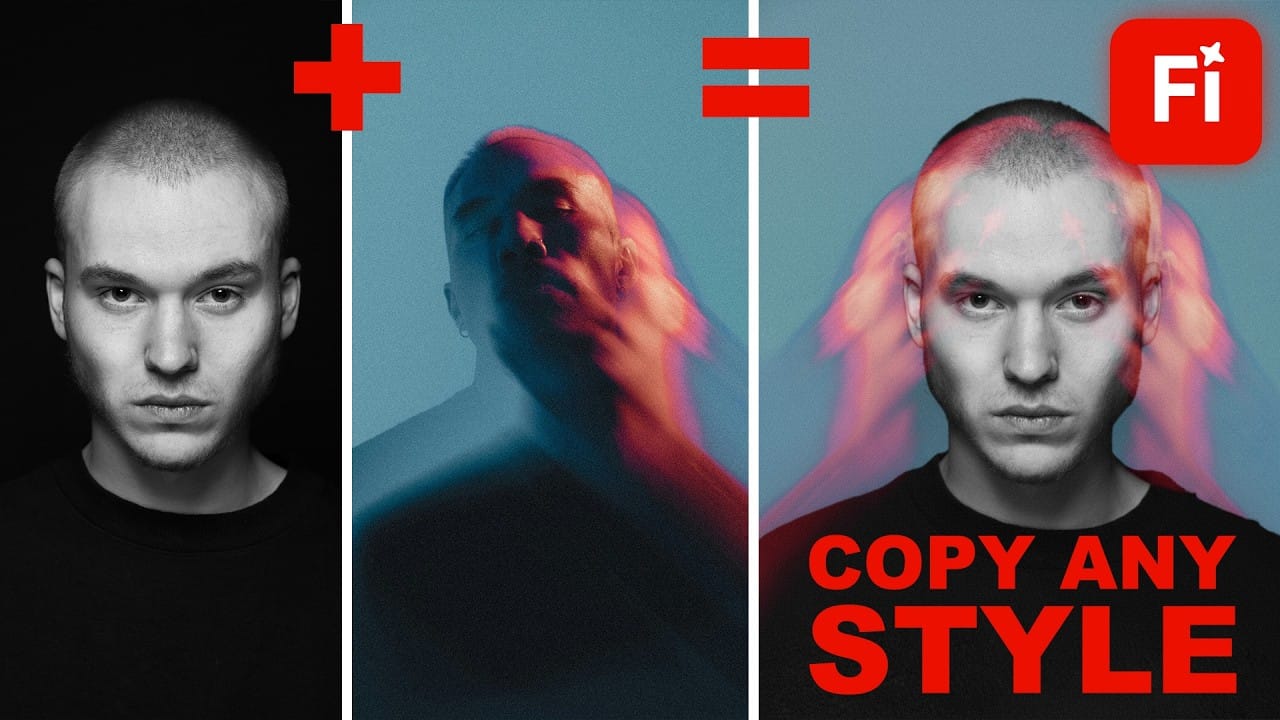
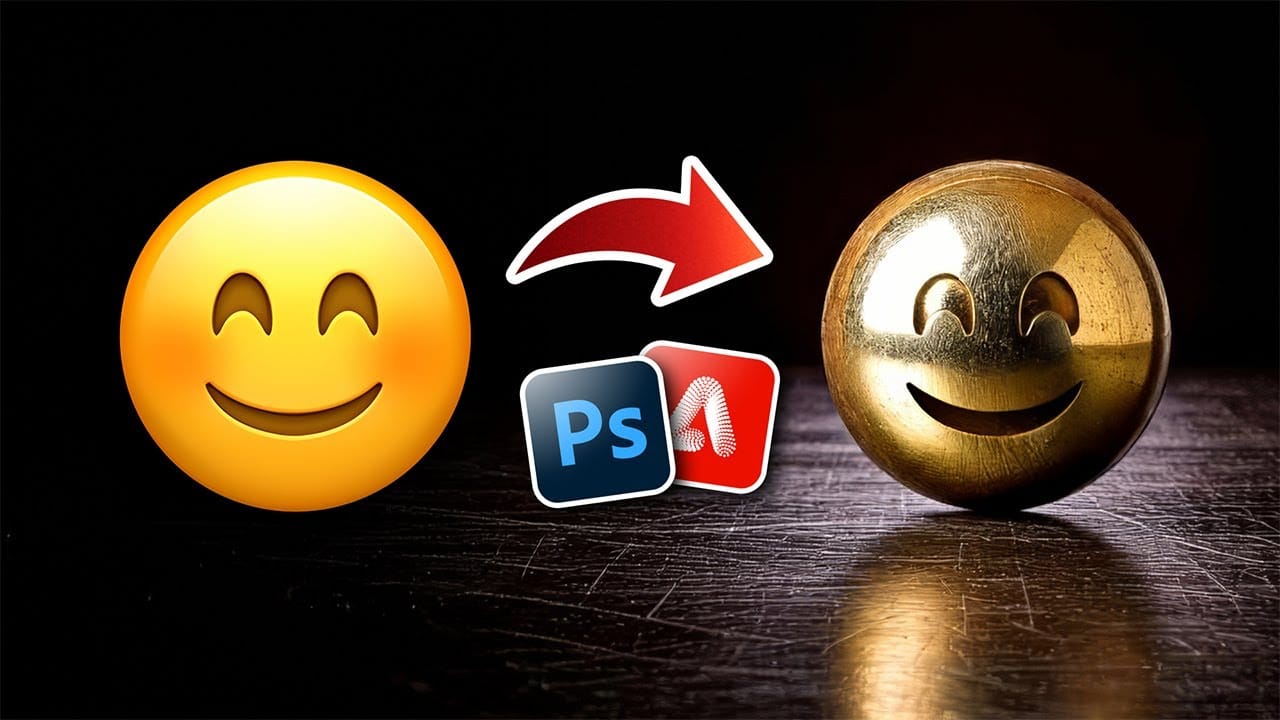
Visual storytelling transforms abstract ideas into compelling narratives through a structured workflow from initial concept to finished video. Adobe Firefly Boards provides an integrated workspace where you can generate story concepts, create detailed storyboards, and produce animated video sequences without switching between multiple applications.
This comprehensive approach demonstrates how generative AI can support every stage of the creative process, from overcoming creative blocks to delivering polished video content with professional transitions and audio.
Watch the Video
Video by Adobe Live. Any links or downloads mentioned by the creator are available only on YouTube
Practical Tips
These workflow strategies help you create cohesive visual stories from concept to completion:
- Generate multiple story scenes in a single frame using prompts like "four random story scenes for [theme]" to spark initial ideas and overcome creative blocks
- Use the "vary" feature with "more like this" to create consistent visual styles across your storyboard panels without repeatedly typing new prompts
- Add style specifications like "cartoon style" or "comic book style" to your prompts when the default photorealistic output doesn't match your vision
- Include specific motion instructions in video prompts such as "make the waves move" or "make the character gesture" to bring static images to life
- Organize your Firefly board into sections (spark ideas, storyboard, video sequences) using shapes and text labels for efficient project management
Related Articles and Tutorials
Explore these guides to expand your creative workflow and master generative AI techniques: