Create a Retro Cyberpunk Photo Effect in Photoshop

Create a Retro Cyberpunk Photo Effect in Photoshop

The cyberpunk aesthetic, characterized by its neon-drenched, dystopian urban landscapes, has a distinct visual appeal that continues to capt captivate audiences. This unique style blends high-tech elements with a gritty, low-life atmosphere, often conveyed through specific color palettes and lighting.

This tutorial offers a quick and effective method for transforming your ordinary photos into striking cyberpunk images using Adobe Photoshop. You will learn how to leverage the Camera Raw Filter to achieve the signature look, focusing on critical adjustments that define this popular visual trend.

Watch the Video

Video by Blue Lightning. Any links or downloads mentioned by the creator are available only on YouTube

The Visual Language of Cyberpunk Aesthetics

Cyberpunk imagery relies heavily on a specific visual language to convey its themes of technological advancement intertwined with societal decay. Central to this aesthetic are dark, often rain-slicked urban environments illuminated by vibrant, artificial lights. These lights frequently appear in distinct color combinations, most notably electric blues, deep purples, and hot pinks, which create a high-contrast, moody atmosphere.

The strategic use of color manipulation is paramount in achieving this effect. By shifting hues and saturations, artists can imbue images with the characteristic neon glow and futuristic ambiance. This color grading helps to evoke the genre's core themes, from the alienation of individuals in sprawling metropolises to the stark beauty of a technologically advanced yet crumbling world.

Beyond color, elements like reflections on wet surfaces and the interplay of light and shadow contribute significantly to the depth and realism of a cyberpunk scene. These visual cues collectively define a style that is both visually striking and thematically resonant.

Practical Tips for Cyberpunk Photo Effects

  • Always convert your photo to a Smart Object to enable non-destructive edits and facilitate easy photo replacement.
  • Utilize the Camera Raw Filter for comprehensive color and tone adjustments, ensuring your Photoshop version is updated for full functionality.
  • Adjust Light settings like Highlights and Blacks to establish the foundational mood and contrast of the image.
  • Refine color balance and mood by manipulating Tint, Curve, and Calibration settings, particularly the primary color hues and saturation.
  • Experiment with the Calibration settings, as optimal values for red, green, and blue primary colors vary significantly depending on the original image's characteristics.
  • Consider starting with night scenes featuring artificial lights reflecting off wet surfaces for a classic and impactful cyberpunk visual foundation.

Explore more tutorials to enhance your photo editing skills and create diverse visual styles.
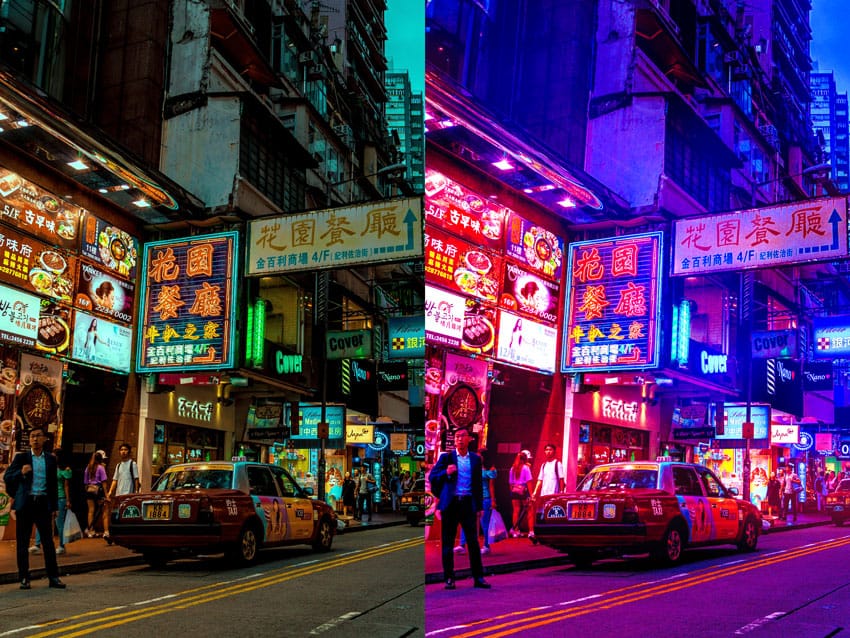
Create a Trendy Cyberpunk Effect in Photoshop
Article republished with permission of PSD STACK. PSD Stack is a blog dedicated to Photoshop that provides high-quality tutorials, presets and actions to all level of Photoshop users Learn how to create a trendy cyberpunk effect in Photoshop. You’ll learn how to add neon color vibes to your images by adding hot pink and bright blue tones, which are key factors to this style. The coloring for this look can be inspired by any sci-fi movie and you can add the combination of colors that you prefer
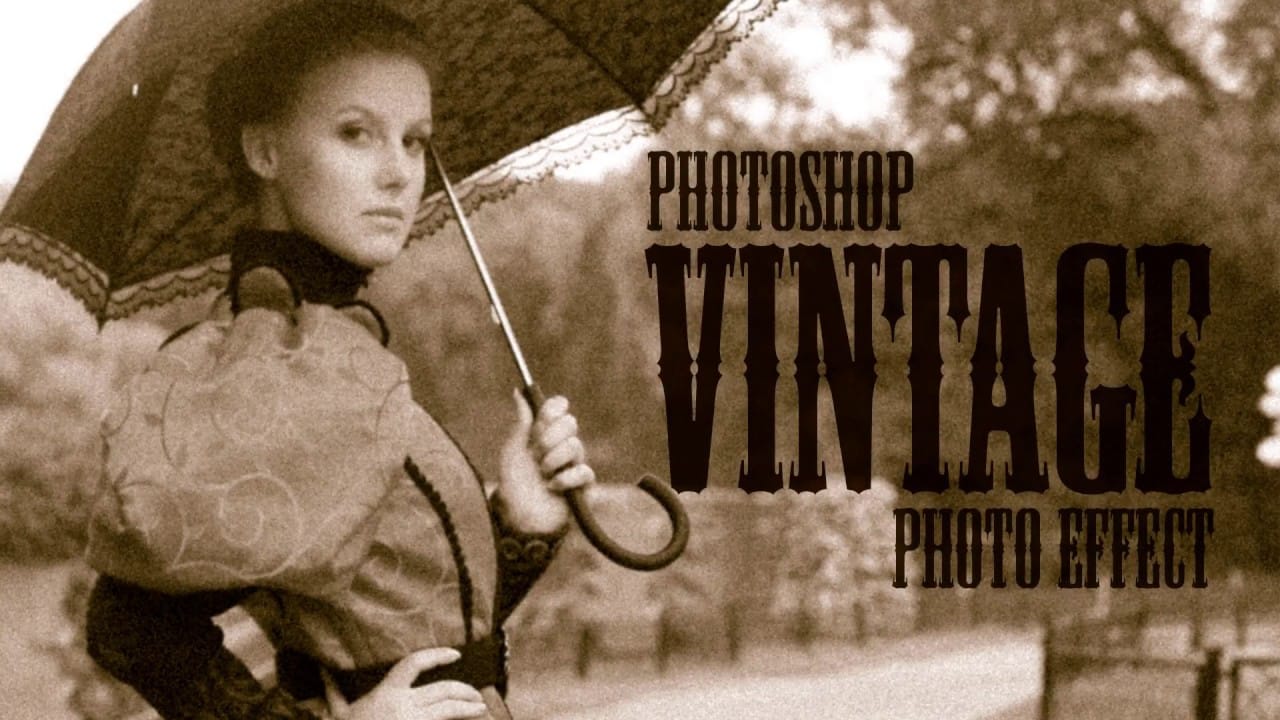
Create a realistic old vintage photo effect in Photoshop
Photographs are timeless. In fact, it’s often our old, weathered and faded photographs that we treasure the most. Snapshots from a bygone era fill our hearts with nostalgia and romantic notions of how much simpler life must have been. While today’s digital cameras continue to amaze us with their technology, there’s still something magical and irreplaceable about old, vintage photographs. And not only do we love to look at them, but we also love to recreate the look of them in programs like Phot
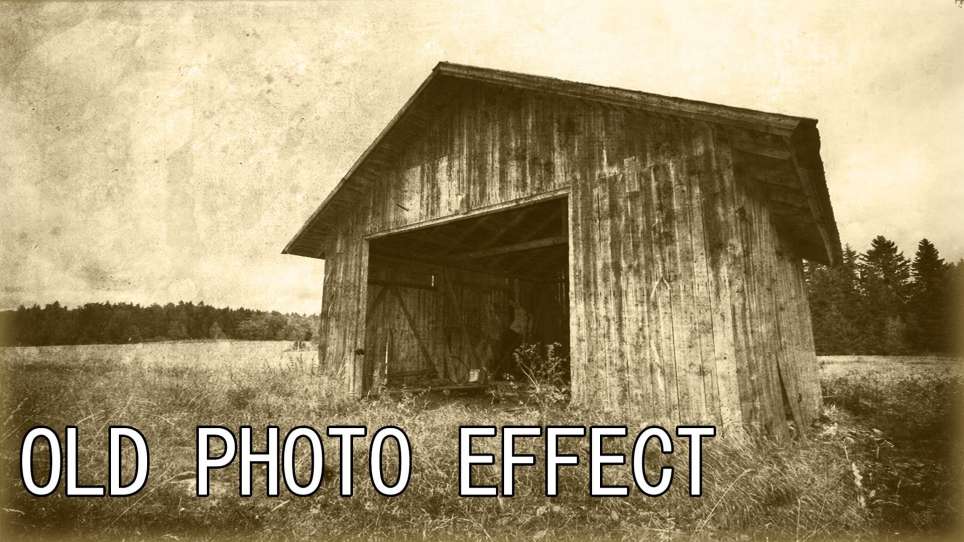
Create an Old Photo Effect in Photoshop
The author, Photoshop Pro Help, provides a tutorial on how to create an old photo effect in Photoshop. They explain that if you have ever admired the style of vintage photos and wanted to give your modern photos a similar look, this tutorial will show you how to apply an old photo style with a torn and damaged brown vintage effect. This can transform your photos to look as if they were taken straight from a history book. The tutorial guides the user through the process of achieving this retro a
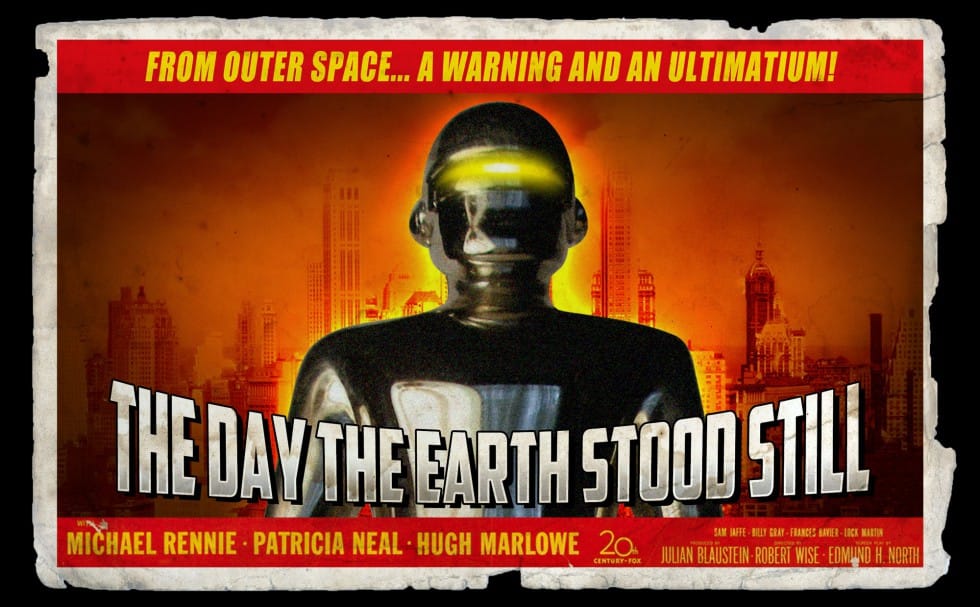
Create a retro ’50s Sci-Fi poster in Photoshop
In this engaging tutorial by Marty Geller from Blue Lightning TV, you will learn to create a nostalgic 1950s sci-fi poster using Photoshop. The tutorial focuses on transforming a classic movie poster into your own retro design. Throughout the lesson, you will explore techniques that capture the essence of mid-century science fiction art. The example presented is a redesign of the iconic 1951 poster for "The Day The Earth Stood Still." By the end of the tutorial, you'll have a better understand

Get tutorials & freebies delivered to you.

Subscribe to the Photoshop Roadmap newsletter, a weekly roundup of new tutorials, insights and quality downloads, trusted by 6500+ readers.

You might also like

How to Expand Photos Beyond Their Edges Using AI Generative Expand in Photoshop

Sometimes your best photos need more breathing room or a different aspect ratio. Generative Expand in Photoshop lets you extend your canvas beyond the original image boundaries, using AI to intelligently fill in missing areas with content that matches your scene. This technique works for changing portrait photos to landscape...

How to Create Digital Scrapbook Carousels in Photoshop

Digital scrapbook pages capture memories beautifully, but a single page limits your storytelling. Creating a carousel format lets you design multiple connected panels that work together as one cohesive piece while giving viewers more content to explore. This technique uses frames, custom shapes, and smart export settings to build templates...

How to Use Auto Align Layers in Photoshop for Perfect Layer Alignment

When working with multiple layers that need perfect alignment, manual positioning often falls short. Slight camera movement, different crops, or rotated images can make precise alignment seem impossible through visual adjustment alone. Auto Align Layers automatically handles rotation, scaling, and positioning to create perfect layer alignment, even when images have...

How to Use Nano Banana Pro in Adobe Firefly for Advanced AI Image Generation

Adobe Firefly now includes Gemini 3 with Nano Banana Pro, offering sharper 2K image generation with improved text clarity and precision blending. This advanced AI model works seamlessly within Firefly's generative workspace, enabling powerful workflows like multi-image composition and virtual try-on effects. The integration provides access to sophisticated...

Create Colorful Retro Text Compositions in Photoshop

Retro design trends continue to captivate audiences with their bold colors and geometric shapes. This tutorial demonstrates how to build a complete vintage-inspired composition using text, geometric elements, and vibrant color schemes that capture the essence of classic graphic design. You'll learn to combine typography with custom shapes,...

Photoshop's New Color and Temperature Tool for Advanced Color Grading

Photoshop's latest update introduces temperature and tint controls directly into the adjustment layer panel, bringing white balance tools from Camera Raw into the main editing workspace. This addition transforms color grading workflows by enabling precise local adjustments with custom brushes and blend modes. The new Color and Vibrance...

You’ve successfully subscribed to Photoshop Roadmap
Welcome back! You’ve successfully signed in.
Great! You’ve successfully signed up.
Success! Your email is updated.
Your link has expired
Success! Check your email for magic link to sign-in.