Create a Vintage Paris Poster Design in Photoshop

Create a Vintage Paris Poster Design in Photoshop

Vintage poster design captures the timeless appeal of classic advertising with its bold typography, dramatic imagery, and weathered textures. This aesthetic combines strong compositional elements with subtle aging effects to create designs that feel both nostalgic and contemporary.

This tutorial demonstrates how to build a stylized Paris poster using fundamental Photoshop techniques including text manipulation, layer masking, and blending modes to achieve that coveted vintage look.

Watch the Tutorial

Video by Brendan Williams. Any links or downloads mentioned by the creator are available only on YouTube

Understanding Vintage Poster Composition

Classic poster design relies on strong hierarchical relationships between text and imagery. The most effective vintage posters use oversized typography as both a design element and functional communication tool. This approach creates immediate visual impact while maintaining readability across different viewing distances.

The integration of photography with text involves careful consideration of contrast and visual flow. Successful designs often feature dramatic scaling where text elements dominate the upper portion while supporting imagery anchors the lower section. This creates a natural reading path that guides the viewer through the composition.

Texture and grain play crucial roles in establishing authenticity. Vintage aesthetics depend on subtle imperfections that suggest age and printing processes from earlier eras. These elements should enhance rather than overwhelm the primary design components.

Practical Tips for Vintage Poster Design

  • Set up proper margins using guides to maintain consistent spacing and professional appearance throughout your design
  • Convert text to shapes when you need to manipulate individual letterforms or create custom stretching effects
  • Use clipping masks to reveal imagery through text while maintaining clean, editable boundaries
  • Apply grain and texture through Camera Raw filters for non-destructive editing that preserves your original layers
  • Combine black and white adjustments with color blend modes to achieve that signature faded vintage color palette

Explore more poster design techniques and creative approaches.
How to Design a Workshop Poster in Photoshop
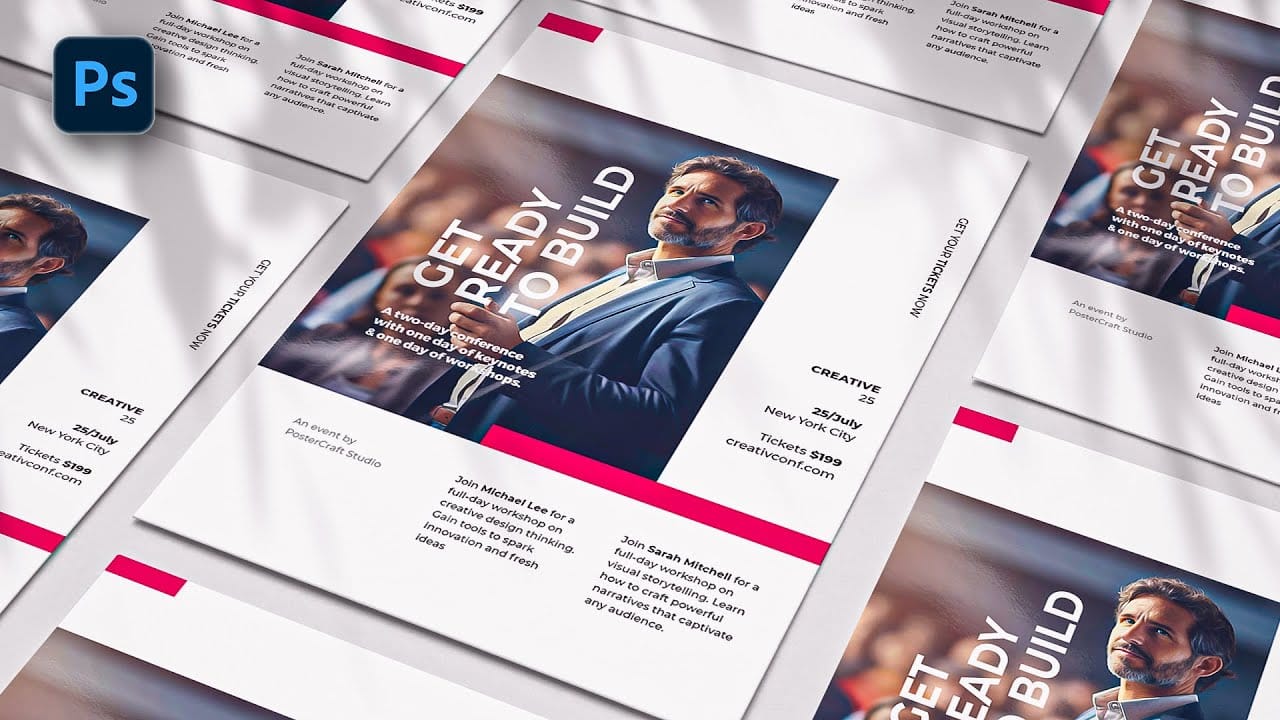
Professional workshop posters combine clean typography with compelling visuals to attract attendees and communicate essential information at a glance. The challenge lies in balancing text hierarchy with visual elements while maintaining readability across different sizes and formats. This Photoshop tutorial demonstrates a structured approach to poster design using basic tools like rectangles, clipping masks, and typography to create a polished workshop announcement. Watch the Tutorial Essen
Crafting a Typographic Poster in Adobe Photoshop
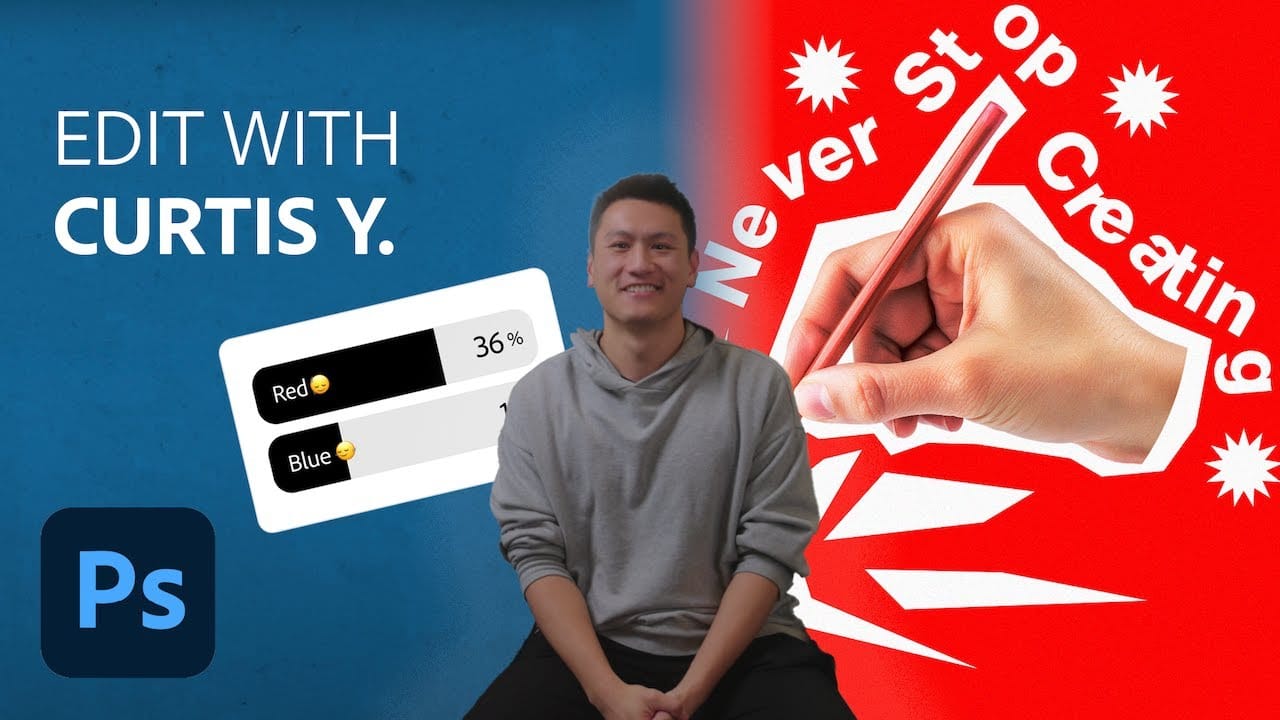
Join Adobe's UX Growth Designer, Curtis Ying, as he transforms a Swiss Typographic poster through an engaging design process. With the input from the Instagram community, this presentation showcases how he carefully selects a bold red background that sets the tone for the entire piece. Throughout the process, Curtis shares his techniques for integrating organic shapes and text that harmoniously flow within the design. Utilizing various Photoshop tools, he guides you step-by-step, making it easy
Create a Creative Text Portrait Poster in Photoshop
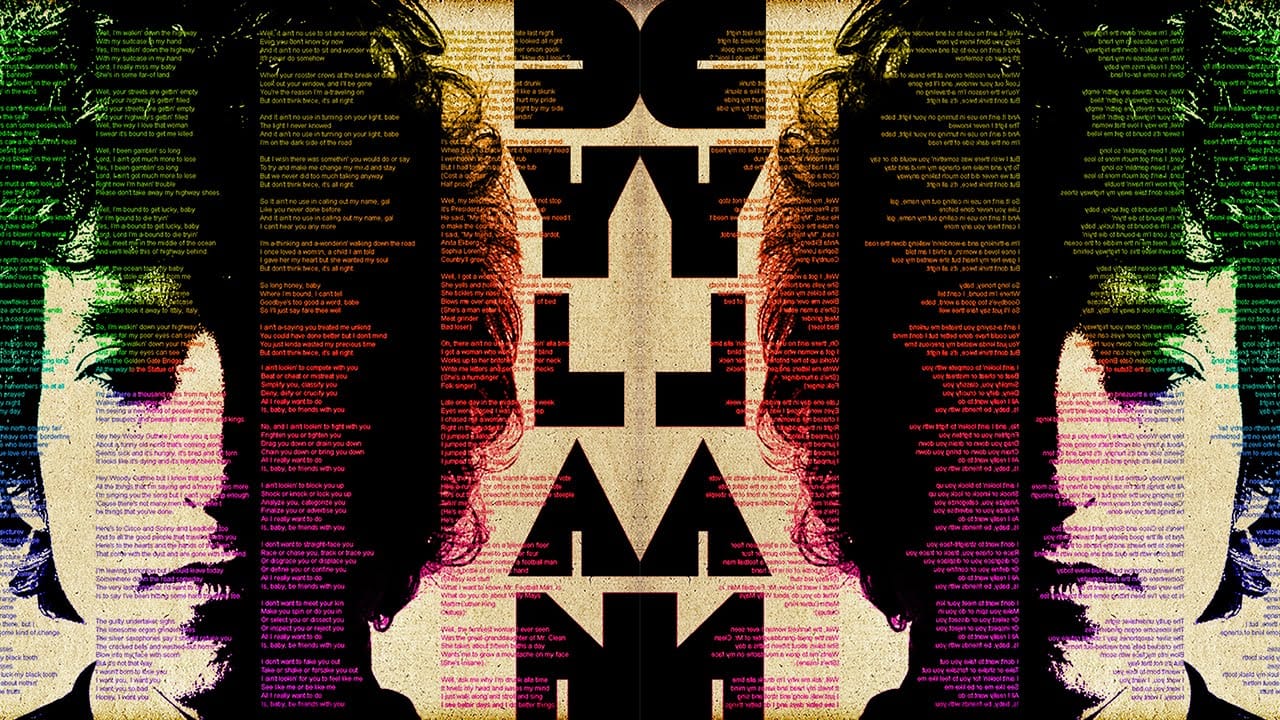
Creating unique visual art often involves blending unexpected elements. This tutorial explores a fascinating technique where a portrait is seamlessly integrated with text, transforming a simple image into a compelling artistic statement. The method specifically focuses on using song lyrics to add a personal and thematic depth to the artwork. In this guide, you will learn how to prepare a subject's portrait, incorporate song lyrics to form the contours of the face, and apply various Photoshop ad
Create a Wonderful 3D Typographic Poster in Photoshop
Photoshop's 3D tools have reached impressive new heights, and the Repoussé tool stands out as a notable feature. This tutorial focuses on how to extrude text, providing results akin to those achieved in full 3D applications. By utilizing this innovative feature, one can easily enhance designs with depth and dimension. In addition to the Repoussé tool, the tutorial examines traditional 3D settings, allowing you to fully harness the various material and rendering options available. This explorati

Get tutorials & freebies delivered to you.

Subscribe to the Photoshop Roadmap newsletter, a weekly roundup of new tutorials, insights and quality downloads, trusted by 6500+ readers.

You might also like

Basic Photoshop techniques you really need to learn

Photoshop hasn’t changed as much as it looks. New features come and go, but the same core techniques keep showing up in real work. If you skip them, everything feels harder than it should. This post focuses on those basics, not as isolated tricks, but as skills you’ll...

How to Use Select Subject for Background Removal and Edge Refinement

Background removal becomes effortless when you know how to use the right tools. AI-powered selection can instantly isolate subjects from their backgrounds, but the real skill lies in refining those selections to create professional results. This guide covers the complete workflow from initial selection to edge refinement, plus creative techniques...

How to Wrap Text Around Any Shape in Photoshop

Creating text that flows naturally around irregular shapes transforms static layouts into dynamic, professional designs. This technique works particularly well for posters, magazine layouts, and editorial designs where text needs to integrate seamlessly with complex subjects rather than simply sitting in rigid rectangular boxes. The process combines selection tools, path...

How to Edit Text in Images Using Generative Fill

Changing text within existing images has traditionally required complex masking and reconstruction techniques. Modern AI-powered tools now make it possible to seamlessly replace words and phrases in photographs while maintaining realistic typography, lighting, and perspective that matches the original scene. This technique works particularly well for signs, storefronts, billboards, and...

How to Remove Dust and Sensor Spots Using Photoshop Tools

Dust spots and sensor particles are inevitable challenges in digital photography, appearing as dark specks that distract from otherwise clean images. Camera sensors collect dust over time, creating consistent spots that show up across multiple photos, particularly in bright sky areas or uniform backgrounds. Both Lightroom and Photoshop offer specialized...

Photoshop vs Affinity Photo: Feature Comparison and Professional Analysis

When choosing professional photo editing software, the decision often comes down to comparing features, performance, and value. This detailed comparison examines the core capabilities of both applications across noise reduction, smart selections, object removal, masking, and AI-powered tools. The analysis covers real-world scenarios that professionals encounter daily, from complex background...

You’ve successfully subscribed to Photoshop Roadmap
Welcome back! You’ve successfully signed in.
Great! You’ve successfully signed up.
Success! Your email is updated.
Your link has expired
Success! Check your email for magic link to sign-in.