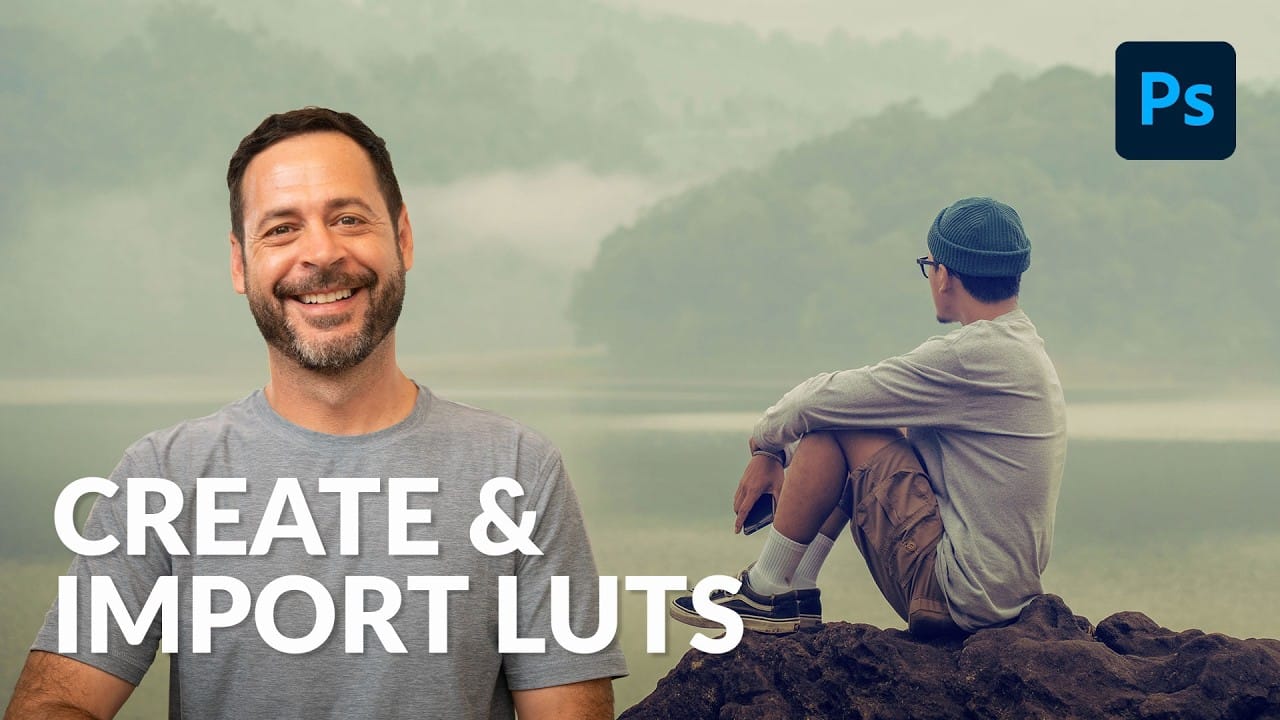
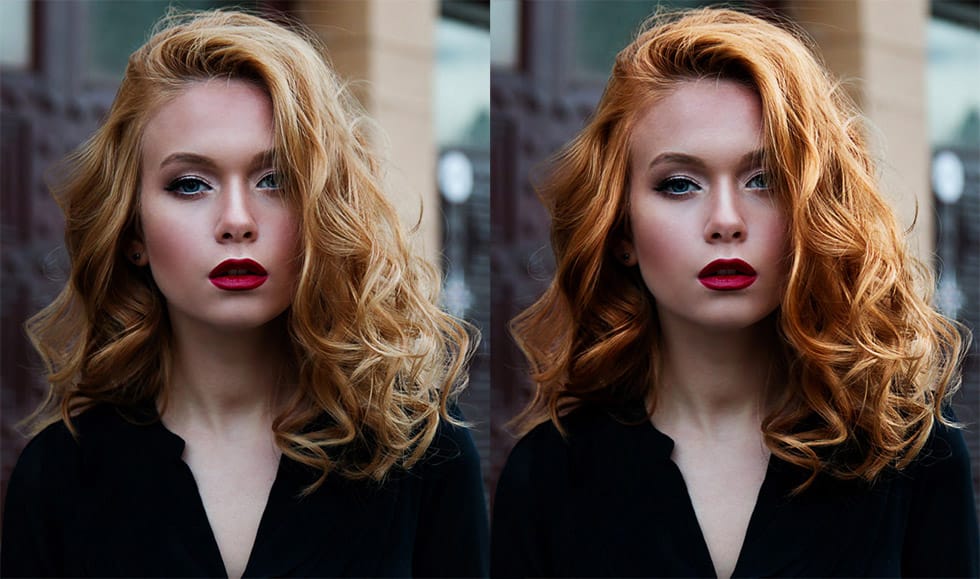
Film photography's nostalgic warmth and character continue to captivate photographers working in the digital realm. Creating authentic film looks requires understanding how vintage stocks like Kodak Kodacolor and Fujifilm Superia handled color, contrast, and tone.
This comprehensive workflow shows you how to build these looks from scratch using adjustment layers, then convert them into portable LUTs and profiles that work across multiple editing applications.
Watch the Video
Video by Anthony Morganti. Any links or downloads mentioned by the creator are available only on YouTube
Practical Tips
Master these essential techniques for creating authentic film looks and portable color profiles:
- Start with a fully edited image before applying film adjustments - work on a JPEG export from your RAW processor for best results
- Use the alt/option key trick when creating presets in Camera Raw to access the hidden profile creation feature
- Set grid points to 64 when exporting LUTs for optimal quality and compatibility across different applications
- Apply grain and vignetting after using your LUT rather than building them into the color lookup table itself
- Test your profiles on both RAW and JPEG files to ensure universal compatibility across all image formats
Related Articles and Tutorials
Explore these color grading and film simulation techniques to enhance your photo editing workflow: