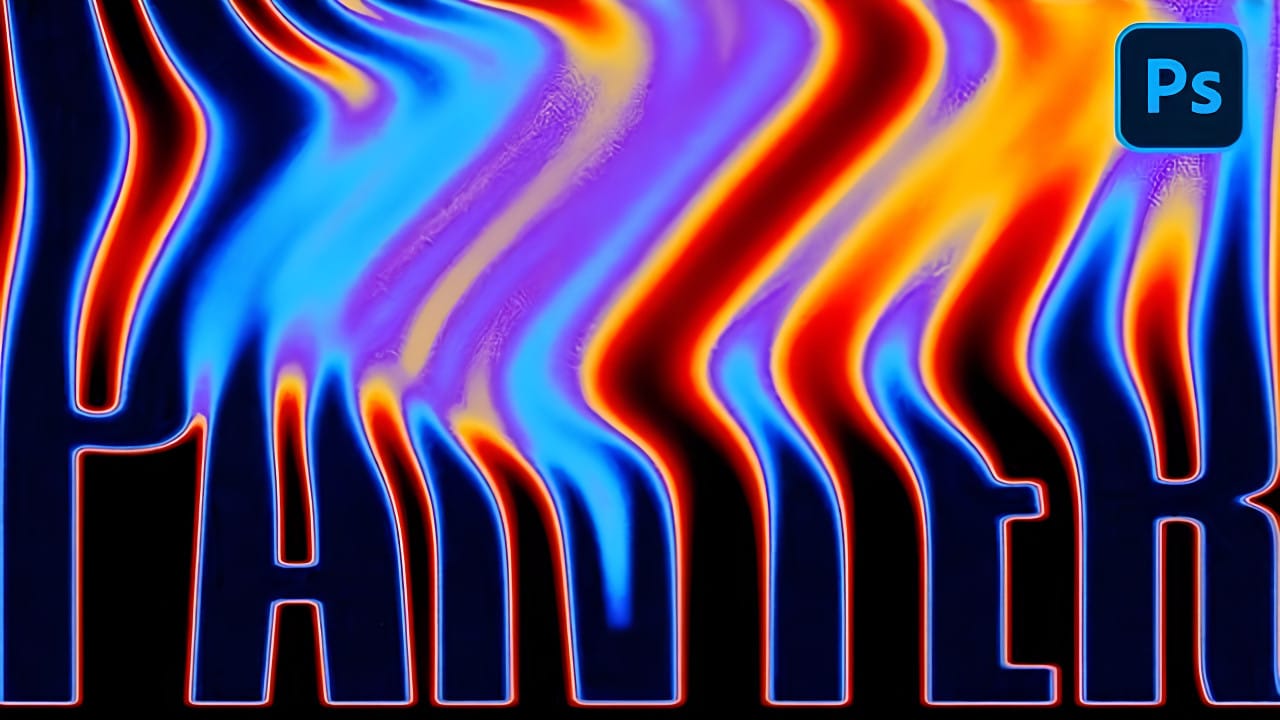
Create Liquid Melting Acid Text in Perspective in Photoshop

Create Liquid Melting Acid Text in Perspective in Photoshop

Acid text effects capture the raw energy of corrosive transformation, turning ordinary typography into flowing, organic shapes that appear to melt and dissolve. This distinctive visual style suggests powerful forces reshaping matter itself, creating text that seems alive with chemical reaction.

The technique transforms flat letters into dimensional, perspective-distorted forms using strategic blur effects, liquify tools, and gradient mapping to achieve that signature melting appearance.

Watch the Video Tutorial

Video by P A N T E R. Any links or downloads mentioned by the creator are available only on YouTube

Understanding Perspective Distortion in Typography

Perspective distortion creates the illusion of three-dimensional depth on a flat canvas. The technique involves manipulating anchor points to push text into isometric angles, making letters appear to recede into space rather than sitting flat on the page.

Smart objects preserve the original text quality throughout multiple transformations. This non-destructive workflow allows for complex distortions without losing crisp letter edges that remain essential even in melting effects.

  • Tilt-shift blurring creates depth of field that enhances the perspective illusion
  • Multiple blur layers build realistic atmospheric perspective
  • Anchor point manipulation controls the direction and intensity of perspective distortion
  • Smart object conversion maintains editability throughout the transformation process

Practical Tips for Melting Text Effects

  • Start with bold, thick fonts that maintain readability after liquification and distortion
  • Apply tilt-shift blur in opposing directions to create realistic depth of field
  • Use gentle pressure settings in the Liquify tool to avoid harsh, unnatural distortions
  • Build gradient maps with multiple color stops to create complex acid-like color transitions
  • Add monochromatic noise as the final step to enhance texture without affecting colors

More Tutorials about Liquid Text Effects

Discover additional techniques for creating flowing, organic typography effects.
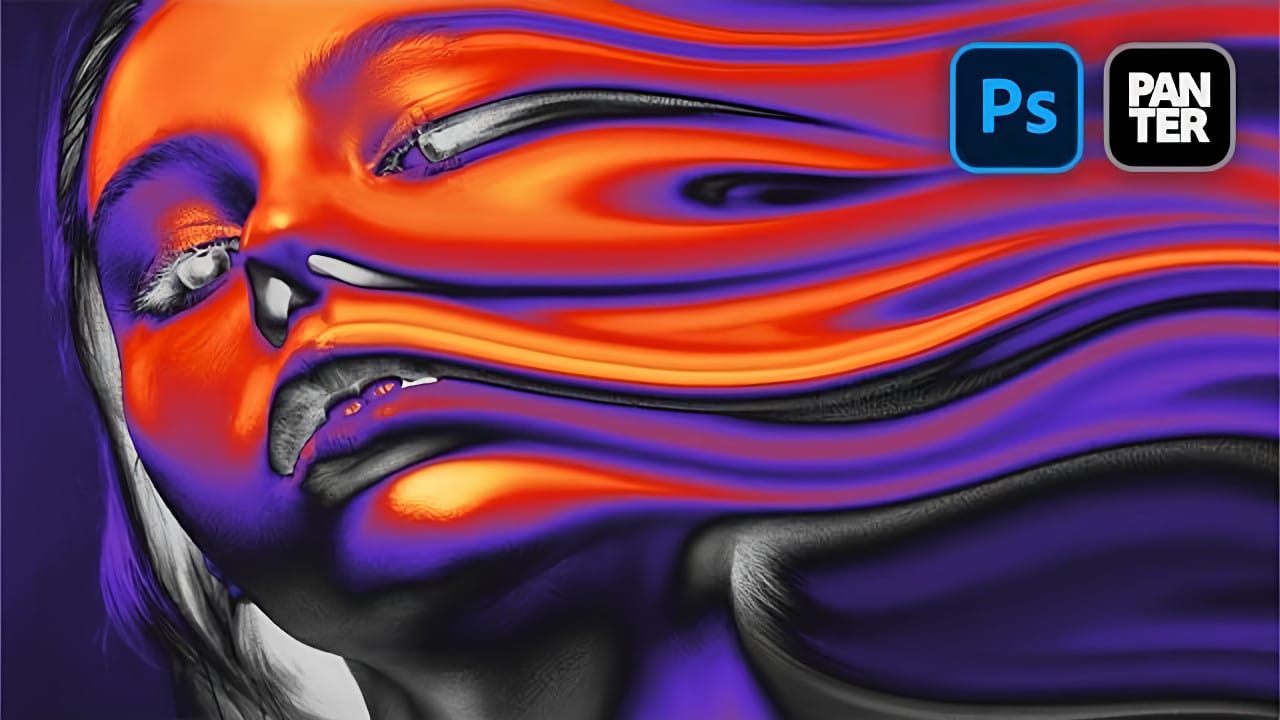
How to Create a Liquid Acid Melting Effect in Photoshop
The liquid acid effect transforms ordinary portraits into surreal, otherworldly visuals that seem to melt and flow across the canvas. This distinctive distortion technique creates an organic, fluid appearance that suggests corrosive forces reshaping reality itself. This tutorial demonstrates how to achieve this striking visual using Photoshop's smudge tool combined with strategic color grading and noise textures to enhance the melting illusion. Watch the Video Tutorial The Psychology of Dis
Create Liquid Gradient Text Effect in Photoshop
Liquid text effects transform ordinary typography into flowing, organic shapes that seem to move across the page. This dynamic style captures the fluid properties of water, paint, or molten materials, creating text that appears to drip, flow, or splash. The technique combines shape manipulation with blur effects and gradient mapping to achieve a smooth, liquid appearance that works particularly well for creative projects, digital art, and modern branding applications. Watch the Video Unders
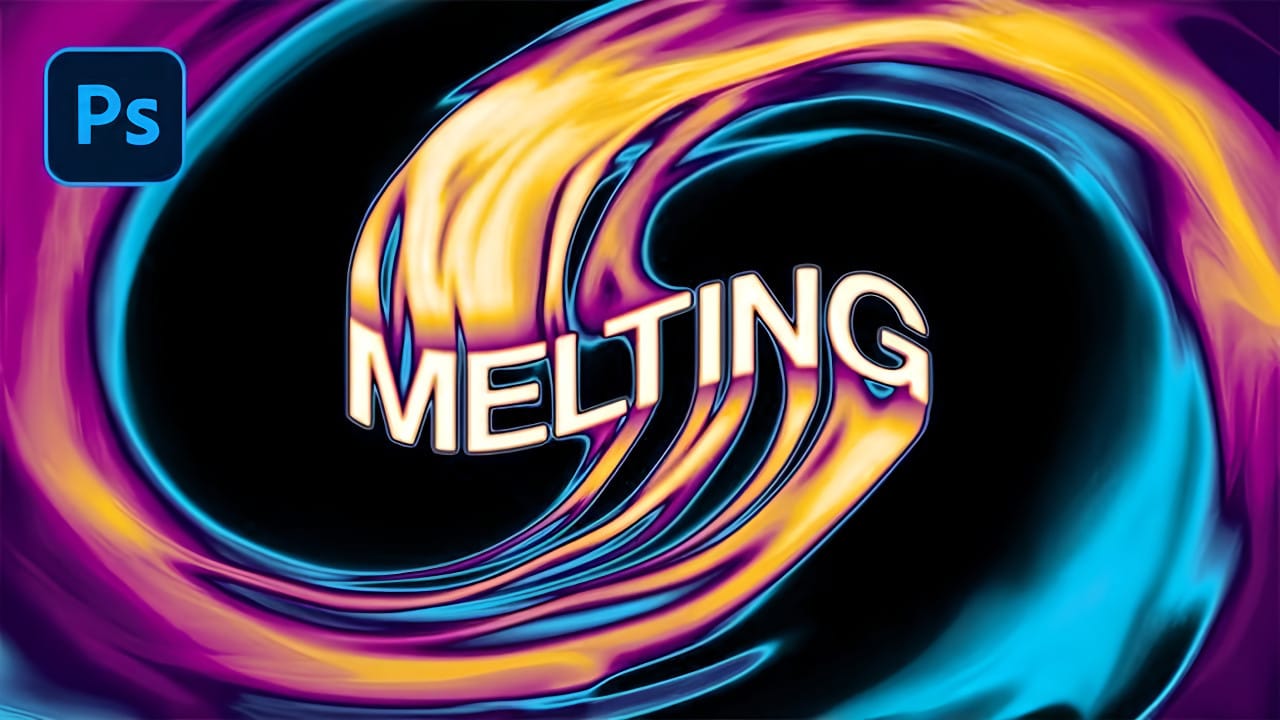
Create a Spinning Melting Fire Text Effect in Photoshop
Fire effects transform ordinary text into dynamic visual statements that command attention. The melting, flowing appearance mimics liquid fire or molten metal, creating depth and movement that static text simply cannot achieve. This technique combines warping, gradient mapping, and strategic blurring to build layers of flowing color. The smudge tool becomes your primary instrument for sculpting those signature dripping effects that make text appear to melt before your eyes. Watch the Tutorial
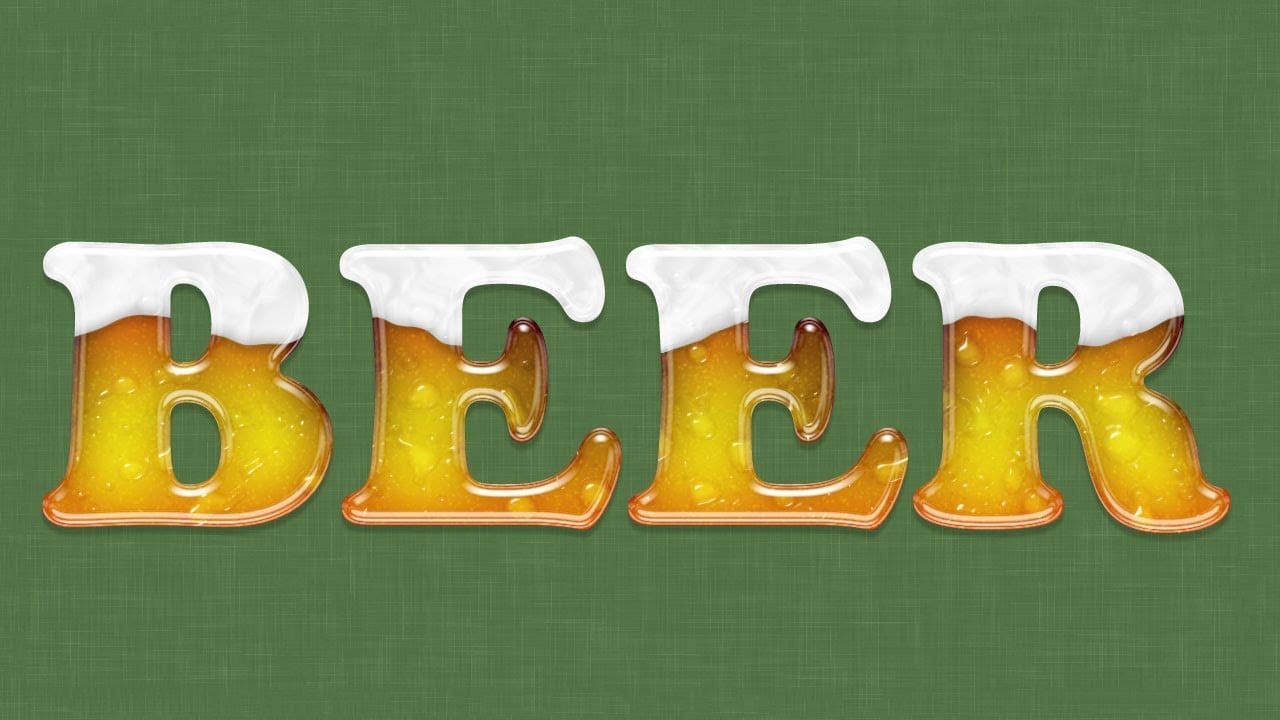
Create a Beer Glass Text Effect in Photoshop
In this tutorial from Ice Flow Studios, you will learn how to create an impressive beer text effect with a glassy, frothy look. Howard Pinsky guides you through the steps to make each letter resemble a condensation-covered glass of beer topped with foam. This creative and fun design is perfect for various projects, and the tutorial encourages experimentation with Layer Styles to achieve the exact result you desire. Whether you are designing for a festive event or simply want to add a unique to

Get tutorials & freebies delivered to you.

Subscribe to the Photoshop Roadmap newsletter, a weekly roundup of new tutorials, insights and quality downloads, trusted by 6500+ readers.

You might also like

Create a Liquid Gel Logo Effect in Photoshop

Liquid gel effects transform flat logos into dimensional, glossy designs that appear to bubble and flow. This technique uses multiple layer styles and strategic duplication to build depth, creating surfaces that catch light like thick, viscous liquid. The method combines gradient overlays, bevel effects, and inner glows across several duplicated...

How to Use Photoshop's AI Sharpen Filter and When It's Worth the Cost

Photoshop's new AI Sharpen filter promises one-click sharpening powered by advanced algorithms. This tool uses technology from Topaz Labs to enhance image details without manual adjustments, but it comes with a significant cost in credits. Understanding when to use this automated approach versus traditional methods like the High...

How to Use Harmonize and Generative Upscale Tools in Photoshop

Creating realistic photo composites requires matching lighting and color between different images—a traditionally time-consuming process. Two new AI-powered tools in Photoshop solve these challenges: Harmonize automatically adjusts lighting and shadows to blend subjects seamlessly into backgrounds, while Generative Upscale enlarges small images without losing detail. These tools work together...

How to Create Convincing Scale Effects in Photoshop Composites

Creating believable scale effects requires more than simply resizing objects—it demands understanding how light, perspective, and atmospheric conditions change with distance. When tiny subjects appear massive or giant objects seem miniature, viewers should feel the illusion is completely natural. This technique combines careful attention to lighting consistency, depth cues,...

How to Flip Images Horizontally and Vertically in Photoshop

Flipping images is a fundamental technique that can dramatically change the composition and impact of your photos. Whether you need to correct the orientation of a subject, create mirror effects, or simply improve the visual flow of your design, knowing how to quickly flip images both horizontally and vertically gives...

How to Use Nano Banana Pro in Photoshop for Background Replacement and Scene Changes

Nano Banana Pro transforms how you place subjects into new environments in Photoshop. This advanced AI model maintains perfect subject likeness while seamlessly integrating them into any background you can imagine. The tool excels at matching lighting, preserving facial features, and even adapting clothing to complement new scenes, all through...

You’ve successfully subscribed to Photoshop Roadmap
Welcome back! You’ve successfully signed in.
Great! You’ve successfully signed up.
Success! Your email is updated.
Your link has expired
Success! Check your email for magic link to sign-in.