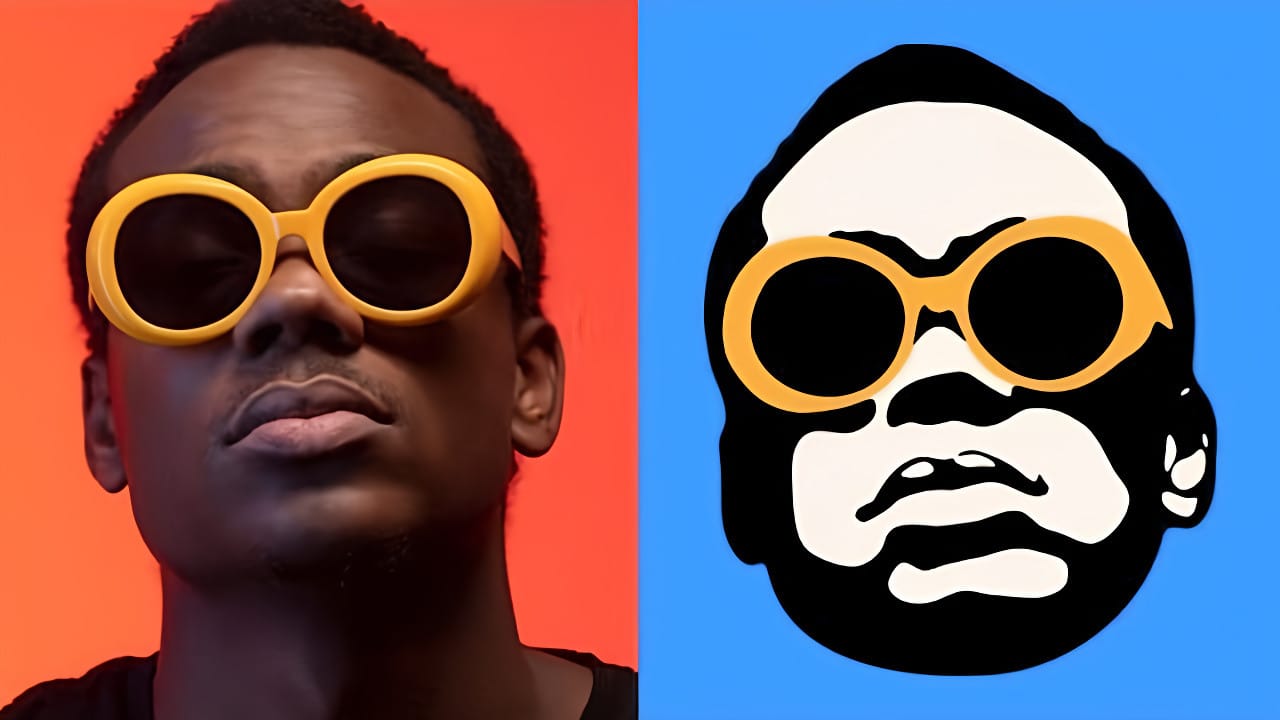
Converting photographs into scalable vector graphics opens up endless possibilities for logos, stencils, and graphic design projects. This workflow transforms any raster image into clean vector paths that maintain crisp edges at any size, perfect for everything from business cards to billboard designs.
The process combines strategic image preparation with powerful selection techniques, creating professional results without needing specialized vector software.
Watch the Video
Video by Brendan Williams. Any links or downloads mentioned by the creator are available only on YouTube
Practical Tips
Master these essential techniques for clean vector conversions:
- Always duplicate your background layer first to preserve the original image as a backup
- Use posterize adjustments with 2-3 levels for simple, bold vector graphics with minimal detail
- Apply oil paint and surface blur filters to smooth jagged edges before creating paths
- Convert layers to Smart Objects before using blend-if to ensure accurate pixel selections
- Save converted paths as custom shapes for easy reuse across multiple projects
Related Articles and Tutorials
Explore more techniques for creating and working with vector graphics and stylized image effects:
Create vector-style images in Photoshop… without the pen tool!
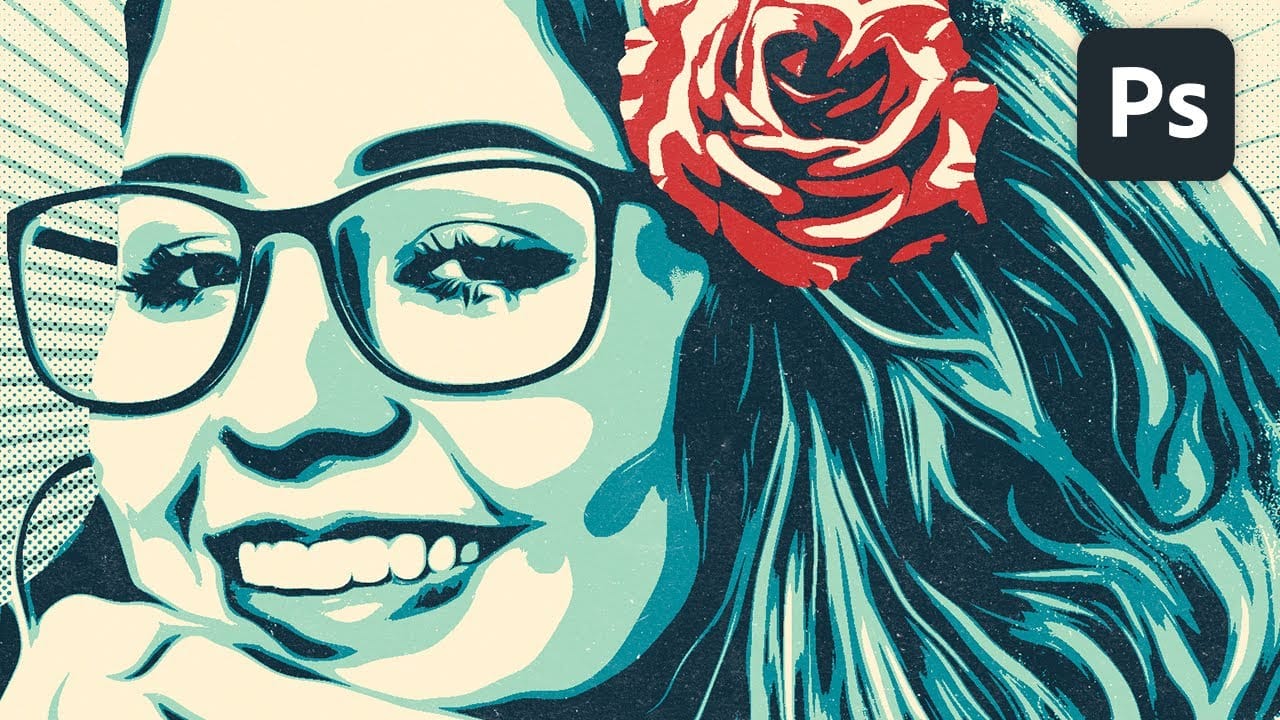
Vector-style illustrations capture the bold simplicity of poster art, transforming complex photographs into striking graphic statements. This technique creates clean, high-contrast images reminiscent of street art and propaganda posters.
This tutorial demonstrates how to achieve professional vector effects using Photoshop's built-in filters and adjustment layers, bypassing the traditional pen tool approach entirely.
Watch the Tutorial
Essential Tips for Vector-Style Effects
Master these ke
How to Convert Low-Resolution Graphics to Vector Shapes in Photoshop
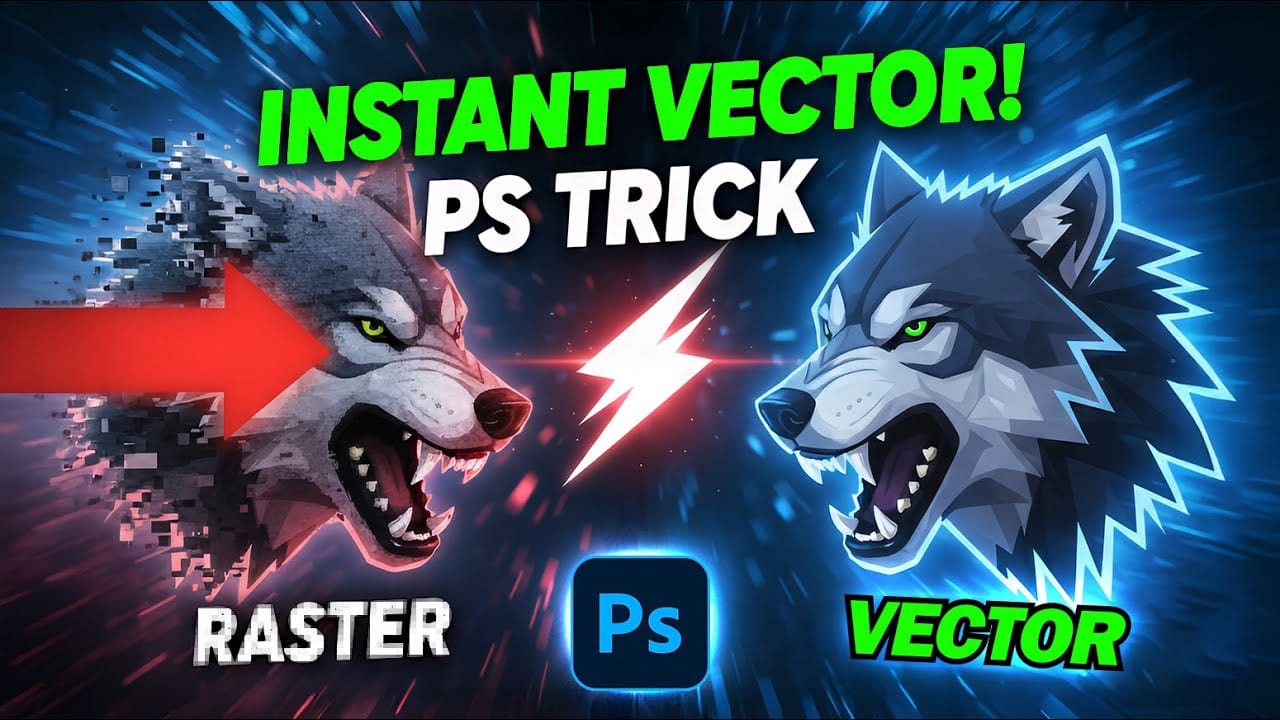
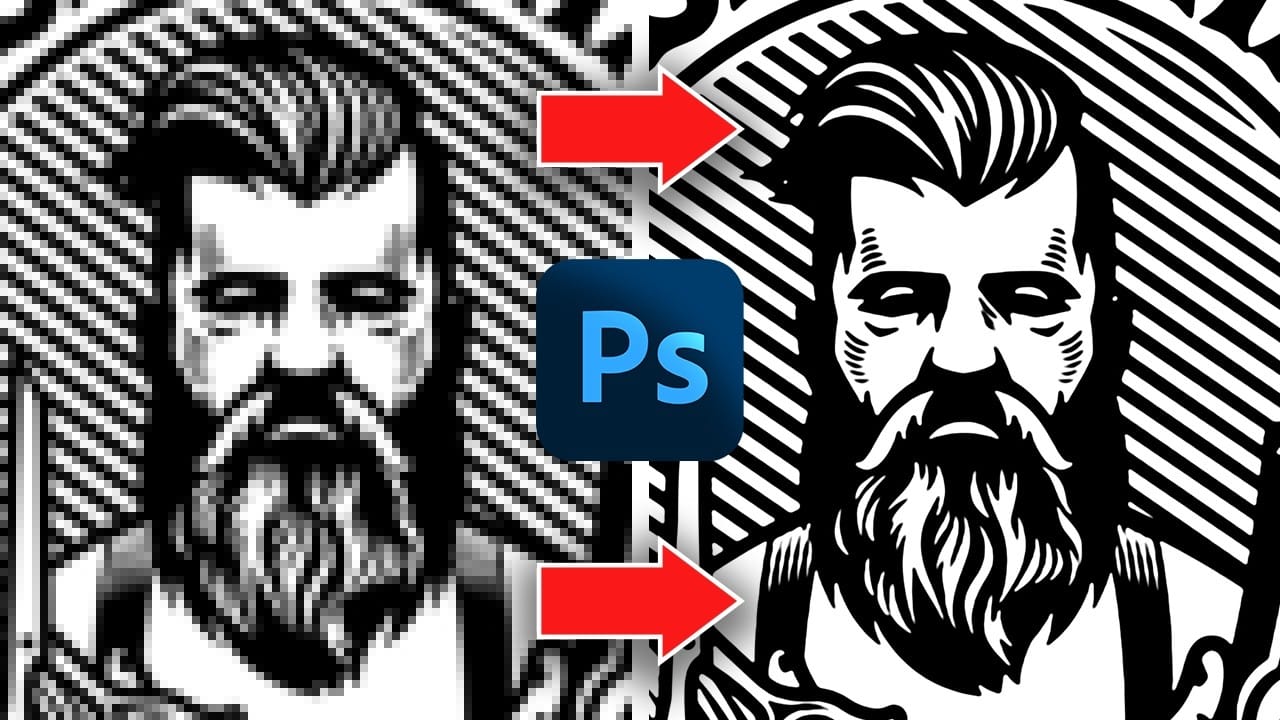
Pixelated logos and graphics lose their impact when scaled up for print or web projects. Photoshop's Creative Cloud Libraries feature offers a built-in solution for transforming low-resolution black and white images into crisp, scalable vector shapes.
This technique works particularly well for simple graphics, logos, and icons that need to maintain sharp edges at any size.
Watch the Tutorial
Practical Tips for Vector Conversion
* Trim your image first using Image > Trim to remove excess w
Create a stylish vector portrait in Illustrator and Photoshop
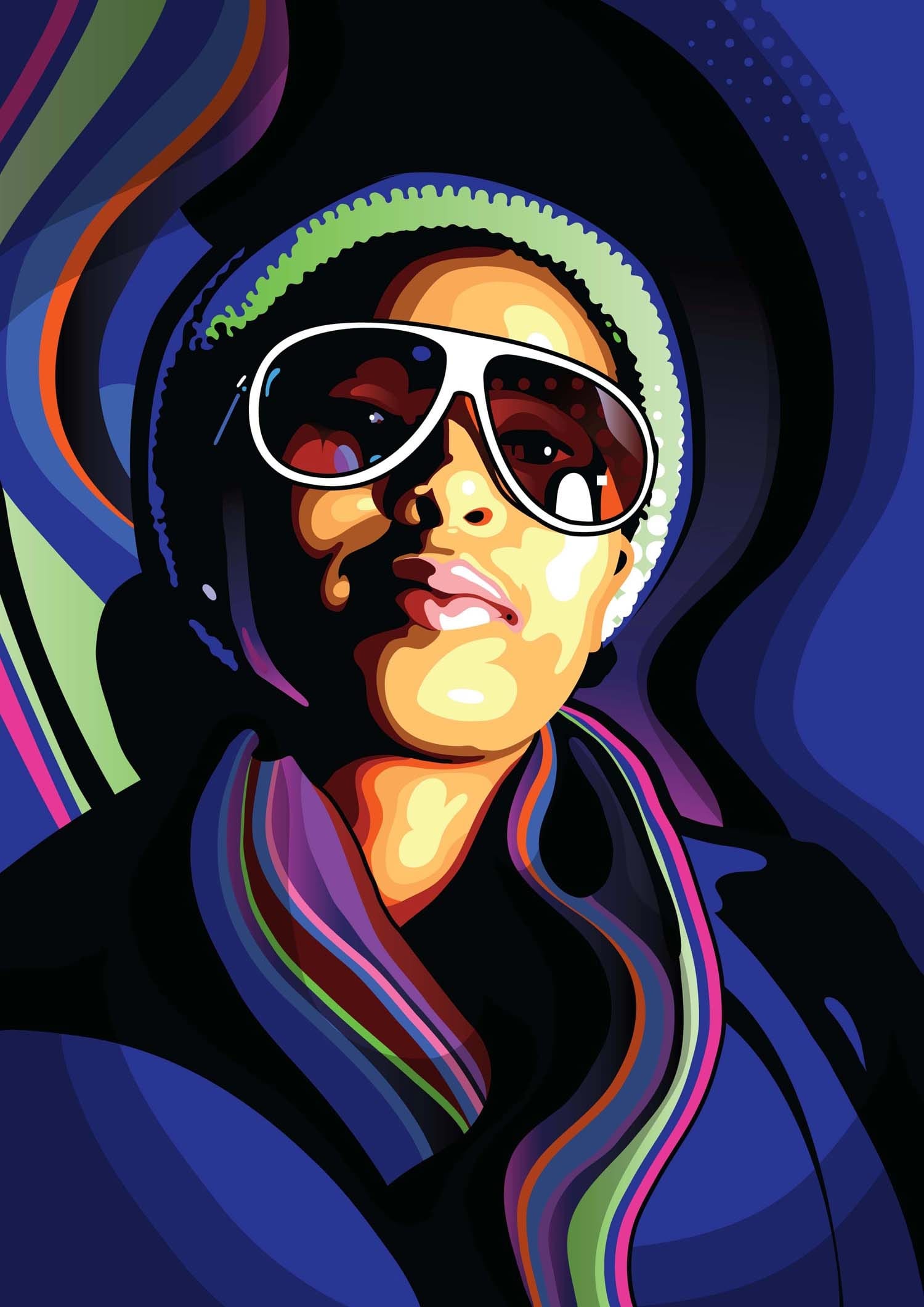
As you embark on your journey to transform a photo into a vibrant vector illustration, Eelco van den Berg guides you through the process step by step. In this tutorial, you'll learn how to make quick and easy Photoshop adjustments that lay the groundwork for converting your image into a stylized vector artwork.
Once you've prepared your artwork, you'll dive into Illustrator, where Eelco will show you how to use the essential tools to trace the basic shapes. By leveraging the power of layers, yo
How to Create a Vector Stencil from a Portrait Using Photoshop and Illustrator
Stencil art transforms complex portraits into bold, graphic statements using just black and white shapes. This simplified aesthetic has defined everything from street art to commercial design, creating instantly recognizable images that work across any medium.
This tutorial demonstrates the complete workflow for converting a photograph into a clean vector stencil, combining Photoshop's image processing power with Illustrator's precision vector tools.
Watch the Tutorial
The Art of Stencil De
Convert Low-Resolution Graphics to High Resolution in Photoshop
Low-resolution graphics often limit design projects, especially when you need to scale logos, icons, or simple illustrations for print or large-format displays. While vector formats offer infinite scalability, many graphics exist only as pixelated bitmap files that become unusable when enlarged.
This tutorial demonstrates two effective methods for converting low-resolution graphics into crisp, high-resolution versions using Photoshop's built-in tools. You'll learn techniques that work specifica
Pixel to vector converter free Photoshop Plugin
Pixel to Vector 2 is an updated Photoshop plugin by Orange-Box, known for its efficiency in converting pixel-based designs into vector shapes. This popular tool retains its core functionality, allowing users to convert pixel layers, layer groups, or smart objects into vector shapes or Custom Shape Tools with just one click. The update ensures even more streamlined performance, saving you significant time in your design process.
Whether you're working with individual pixel layers, complex layer
How to Create Low Polygon Images from Photos in Photoshop
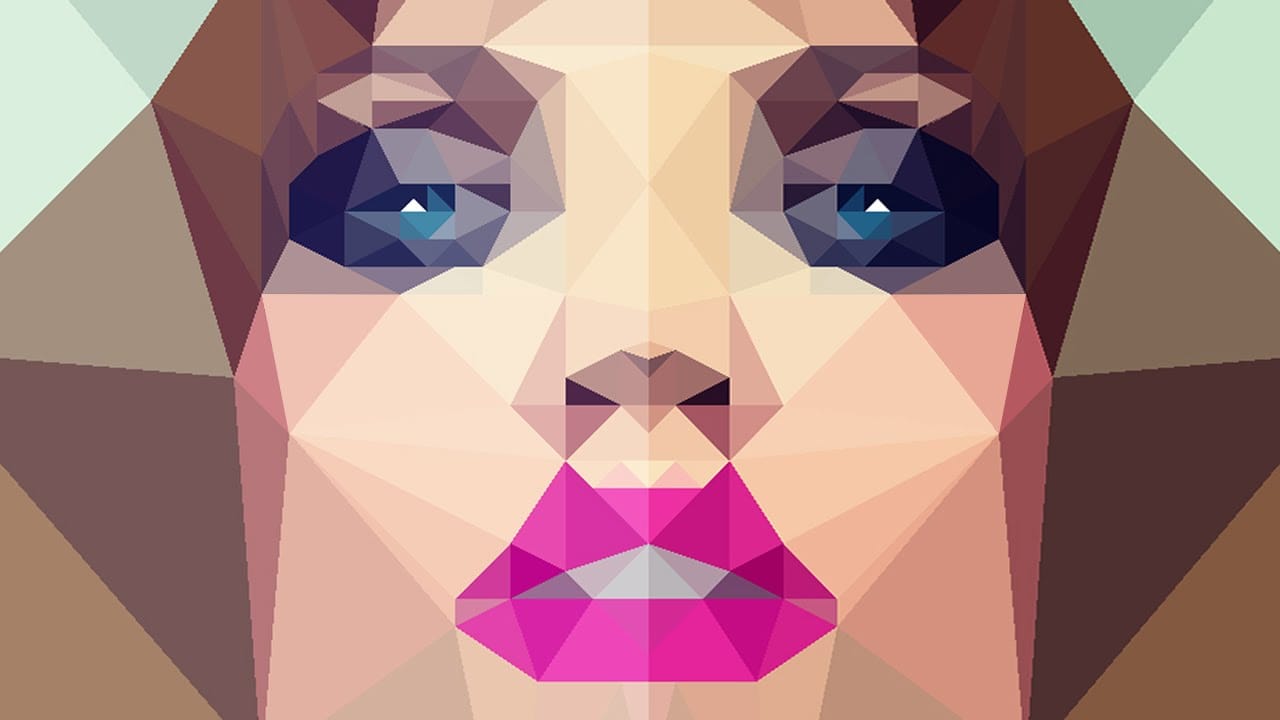
In this Photoshop tutorial, you will learn how to transform your photos into stunning low-polygon images. The process is straightforward and can be applied to various types of images, allowing you to create captivating low-poly portraits or abstract artwork.
The tutorial, presented by Marty Geller from Blue Lightning TV, guides you through the essential steps to achieve this visually striking effect. You'll discover how to use Photoshop's powerful tools and techniques to seamlessly convert your
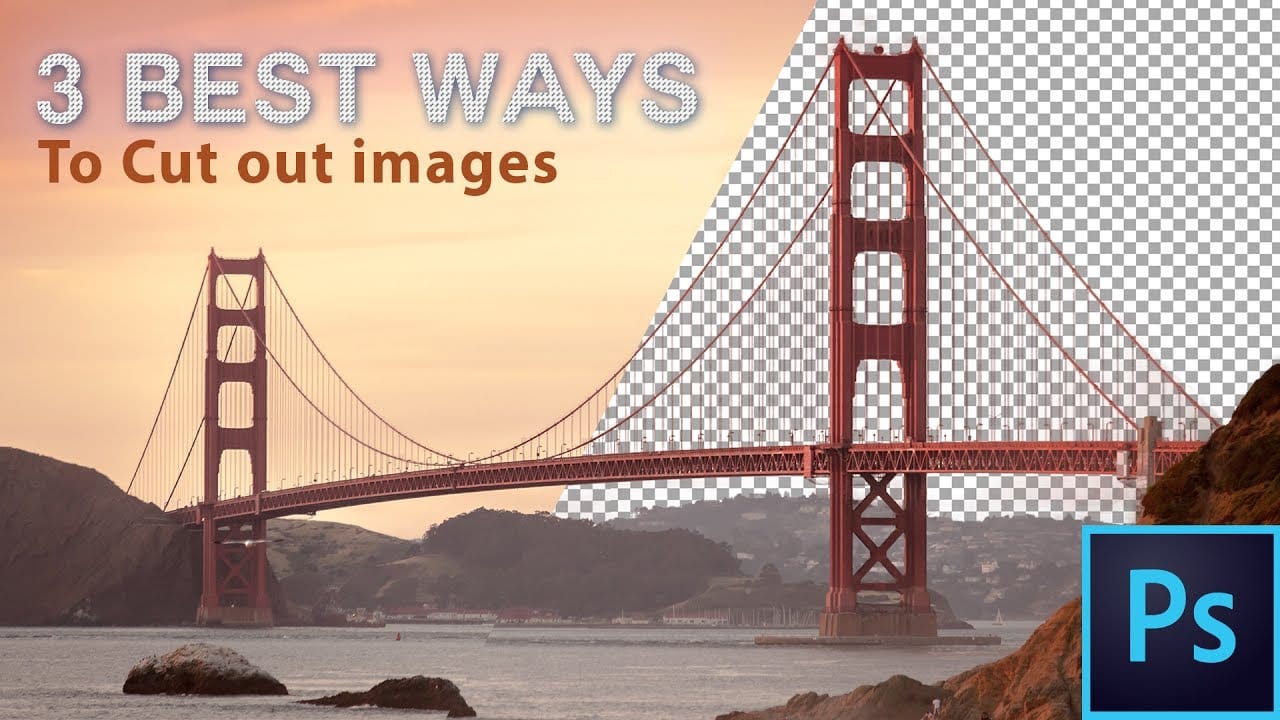
The 3 Easiest Ways To Cut Out Images In Photoshop
In this informative tutorial, author Brendan Williams shares three of the most effective techniques for image cropping in Photoshop. The guide covers the infamous Quick Selection Tool, the Channels method, and the highly versatile Pen Tool. Whether you're a newcomer to the program or a seasoned professional, these methods are sure to elevate your workflow and take your work to new heights.
The Quick Selection Tool, known for its intuitive and efficient selection capabilities, is explored in-dep
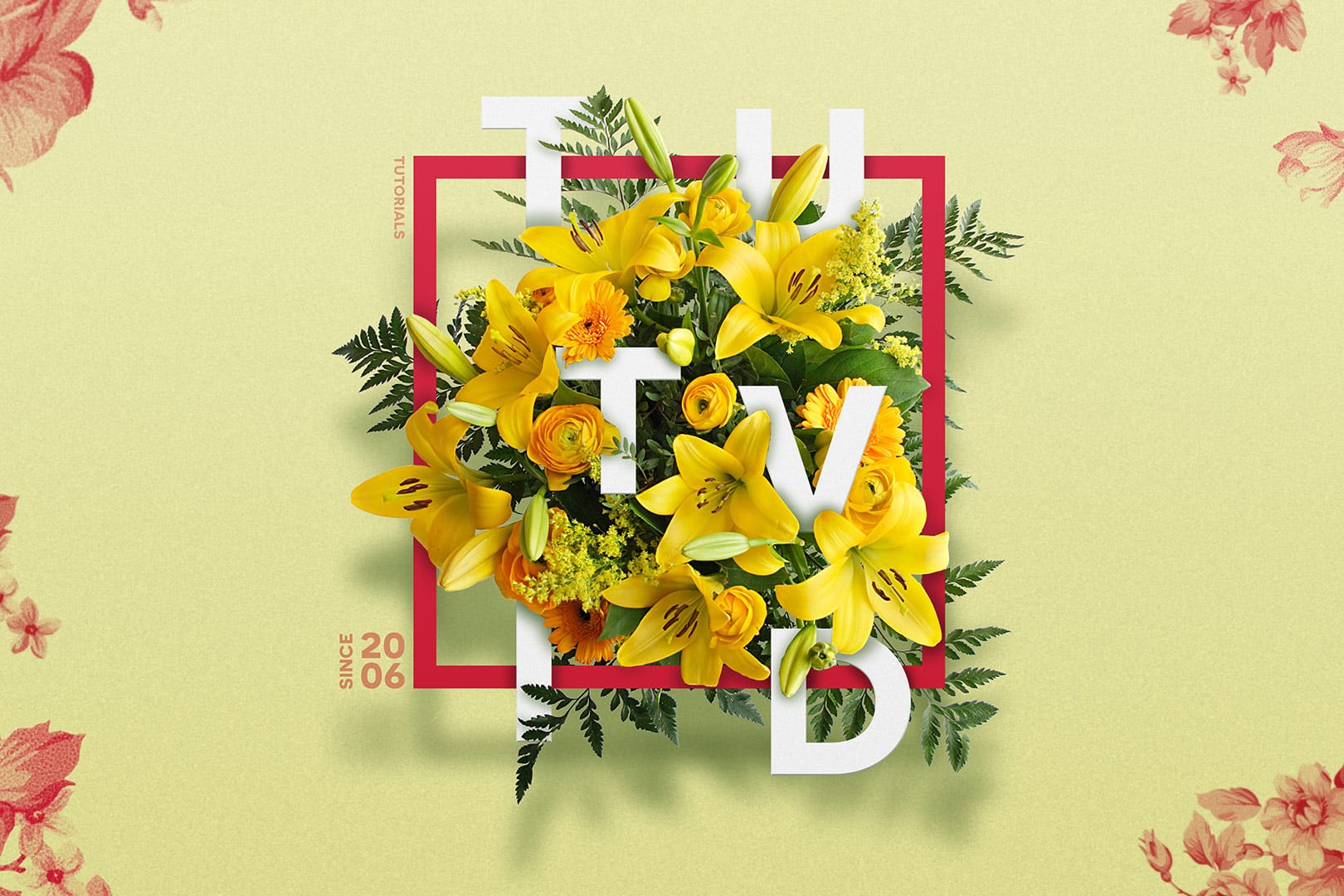
Create a Floral Typography Text Effect in Photoshop
Learn to create stunning floral typography in Photoshop. This tutorial teaches you to blend vibrant flowers with custom text, achieving a captivating visual that seamlessly integrates botanical elements with your design. Master techniques for realistic depth, perfect for unique posters, art, or personal projects.
Watch the Full Tutorial
Practical Tips for Crafting Floral Text Effects
* Convert masked images to Smart Objects early in the process to maintain editability of layer masks and tr
How To Create Detailed Graphic Patterns in Photoshop
Transforming a single image into a sprawling, intricate design can elevate any creative project, from custom fabrics to unique digital backgrounds. This technique allows designers to fill vast areas with graphics, producing complex visual textures without noticeable repetition. It offers an innovative way to generate dynamic backgrounds and decorative elements that truly stand out.
This tutorial reveals an effective method for developing detailed abstract patterns using any source image, like a