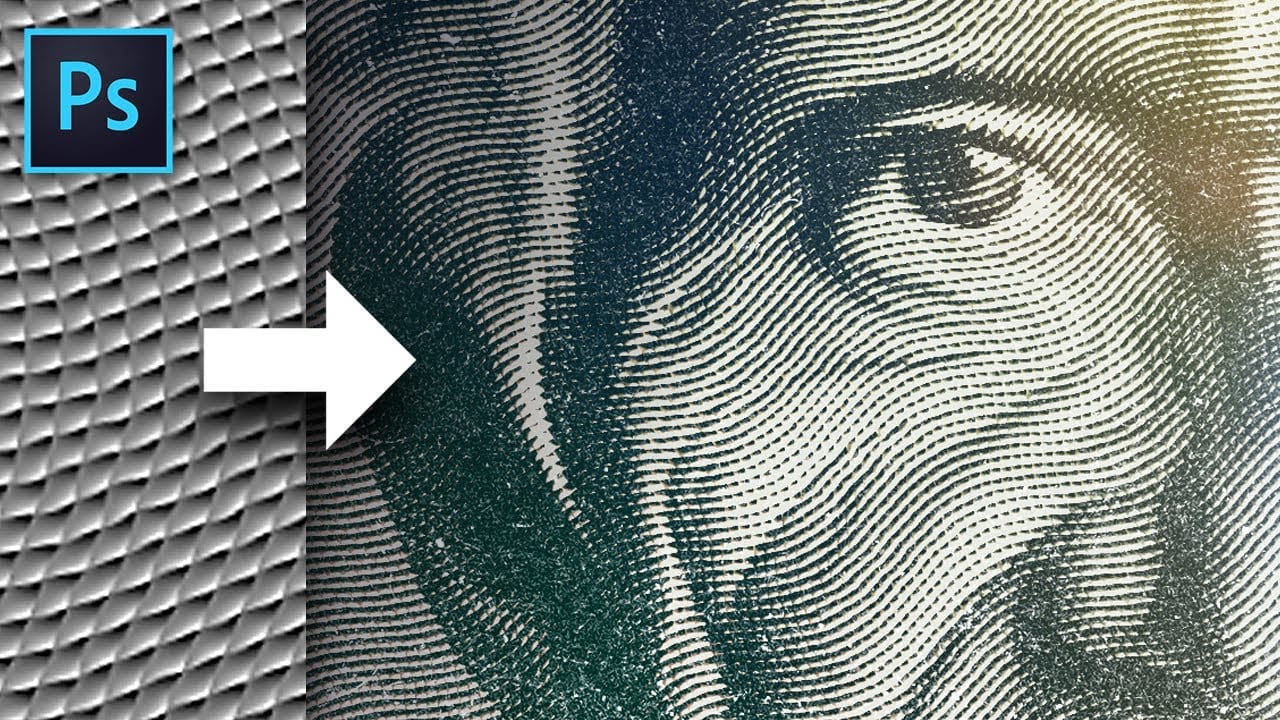
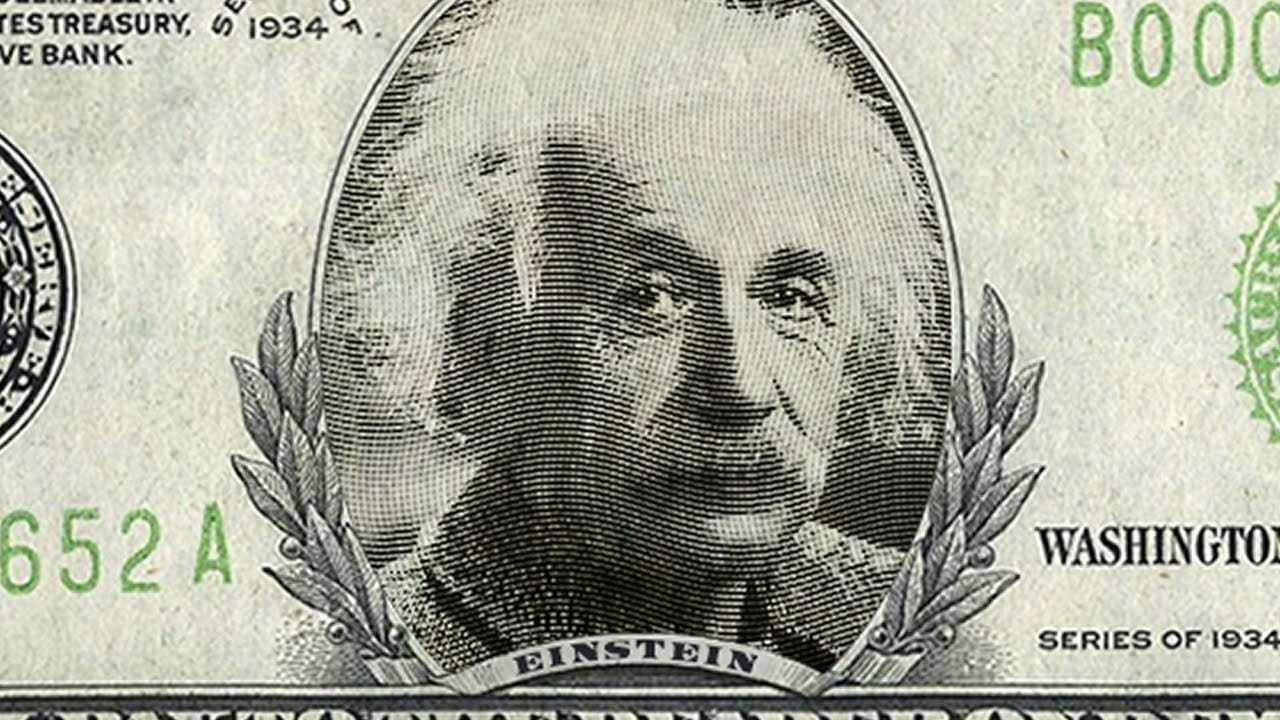
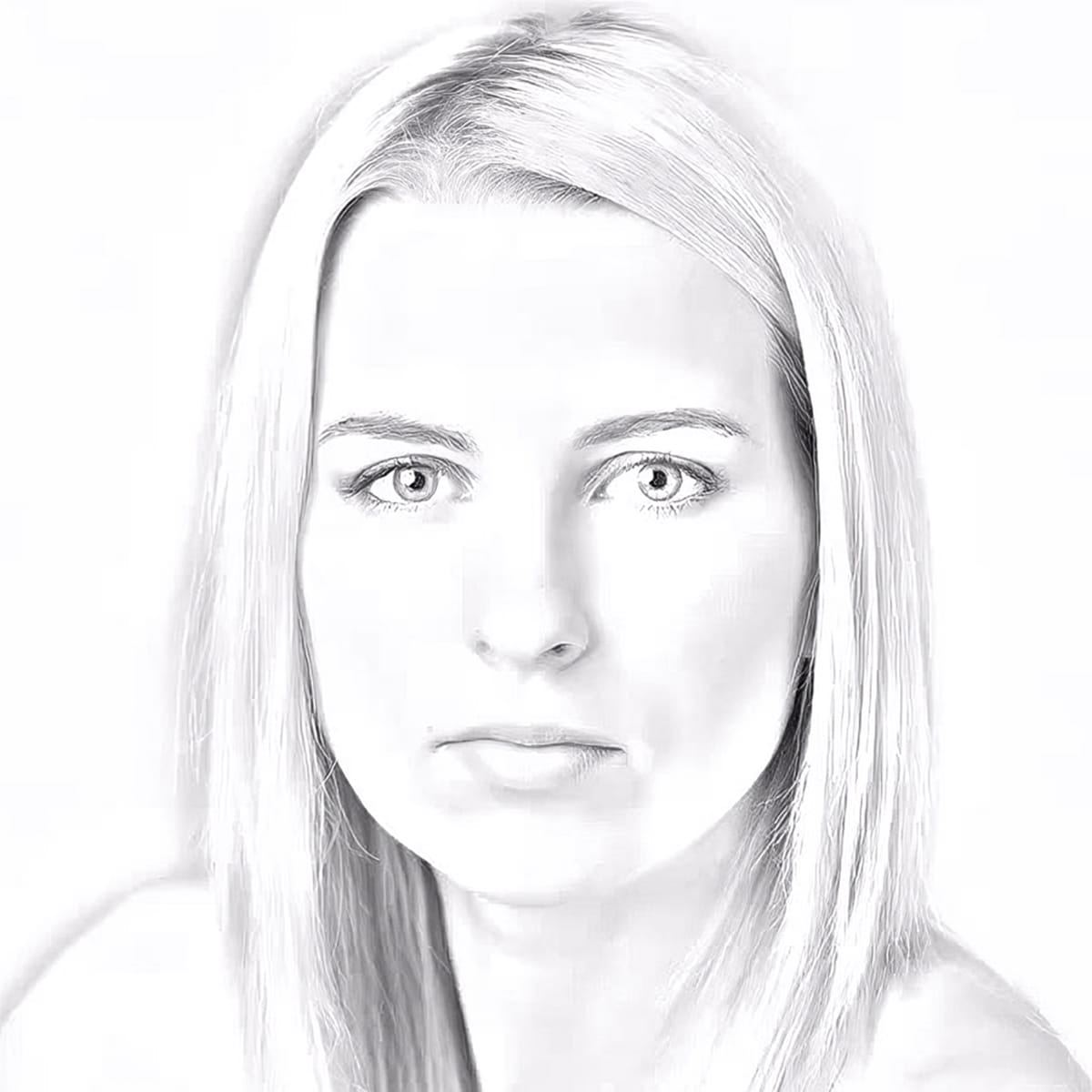
Steel engravings were a traditional printmaking technique that created intricate illustrations with fine lines and rich tonal variation. This effect transforms ordinary photographs into artwork that mimics the detailed crosshatching and precise lines characteristic of vintage engravings found in old books and currency.
The technique combines strategic filter combinations with smart objects, allowing you to create reusable templates that preserve the original photo while applying convincing engraved textures and patterns.
Watch the Video
Video by Photoshop Arthouse. Any links or downloads mentioned by the creator are available only on YouTube
Practical Tips
These key techniques will help you achieve a more convincing steel engraving effect:
- Set your image resolution to 150 pixels per inch with minimum 1000 pixels width or height for optimal filter results
- Use 50% gray as your base layer and convert to smart object before applying filters to maintain editability
- Apply Halftone Pattern first with size 2, contrast 0, and dot pattern, then duplicate and replace with Torn Edges
- Set Torn Edges to image balance 25, smoothness 15, contrast 15, then change blend mode to Hard Mix at 70% fill
- Finish with Twirl distortion at 50° angle to add organic variation to the linear patterns
Related Articles and Tutorials
Explore more vintage and artistic photo effects with these specialized techniques.