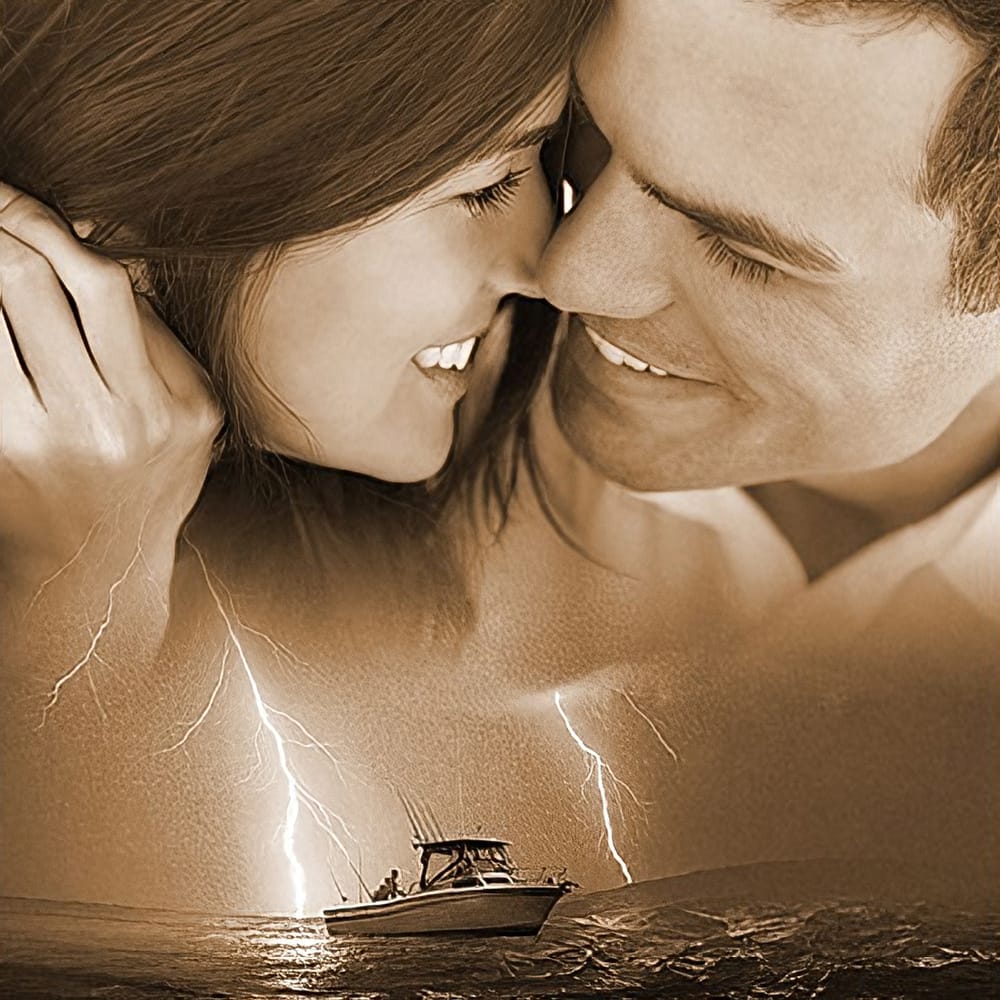
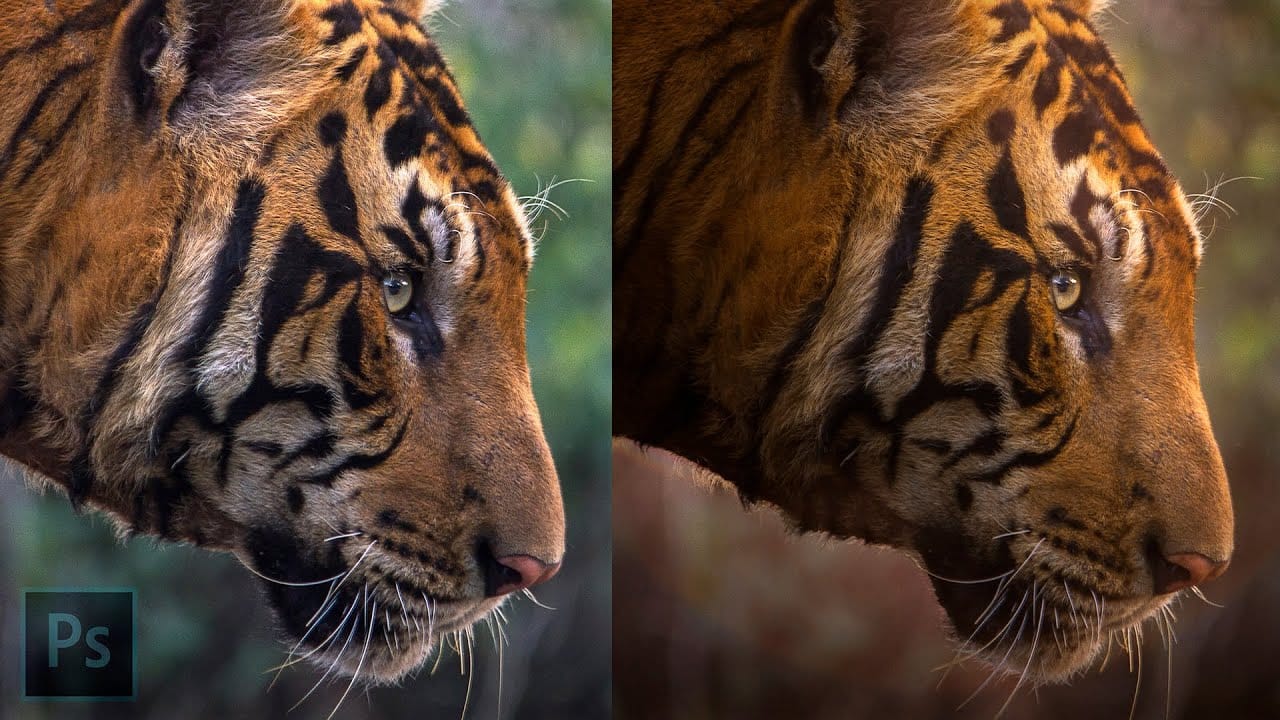
Color grading transforms ordinary photos into cinematic masterpieces by adding mood and visual depth. The Camera Raw filter built into Photoshop provides professional-level color grading tools that rival dedicated editing software, allowing you to adjust shadows, midtones, and highlights with precision.
This technique uses smart filters to ensure non-destructive editing, letting you experiment freely while maintaining the ability to adjust or remove effects at any time.
Watch the Video
Video by PHLEARN. Any links or downloads mentioned by the creator are available only on YouTube
Practical Tips
Follow these key steps to master cinematic color grading with the Camera Raw filter:
- Always convert your layer to a smart object before applying filters to maintain non-destructive editing capabilities
- Start with shadows first, increase saturation to see the effect clearly, then adjust hue to complement your image
- Use the before/after preview toggle to compare your changes and avoid over-processing the image
- Keep saturation subtle after selecting your hue - excessive color grading can make images look unnatural
- Double-click the Camera Raw filter in the layers panel to re-enter and fine-tune your color grading settings
Related Articles and Tutorials
Explore more cinematic editing techniques and color grading methods:
Create a Professional Color Grade in 90 Seconds in Photoshop
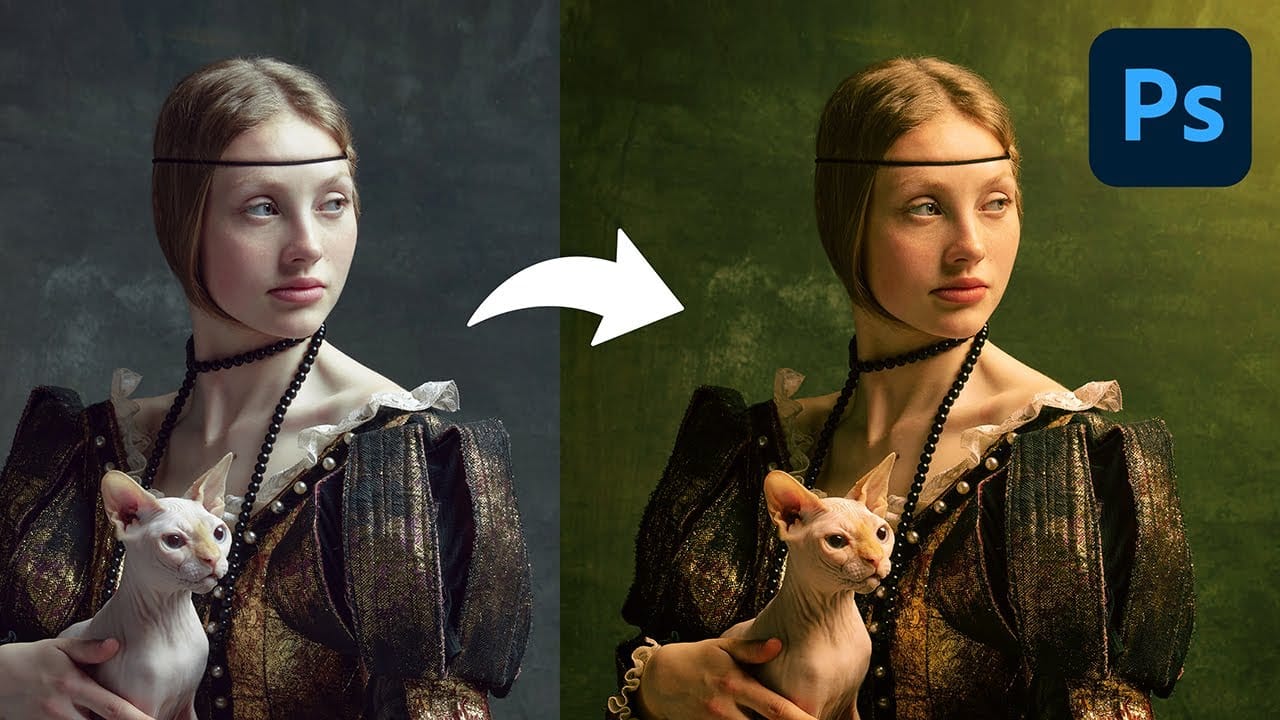
Cinematic color grading transforms ordinary photos into visually compelling narratives, creating mood, directing focus, and enhancing storytelling. This subtle yet powerful technique allows photographers and digital artists to infuse their images with the atmospheric depth and professional finish often seen in film.
In this concise tutorial, you'll discover a rapid workflow for achieving a cinematic color grade directly within Photoshop. The method leverages the powerful Camera Raw filter as a
Create the Cinematic Bloom Glow Effect in Photoshop
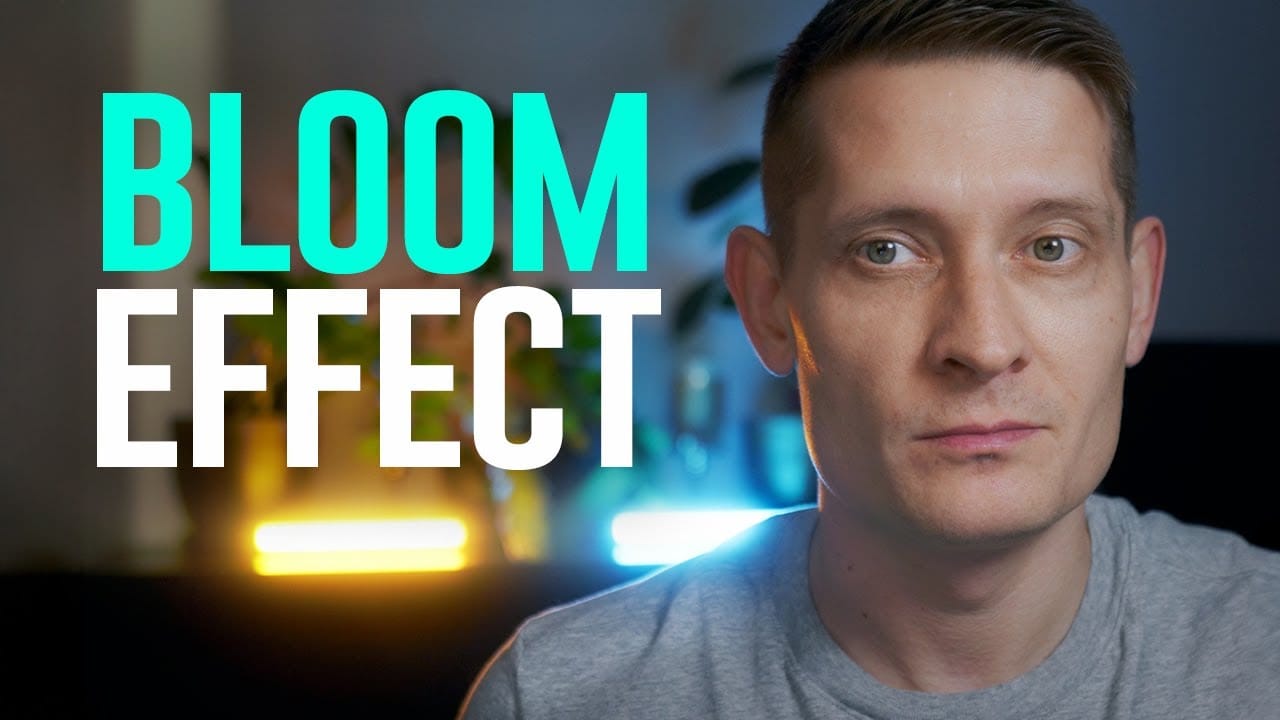
This guide will walk you through the steps to create a stunning bloom effect using Photoshop and DaVinci Resolve.
This technique enhances your highlights, infusing your photos and videos with a cinematic glow that adds a dreamy atmosphere.The bloom effect simulates the appearance of black diffusion filters commonly found in photography and cinematography. These filters soften images and contribute a soft, glowing quality to highlights. This approach is ideal for anyone looking to enrich their v
Create a stunning Film Noir photo effect in Photoshop
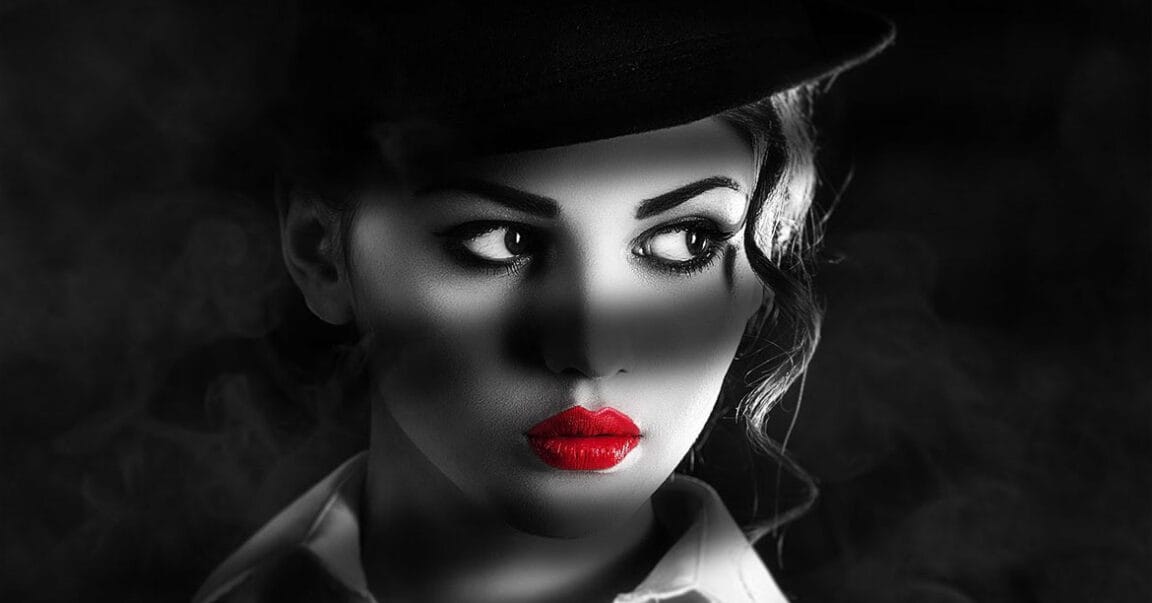
The classic film noir aesthetic, popularized by movies like Sin City, offers a dramatic and stylized visual experience. This unique style relies heavily on specific lighting and contrast techniques to evoke a sense of mystery and tension.
This video tutorial guides you through the process of transforming your images into a low-key black and white scene reminiscent of these iconic films. You will discover practical methods for enhancing contrast, creating dramatic lighting, and establishing a da
Lighting Effects to Create Drama in Photoshop
In this tutorial, John Whitehead demonstrates how to add dramatic lighting effects in Photoshop to transform flat lighting into something much more dynamic. You'll learn how to use various tools such as lighting effects filters, lens flare, smart objects, and LUTs to completely alter the mood and appearance of your image.
If you want to follow along with the tutorial, you can download the provided image and apply the same techniques. This guide is perfect for photographers and digital artists l
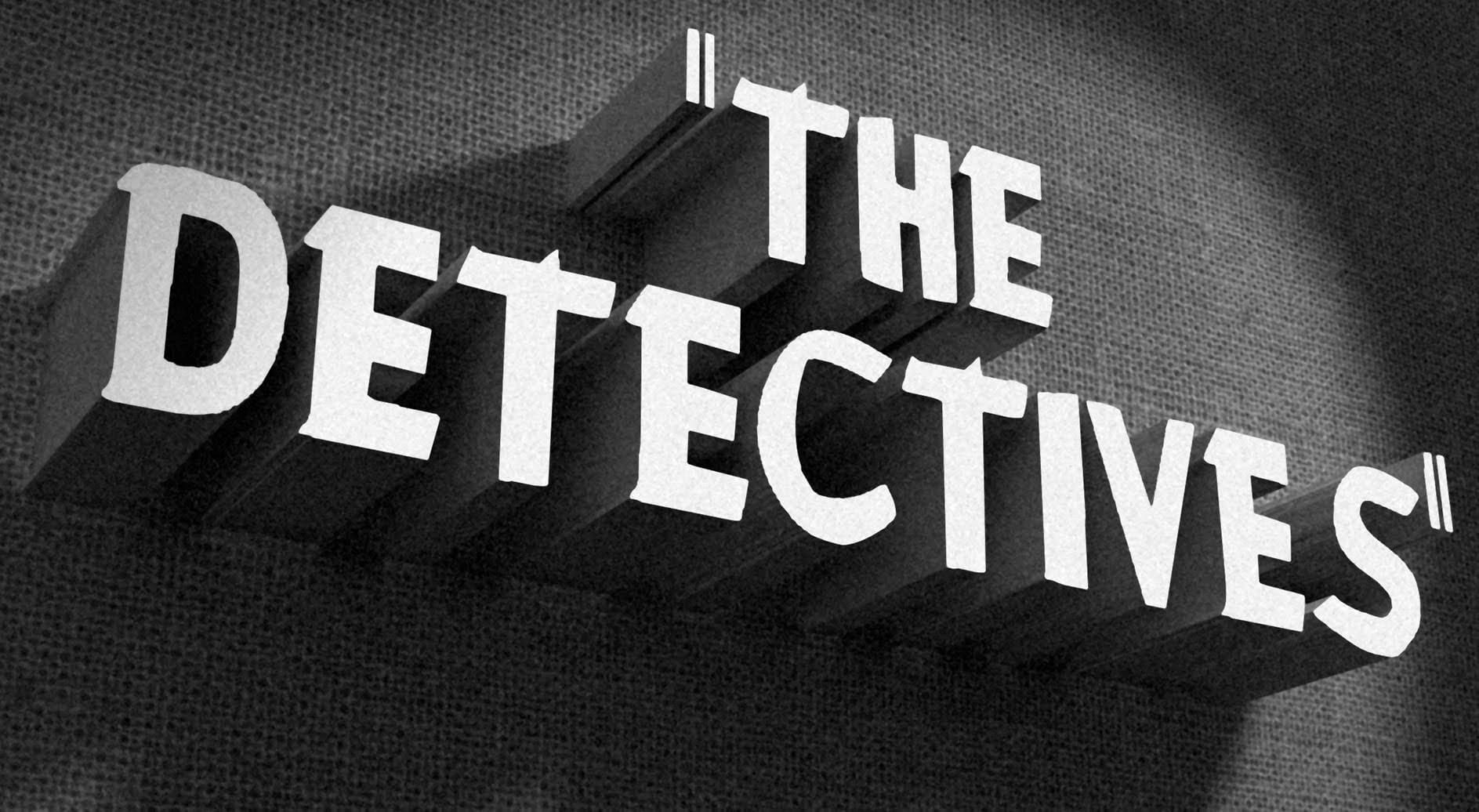
How to Create a Vintage, Film Noir Movie Title in Photoshop
This tutorial teaches you how to create vintage film noir movie titles in Adobe Photoshop. You'll use Photoshop's 3D features to extrude text, apply textures, and set up lighting, replicating the stark, dramatic aesthetic of 1940s-1950s crime dramas to craft distinctive custom opening titles.
Watch the Tutorial
Practical Tips for Vintage Title Design
* Choose a classic typeface like Montgomery for an authentic vintage feel and ensure correct installation for best results.
* Desaturate bac
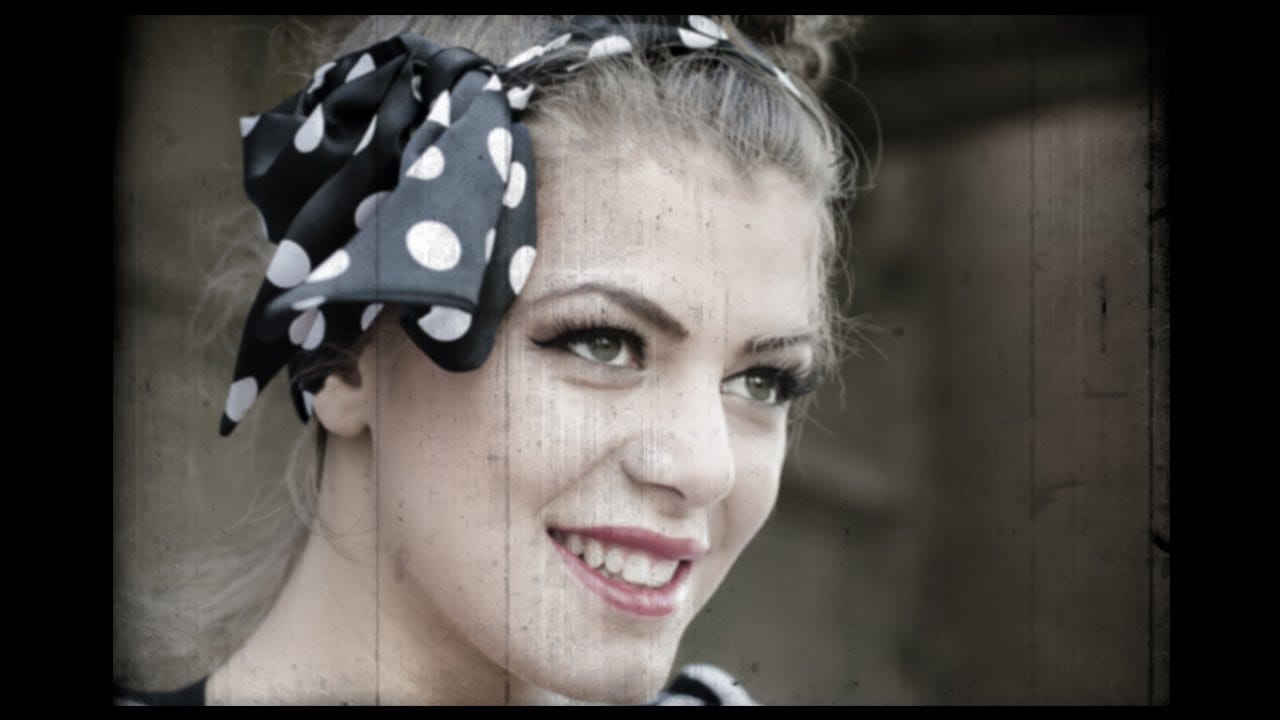
Create a vintage movie effect from a photo
Transforming modern digital photographs into nostalgic, vintage-style images is a popular creative pursuit in photo editing. This technique allows you to evoke the aesthetic of bygone eras, adding character and a unique artistic flair to your contemporary shots.
In this tutorial, you will learn how to apply the distinctive look of an 8mm movie still frame to any color photograph using Adobe Photoshop. The process involves subtle adjustments to color, blur, and the integration of a specialized t
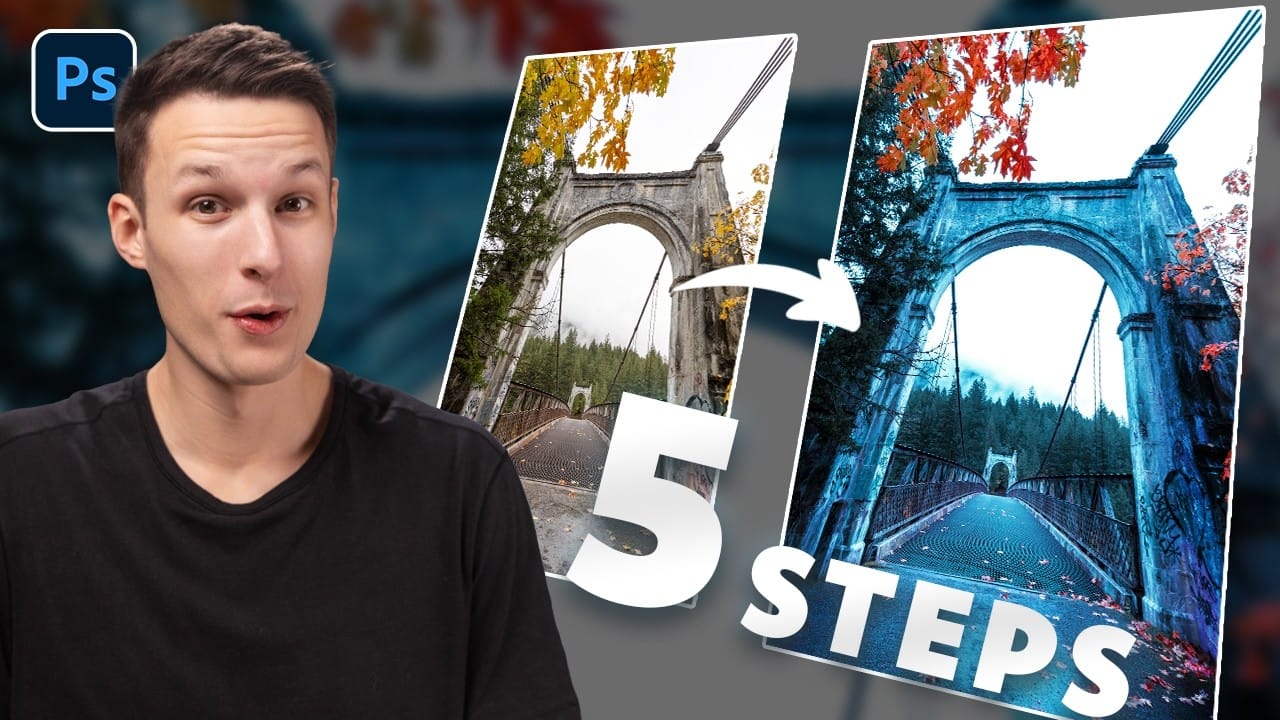
How to Create Dramatic Colors in Photoshop: A 5-Step Color Grading Process
Photography often captures moments in natural tones, but sometimes an image calls for something bolder. Dramatic color grading transforms ordinary photos into striking visual statements that grab attention and evoke emotion.
This comprehensive approach combines Camera Raw adjustments with Photoshop's powerful color tools to create rich, cinematic looks. The process works especially well for outdoor scenes where you can push blues, oranges, and complementary colors to their limits.
Watch the T
Photoshop Retro 3D Movie Effect Tutorial
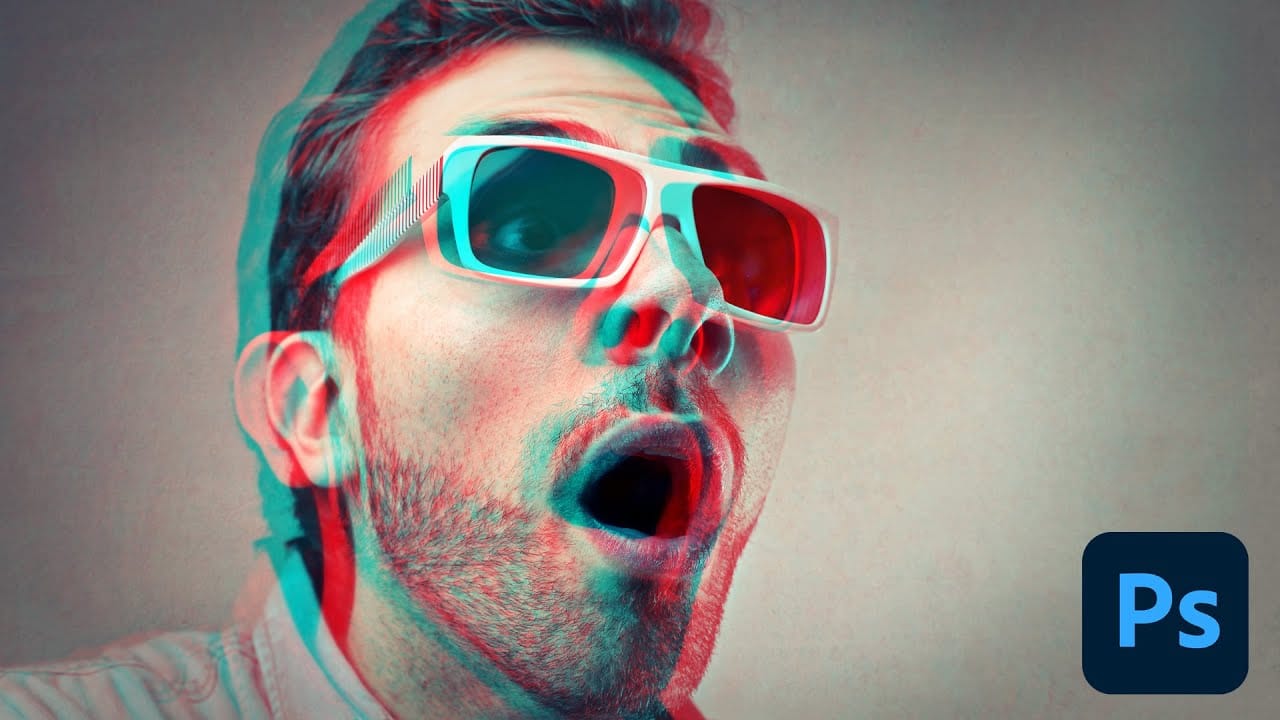
Put on your old red and blue 3D glasses to revisit the classic style of 1950s 3D cinema. This tutorial offers a simple, step-by-step guide to achieving that retro look using Photoshop.
In the 1950s, audiences were captivated by movie monsters that seemed to leap off the screen with their vibrant red and cyan effects. This tutorial walks you through recreating that iconic visual style. While Photoshop primarily works with flat 2D images, you can still mimic the feel of those classic films effect
How to Create Professional Photo Composites in Photoshop
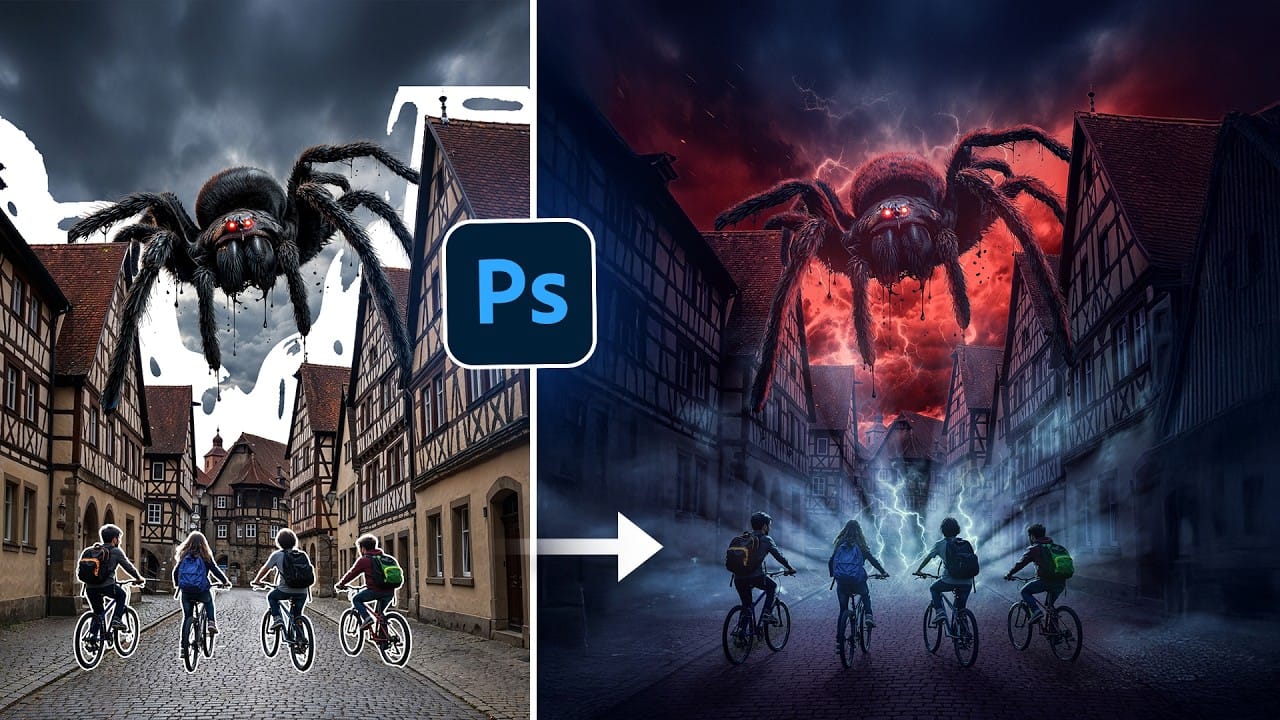
Creating compelling photo composites requires more than simply placing images together. This comprehensive tutorial demonstrates how to blend multiple elements seamlessly, from matching lighting and color to painting realistic shadows and highlights.
The project showcases a dramatic scene inspired by Stranger Things, combining buildings, characters, and atmospheric effects with precise color grading and lighting techniques that transform ordinary photos into cinematic compositions.
Watch the
Blend Photos Like A Hollywood Movie Poster With Photoshop
In this Photo Effects tutorial, you will discover how to mix two photos seamlessly, just like in professional movie posters. The techniques covered will guide you through the process step by step, ensuring that even beginners can achieve stunning results.
You'll start by selecting the right images to work with, focusing on how their elements will complement each other. From there, you will learn about layering and using various tools to adjust the images for a flawless integration. By the end o