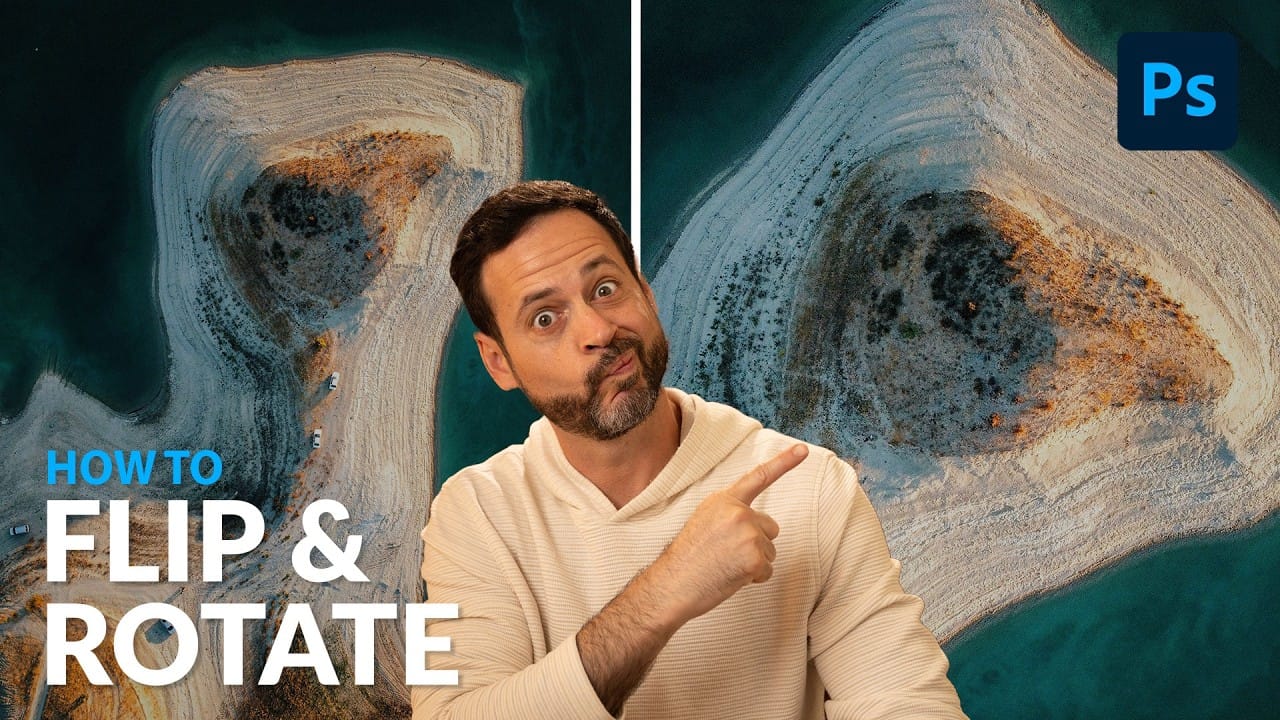
Flipping images is a fundamental technique that can dramatically change the composition and impact of your photos. Whether you need to correct the orientation of a subject, create mirror effects, or simply improve the visual flow of your design, knowing how to quickly flip images both horizontally and vertically gives you essential control over your creative process.
The key requirement before flipping any image is ensuring your layer is unlocked, which allows you to make transformations without restrictions.
Watch the Video
Video by PiXimperfect. Any links or downloads mentioned by the creator are available only on YouTube
Practical Tips
Here are the essential techniques for flipping images efficiently:
- Always unlock your layer first by clicking the lock icon before attempting any transformations
- Use Edit > Transform > Flip Horizontal or Flip Vertical for the straightforward menu approach
- Press Ctrl/Cmd + T to activate transform controls, then right-click for quick flip options
- When dragging new objects into your document, transform controls appear automatically for immediate flipping
- Press Enter or Return to confirm your transformation, or continue making adjustments while transform mode is active
Related Articles and Tutorials
Explore more image transformation and creative effect tutorials to expand your editing skills.






 Enrique Flouret
 Enrique Flouret