Photoshop's latest beta introduces a revolutionary feature that transforms flat 2D images into rotatable 3D objects. The new Rotate Object tool uses generative AI to create new angles and perspectives from a single image, then seamlessly composites them into scenes with realistic lighting and shadows.
This breakthrough feature eliminates the need for multiple product shots or complex 3D modeling, making professional compositing accessible with just a few clicks.
Watch the Video
Video by Dansky. Any links or downloads mentioned by the creator are available only on YouTube
Practical Tips
Here are key techniques to get the most from the Rotate Object feature:
- Convert your object to a smart object before scaling to maintain quality during transformations
- Use the low-resolution preview to quickly test different angles before committing to the final render
- Match the perspective of your background image using the perspective controls for more realistic results
- Try the Harmonize feature to automatically adjust lighting and shadows in one click
- Generate multiple versions of the harmonized result to find the best lighting option
Related Articles and Tutorials
Explore more cutting-edge features and techniques to enhance your workflow.
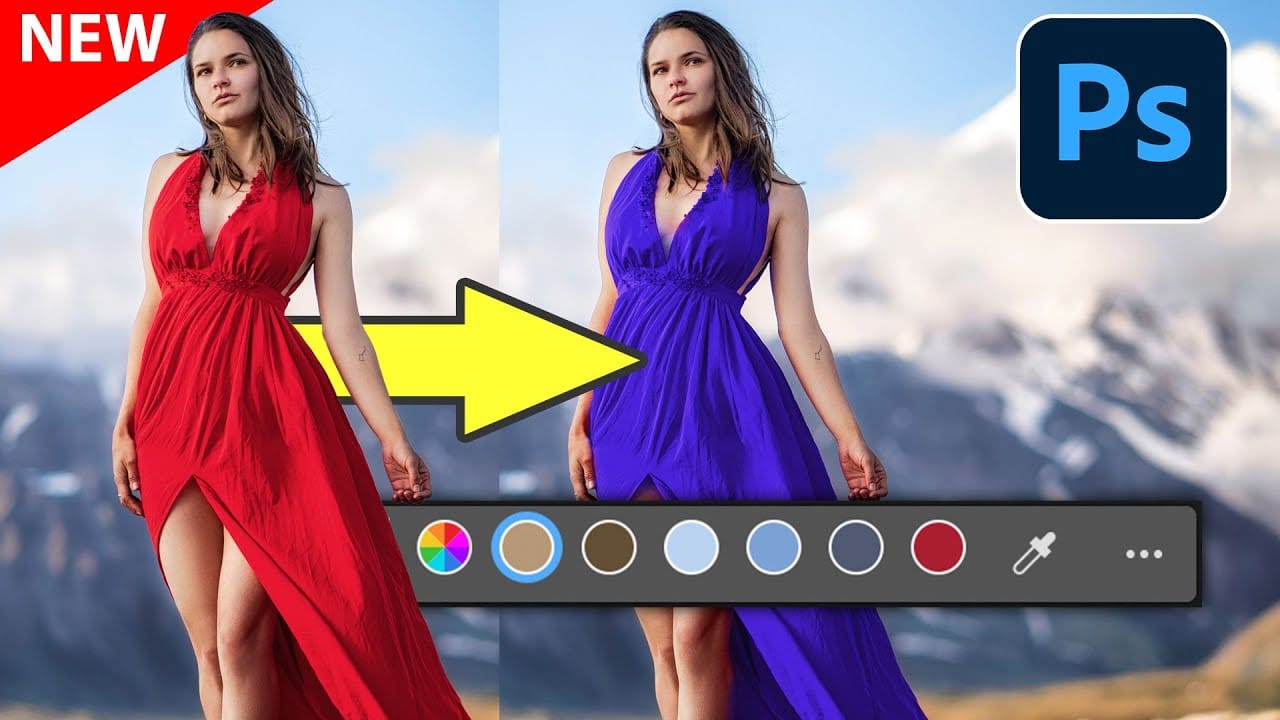
New Photoshop Feature for Changing Colors
Working on the color palette of an image is a fundamental task in photo editing, enabling designers and photographers to evoke different moods, correct imbalances, or simply reimagine visual elements. While Photoshop has long offered robust tools for color manipulation, achieving precise and natural-looking changes often required a multi-step workflow and a deep understanding of complex adjustments.
This video introduces a groundbreaking new feature in Photoshop's beta version, designed to stre
10 little-known Photoshop features you should really learn
Photoshop's true power isn't just in its headline features—it's in the hidden gems that can transform your workflow overnight. While everyone knows about layers and the healing brush, these lesser-known capabilities can save you hours and open up creative possibilities you never knew existed.
If you're a seasoned professional or an ambitious beginner, these 10 features will give you that unfair advantage that separates efficient creators from those still clicking through endless menus.
1. Ble

Magical things you can do in just 1 click in Photoshop
Colin Smith's latest tutorial dives into the incredible power of Photoshop's one-click tools and features. This session reveals how you can harness Photoshop 2020's capabilities to achieve impressive results with minimal effort. Colin demonstrates various techniques that allow you to enhance your images or apply complex effects with just a single click, making advanced editing accessible and efficient.
In this video, you'll learn about features that simplify tasks like color enhancement, applyi

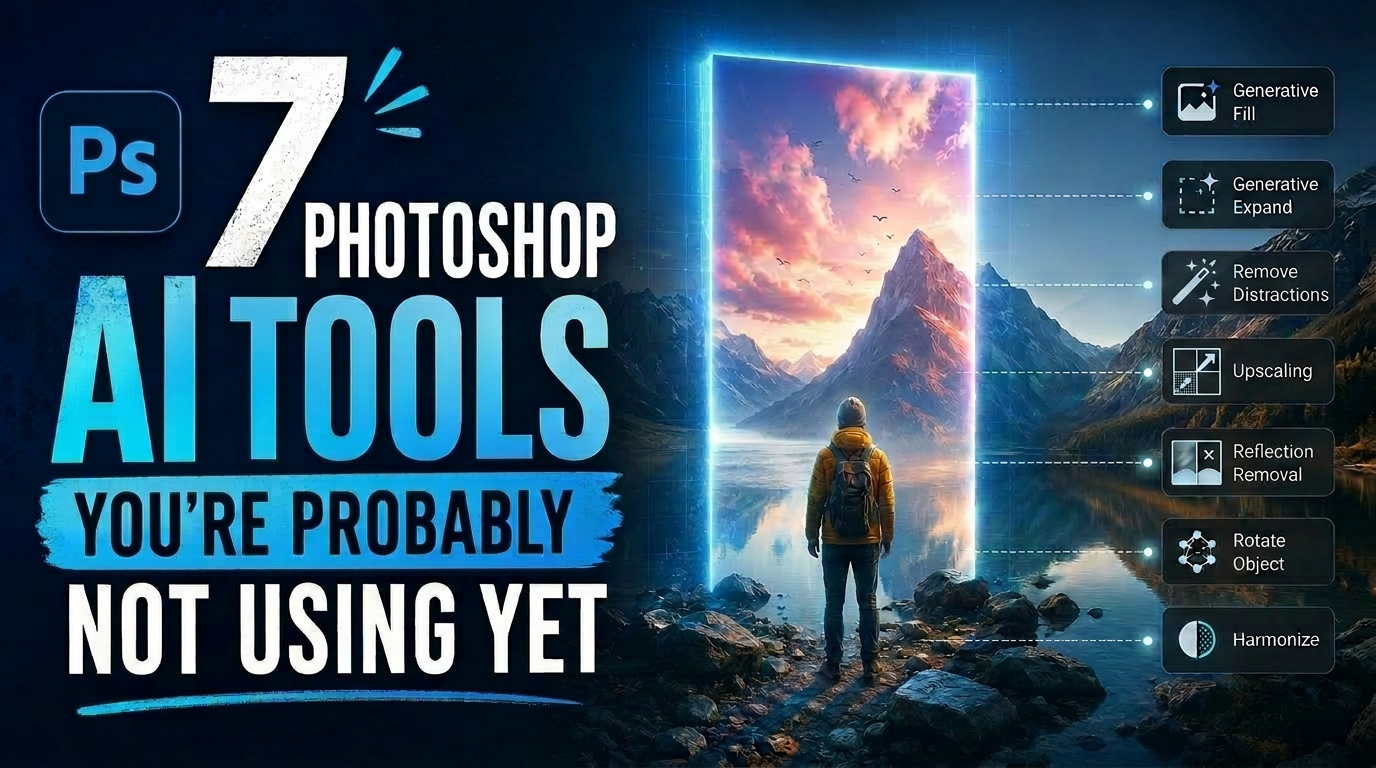
7 Photoshop AI Tools You're Probably Not Using Yet
Photoshop's AI features now go far beyond simple object removal. Some of the newer tools can completely change the way you edit photos, create composites, clean up distractions, or expand scenes — often with just a few clicks.
The interesting part is that many of these features still feel surprisingly underused. While Generative Fill gets most of the attention, Photoshop now includes several AI-powered tools that can produce genuinely impressive results without requiring overly complicated work
TOP New Features in Photoshop – May 2025 Update
Many Photoshop users frequently encounter common challenges such as time-consuming manual selections for complex objects, difficulties in achieving precise color adjustments across an image, or struggling with inconsistent results when removing unwanted elements like reflections. These hurdles often slow down the creative process, making it frustrating to achieve a desired professional look efficiently.
This guide explains how Photoshop's latest updates introduce powerful new functionalities, i

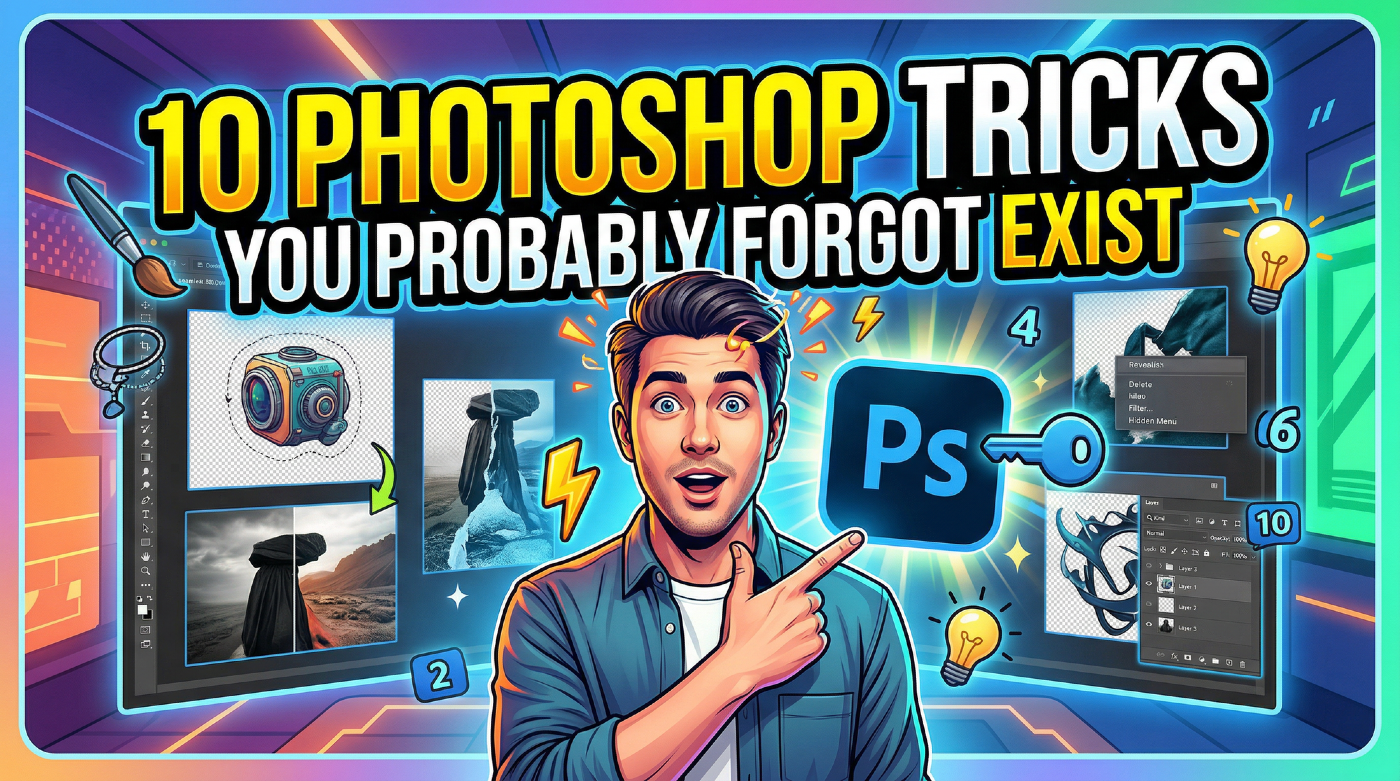
10 Photoshop Tricks You Probably Forgot Exist
There's a funny pattern with Photoshop. The longer you use it, the more you rely on the same small set of tools… while some of the most powerful techniques quietly fade into the background. Not because they stopped working — but because they're just a bit hidden, or not part of your daily flow anymore.
So this is a quick refresher. Not beginner stuff, not flashy effects — just solid techniques that have been inside Photoshop for years and still solve real problems better than most newer alterna
Exploring the Latest Features in Photoshop 2025
Photoshop 2025 introduces powerful new tools designed to make creative work easier, faster, and more flexible. From fine-tuning selections to moving objects and speeding up your workflow, these features feel built for the way creators actually work.
In this video, we'll show you what's new and how these updates can help you work smarter — saving time on routine tasks, giving you more control over details, and opening up new ways to bring your ideas to life.
Watch the video
Breaking It Down

Exploring the latest features in Adobe Photoshop 2023
Adobe Photoshop continues to lead the way with its innovative tools and features. The year 2023 brings a fresh wave of updates, and in this video, Colin Smith from Photoshop Cafe will delve into the exciting features introduced recently. Renowned Photoshop expert, Colin takes us on a tour of these new additions and shows us how to make the most of them.
* Adjustment Presets: Streamlining the Editing Workflow
* Creating Custom Adjustment Presets: Tailoring Tools to Your Style
* Revolutionizin

Photoshop 2025 Top 7 New Features and Updates Explained
Photoshop 2025 brings significant improvements to everyday editing tasks with smarter AI tools, enhanced 3D capabilities, and more intuitive workflows. From automatic distraction removal to advanced generative features, these updates focus on making complex tasks faster and more accessible.
The standout addition is the Substance 3D viewer, which reintroduces 3D object compositing with sophisticated lighting and material controls that weren't available in previous versions.
Watch the Complete