New This Week in Photoshop Roadmap — Jan 13, 2026

New This Week in Photoshop Roadmap — Jan 13, 2026

This week's roundup features the best Photoshop tutorials and creative resources published on Photoshop Roadmap.

We're covering essential techniques like fixing skin tones, using Select Subject for precise cutouts, and editing text directly in images with Generative Fill. We've also picked some great free resources including fonts, clipart bundles, and vintage floral designs.

In our featured articles, you'll find tutorials on manual photo colorization, creating Bauhaus-style posters, double exposure effects, and working with the new Camera Raw adjustment layers. Plus, we're diving into realistic water reflections with Generative Fill and comparing Photoshop with Affinity Photo to help you make informed decisions about your editing workflow.

Editor’s Picks: Photoshop Tutorials

How to Fix Skin Tones in Photoshop - Complete Guide

Read Article

How to Use Select Subject for Background Removal and Edge Refinement

Read Article

How to Edit Text in Images Using Generative Fill

Read Article

Editor’s Picks: Creative Assets

Monday Font (Time Limited Freebie)

Download with a free Creative Fabrica account

Download Here

Striped Floral Cottage Journal Page

Download with a free Creative Fabrica trial · access millions of assets

Download Here

The Mega Valentine Clipart Bundle (Time Limited Freebie)

Download with a free Creative Fabrica account

Read Article
How to Colorize Black and White Photos in Photoshop Without AI
Transforming black and white photographs into vibrant color images requires precision and technique to achieve natural-looking results. This manual colorization method preserves image quality while giving you complete control over every color choice, avoiding the unpredictable results that AI tools often produce. The non-destructive workflow shown here maintains the original
Woodland Wonders: 70 Detailed Wooden Backgrounds
Introducing Woodland Wonders — a curated collection of 70 wooden backgrounds designed to bring warmth, texture, and natural character into your creative work. This pack features high-resolution wooden surfaces enriched with organic details, ranging from smooth cherry planks and scorched oak to bark covered with moss, ivy-wrapped panels, and flower-scattered textures.
How to Wrap Text Around Any Shape in Photoshop
Creating text that flows naturally around irregular shapes transforms static layouts into dynamic, professional designs. This technique works particularly well for posters, magazine layouts, and editorial designs where text needs to integrate seamlessly with complex subjects rather than simply sitting in rigid rectangular boxes. The process combines selection tools, path
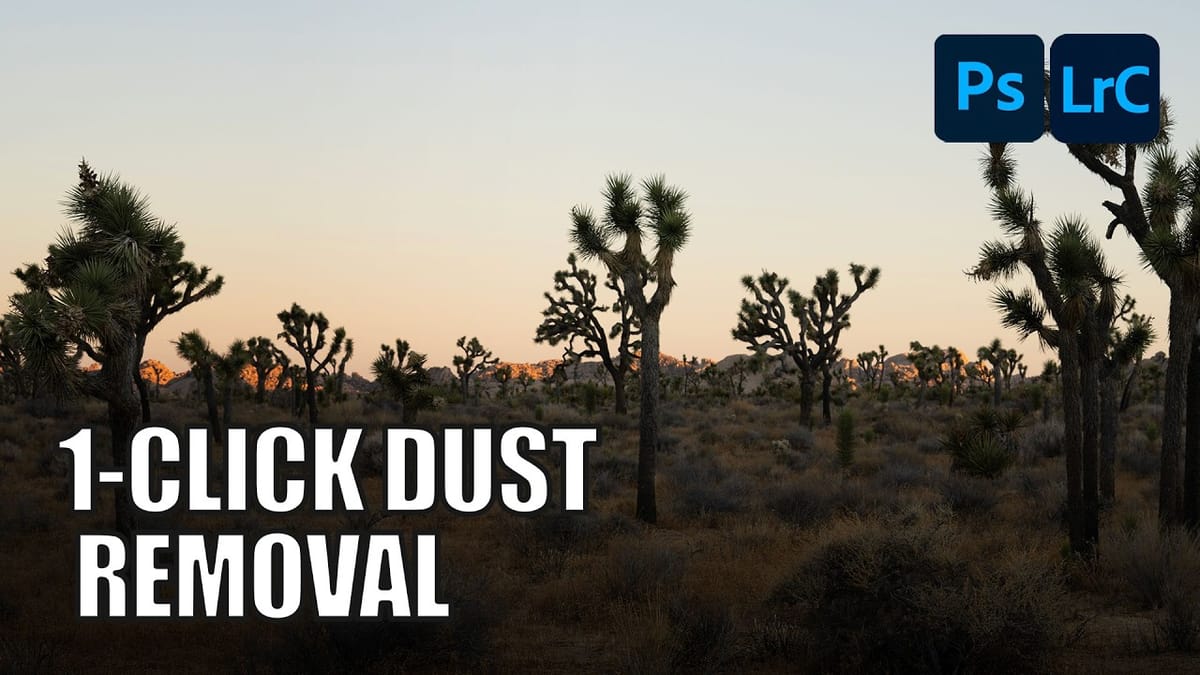
How to Remove Dust and Sensor Spots Using Photoshop Tools
Dust spots and sensor particles are inevitable challenges in digital photography, appearing as dark specks that distract from otherwise clean images. Camera sensors collect dust over time, creating consistent spots that show up across multiple photos, particularly in bright sky areas or uniform backgrounds. Both Lightroom and Photoshop offer specialized
Dynamic Fire FX: 67 Brushes for Realistic Fire Effects
The Dynamic Fire FX Brush Set includes 67 unique Photoshop brushes made for painting realistic fire effects with speed and control. Instead of flat stamp overlays, these brushes let you actually paint flames, sparks, and fiery shapes, making them ideal for sketches, illustrations, concept art, and matte painting. The set
Photoshop vs Affinity Photo: Feature Comparison and Professional Analysis
When choosing professional photo editing software, the decision often comes down to comparing features, performance, and value. This detailed comparison examines the core capabilities of both applications across noise reduction, smart selections, object removal, masking, and AI-powered tools. The analysis covers real-world scenarios that professionals encounter daily, from complex background
Create Realistic Water Reflections Using Generative Fill in Photoshop
Traditional reflection techniques in photo editing often produce unrealistic results because they simply flip and copy existing image elements. Real reflections show different viewing angles and reveal surfaces not visible in the original photograph—like the underside of vehicles or objects viewed from below water level. Generative fill technology solves
How to Create an Authentic Bauhaus Poster Design in Photoshop
Bauhaus design represents one of the most influential movements in modern visual communication, characterized by geometric precision, bold typography, and a limited but striking color palette. This minimalist approach prioritizes functionality while creating powerful visual impact through the careful arrangement of basic shapes and clean lines. The authentic Bauhaus aesthetic
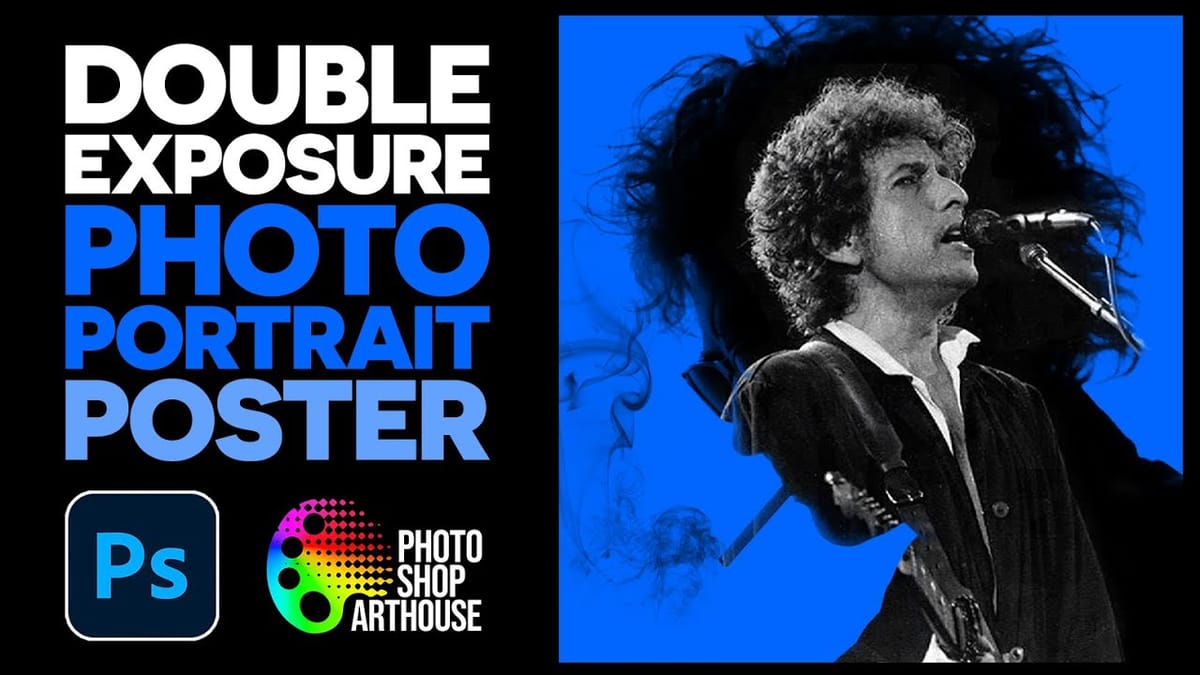
How to Create a Double Exposure Portrait Poster in Photoshop
Double exposure effects transform ordinary portraits into striking artistic compositions by blending a silhouette with another image. This technique creates dramatic posters where the subject’s profile becomes a window into landscapes, textures, or abstract elements. The process uses channel selections, layer masks, and clipping masks to seamlessly merge two images
New Camera Raw Adjustment Layers in Photoshop: Color Grading, Clarity, and Grain
Working with multiple layers in Photoshop traditionally required complex workarounds to apply Camera Raw adjustments. The old process involved merging layers, converting to smart objects, and losing the flexibility that makes adjustment layers so powerful. Three new adjustment layers bring Camera Raw’s most useful tools directly into your layers panel.

Get tutorials & freebies delivered to you.

Subscribe to the Photoshop Roadmap newsletter, a weekly roundup of new tutorials, insights and quality downloads, trusted by 6500+ readers.

You’ve successfully subscribed to Photoshop Roadmap
Welcome back! You’ve successfully signed in.
Great! You’ve successfully signed up.
Success! Your email is updated.
Your link has expired
Success! Check your email for magic link to sign-in.