Photoshop vs Affinity Photo: Feature Comparison and Professional Analysis

Photoshop vs Affinity Photo: Feature Comparison and Professional Analysis

When choosing professional photo editing software, the decision often comes down to comparing features, performance, and value. This detailed comparison examines the core capabilities of both applications across noise reduction, smart selections, object removal, masking, and AI-powered tools.

The analysis covers real-world scenarios that professionals encounter daily, from complex background removal to advanced retouching tasks. Understanding these differences helps determine which software best fits specific workflows and career goals.

Watch the Video

Video by PiXimperfect. Any links or downloads mentioned by the creator are available only on YouTube

Practical Tips

Key insights from the software comparison to help you make informed editing decisions:

  • Test noise reduction capabilities on high-ISO images before committing to either software for photography work
  • Use Camera Raw's "Find Distractions" feature for batch wire and people removal to save significant editing time
  • Leverage advanced masking tools like "Select People" and landscape selections for precise adjustments without manual brushwork
  • Consider your professional trajectory when choosing software—industry requirements often specify particular applications
  • Evaluate the total cost of ownership including subscription fees, learning time, and available plugin ecosystems

Explore more software comparisons and workflow optimization guides below:

Photoshop CS6 vs 2021: 28 Reasons to Upgrade
Let's compare a Legendary Photoshop version, the last of its kind: Photoshop CS6 with the latest and hopefully the greatest: Photoshop 2021. Whether you are holding on to Photoshop CS6 because of Adobe's subscription payments or you feel CS6 is much better as it's a true bare-bones Photoshop without all the frills, this video's got you covered to figure out what you might or might not miss out by upgrading to 2021.In this video, we will draw a comparison of everything, right from comparing the f
TOP New Features in Photoshop – May 2025 Update
Many Photoshop users frequently encounter common challenges such as time-consuming manual selections for complex objects, difficulties in achieving precise color adjustments across an image, or struggling with inconsistent results when removing unwanted elements like reflections. These hurdles often slow down the creative process, making it frustrating to achieve a desired professional look efficiently. This guide explains how Photoshop's latest updates introduce powerful new functionalities, i
Photoshop 2025: A Quantum Leap in Creative Power
Adobe has once again rolled out its yearly update for Photoshop, and this year, it's all about streamlining workflows and making generative AI even more accessible. Photoshop 2025 offers a variety of features that seek to enhance the creative process and save time. Let's explore some of the most noteworthy additions. Simplifying Complex Tasks: Key Features of the 2025 Update Distraction Removal: Say goodbye to tedious hours spent manually removing unwanted elements from your images. With the
7 Photoshop Tools Replaced by AI: Are They Still Relevant?
Adobe's integration of AI-powered features has fundamentally changed how photographers and designers approach common editing tasks. From reflection removal to noise reduction, many traditional Photoshop tools now have AI counterparts that promise faster results with minimal manual work. This video demonstrates how seven classic Photoshop tools compare against their AI replacements, showing practical examples of when the new technology excels and when traditional methods still hold their ground.
Photoshop or Lightroom: Understanding the Difference
In the comparison of Photoshop and Lightroom, it's essential to understand their distinct functions and benefits. Both programs are powerful tools for photo editing, but they cater to different needs and workflows. Photoshop is often preferred for detailed image manipulation and graphic design. It offers a wide range of advanced features that allow for intricate edits, such as retouching, layering, and adding effects. If you need to adjust specific elements within a photo or create composite im
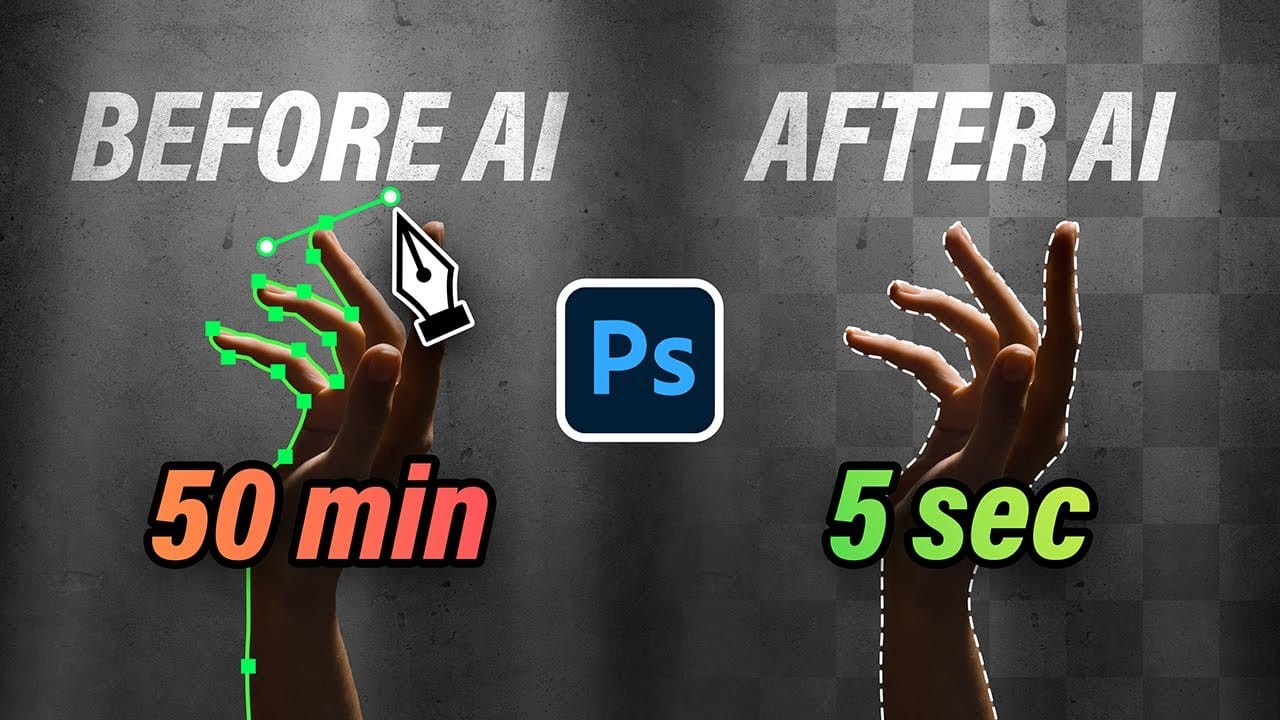
10 Ways AI Completely Transformed My Photoshop Techniques
Repetitive tasks like making complex selections, removing unwanted objects, and cleaning up blemishes can consume hours of an editor's time. While traditional Photoshop methods offer precise control, they are often slow and require significant technical skill for what should be simple fixes. This guide demonstrates how to integrate modern AI features into your daily workflow. You will learn practical techniques for everything from one-click selections and generative fills to automated retouchin
Photoshop 2025 New Features: Harmonize, Improved Remove Tool, and Model Picker
Photoshop 2025 introduces ambitious new features that promise to streamline complex editing tasks. The latest update brings automated compositing through the new Harmonize feature, significant improvements to the Remove tool, and enhanced collaboration options for creative teams. These updates represent Adobe's push toward AI-assisted workflows that handle technical aspects while preserving creative control. Each feature addresses common pain points in professional editing workflows. Watch th
Strategic Guide to Photoshop's AI Tools: Which Tool, When, and Why
Over the past few years, Adobe has been strategically integrating AI-powered features that are redefining what's possible in image editing, positioning Photoshop at the forefront of the generative AI revolution. Rather than simply adding standalone AI tools, Adobe is thoughtfully weaving intelligence into Photoshop's core workflows, creating something far more sophisticated than the typical AI feature additions we see elsewhere. But here's the challenge: having all these options doesn't automat
Unleash the Beast: Optimizing Photoshop Performance for a Smoother Workflow
Photoshop is the undisputed king of digital image manipulation. A powerful tool capable of bringing even the most ambitious creative visions to life. However, as our projects grow and files get larger, even the most powerful computers can struggle. Slow loading times, laggy brushes, and the spinning beach ball can kill our creativity and halt our workflow. But fear not. Many ways exist to optimize Photoshop's performance and unleash its full potential. Immediate Performance Boosters: Before w
Unfolding Paradoxes: How Adobe Firefly Transforms Abstract Concepts Into Visual Realities
AI image generation has revolutionized how artists and designers explore creative concepts. These tools, like Adobe Firefly, are built with one primary objective: to serve the user’s vision. Their extensive training prepares them to interpret precise prompts, guided by established techniques like keyword specificity, compositional references, and style definitions.

Get tutorials & freebies delivered to you.

Subscribe to the Photoshop Roadmap newsletter, a weekly roundup of new tutorials, insights and quality downloads, trusted by 6500+ readers.

You might also like

7 Photoshop AI Tools You're Probably Not Using Yet

Photoshop’s AI features now go far beyond simple object removal. Some of the newer tools can completely change the way you edit photos, create composites, clean up distractions, or expand scenes — often with just a few clicks. The interesting part is that many of these features still feel surprisingly...

Transform Photos into Ink Drawings in Photoshop

Traditional ink drawings capture bold contrasts and artistic expression through pure black and white elements. This technique transforms ordinary photographs into striking ink artwork by combining specific filters with smart object workflows for complete creative control. The method uses oil paint effects, shadow adjustments, and threshold conversion to create authentic...

How to Build Monochromatic Color Palettes with Layers in Photoshop

Creating harmonious color schemes requires understanding how to layer colors strategically rather than relying on single adjustments. A monochromatic palette uses tints, tones, and shades from the same color family to create depth and visual unity. This technique demonstrates how to build rich, textured backgrounds by combining solid color fills,...

How to Use the New 3D Object Rotation Feature in Photoshop

Photoshop's new Rotate Object feature transforms flat 2D images into interactive 3D models that can be repositioned from any angle. This AI-powered tool automatically creates cutouts, maintains original textures, and generates missing details when objects are rotated beyond their original perspective. The feature opens new possibilities for product...

How to Use Depth Range Masking in Camera Raw

Adobe Camera Raw's depth range masking feature allows you to select and adjust specific depth layers in any photograph without needing special camera equipment. Unlike traditional subject and background masks that focus on shapes, depth range masking works with the spatial distance between elements in your image. This...

How to Remove Objects Using Photoshop's Updated Remove Tool Without Credits

Photoshop's updated Remove tool offers powerful AI-powered object removal without consuming any generative credits, regardless of your subscription plan. The tool features automated distraction detection that categorizes different types of visual clutter—from trash and people to urban elements and blemishes—making it easy to selectively remove unwanted...

You’ve successfully subscribed to Photoshop Roadmap
Welcome back! You’ve successfully signed in.
Great! You’ve successfully signed up.
Success! Your email is updated.
Your link has expired
Success! Check your email for magic link to sign-in.