Photoshop 2025: A Quantum Leap in Creative Power

Photoshop 2025: A Quantum Leap in Creative Power

Adobe has once again rolled out its yearly update for Photoshop, and this year, it's all about streamlining workflows and making generative AI even more accessible. Photoshop 2025 offers a variety of features that seek to enhance the creative process and save time. Let's explore some of the most noteworthy additions.

Simplifying Complex Tasks: Key Features of the 2025 Update

Distraction Removal: Say goodbye to tedious hours spent manually removing unwanted elements from your images. With the updated Remove Tool, you can now automatically eliminate distractions like people, wires, and cables with a single click. This functionality, powered by AI, scans your image and intelligently removes the selected distractions while seamlessly blending the background. This feature is also available in Photoshop on the web, expanding its accessibility.

Generative Workspace (Beta): This new workspace, currently in beta, is a powerhouse for those who utilize Photoshop's generative AI features. You can now execute multiple prompts concurrently, eliminating the wait time between image generations. Additionally, the workspace enables you to organize your creative assets by favoriting, searching, and reusing generated images. The introduction of variables in prompts allows for the generation of diverse concepts with a single click, boosting your creative explorations.
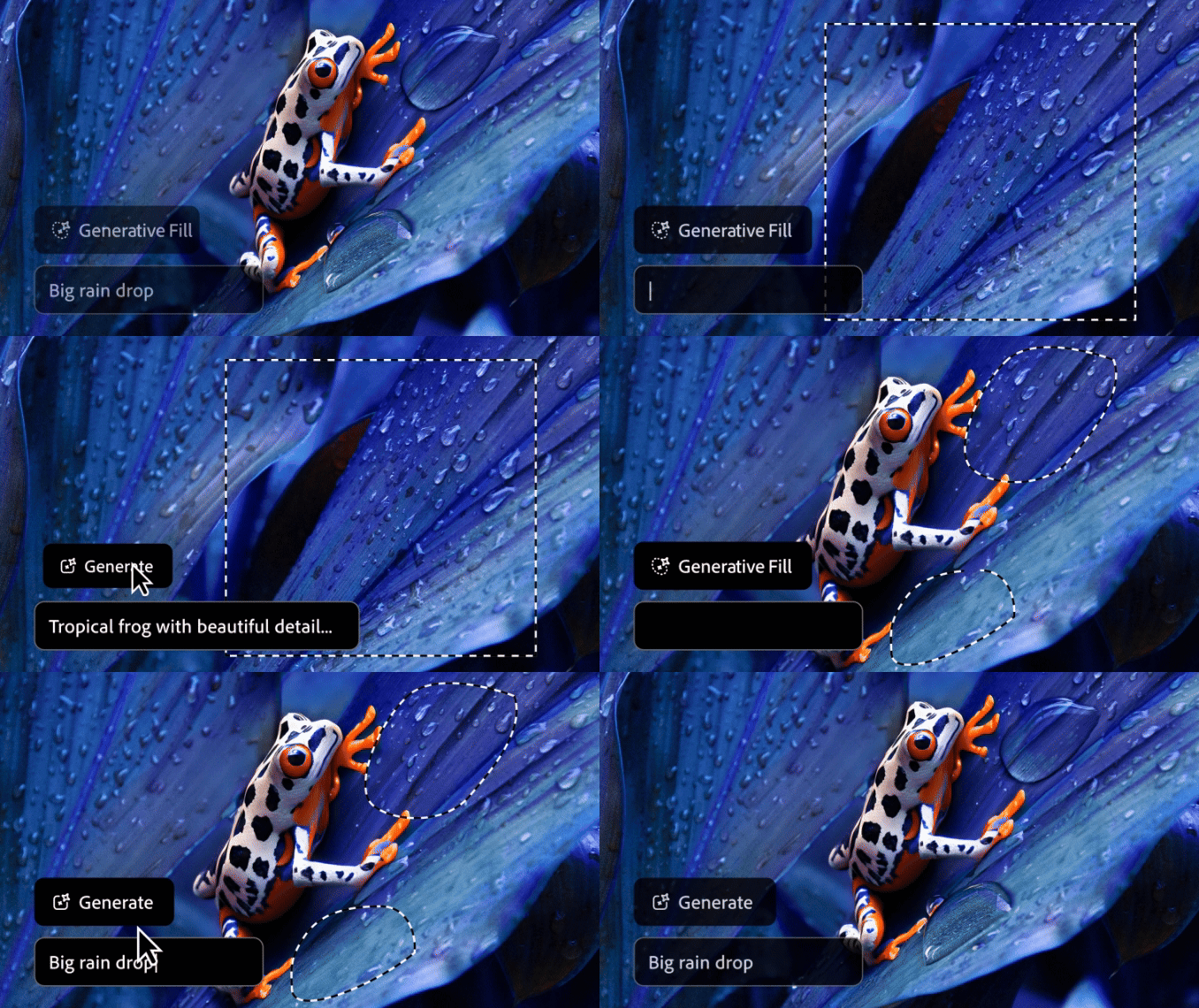
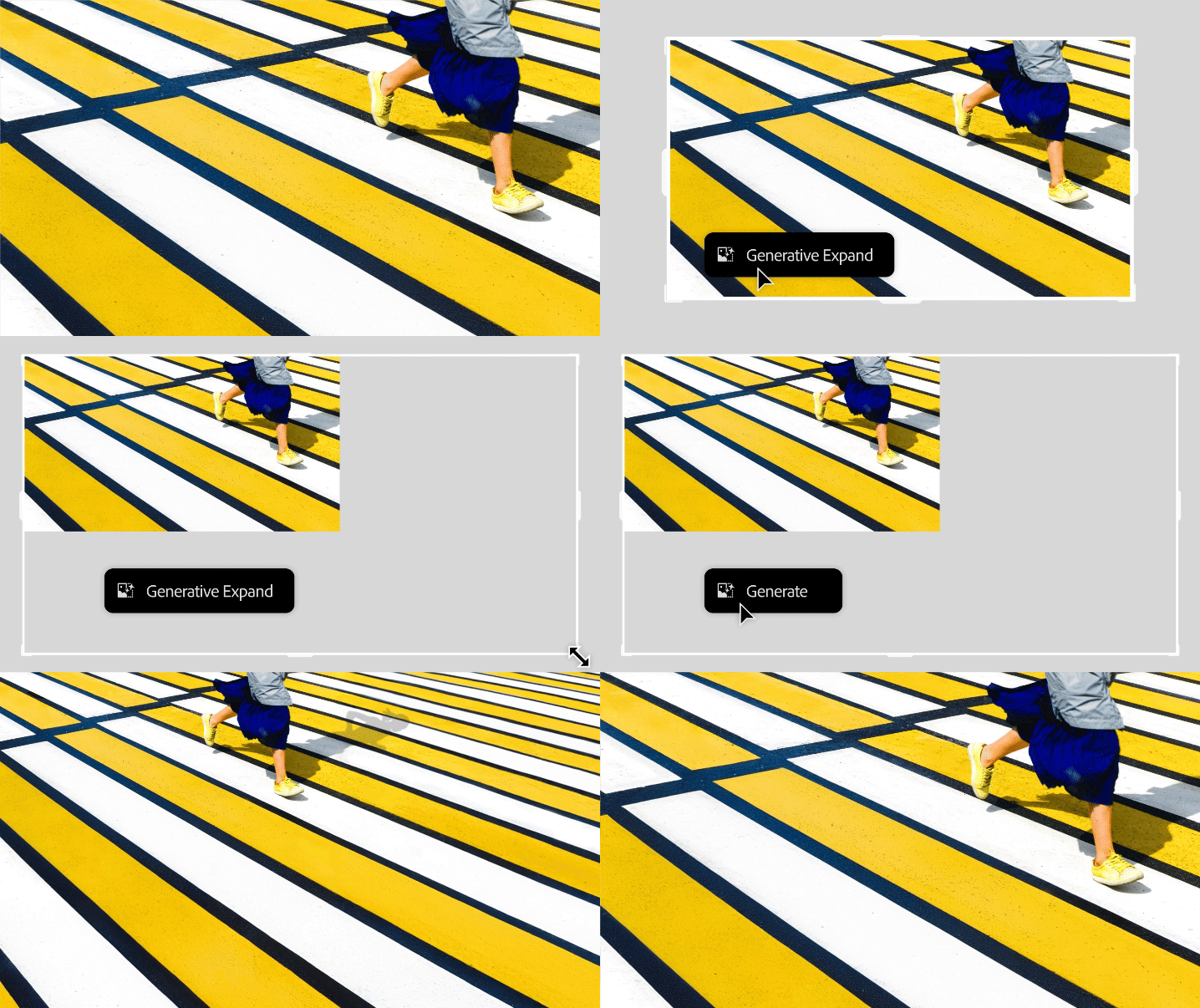
Enhanced Generative AI with Firefly 3: The integration of the Firefly version 3 model in existing AI features like Generative Fill, Generative Expand, and Generate Background has brought significant improvements. These include enhanced photorealism, a better understanding of complex prompts, and a wider variety of generated results. Users can now achieve more realistic image manipulation, add or remove content seamlessly, and replace backgrounds effortlessly, all with improved accuracy and creative flexibility.
Adjustment Brush: This new addition streamlines the process of making localized edits by combining the creation of adjustment layers, selections, and masking into a single tool. Users can now select the desired adjustment and directly brush it onto the specific area, simplifying a common yet multi-step workflow.

ADVERTISING

External Sources: A Roundup of Opinions and Insights

Numerous online sources have reviewed the new Photoshop 2025 update, highlighting both its strengths and areas for improvement. While generally praising the enhanced user experience and efficiency, some reviewers have noted that certain features, such as the Find Distractions tool for people removal, may require further refinement. There is a general consensus that Adobe is on the right track, continually improving its AI capabilities and making them more accessible to a wider range of users. The updates to generative AI, particularly with the Firefly 3 model, have been lauded for their enhanced realism and creative potential. Overall, the 2025 update seems to be a step forward, providing creatives with powerful tools to streamline their work and push their creative boundaries further.

To give readers a more detailed look at the new features, here is a collection of articles and videos that provide demonstrations and further insights:

Photoshop delivers powerful innovation for Image Editing, Ideation, 3D Design, and more | Adobe Blog
See how the latest updates solve common customer needs, expanding design workflows with distraction removal, gen AI-powered ideation, and 3D compositing.
Photoshop is getting a bunch of new AI tools
Same with Illustrator, Premiere Pro, and InDesign.
Every New Feature Adobe Announced in Photoshop, Premiere Pro and More
Adobe unveiled new editing features this week to try and solve the most annoying problems in Creative Cloud.
Photoshop 2025 New Features
The important new features in Photoshop 2025
PiXimperfect
Photoshop 2025: Top 7 New Features Explained! Watch the video here: https://youtu.be/zFXIa0E5oEg
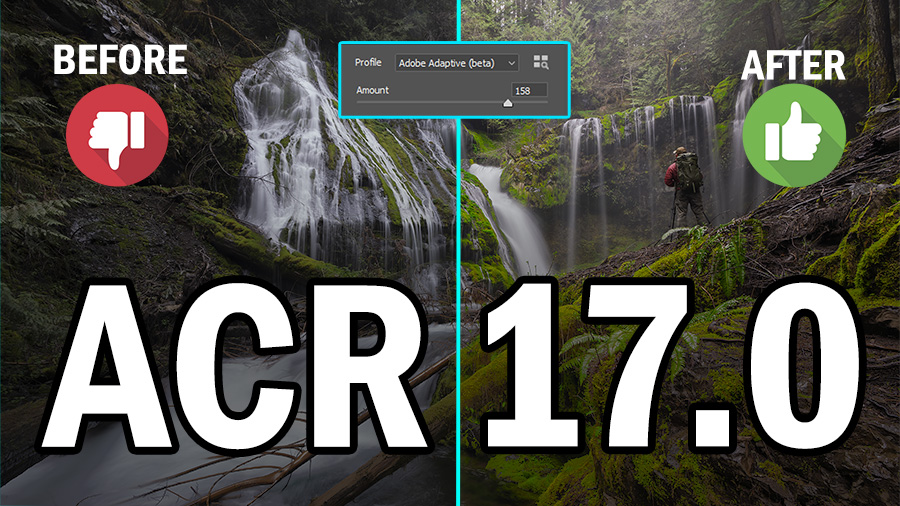
Adobe 2025 Updates ACR and PS - f64 Academy
Blake Rudisf.64 Academy and f.64 Elite are the brainchildren of Blake Rudis. While he is a landscape photographer, he is most passionate about post-processing images in Photoshop and mentoring others. For Blake, it’s all about the art and process synergy. He dives deep into complex topics and makes them easy to understand through his outside-the-box …
Adobe Photoshop 2025 Is Out! What’s New?
Exciting news for all creatives! Adobe Photoshop 2025 has just been released, and it’s time to explore what’s new. In my latest YouTube video, “Adobe Photoshop 2025 Is Out! What’s New?”, I take a close look at the new features and updates.
Photoshop Now Automatically Removes All Those Pesky Distractions
Goodbye, manual wire removal.
Adobe is adding powerful new AI features to Lightroom and Photoshop
Adobe revealed what is coming to Lightroom and Photoshop at the recently held Adobe MAX 2024 Creativity Conference. The new features revolve around using Artificial Intelligence to improve editing workflow and enhance images. Alongside the slew…
Some images in this article were created with Adobe Firefly.
Try Photoshop and all Creative Cloud apps free for 7 days.

Get tutorials & freebies delivered to you.

Subscribe to the Photoshop Roadmap newsletter, a weekly roundup of new tutorials, insights and quality downloads, trusted by 6500+ readers.

You might also like

Create a Liquid Gel Logo Effect in Photoshop

Liquid gel effects transform flat logos into dimensional, glossy designs that appear to bubble and flow. This technique uses multiple layer styles and strategic duplication to build depth, creating surfaces that catch light like thick, viscous liquid. The method combines gradient overlays, bevel effects, and inner glows across several duplicated...

How to Use Photoshop's AI Sharpen Filter and When It's Worth the Cost

Photoshop's new AI Sharpen filter promises one-click sharpening powered by advanced algorithms. This tool uses technology from Topaz Labs to enhance image details without manual adjustments, but it comes with a significant cost in credits. Understanding when to use this automated approach versus traditional methods like the High...

How to Use Harmonize and Generative Upscale Tools in Photoshop

Creating realistic photo composites requires matching lighting and color between different images—a traditionally time-consuming process. Two new AI-powered tools in Photoshop solve these challenges: Harmonize automatically adjusts lighting and shadows to blend subjects seamlessly into backgrounds, while Generative Upscale enlarges small images without losing detail. These tools work together...

How to Create Convincing Scale Effects in Photoshop Composites

Creating believable scale effects requires more than simply resizing objects—it demands understanding how light, perspective, and atmospheric conditions change with distance. When tiny subjects appear massive or giant objects seem miniature, viewers should feel the illusion is completely natural. This technique combines careful attention to lighting consistency, depth cues,...

How to Flip Images Horizontally and Vertically in Photoshop

Flipping images is a fundamental technique that can dramatically change the composition and impact of your photos. Whether you need to correct the orientation of a subject, create mirror effects, or simply improve the visual flow of your design, knowing how to quickly flip images both horizontally and vertically gives...

How to Use Nano Banana Pro in Photoshop for Background Replacement and Scene Changes

Nano Banana Pro transforms how you place subjects into new environments in Photoshop. This advanced AI model maintains perfect subject likeness while seamlessly integrating them into any background you can imagine. The tool excels at matching lighting, preserving facial features, and even adapting clothing to complement new scenes, all through...

You’ve successfully subscribed to Photoshop Roadmap
Welcome back! You’ve successfully signed in.
Great! You’ve successfully signed up.
Success! Your email is updated.
Your link has expired
Success! Check your email for magic link to sign-in.