Photoshop keeps adding features faster than most people can absorb them, and a handful of small settings quietly change how much time and effort every edit costs. Some of the most useful options hide inside tools you already use daily.
These ten techniques cover AI credit-free removals, faster slider control, cleaner masks, and better composites, with each step explained through real editing examples.
Watch the Video
Video by PHLEARN. Any links or downloads mentioned by the creator are available only on YouTube
Practical Tips
Key techniques from the tutorial you can apply right away:
- Use the Remove tool with Generative AI enabled — it doesn't spend credits, and you can switch to device processing for offline work after downloading the model.
- Click and drag directly on any value label (W, H, X, Y, Opacity) to scrub it; hold Shift to move in increments of 10.
- Clip an adjustment layer to the layer below so exposure, curves, or color changes affect only that layer instead of the whole document.
- Grab the hand tool inside Curves or Hue/Saturation and drag on the image itself to darken highlights, brighten midtones, or target a single color.
- Hold H to zoom out and fly to a new spot while zoomed in, and use Blend If with Alt-dragged split sliders for realistic sky composites.
Related Articles and Tutorials
More guides to sharpen your editing workflow and build stronger skills.
21 Photoshop Tips – From Basic to Advanced!
Photoshop's extensive toolkit means there's always something new to learn or a more efficient way to approach a task, whether you are just starting or have years of experience. Mastering its nuances can significantly enhance both your creative output and workflow efficiency.
This video offers a comprehensive collection of 21 tips, guiding viewers from foundational techniques to more sophisticated methods for image manipulation, compositing, and graphic design. Each tip is designed to provide pr

10 little-known Photoshop features you should really learn
Photoshop's true power isn't just in its headline features—it's in the hidden gems that can transform your workflow overnight. While everyone knows about layers and the healing brush, these lesser-known capabilities can save you hours and open up creative possibilities you never knew existed.
If you're a seasoned professional or an ambitious beginner, these 10 features will give you that unfair advantage that separates efficient creators from those still clicking through endless menus.
1. Ble

10 Photoshop Tricks You Probably Forgot Exist
There’s a funny pattern with Photoshop. The longer you use it, the more you rely on the same small set of tools… while some of the most powerful techniques quietly fade into the background. Not because they stopped working — but because they’re just a bit hidden, or not part of your daily flow anymore.
So this is a quick refresher. Not beginner stuff, not flashy effects — just solid techniques that have been inside Photoshop for years and still solve real problems better than most newer alterna
Basic Photoshop techniques you really need to learn
Photoshop hasn’t changed as much as it looks. New features come and go, but the same core techniques keep showing up in real work. If you skip them, everything feels harder than it should. This post focuses on those basics, not as isolated tricks, but as skills you’ll keep using no matter what you create.
You don’t need dozens of tutorials. You need a small set of techniques you actually understand and can reuse.
Non-destructive editing fundamentals
Most beginner frustration comes from editi

10 Essential Photoshop Rules Every Beginner Should Know
Photoshop's vast toolkit can overwhelm newcomers, leading to common pitfalls that affect image quality and workflow efficiency. Understanding the fundamental rules of professional editing prevents costly mistakes and builds a foundation for advanced techniques.
These ten essential practices cover everything from color management and file formats to smart workflows and data protection. Each rule addresses specific problems that trip up beginners and provides practical solutions used by professio
7 Practical Photoshop Tips for 2026: Selections, AI Tools, and Generative Fill
Several of Photoshop's most useful tools have hidden options that most users overlook — small settings that make a real difference in how accurately and efficiently you work. This tutorial covers seven practical techniques built around newer features, including smarter selection subtraction, refined color adjustments, non-destructive object removal, and choosing the right AI model for Generative Fill.
Watch the Video
Practical Tips
Here are the key techniques covered in this tutorial, each

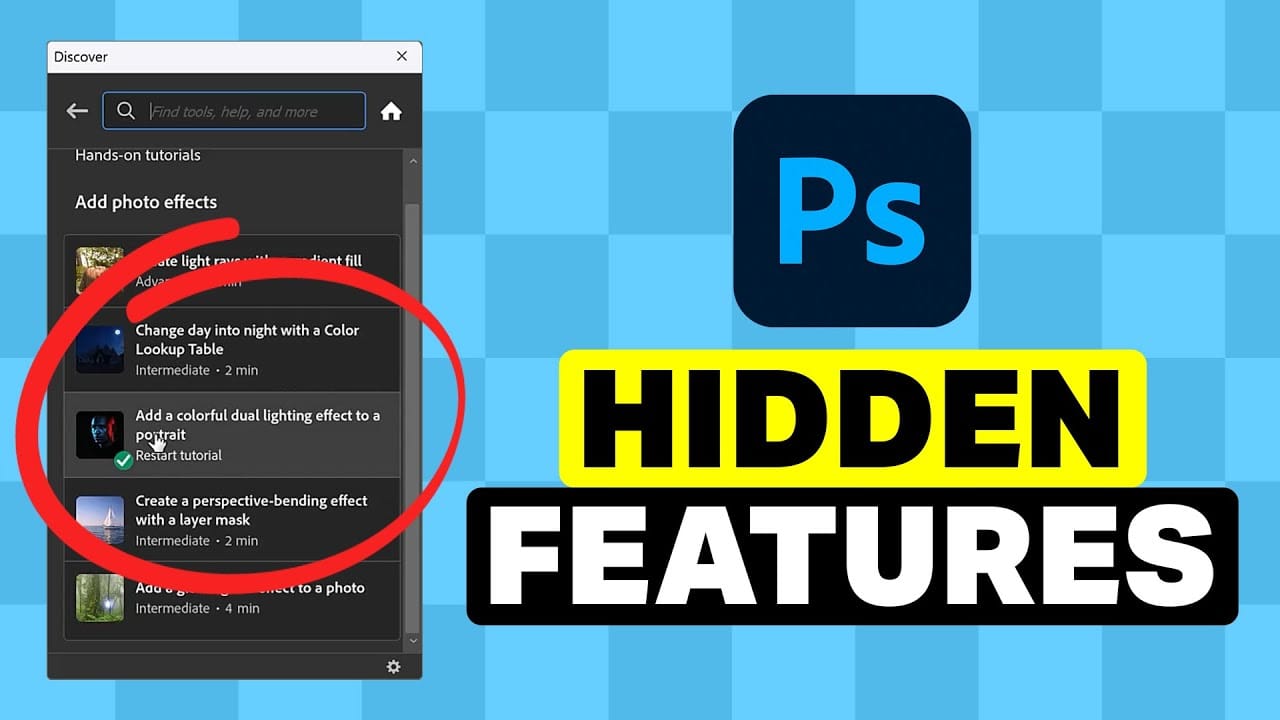
5 Hidden Photoshop Features You Probably Didn't Know
Many Photoshop users tend to rely on a familiar set of tools and workflows, often overlooking powerful but less obvious functionalities. This can lead to inefficient processes and missed creative opportunities, making certain tasks feel more cumbersome than they need to be.
This guide and accompanying video demonstrate five underutilized features within Photoshop that can significantly enhance your efficiency and expand your creative toolkit. Learning these capabilities transforms how you appro
7 Overlooked Photoshop Tools That Will Save You Hours
You're probably using Photoshop the hard way.
You've mastered the basics - Magic Wand for selections, Clone Stamp for removals, layer masks for compositing. But you're likely missing out on dozens of features that could cut your editing time in half.
Adobe has quietly (okay, not so quietly) added dozens of time-saving features that most users never discover.
Here's the thing: Photoshop's interface is overwhelming. With hundreds of tools and panels, it's natural to stick with what works and ig

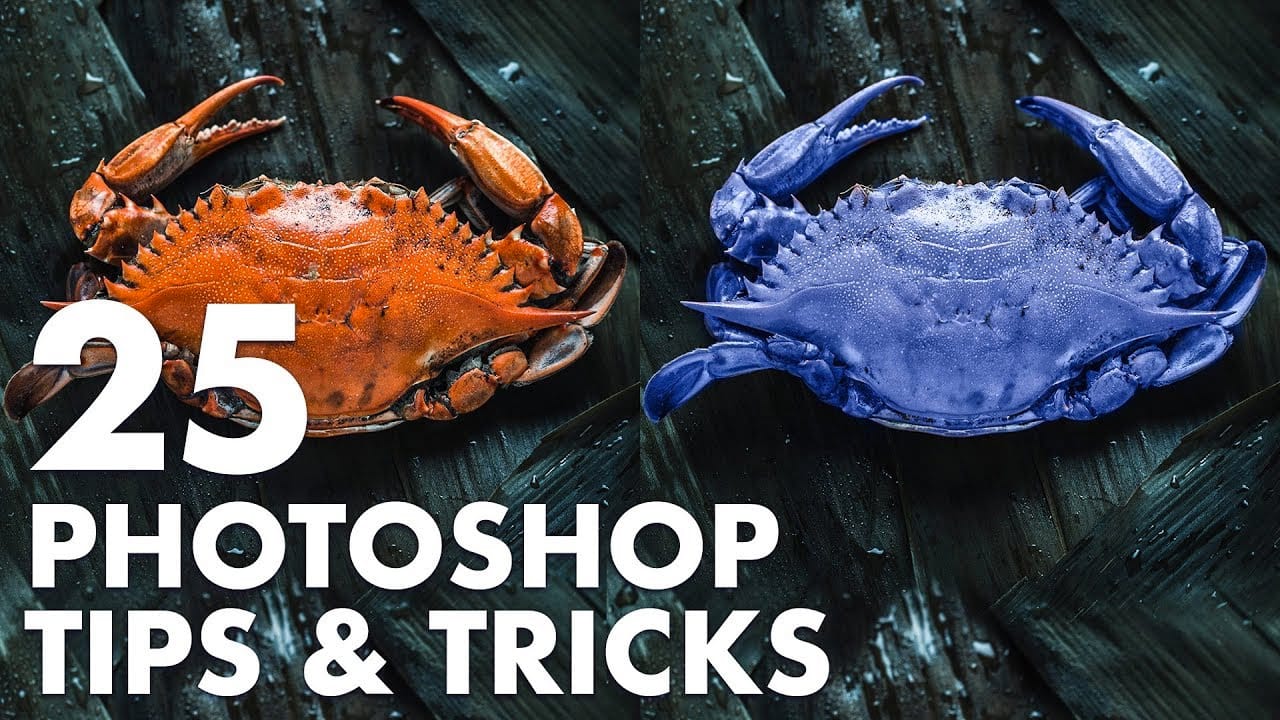
25 Photoshop tips and tricks you must know
Nathaniel Dodson, a renowned Photoshop expert, has crafted a comprehensive tutorial that guides you through the depths of the software's capabilities. In this 120-word exploration, readers will uncover a treasure trove of 25 invaluable tips and tricks that can significantly enhance their Photoshop experience.
From mastering the art of brush smoothing to unlocking the hidden potential of sliders and views, Dodson's tutorial promises to elevate one's Photoshop prowess. Rubberband tricks, seamless
12 Visually Striking Photoshop Effects You'll Want to Add to Your Portfolio Right Now
Most people learning Photoshop quit way too early.
Here's why:
You start with excitement. Finally getting your hands on the world's most powerful image editing software. 'You'll create amazing things with just one click', they said.
You eagerly dive into generative fill, experiment with artistic brushes, play with those magical one-click filters.
Then reality hits.
Your creations look like amateur hour. The kind of work you'd be embarrassed to show your friends, let alone a potential client