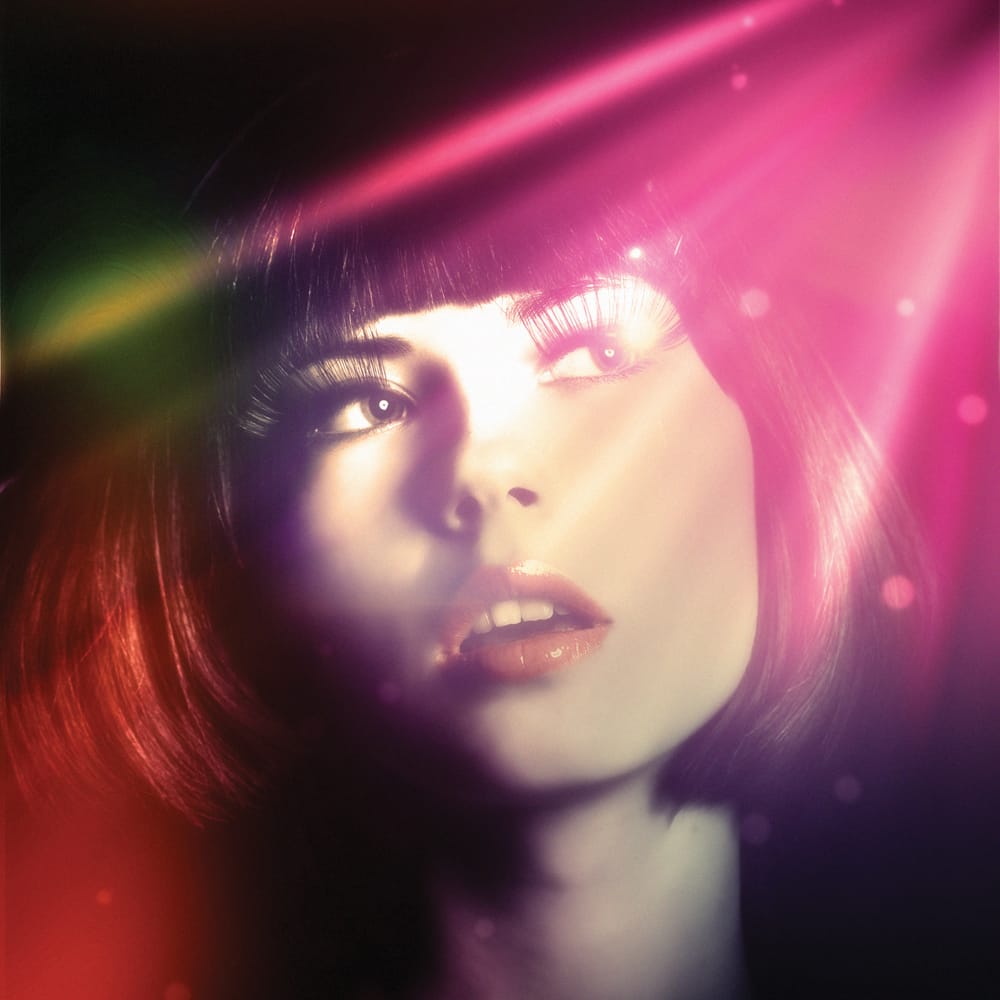
Firefly Boards offers a unified workspace where you can transfer photographic styles from reference images to your own photos, then transform those styled images into animated videos. This workflow combines multiple AI models in one interface, allowing you to access advanced image generation and video creation tools without switching between different applications.
The process uses simple drag-and-drop functionality and text prompts to merge visual styles, then applies motion effects to create professional-looking video content ready for social media or client projects.
Watch the Video
Video by PHLEARN. Any links or downloads mentioned by the creator are available only on YouTube
Practical Tips
Follow these key steps to achieve effective style transfer and video creation in Firefly Boards:
- Upload both your subject image and style reference image to the board before starting the generation process
- Use the eyedropper tool to select each image in your prompt, then describe the style transfer in simple terms like "copy the style of the blurred image onto the black and white portrait"
- Generate multiple variations without waiting for completion by clicking generate repeatedly for more options to choose from
- Change aspect ratios by clicking the reload icon on your selected image and adjusting the dimensions before regenerating
- Create specific camera movements in your video prompt, such as "slowly shake his head from left to right as you zoom into the photo" for more dynamic results
Related Articles and Tutorials
Explore more creative techniques and AI-powered workflows to enhance your digital art and photo editing skills.
 Enrique Flouret
 Enrique Flouret