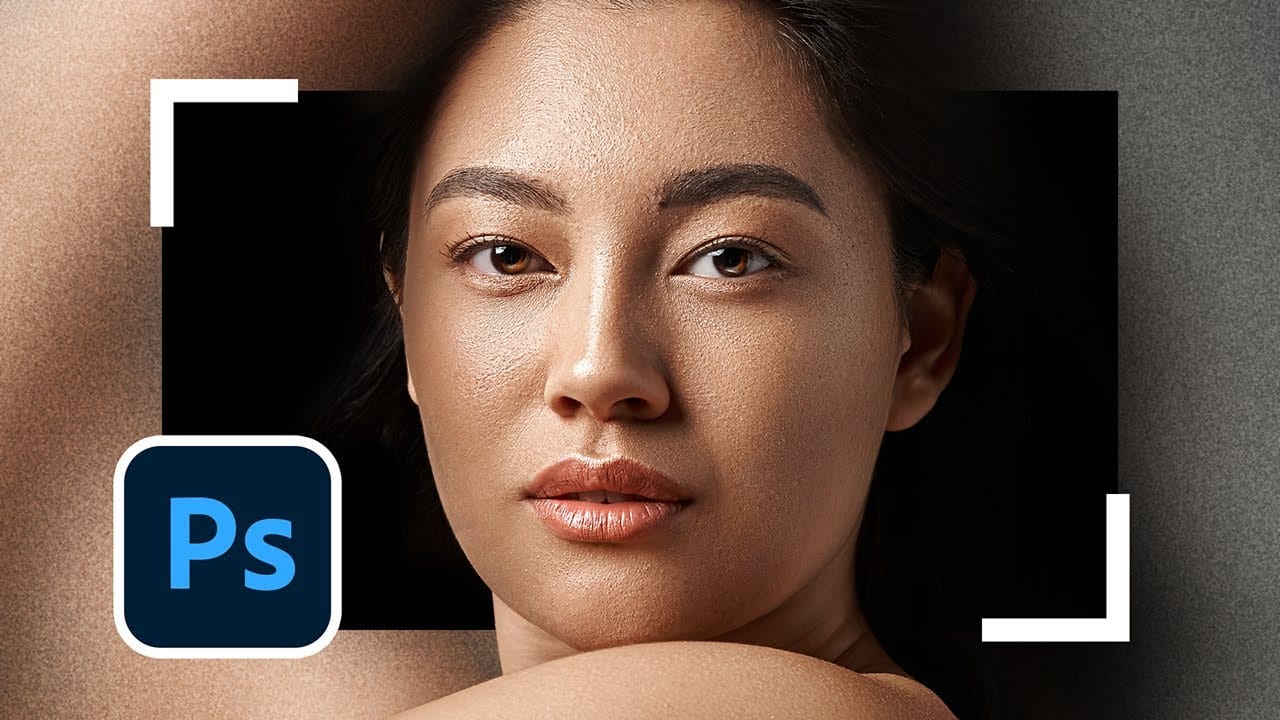
AI generates images from descriptions, but it cannot hand you the brush. When a project demands exact colors, editable text, precise retouching, or seamless mockups, Photoshop's native tools remain the more reliable choice — not because AI is weak, but because these workflows require control that generative tools simply cannot provide.
Watch the Video
Video by PiXimperfect. Any links or downloads mentioned by the creator are available only on YouTube
Practical Tips
Here are the key techniques covered in this tutorial, each demonstrating where manual Photoshop tools hold a clear advantage over AI-generated results.
- Use recorded actions for repetitive retouching tasks — a teeth-whitening action, for example, automates brush selection and color while keeping the result fully adjustable via opacity.
- Apply LUTs through Color Lookup adjustment layers rather than asking AI to color-grade, so the original image stays intact and the effect can be faded, doubled, or masked at any point.
- Edit smart object mockups directly to update text, graphics, and colors without regenerating the image — changes reflect instantly across all folds, shadows, and surfaces.
- Use the Symmetry and Mandala brush options to draw seamless, tileable patterns that connect cleanly at every edge, something AI-generated patterns routinely fail to achieve.
- Install custom brushes and plugins for tasks like iris enhancement, lens flare placement, or signature extraction — these give precise, repeatable results that stay consistent across multiple images.
Related Articles and Tutorials
These tutorials explore the broader relationship between traditional editing techniques and modern AI tools.
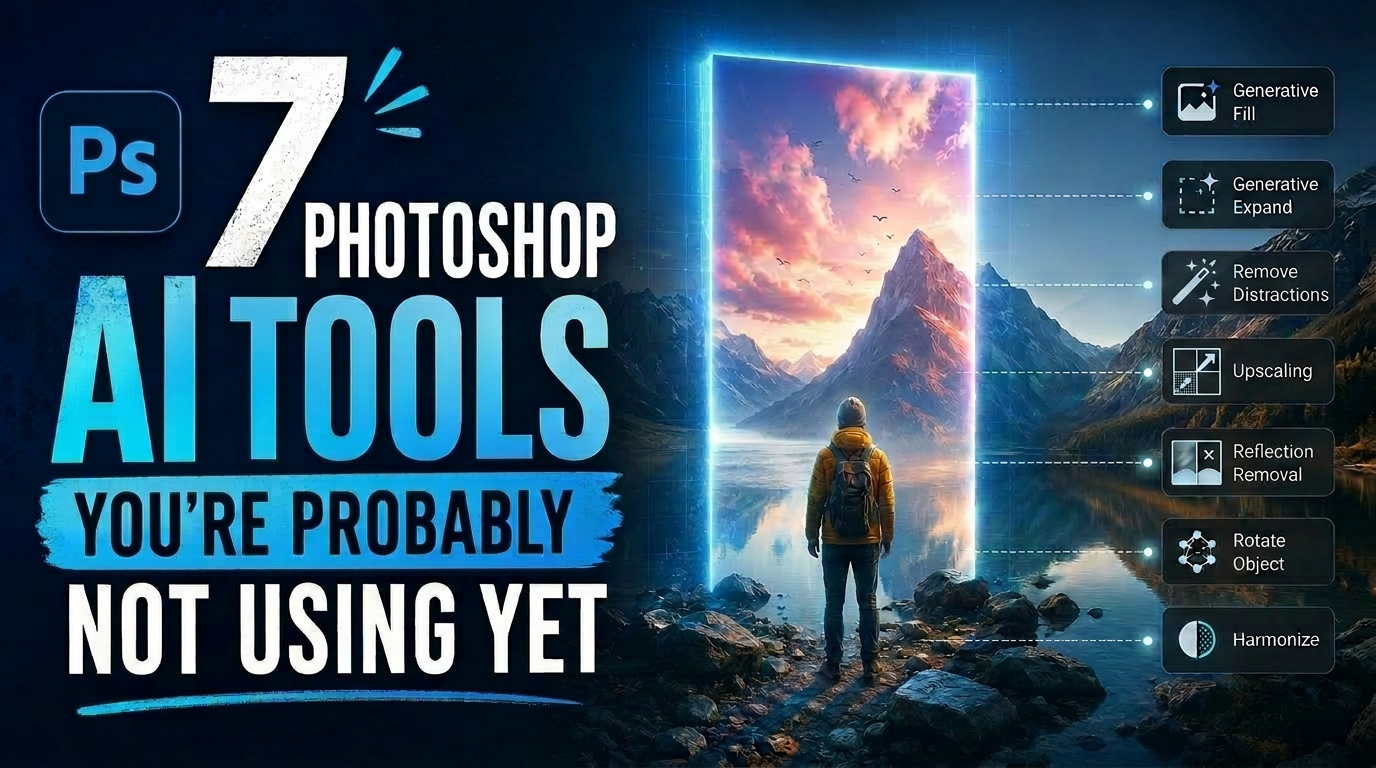
7 Photoshop AI Tools You're Probably Not Using Yet
Photoshop's AI features now go far beyond simple object removal. Some of the newer tools can completely change the way you edit photos, create composites, clean up distractions, or expand scenes — often with just a few clicks.
The interesting part is that many of these features still feel surprisingly underused. While Generative Fill gets most of the attention, Photoshop now includes several AI-powered tools that can produce genuinely impressive results without requiring overly complicated work
7 Photoshop Tools Replaced by AI: Are They Still Relevant?
Adobe's integration of AI-powered features has fundamentally changed how photographers and designers approach common editing tasks. From reflection removal to noise reduction, many traditional Photoshop tools now have AI counterparts that promise faster results with minimal manual work.
This video demonstrates how seven classic Photoshop tools compare against their AI replacements, showing practical examples of when the new technology excels and when traditional methods still hold their ground.
Strategic Guide to Photoshop's AI Tools: Which Tool, When, and Why
Over the past few years, Adobe has been strategically integrating AI-powered features that are redefining what's possible in image editing, positioning Photoshop at the forefront of the generative AI revolution.
Rather than simply adding standalone AI tools, Adobe is thoughtfully weaving intelligence into Photoshop's core workflows, creating something far more sophisticated than the typical AI feature additions we see elsewhere. But here's the challenge: having all these options doesn't automat

10 Ways AI Completely Transformed My Photoshop Techniques
Repetitive tasks like making complex selections, removing unwanted objects, and cleaning up blemishes can consume hours of an editor's time. While traditional Photoshop methods offer precise control, they are often slow and require significant technical skill for what should be simple fixes.
This guide demonstrates how to integrate modern AI features into your daily workflow. You will learn practical techniques for everything from one-click selections and generative fills to automated retouchin
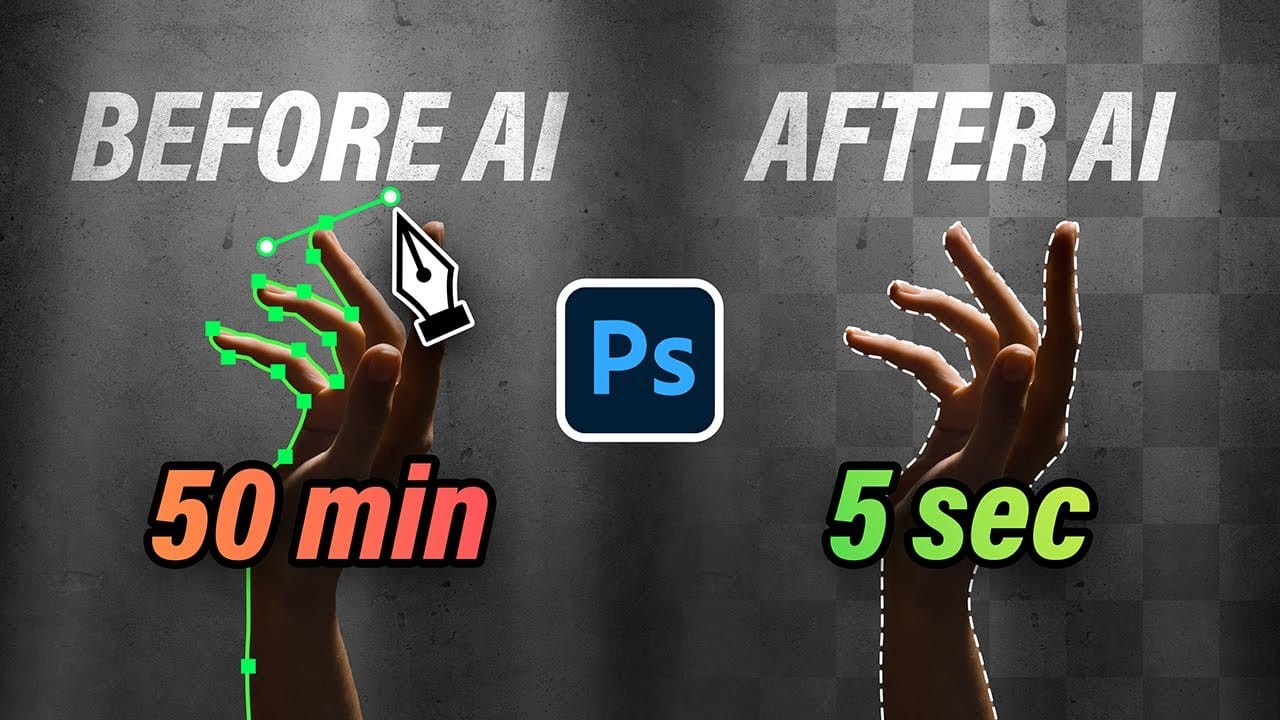
New Photoshop AI Features – Smarter, Faster, and More Efficient Tools!
Editing detailed selections, adjusting colors, and removing backgrounds in Photoshop can be tedious, especially when working with complex edges like hair or challenging objects. Manual work often stalls creative flow and makes it tough to achieve clean, professional results on tight deadlines.
This article introduces essential, time-saving features in the latest Photoshop update—including advanced AI-powered selection, color, and removal tools. Learn how these updates streamline everyday editin
7 Practical Photoshop Tips for 2026: Selections, AI Tools, and Generative Fill
Several of Photoshop's most useful tools have hidden options that most users overlook — small settings that make a real difference in how accurately and efficiently you work. This tutorial covers seven practical techniques built around newer features, including smarter selection subtraction, refined color adjustments, non-destructive object removal, and choosing the right AI model for Generative Fill.
Watch the Video
Practical Tips
Here are the key techniques covered in this tutorial, each
Discover Hidden Photoshop AI Tools to Transform Your Photos
Transform ordinary photographs into captivating works of art using advanced Generative AI features in Photoshop. This guide reveals a powerful, often overlooked technique to unlock incredible artistic potential from your images.
Discover how to apply stunning styles, from delicate watercolors to bold Art Deco and futuristic visions, by mastering a subtle yet impactful control within Photoshop's AI capabilities.
Watch the Video
Understanding Generative AI's Creative Control
Generative AI to
35 Artistic Photoshop Effects Tutorials and Actions That Actually Look Good
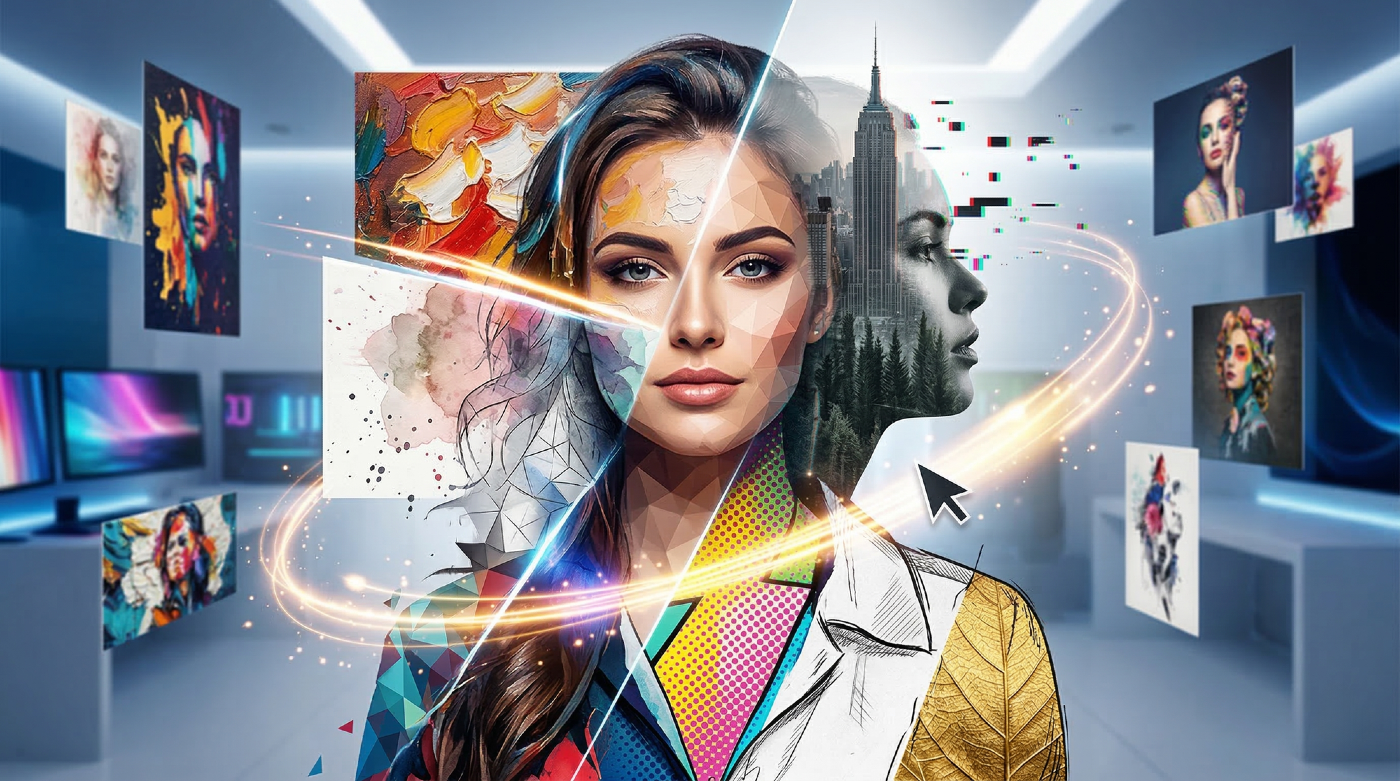
Creating illustration effects from a photo has never been easier. AI tools can generate a sketch, a painting, or a cartoon version in seconds, and the first result can look surprisingly good.
The problem is control. Even with conversational AI models (like ChatGPT or Gemini Nano Banana) that let you describe exactly what you want, adjusting a detail or keeping a consistent style across multiple images is never fully reliable. These tools recreate the image from scratch each time based on your i
7 Overlooked Photoshop Tools That Will Save You Hours
You're probably using Photoshop the hard way.
You've mastered the basics - Magic Wand for selections, Clone Stamp for removals, layer masks for compositing. But you're likely missing out on dozens of features that could cut your editing time in half.
Adobe has quietly (okay, not so quietly) added dozens of time-saving features that most users never discover.
Here's the thing: Photoshop's interface is overwhelming. With hundreds of tools and panels, it's natural to stick with what works and ig

Can AI Retouch Better Than You? Let's find out.
This video provides a comprehensive comparison between traditional retouching methods and modern AI-assisted techniques. You will see how professional editors use Photoshop to enhance images, contrasting this with the automated processes offered by AI applications.
The focus is on whether AI can match the quality of human artistry. The presentation walks you through various retouching techniques, beginning with skin enhancement and progressing to finer details like eye and teeth brightening. Ea