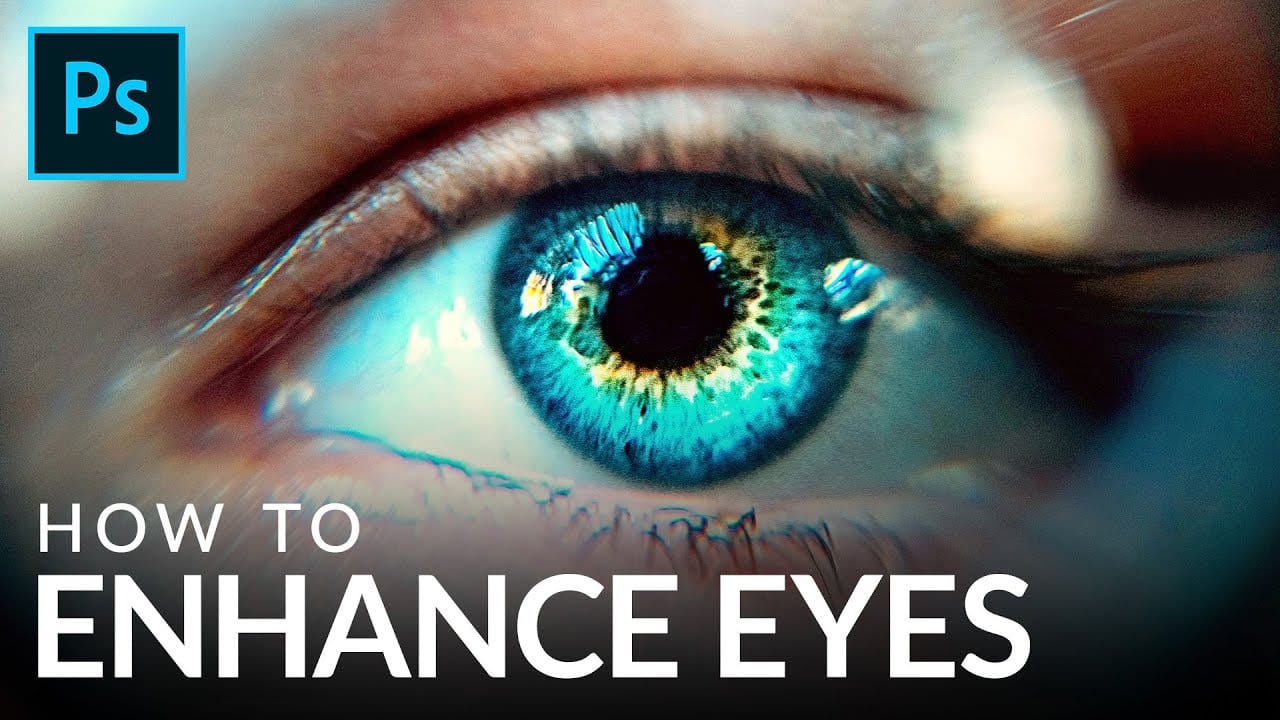
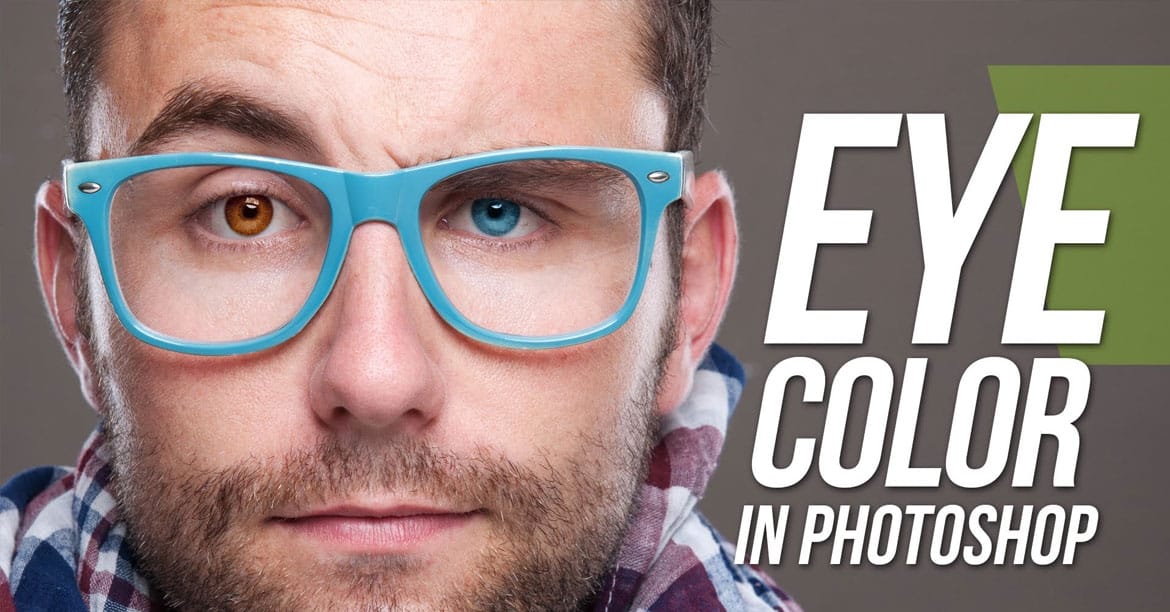
Changing eye color digitally opens up creative possibilities for portrait retouching, whether you want to transform dark eyes to lighter shades or experiment with fantasy colors. This technique works especially well when starting with darker eyes, as they provide a solid base for dramatic color transformations.
The key to realistic results lies in using multiple adjustment layers within a properly masked group, allowing you to build up color, brightness, and detail gradually while maintaining natural-looking variations.
Watch the Video
Practical Tips
Follow these essential techniques to achieve professional eye color changes:
- Create a group with a single layer mask to contain all your adjustments, making it easier to manage multiple layers
- Start with a curves adjustment layer set to brighten when working with dark eyes to create a foundation for color changes
- Use hue/saturation layers for color shifts, but reduce saturation slightly to maintain realistic eye color intensity
- Apply gaussian blur to selection edges and avoid affecting the pupil center and catchlights to preserve natural eye structure
- Add darker edges around the iris using additional curves layers to mimic how natural eyes appear
Related Articles and Tutorials
Explore more eye editing techniques and color manipulation methods for portrait retouching:
How to edit eyes in Photoshop
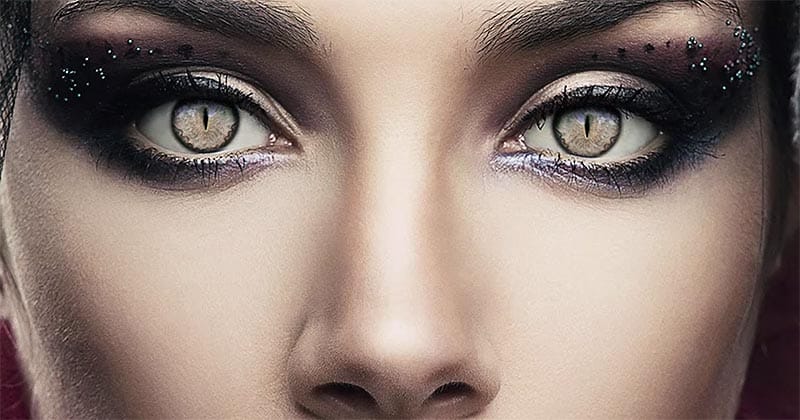
In this Photoshop tutorial by PSD Box, viewers learn how to creatively alter and enhance eye appearance in portraits.
The tutorial begins by introducing a photo of a woman and a cat's eye, demonstrating how to replace the woman's eyes with those of the cat using adjustment layers. Key adjustments include Hue/Saturation and Curves layers to modify eye color, contrast, and overall look. Techniques like layer masking ensure smooth integration of the cat's eyes onto the woman's face, while addition
How to Color, Brighten and Sharpen Eyes in Photoshop
In this tutorial by Aaron Nace from Phlearn, learn how to enhance eyes in Photoshop to make them captivating and sharp.
Techniques include coloring the eyes by sampling natural hues and adjusting lightness and saturation, using blending modes like "Soft Light" or "Overlay" for a natural look, and softening edges with Gaussian Blur. Dodge and Burn techniques are used to enhance depth and light in the pupils, while selective sharpening draws attention to the eyes, making them stand out in portrai
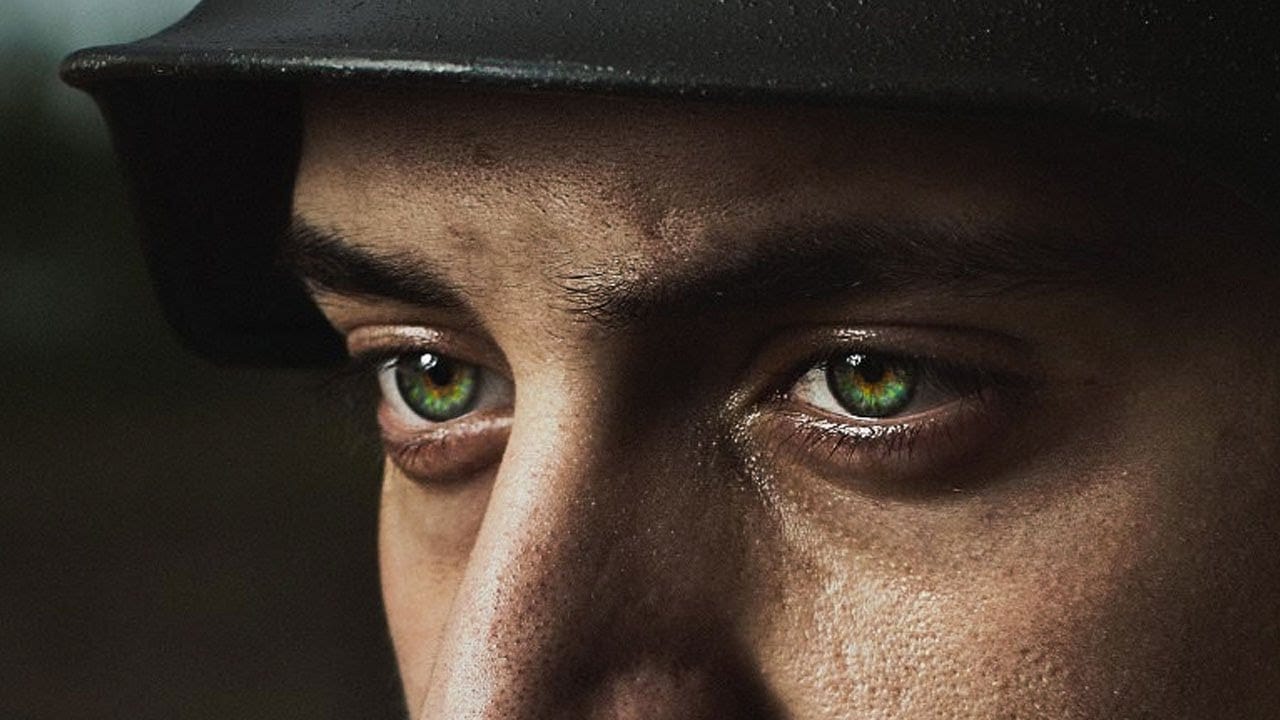
Learn how to change eye, hair and lips color in Photoshop
For those of us who aren't professional photographers, or lack the proper equipment, portrait photography is a feat that will inevitably end in an intensive, and sometimes clueless, retouching session.
Luckily Photoshop has some incredible tools to make this process easier. But if you aren't an intermediate or advanced user, you will need some help.
The following tutorials will explain the basics of hair, eye and lips retouching process for beginners.
How to Change Hair Color in Photoshop
T
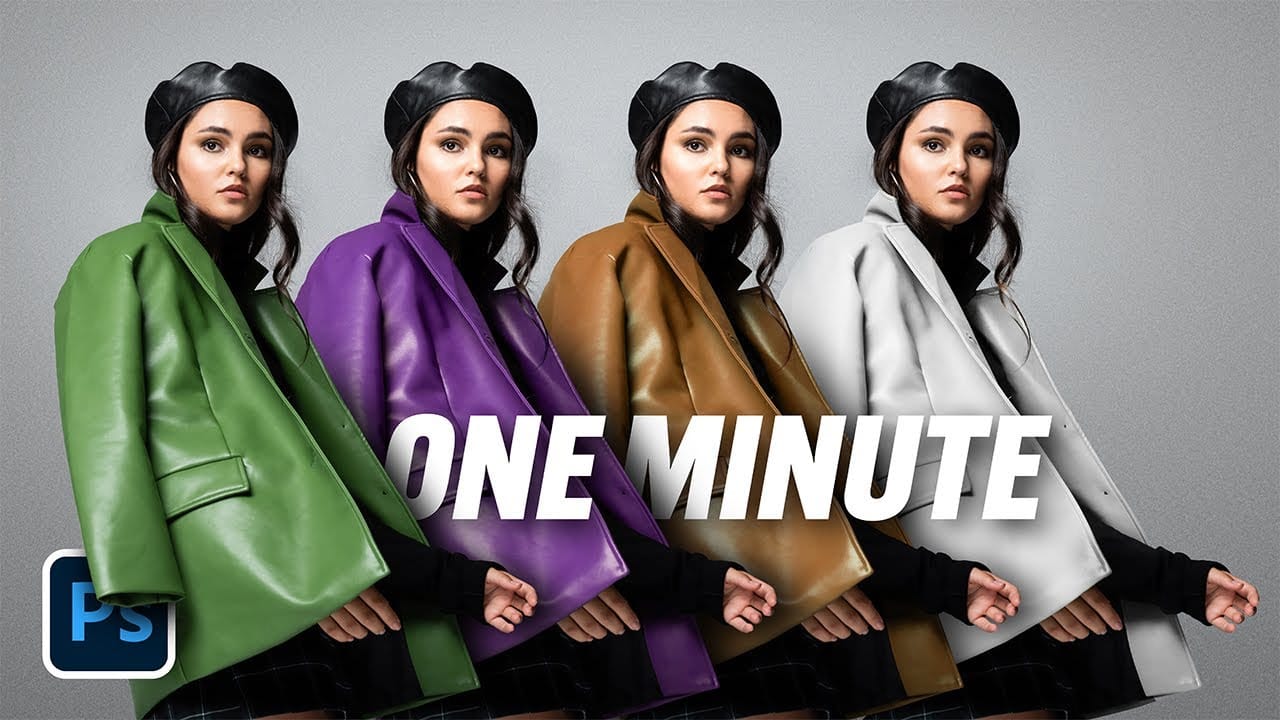
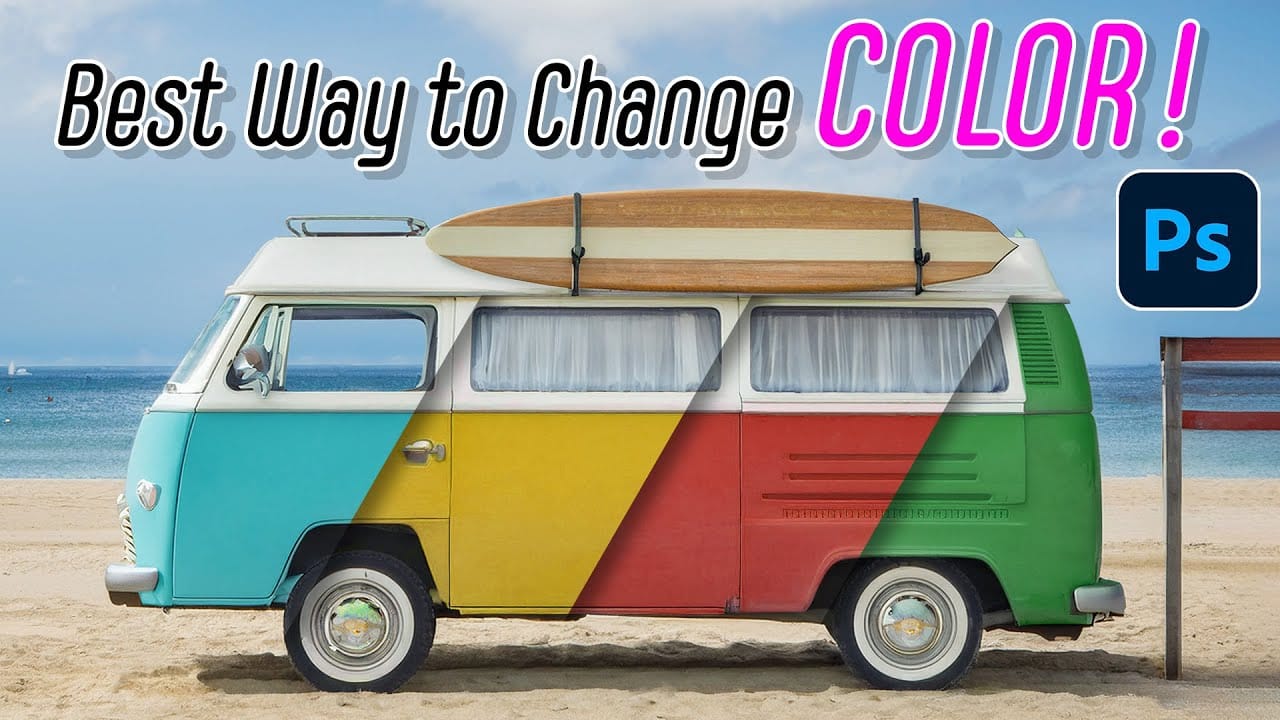
The easiest way to change any color in Photoshop
Changing the color of specific elements within an image can often be a frustrating challenge for designers and photographers. Achieving a precise color shift without affecting surrounding areas, or dealing with complex selections, often leads to a time-consuming and imperfect process.
This guide introduces a highly efficient method utilizing Photoshop's latest updates, specifically the "Adjust Colors" feature found in the contextual taskbar. This technique simplifies accurate color manipulation
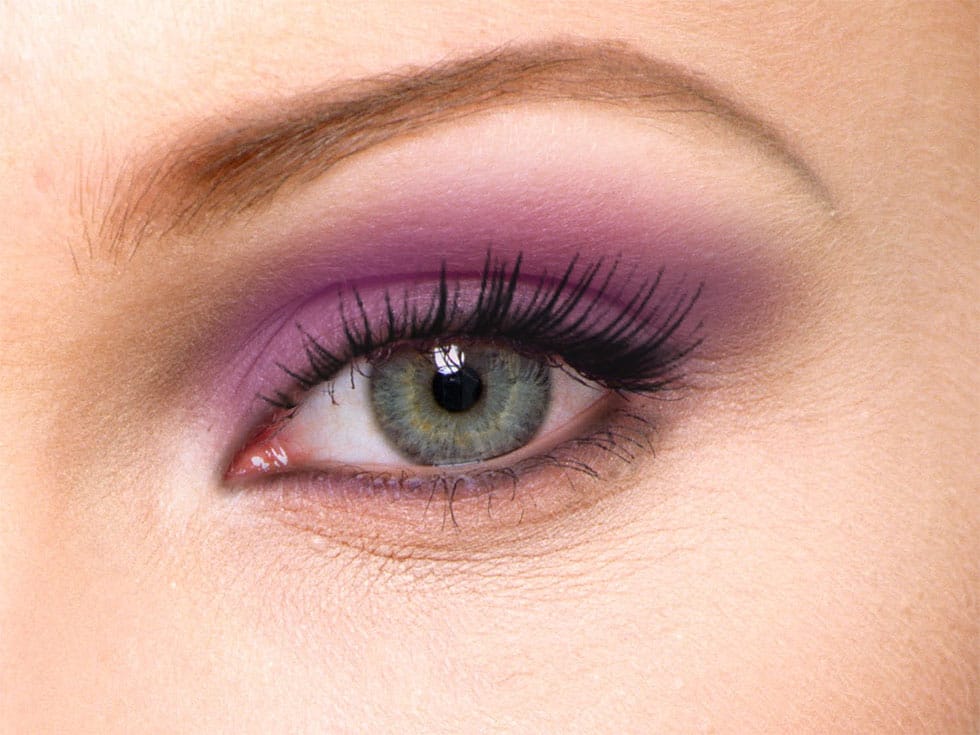
How to apply Realistic Eye Makeup Easily in Photoshop
In a step-by-step tutorial, the author provides a guide on how to add digital eye makeup using Photoshop. The video demonstrates the process of applying realistic eye makeup by utilizing various blend modes.
The author suggests using a 'Soft Brush' to apply different eye shadow colors. This technique ensures that the colors are well-blended. Additionally, the author recommends applying 'Gaussian blur' to further blend the colors and create a more seamless appearance.
Finally, the author advise
Learn how to easily change eye color in Photoshop
Double exposure effects blend two images into a single artistic composition, creating striking visuals where portraits merge seamlessly with textures like leaves, cityscapes, or abstract patterns. This technique transforms ordinary photos into compelling artwork by layering elements that tell a story or evoke emotion.
The process combines masking, blending modes, and color adjustments to achieve professional results that work well for creative portraits, album covers, or artistic photography pr
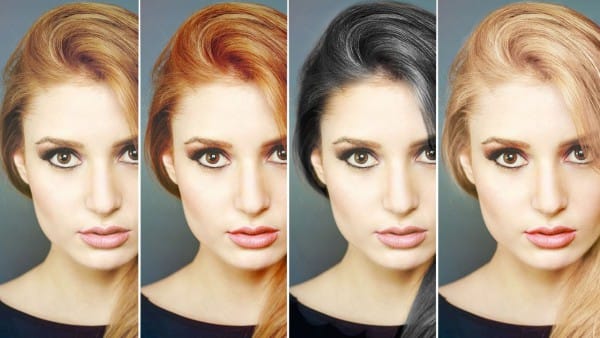
How to Change Hair Color in Photoshop
There are many reasons why you may want to change hair color in Photoshop. Perhaps your subject has recently dyed their hair and it doesn't look natural. Perhaps you want to see what you would look like with dark hair.
Changing Hair color in Photoshop is much easier than doing it in real life and by the time this tutorial is over you will be on your way to color city!
It is much easier to make hair dark than light. If you are starting out with a blonde and want to make her a brunette, not too
How to Change Object Colors in Photoshop Using Hue/Saturation
Changing the color of specific objects in your photos requires precision and the right technique. The key is creating an accurate selection and using a targeted adjustment layer that affects only your chosen subject while preserving the rest of the image.
This method combines the Object Selection tool with Hue/Saturation adjustment layers to achieve professional color changes. The technique works by isolating your subject with a layer mask, then using targeted color adjustments to transform hue
How to Enhance Eyes in Photoshop
In his tutorial, Aaron Nace, the founder of Phlearn, guides viewers through the process of enhancing any set of eyes to achieve their absolute best appearance. Nace demonstrates techniques using Photoshop's powerful tools, including Curves for sculpting highlights and shadows, Solid Color Fill Layers for color enhancement and adjustment, and the Unsharp Mask filter for professional-level sharpening.
The tutorial offers a comprehensive approach to eye retouching, equipping viewers with the skill