Digital distortion effects transform ordinary portraits into striking visual art by warping reality through deliberate technical manipulation. This technique uses multiple wave filters layered together to create increasingly complex distortions, while selective masking preserves important facial features from becoming completely unrecognizable.
Watch the Video
Video by P A N T E R. Any links or downloads mentioned by the creator are available only on YouTube
Practical Tips
Master the wave distortion effect with these essential techniques:
- Convert layers to smart objects before applying wave filters to maintain non-destructive editing capabilities
- Apply multiple wave filters with different settings to build complexity gradually rather than one extreme effect
- Use layer masks with black paint bucket fill, then brush white back selectively to preserve key facial features
- Separate RGB channels on the final composite and offset them horizontally to create authentic color channel glitch effects
- Experiment with blend modes like Lighten on duplicate layers to add luminosity variations to the distortion
Related Articles and Tutorials
Explore more creative distortion and glitch techniques for digital art projects.
The Beauty of Digital Mistakes: Glitch Effects and Visual Aberrations in Photoshop
Once, a broken image or pixelated frame meant something had gone wrong. Now, those same visual errors are a creative choice. Designers and digital artists are using glitch effects to turn imperfections into style — bending pixels, breaking color channels, and distorting shapes until they feel alive again.
Maybe it's nostalgia for the days of VHS static and corrupted files, or maybe it's a reaction to the clean perfection of digital design — but glitch aesthetics bring a sense of chaos that feel
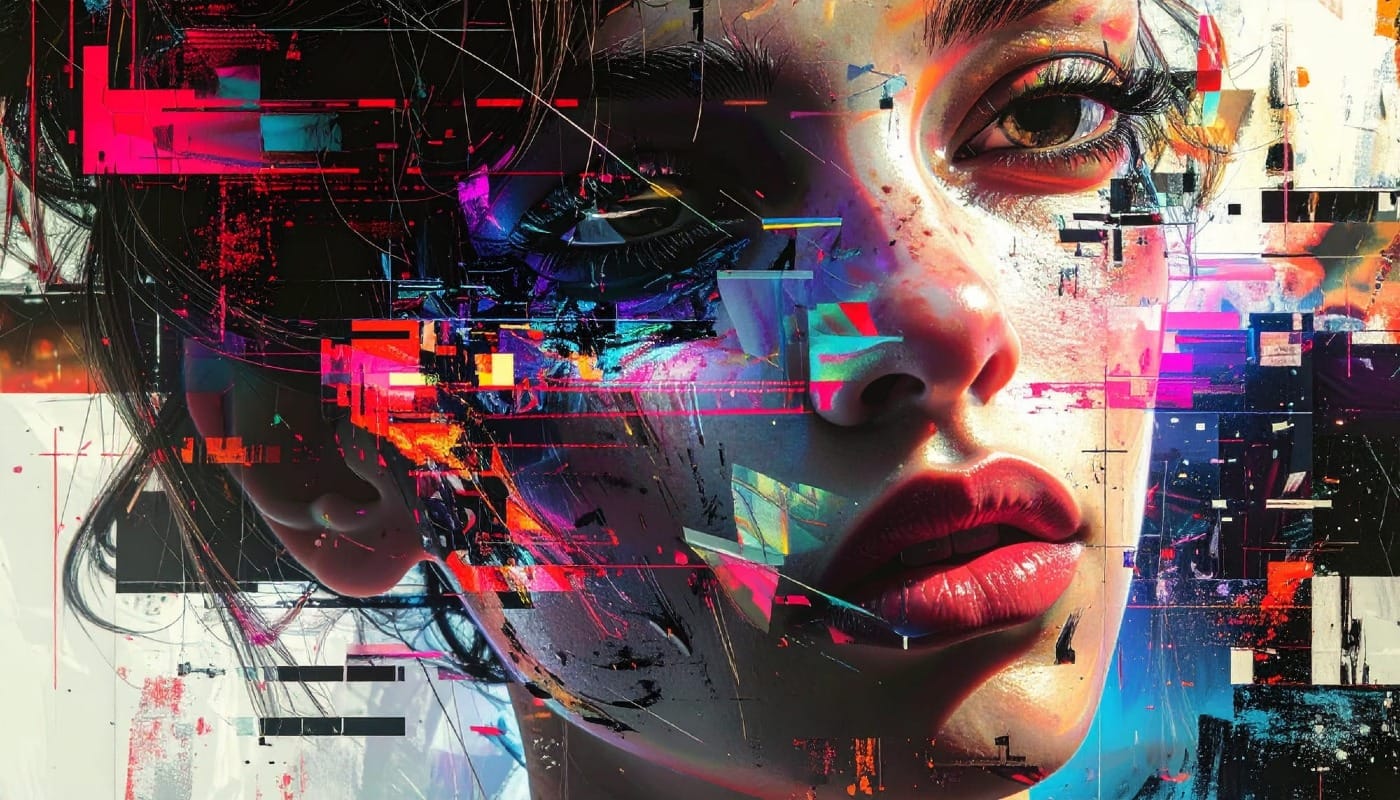
100 Wonderful Photoshop Photo Effects tutorials
Learn how to create awesome photo effects in photoshop with this gallery of 100 impressive Photoshop tutorials.
 Enrique Flouret
How to Create Glitch Effects in Photoshop Using the Wave Filter
Digital glitches transform ordinary images into striking visual disruptions that capture attention instantly. The aesthetic of broken pixels, stretched sections, and fragmented visuals has become a powerful design element in contemporary digital art. This tutorial demonstrates a hidden technique using Photoshop's Wave filter to create authentic-looking glitch effects. Learn how to manipulate wavelength, amplitude, and scale settings to produce convincing digital distortions.
Watch the Video
Create a Glitch Art Effect in Photoshop
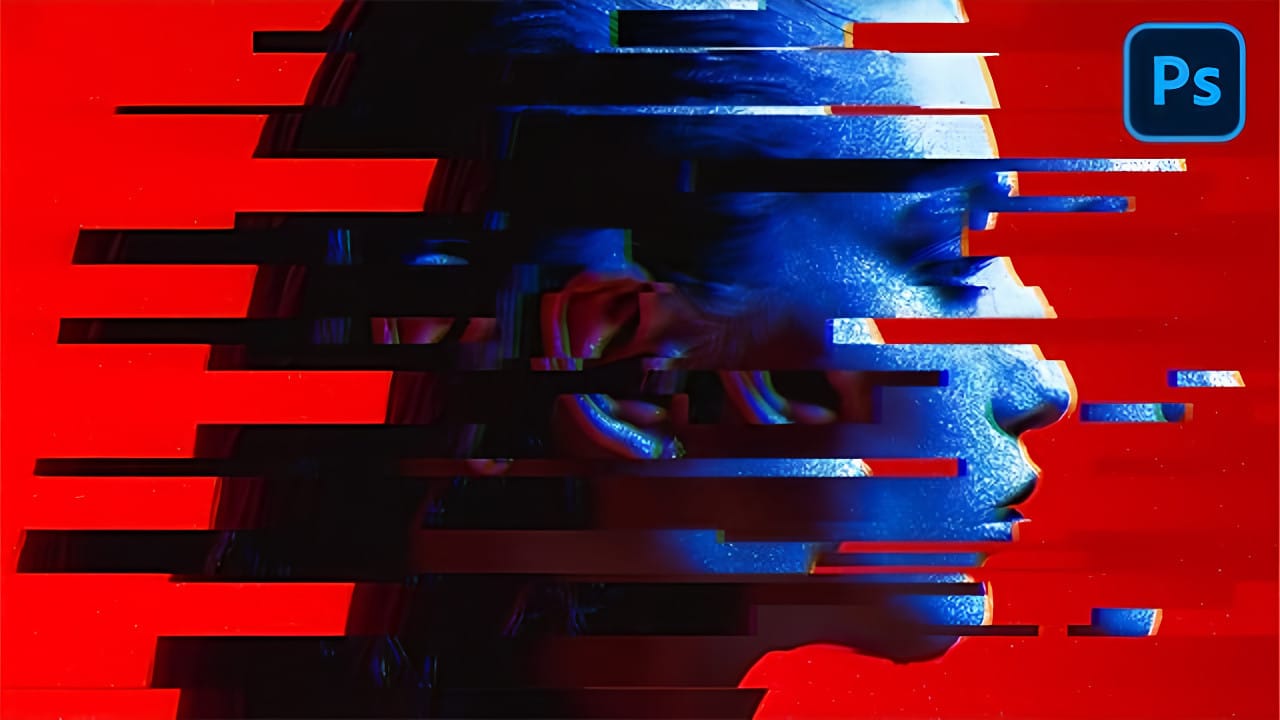
Glitch art has emerged as a distinctive aesthetic in the digital age, rooted in the unexpected visual outcomes of digital errors. This art form transforms technical malfunctions into deliberate creative expressions, offering a unique visual language.
This tutorial explores how to simulate this captivating effect from a standard photograph in Photoshop, guiding you through the essential steps to transform your images into compelling glitch art pieces.
Watch the Video
The Digital Aesthetic of
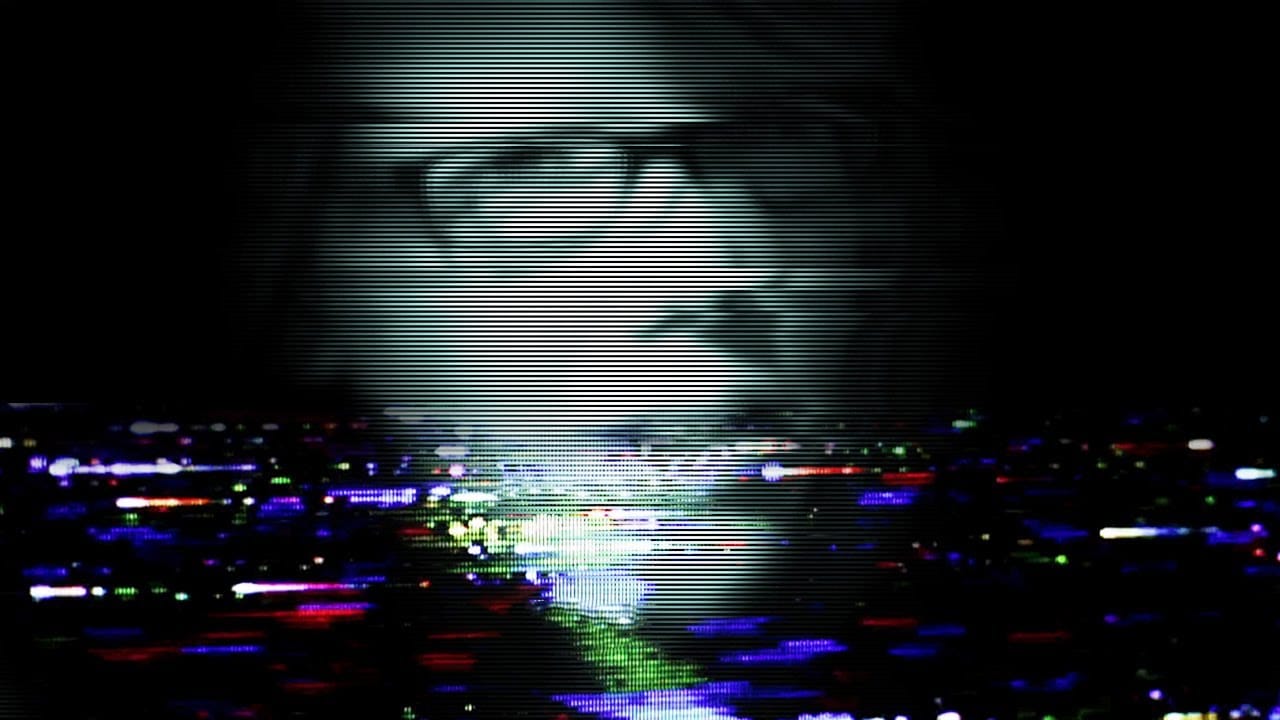
How to Create a VHS Glitch Effect in Photoshop
VHS glitch effects capture the nostalgic charm of analog video distortion, transforming clean digital images into retro masterpieces. These effects recreate the visual artifacts of old videotapes — horizontal scan lines, color channel separation, and pixelated interference that defined an entire era of visual media.
This tutorial demonstrates how to build a convincing VHS glitch effect using Photoshop's filters, blend modes, and displacement techniques. You'll learn to create authentic-looking
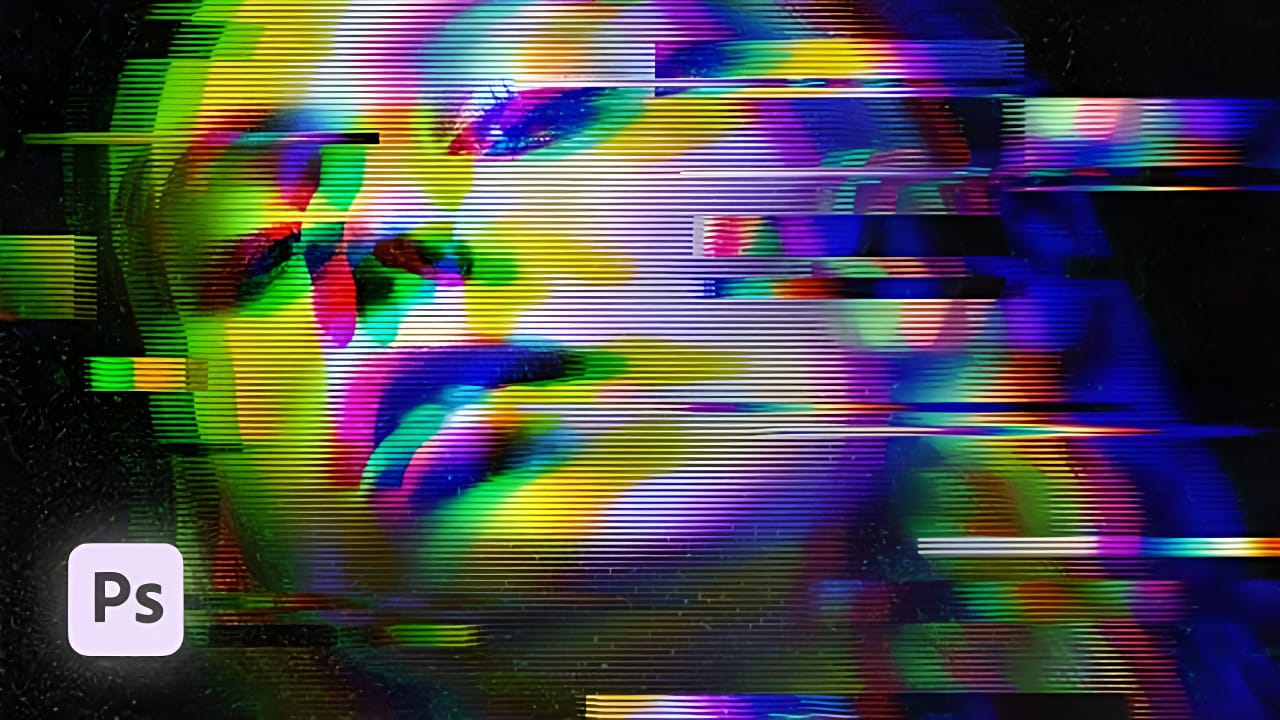
Create a Distorted Photocopy Scan Effect in Photoshop
Vintage photocopy effects capture the imperfect charm of analog reproduction—those streaky scan lines, halftone dots, and mysterious distortions that made every copy slightly different. These gritty, mechanical textures add authentic character to digital designs, evoking the era when photocopiers were the primary way to duplicate documents and images.
This video demonstrates how to recreate that distinctive look using Photoshop's filter gallery and liquify tools to build convincing photocopy di
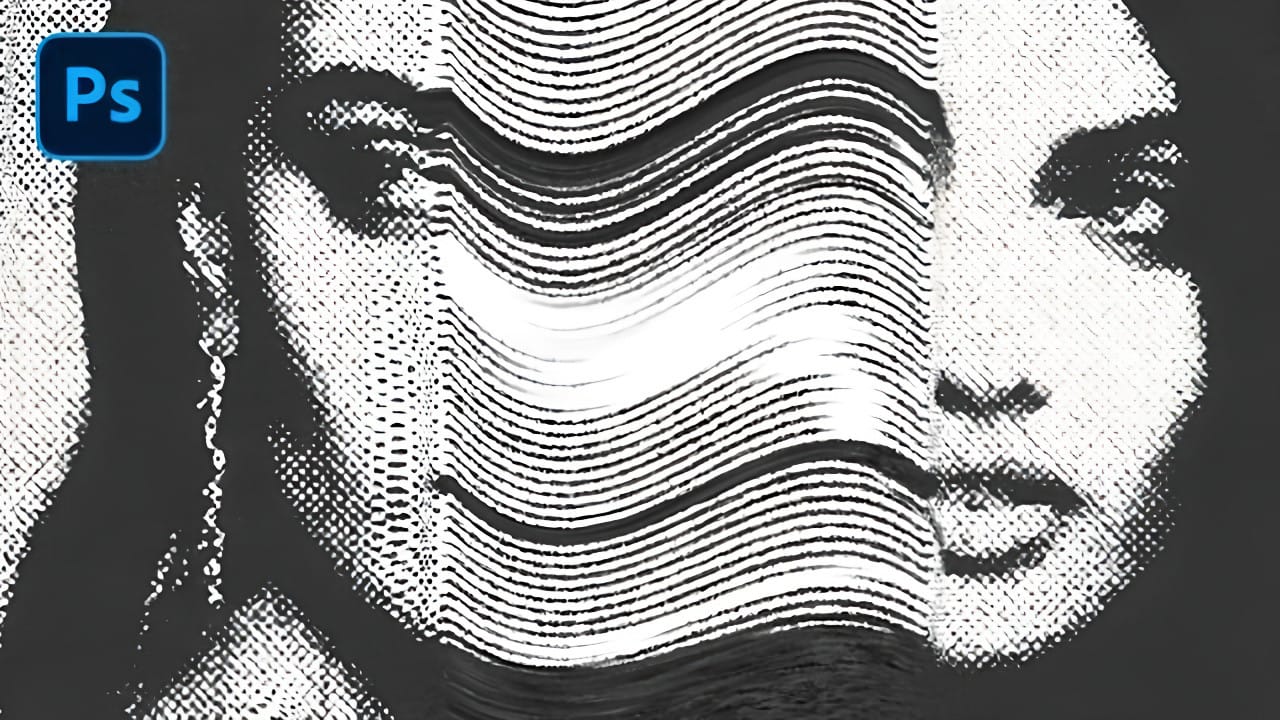
Double Exposure Glitch Poster Design in Photoshop
In this Photoshop tutorial by Click3D, you'll learn how to create a striking double exposure glitch poster design. The tutorial guides you through the process step by step, starting with the basics of setting up your project and selecting your images.
You'll discover how to combine double exposure techniques with glitch effects to achieve a unique and eye-catching design. The tutorial covers essential steps like blending layers, applying distortion effects, and refining your poster to enhance t
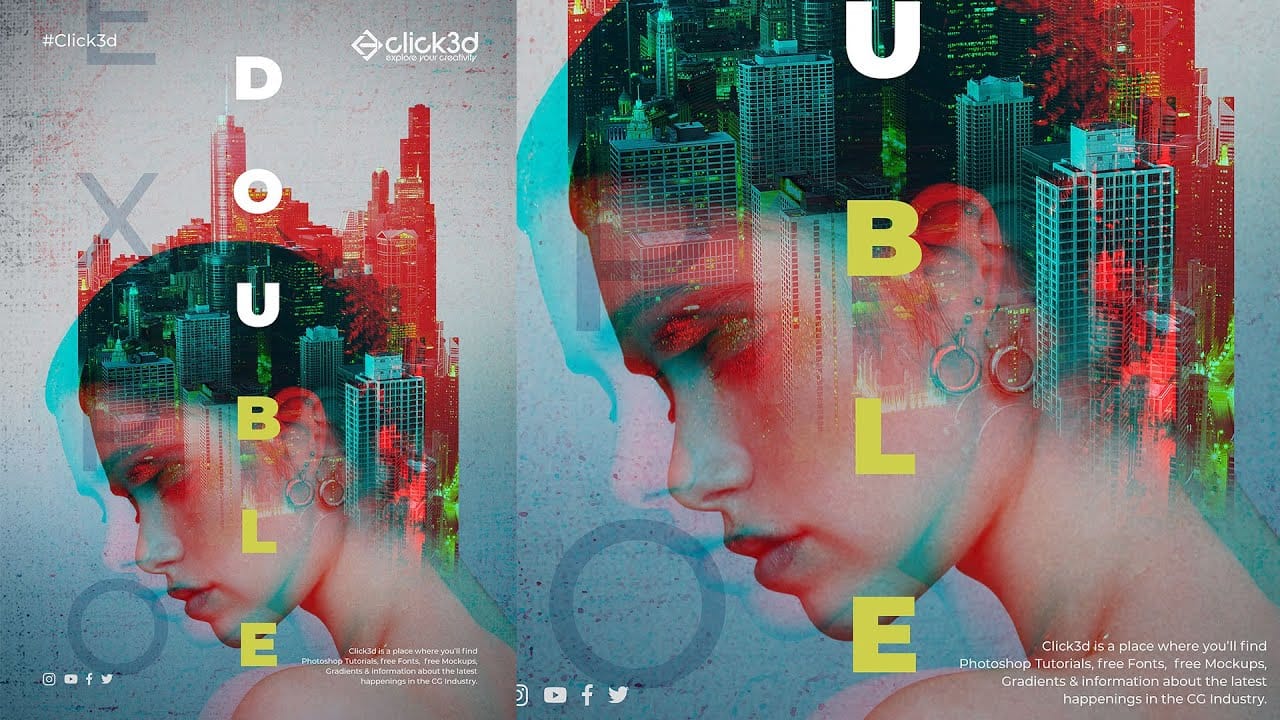
Create an awesome grainy scan-line text effect in Photoshop
In this tutorial by Blue Lightning TV, you'll learn how to create an awesome CRT scan-line text effect with digital glitches from scratch using Adobe Photoshop.
The tutorial guides you through a few easy steps to achieve this retro and glitchy aesthetic. You'll explore techniques to simulate CRT monitor scan-lines, add digital glitches, and apply effects to text, creating a unique and visually dynamic result
Whether you're nostalgic for retro tech aesthetics or looking to add a futuristic glit
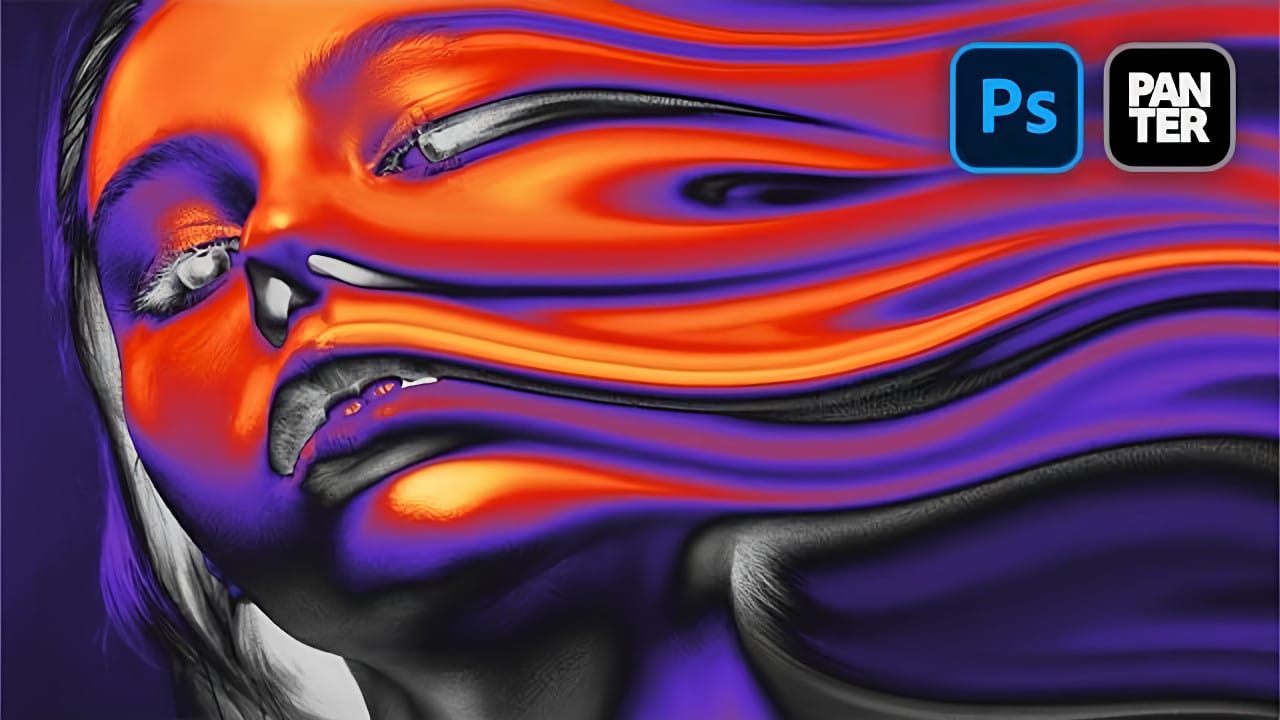
How to Create a Liquid Acid Melting Effect in Photoshop
The liquid acid effect transforms ordinary portraits into surreal, otherworldly visuals that seem to melt and flow across the canvas. This distinctive distortion technique creates an organic, fluid appearance that suggests corrosive forces reshaping reality itself.
This tutorial demonstrates how to achieve this striking visual using Photoshop's smudge tool combined with strategic color grading and noise textures to enhance the melting illusion.
Watch the Video Tutorial
The Psychology of Dis
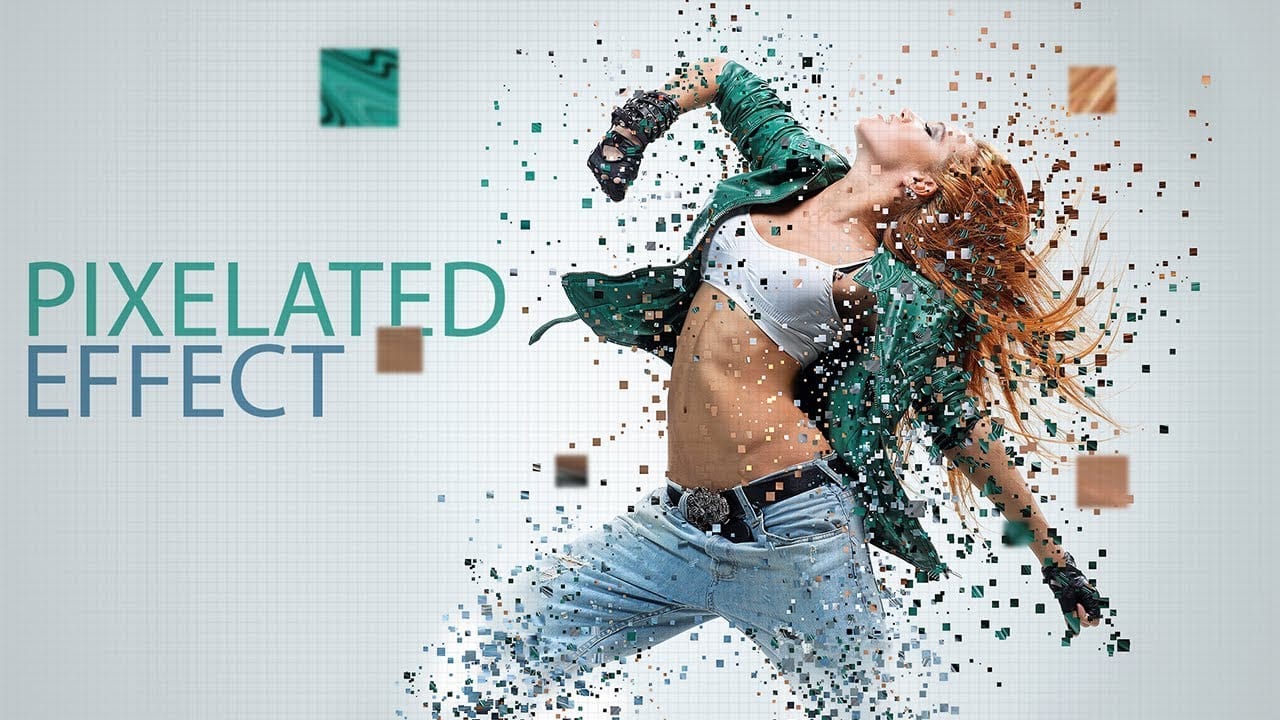
Create a pixelated dispersion effect in Photoshop
Transform ordinary photos into striking digital artwork using Photoshop's pixel manipulation techniques. This tutorial reveals how to deconstruct images into bold, geometric designs that capture the essence of digital pop art and retro gaming aesthetics.
Watch the Video
Practical Tips for Pixel Art Effects
Master the art of digital pixel transformations with these key techniques:
* Create custom pixel brushes to control size, spacing, and randomness of pixel elements
* Use Liquify filter
How to Make Grungy Ghost Text Effects in Photoshop
Ghost text effects combine ethereal transparency with gritty texture to create typography that feels both haunting and visually striking. This design technique has become increasingly popular in horror-themed projects, album covers, and creative branding where designers want to convey mystery or edginess.
This tutorial demonstrates how to build a convincing grungy ghost text effect using Photoshop's blur gallery, blend modes, and texture techniques. You'll learn to create translucent, distorted