


Refracted glass effects simulate the visual distortion that occurs when light passes through textured glass surfaces. This technique creates realistic wavy, rippled appearances that can transform ordinary images into dynamic compositions.
The process involves building custom displacement maps using gradients and wave filters, then applying them through the Glass filter to achieve authentic optical distortion effects.
Watch the Video
Video by P A N T E R. Any links or downloads mentioned by the creator are available only on YouTube
Practical Tips
These key techniques will help you create more convincing refracted glass effects:
- Create dense parallel lines using the gradient tool, then transform and duplicate them with Alt+Shift to maintain proper spacing
- Convert your line pattern to a smart object before applying the Wave filter to preserve editability
- Set the wave filter's number of generators to 1 and adjust wavelength for the desired density of distortion
- Save your displacement map as a PSD file to use with the Glass filter's custom texture option
- Experiment with distortion, smoothness, and scale settings in the Glass filter to fine-tune the refraction intensity
Related Articles and Tutorials
Explore these glass and transparency effects to expand your visual toolkit:
100 Wonderful Photoshop Photo Effects tutorials
Learn how to create awesome photo effects in photoshop with this gallery of 100 impressive Photoshop tutorials.
 Enrique Flouret
8 Crazy and Unusual Photoshop Effects That Will Make You Say “What the…?!”
You know that feeling when you see an image and your brain just... stops for a second? Not because it’s beautiful or well-composed. Because it’s weird. Because someone’s face is splitting open with flowers pouring out, or a city is curled into a tiny floating planet, or two faces are
 Enrique Flouret
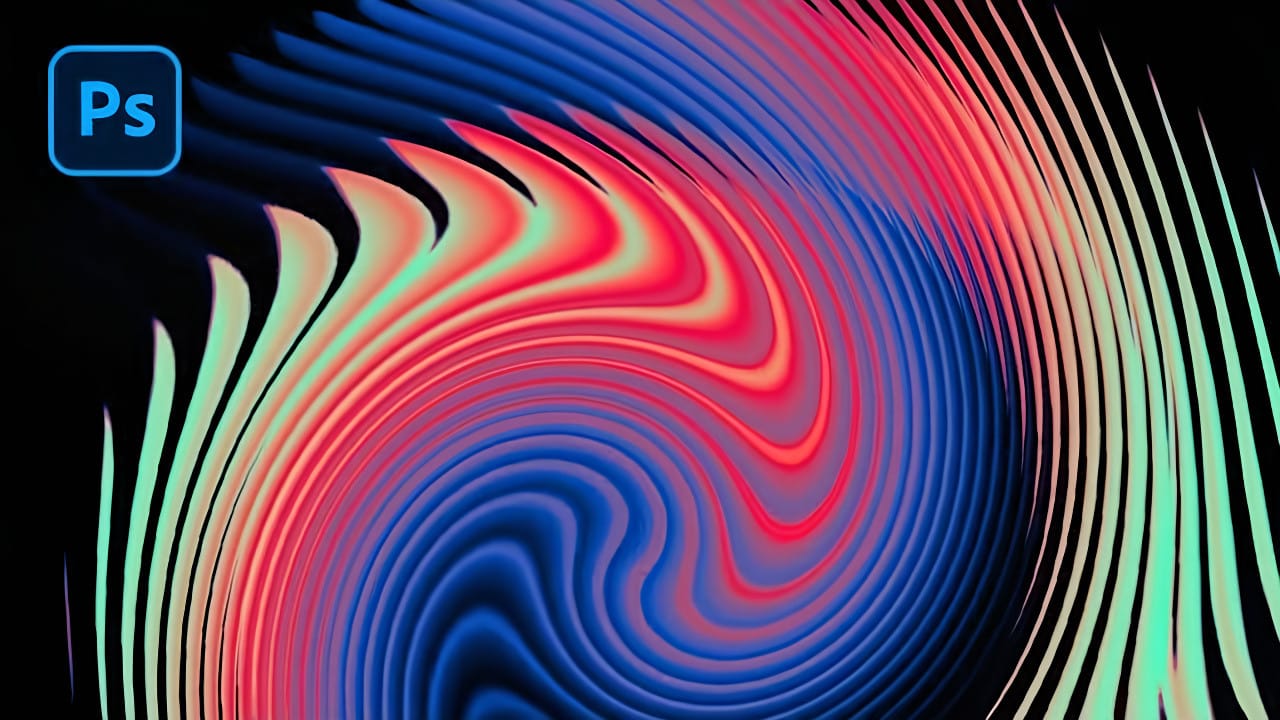
Create an Abstract Liquid Glass Dispersion Effect in Photoshop
Abstract liquid glass effects combine the ethereal beauty of flowing water with the crystalline clarity of glass, creating mesmerizing visual compositions. These effects transform simple geometric shapes into complex, organic forms that appear to bend and flow like liquid while maintaining the reflective qualities of glass surfaces.
This technique opens up creative possibilities for digital artists, graphic designers, and visual effects enthusiasts. The process involves building custom displace
Create Realistic Wet Glass Effect in Photoshop
Achieving a realistic wet glass effect in Photoshop can transform an ordinary image into a captivating scene, adding depth and a sense of atmosphere. This technique is especially useful for creative compositions, weather simulations, or product visualization. By understanding how light interacts with glass and water, you can craft truly convincing visuals.
This tutorial provides a comprehensive approach, guiding you through the process of layering textures and applying precise blending methods.

Create a beautiful wet glass effect with raindrops in Photoshop
Wet glass effects can transform ordinary portraits into atmospheric, cinematic images that draw viewers into the scene. The technique simulates looking at a subject through rain-covered glass, creating natural blur and distortion.
This tutorial demonstrates how to build convincing wet glass using blend modes, smart masking, and texture overlays for professional results.
Watch the Tutorial
Essential Tips for Wet Glass Effects
These key techniques will help you create more convincing wet gla
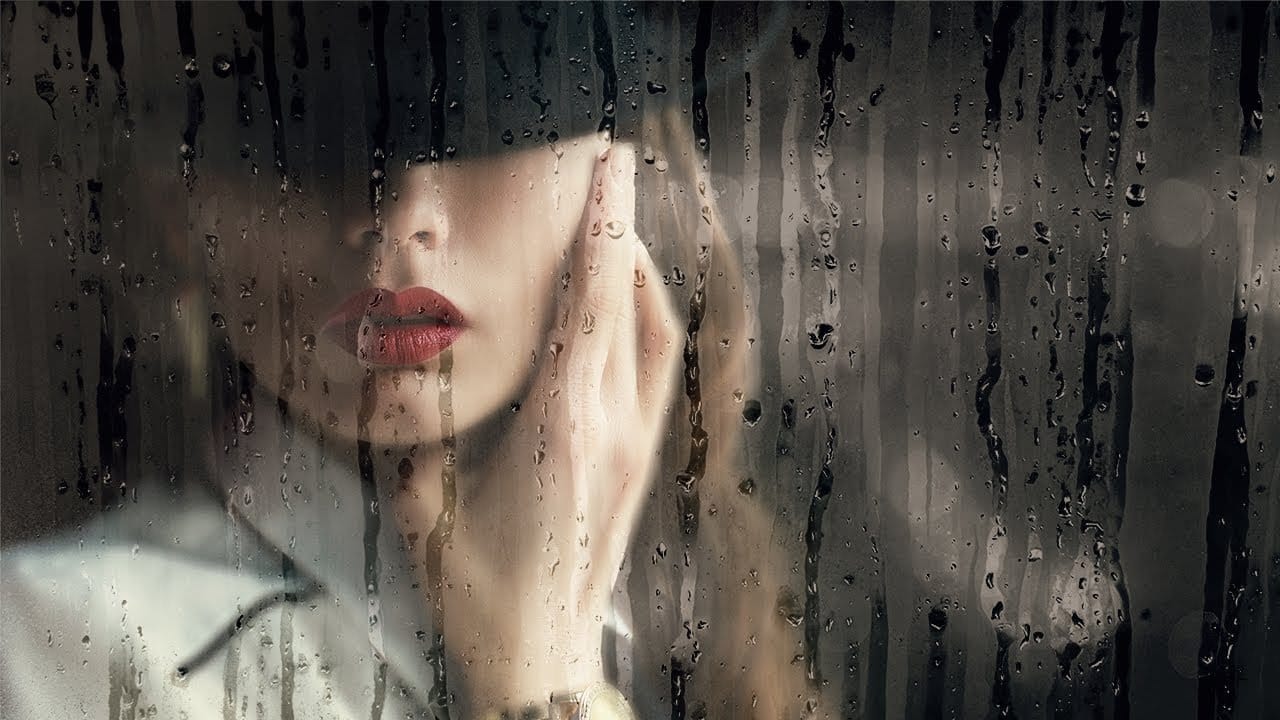
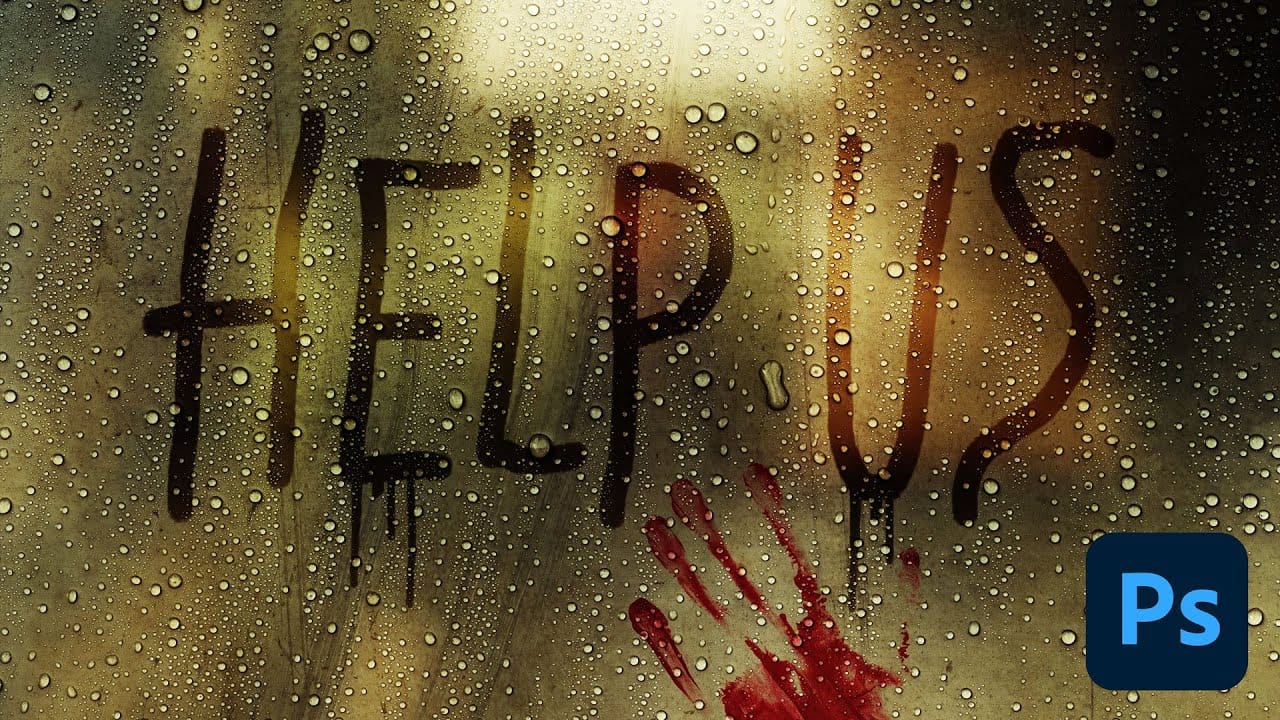
How to Create Realistic Water Droplets on Glass in Photoshop
Water droplets on glass create one of the most captivating visual effects in photography and digital art. The interplay of refraction, reflection, and transparency transforms ordinary scenes into atmospheric masterpieces that draw viewers into the story.
This comprehensive tutorial demonstrates how to recreate this cinematic effect using photographic textures, blend modes, and strategic layering techniques. You'll learn to build convincing glass surfaces complete with fog, handwritten messages,
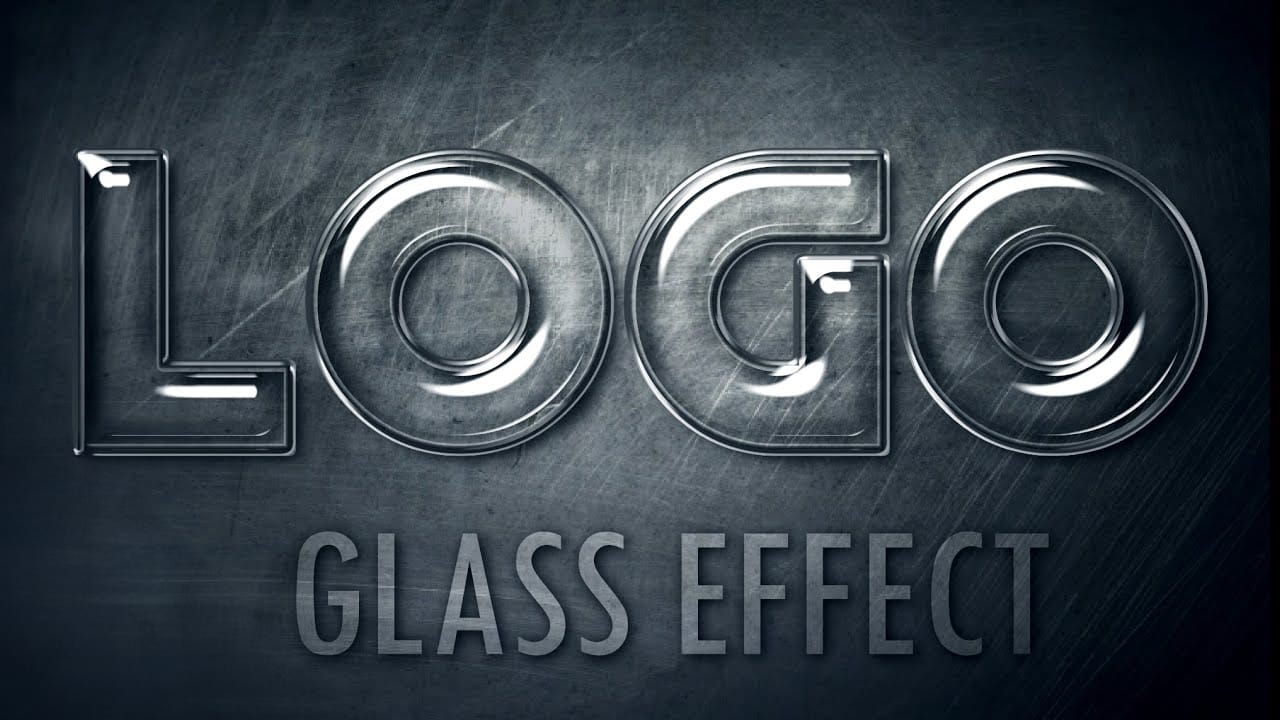
Shiny Glass Text Effect in Photoshop
Glass text effects transform ordinary typography into stunning, translucent designs that catch light and create depth. This visual technique adds elegance and sophistication to logos, titles, and branding materials.
The transparent, reflective qualities make text appear three-dimensional and professionally polished.
Watch the Tutorial
Essential Tips for Glass Text Effects
Master these key techniques to create convincing glass typography:
• Use multiple layer styles combined - apply inner
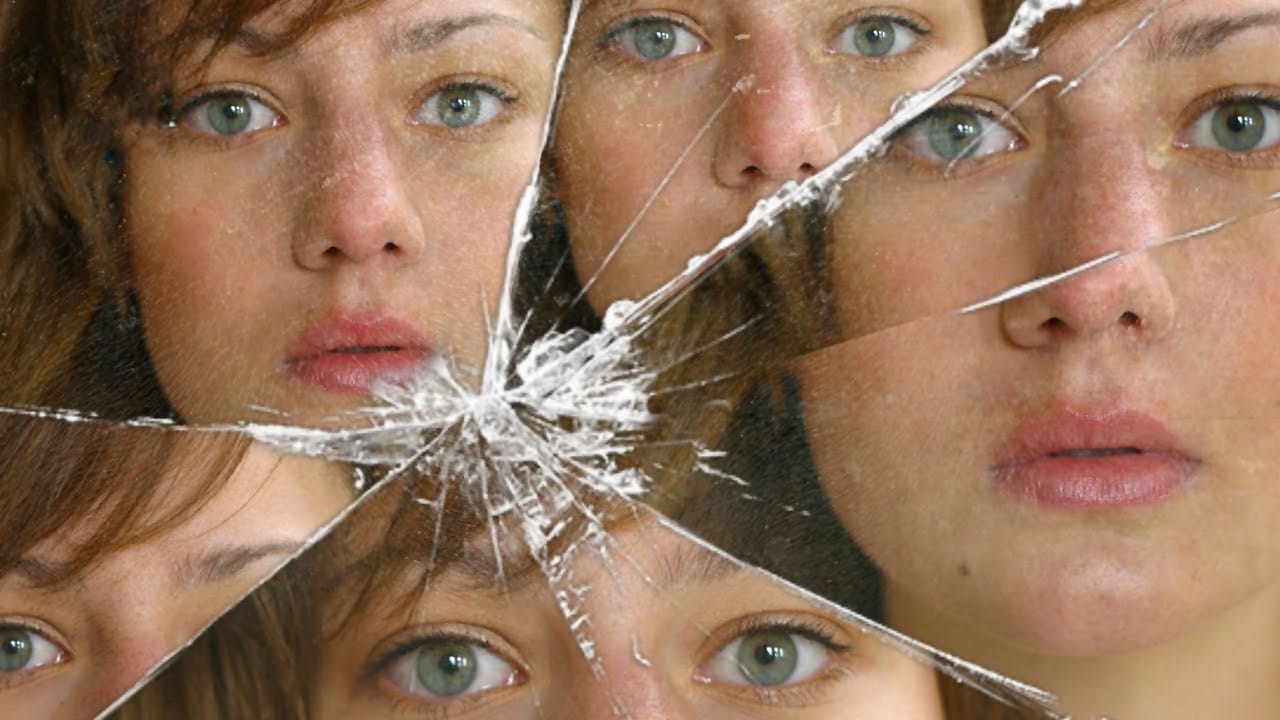
Create a broken mirror effect with a reflected face
In this Photoshop tutorial, the author guides you through the process of creating a broken mirror or broken glass photo effect. The tutorial is designed to be straightforward, requiring only a basic understanding of masking techniques.
The author explains the steps in a clear and concise manner, making it accessible to users of all skill levels. By following the instructions, you can transform your images and add a unique, eye-catching effect to your digital creations.
The tutorial is well-str
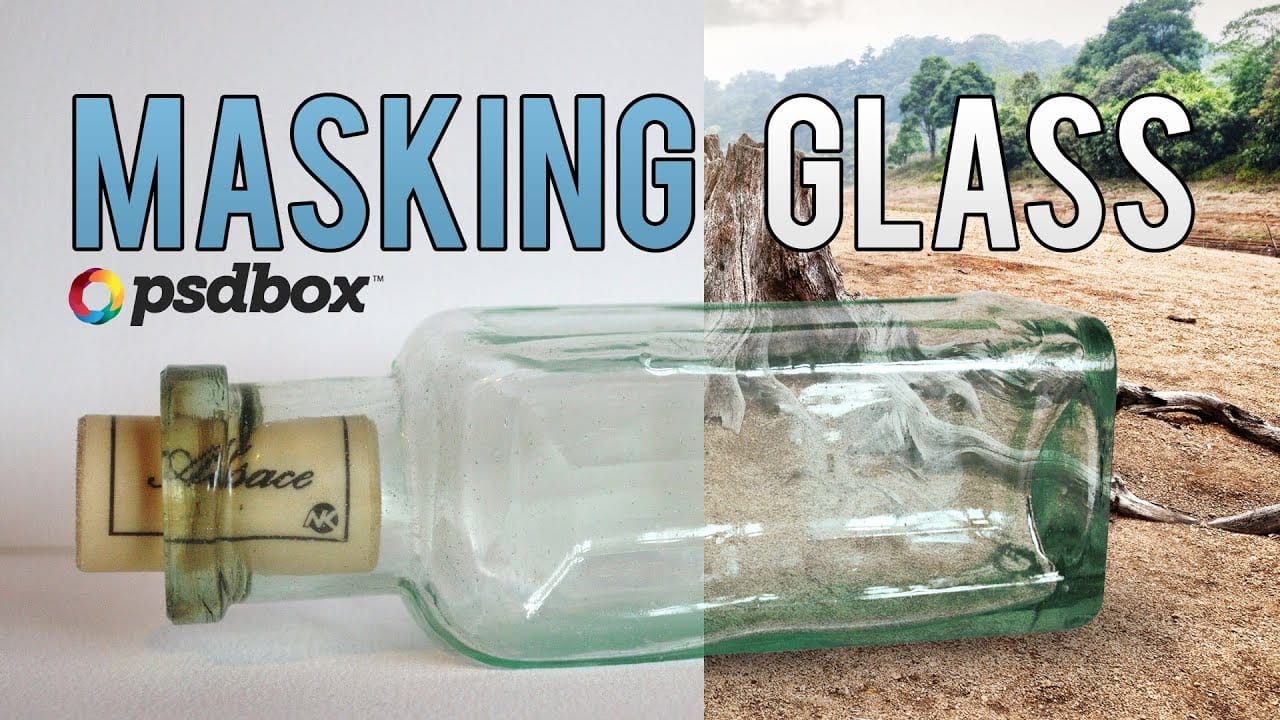
Masking Glass and Transparent Objects
In this Photoshop tutorial by PSD Box, you'll master the art of masking glass using a straightforward selection method.
The focus is on preserving the natural reflections and highlights present on the glass object, ensuring a realistic and seamless integration into new backgrounds or compositions. This technique is crucial for maintaining the transparency and depth of glass while removing its background, making it ideal for product photography or creative digital art projects.
Follow along as
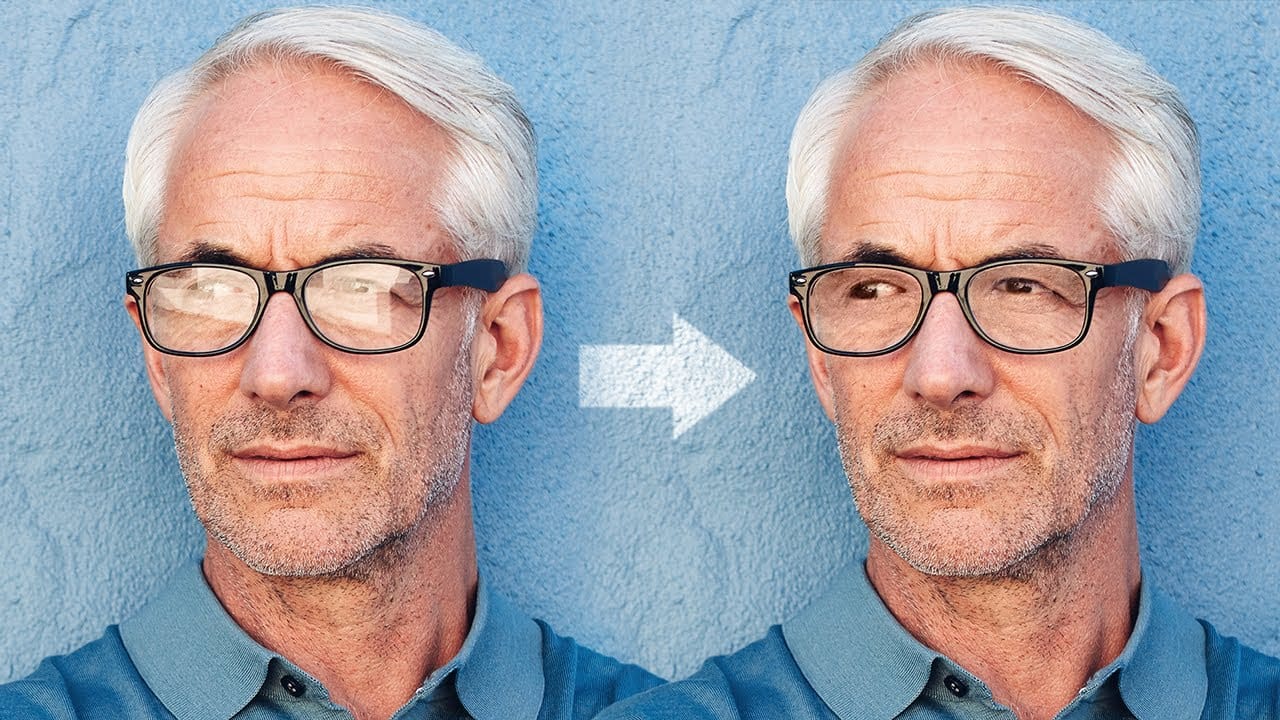
Magically remove glare from glasses in Photoshop
In this tutorial, authored by PiXimperfect, the viewer is presented with a straightforward, three-step process to remove complex glare from glasses in Photoshop. The guide promises to reveal the best method for avoiding and fixing glare or reflections on eyewear, utilizing advanced techniques such as dodging and burning to even out the brightness and achieve a transparent glass effect.
Furthermore, the tutorial delves into the use of blending modes to eliminate any color cast and ensure the acc
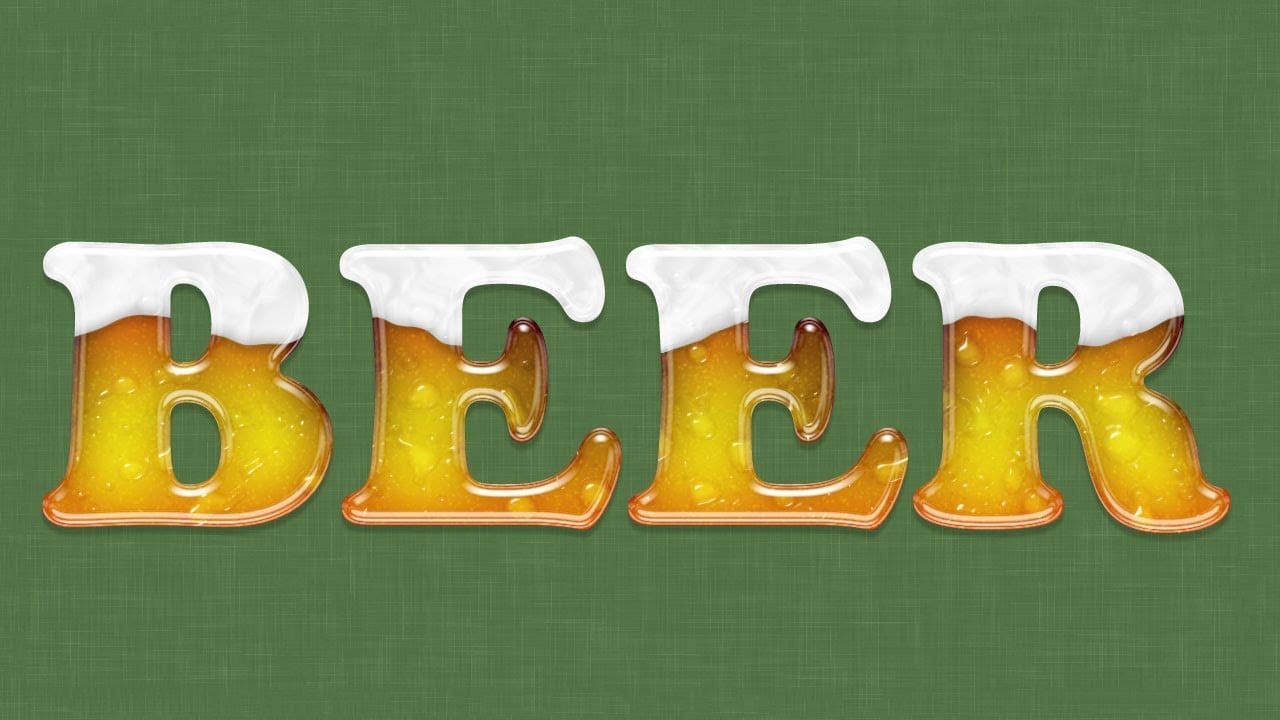
Create a Beer Glass Text Effect in Photoshop
In this tutorial from Ice Flow Studios, you will learn how to create an impressive beer text effect with a glassy, frothy look.
Howard Pinsky guides you through the steps to make each letter resemble a condensation-covered glass of beer topped with foam. This creative and fun design is perfect for various projects, and the tutorial encourages experimentation with Layer Styles to achieve the exact result you desire.
Whether you are designing for a festive event or simply want to add a unique to
Cut Out Glass in Photoshop with Blending Modes
Achieving a realistic cut-out of transparent objects, like glass bottles, can be a significant challenge in Photoshop. Traditional masking often struggles to maintain the natural light, shadow, and reflective qualities inherent in such items, leading to flat or artificial results.
This video tutorial offers an advanced technique to meticulously mask transparent objects into new backgrounds. It leverages the power of blending modes and strategic layer organization to perfectly integrate the obje





