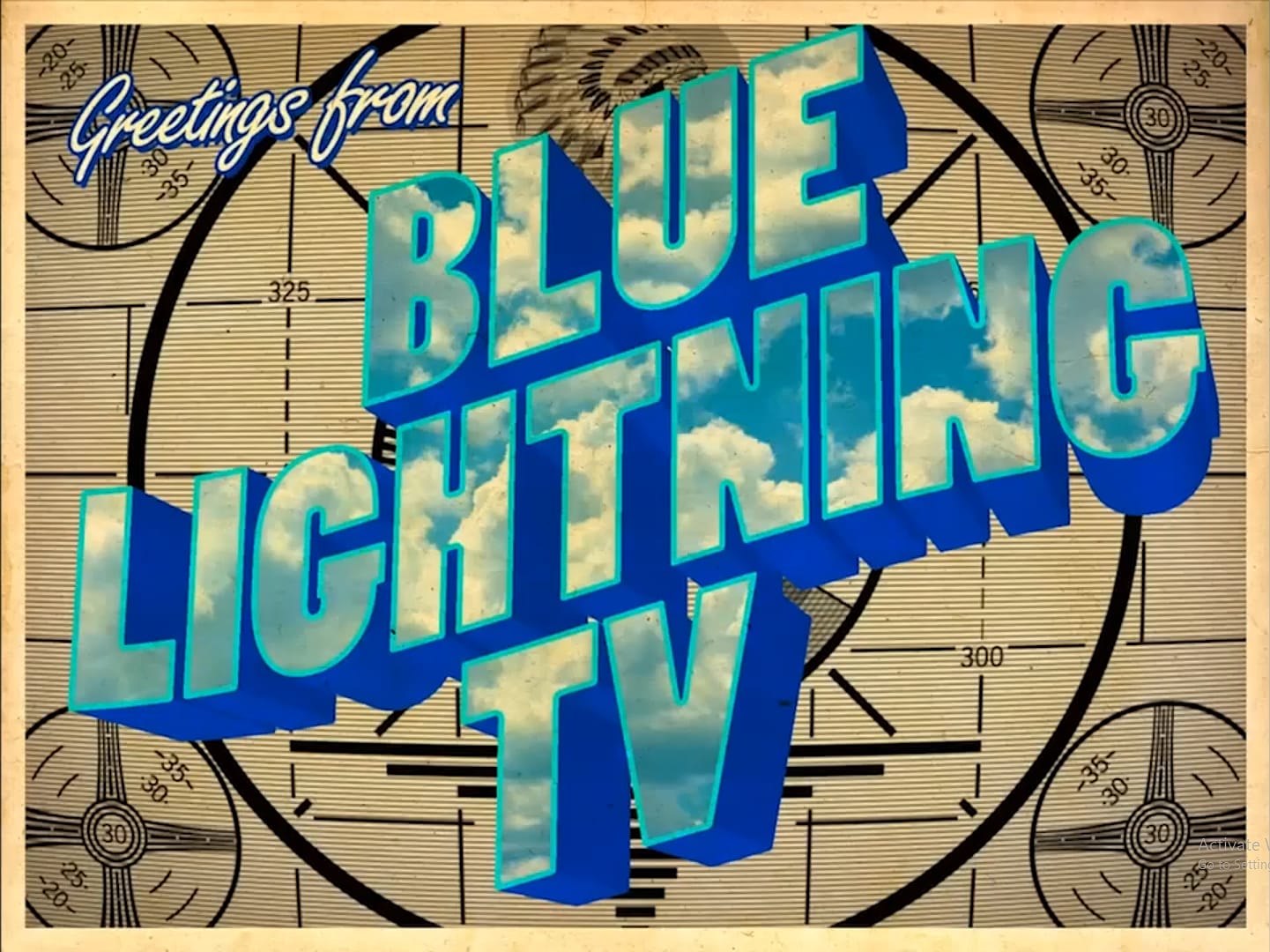
Vintage travel posters capture the romance of classic destinations with their bold colors, simplified forms, and nostalgic charm. This technique transforms ordinary scenic photographs into stylized artwork reminiscent of mid-century tourism advertisements.
The process combines artistic filters, custom cloud illustrations, and vintage typography to create authentic-looking poster designs that evoke wanderlust and adventure.
Watch the Video
Video by Blue Lightning. Any links or downloads mentioned by the creator are available only on YouTube
Practical Tips
Follow these key steps to achieve consistent results when creating your retro travel poster.
- Set your image resolution to 300 pixels per inch before applying filters to match the tutorial's settings exactly.
- Convert your photo to a Smart Object first to enable non-destructive editing throughout the process.
- Use the Cutout filter with 8 levels, 6 edge simplicity, and 1 edge fidelity for the characteristic posterized look.
- Apply Smart Blur in Overlay Edge mode with a 63-pixel radius to create clean edge definition.
- Create custom clouds using the Curvature Pen Tool and layer masks to hide them behind foreground elements naturally.
Related Articles and Tutorials
Explore more vintage poster design techniques and retro typography effects.
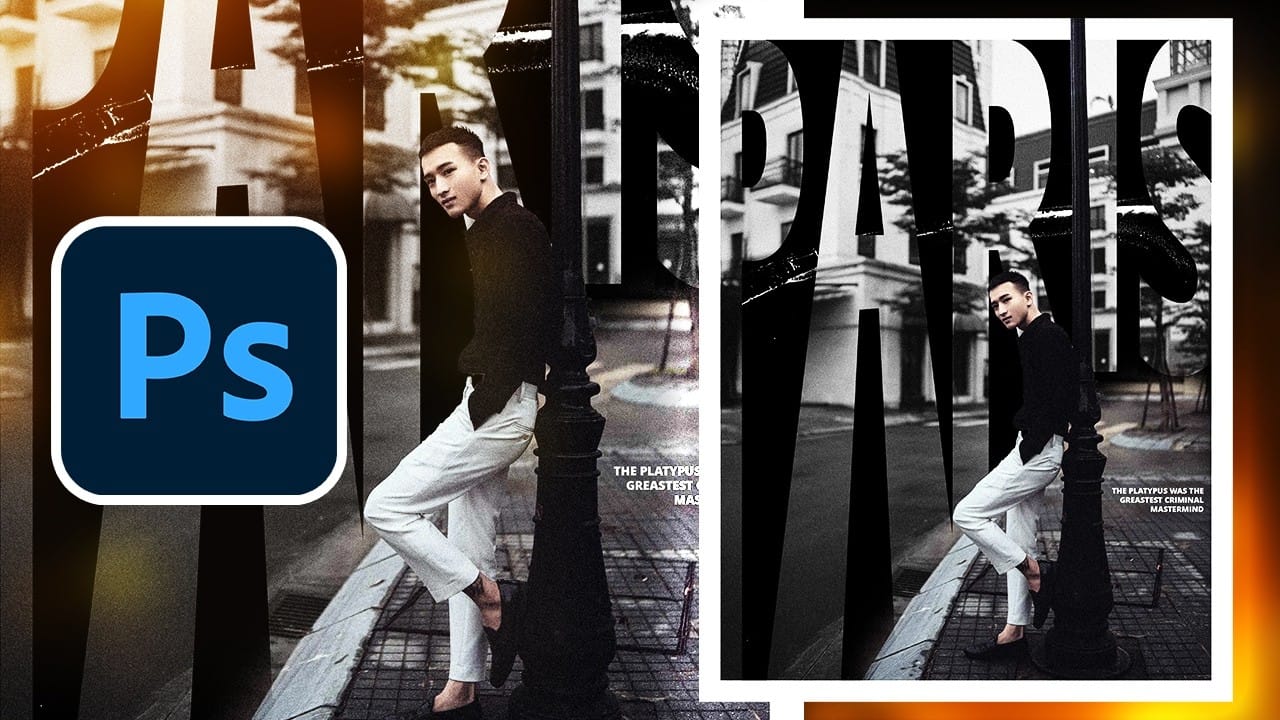
Create a Vintage Paris Poster Design in Photoshop
Vintage poster design captures the timeless appeal of classic advertising with its bold typography, dramatic imagery, and weathered textures. This aesthetic combines strong compositional elements with subtle aging effects to create designs that feel both nostalgic and contemporary.
This tutorial demonstrates how to build a stylized Paris poster using fundamental Photoshop techniques including text manipulation, layer masking, and blending modes to achieve that coveted vintage look.
Watch the
How to Create a Vintage Postcard in Photoshop
Learn to transform ordinary digital photos into stunning vintage tourism postcards using Adobe Photoshop. The video covers cropping, color adjustments, adding textures, and stylized text, ensuring your photos capture the essence of classic travel mementos.
Watch the Video
Practical Tips for Vintage Postcard Effects
* Crop your photo to a 6x4 aspect ratio to match the standard vintage postcard size.
* Convert your photo to a Smart Object. This allows for non-destructive editing, enabling y
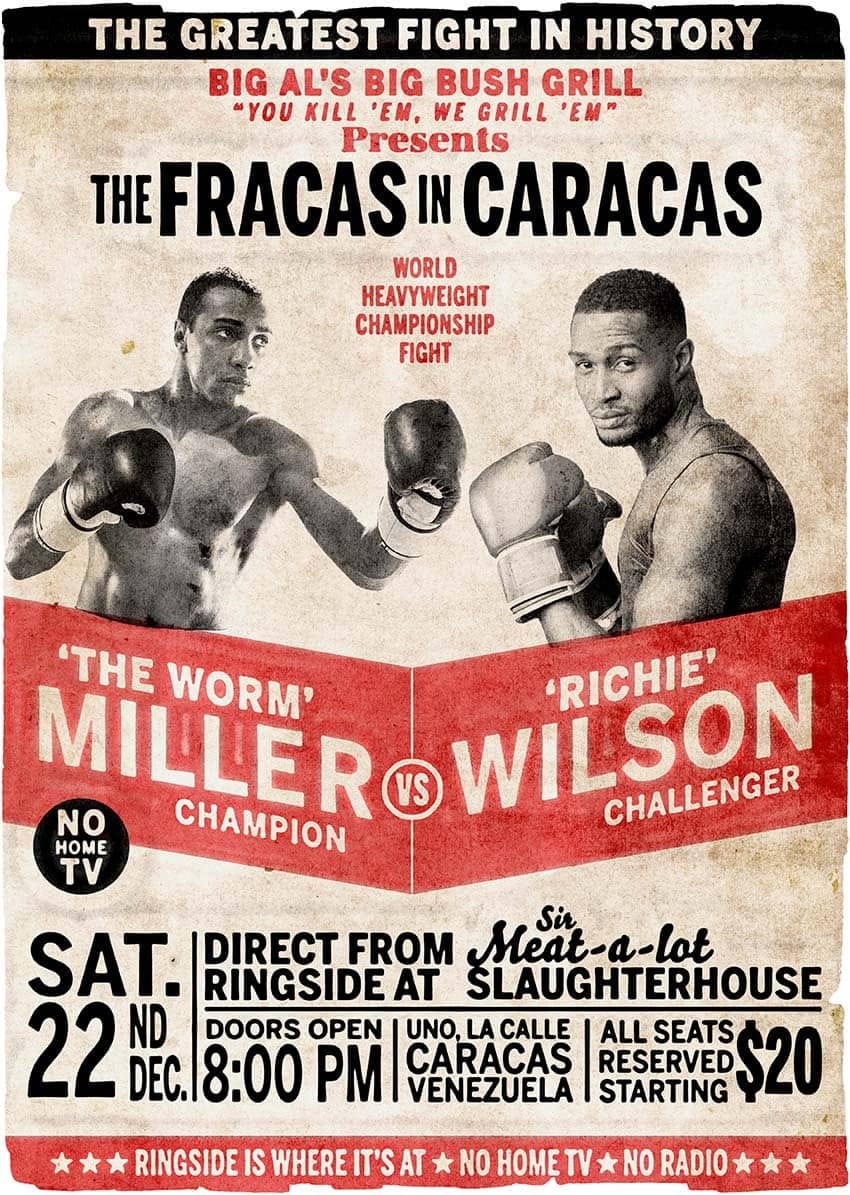
How to Create a Retro Boxing Poster in Photoshop
Calling all boxing enthusiasts and design aficionados! Dust off your love for vintage aesthetics and step into the ring with this dynamic Photoshop tutorial. We'll be throwing punches (figuratively, of course) to create a captivating retro-boxing poster, brimming with the bold energy of the golden age of the sport.
This tutorial is perfect for both seasoned Photoshop users and aspiring designers. Regardless of your experience level, the instructor will meticulously guide you through the creatio
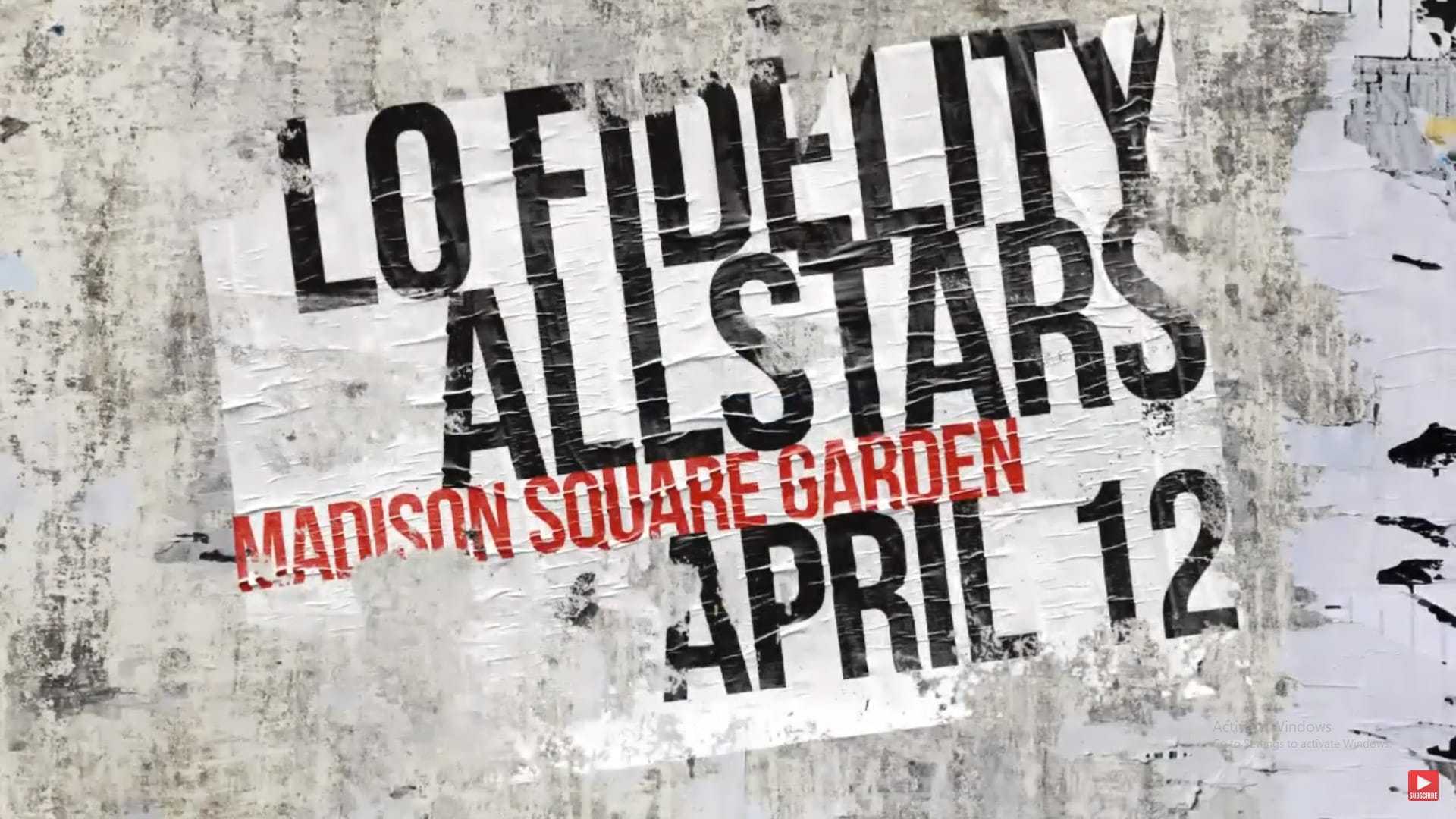
Create a Ripped and Worn Out Poster on a Wall in Photoshop
Vintage posters tell a story through their faded colors and torn edges. This weathered aesthetic adds a layer of history and authenticity to any design, transforming a clean graphic into something with tangible grit and character. Achieving this look digitally requires more than just adding a texture; it involves mimicking how paper and ink break down over time. This tutorial guides you through the essential Photoshop techniques, from creating realistic distortions to using grunge brushes, to cr
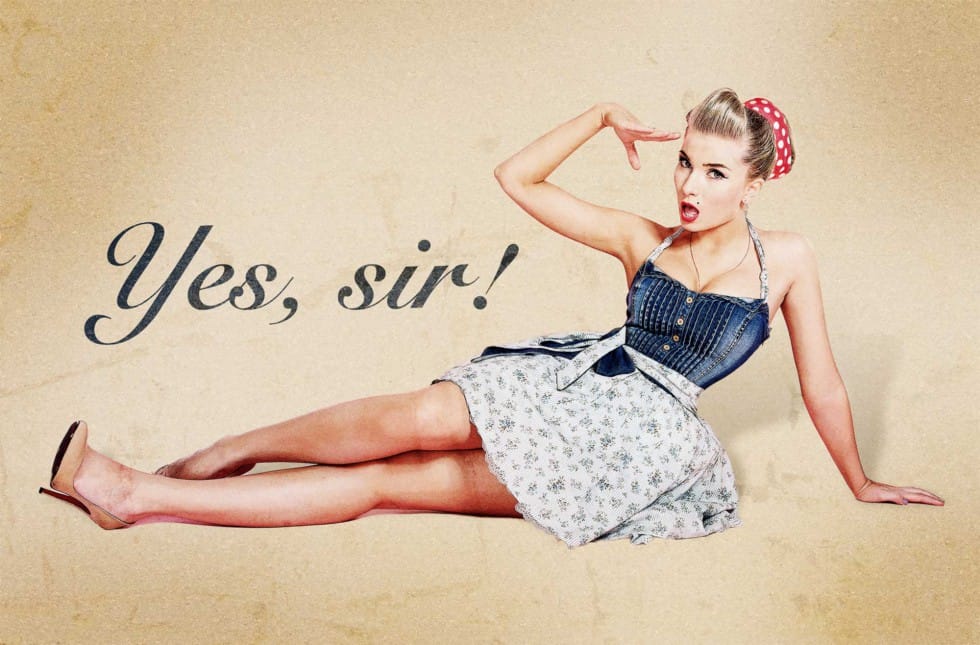
How to Create a Pin-Up Poster in Photoshop
In this Photoshop tutorial, the author, Howard Pinsky, guides readers through the process of creating an old-fashioned pin-up poster. The tutorial emphasizes the use of various Photoshop tools, including filters, adjustment layers, selection methods, and textures, to achieve the desired vintage aesthetic.
The author begins by explaining the importance of selecting the right image as the foundation for the poster. He then walks the reader through the steps of applying filters and adjustment laye
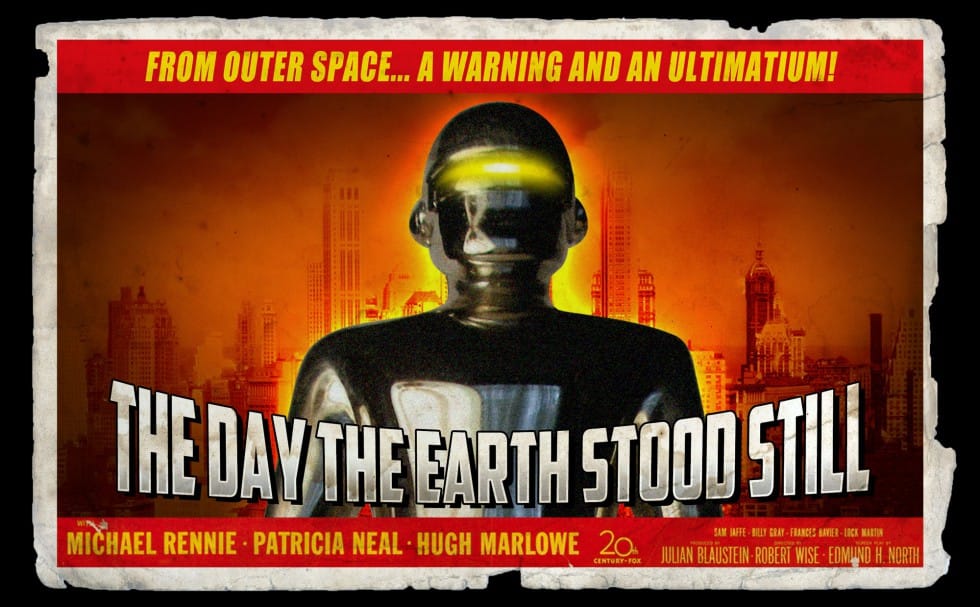
Create a retro '50s Sci-Fi poster in Photoshop
Achieving a distinct vintage sci-fi aesthetic often involves intricate color manipulation beyond simple desaturation. This tutorial demonstrates a surprising approach to color grading, using specific color balance adjustments across shadows, midtones, and highlights to infuse a retro tone. For instance, cyan/red is pushed to +100 in all three tones, while yellow/blue is consistently set to -100.
This precise method, combined with the Diffuse Glow filter and careful Brightness/Contrast settings,
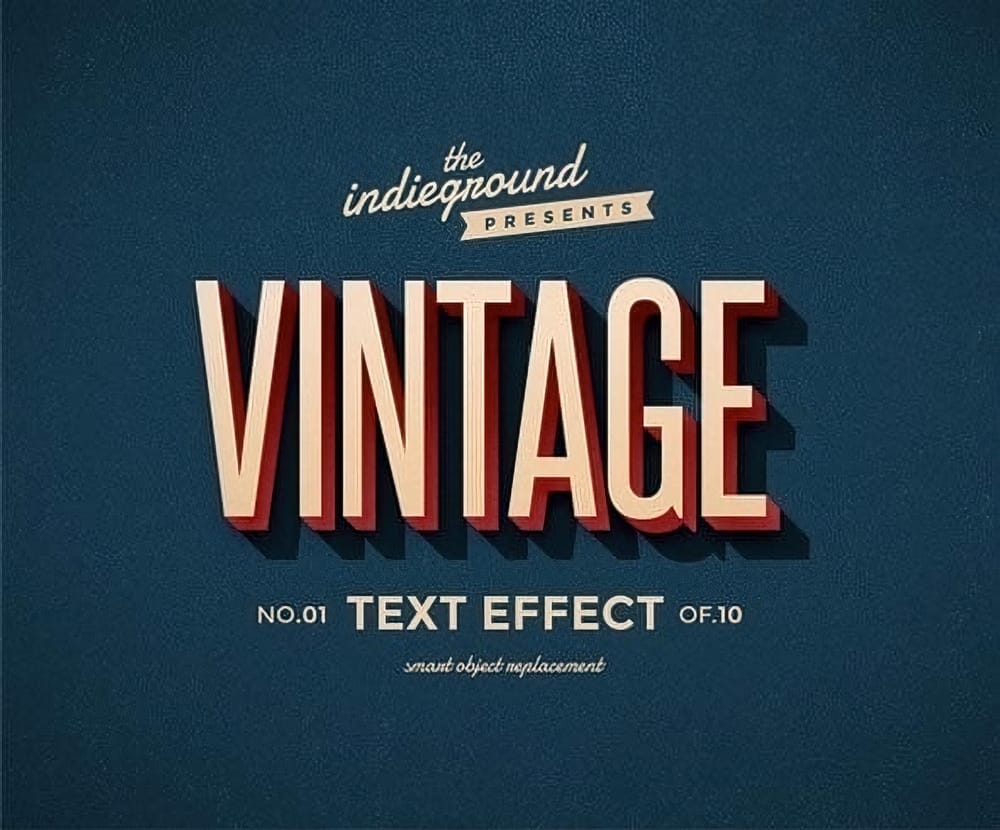
Colorful Retro Text Effects Premium Photoshop Styles
This graphic resource offers a quick and easy way to apply a high-quality retro or vintage look to your text. You can use it on plain text, shapes, and vector logos. Simply replace them into the smart object of your preferred style, included in the package.
With this tool, you can create fantastic posters, flyers, Facebook covers, magazine titles, or website banners and give them a vintage touch. The styles included are of excellent quality, allowing you to transform your text and visuals effor
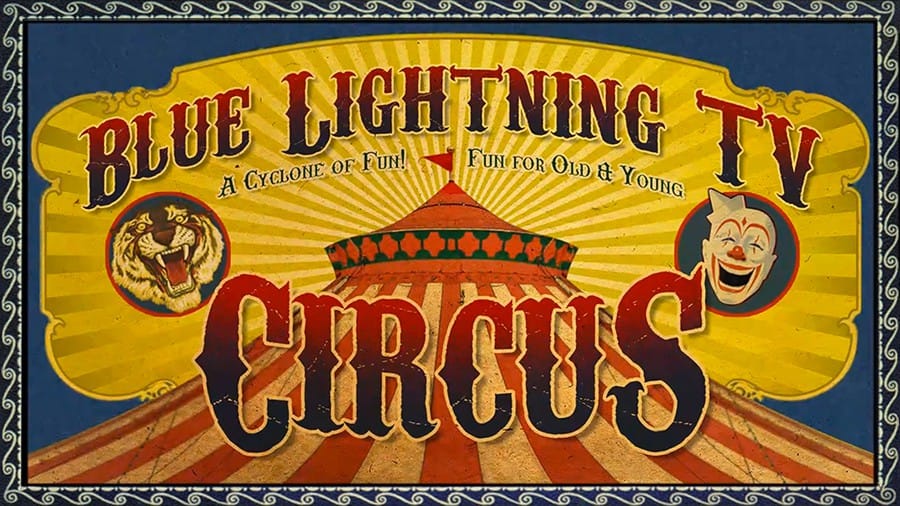
Create a Vintage Circus Poster in Photoshop
In this tutorial you will how to make a custom, vintage, circus poster. Part 1 shows how to make the finished poster base and Part 2 shows how to add the text. Download Circus Poster PSD template, Download the Paper texture, Download the Magical Dreams font, Download Carnivalee Freakshow Regular font.
Part 1
Part 1
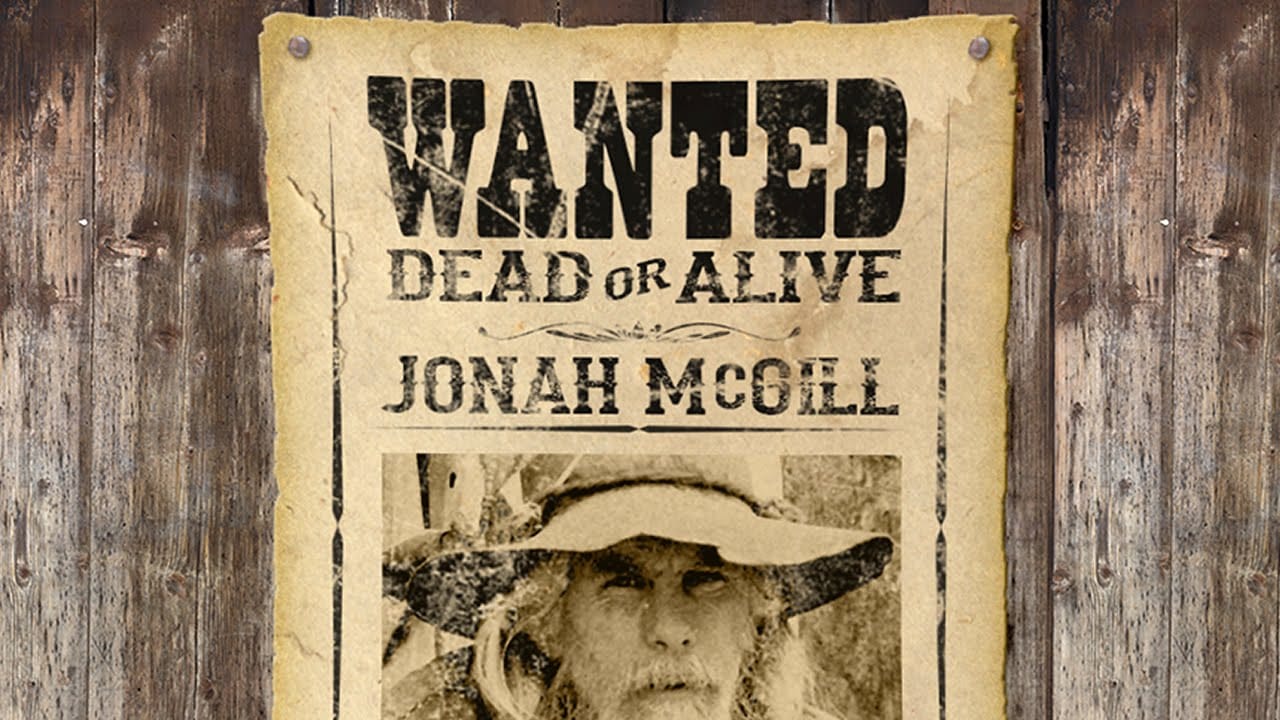
Create an old Wanted poster in Photoshop
This tutorial explores the process of designing an authentic Old West Wanted poster using Adobe Photoshop. It guides users through combining various elements to achieve a convincing vintage aesthetic, replicating the classic look of historical documents.
Viewers will learn how to integrate supplied templates, apply specific layer styles, and manipulate text and imagery to craft a unique and visually compelling poster. The video demonstrates techniques for aging effects and realistic texture app