WPAP (Wedha's Pop Art Portrait) transforms ordinary photos into striking geometric art with sharp lines and vibrant contrasting colors. This Indonesian art style, created by Wedha Abdul Rasyid in the 1990s, features cubist-inspired deconstructions that turn portraits into dynamic visual statements.
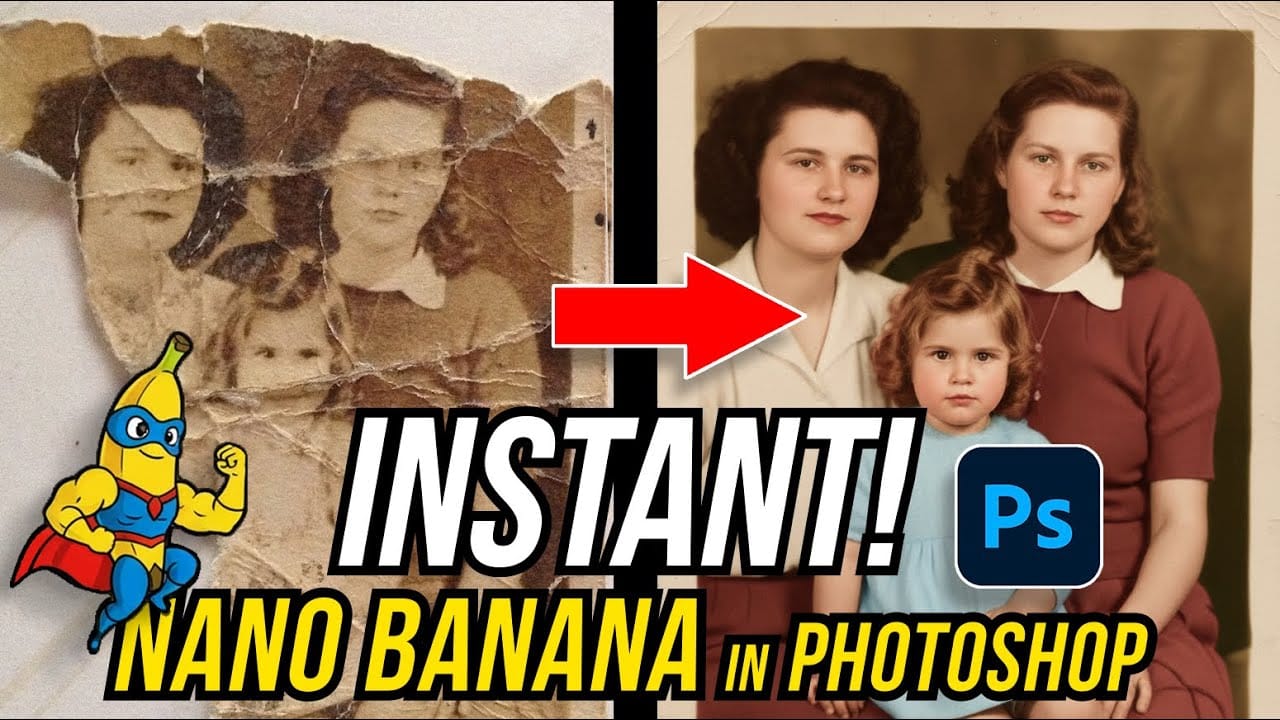
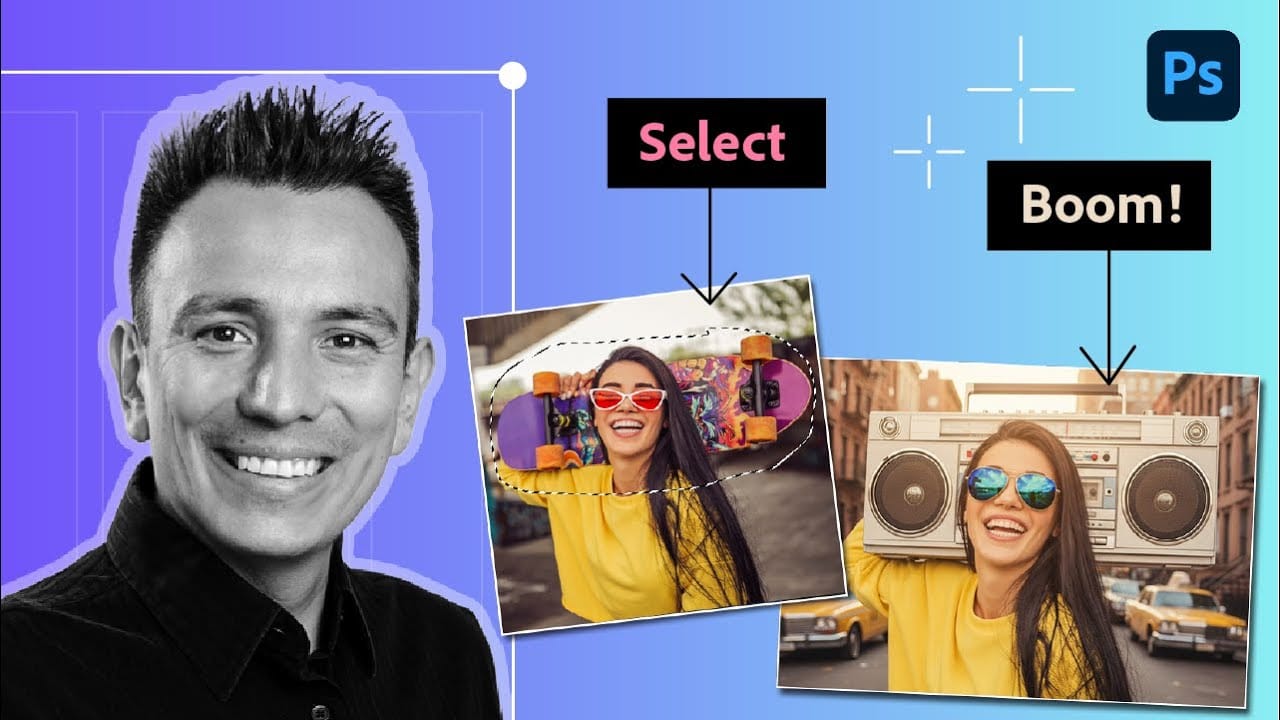
Using Google's Nano Banana AI model in Photoshop, you can generate these complex artistic transformations in seconds rather than spending hours manually creating each geometric section and color block.
Watch the Video
Video by Photoshop Arthouse. Any links or downloads mentioned by the creator are available only on YouTube
Practical Tips
Key techniques for creating effective WPAP portraits with AI generative fill:
- Select the entire document (Ctrl/Cmd + A) before using generative fill to ensure the AI processes the complete portrait
- Use the specific prompt "Create WPAP art flat, vibrant, unusual colors, no texture. Make highlights and hair various vibrant colors" for authentic results
- Choose Gemini 2.5 from the AI models list for superior geometric line work and color contrast
- Generate multiple variations using the Properties panel to explore different color combinations and geometric interpretations
- Enable the contextual taskbar through Window menu if it's not visible to access generative fill options
Related Articles and Tutorials
Explore more advanced AI editing techniques and creative applications: