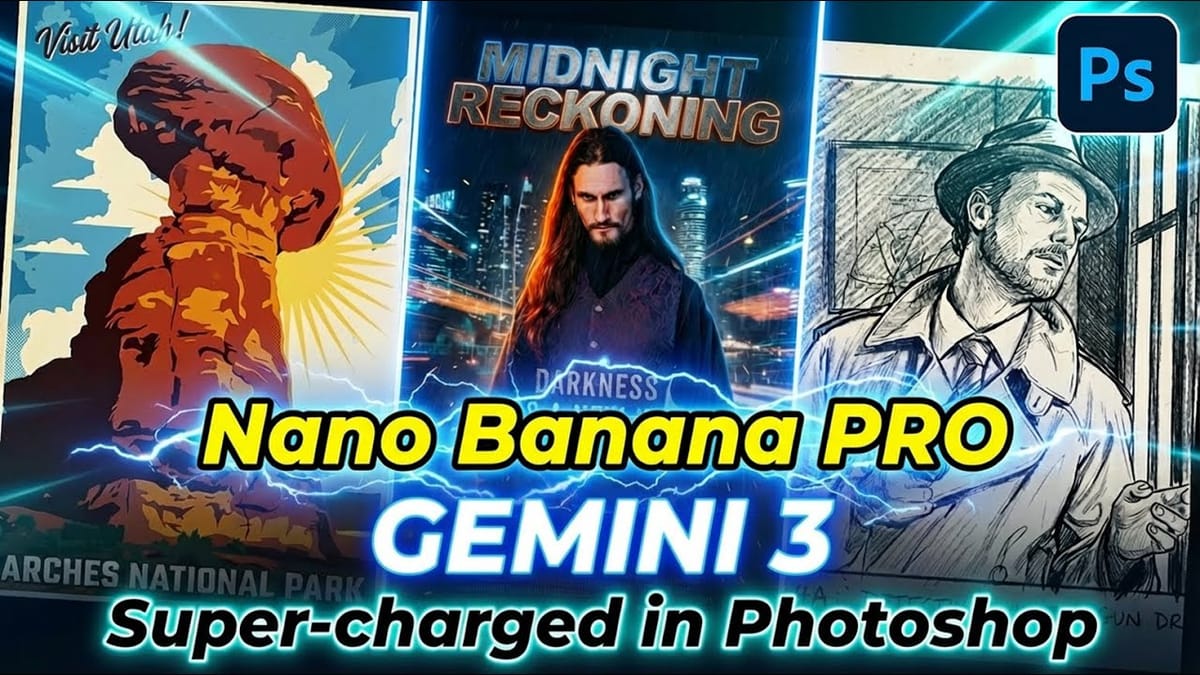
Adobe Photoshop is now integrated directly into ChatGPT, allowing you to edit photos using simple text descriptions. This new feature lets you enhance images, apply creative effects, and make targeted adjustments without needing a Photoshop subscription.
You can describe what you want to change and fine-tune adjustments using familiar Photoshop controls, all within the ChatGPT interface. The workflow is conversational and intuitive, making photo editing accessible to users at any skill level.
Watch the Video
Video by Adobe Photoshop. Any links or downloads mentioned by the creator are available only on YouTube
Practical Tips
Here are key techniques for getting the most out of Photoshop in ChatGPT:
- Connect Photoshop by going to Settings > Apps & Connectors and selecting Adobe Photoshop - no subscription required
- Upload your image and ask for feature suggestions if you're unsure what adjustments to make
- Use specific prompts like "lighten shadow areas" or "change background color" for targeted edits
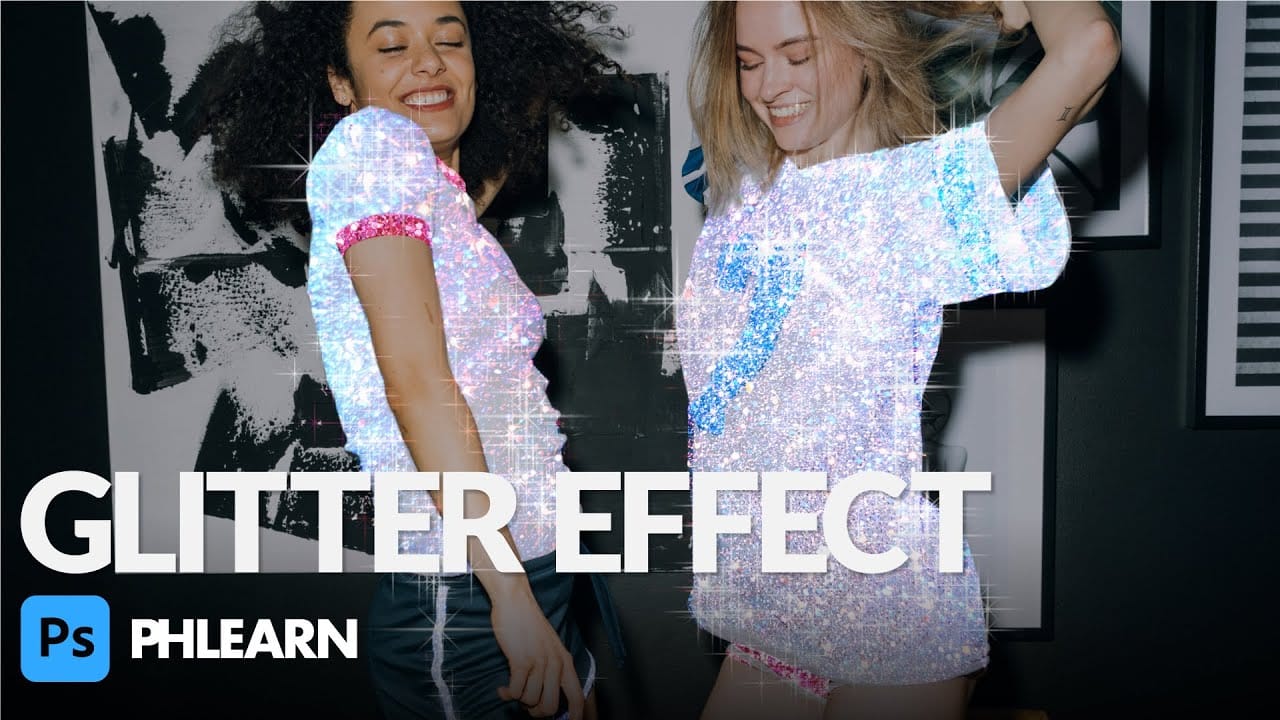
- Experiment with creative effects like radial blur or color halftone by simply typing their names
- Use "undo" commands to remove unwanted effects while keeping other adjustments intact
Related Articles and Tutorials
Explore more advanced techniques and creative workflows to enhance your editing skills.
 PTC Photoshop Training Channel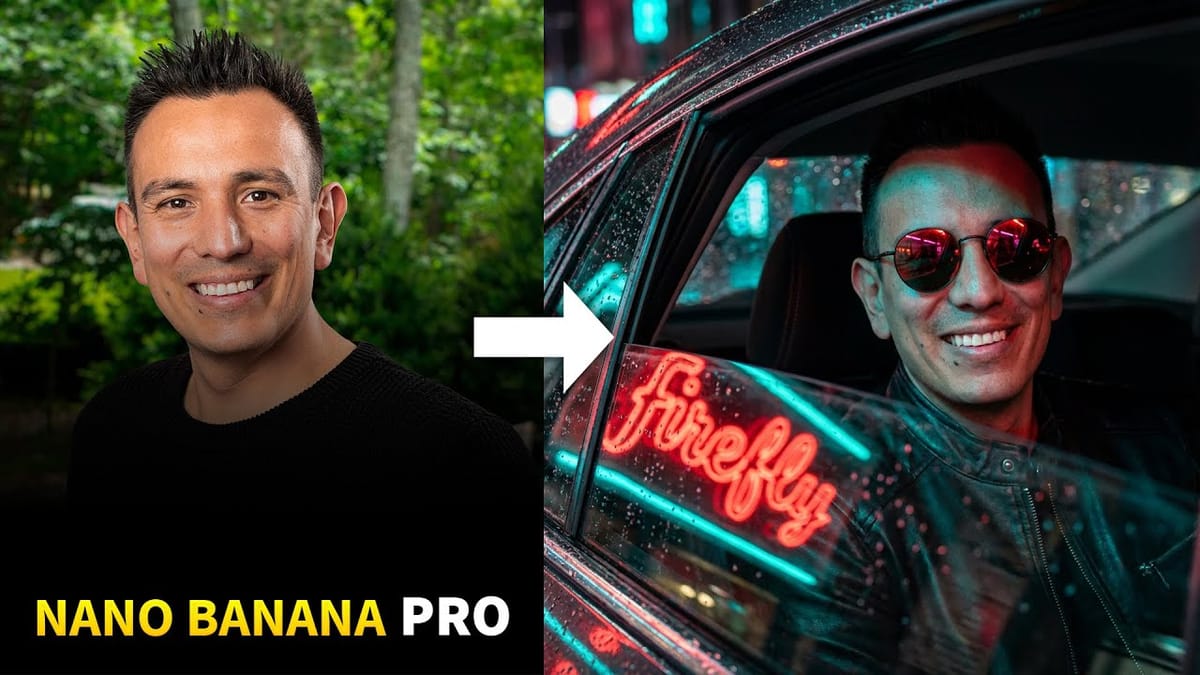
 PiXimperfect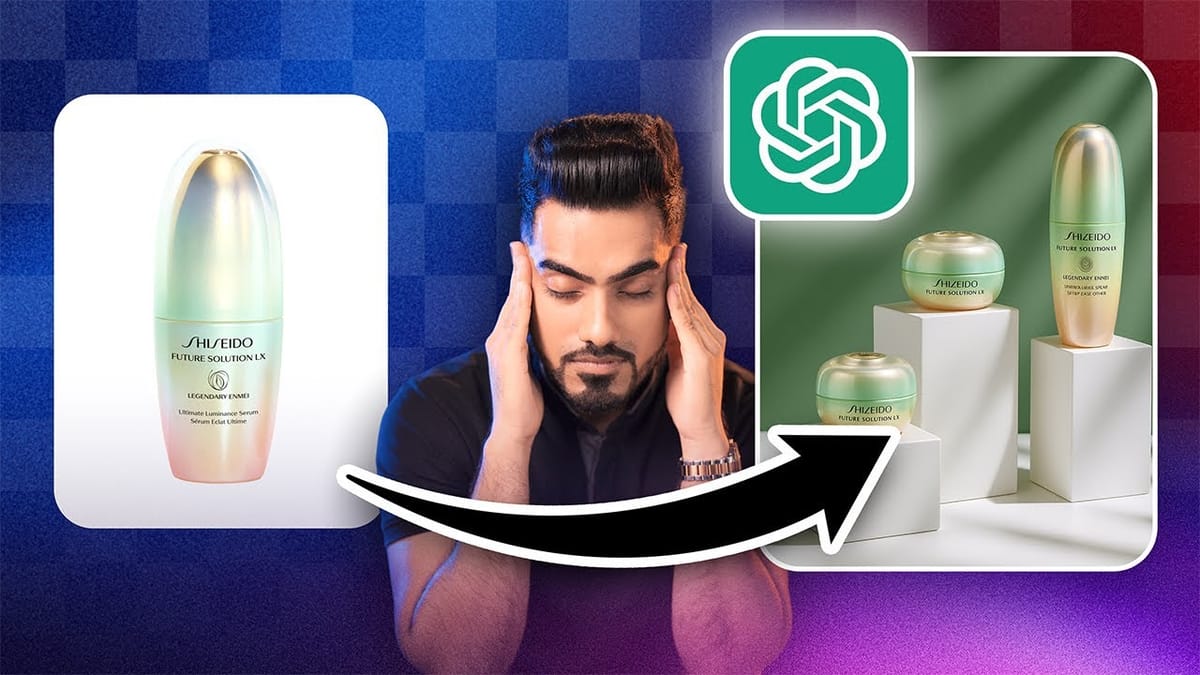
 Photoshop Arthouse