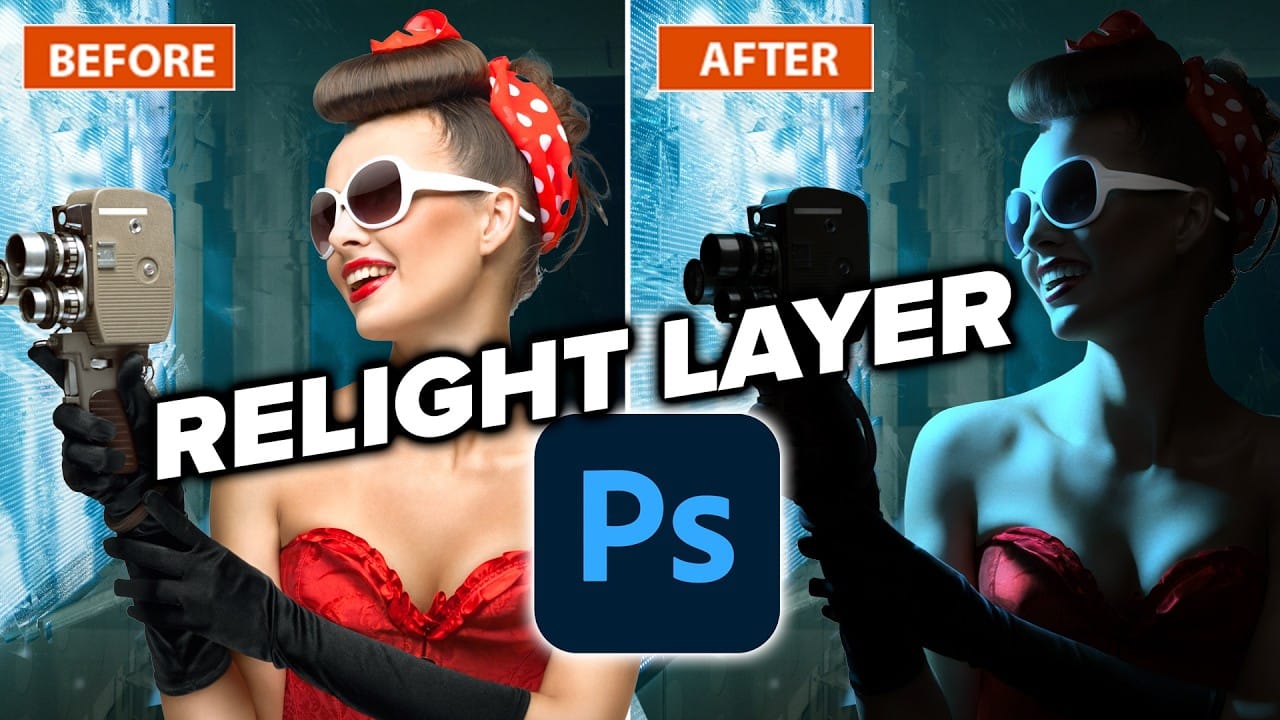
Photoshop’s Relight Layer lets you reposition and adjust up to three AI-generated light sources to change the direction, color, and softness of lighting in a photo. It’s available in Photoshop beta, where you can preview the effect before committing to a higher-resolution render.
See how to use the light controls on still-life and portrait images, balance new lighting with the original scene, and avoid spending generative credits while experimenting.
Watch the Video
Video by Anthony Morganti. Any links or downloads mentioned by the creator are available only on YouTube
Practical Tips
Use these controls to shape the light and check the result before committing.
- Drag the light pin to position the source, including off-canvas for side lighting.
- Adjust distance and diffusion to control how the light falls and how soft its shadows appear.
- Lower the original lighting slider when you want the new light to dominate the scene.
- Experiment in the low-resolution preview, then click Done only when you’re ready to render and spend generative credits.
- Add up to three lights and adjust each one’s color temperature and intensity separately.
Related Articles and Tutorials
Explore more Photoshop lighting techniques, editing tools, and workflow ideas.
How to Use the Relight Layer in Photoshop Beta
Photoshop's new Relight Layer brings AI-powered directional lighting into the compositing workflow, filling the gap left by the deprecated Lighting Effects tool. You can place up to three independent light sources, control their color, intensity, diffusion, and distance, and blend them with the image's original ambient lighting.
Watch the Video
Practical Tips
Here are the key techniques from the video for getting useful results with the Relight Layer.
* Drag the light dot off the canvas e
Photoshop 2026: 5 New Features Worth Adding to Your Workflow
Photoshop 2026 arrives with a set of updates that genuinely change how certain editing tasks get done. The Light adjustment layer alone could replace a step many photographers have been routing through Camera Raw for years — and that's just the start.
Watch the Video
Practical Tips
Here are the key takeaways from the video, covering each of the five features and how to get the most out of them.
* Use the new Light adjustment layer to recover highlights and shadows directly on the canvas —
New Reflection Removal Tool in Photoshop
Capturing the perfect shot often means battling environmental challenges, and few are as persistent as unwanted reflections in windows or glass. These glare points can obscure subjects, distort details, and fundamentally compromise an image's impact.
Fortunately, Photoshop has introduced a new AI-powered feature designed to tackle this common photographic issue. This video demonstrates how to activate and effectively use this tool, showcasing its capabilities and outlining crucial workflow cons

Photoshop 27.6: Complete Guide to New Features and Tools
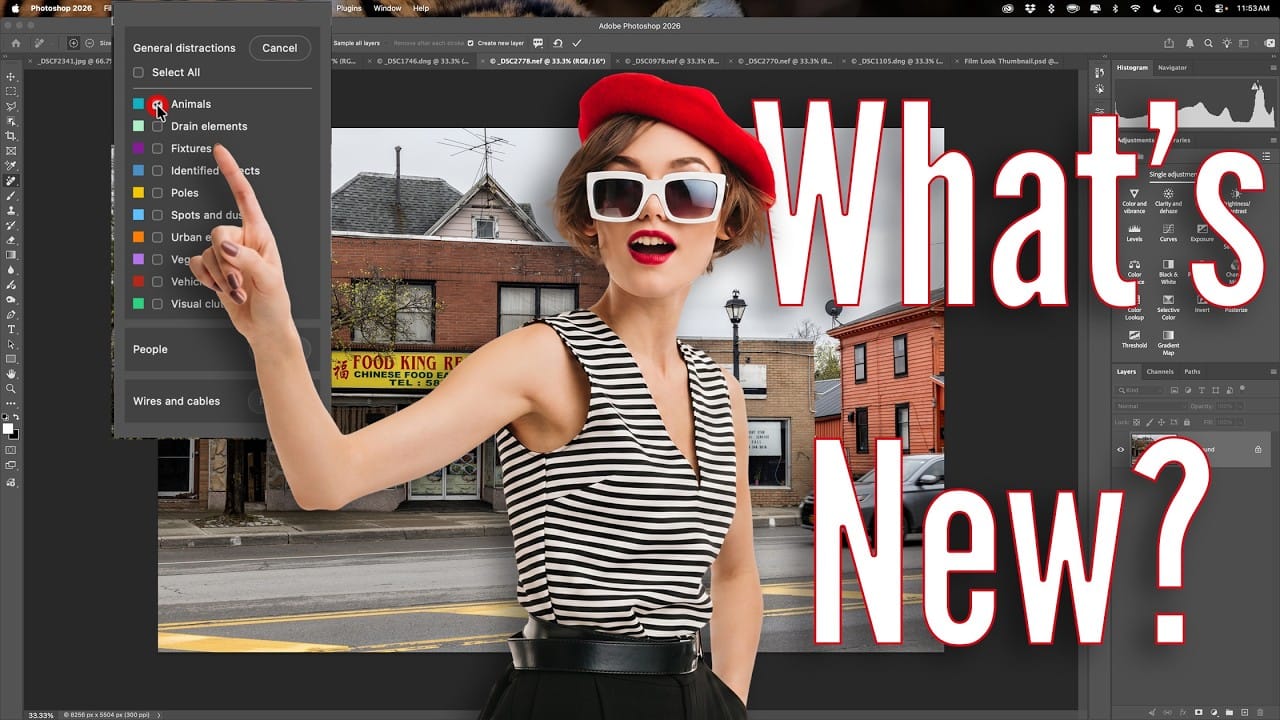
Photoshop 27.6 introduces several powerful features that streamline common editing tasks. From bringing reflection removal directly into the main interface to AI-powered distraction detection, these updates focus on making complex workflows more accessible and efficient.
The update also includes enhanced generative models, improved layer management, and a redesigned actions panel that provides visual previews before applying effects.
Watch the Video
Practical Tips
Key techniques to m
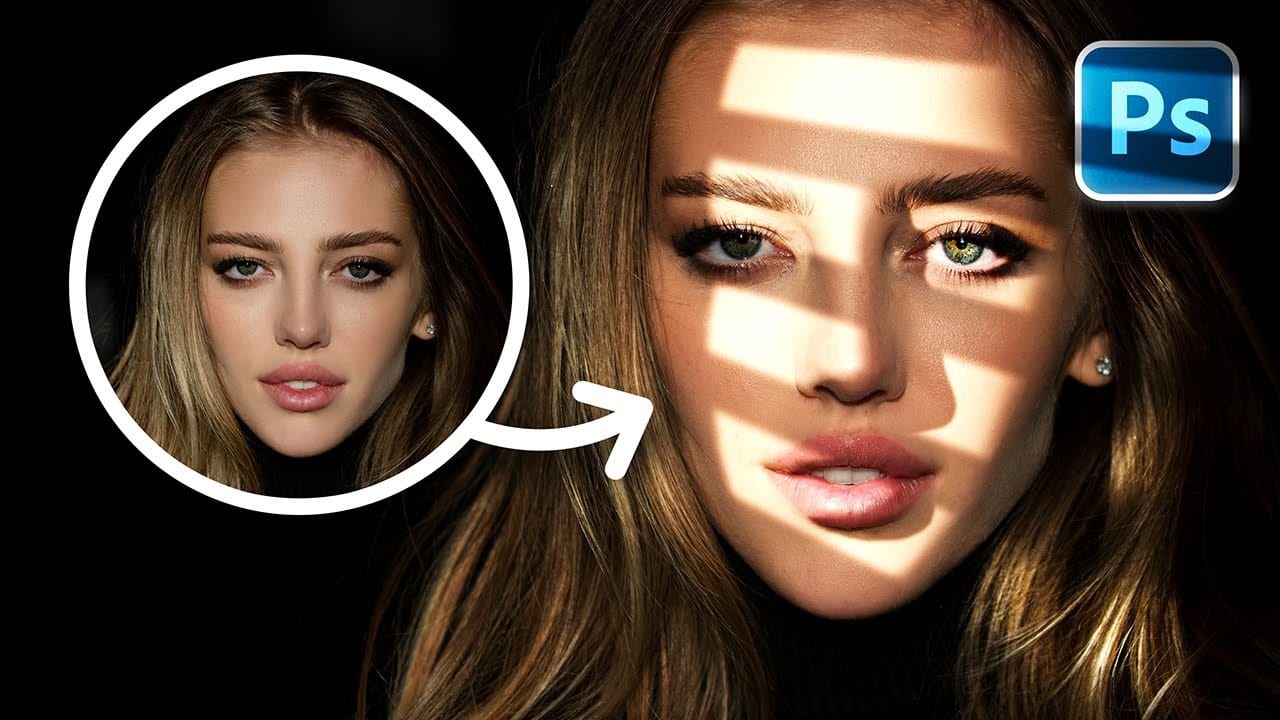
Create Fake Lights for Portraits in Photoshop
Adding artificial light to a portrait can dramatically transform its mood and visual impact, offering creative control far beyond what natural or studio lighting might initially provide. This technique allows artists to craft specific atmospheres, highlight key features, and introduce dynamic elements that enhance the subject's presence.
This tutorial explores a comprehensive method for creating realistic fake lights and, crucially, their corresponding shadows in Photoshop. You will learn how t
Photoshop 2025 Top 7 New Features and Updates Explained
Photoshop 2025 brings significant improvements to everyday editing tasks with smarter AI tools, enhanced 3D capabilities, and more intuitive workflows. From automatic distraction removal to advanced generative features, these updates focus on making complex tasks faster and more accessible.
The standout addition is the Substance 3D viewer, which reintroduces 3D object compositing with sophisticated lighting and material controls that weren't available in previous versions.
Watch the Complete

10 Photoshop Tricks You Probably Forgot Exist
There’s a funny pattern with Photoshop. The longer you use it, the more you rely on the same small set of tools… while some of the most powerful techniques quietly fade into the background. Not because they stopped working — but because they’re just a bit hidden, or not part of your daily flow anymore.
So this is a quick refresher. Not beginner stuff, not flashy effects — just solid techniques that have been inside Photoshop for years and still solve real problems better than most newer alterna