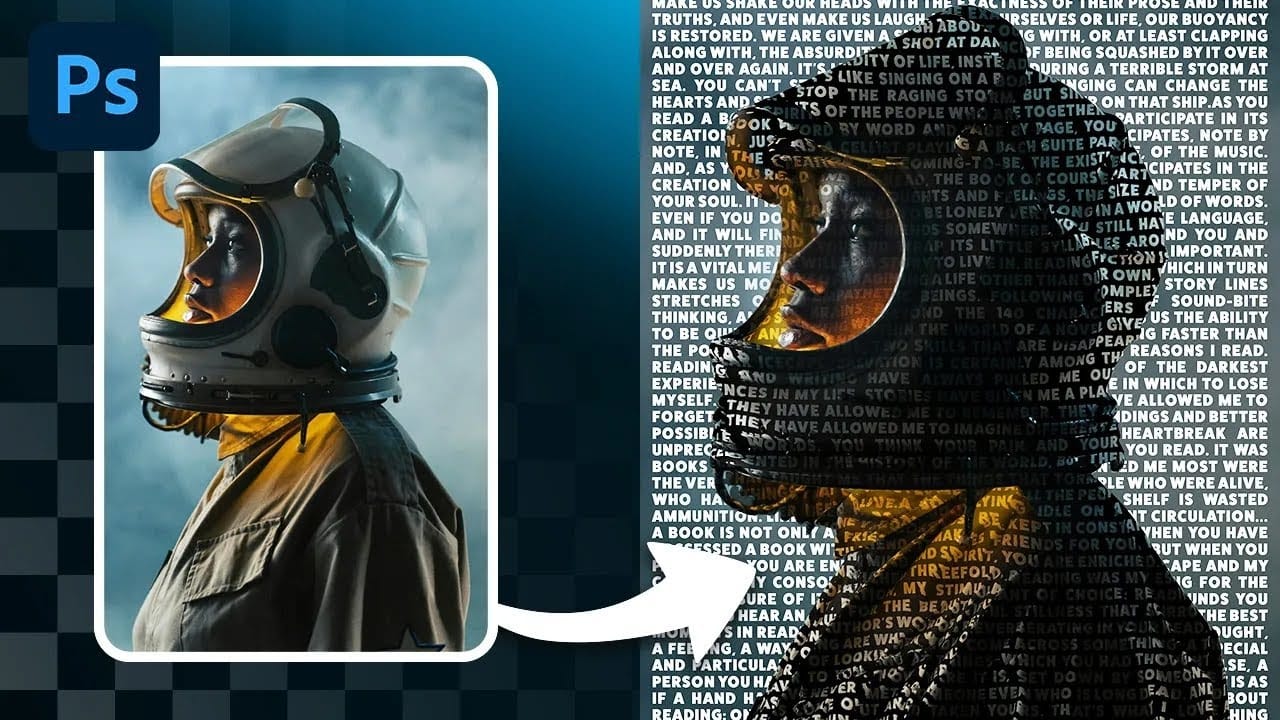
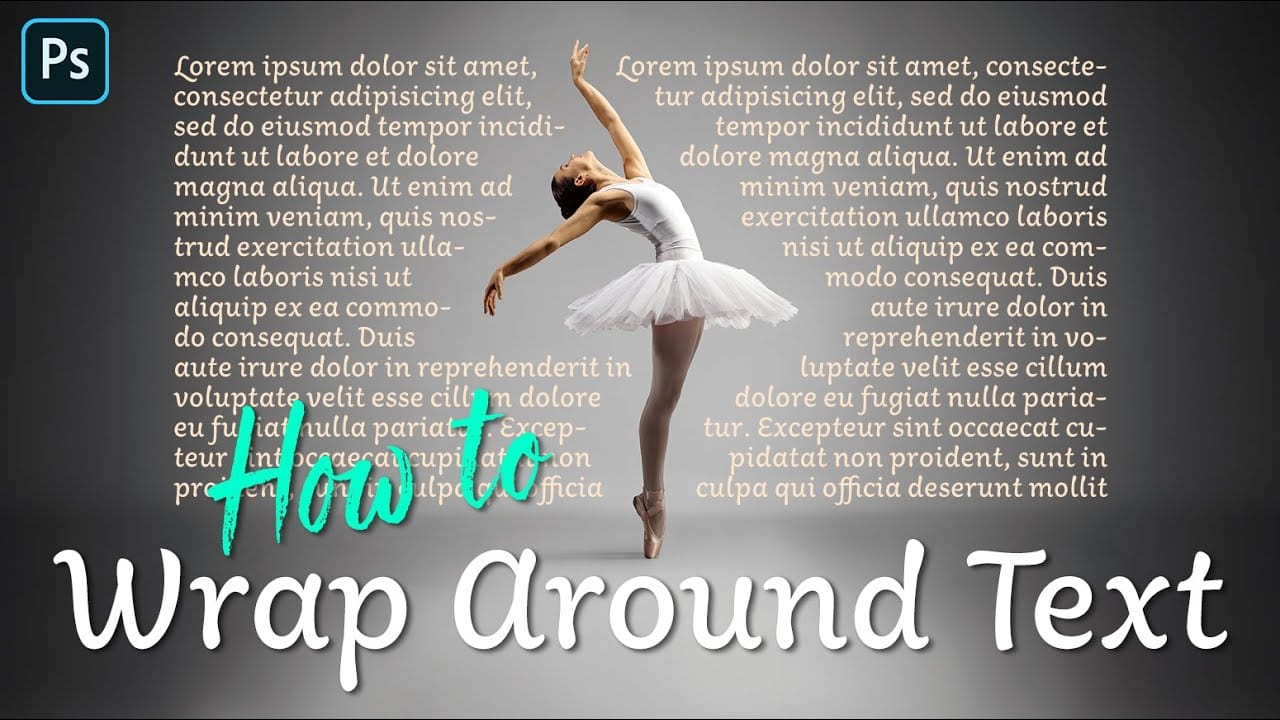
Creating text that flows naturally around irregular shapes transforms static layouts into dynamic, professional designs. This technique works particularly well for posters, magazine layouts, and editorial designs where text needs to integrate seamlessly with complex subjects rather than simply sitting in rigid rectangular boxes.
The process combines selection tools, path creation, and text formatting to achieve precise control over how your typography interacts with any shape or subject in your composition.
Watch the Video
Video by Photoshop Arthouse. Any links or downloads mentioned by the creator are available only on YouTube
Practical Tips
Master text wrapping with these essential techniques for professional results:
- Use the Select Subject feature first, then expand the selection by 15-25 pixels to control the distance between your text and the subject's edges
- Hold the space bar while dragging your rectangular selection to reposition it precisely before releasing the mouse button
- Convert your selection to a work path with 0.5 pixel tolerance to maintain smooth curves around complex shapes
- Adjust leading and tracking in the Character panel to optimize text density and readability within the confined path area
- Use different paragraph alignments for each side of your subject to ensure text flows naturally with the shape's contours
Related Articles and Tutorials
Explore more advanced text integration and typography techniques for creative design projects:
 Enrique Flouret
 Enrique Flouret