New This Week in Photoshop Roadmap — Feb 11, 2026

New This Week in Photoshop Roadmap — Feb 11, 2026

This week’s Photoshop Roadmap roundup focuses on creative control and polished edits. You’ll learn how to check your Generative Fill credit balance, create realistic depth blur effects, and build dark, moody wildlife edits with stronger atmosphere and contrast.

There’s also practical color and compositing training, including three professional ways to fix white balance, a full cinematic photo compositing workflow, and a guide to designing high-converting YouTube thumbnails with AI and Photoshop. On the finishing side, explore how Clarity and Dehaze shape natural depth and how to add realistic film grain using the new adjustment layer.

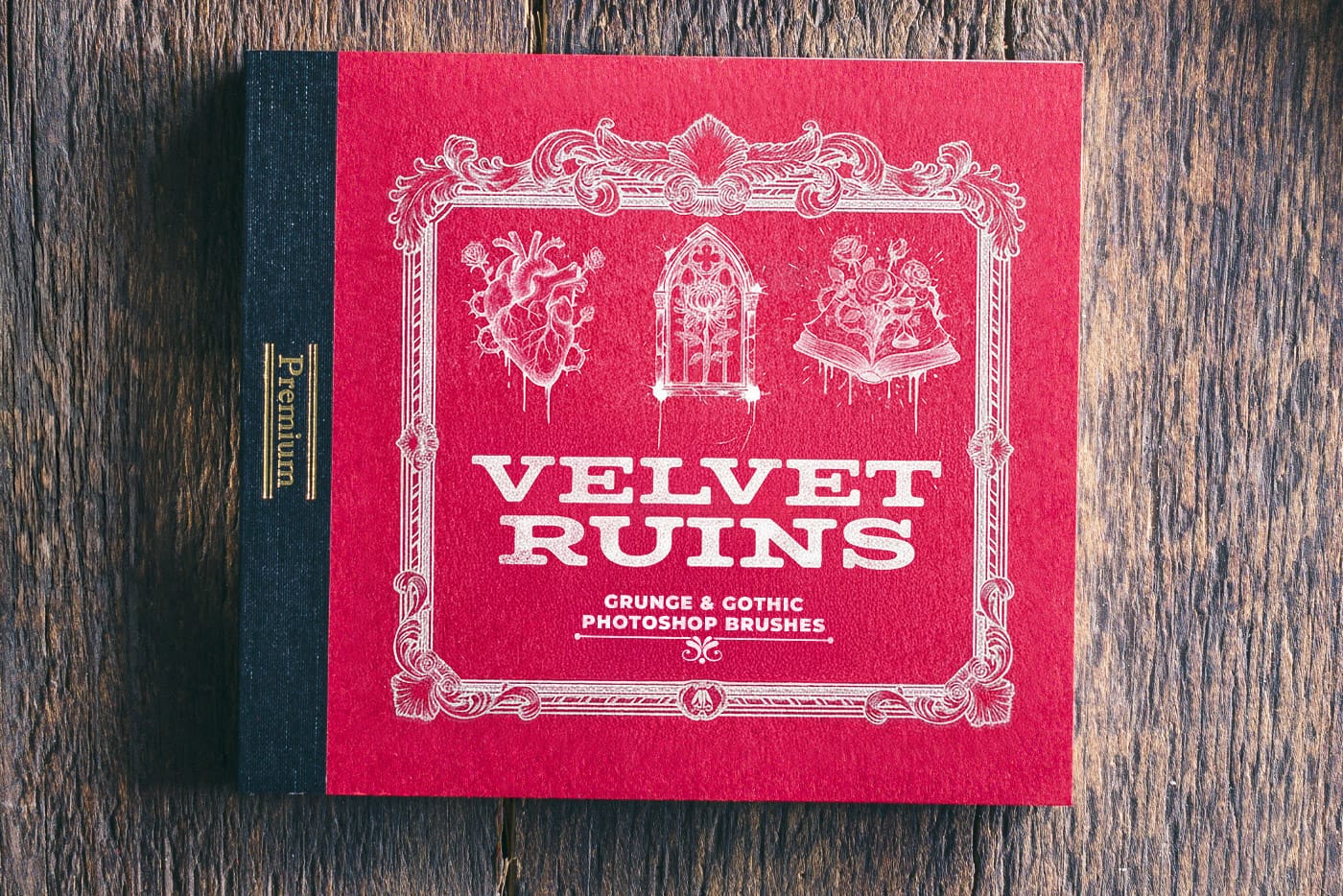
This week’s downloads include the 18-in-1 Old Photo Effects Bundle, Patina Veil – 8 free painterly backgrounds, Velvet Ruins gothic grunge stamp brushes, plus Urban Noise graffiti textures and Denim Jeans stamp brushes. A solid mix of practical tutorials and ready-to-use creative assets.

Editor’s Picks: Photoshop Tutorials
How to Check Your Generative Fill Credit Balance in Photoshop

Read Article

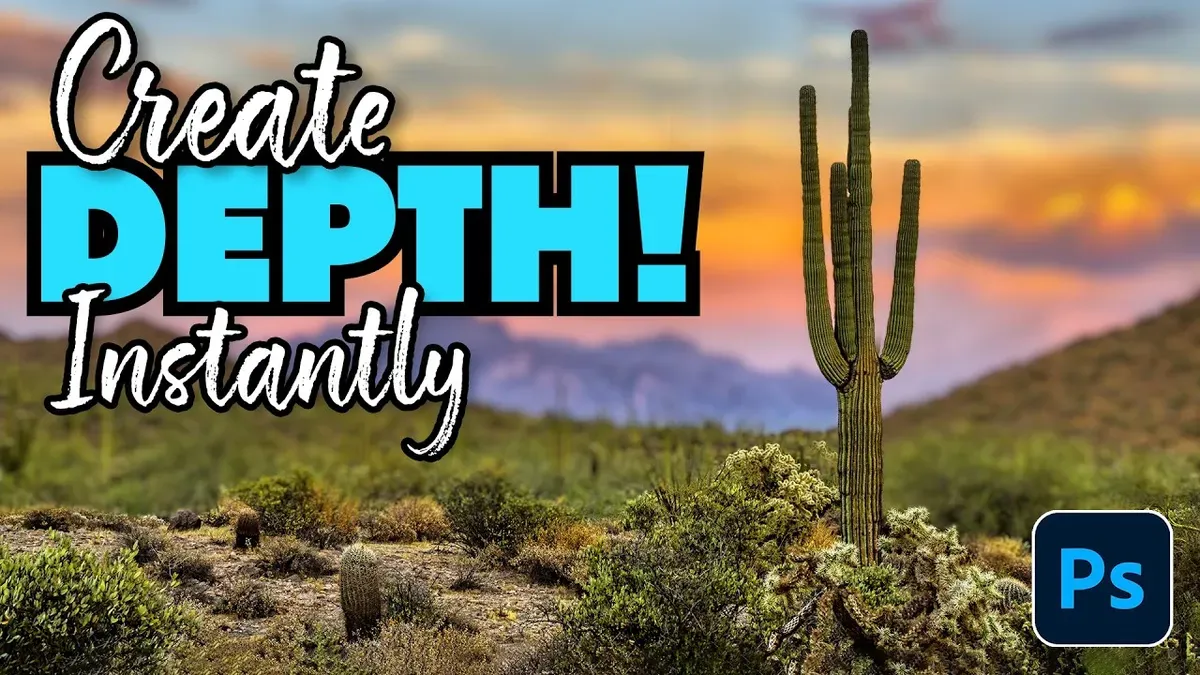
How to Create Realistic Depth Blur Effects in Photoshop

Read Article

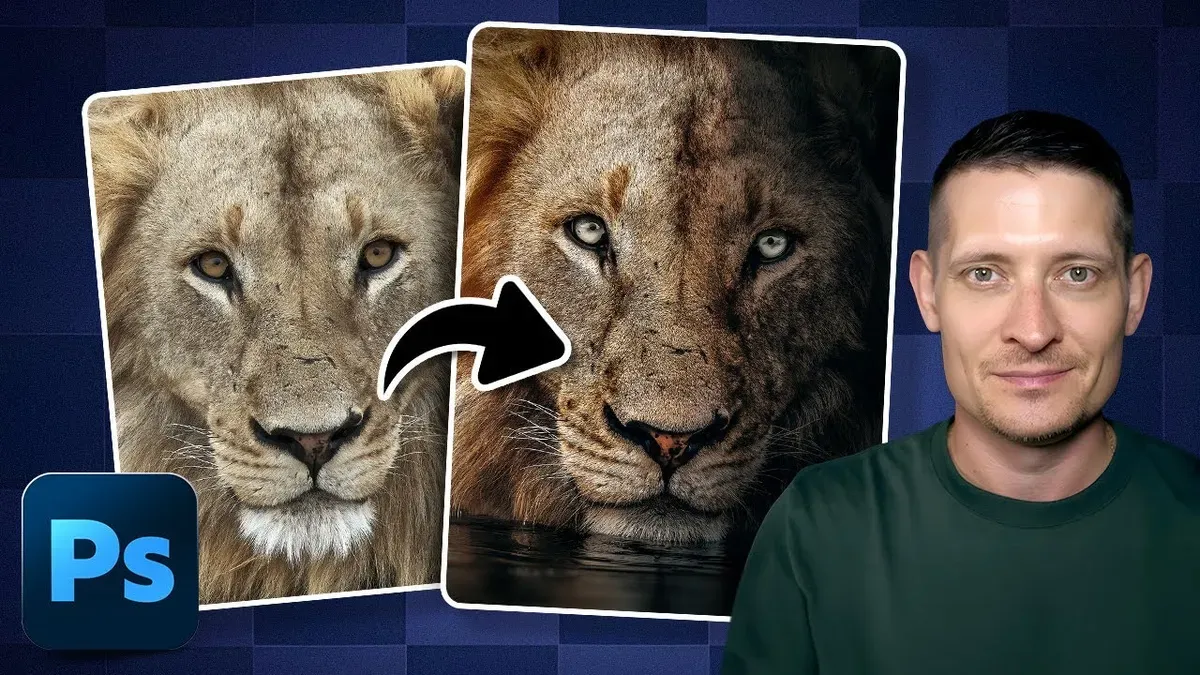
Creating Dark Moody Wildlife Photo Edits in Photoshop

Read Article

Editor’s Picks: Creative Assets

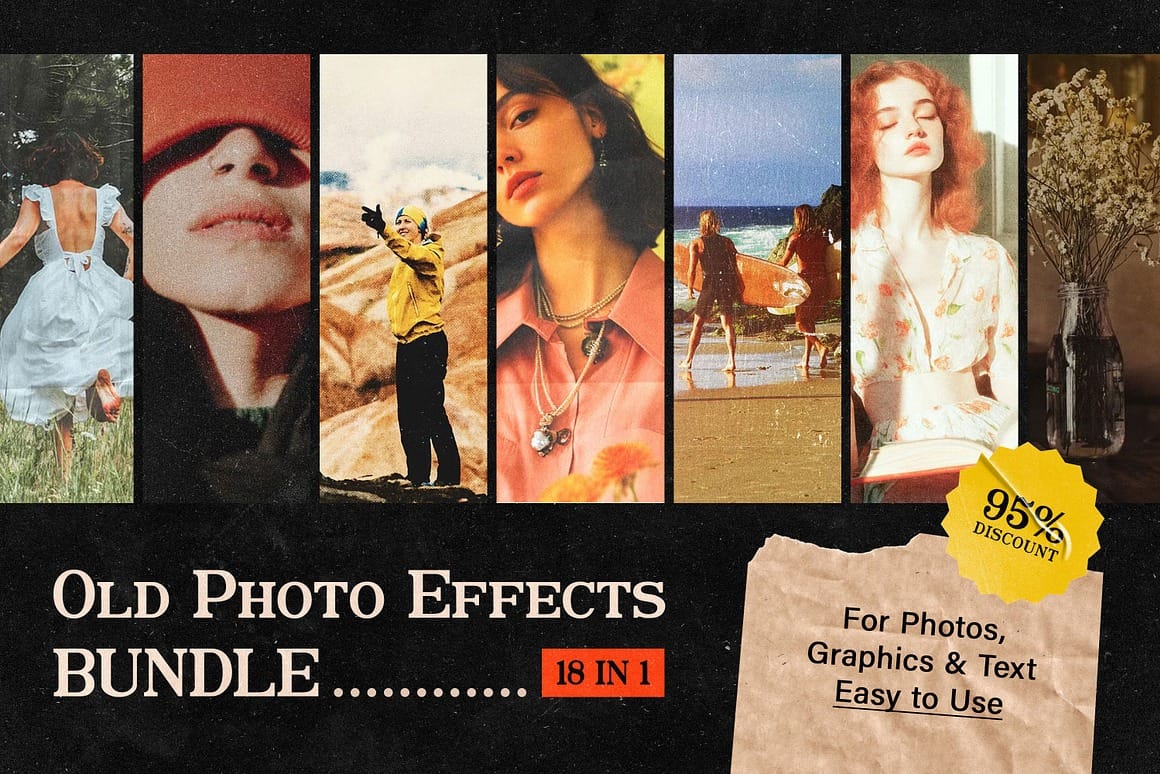
18 in 1 Old Photo Effects Bundle

View all Effects

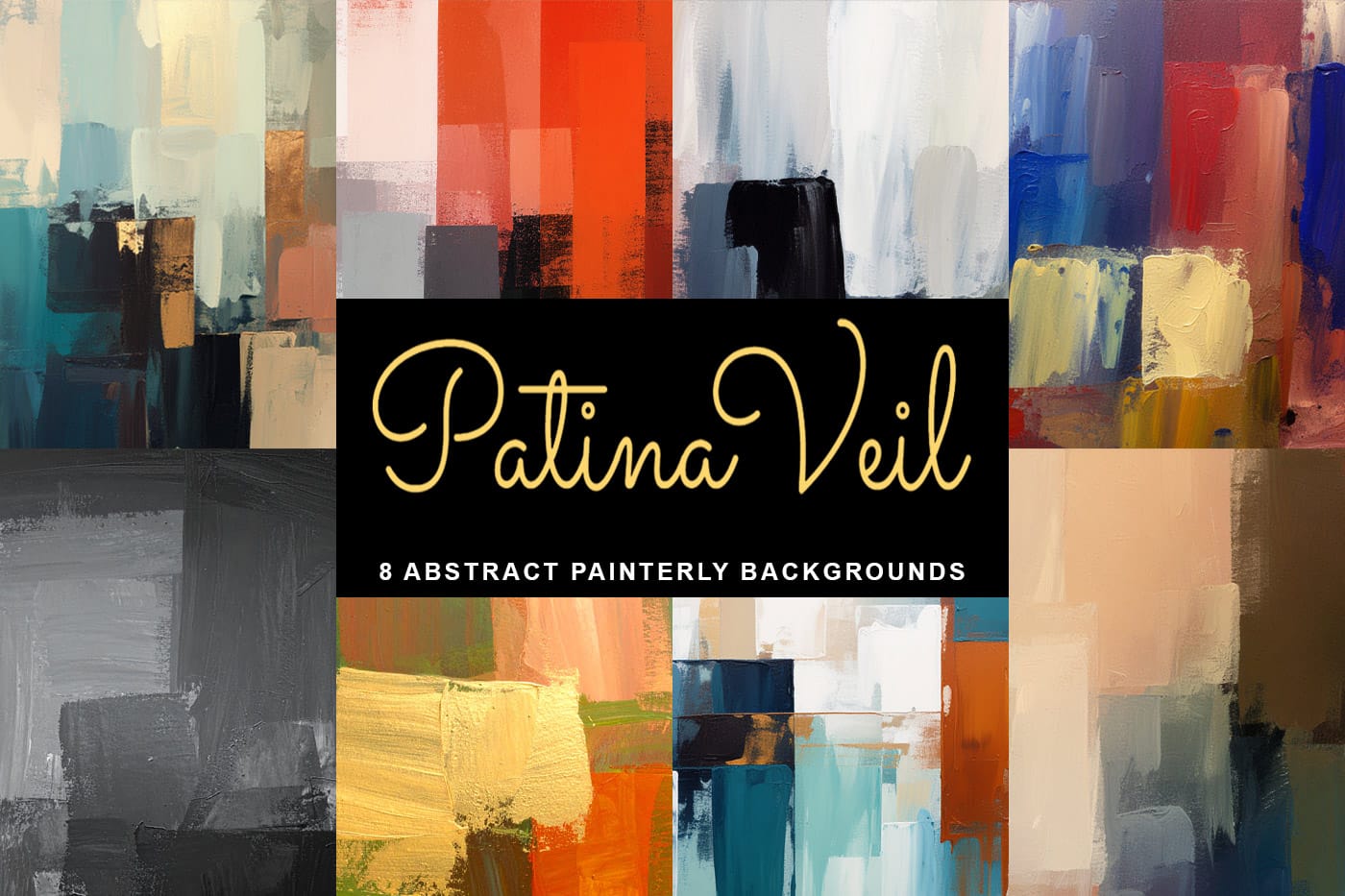
Patina Veil - 8 Free Painterly Backgrounds 

Download Here

Velvet Ruins: Gothic Grunge Stamp Free Photoshop Brushes

Download Here
Three Professional Methods to Fix White Balance in Photoshop
Color casts can ruin even the best photographs, making whites appear yellow, blue, or green instead of neutral. Poor white balance destroys the natural look of your images and creates an unprofessional appearance that’s immediately noticeable to viewers. These three techniques provide increasingly precise control over white balance correction, from
How to Create Professional Photo Composites in Photoshop
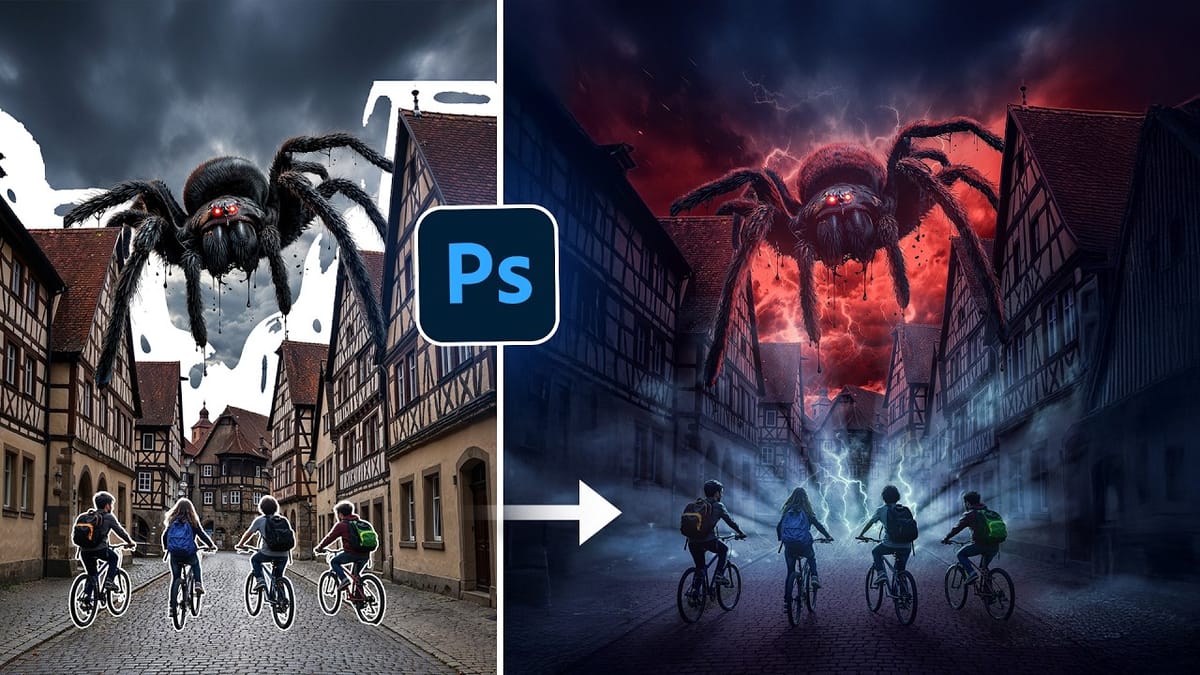
Creating compelling photo composites requires more than simply placing images together. This comprehensive tutorial demonstrates how to blend multiple elements seamlessly, from matching lighting and color to painting realistic shadows and highlights. The project showcases a dramatic scene inspired by Stranger Things, combining buildings, characters, and atmospheric effects with precise
How to Create High-Converting YouTube Thumbnails with AI and Photoshop
YouTube thumbnails serve as the first handshake between your content and potential viewers. A well-crafted thumbnail can mean the difference between a scroll-past and a click, directly impacting your video’s success regardless of content quality. This comprehensive workflow combines AI image generation with traditional design principles to create thumbnails that
Using Clarity and Dehaze for Natural Depth in Images
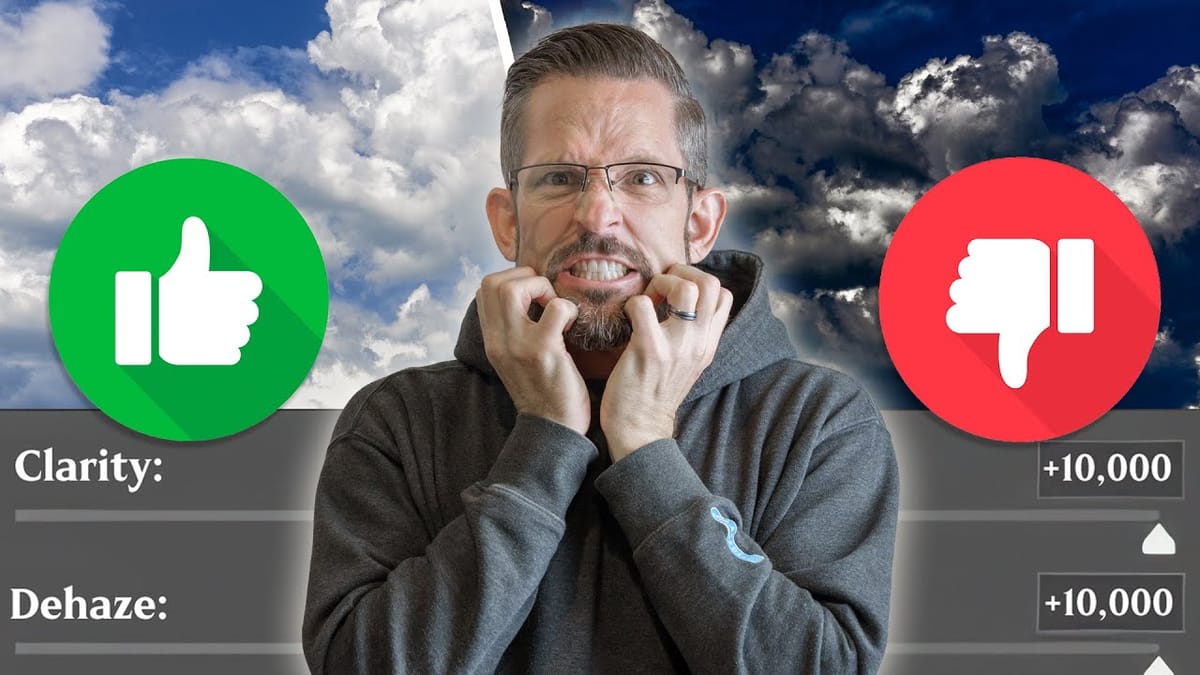
Photoshop’s new Clarity and Dehaze adjustment layers offer precise control over image depth, but they’re often misused to create harsh, over-processed effects. Understanding how these tools work at different frequency levels helps you enhance natural atmospheric perspective instead of destroying it. Clarity affects microcontrast in small details, while Dehaze works
Add Realistic Film Grain in Photoshop Using the New Adjustment Layer
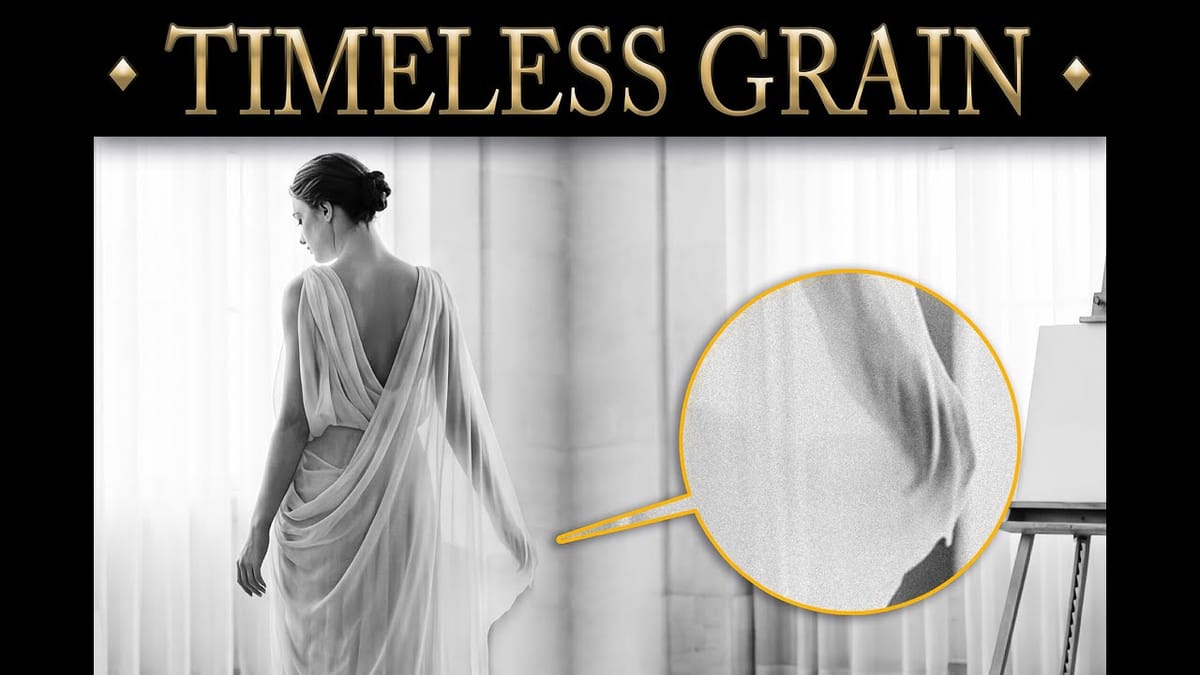
Film grain adds authentic character to digital images, recreating the organic texture that made analog photography compelling. The new grain adjustment layer in Photoshop 27.3 brings this classic effect directly into your workflow, eliminating the need to work in Camera Raw. Understanding how grain actually worked in film photography
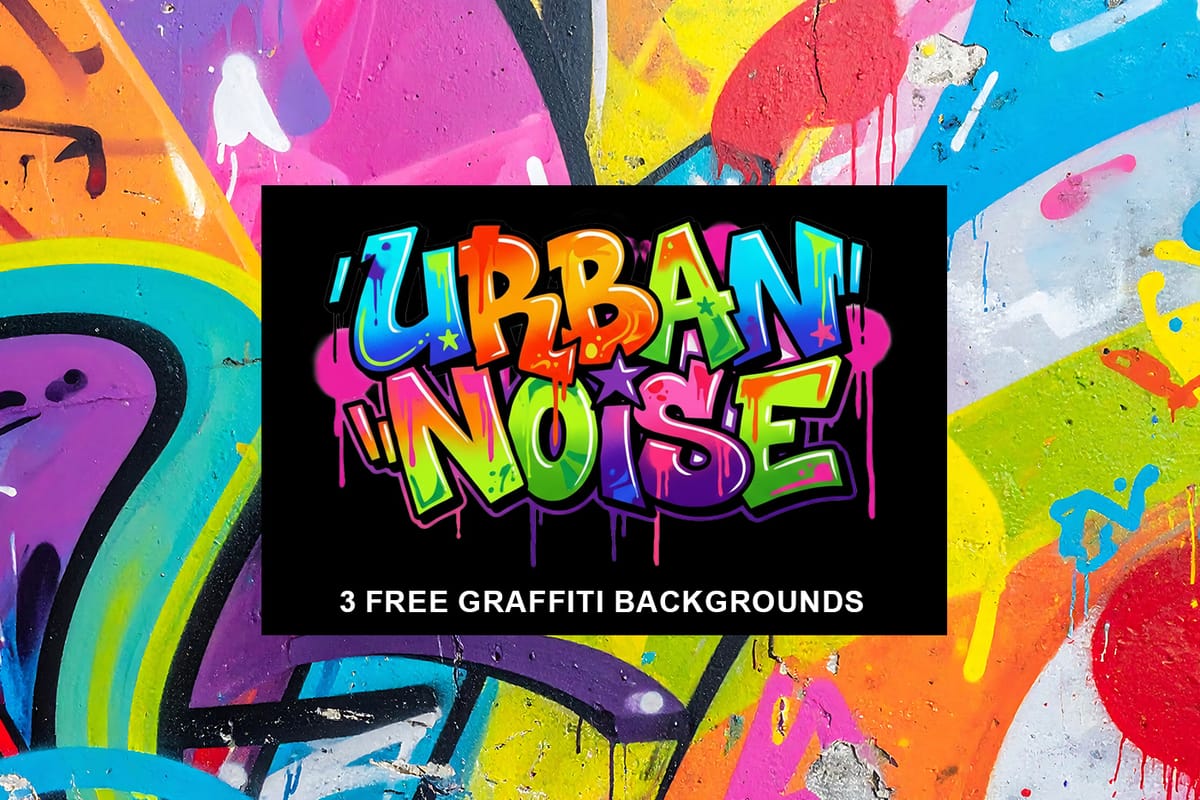
Urban Noise: 3 Free Graffiti Paint Textures Backgrounds
Urban Noise: 3 Free Graffiti Paint Textures Backgrounds is a small sample pack featuring three high-resolution graffiti wall textures taken from the full Urban Noise 20 Graffiti Paint Texture Backgrounds collection. This free pack gives you a clear preview of the visual style, color depth, and surface detail found in
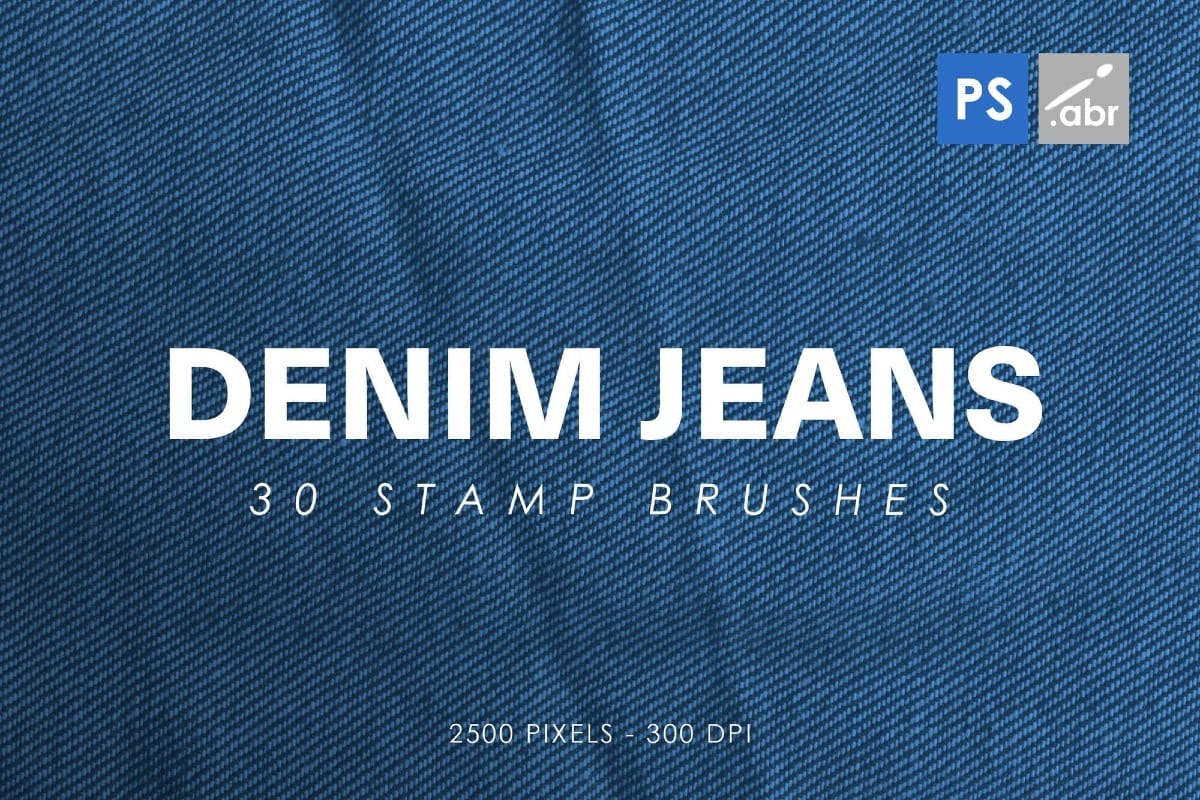
Denim Jeans Photoshop Brushes
The Denim Jeans Photoshop Stamp Brushes set includes 30 high-resolution stamp brushes created from denim textures and details. These brushes are designed to help you add fabric-based elements to your designs quickly, without having to build denim textures from scratch. Each brush is sized at 2500 pixels, making them suitable

Get tutorials & freebies delivered to you.

Subscribe to the Photoshop Roadmap newsletter, a weekly roundup of new tutorials, insights and quality downloads, trusted by 6500+ readers.

You might also like

New This Week in Photoshop Roadmap — Feb 4, 2026

This week’s Photoshop Roadmap roundup focuses on faster workflows and cleaner results. The tutorials cover practical edits like creating glow motion effects with gradient maps, changing object colors using Hue/Saturation, and using reference images to guide Generative Fill. You’ll also find useful fixes and retouching techniques, including...

New This Week in Photoshop Roadmap — Jan 28, 2026

This week’s roundup brings together a new selection of Photoshop tutorials and creative assets recently featured on Photoshop Roadmap. From quick portrait effects to better control over how Photoshop behaves, the focus is on working faster and getting cleaner, more realistic results without adding extra steps. You’ll find...

New This Week in Photoshop Roadmap — Jan 21, 2026

This week’s roundup brings together some of the most useful Photoshop tutorials and creative assets recently published on Photoshop Roadmap. From AI-powered tools to classic compositing tricks, we’re covering smart ways to speed up your workflow and get more realistic, polished results. You’ll find guides on using...

New This Week in Photoshop Roadmap — Jan 13, 2026

This week's roundup features the best Photoshop tutorials and creative resources published on Photoshop Roadmap. We're covering essential techniques like fixing skin tones, using Select Subject for precise cutouts, and editing text directly in images with Generative Fill. We've also picked some great free...

You’ve successfully subscribed to Photoshop Roadmap
Welcome back! You’ve successfully signed in.
Great! You’ve successfully signed up.
Success! Your email is updated.
Your link has expired
Success! Check your email for magic link to sign-in.