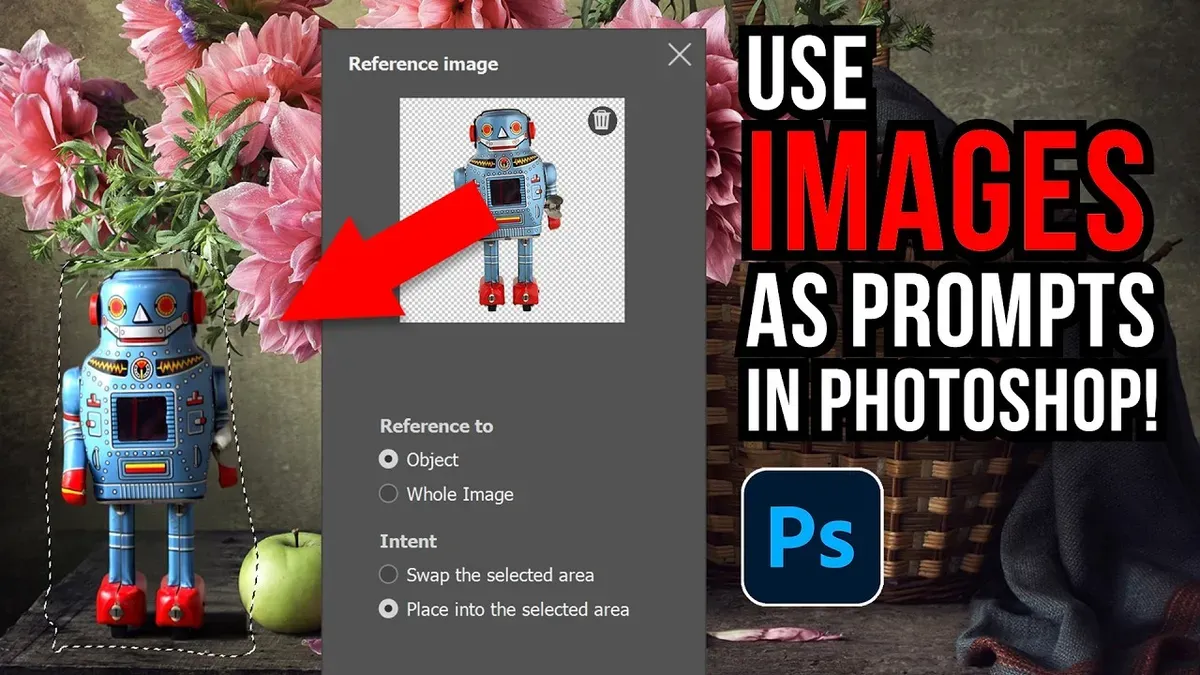
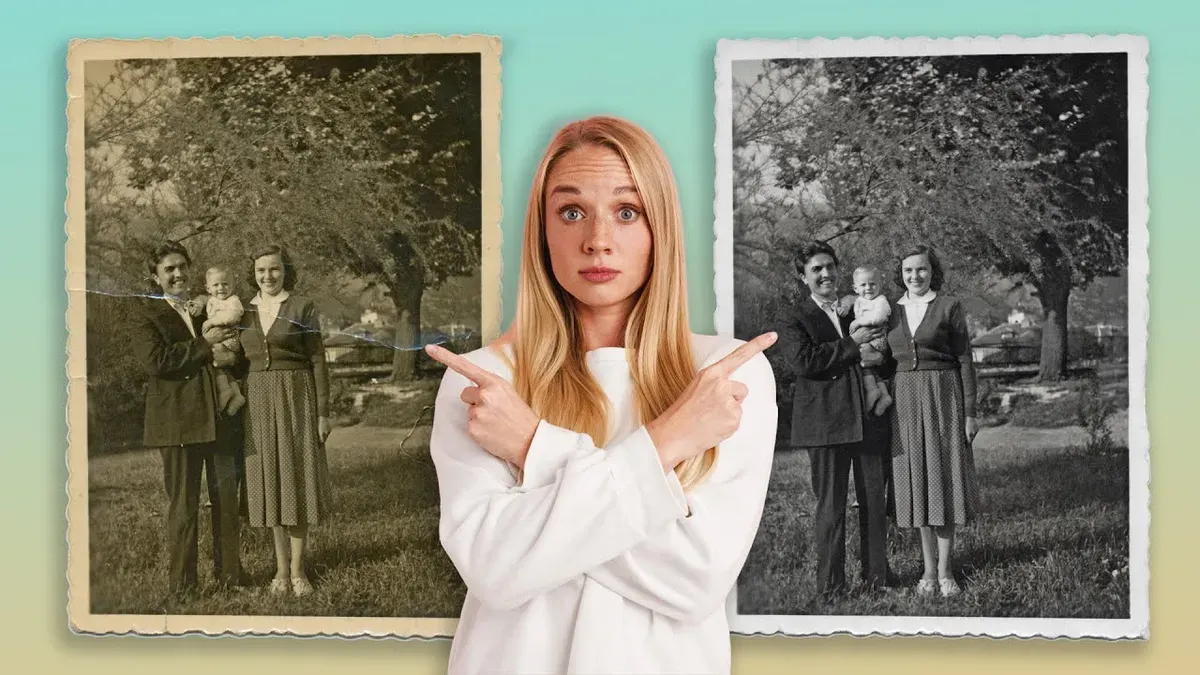
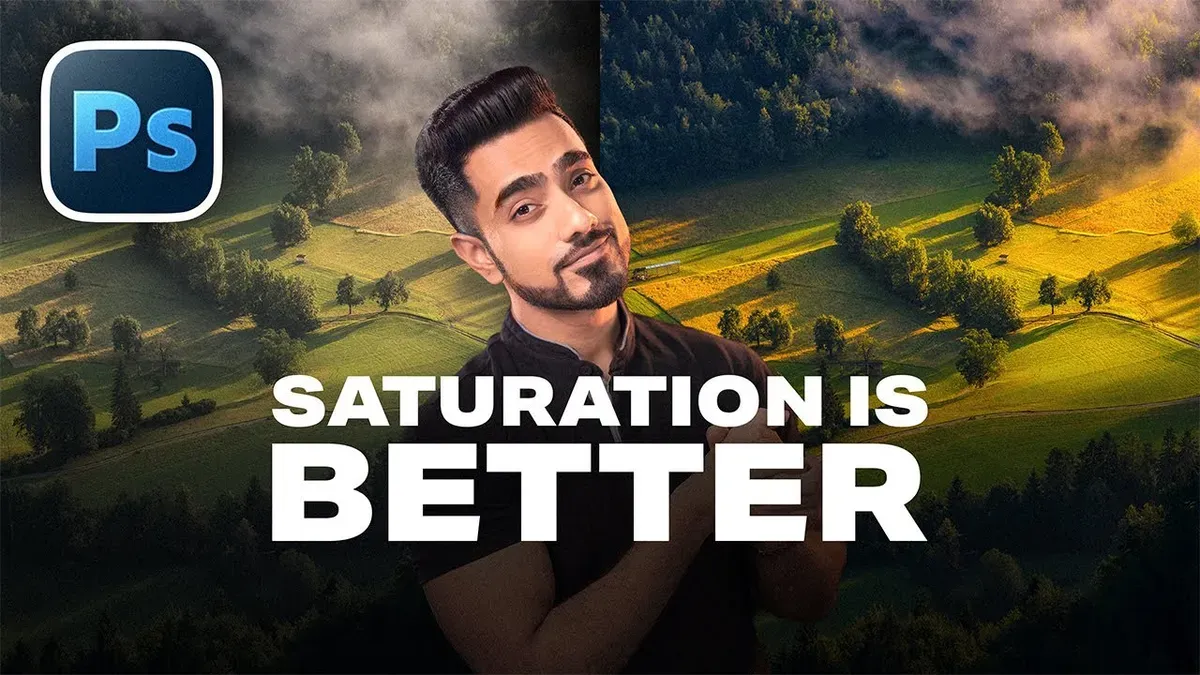
This week’s Photoshop Roadmap roundup is all about smarter workflows and bold creative effects. You’ll see how to set up custom keyboard shortcuts to speed up your daily tasks, work with reference images inside Generative Fill, and test the new Firefly Fill and Expand model with a detailed quality comparison. There’s also a practical look at AI photo restoration with Gemini 3 Nano Banana Pro, plus a clear breakdown of when to use Saturation vs Vibrance for cleaner, more natural color.
On the creative side, learn how to build a futuristic sci-fi hologram effect, create sharp halftone patterns with crisp detail, and turn a simple image into a custom chain brush you can paint with. You’ll also find a step-by-step method for converting a portrait into a bold black and white logo, along with seven essential shortcuts for digital illustrators to help you spot mistakes and work faster.
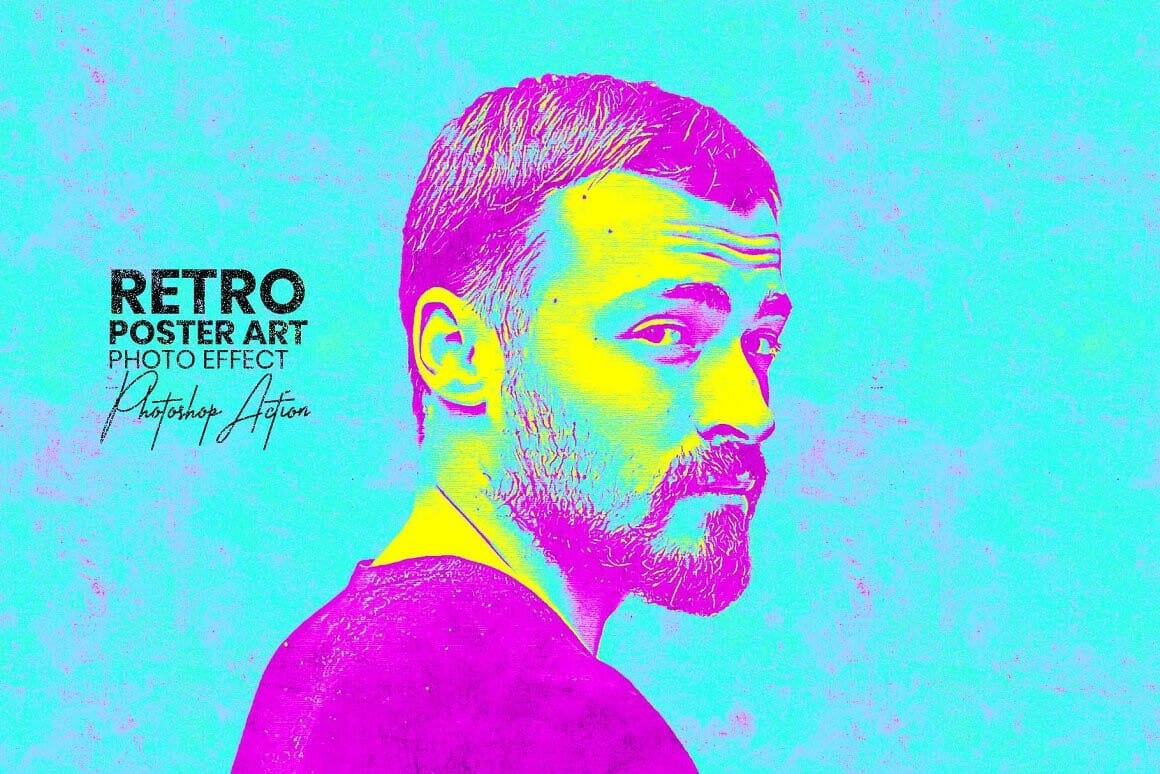
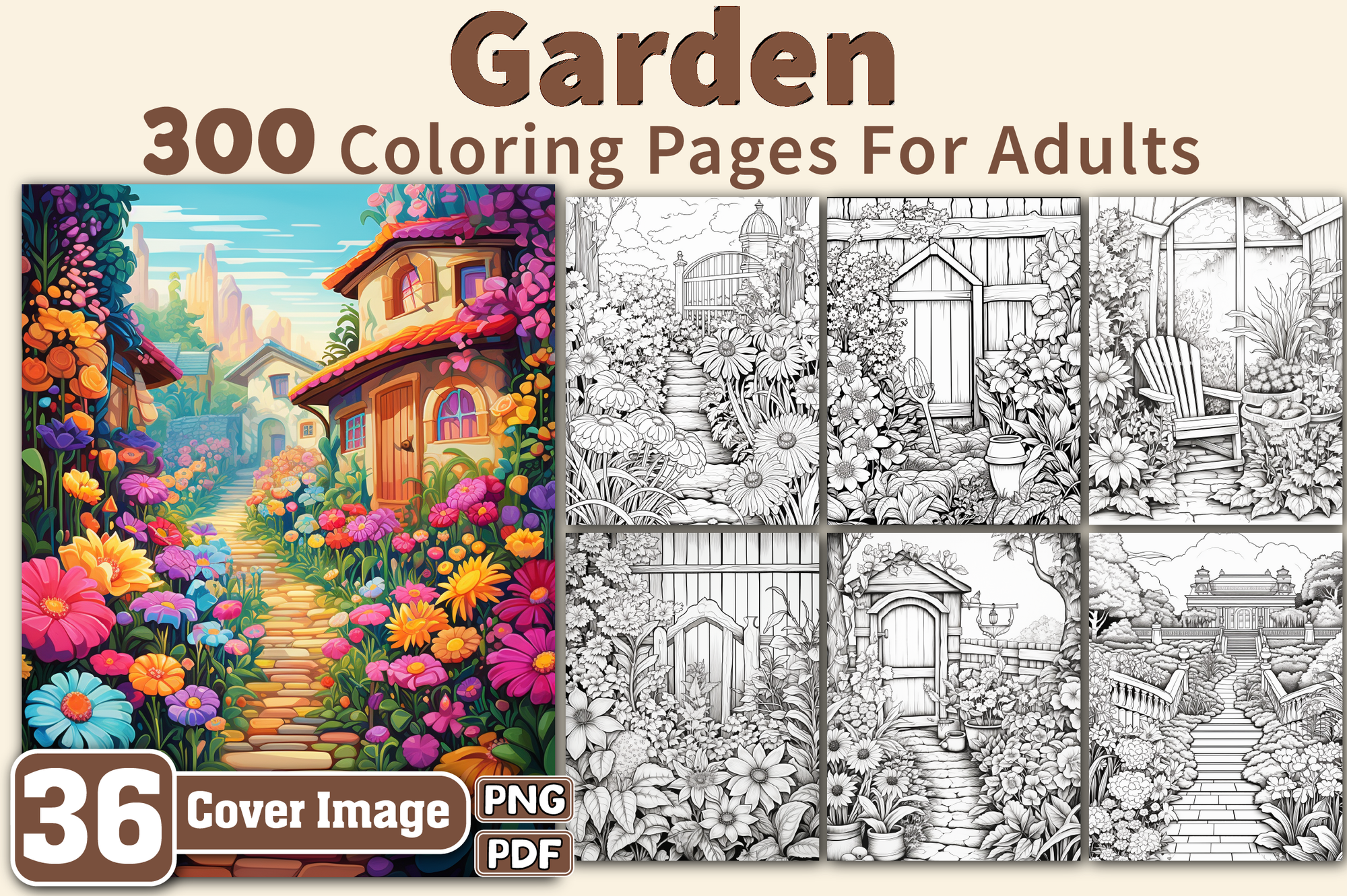
This week’s creative picks include Retro Poster Art Photoshop Actions and Garden Coloring Pages for Adults—a solid mix of practical training and ready-to-use assets to keep your projects moving.
Editor’s Picks: Photoshop Tutorials
Editor’s Picks: Creative Assets
Featured Posts This Week
 Panter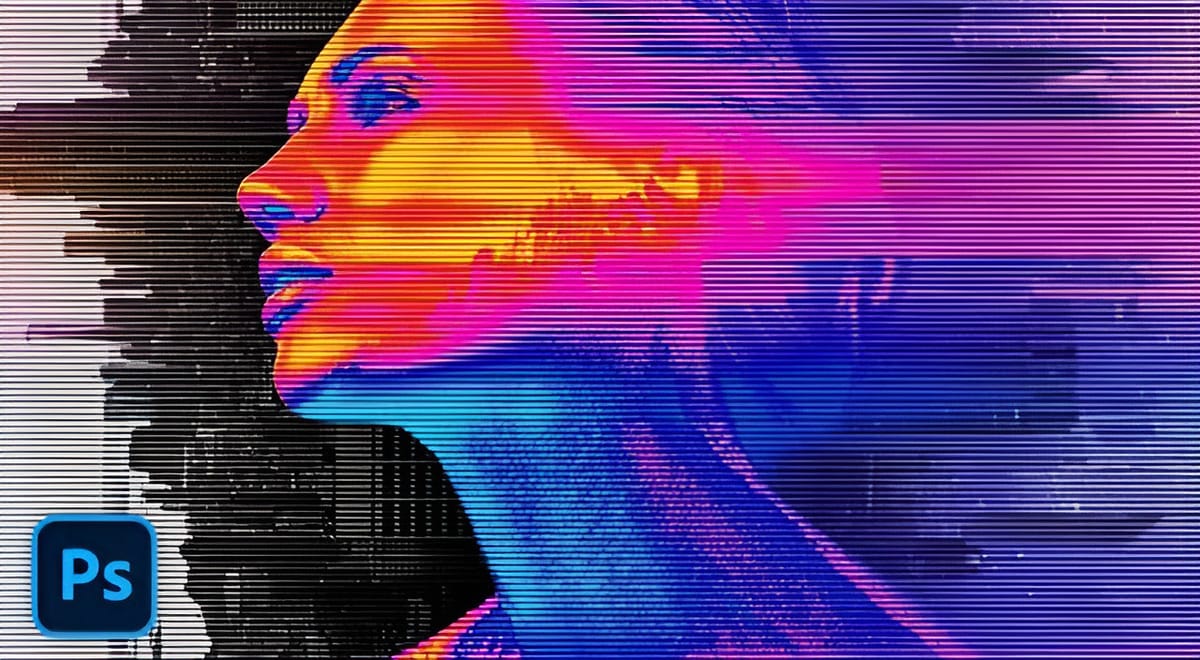
 Brendan Williams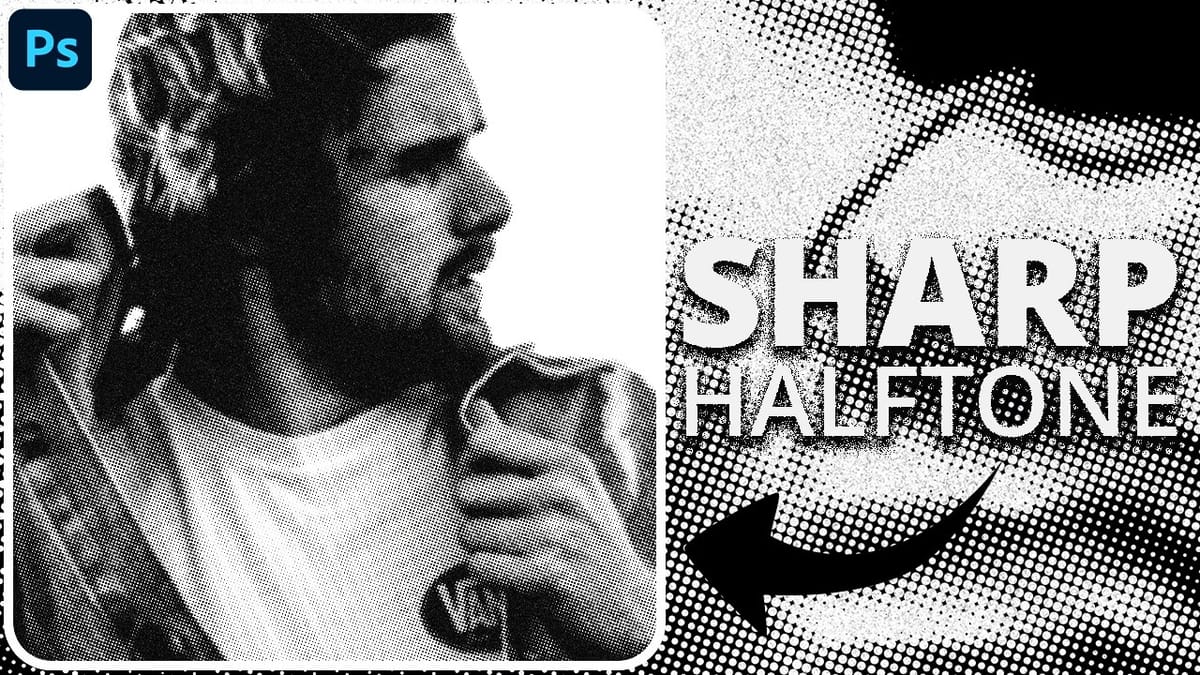
 Panter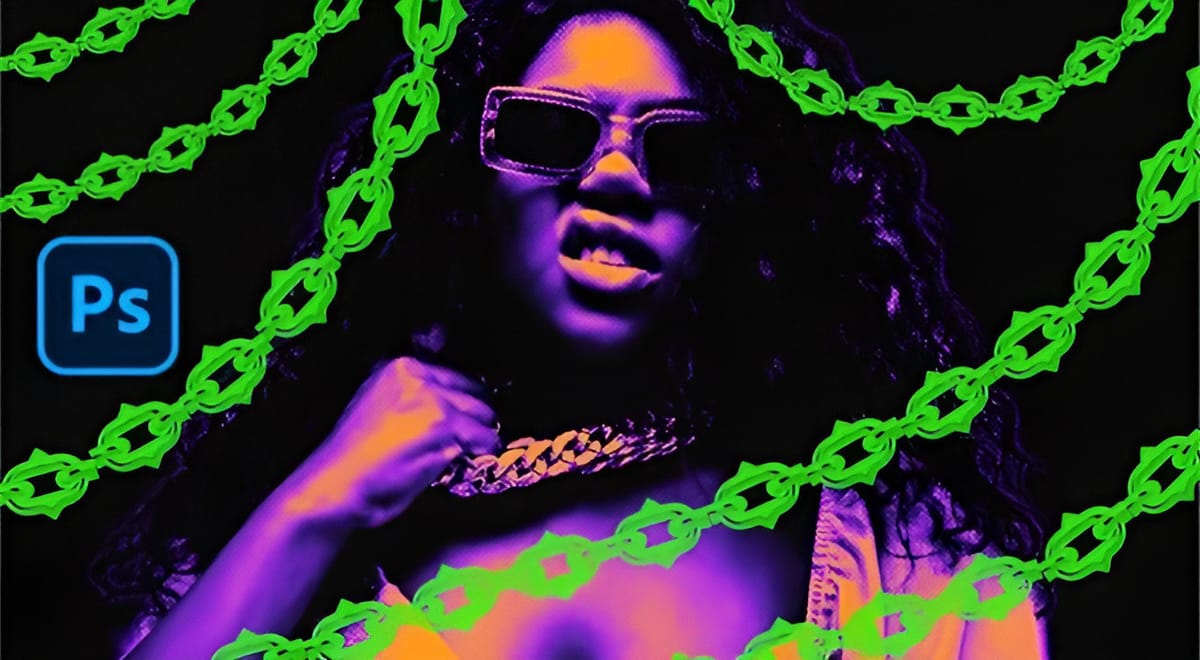
 Photoshop Cafe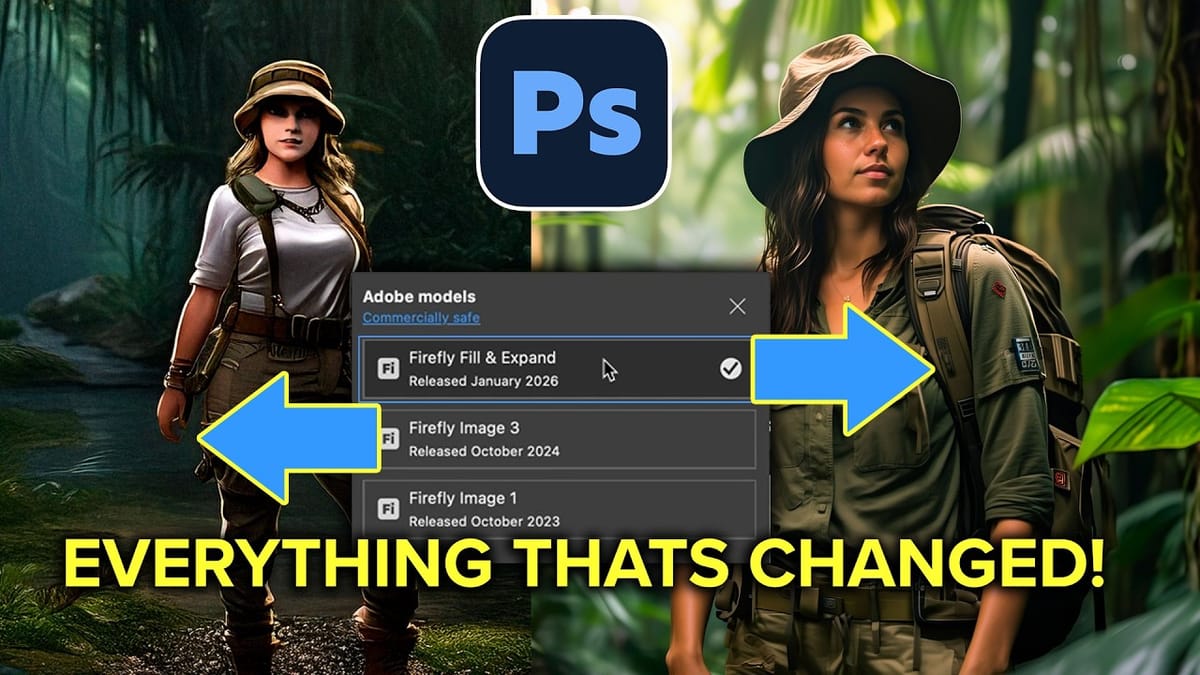
 Photoshop Arthouse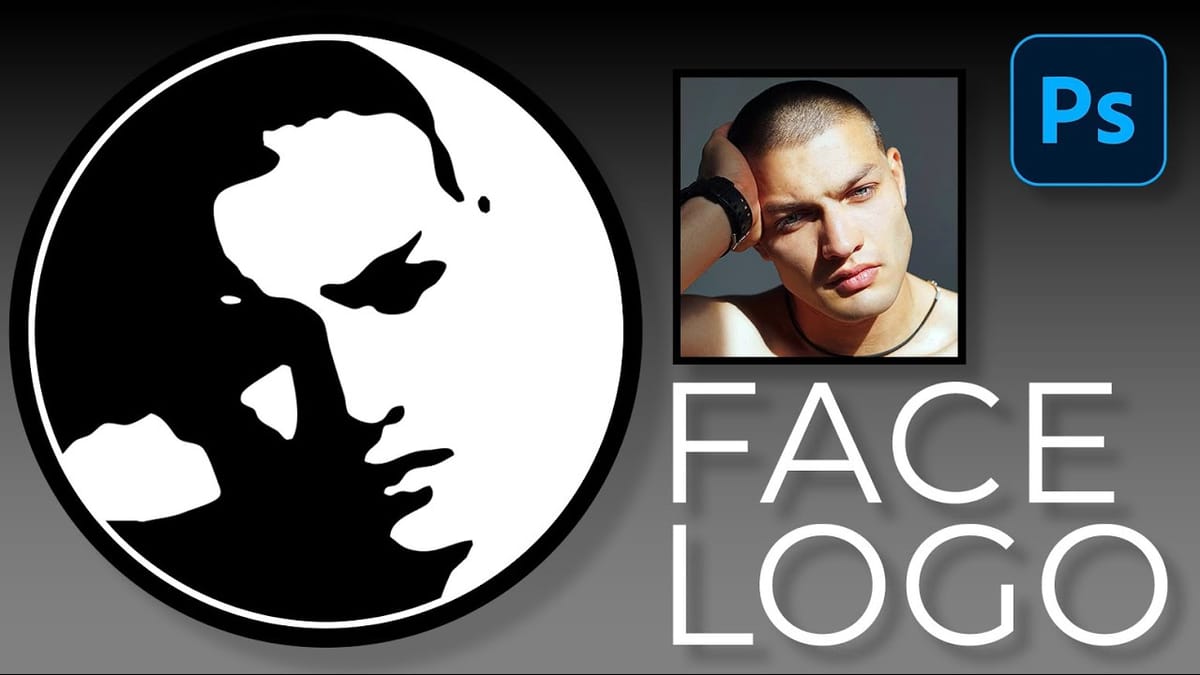
 Adobe Photoshop