How to Create Sharp Halftone Effects in Photoshop

How to Create Sharp Halftone Effects in Photoshop

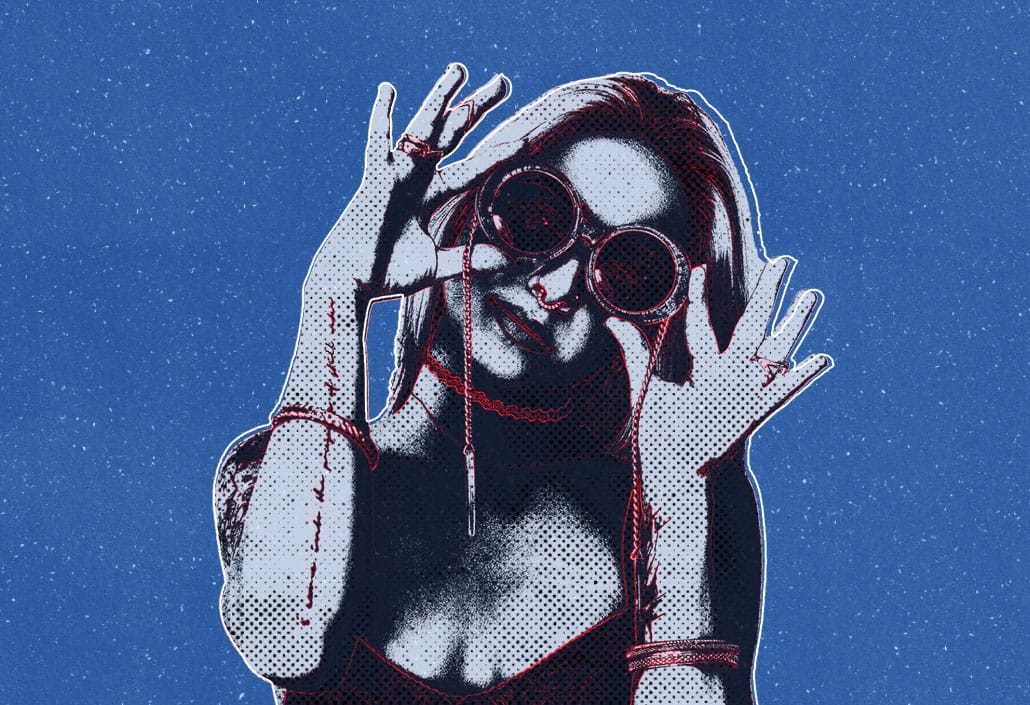
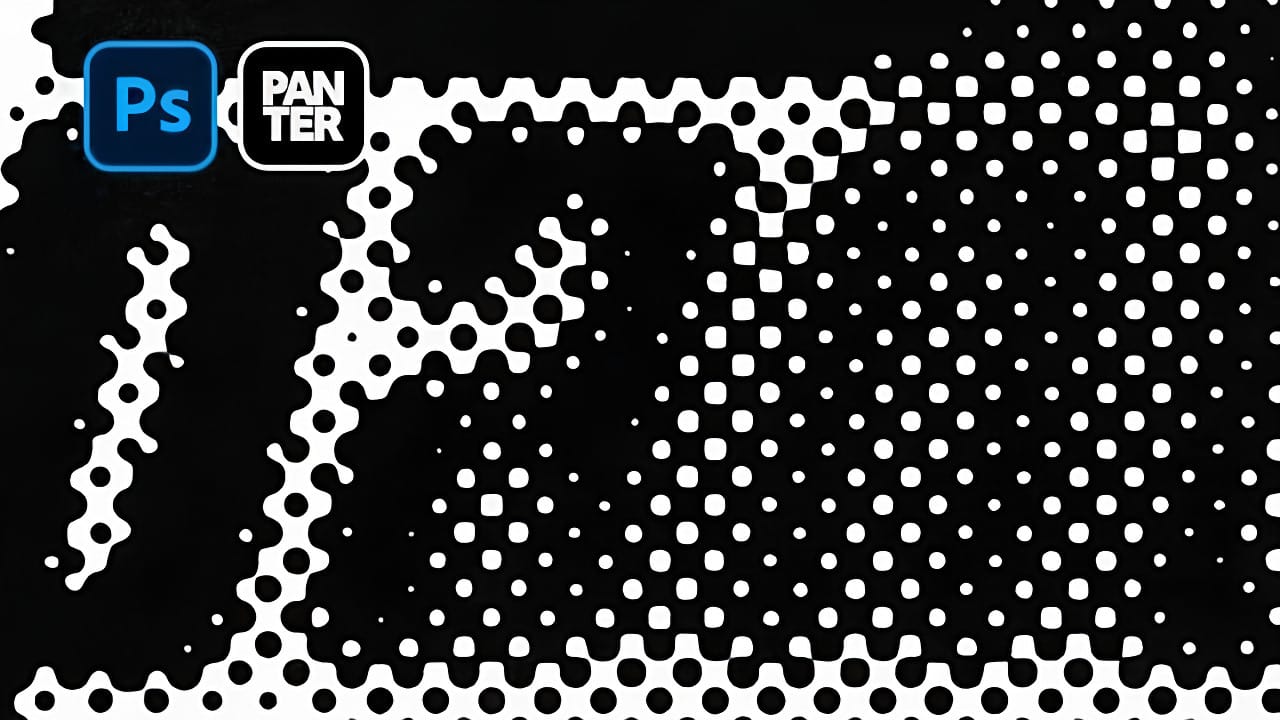
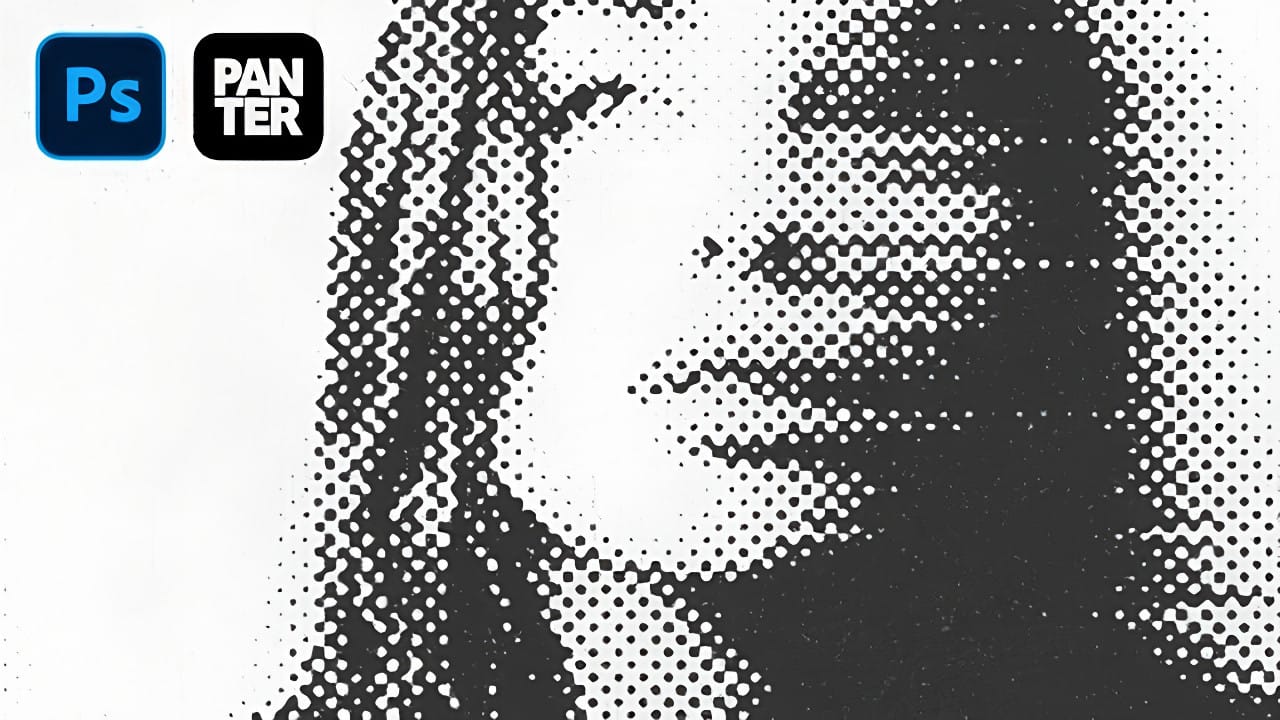
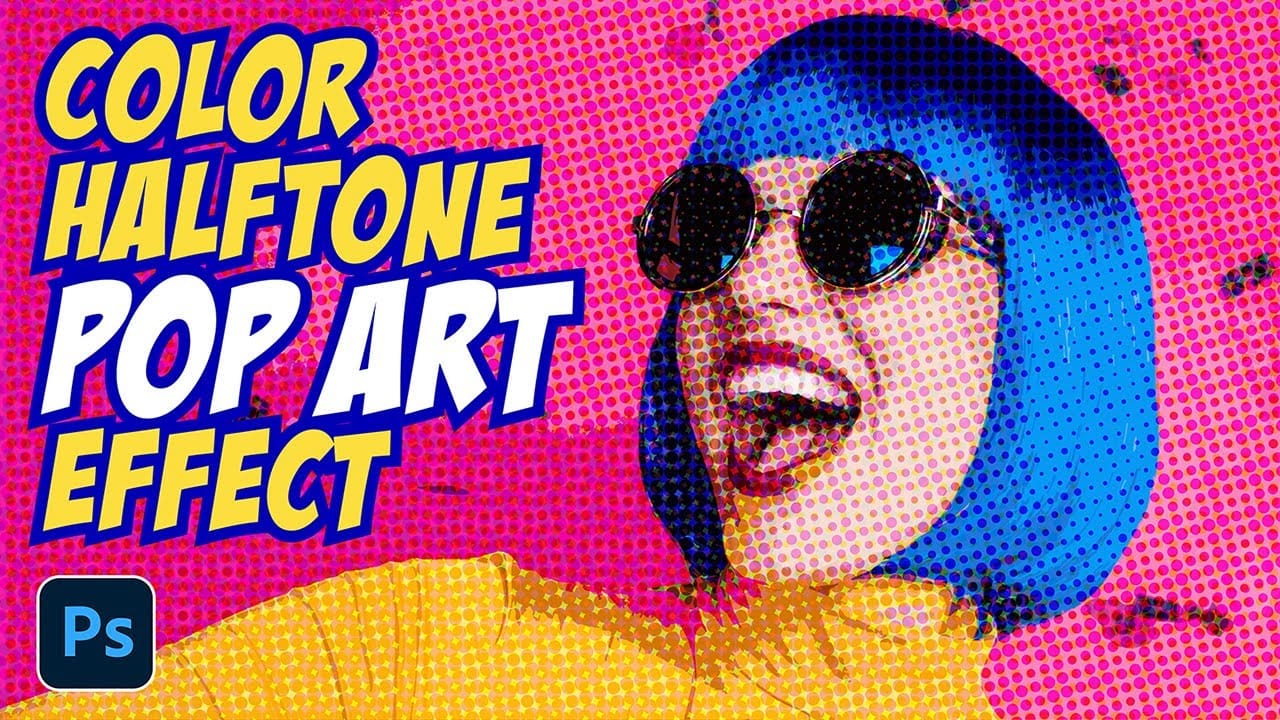
Traditional halftone effects in print media created depth through visible dot patterns that gave images character and texture. While Photoshop's built-in Filter Gallery offers a quick halftone option, it produces blurry results that lack the crisp definition of professional halftone work.

This technique uses the Color Halftone filter combined with smart objects and noise textures to create sharp, adjustable halftone effects. The method allows for complete control over dot size and contrast while maintaining the flexibility to modify settings without starting over.

Video by Brendan Williams. Any links or downloads mentioned by the creator are available only on YouTube

Practical Tips

These techniques will help you achieve professional halftone effects with maximum control and flexibility.

  • Convert your layer to a smart object before applying filters to enable non-destructive editing and easy parameter adjustments
  • Use the Color Halftone filter instead of Filter Gallery for sharper, more defined dots with better edge quality
  • Set all channel values to the same number (like 20 or 40) to create uniform dot patterns across the entire image
  • Add contrast adjustments inside the smart object rather than on top to avoid affecting the halftone dot structure
  • Create textured noise layers using Screen blend mode to add authentic print texture without blocking the underlying effect

Explore more halftone techniques and vintage effects for creating compelling graphic designs.
Ultimate Halftone Effect in Photoshop
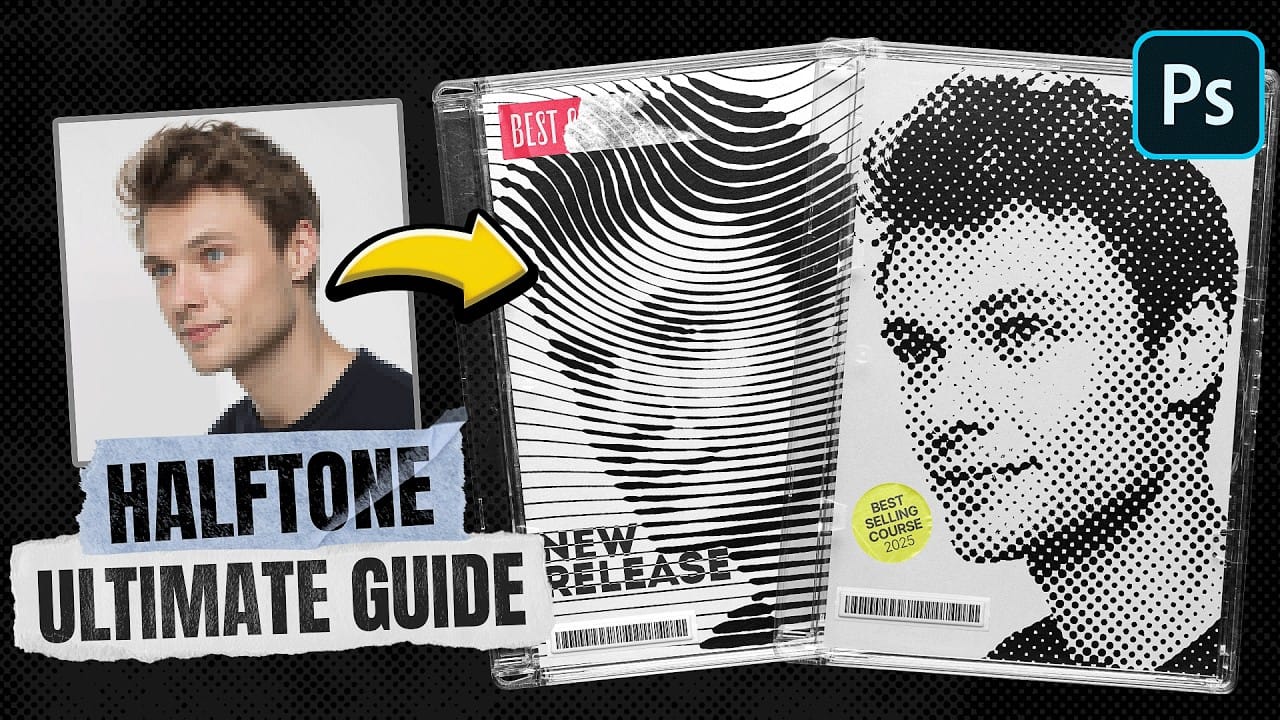
Halftone effects can transform ordinary photos into striking graphic designs, but many designers struggle with creating patterns that blend naturally with their images. The traditional approach often results in rigid, uniform dots that don't adapt to the underlying image tones and details. This tutorial demonstrates how to create flexible halftone effects using multiple pattern types and blending techniques. You'll learn to build reusable workflows that can be applied to any image instantly, pl
Create Grungy Halftone Line Effects in Photoshop
Grungy halftone effects bring vintage print aesthetics and urban edge to digital designs. This technique combines traditional halftone patterns with noise textures to create compelling visual depth. The method uses smart objects and blend modes to build a flexible, non-destructive workflow that works across different projects. Watch the Tutorial Practical Tips for Halftone Line Effects * Convert layers to smart objects before applying filters to maintain flexibility and allow easy adjustm
Create Grungy Retro Halftone Effect in Photoshop
Vintage poster art captured attention through bold contrasts, visible printing dots, and rough textures that gave images character. The halftone effect recreates this aesthetic by breaking up continuous tones into distinct dots, mimicking old-school printing techniques. This technique transforms clean digital photos into gritty, retro-style artwork. The method combines Photoshop's built-in filters with layering techniques to create authentic-looking vintage effects with adjustable intensity.
Create an old-school halftone photo effect in Photoshop
Creating authentic vintage halftone effects can be challenging when working with modern digital photography. Many designers struggle to achieve that classic print aesthetic without the result looking artificial or overdone. This tutorial demonstrates a multi-layer approach to building realistic halftone vintage effects using threshold adjustments, pattern overlays, and selective masking. The technique creates depth and authenticity by working with multiple halftone variations rather than a sing
Create awesome retro halftone effects in Photoshop
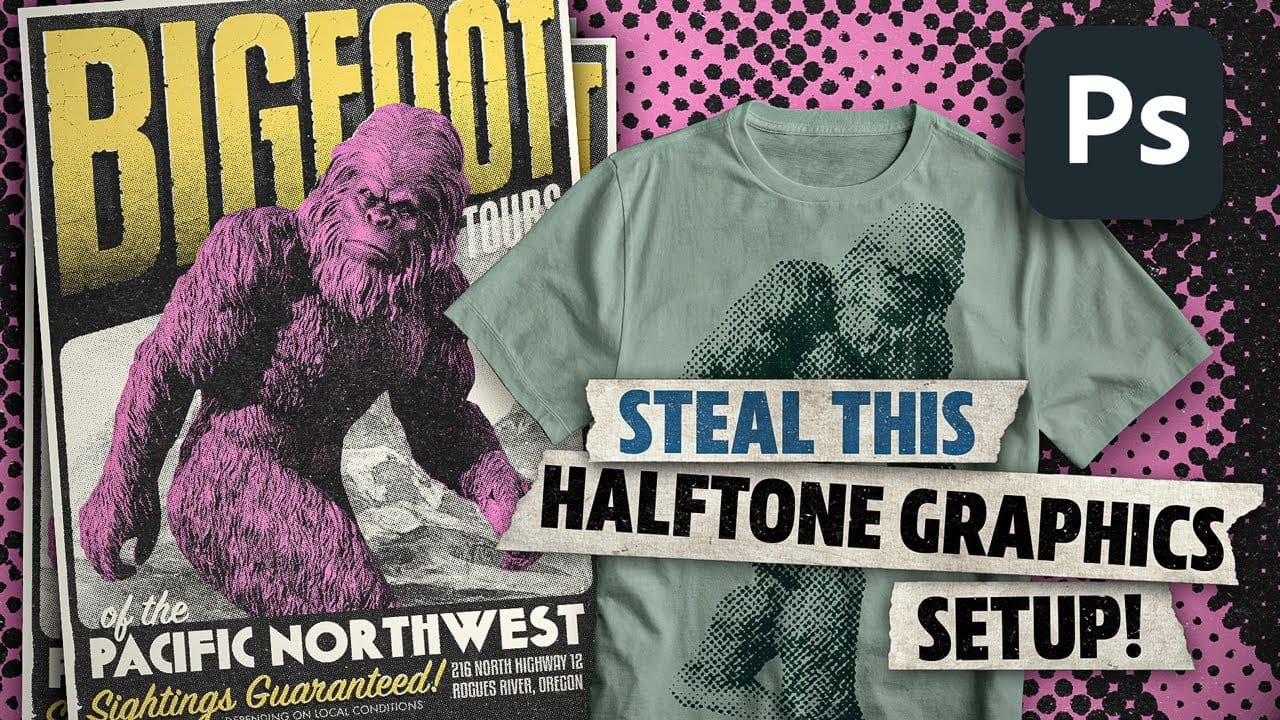
Photoshop includes built-in halftone filters, but they often lack flexibility and can feel rigid for creative projects. Many designers struggle with creating authentic vintage halftone effects that remain editable and can be applied to different image sizes and compositions without starting over. This tutorial demonstrates a five-layer halftone setup that functions like a live adjustment layer, offering full control over dot size, color, and distressing effects. The system uses seamless pattern
How to Create a Blurry Halftone Text Effect in Photoshop
Comic book aesthetics and vintage print textures give modern digital typography distinctive visual impact. Halftone dot patterns from traditional printing create instant nostalgia and graphic punch when paired with strategic blur techniques, transforming simple text into dynamic elements that capture classic print media's essence while retaining digital design flexibility. Watch the Tutorial Practical Tips for Halftone Text Effects * Convert layers to Smart Objects before applying filters
How to Create Dotted Halftone Motion Blur Effects in Photoshop
The distinctive look of dotted halftone patterns combined with dynamic motion blur creates striking visual effects that bridge vintage print aesthetics with modern digital design. This technique transforms portrait photography into graphic art pieces with flowing, particle-like textures. The process involves layering multiple filter effects to achieve that coveted Instagram-worthy look where subjects appear to dissolve into dotted trails of movement. Watch the Tutorial Practical Tips for Mo
Create Distinctive Halftone Effects with Bitmap Halftone FX
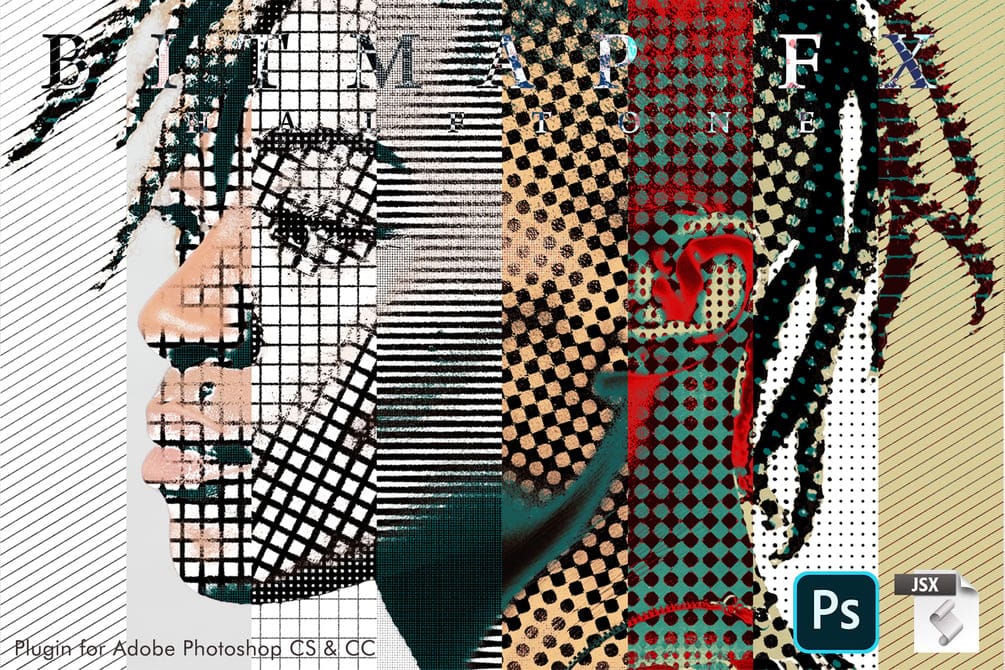
Bitmap Halftone FX is an Adobe Photoshop tool for applying diverse bitmap halftone patterns. Compatible with Photoshop CS and CC, it offers options for circles, lines, diamonds, and crosses. Users can customize sizes and directions for shadows, highlights, and midtones, generating a wide array of visual effects. The script works with any image, supporting multiple languages and resolutions. This tool suits varied applications, from visuals for posters and ads to digital media and GIF animations
Create Grungy Halftone Line Effects in Photoshop
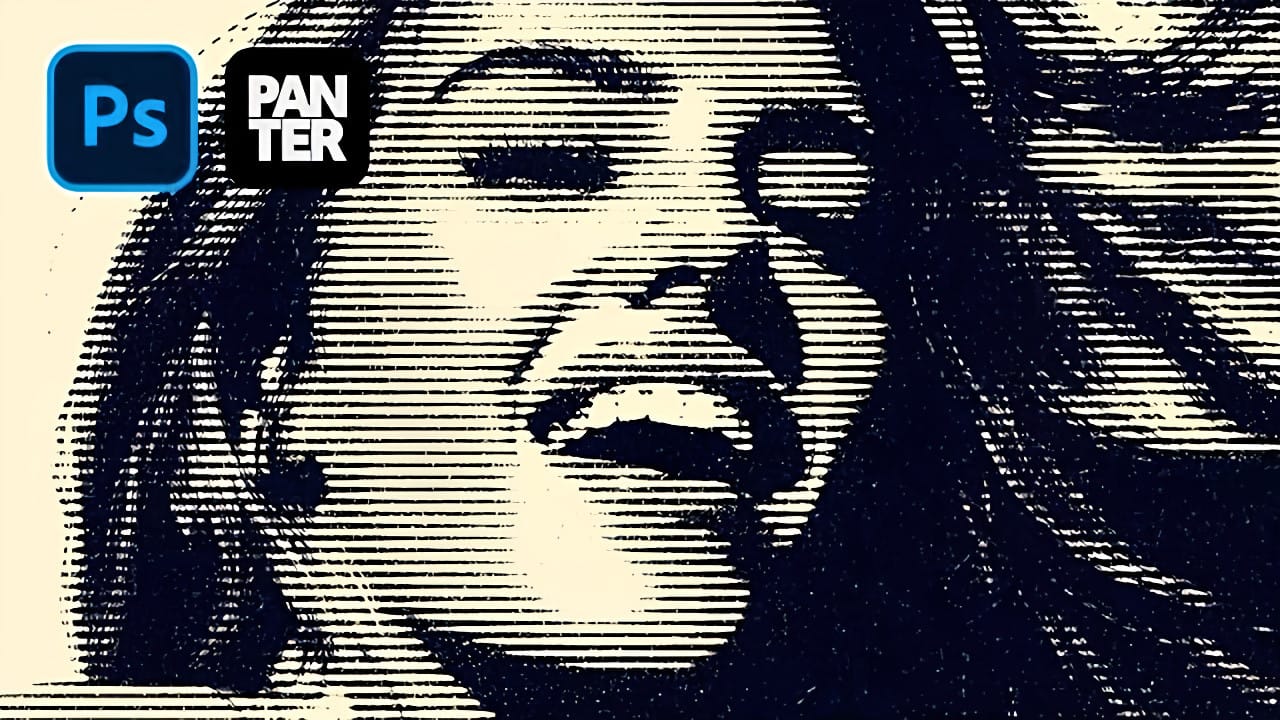
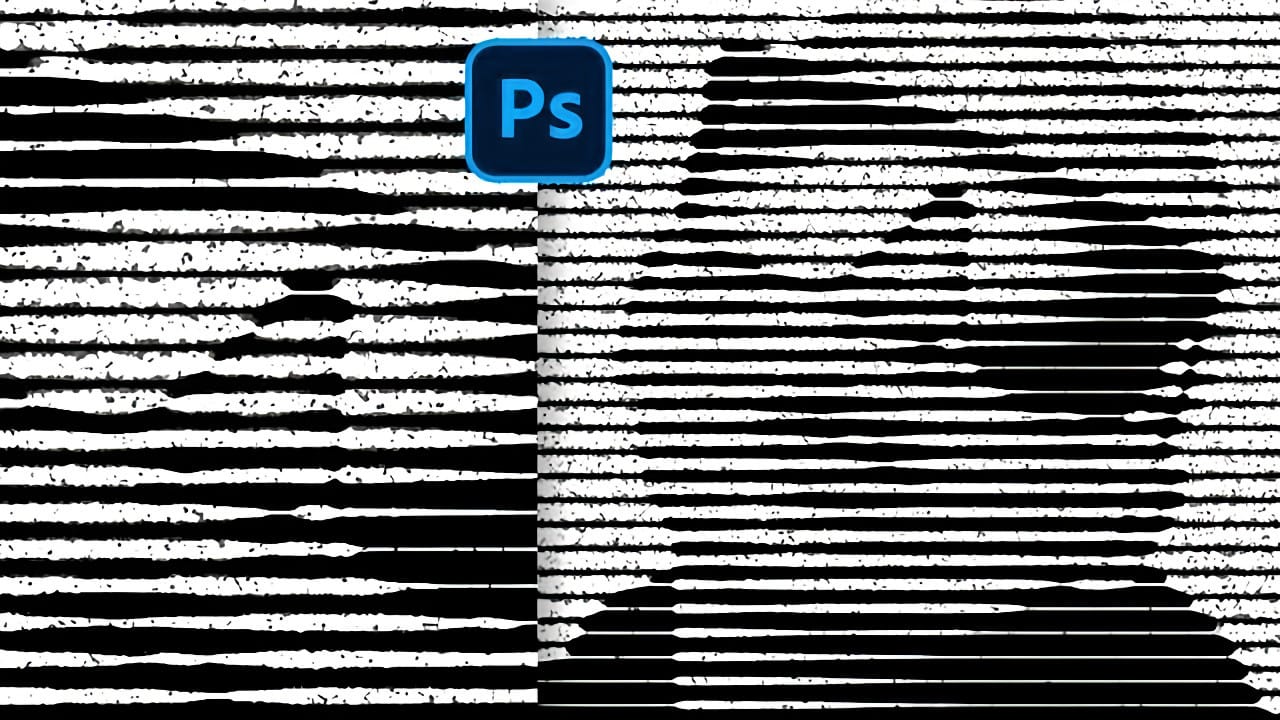
Classic halftone line patterns evoke the raw aesthetic of vintage print media, from underground zines to punk rock posters. These gritty textures transform clean digital photos into pieces that feel authentically analog, complete with the imperfections that make print work compelling. This technique combines Photoshop's halftone filters with noise and blur effects to create convincing photocopy-style line patterns. The method builds multiple adjustment layers that work together to produce both
Create a Retro Pop Art Effect with Color Halftone in Photoshop
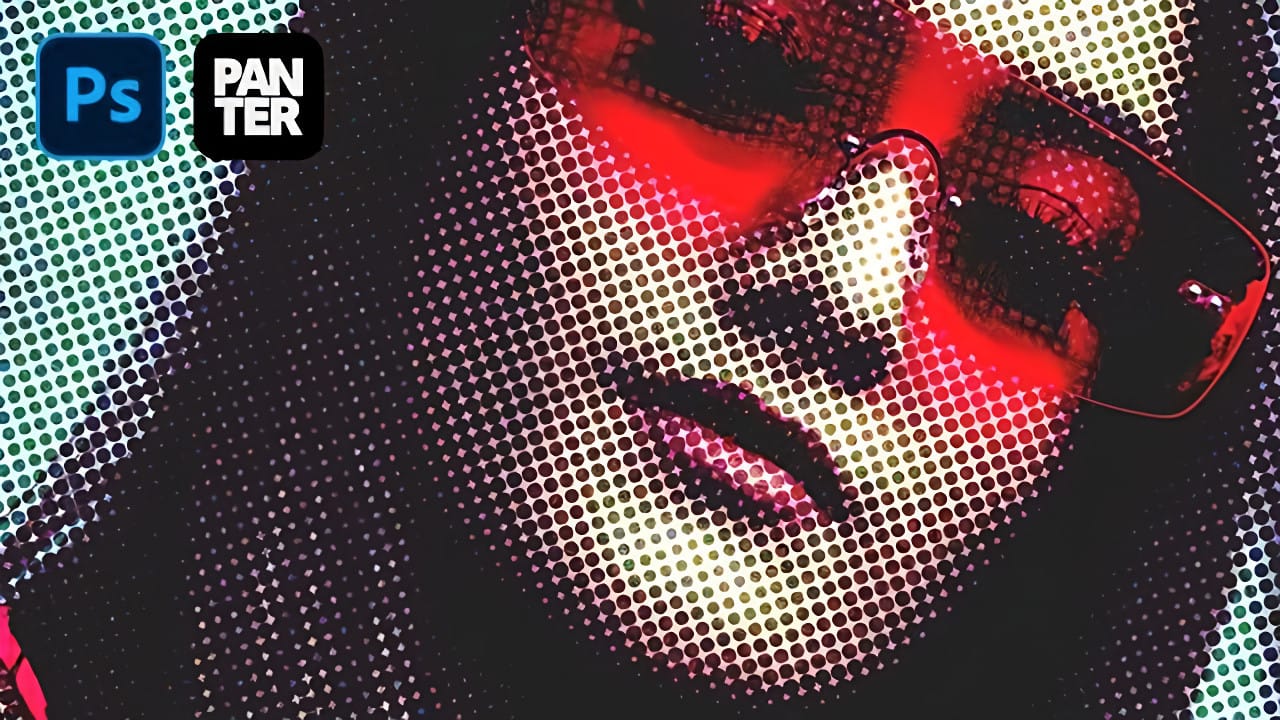
Pop art transformed ordinary subjects into bold, graphic statements through vibrant colors and distinctive printing techniques. The movement's signature look came from commercial printing methods, especially the visible halftone dots that created depth and texture in mass-produced images. This video demonstrates how to recreate that iconic aesthetic digitally, combining artistic filters with halftone patterns to achieve the striking visual impact of 1960s pop art posters and comic book illustra

Get tutorials & freebies delivered to you.

Subscribe to the Photoshop Roadmap newsletter, a weekly roundup of new tutorials, insights and quality downloads, trusted by 6500+ readers.

You might also like

How to Create Digital Collages Using Layers and Blend Modes in Photoshop

Digital collages combine multiple images through strategic layering and blending techniques to create compelling visual stories. This beginner-friendly approach demonstrates how to build complex compositions by layering textures, portraits, and objects while using blend modes to seamlessly integrate each element. The process focuses on practical workflow techniques including smart object...

Building Complex Composites Using Generative Fill and Layer Blending

Complex surreal composites require more than just combining random images. The key to professional results lies in systematic layering, consistent masking techniques, and building a reusable library of generated elements. This approach transforms scattered AI-generated content into cohesive artistic visions. The tutorial demonstrates how to deconstruct an existing composite to...

How to Add Any Face to Mount Rushmore Using Photoshop and AI

Adding faces to Mount Rushmore creates striking digital art that combines portrait photography with AI-powered stone carving effects. This technique uses generative AI to transform any portrait into a realistic granite sculpture that matches the lighting, texture, and monumental style of the famous presidential memorial. The process combines traditional selection...

Creating Floral Wreath Overlays in Photoshop

Floral overlays transform ordinary portraits into magical compositions perfect for pet photography, baby portraits, and creative projects. This technique shows you how to build custom floral wreaths using AI-generated base elements and real floral PNG files, creating frames that can hold any subject in the center. The process combines symmetry...

Concept Development and Mood Boarding with Firefly Boards for Fashion Design

Fashion design concept development traditionally requires gathering inspiration from multiple sources, creating mood boards, and iterating through ideas before presenting to clients. Firefly Boards streamlines this entire workflow into a single workspace where you can source inspiration, generate new variations through AI remixing, and organize final concepts into professional presentations....

How to Use Dynamic Text Shapes in Photoshop

The Dynamic Text tool introduced in 2025 was revolutionary for automatic text sizing and layout, but 2026 brings an exciting update that adds shape options to this powerful feature. You can now create circular text, arches, and bow configurations with the same intelligent resizing capabilities that made the original tool...

You’ve successfully subscribed to Photoshop Roadmap
Welcome back! You’ve successfully signed in.
Great! You’ve successfully signed up.
Success! Your email is updated.
Your link has expired
Success! Check your email for magic link to sign-in.