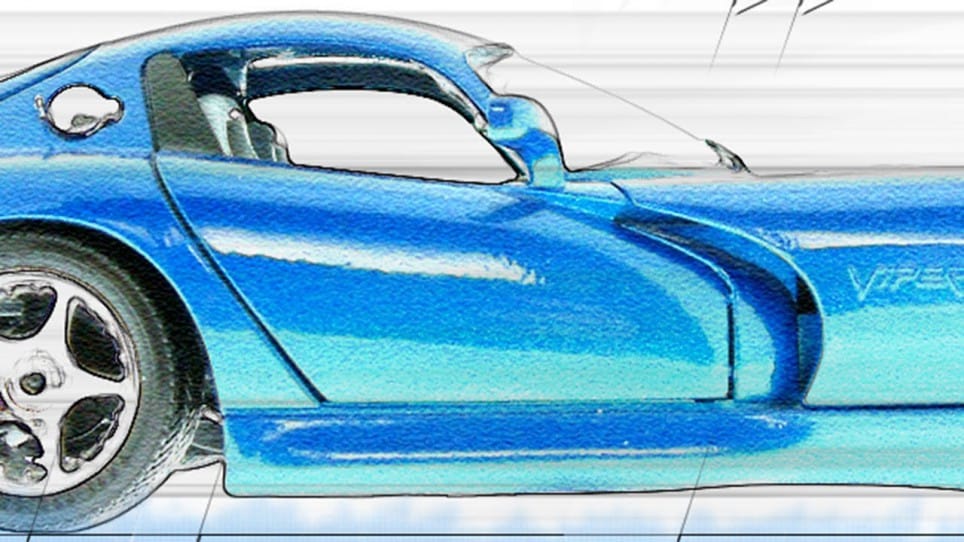
Transform ordinary photographs into stylized cartoon artwork using a combination of smoothing filters, crosshatch effects, and color channel manipulation. This technique creates smooth, illustrated results with enhanced contrast and vibrant colors that give photos a hand-drawn appearance.
The process relies on strategic filter application and Lab Color mode adjustments to achieve the cartoon aesthetic while maintaining recognizable facial features and details.
Watch the Video
Practical Tips
These essential techniques will help you achieve better cartoon effects with your photos:
- Start by duplicating your original layer with Ctrl+J to preserve the original image for comparison
- Adjust Surface Blur values based on your image resolution - higher resolution photos need stronger blur settings
- Use Crosshatch filter sparingly to enhance black lines without overwhelming the cartoon effect
- Convert to Lab Color mode and copy channel A to channel B for enhanced lip color and skin tones
- Replace backgrounds with solid colors or simple gradients to complete the cartoon illustration look
Related Articles and Tutorials
Explore more cartoon and stylization techniques for transforming your photos into artistic creations.
Cartoon effect using Photoshop filters
Playing with Photoshop filters can be incredibly fun and lead to the creation of impressive photo effects. In this quick video tutorial, PSD Box demonstrates how to create a cool cartoon or painting effect using various Photoshop filters. You'll learn how to transform your images into vibrant, cartoon-like artworks by applying different filters and adjustments.
The tutorial covers essential techniques, such as using the Poster Edges filter to outline the details and the Oil Paint filter to give
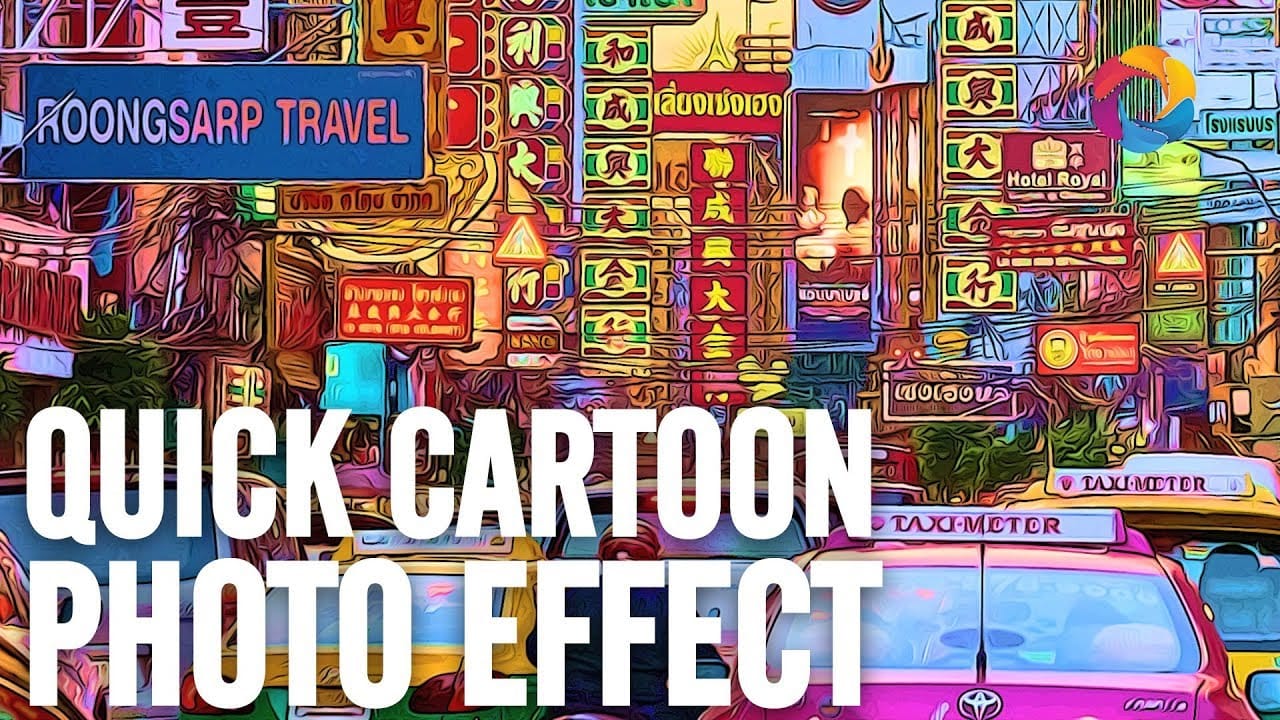
How to turn a photo into a cartoon in Photoshop
Caricature cartoons exaggerate facial features to create memorable, humorous portraits that capture personality in an instantly recognizable way. This technique transforms ordinary photos into stylized artwork with oversized heads, emphasized expressions, and smooth cartoon-like textures.
This comprehensive tutorial covers the complete process from initial photo preparation to final cartoon styling using smart objects for easy reapplication.
Watch the Tutorial
Essential Tips for Photo Caric

Cartoon 3D Text Effect in Photoshop
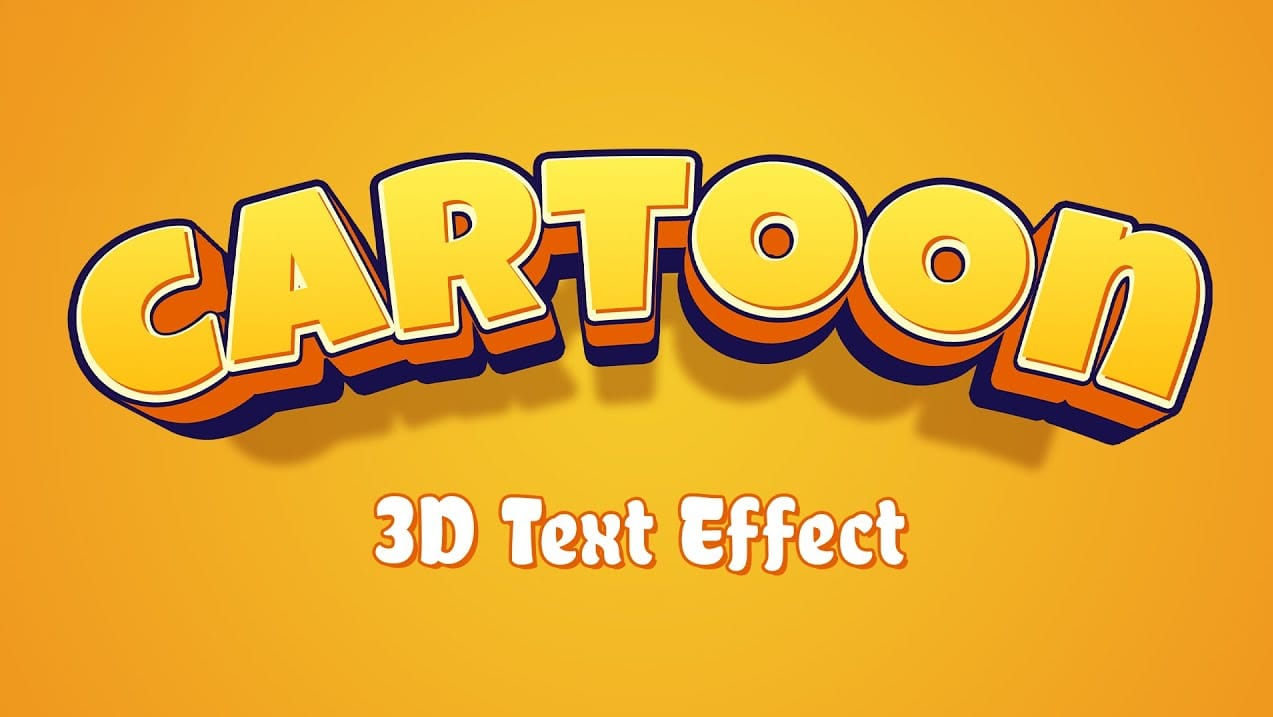
Creating a vibrant cartoon 3D text effect in Photoshop allows you to add playful depth and visual flair to your designs. This style is perfect for headlines, logos, or any graphic element that needs to pop with a fun, dynamic energy.
This tutorial guides you through the process, from initial text styling and color application to building multi-layered extrusions and intricate shadow details. You'll learn how to transform flat text into a compelling 3D graphic using a combination of blending opt
How to Make a Cartoon 3D Text in Photoshop
In this Photoshop tutorial by Learning Screen, you will learn how to create colorful, funny cartoon-style 3D text.
The tutorial guides you through the process of using various Photoshop tools and techniques to achieve a vibrant, playful text effect that stands out. The resulting text is bold and eye-catching, perfect for playful and energetic designs. This tutorial is ideal for projects like posters, children's book covers, or any other creative work that benefits from a fun and dynamic headlin

Create hilarious caricatures from your friends' photos
Transform ordinary portraits into playful cartoon characters with exaggerated features and toy-like qualities. This technique combines precise selection methods with creative distortion tools to create caricature-style effects that maintain realistic detail and strong subject resemblance.
The process works best with high-resolution photos featuring good lighting and subjects with shorter hairstyles for easier background removal.
Watch the Video
Essential Tips for Cartoon Portrait Effects
T
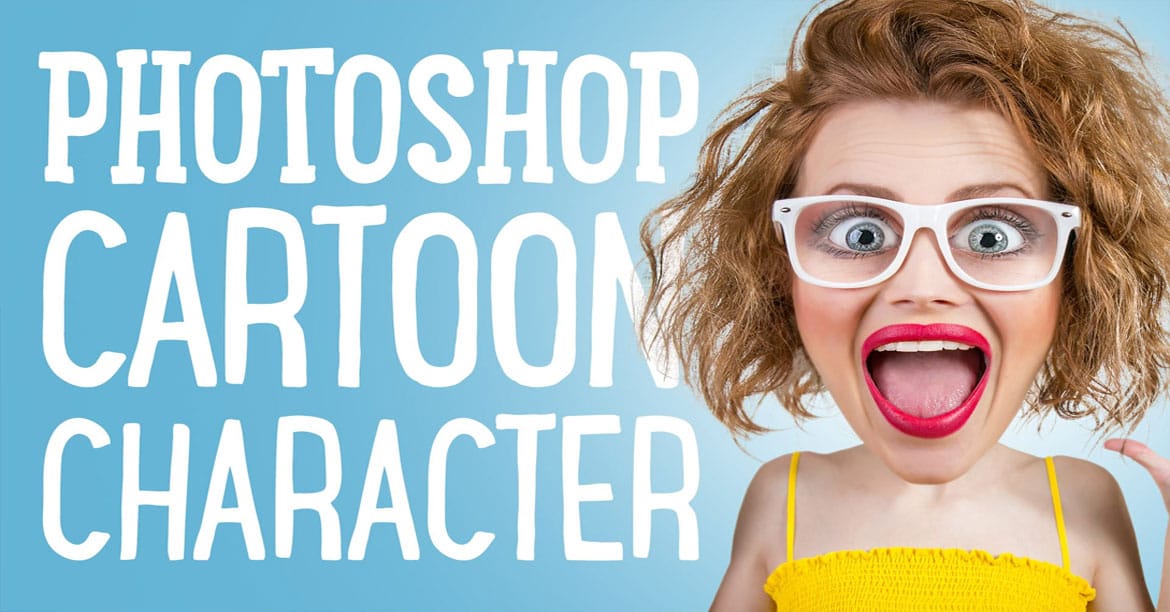
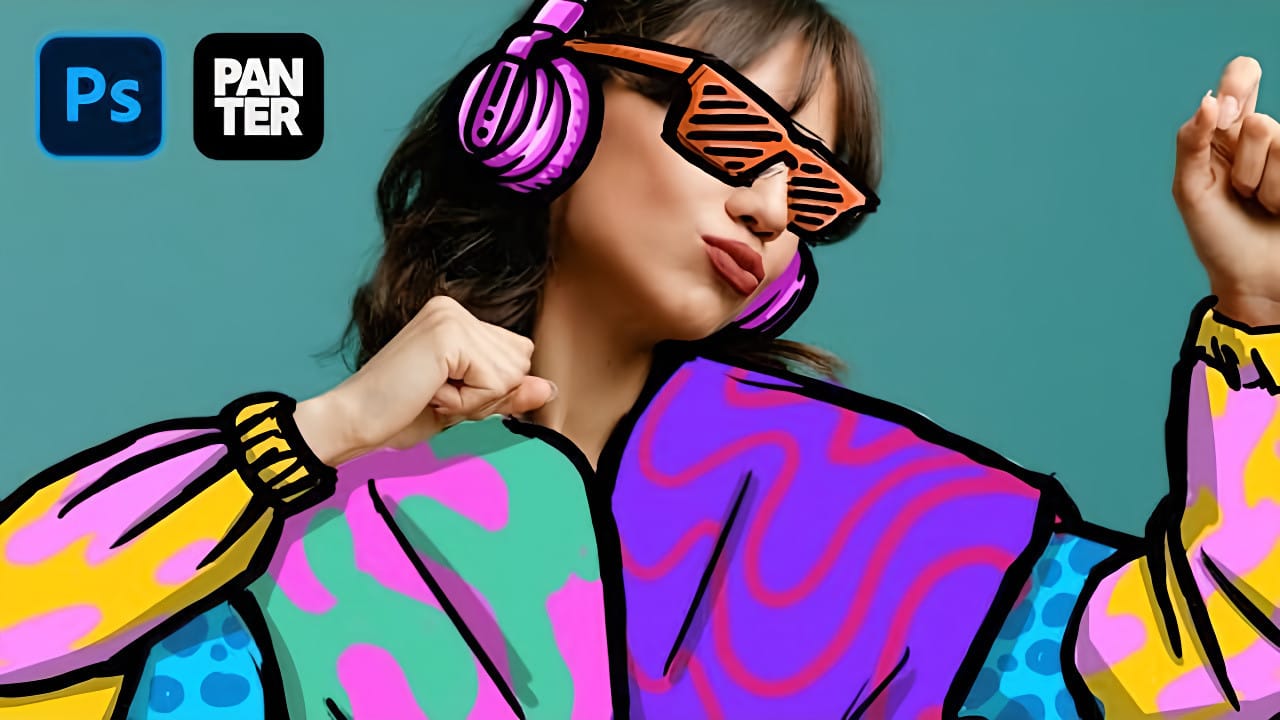
How to Create Colorful Cartoon Doodles on Model Photos in Photoshop
Cartoon-style illustrations layered over photography create a unique visual fusion that bridges reality and artistic expression. This playful approach transforms ordinary portraits into vibrant, graphic compositions that feel both contemporary and whimsical.
The technique combines traditional drawing skills with digital painting tools to create outlined shapes, bold colors, and stylized details that complement the photographic base. The result is an eye-catching style that works perfectly for c
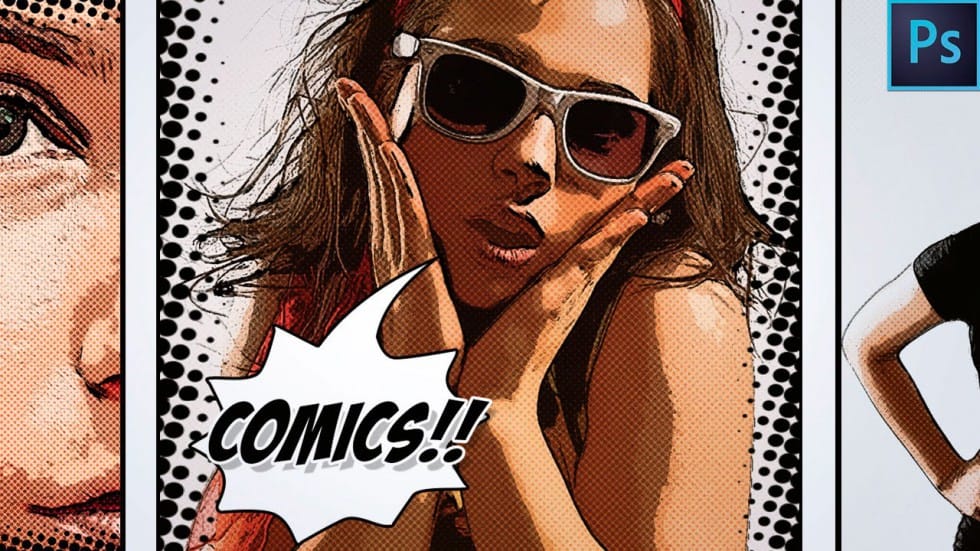
How to Make a Comic Book Cartoon Effect From a Photo in Photoshop
Comic book aesthetics transform ordinary photographs into vibrant, stylized artwork that captures the bold energy of graphic novels. This effect combines dramatic poster edges, simplified colors, and classic halftone patterns to create that unmistakable comic book look.
This tutorial demonstrates the complete process of converting any high-resolution photo into a professional comic book illustration using Photoshop filters and smart objects.
Watch the Tutorial
Essential Tips for Comic Book
Create a Photo Caricature in Photoshop
The tutorial on TutsPlus demonstrates how to create a photo caricature using Adobe Photoshop. It shows the user how to exaggerate specific features of a face to produce a comical and humorous representation of a person. Photoshop's transform, warp, and liquify tools are perfect for this task, allowing the user to manipulate a photographic portrait and transform it into a unique caricature.
The step-by-step instructions guide the user through the process, from selecting and preparing the source

Create a Car Illustration Effect From a Photo in Photoshop
The Glowing Edges filter transforms car photography into line art with surprising precision. Marty from Blue Lightning TV demonstrates how this often-overlooked Photoshop filter creates clean pencil-like outlines when combined with specific edge width and smoothness settings. Instead of relying on complex selection methods or manual tracing, the technique leverages filter combinations and strategic layer blending to achieve professional illustration results.
This approach combines traditional a