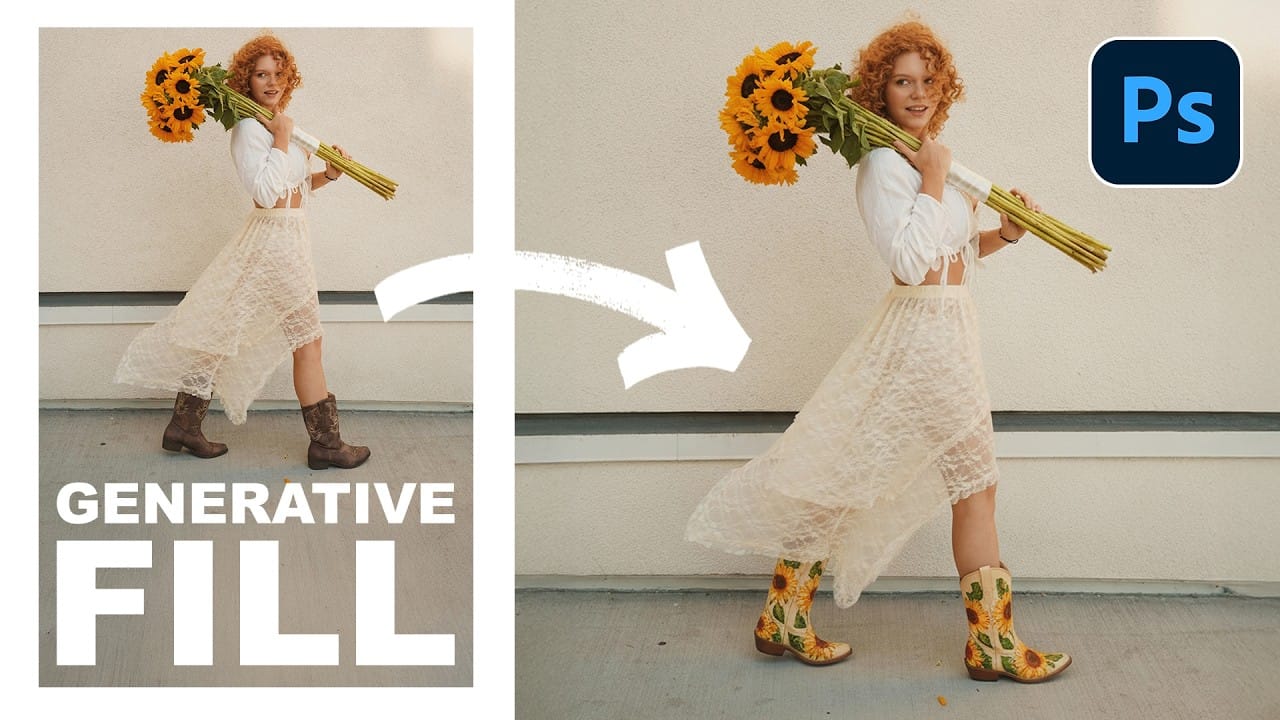
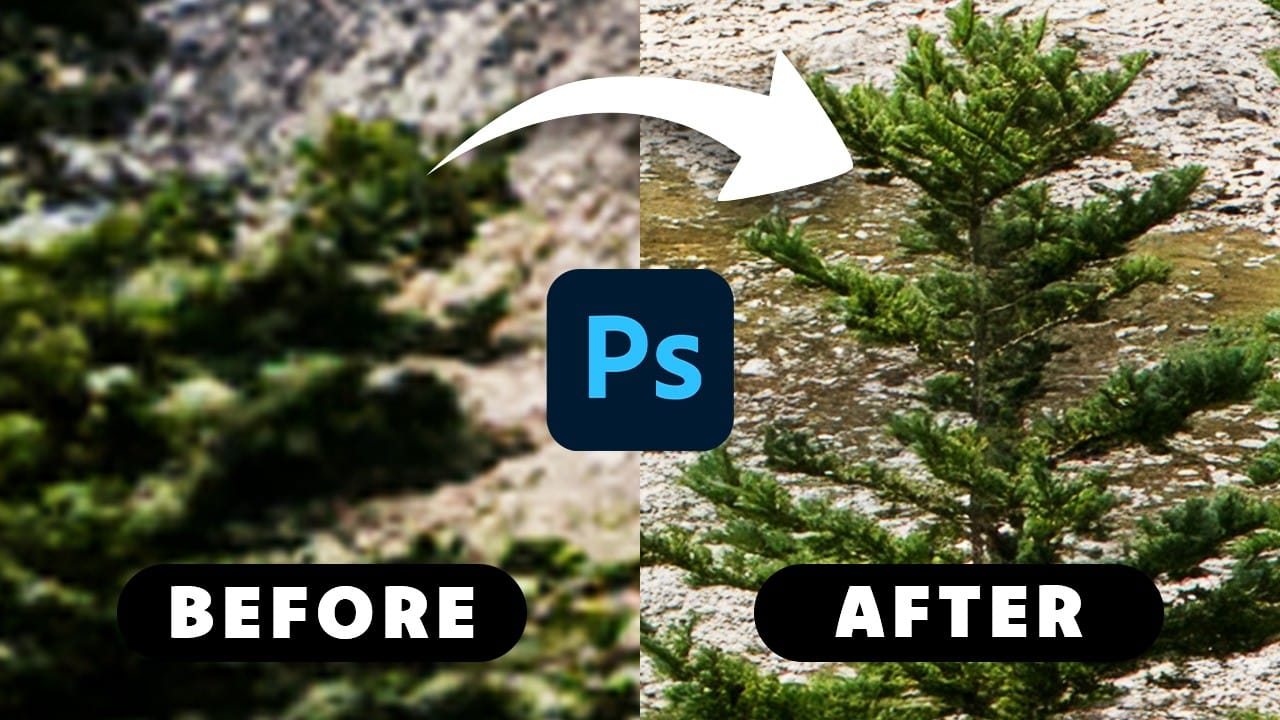
Adobe's latest Generative Fill update brings the new Firefly Fill and Expand model with double the resolution and dramatically improved quality for generating people, hands, and complex objects. The upgrade moves from 1024x1024 to 2048x2048 pixel output, allowing for larger selections without quality loss.
This comprehensive comparison tests both the old Firefly Image 3 and new Fill and Expand models across challenging subjects like realistic portraits, hands, and cars to show exactly where the improvements make the biggest difference.
Watch the Video
Video by photoshopCAFE. Any links or downloads mentioned by the creator are available only on YouTube
Practical Tips
Here are the key strategies for getting better results with the upgraded model:
- Always select the newest "Firefly Fill and Expand" model from the dropdown menu for best quality
- Use detailed prompts like "realistic anatomy, photorealistic, studio lighting" for generating people
- Take advantage of the 2K resolution limit by making larger selections without worrying about stretching
- Work in smaller sections for print projects since quality still degrades on very large areas
- Both old and new models cost the same—one credit per generation with three variations included
Related Articles and Tutorials
Explore more advanced techniques and tips for maximizing your results with AI-powered editing tools.