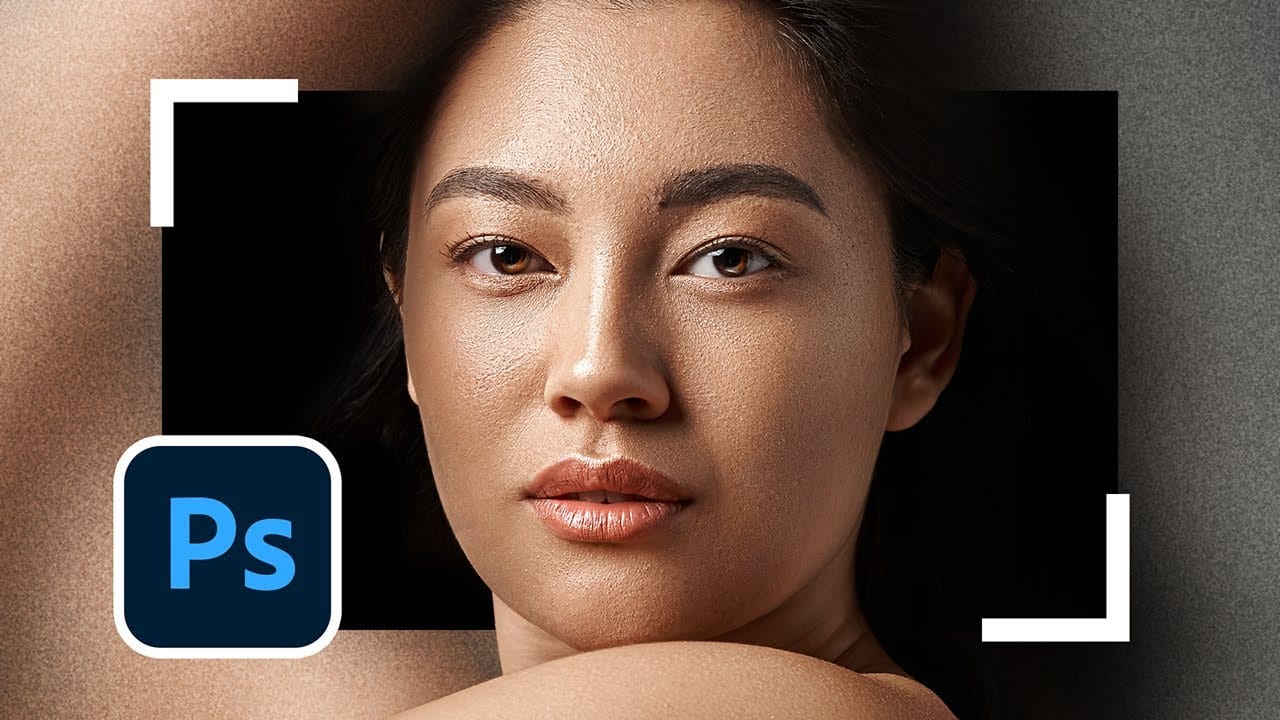
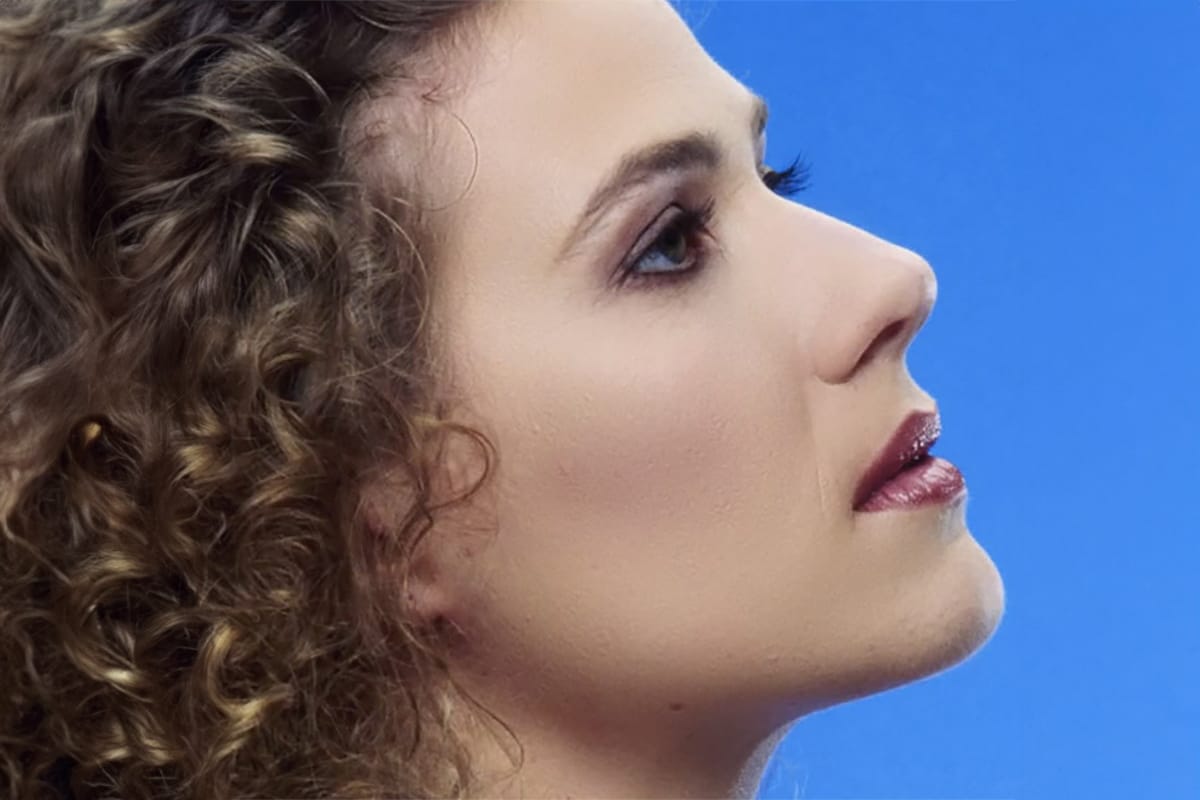
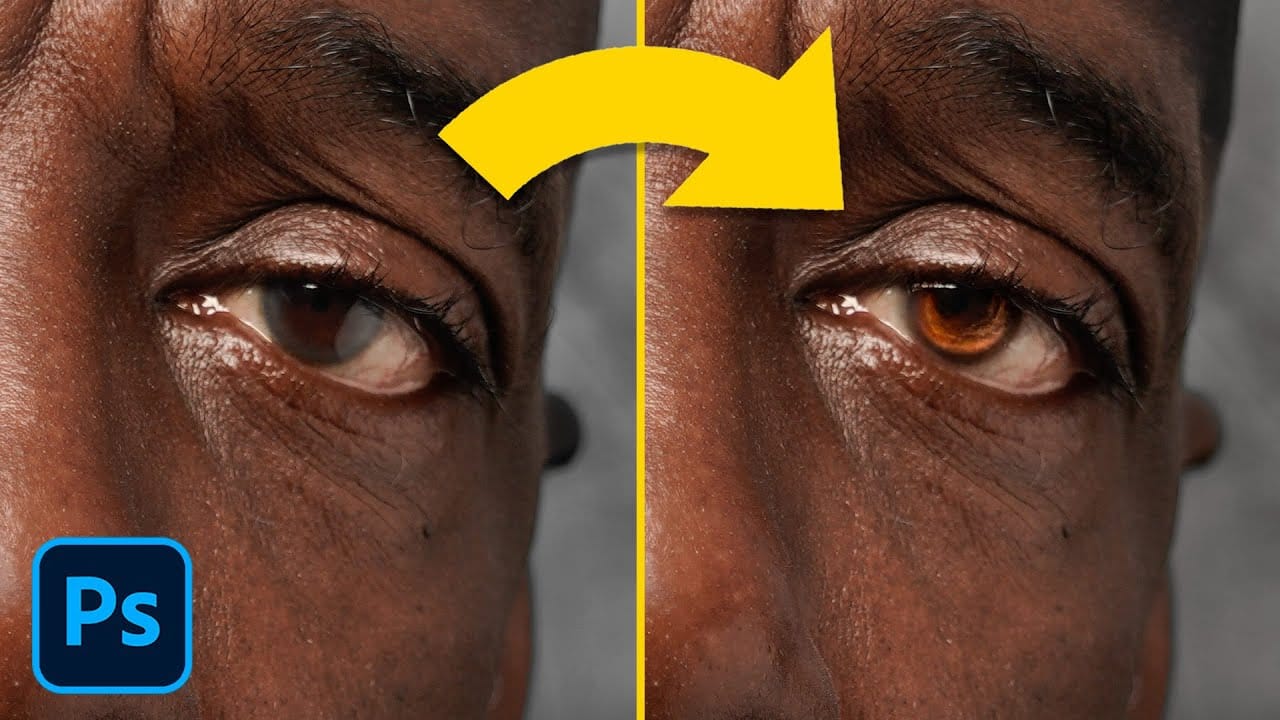
Professional portrait retouching requires artistic choices that automated tools can't make. The B.S.T. method breaks retouching into three focused steps: removing blemishes with precision, smoothing skin while preserving natural texture, and equalizing skin tones throughout the image.
This systematic approach gives you complete control over every detail, from choosing which textures replace imperfections to maintaining realistic skin characteristics that keep subjects looking human rather than artificially processed.
Watch the Video
Video by PiXimperfect. Any links or downloads mentioned by the creator are available only on YouTube
Practical Tips
These essential techniques will help you achieve professional retouching results while maintaining natural skin texture:
- Clean your monitor before starting to avoid trying to remove fake blemishes that are just dust or spots on your screen
- Use the healing brush tool instead of the remove tool when you need to control exactly which texture replaces a blemish
- Work with dual window previews during frequency separation to prevent over-smoothing by comparing zoomed and normal views
- Create gradient maps that match existing good skin tones to equalize color variations across the entire portrait
- Always preserve permanent marks like birthmarks or distinctive features that define the person's identity
Related Articles and Tutorials
Explore more advanced retouching techniques and workflow optimization methods:
 Enrique Flouret