Three Ways to Start Creative Projects with Adobe Firefly

Three Ways to Start Creative Projects with Adobe Firefly

The blank page is one of creativity's biggest challenges. That moment when you have an idea but struggle to translate it into something visual can block entire projects before they begin.

Adobe Firefly offers three distinct approaches to bridge this gap: Text to Image for clear concepts, reference images for brand consistency, and Firefly Boards for team collaboration. Each method targets different creative situations and helps move ideas from concept to execution.

Watch the Video

Video by Adobe. Any links or downloads mentioned by the creator are available only on YouTube

Practical Tips

These strategies will help you choose the right starting point and maximize your results with each approach:

  • Use Text to Image with short prompts first, then leverage Prompt Rewrite to enhance and refine your results
  • Upload reference images when working with brand guidelines to maintain consistent color palettes and visual styles
  • Start collaborative projects in Firefly Boards to keep all assets, feedback, and iterations in one shared workspace
  • Try the Remix feature in Boards to blend visual elements from multiple images and explore unexpected combinations
  • Skip text prompts entirely by uploading an image to generate new variations based on existing style or composition

Explore more creative workflows and techniques to enhance your generative projects.

Complete Guide to Adobe Firefly Interface and Creative Modules
Adobe Firefly brings generative AI directly to your creative workflow through a comprehensive web interface. The platform combines multiple AI-powered modules for image generation, video creation, and design tasks, all built on commercially safe, licensed content. Understanding the interface and available tools helps you integrate these capabilities into existing projects or explore entirely new creative directions. Watch the Video Practical Tips These strategies will help you make the mos
Firefly, Adobe's new AI art generator will change the way we create art forever.
Experience a groundbreaking transformation in the world of art with Adobe's latest AI art generator, Firefly. Using advanced algorithms, Firefly can create unique, lifelike images that were previously impossible to generate. This innovative technology offers artists a world of possibilities for creative expression and fresh design concepts. In this post, we'll explore the power of Firefly and how it's set to change the game for artists worldwide. Join us as we delve into the world of AI art gen
Unfolding Paradoxes: How Adobe Firefly Transforms Abstract Concepts Into Visual Realities
AI image generation has revolutionized how artists and designers explore creative concepts. These tools, like Adobe Firefly, are built with one primary objective: to serve the user's vision. Their extensive training prepares them to interpret precise prompts, guided by established techniques like keyword specificity, compositional references, and style definitions. The process is a collaboration where the user outlines a vision, and the AI diligently shapes it, often with extraordinary fidelity.
Mineral Splendor: A Macro Journey Through Crystals, Stones, and Craftsmanship Created with Adobe Firefly
In visual art, the fusion of natural beauty and human craftsmanship has long been a profound source of inspiration. Whether it is the intricate designs of a finely cut gemstone or the raw allure of an unpolished mineral, the interplay of light, texture, and color evokes an undeniable fascination. In recent years, the advent of AI-driven tools like Adobe Firefly has opened new creative frontiers, allowing artists to explore these natural wonders in ways that were once unimaginable. AI Image Gen
Strategic Guide to Photoshop’s AI Tools: Which Tool, When, and Why
Over the past few years, Adobe has been strategically integrating AI-powered features that are redefining what’s possible in image editing, positioning Photoshop at the forefront of the generative AI revolution. Rather than simply adding standalone AI tools, Adobe is thoughtfully weaving intelligence into Photoshop’s core workflows, creating something far more
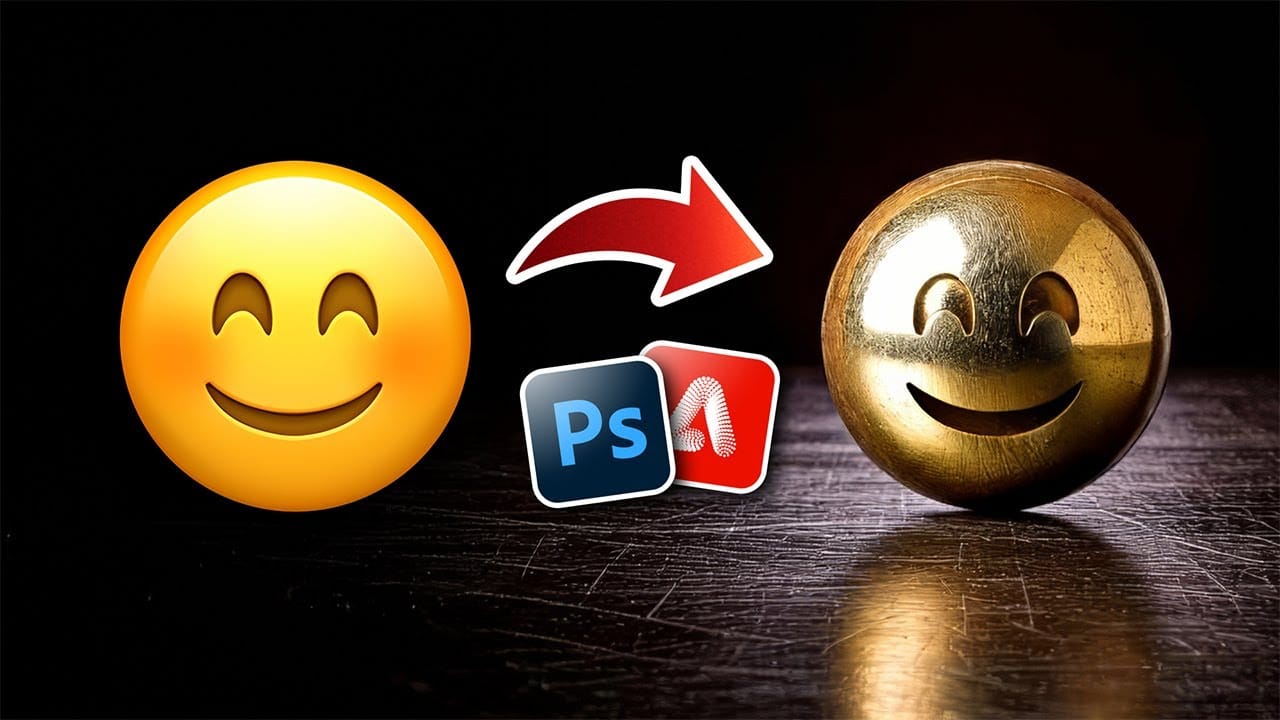
Turn Anything into Realistic 3D with Photoshop and Firefly
Achieving realistic 3D effects from simple 2D shapes can significantly enhance your designs. This process becomes remarkably accessible with the integration of generative AI tools like Adobe Firefly into Photoshop. This tutorial demonstrates a streamlined workflow, enabling you to transform ordinary graphics into striking, dimensional visuals. You gain control over surface textures, reflections, and dramatic lighting, pushing creative boundaries with ease. Watch the Video Bridging 2D and 3D
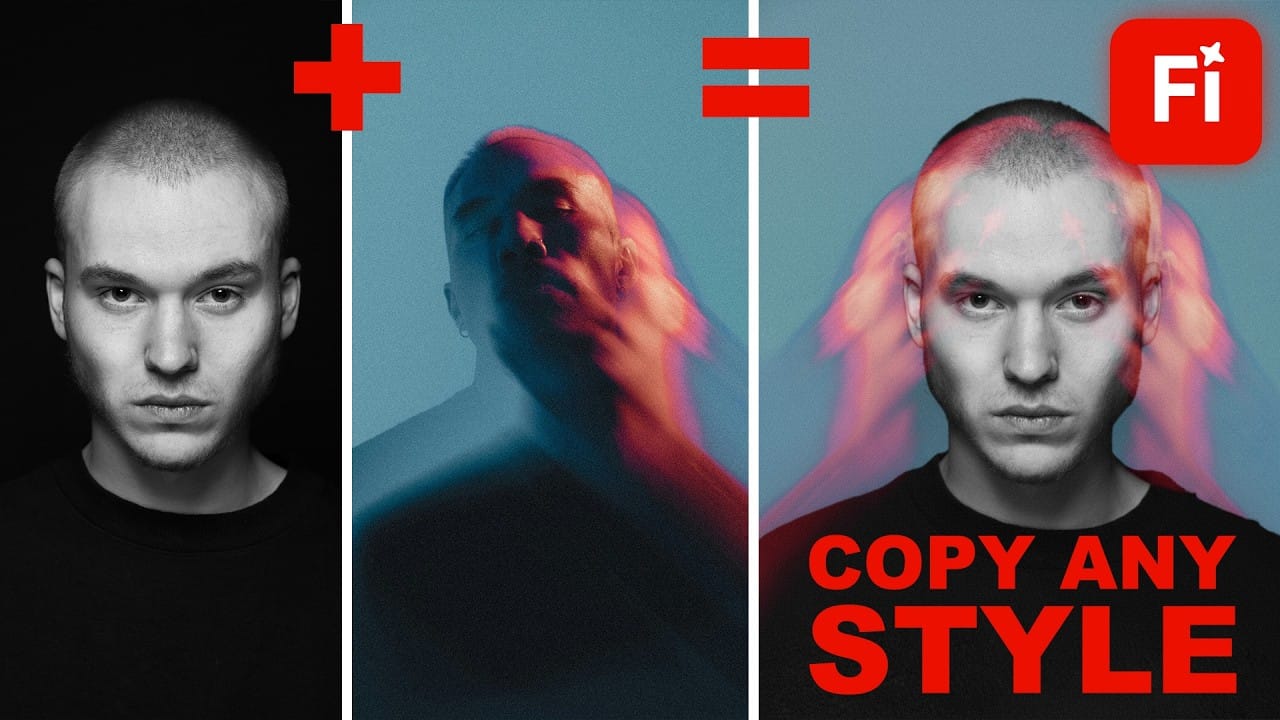
Style Transfer Creation Using Firefly Boards
Firefly Boards offers a unified workspace where you can transfer photographic styles from reference images to your own photos, then transform those styled images into animated videos. This workflow combines multiple AI models in one interface, allowing you to access advanced image generation and video creation tools without switching between different applications. The process uses simple drag-and-drop functionality and text prompts to merge visual styles, then applies motion effects to create

Get tutorials & freebies delivered to you.

Subscribe to the Photoshop Roadmap newsletter, a weekly roundup of new tutorials, insights and quality downloads, trusted by 6500+ readers.

You might also like

How to Create Digital Collages Using Layers and Blend Modes in Photoshop

Digital collages combine multiple images through strategic layering and blending techniques to create compelling visual stories. This beginner-friendly approach demonstrates how to build complex compositions by layering textures, portraits, and objects while using blend modes to seamlessly integrate each element. The process focuses on practical workflow techniques including smart object...

Building Complex Composites Using Generative Fill and Layer Blending

Complex surreal composites require more than just combining random images. The key to professional results lies in systematic layering, consistent masking techniques, and building a reusable library of generated elements. This approach transforms scattered AI-generated content into cohesive artistic visions. The tutorial demonstrates how to deconstruct an existing composite to...

How to Add Any Face to Mount Rushmore Using Photoshop and AI

Adding faces to Mount Rushmore creates striking digital art that combines portrait photography with AI-powered stone carving effects. This technique uses generative AI to transform any portrait into a realistic granite sculpture that matches the lighting, texture, and monumental style of the famous presidential memorial. The process combines traditional selection...

Creating Floral Wreath Overlays in Photoshop

Floral overlays transform ordinary portraits into magical compositions perfect for pet photography, baby portraits, and creative projects. This technique shows you how to build custom floral wreaths using AI-generated base elements and real floral PNG files, creating frames that can hold any subject in the center. The process combines symmetry...

Concept Development and Mood Boarding with Firefly Boards for Fashion Design

Fashion design concept development traditionally requires gathering inspiration from multiple sources, creating mood boards, and iterating through ideas before presenting to clients. Firefly Boards streamlines this entire workflow into a single workspace where you can source inspiration, generate new variations through AI remixing, and organize final concepts into professional presentations....

How to Use Dynamic Text Shapes in Photoshop

The Dynamic Text tool introduced in 2025 was revolutionary for automatic text sizing and layout, but 2026 brings an exciting update that adds shape options to this powerful feature. You can now create circular text, arches, and bow configurations with the same intelligent resizing capabilities that made the original tool...

You’ve successfully subscribed to Photoshop Roadmap
Welcome back! You’ve successfully signed in.
Great! You’ve successfully signed up.
Success! Your email is updated.
Your link has expired
Success! Check your email for magic link to sign-in.