Transform Photos into Abstract Expressionist Portraits in Photoshop

Transform Photos into Abstract Expressionist Portraits in Photoshop

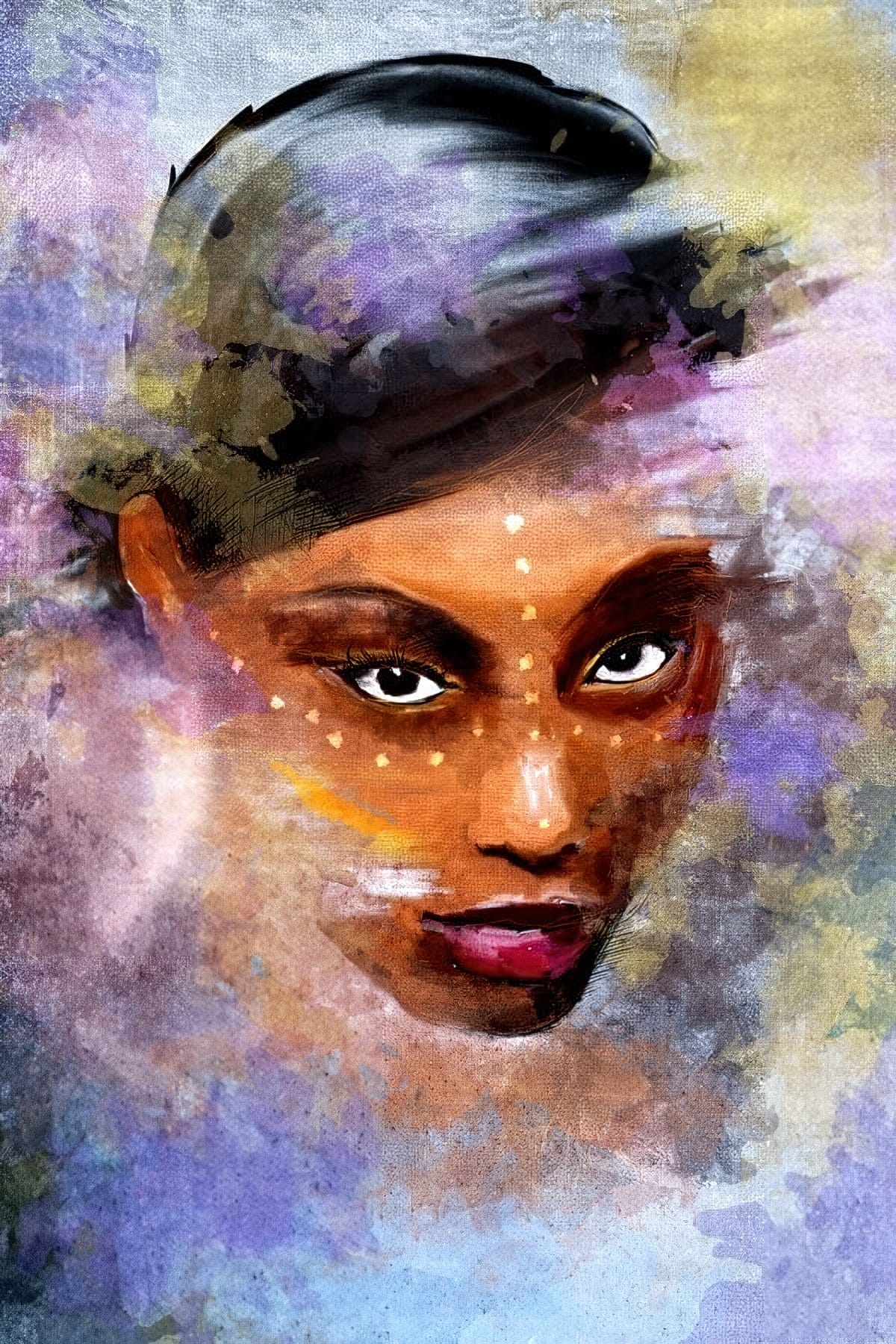
Abstract expressionism transforms raw emotion into bold visual statements through powerful brushstrokes, dramatic textures, and expressive color palettes. This painting movement emphasizes spontaneity and artistic freedom over realistic representation.

This technique converts ordinary portraits into dynamic abstract expressionist artworks by combining multiple texture layers with strategic masking. The process creates depth and visual interest while maintaining the subject's recognizable form beneath expressive artistic elements.

Watch the Tutorial

Video by Blue Lightning TV. Any links or downloads mentioned by the creator are available only on YouTube

Understanding Tonal Separation in Abstract Portraits

The foundation of this technique relies on tonal separation — dividing the portrait into distinct value ranges that can accept different textures. This approach mimics how traditional abstract expressionist painters built up layers of paint with varying opacity and texture.

Color Range selections become the key tool for isolating specific brightness levels within the desaturated portrait. Each tonal range receives its own texture layer, creating visual complexity while maintaining structural coherence.

  • Posterization reduces complex tonal gradations to manageable value ranges
  • Layer masks control where each texture appears based on brightness values
  • Clipping masks ensure textures conform to the subject boundaries
  • Adjustment layers fine-tune the relationship between different texture elements

Practical Tips for Abstract Expressionist Portraits

  • Set your document resolution to 150 PPI to match the filter settings demonstrated in the tutorial
  • Apply Unsharp Mask before Oil Paint filter to enhance edge definition and improve the stylized effect
  • Use Color Range with 40 Fuzziness to select similar tonal values without creating harsh selection edges
  • Adjust Output Levels in darker textures to maintain proper contrast hierarchy across all tonal ranges
  • Transform individual texture layers to reposition or rotate elements for better visual composition

Explore more creative approaches to transforming portraits with artistic techniques and digital painting methods.
Create impressionist paintings from your photos in Photoshop
One intriguing technique in digital art involves leveraging a master's work as a direct reference for color and tone. This tutorial demonstrates how to use a Claude Monet painting to guide the color matching of your own photographs, achieving a cohesive impressionist style. The process also emphasizes a non-destructive workflow by converting images to Smart Objects, allowing for flexible adjustments and easy photo replacement without redoing effects. Additionally, it highlights efficient conten
Create a Typographic Portrait in Photoshop
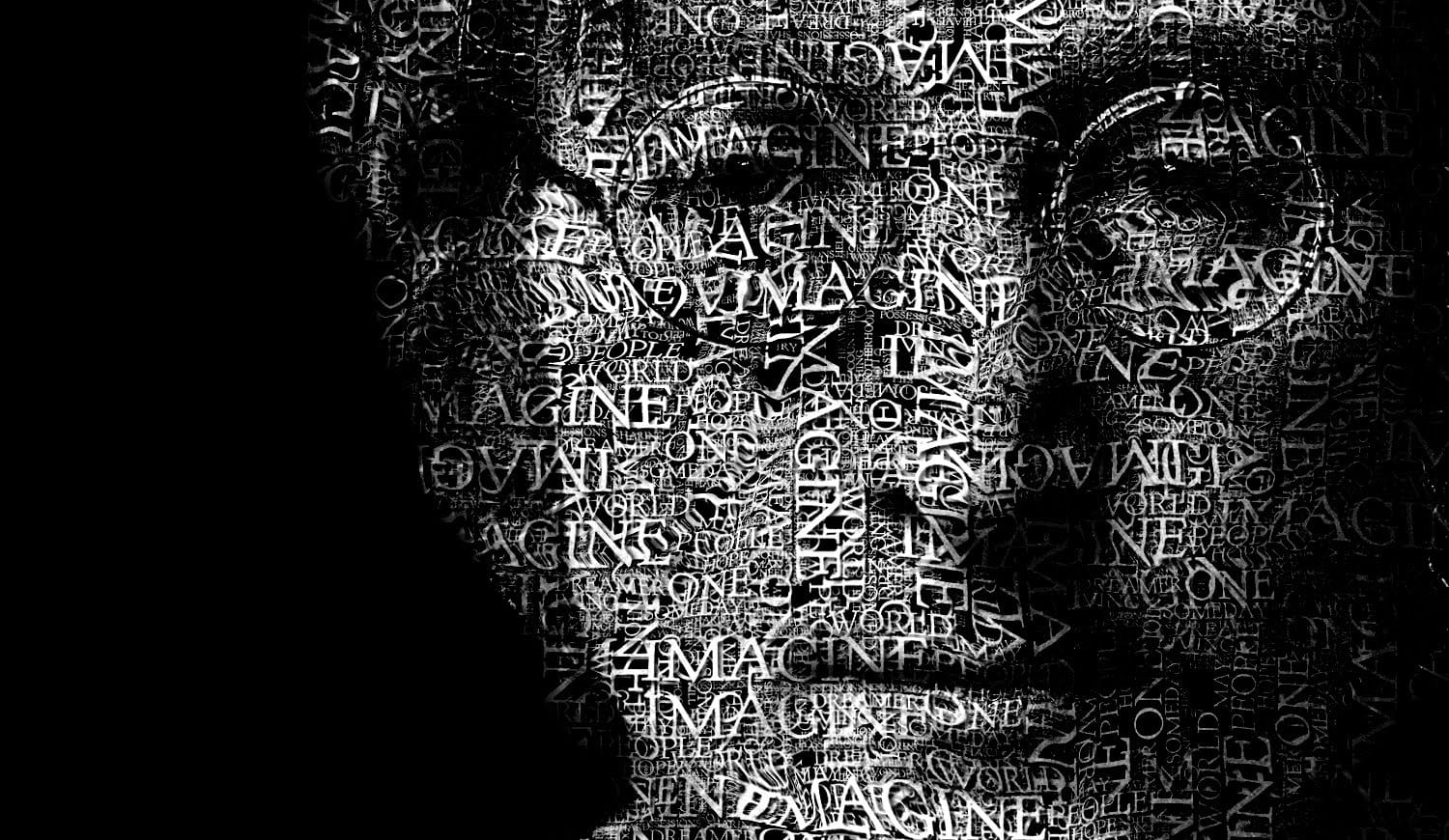
This tutorial explores a creative method for transforming a standard photographic portrait into a unique work of art composed entirely of text. It demonstrates how to combine typography with image manipulation to create a visually compelling and personalized artistic statement. Viewers will learn how to prepare an image, generate and integrate custom text, and apply advanced Photoshop techniques like displacement mapping to achieve a stunning, text-based artwork that subtly conforms to the cont
Add a Painterly Effect to a Portrait in Photoshop
Transforming a simple photograph into a breathtaking pencil sketch is a skill that sits at the intersection of art and technology. For designers seeking to push the boundaries of their creativity, mastering this technique can open up new avenues for artistic expression. Adobe Photoshop, with its vast array of tools and features, provides the perfect platform to achieve this intricate effect. In today's post, we delve into the sophisticated process of turning a photo into a pencil sketch, offerin
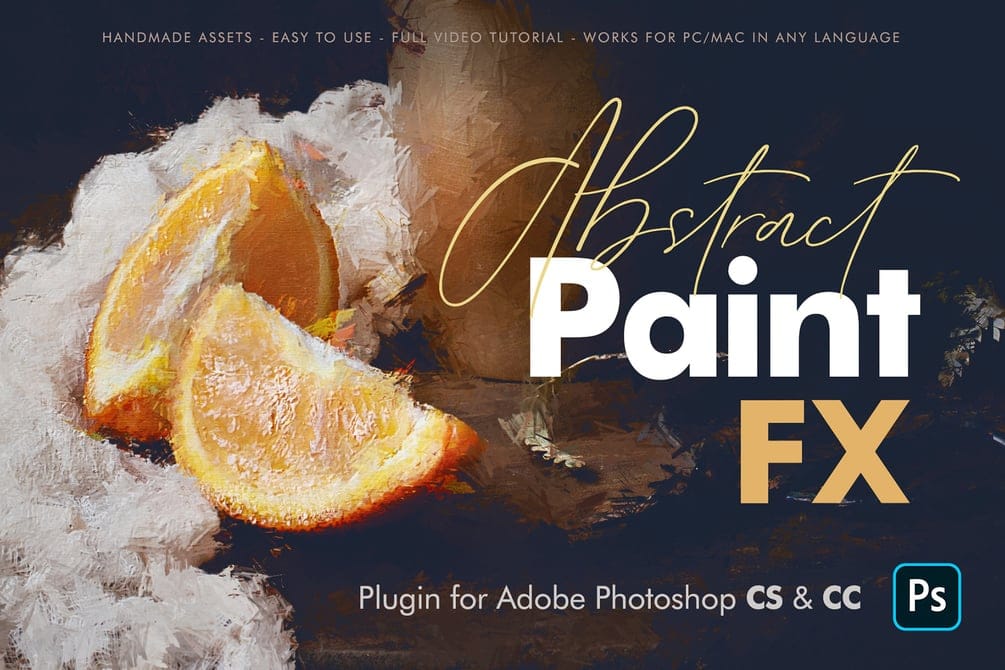
Create Beautiful Artworks with Abstract Paint FX for Photoshop
The Abstract Paint FX Photoshop Plugin is a powerful and intuitive tool designed to transform any image into a stunning abstract painting with a single click. Now updated as a user-friendly UXP Plugin, it offers exceptional ease of installation and use, making it ideal for both beginners seeking creative fun and professionals needing a quick base for their artworks. This multilingual plugin is compatible with Adobe Photoshop CS & CC (from 2014 to the latest versions) on both PC and Mac, working

Get tutorials & freebies delivered to you.

Subscribe to the Photoshop Roadmap newsletter, a weekly roundup of new tutorials, insights and quality downloads, trusted by 6500+ readers.

You might also like

How to Use Color Average for Color Toning in Photoshop

Color average creates a unified color tone by analyzing all the colors in your image and calculating their mathematical average. This technique adds depth and cohesion to photos, composites, and AI-generated images by applying a subtle color wash that ties all elements together. The method works particularly well for composites...

How to Remove Complex Background Elements Using AI in Photoshop

Removing complex background elements like fencing or wire mesh has traditionally been one of the most time-consuming tasks in photo editing. New AI-powered tools in Photoshop can now eliminate these distracting elements while preserving fine details in your subject. This tutorial demonstrates two practical workflows: one using the latest Firefly...

How to Use Photoshop's Auto Layer Rename Feature

Messy layer names like "Layer 52 copy 4" and "Untitled 5" clutter your workspace and slow down complex projects. Photoshop's new auto-rename feature uses AI to automatically identify and name layers based on their content, from "Woman in yellow shirt" to "...

New Generative Fill Features in Photoshop Beta: Reference Images and Credit Tracking

Photoshop Beta introduces significant improvements to Generative Fill that address the most requested features from users. The updated interface now displays your generative credit balance and usage, while the new reference image capability lets you add up to eight specific images to guide AI generation with precise visual examples. These...

Essential Photoshop Tools for Beginners: Brush, Crop, and Move Tool Tutorial

Learning Photoshop tools feels overwhelming when you don't know where to start. This tutorial focuses on three essential tools that form the foundation of most Photoshop work: the brush tool for painting and retouching, the crop tool for resizing and straightening images, and the move tool for positioning...

How to Add Custom Textures to Photos in Photoshop

Adding textures to photographs can transform ordinary images into compelling artistic compositions. This technique uses multiple texture layers combined with strategic blending modes and color adjustments to create depth and visual interest. The process involves layering different texture types—color overlays, surface patterns, and lighting effects—then using masking techniques...

You’ve successfully subscribed to Photoshop Roadmap
Welcome back! You’ve successfully signed in.
Great! You’ve successfully signed up.
Success! Your email is updated.
Your link has expired
Success! Check your email for magic link to sign-in.