Transform Photos Into Art Using AI Generative Fill and Quick Mask Mode

Transform Photos Into Art Using AI Generative Fill and Quick Mask Mode

Traditional photo-to-art conversion often produces completely synthetic results that lose the essence of your original image. This technique uses partial selections to blend your photograph's authentic details with AI-generated artistic interpretations, creating watercolor paintings, oil paintings, and abstract art that retains the core elements of your source material.

The key lies in controlling selection opacity through Quick Mask mode, allowing you to dictate how much original information the AI preserves versus how much artistic transformation it applies.

Watch the Video

Video by PHLEARN. Any links or downloads mentioned by the creator are available only on YouTube

Practical Tips

Master the balance between original photo fidelity and artistic transformation with these essential techniques:

  • Start with 20% brightness in Quick Mask mode to retain most original details while adding subtle artistic effects
  • Increase brightness to 30-40% for more stylized, abstract interpretations that emphasize AI creativity over photo accuracy
  • Use lower brightness values (10-15%) when working with portraits or detailed subjects where facial features must remain recognizable
  • Test different artistic prompts like "watercolor painting," "oil painting," or simply "painting" to explore various styles
  • Generate multiple variations using the same settings to compare results and choose the most successful artistic interpretation

Explore more AI-powered artistic techniques and creative workflows:
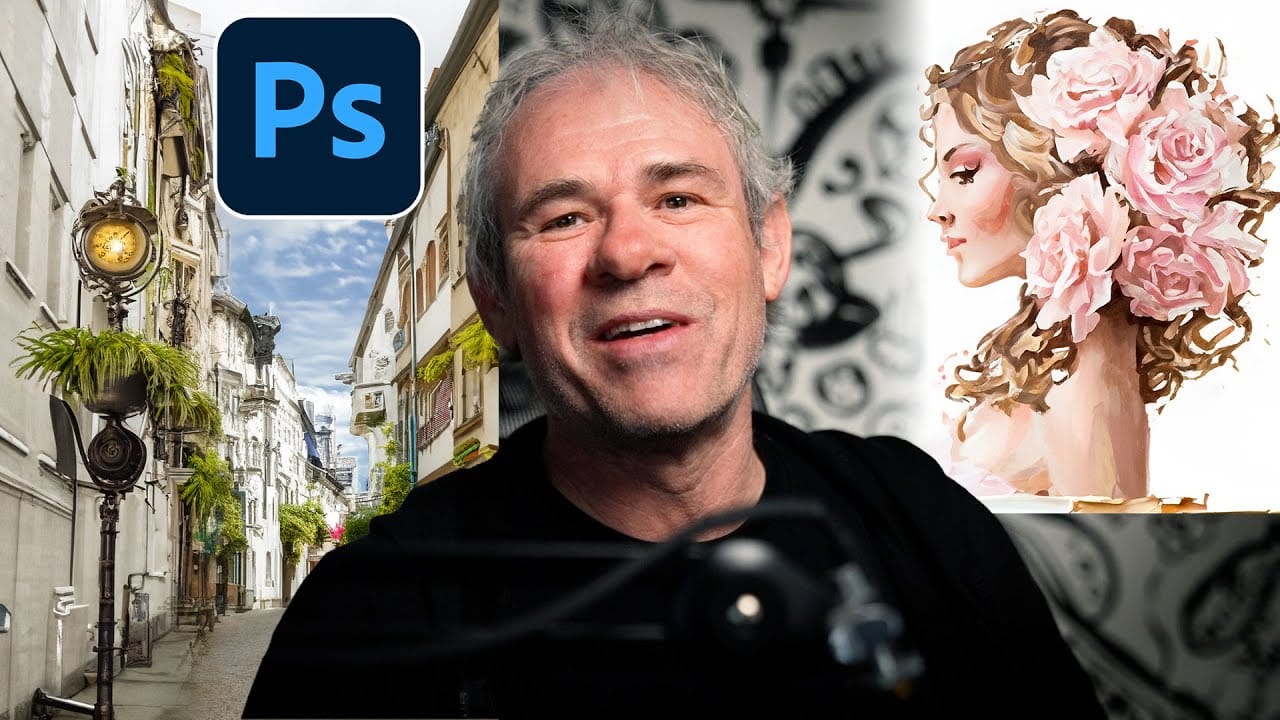
Creating AI-Enhanced Autumn Fantasy Images in Photoshop
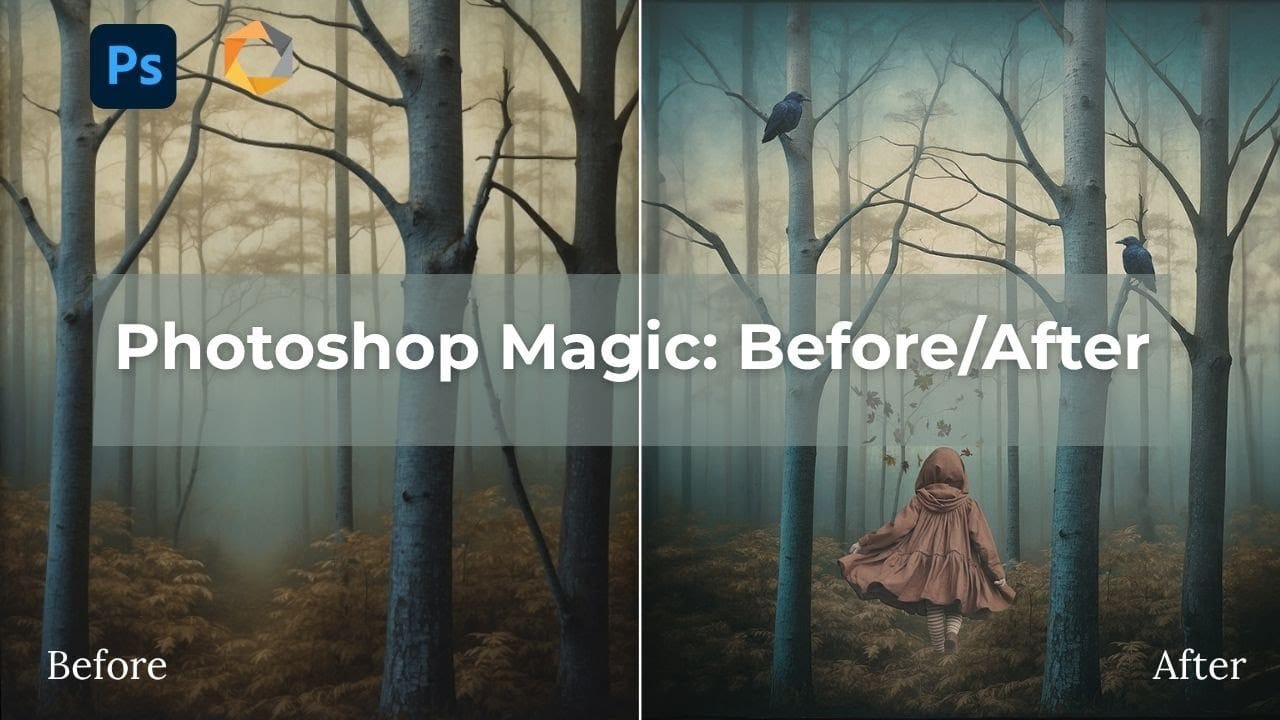
Fantasy imagery comes alive when artificial intelligence meets traditional photo manipulation techniques. AI-generated backgrounds provide the perfect foundation for creating moody, atmospheric scenes that would be difficult or impossible to capture with a camera alone. This approach combines the creative potential of AI image generation with Photoshop's precise editing tools to craft compelling visual narratives. The result is a seamless blend of imagination and technical skill that transforms
Discover Hidden Photoshop AI Tools to Transform Your Photos
Transform ordinary photographs into captivating works of art using advanced Generative AI features in Photoshop. This guide reveals a powerful, often overlooked technique to unlock incredible artistic potential from your images. Discover how to apply stunning styles, from delicate watercolors to bold Art Deco and futuristic visions, by mastering a subtle yet impactful control within Photoshop's AI capabilities. Watch the Video Understanding Generative AI's Creative Control Generative AI to
Create Dream-Like Images in Photoshop
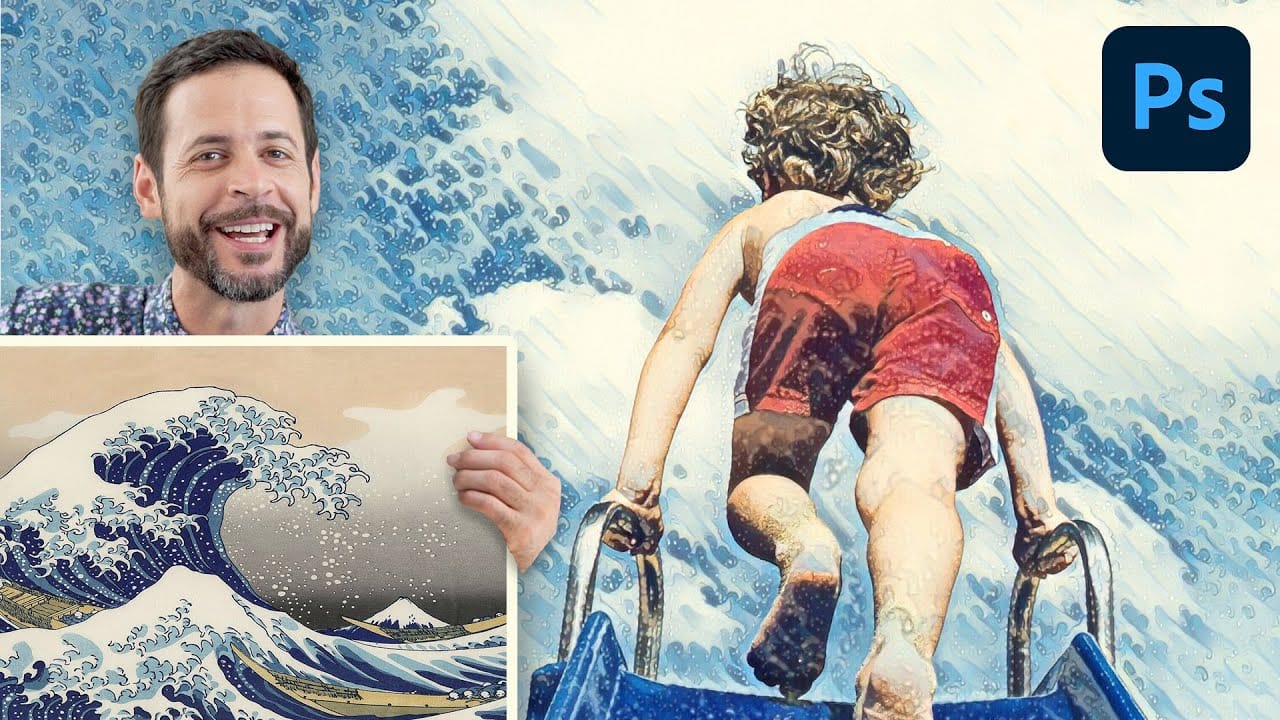
Transform ordinary photographs into artistic masterpieces using artificial intelligence-powered neural filters. This technique automatically applies painting styles from classic artworks to your images, creating effects that range from Van Gogh-inspired oil paintings to abstract wave patterns. The style transfer process works entirely within the application, requiring just a few clicks to achieve results that would traditionally take hours of manual work. Watch the Video Practical Tips Mas
Photoshop Generative Expand and Composite Techniques Using AI-Generated Images
AI-generated imagery opens up endless creative possibilities, but the real magic happens when you know how to refine and enhance these digital creations. Raw AI images often need compositional adjustments, element removal, and seamless blending to reach their full potential. This tutorial demonstrates practical techniques for extending canvas space, removing backgrounds, and creating cohesive composites using Photoshop's modern tools. The workflow combines traditional compositing skills with AI
10 Ways AI Completely Transformed My Photoshop Techniques
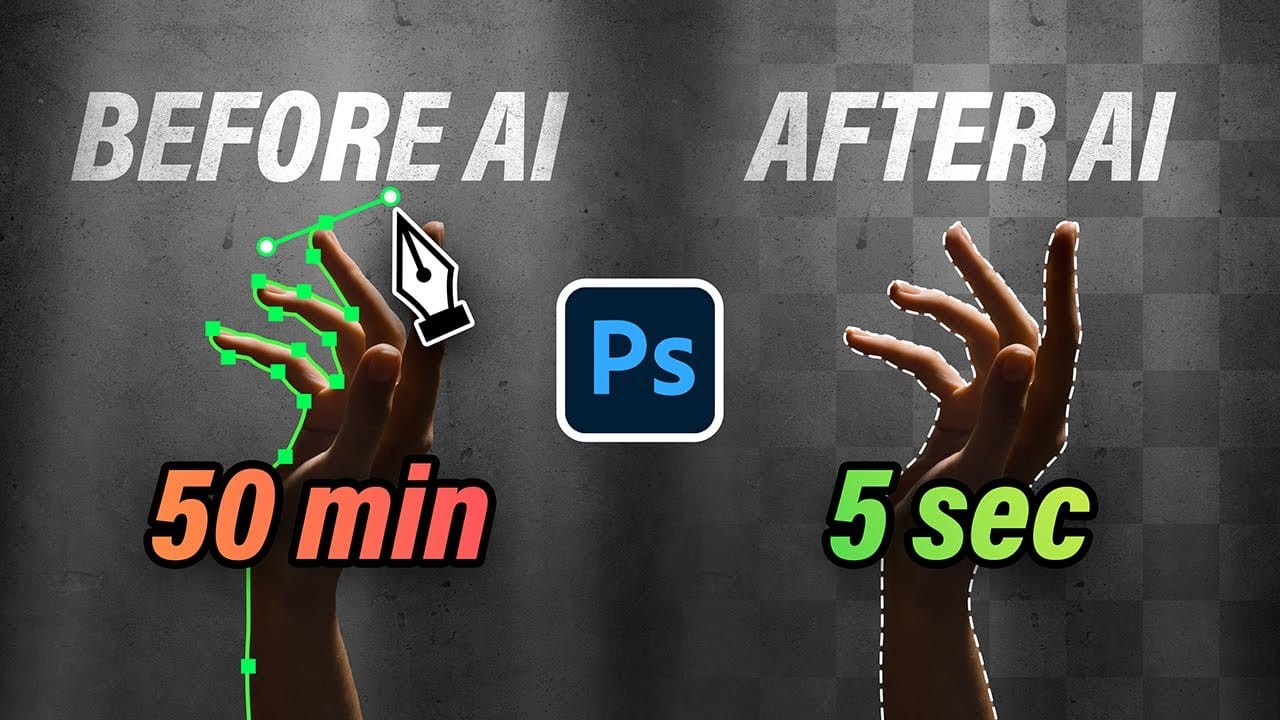
Repetitive tasks like making complex selections, removing unwanted objects, and cleaning up blemishes can consume hours of an editor's time. While traditional Photoshop methods offer precise control, they are often slow and require significant technical skill for what should be simple fixes. This guide demonstrates how to integrate modern AI features into your daily workflow. You will learn practical techniques for everything from one-click selections and generative fills to automated retouchin
Using AI to Create Seamless Patterns For Photoshop
Creating beautiful, endless patterns for your design projects just got easier with the power of artificial intelligence. This tutorial explores an efficient workflow to generate intricate designs and transform them into perfectly tiling patterns. Discover how to leverage AI tools to craft unique starting points, then refine them within Photoshop to achieve professional, seamless results. This process offers a creative boost for backgrounds, textiles, and other visual assets. Watch the Full Tu
How to Use Photoshop's New AI-Powered Actions Panel
Photoshop's actions just became significantly smarter with AI integration. The new Actions panel understands natural language searches, automatically suggests relevant effects based on your image content, and provides live previews before you commit to changes. This revolutionary update transforms how designers work with automated processes. Instead of browsing through countless preset names, you can simply type "make it pop" or "remove haze" and watch AI deliver exactly what you need. Watch
Photo Restoration: Combining AI with Photoshop for Optimal Results
Restoring old, damaged photographs can be a challenging endeavor. While many AI-powered tools promise to breathe new life into vintage images, they often fall short, either over-sharpening details, neglecting certain areas, or, most critically, altering the original likeness of individuals. This often leads to frustrating and uncanny results that strip the photos of their authentic charm. This tutorial unveils a comprehensive workflow that marries the efficiency of AI-driven enhancement with th
New Photoshop AI Features – Smarter, Faster, and More Efficient Tools!
Editing detailed selections, adjusting colors, and removing backgrounds in Photoshop can be tedious, especially when working with complex edges like hair or challenging objects. Manual work often stalls creative flow and makes it tough to achieve clean, professional results on tight deadlines. This article introduces essential, time-saving features in the latest Photoshop update—including advanced AI-powered selection, color, and removal tools. Learn how these updates streamline everyday editin
Cutting Out Complex AI Images Using Channel Masking in Photoshop
AI-generated images often contain intricate details that challenge standard background removal tools. When automatic selection methods fail to capture complex edges and fine details, manual techniques become essential. This technique demonstrates how to use channel masking to create precise selections that preserve every detail of your AI artwork. Watch the Tutorial Essential Tips for Channel Masking * Select the channel with the highest contrast between your subject and background before

Get tutorials & freebies delivered to you.

Subscribe to the Photoshop Roadmap newsletter, a weekly roundup of new tutorials, insights and quality downloads, trusted by 6500+ readers.

You might also like

35 Artistic Photoshop Effects Tutorials and Actions That Actually Look Good

Creating illustration effects from a photo has never been easier. AI tools can generate a sketch, a painting, or a cartoon version in seconds, and the first result can look surprisingly good. The problem is control. Even with conversational AI models (like ChatGPT or Gemini Nano Banana) that let you...

How to Transform Photos into Oil Paintings Using Generative Fill in Photoshop

Generative Fill can transform ordinary photographs into convincing oil paintings when combined with the right selection technique. The key is using channel-based selections rather than selecting the entire image, which allows the AI to apply painterly effects while preserving the original composition and lighting. This method also works for watercolor...

Create Artistic Effects with Generative AI in Photoshop

Transforming photographs into artistic masterpieces becomes possible when you combine quick mask techniques with generative AI. By controlling selection density, you can guide how dramatically the AI transforms your images while preserving the original's character and composition. This method works by creating partial selections at specific transparency levels,...

How to Create Digital Collages Using Layers and Blend Modes in Photoshop

Digital collages combine multiple images through strategic layering and blending techniques to create compelling visual stories. This beginner-friendly approach demonstrates how to build complex compositions by layering textures, portraits, and objects while using blend modes to seamlessly integrate each element. The process focuses on practical workflow techniques including smart object...

Building Complex Composites Using Generative Fill and Layer Blending

Complex surreal composites require more than just combining random images. The key to professional results lies in systematic layering, consistent masking techniques, and building a reusable library of generated elements. This approach transforms scattered AI-generated content into cohesive artistic visions. The tutorial demonstrates how to deconstruct an existing composite to...

How to Add Any Face to Mount Rushmore Using Photoshop and AI

Adding faces to Mount Rushmore creates striking digital art that combines portrait photography with AI-powered stone carving effects. This technique uses generative AI to transform any portrait into a realistic granite sculpture that matches the lighting, texture, and monumental style of the famous presidential memorial. The process combines traditional selection...

You’ve successfully subscribed to Photoshop Roadmap
Welcome back! You’ve successfully signed in.
Great! You’ve successfully signed up.
Success! Your email is updated.
Your link has expired
Success! Check your email for magic link to sign-in.