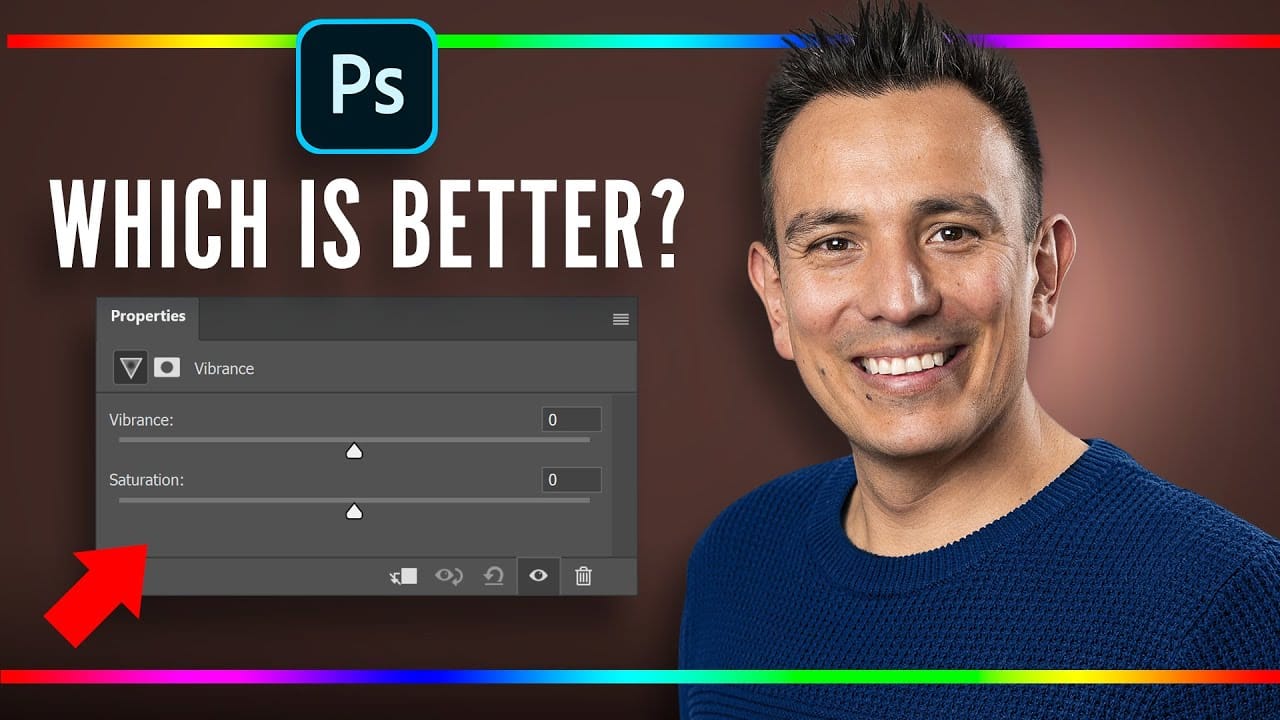
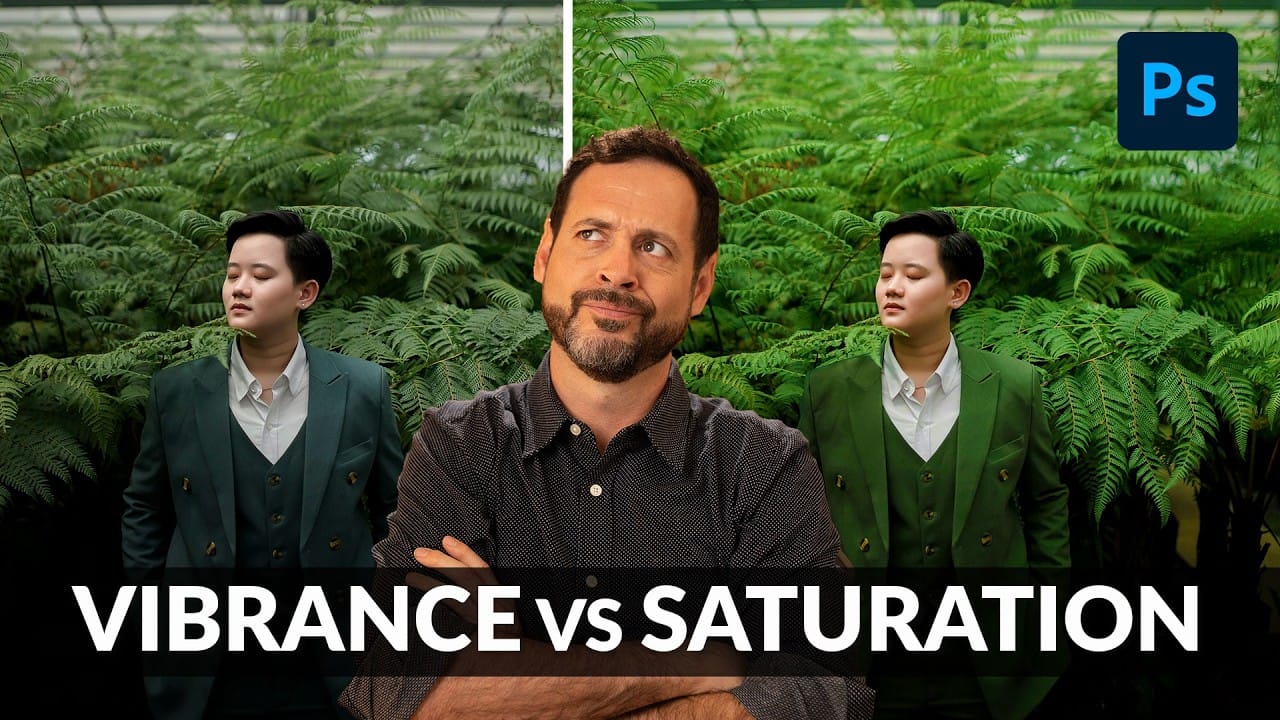
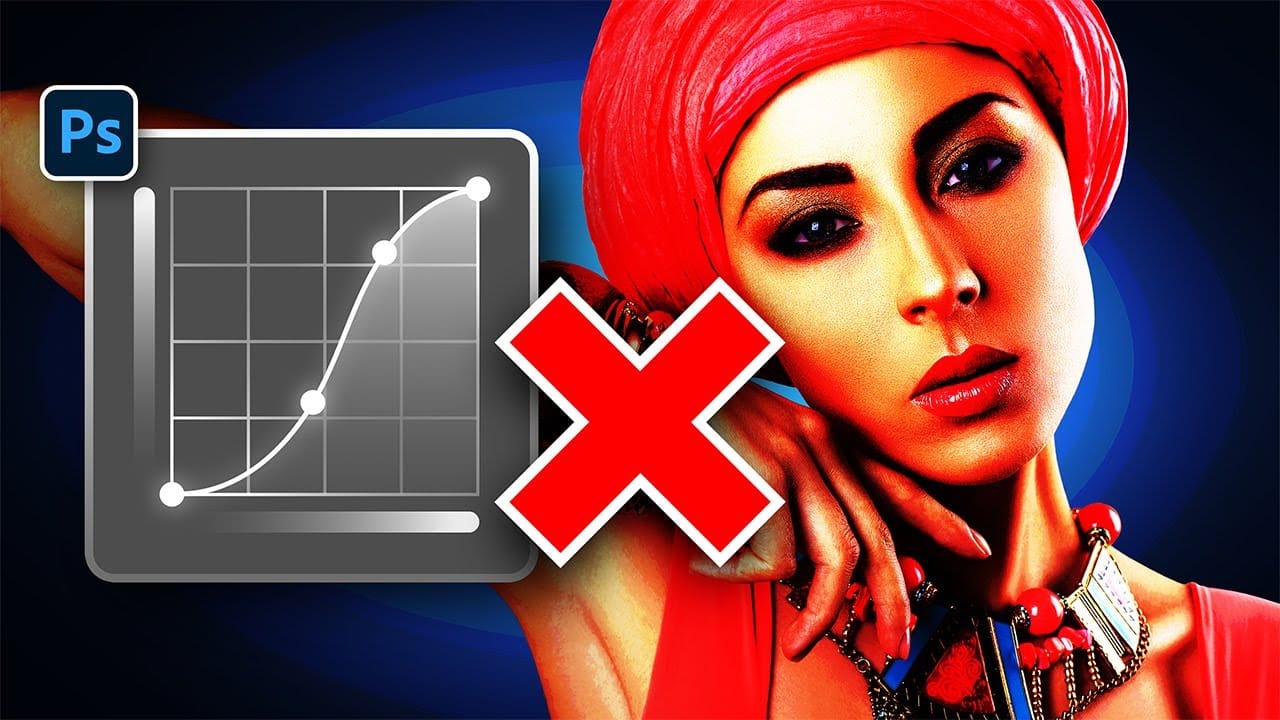
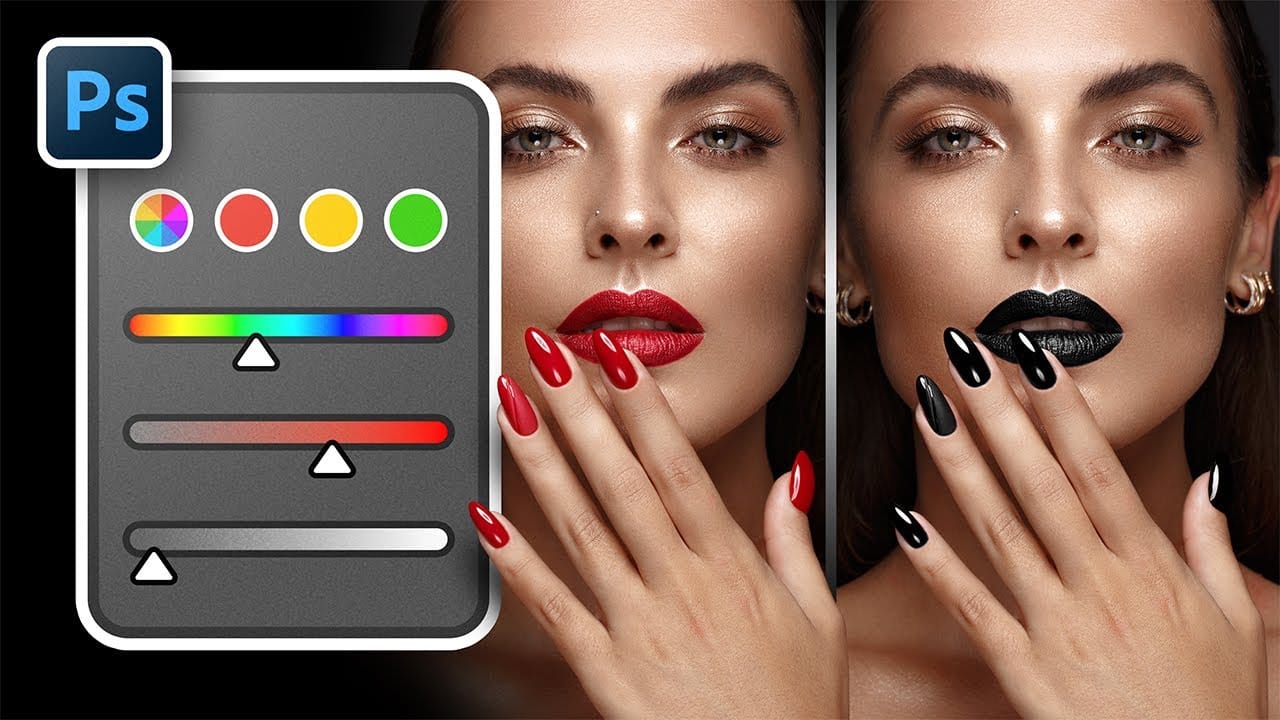
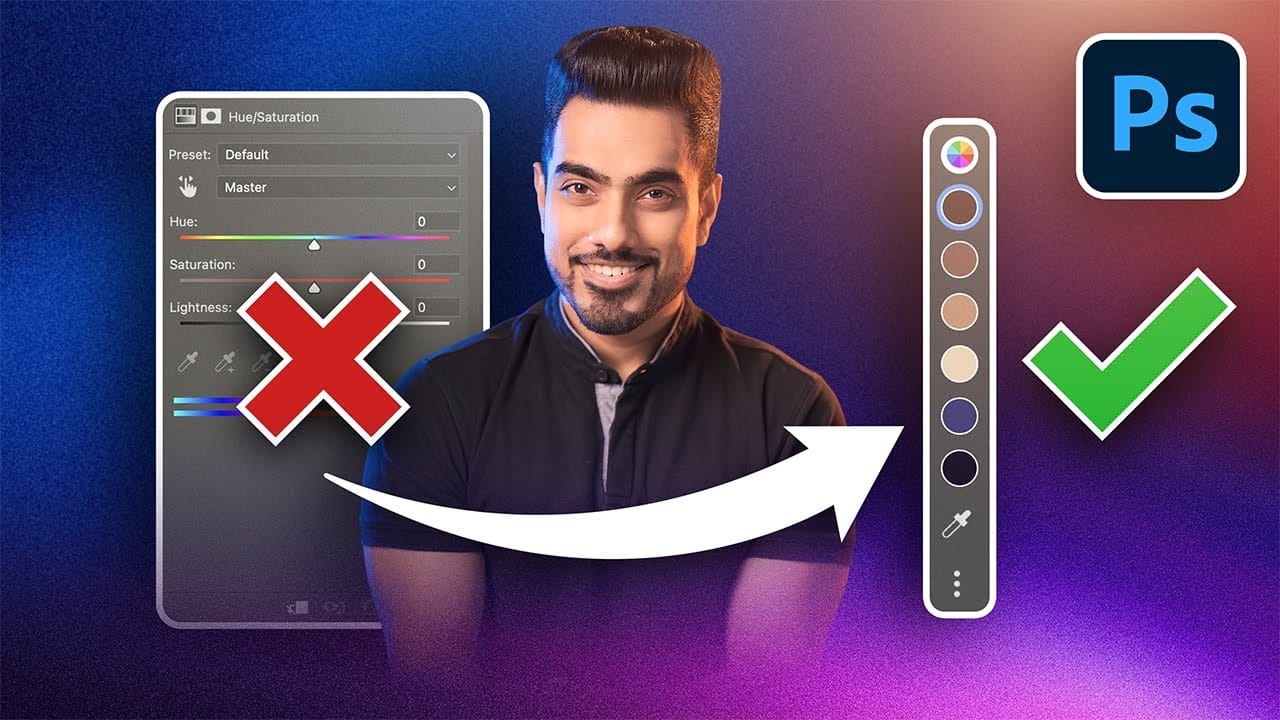
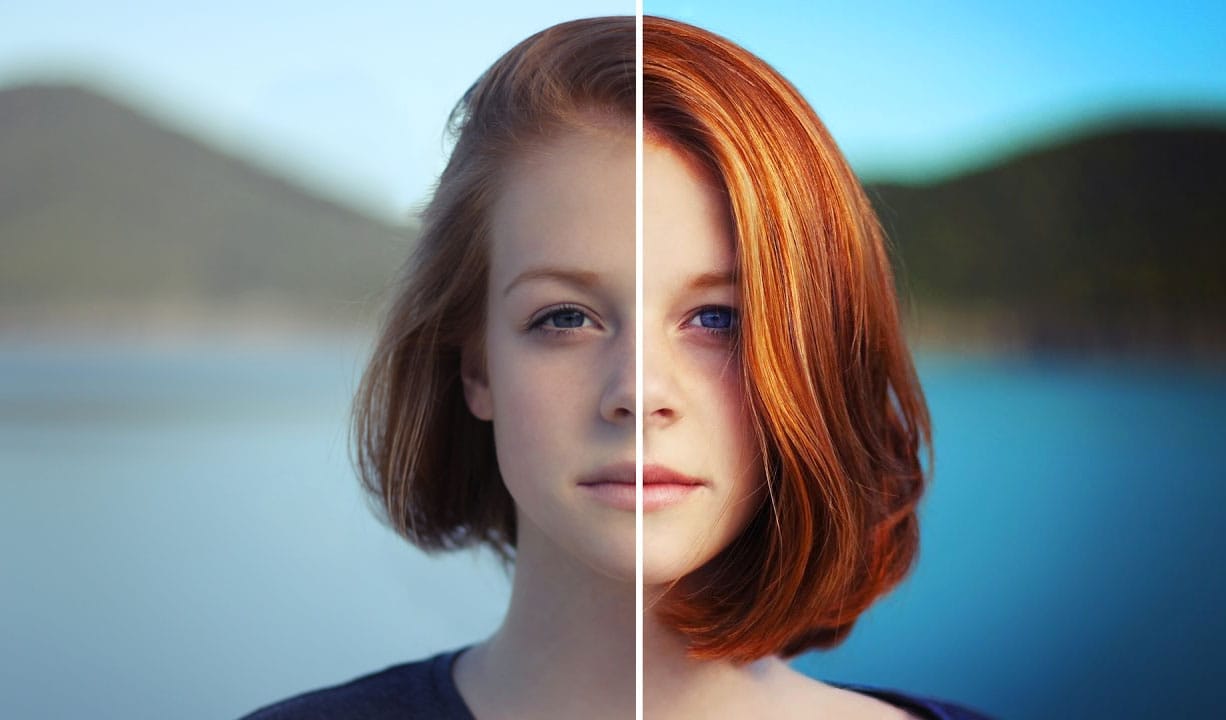
While vibrance gets praised for being "gentler" than saturation, the reality is more nuanced. Saturation works like a universal volume knob, boosting all colors equally, while vibrance acts like a smart equalizer, selectively enhancing less saturated areas first. Understanding when each approach serves your creative vision makes the difference between mediocre and striking color enhancement.
The key lies in recognizing when you need that direct, uniform boost versus when you want intelligent color protection. Combined with saturation masking techniques, these tools become even more powerful for creating professional-grade color separation and visual impact.
Watch the Video
Video by PiXimperfect. Any links or downloads mentioned by the creator are available only on YouTube
Practical Tips
These key techniques will help you choose the right color enhancement approach for your images.
- Use saturation when you want equal color boost across all elements, including skin tones and background details
- Choose vibrance for portraits where you need to protect skin tones while enhancing other colors in the scene
- Create saturation masks using Filter > Other > HSB/HSL to target only areas with existing color information
- Apply saturation masks to both adjustment types for more controlled enhancement and better color separation
- Test both approaches on your specific image rather than following general rules about which is "better"
Related Articles and Tutorials
Explore these comprehensive guides to master color enhancement and adjustment techniques.