Photoshop has been receiving a steady stream of updates, and a handful of genuinely useful features have quietly slipped past most users. From one-click lighting harmonization to AI-powered object removal and automatic layer naming, these tools can meaningfully reduce the time spent on repetitive editing tasks.
Watch the Video
Video by Dansky. Any links or downloads mentioned by the creator are available only on YouTube
Practical Tips
Here are the key takeaways from the video, covering each of the five features and how to get the most out of them.
- Use Harmonize as a starting point for composites — right-click a layer and select Harmonize to automatically match its lighting and shadows to the background, then refine manually if needed.
- Use Dynamic Text with all-caps formatting for cleaner stacked text blocks, and adjust tracking in the Character panel to better distribute letters when using circular or arch layouts.
- Apply Generative Upscale (via Image menu) to low-resolution images before editing — scaling up to 4x with AI can recover usable detail from otherwise unusable files.
- Use the Remove Tool in passes rather than selecting everything at once — working in sections gives the AI more context and produces cleaner background fills.
- Run Layer Cleanup from the bottom of the Layers panel on messy projects — it deletes empty layers and renames remaining ones based on their content, saving time on any hand-off or revisit.
Related Articles and Tutorials
Explore more tutorials covering underused tools and recently added features worth knowing.
5 Hidden Photoshop Features You Probably Didn't Know
Many Photoshop users tend to rely on a familiar set of tools and workflows, often overlooking powerful but less obvious functionalities. This can lead to inefficient processes and missed creative opportunities, making certain tasks feel more cumbersome than they need to be.
This guide and accompanying video demonstrate five underutilized features within Photoshop that can significantly enhance your efficiency and expand your creative toolkit. Learning these capabilities transforms how you appro

10 Photoshop Tricks You Probably Forgot Exist
There's a funny pattern with Photoshop. The longer you use it, the more you rely on the same small set of tools… while some of the most powerful techniques quietly fade into the background. Not because they stopped working — but because they're just a bit hidden, or not part of your daily flow anymore.
So this is a quick refresher. Not beginner stuff, not flashy effects — just solid techniques that have been inside Photoshop for years and still solve real problems better than most newer alterna

10 little-known Photoshop features you should really learn
Photoshop's true power isn't just in its headline features—it's in the hidden gems that can transform your workflow overnight. While everyone knows about layers and the healing brush, these lesser-known capabilities can save you hours and open up creative possibilities you never knew existed.
If you're a seasoned professional or an ambitious beginner, these 10 features will give you that unfair advantage that separates efficient creators from those still clicking through endless menus.
1. Ble

7 Overlooked Photoshop Tools That Will Save You Hours
You're probably using Photoshop the hard way.
You've mastered the basics - Magic Wand for selections, Clone Stamp for removals, layer masks for compositing. But you're likely missing up on dozens of features that could cut your editing time in half.
Adobe has quietly (okay, not so quietly) added dozens of time-saving features that most users never discover.
Here's the thing: Photoshop's interface is overwhelming. With hundreds of tools and panels, it's natural to stick with what works and ig

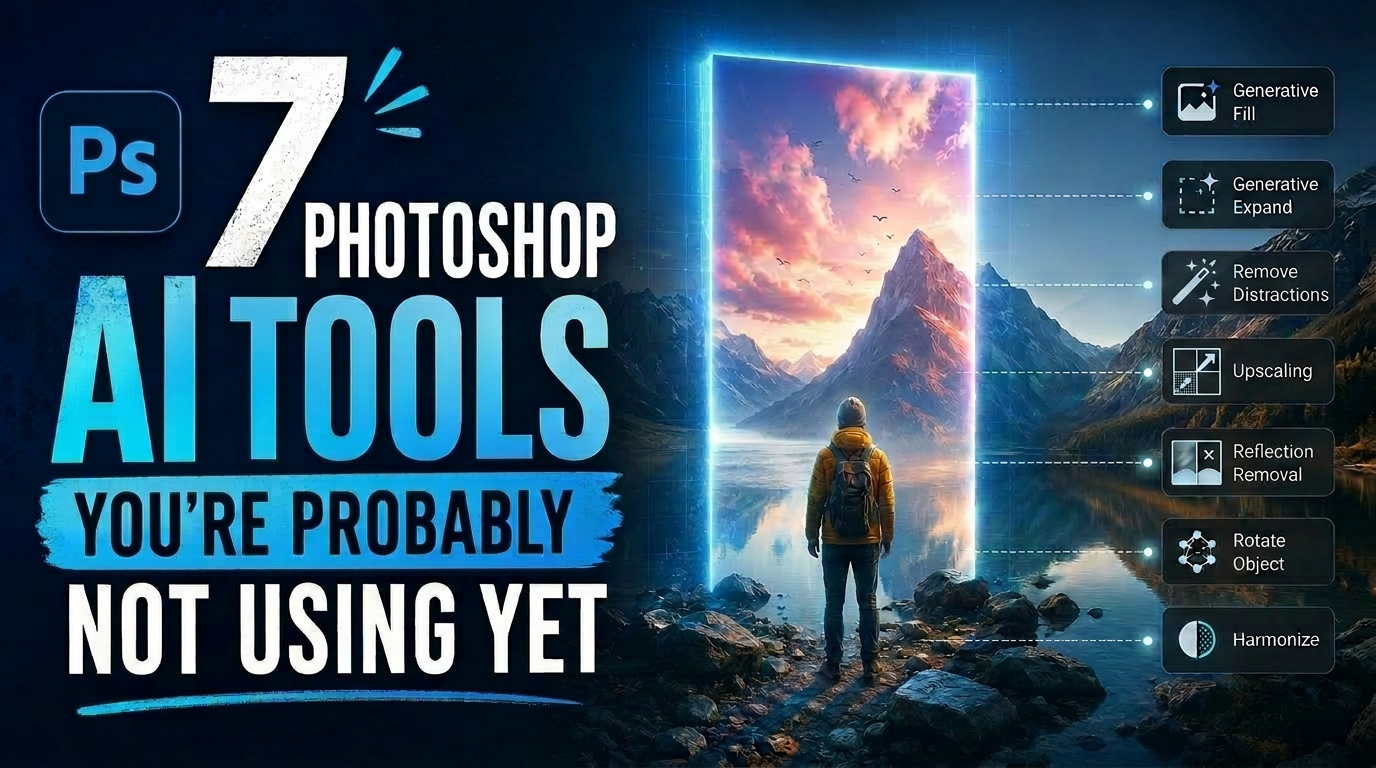
7 Photoshop AI Tools You're Probably Not Using Yet
Photoshop's AI features now go far beyond simple object removal. Some of the newer tools can completely change the way you edit photos, create composites, clean up distractions, or expand scenes — often with just a few clicks.
The interesting part is that many of these features still feel surprisingly underused. While Generative Fill gets most of the attention, Photoshop now includes several AI-powered tools that can produce genuinely impressive results without requiring overly complicated work
Photoshop Roadmap Weekly #13
This week, Colin Smith from Photoshop Cafe breaks down the top new features in Photoshop's May 2025 update, plus how AI is transforming editing workflows. We've got new tutorials on dispersion effects, dynamic text, text portraits, and redesigning a classic Star Wars poster. You'll also discover 5 hidden Photoshop features and a trick to boost your social media views. Don't miss your freebies: 5 hypercolor liquid paint backgrounds from Color Tides and 7 retro paper textures to add vintage flair
30 Awesome Photoshop Tools and Features You Should Know
So you think you know Photoshop? Well, think again! In this awesome video, Photoshop guru Nathaniel Dodson will show you how little you know of Photoshop by showcasing 30 useful tools and features in Photoshop CC that you can use to supercharge your workflow.
No matter if you're a Photoshop expert or a complete beginner, you'll be able to learn about a few amazing Photoshop tricks in this video that you probably haven't even heard of.
Watch tutorial
TOP New Features in Photoshop – May 2025 Update
Many Photoshop users frequently encounter common challenges such as time-consuming manual selections for complex objects, difficulties in achieving precise color adjustments across an image, or struggling with inconsistent results when removing unwanted elements like reflections. These hurdles often slow down the creative process, making it frustrating to achieve a desired professional look efficiently.
This guide explains how Photoshop's latest updates introduce powerful new functionalities, i

5 Essential Photoshop Techniques for Digital Artists and Photographers
Digital artists and photographers often find themselves repeating the same complex adjustments and effects across multiple projects. These five advanced techniques will help you work more efficiently while creating professional-quality results.
From custom presets that save hours of color adjustments to hand-painted digital enhancements that set your work apart from AI-generated content, these methods focus on building a sustainable creative workflow.
Watch the Video
Practical Tips
Here ar