Holographic effects transform ordinary subjects into futuristic, translucent projections that appear to emit their own light. This technique combines strategic subject isolation, color manipulation, and layered glow effects to create a convincing sci-fi appearance.
The process builds realistic depth through multiple blur layers while using horizontal line textures to simulate the scanning patterns typical of projected holograms.
Watch the Video
Practical Tips
Master the hologram effect with these essential techniques for creating convincing light-based projections.
- Convert your subject layer to a smart object before applying filters to maintain editability
- Use Screen blend mode for the hologram subject to simulate light emission against the darkened background
- Apply horizontal line textures through layer masks and blur them heavily to avoid harsh, unrealistic edges
- Create multiple duplicated blur layers with increasing amounts of gaussian blur for realistic light falloff
- Paint additional glow areas manually with Color Dodge blend mode to add randomness and prevent the effect from looking too uniform
Related Articles and Tutorials
Explore more futuristic and supernatural effects to expand your digital manipulation skills.
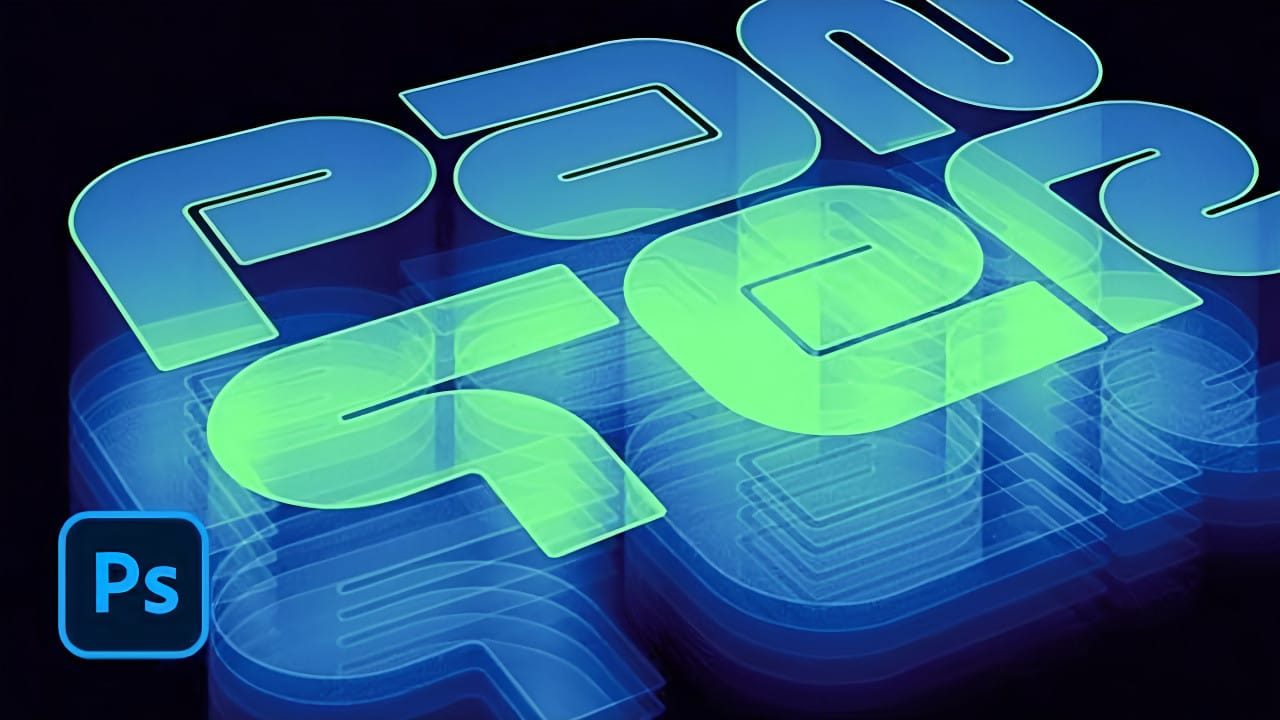
How to Create a Hologram Text Effect in Photoshop
Holographic effects bring futuristic appeal to text designs with their distinctive translucent appearance and rainbow color shifts. This tutorial demonstrates creating convincing hologram text using perspective distortion, layer opacity adjustments, and gradient mapping techniques.
The process combines 3D extrusion with motion blur and color gradients to achieve the signature holographic look.
Watch the Video
Practical Tips for Hologram Text Effects
Master the hologram effect with these es
Create a Distorted Wave Glitch Effect in Photoshop
Digital distortion effects transform ordinary portraits into striking visual art by warping reality through deliberate technical manipulation. This technique uses multiple wave filters layered together to create increasingly complex distortions, while selective masking preserves important facial features from becoming completely unrecognizable.
Watch the Video
Practical Tips
Master the wave distortion effect with these essential techniques:
* Convert layers to smart objects before applyin
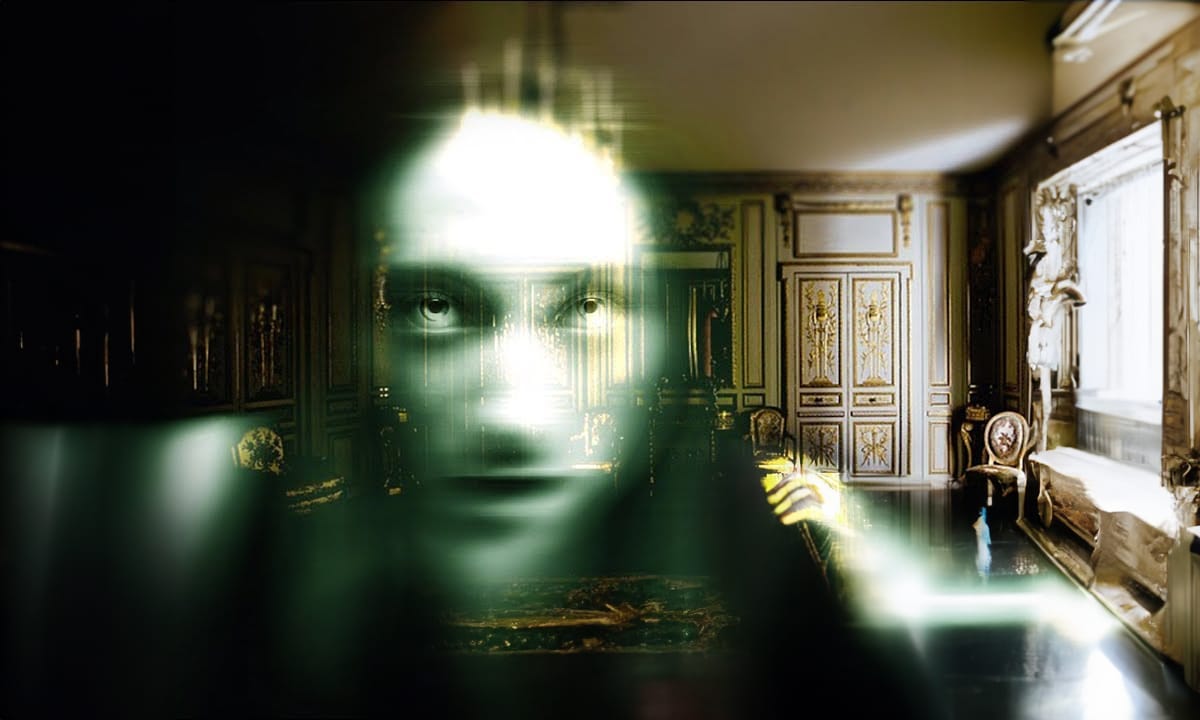
How to create a ghost in Photoshop
Transforming ordinary photos into something extraordinary often involves exploring creative digital manipulation techniques. The ability to create a convincing ghostly apparition, for instance, adds an intriguing and ethereal dimension to an image. This process, once more complex, has become significantly more streamlined with updates in modern photo editing software.
This tutorial guides you through the process of converting a regular subject into a transparent, spectral figure. You will disco
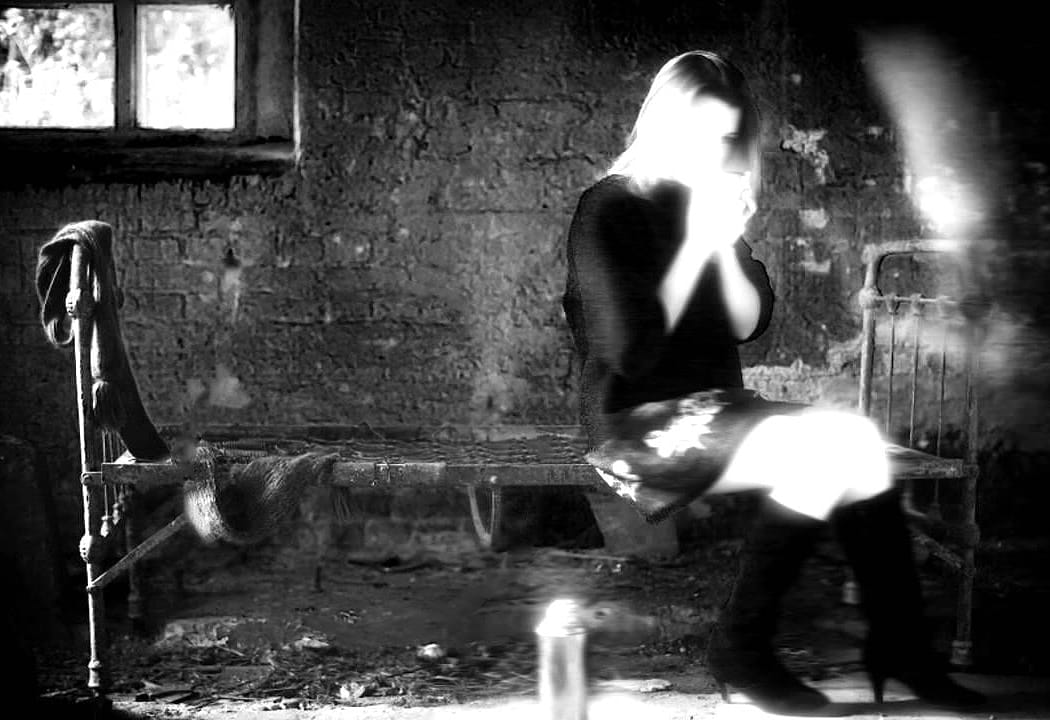
Create a Ghostly Image Effect in Photoshop
In this engaging Photoshop tutorial, you will discover how to create a ghostly effect that transforms a person into a transparent figure, resembling a ghost. This technique is perfect for adding an eerie vibe to your images.
You'll begin by selecting the person in your photo and adjusting the layers to achieve the desired transparency. The step-by-step instructions will guide you through the process of refining the edges and enhancing the overall look to ensure a realistic ghost appearance.
By
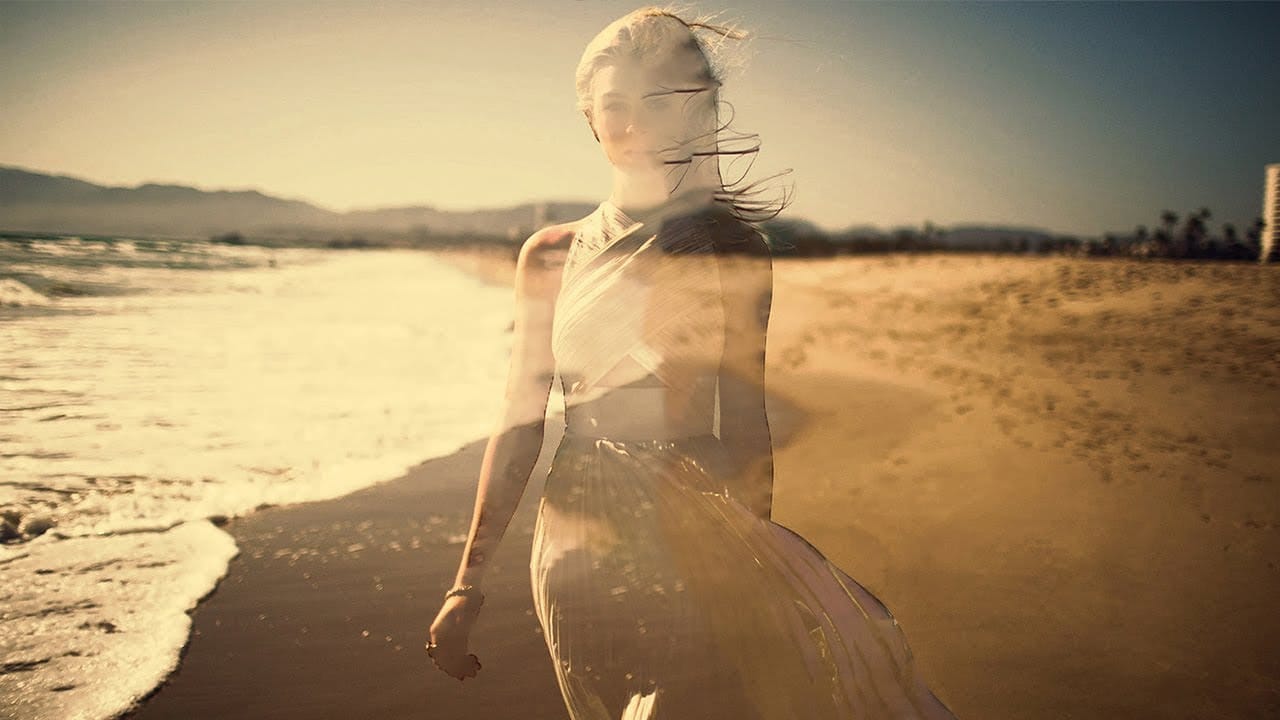
Create See-Through Ghost Photos in Photoshop
This tutorial offers a straightforward guide to creating an eerie see-through ghost photo using just one image. Perfect for beginners, it simplifies the process while ensuring you can achieve impressive results.
You will learn essential techniques that allow you to manipulate your image effectively. The tutorial walks you through each step, ensuring that even those new to Photoshop can follow along with ease.
By the end, you'll be able to transform an ordinary photo into something hauntingly b
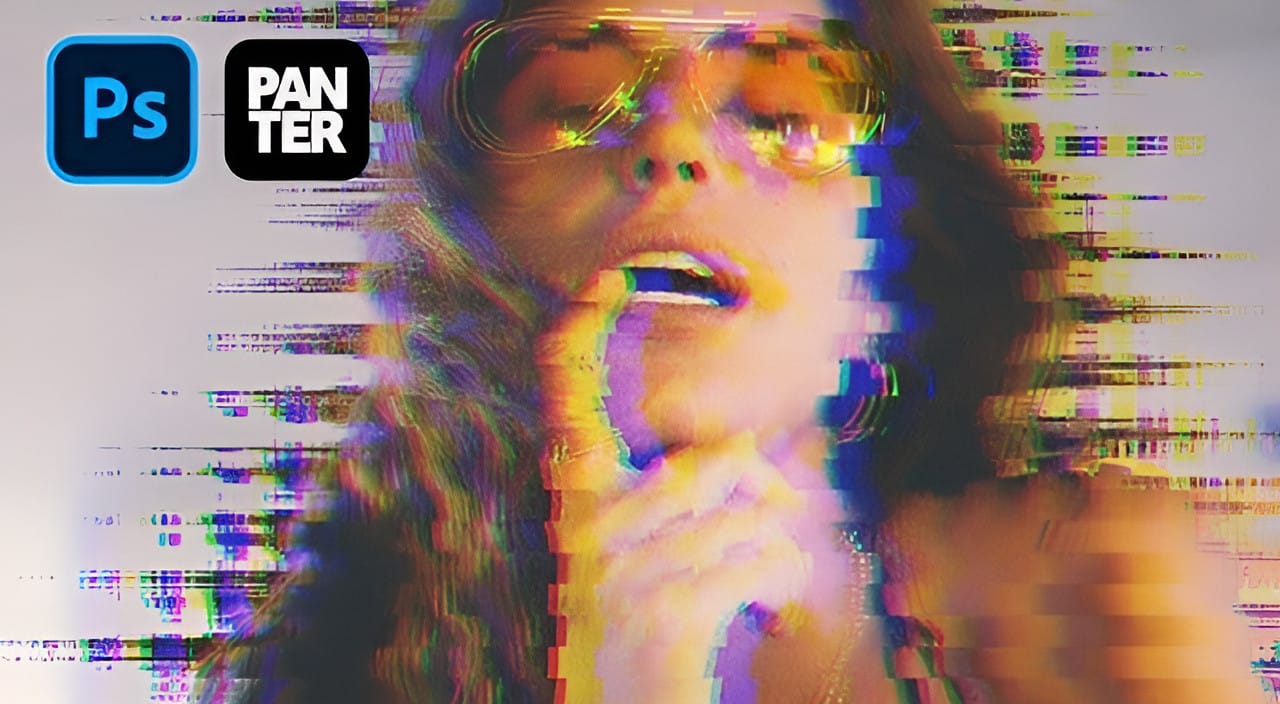
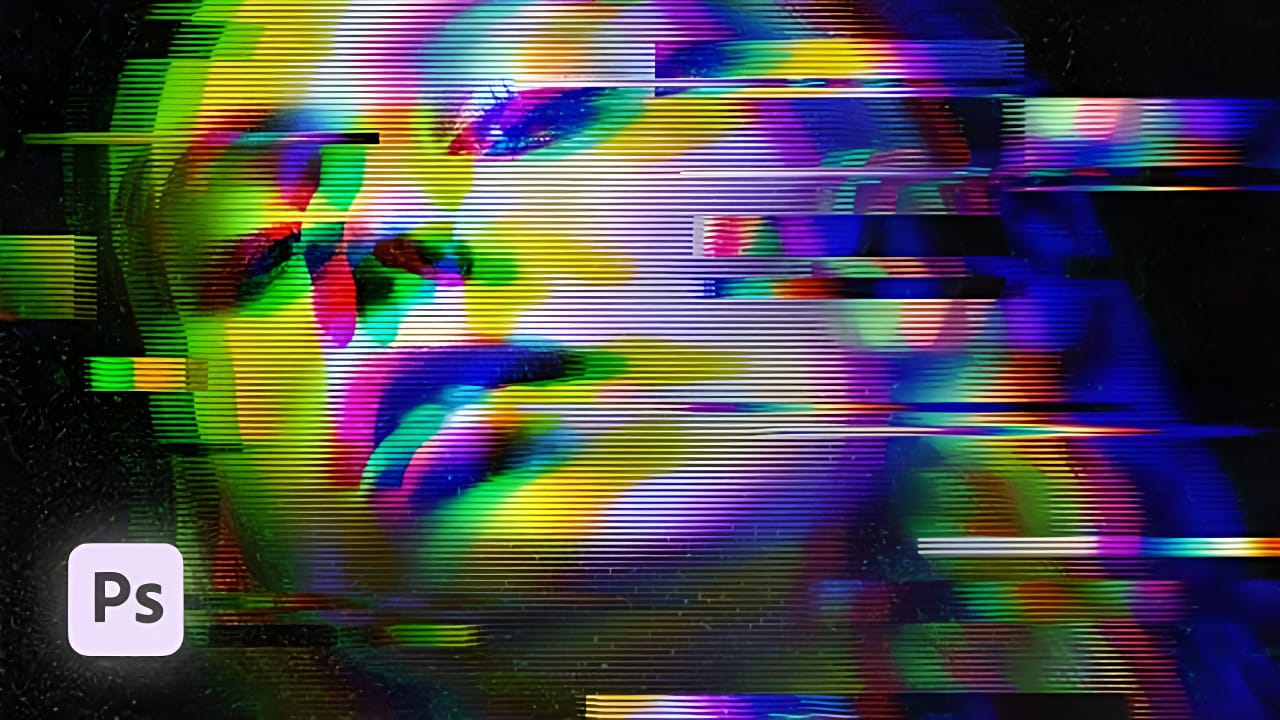
How to Create a VHS Glitch Effect in Photoshop
VHS glitch effects capture the nostalgic charm of analog video distortion, transforming clean digital images into retro masterpieces. These effects recreate the visual artifacts of old videotapes — horizontal scan lines, color channel separation, and pixelated interference that defined an entire era of visual media.
This tutorial demonstrates how to build a convincing VHS glitch effect using Photoshop's filters, blend modes, and displacement techniques. You'll learn to create authentic-looking
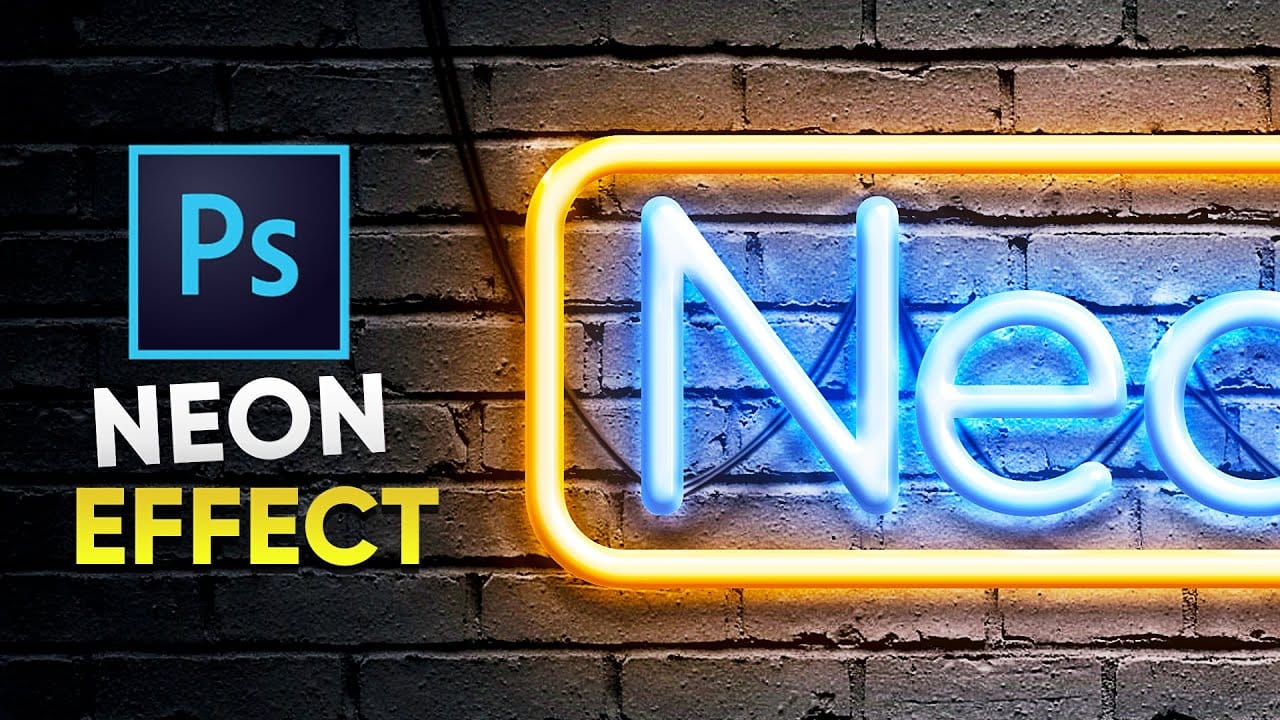
Create a Realistic Neon Sign Text Effect in Photoshop
Captivate your audience with luminous designs. Learn to transform flat shapes and text into a realistic 3D neon effect in Photoshop. This tutorial shows you how to achieve stunning, editable results with ease.
Watch the Tutorial
Practical Tips for Creating Neon Effects
Achieving a realistic neon effect involves layering various styles and adjustments.
* Begin by duplicating your Main layer nine times, renaming them Base 1-3, Glass 1-3, and Light 1-3. Group these layers under a "Neon" fold
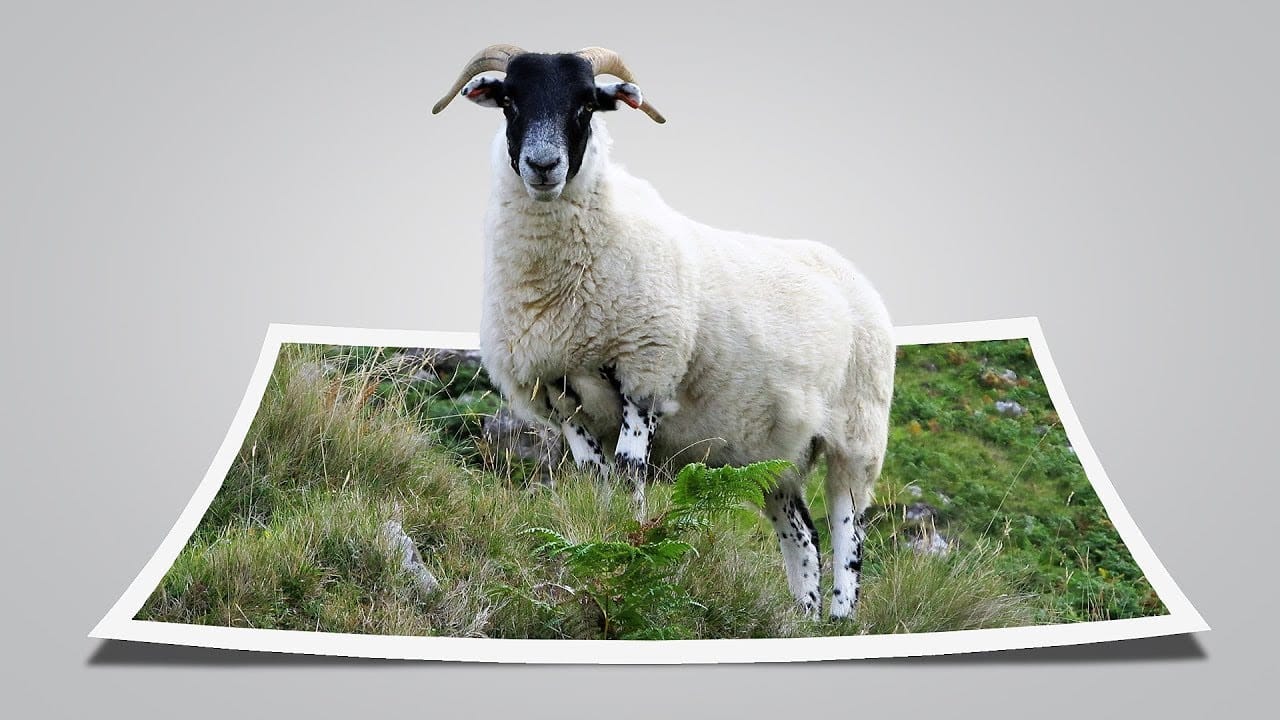
Create a fun pop out frame effect in Photoshop
This tutorial by Click3D explores the creative process of making a whimsical 3D pop-out photo effect in Photoshop. This effect brings images to life and introduces a surreal quality that transforms the viewing experience. Imagine a scene where a subject appears to leap out of a polaroid frame, adding an element of fun and surprise.
The author takes the reader through the steps to create this delightful and impactful visual effect. By using simple techniques, the tutorial demonstrates how to ach
Create a Hollow Head Effect in Photoshop
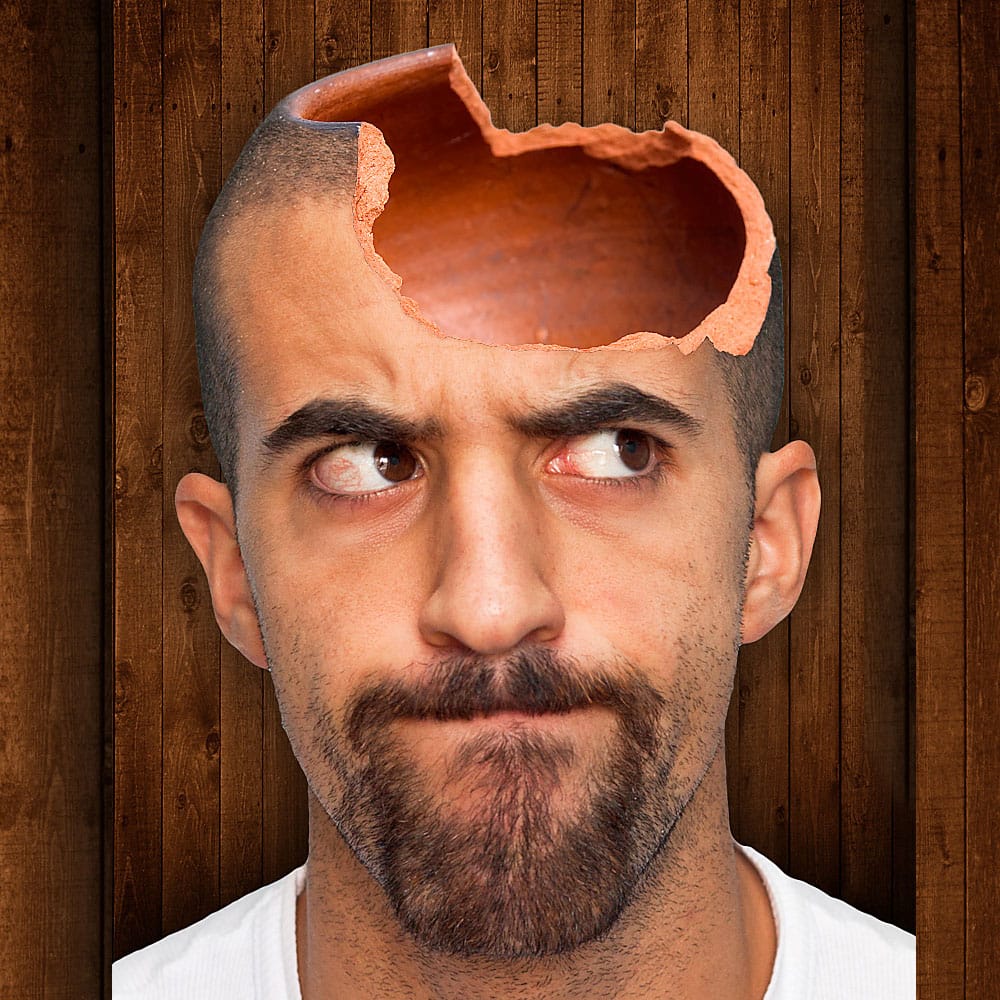
In this Photoshop tutorial by Andre from PSD Box, you'll learn how to create a hollow head effect using three stock images. Andre begins by opening a stock image of a man and removing the background with the quick selection tool, followed by refining the selection with the refine edge tool.
He then adds a wooden background behind the man and incorporates a broken pot on the man's head, using the lasso tool to select the pot and the mask tool to hide its bottom part. Shadows are added with the b