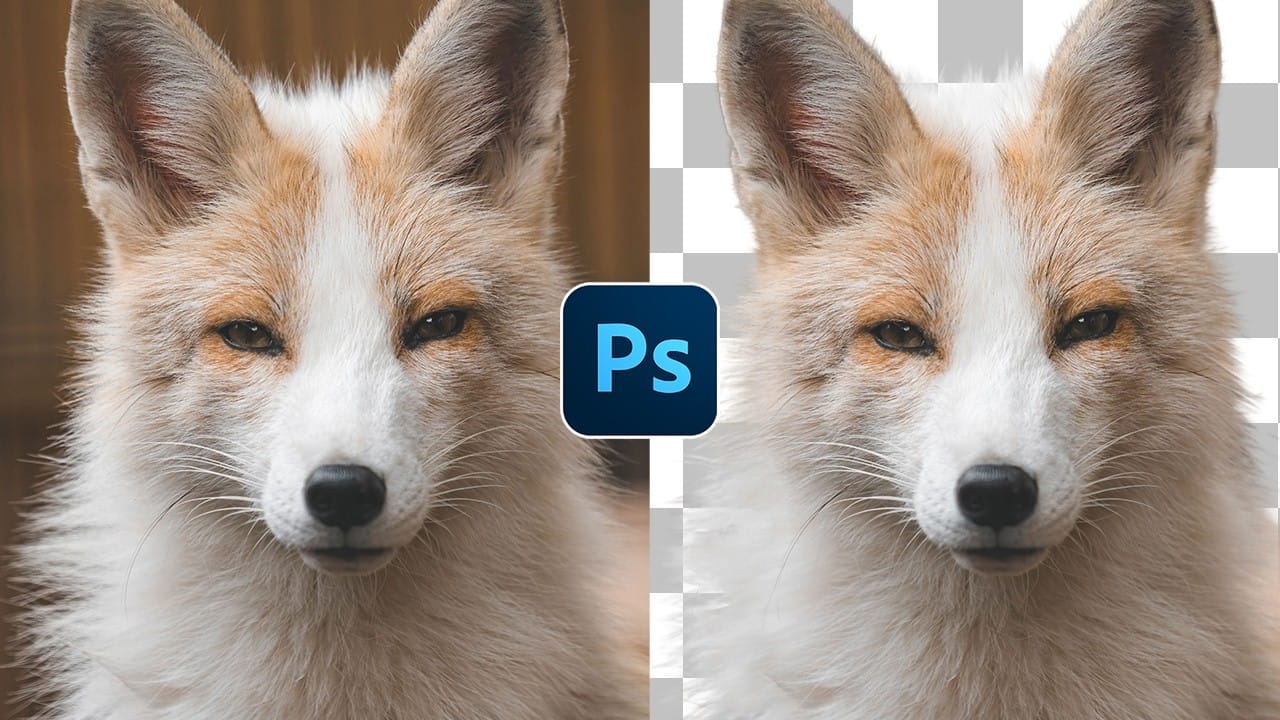
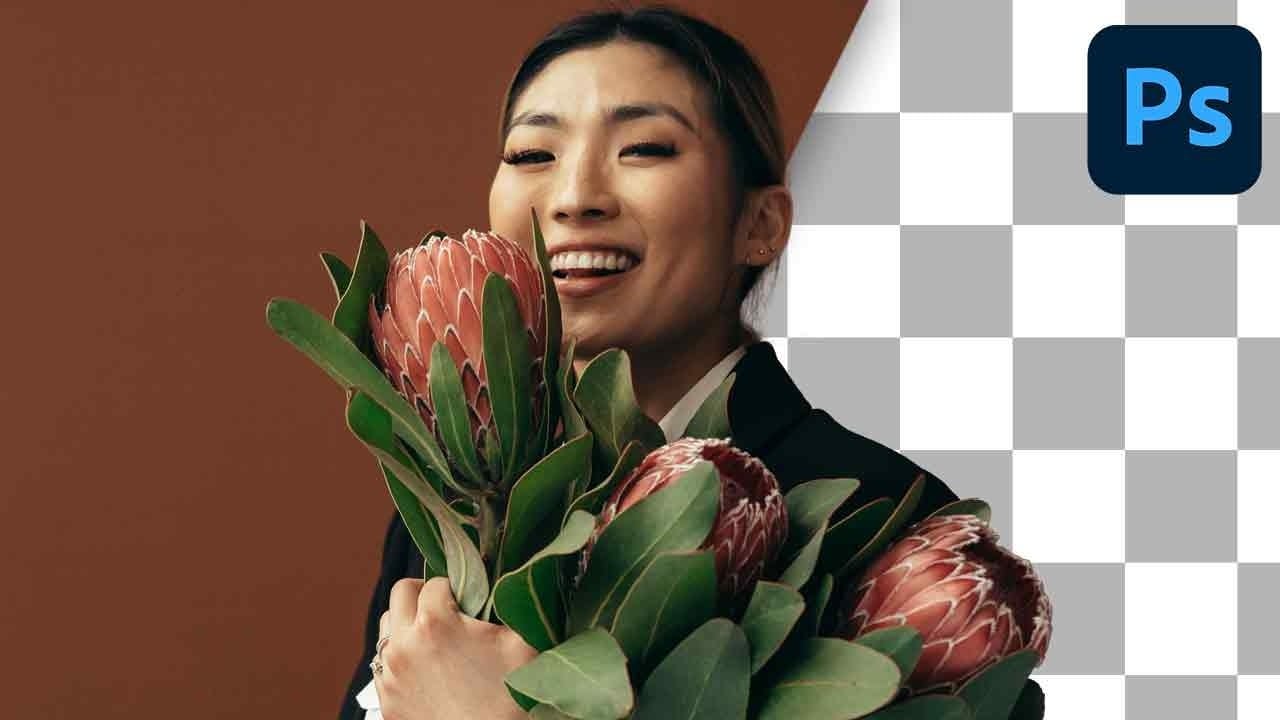
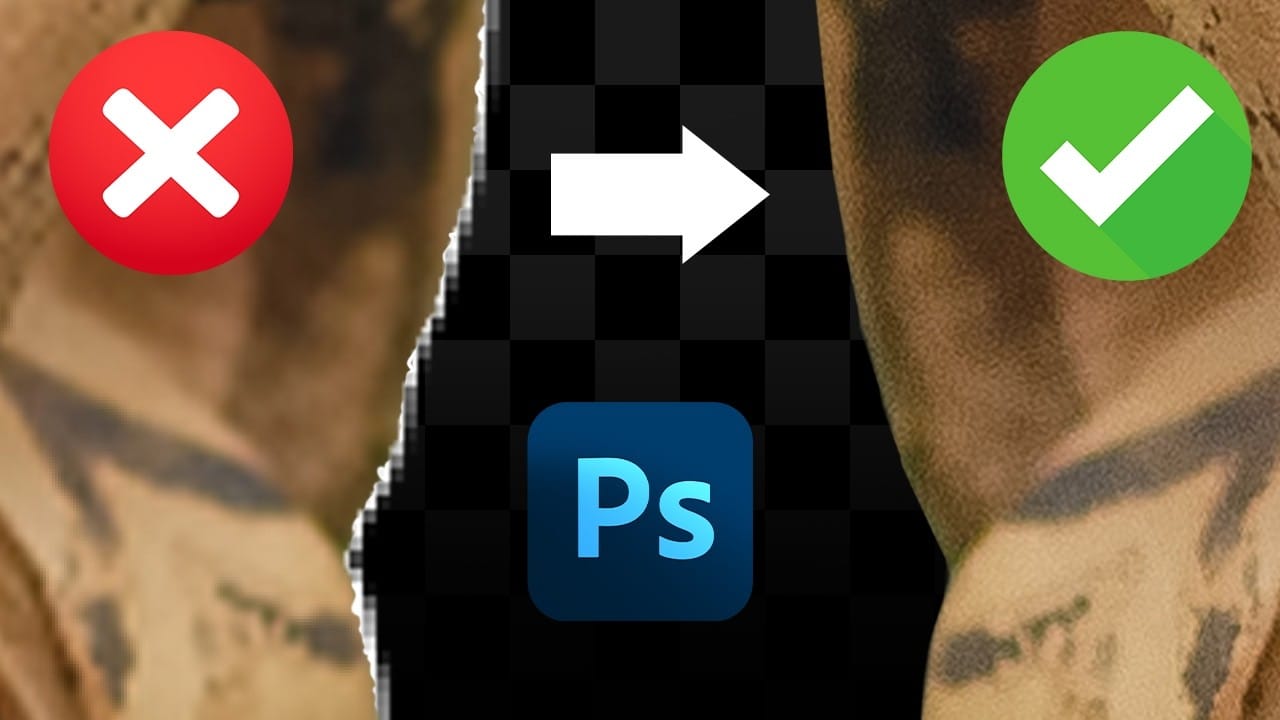
Perfect layer masks can still produce disappointing results when color fringing appears around hair and fur edges. This common problem isn't caused by poor masking technique—it's the original background bleeding through at the edges.
Clipping masks offer a powerful solution by allowing you to paint directly over these problem areas while automatically constraining your edits to the masked subject area. This technique works with any layer type and eliminates fringing without requiring AI tools.
Watch the Video
Video by PHLEARN. Any links or downloads mentioned by the creator are available only on YouTube
Practical Tips
Master these essential clipping mask techniques to eliminate fringing and create professional cutouts:
- Create clipping masks by holding Alt/Option and clicking between layers—this constrains any edits to only the visible areas of the underlying layer
- Use the Clone Stamp tool set to "Current and Below" to sample hair detail from inside the subject and paint it outward to the edges
- Set Clone Stamp or Brush tool flow to 20% for gradual, natural-looking edge repairs that blend seamlessly
- Sample hair colors with Alt/Option while using the Brush tool to paint new strands that match the subject's natural tones
- Transform and warp cloned hair sections on separate layers to fit curved areas where direct cloning doesn't match the hair direction
Related Articles and Tutorials
Explore more advanced selection and edge refinement techniques for professional photo editing: