Complex editing projects with Generative Fill and Expand often result in dozens of unnamed layers cluttering your workspace. The new Layer Cleanup tool automates the tedious process of renaming layers and removing empty ones, transforming chaotic layer panels into organized, manageable structures.
This workflow improvement saves significant time during post-production and makes it easier to navigate complex documents without manual reorganization.
Watch the Video
Video by Adobe Live. Any links or downloads mentioned by the creator are available only on YouTube
Practical Tips
These strategies help you get the most from the Layer Cleanup tool in your editing workflow:
- Look for the broom-like icon in the Layers panel to access Layer Cleanup quickly
- Choose between cleaning the entire document or only selected layers based on your project needs
- Enable "delete empty layers" to remove unused layers that accumulate during complex edits
- Run Layer Cleanup before finalizing projects to maintain clean file organization
- Use this tool after intensive Generative Fill sessions to automatically name AI-generated content
Related Articles and Tutorials
Explore more techniques for managing complex layer structures and streamlining your editing workflow:
How to Use Layer Filtering to Organize Complex Projects in Photoshop
When working with dozens of layers in complex composites or designs, finding specific elements becomes a time-consuming challenge. The layer filtering system in the Layers panel offers powerful tools to instantly isolate different types of content, making organization and editing far more efficient.
These filtering options help you quickly group similar layers, clean up unused elements, and maintain better project structure without endless scrolling through your layer stack.
Watch the Video

Free Photoshop Extension: Layrs Control 2
Layrs Control 2 is a free Photoshop extension designed to simplify and enhance layer management. This collection of scripts provides five essential features aimed at improving your workflow.
It includes a layer name editor for easily renaming layers, options to remove any unused effects to keep your project clean, the ability to flatten all layer effects to streamline your layers, tools to delete empty layers and reduce overall file size, and a function to rasterize smart objects for easier man
Master Layer Comps in Photoshop for Faster Design Workflow
Design iterations can quickly spiral into chaos without proper version control. Layer Comps in Photoshop offers a powerful solution that most designers overlook, letting you save snapshots of your layer panel's visibility, position, and appearance at different stages of your project.
This hidden feature transforms how you approach creative work, allowing you to experiment fearlessly while maintaining access to every version of your design. From social media exports to client presentations, Laye
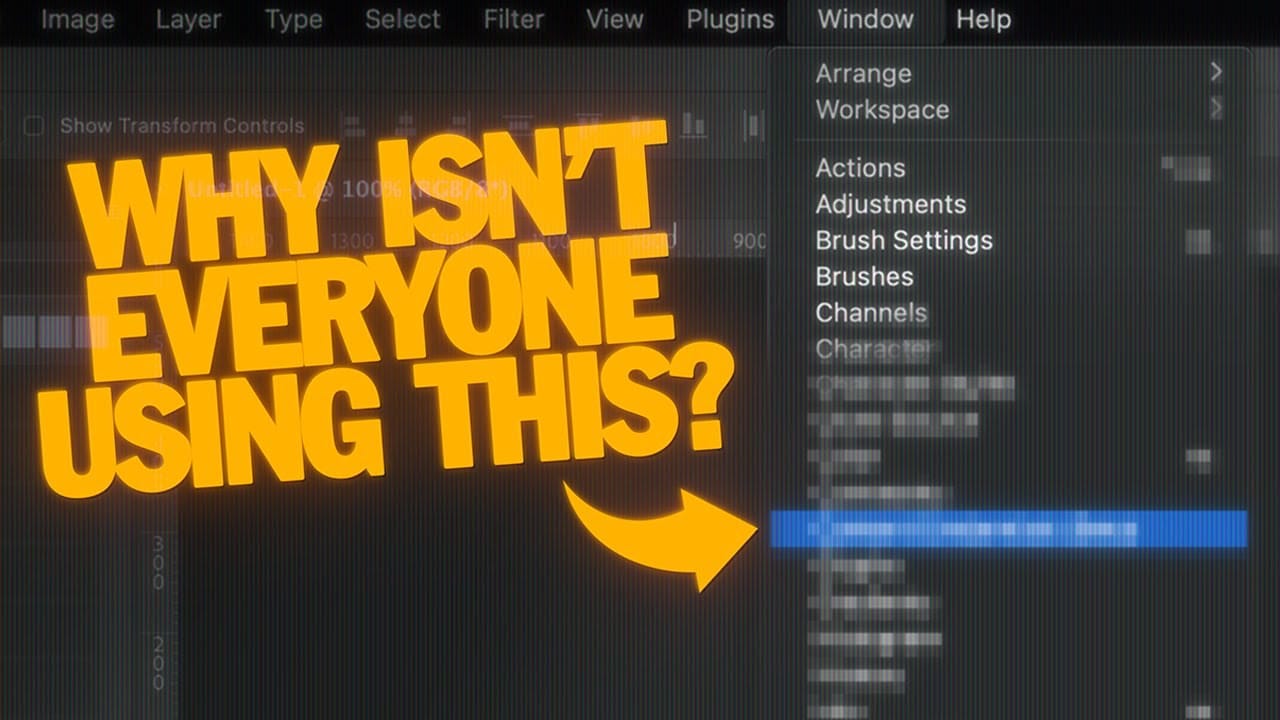
How to Use Photoshop's Auto Layer Rename Feature
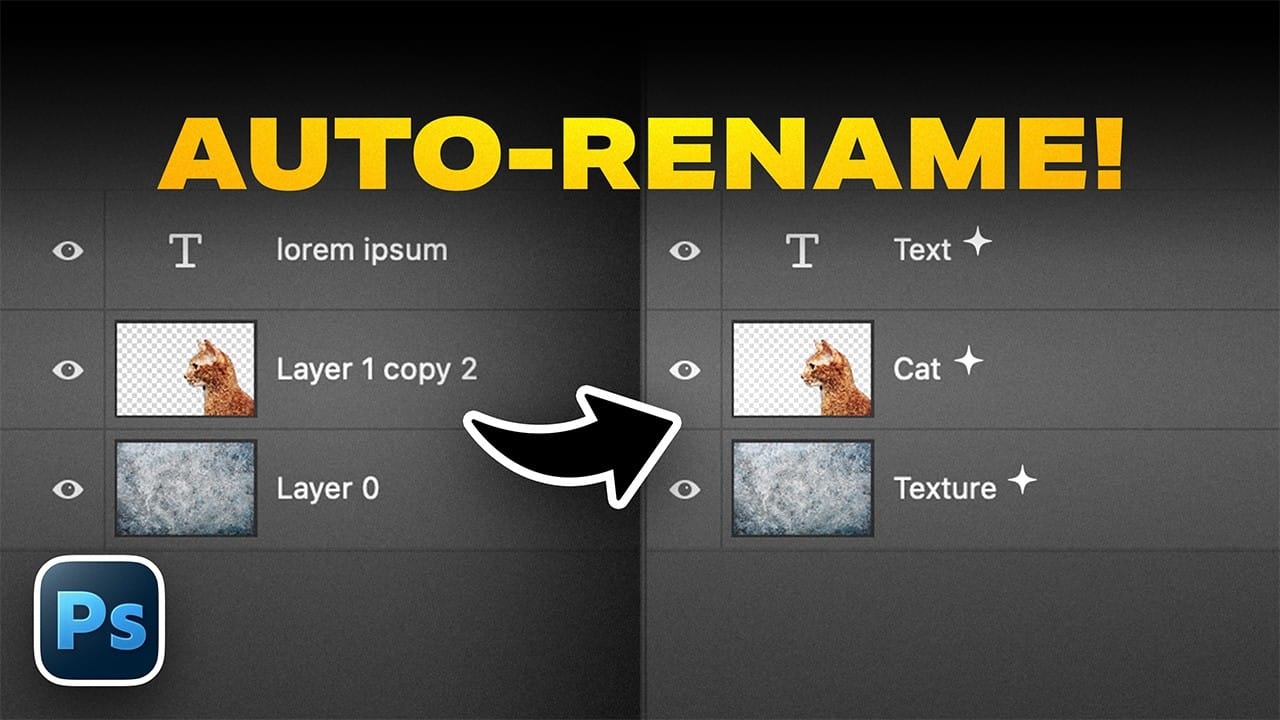
Messy layer names like "Layer 52 copy 4" and "Untitled 5" clutter your workspace and slow down complex projects. Photoshop's new auto-rename feature uses AI to automatically identify and name layers based on their content, from "Woman in yellow shirt" to "Yellow rounded rectangle."
This beta feature is currently available in Photoshop version 27.6 and can instantly organize entire documents, though it comes with some important limitations worth understanding before you rely on it.
Watch the V
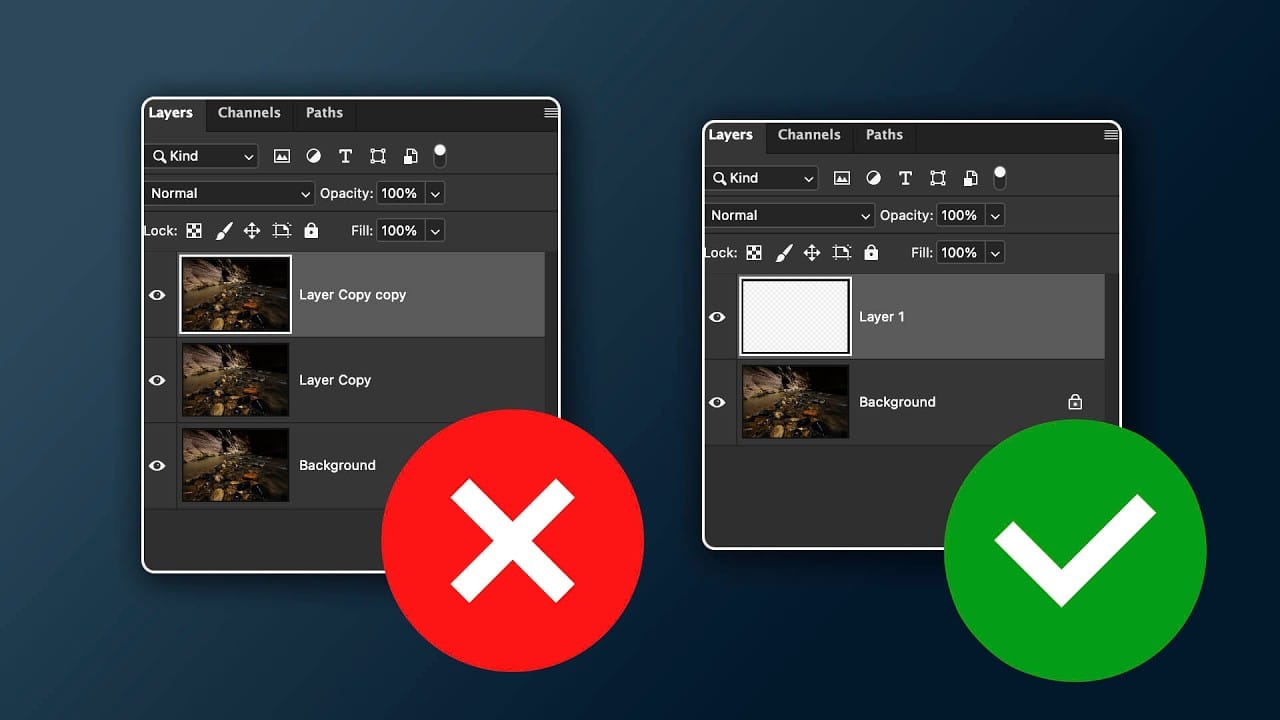
When to Skip Layer Duplication in Modern Photoshop Workflows
The old advice to always duplicate layers when editing in Photoshop stems from earlier versions that lacked today's powerful tools. Modern Photoshop workflows often make layer duplication unnecessary, especially for common tasks like object removal, sky replacement, and background changes.
Understanding when to skip this step saves storage space and keeps your layer panel organized while still maintaining the flexibility you need for professional editing.
Watch the Video
Practical Tips
The
Remove All Distractions From a Photo in One Click using Adobe Photoshop
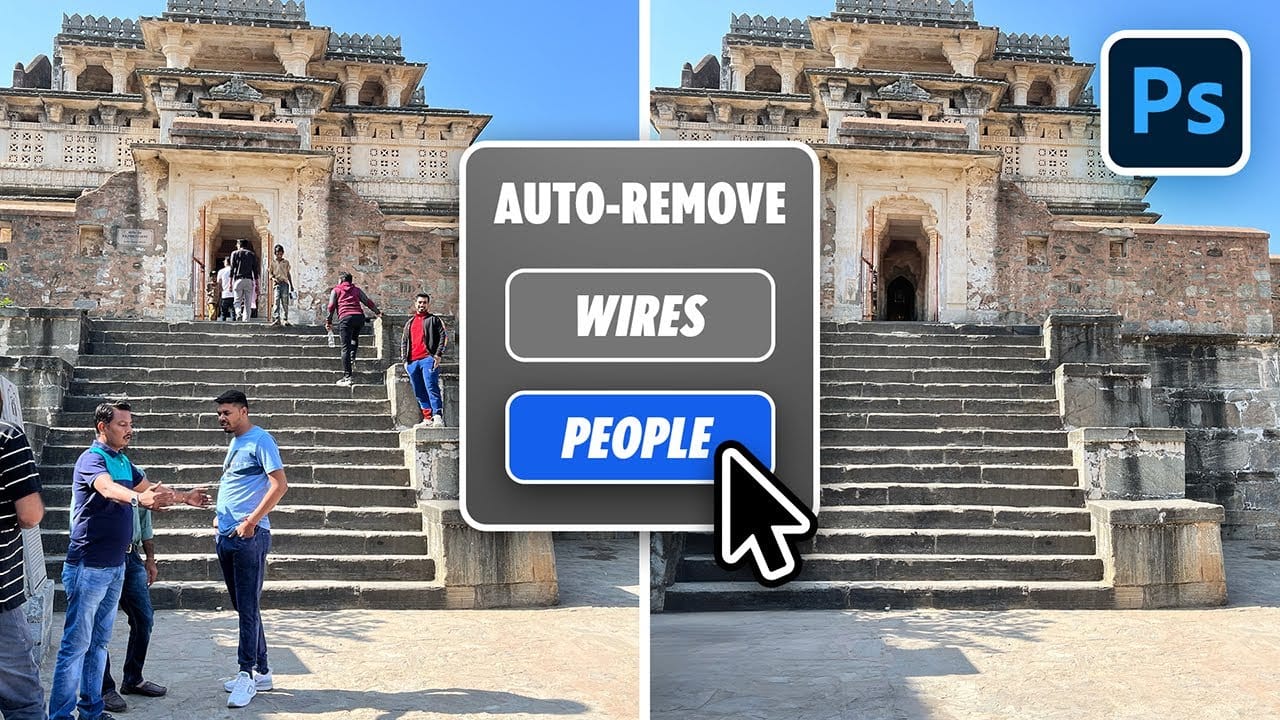
This tutorial by PiXimperfect introduces an impressive new feature in Adobe Photoshop Beta that simplifies photo editing. By utilizing the updated Remove Tool, users can effortlessly eliminate distractions from their images with just one click.
The tutorial highlights how this feature can efficiently remove unwanted elements such as people, power lines, and various other distractions that can detract from the overall quality of a photograph. Ideal for photographers and graphic designers alike,
How to combine multiple images in Photoshop instantly
Working with multiple image files often means juggling numerous open windows, a common challenge when compiling visual research, mood boards, or design layouts. Manually combining these images into a single document can quickly become tedious and inefficient.
This guide presents a powerful method for consolidating all open images into one layered Photoshop document. It demonstrates how to automate this process and offers an essential tip for quickly closing the original individual files, transf

Essential New Photoshop Features for Professional Retouchers with Lisa Carney
Professional retoucher Lisa Carney demonstrates the latest Photoshop features that streamline common editing tasks without the flashy headlines. These updates focus on practical workflow improvements—from automated distraction removal to intelligent layer cleanup—that save significant time on real projects.
The session covers reflection removal, object rotation with 3D positioning, layer organization tools, and advanced AI model combinations that work together to solve complex retouching challe

How to Remove Objects Using Photoshop's Updated Remove Tool Without Credits
Photoshop's updated Remove tool offers powerful AI-powered object removal without consuming any generative credits, regardless of your subscription plan. The tool features automated distraction detection that categorizes different types of visual clutter—from trash and people to urban elements and blemishes—making it easy to selectively remove unwanted elements from your photos.
This non-destructive workflow creates separate layers for each removal operation, preserving your original image whil

How Photoshop's Updated Frame Tool Simplifies Layer Cropping
Cropping individual layers in Photoshop has traditionally required multiple complex steps involving selections, layer masks, or clipping masks. The updated Frame Tool now offers a streamlined drag-and-drop approach that eliminates confusion and reduces workflow steps.
These improvements make layer cropping accessible to beginners while speeding up workflows for advanced users through custom shape integration and simplified image placement.
Watch the Tutorial
Essential Frame Tool Tips
* Ac