Transforming an ordinary portrait into a magical nighttime scene traditionally requires advanced compositing skills and multiple stock images. This tutorial demonstrates how to create an entire surreal portrait using only Generative Fill, converting a simple daylight photo into an atmospheric Gothic scene complete with Victorian clothing, glowing lanterns, and mystical environments.
The process involves iterative prompting to transform clothing, lighting, backgrounds, and atmospheric elements while preserving facial details through strategic masking techniques.
Watch the Video
Video by Adobe Photoshop. Any links or downloads mentioned by the creator are available only on YouTube
Practical Tips
Here are essential techniques for successful surreal portrait creation:
- Start with specific prompts and refine them iteratively — your first attempt rarely produces the perfect result
- Use layer masks to preserve original facial details when AI generates unwanted changes to face structure
- Build complex scenes gradually by adding one element at a time rather than requesting everything in a single prompt
- Apply color correction and curves adjustments to match AI-generated elements with the overall scene lighting
- Add final atmospheric touches like vignettes and highlight enhancement to create cohesive mood
Related Articles and Tutorials
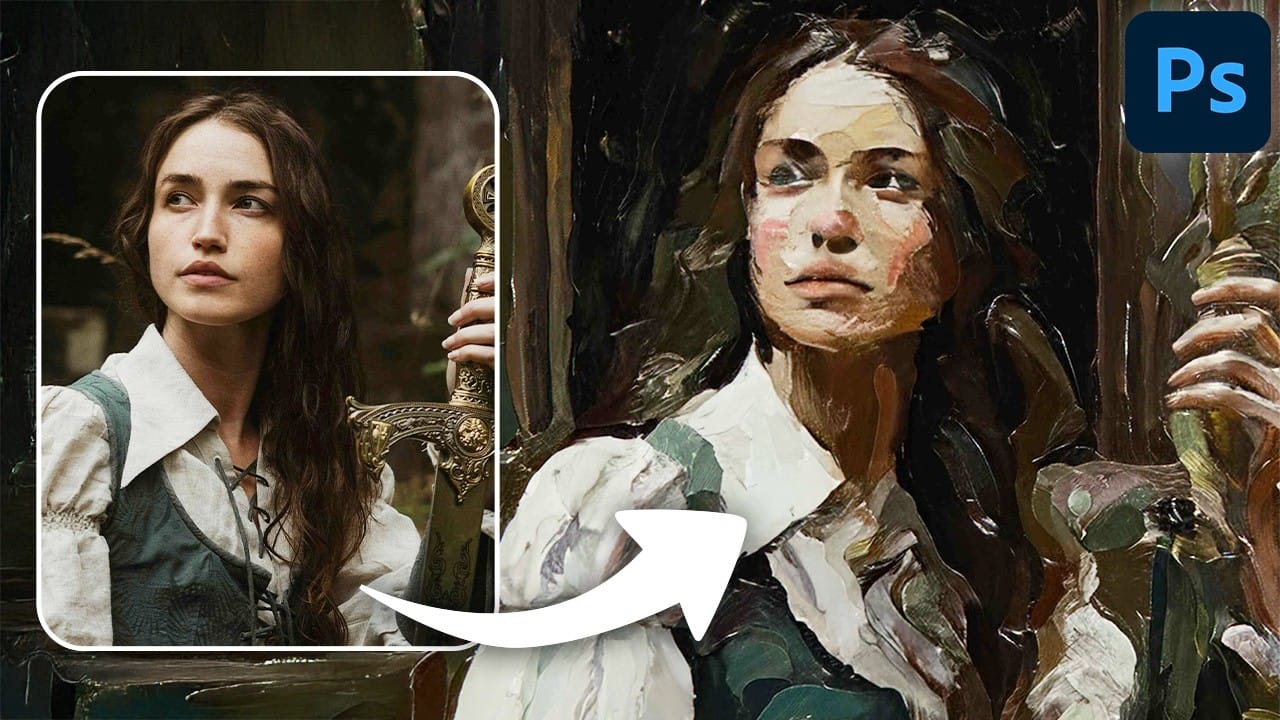
Explore more creative portrait techniques and advanced editing methods with these tutorials.
 Enrique Flouret
 Enrique Flouret