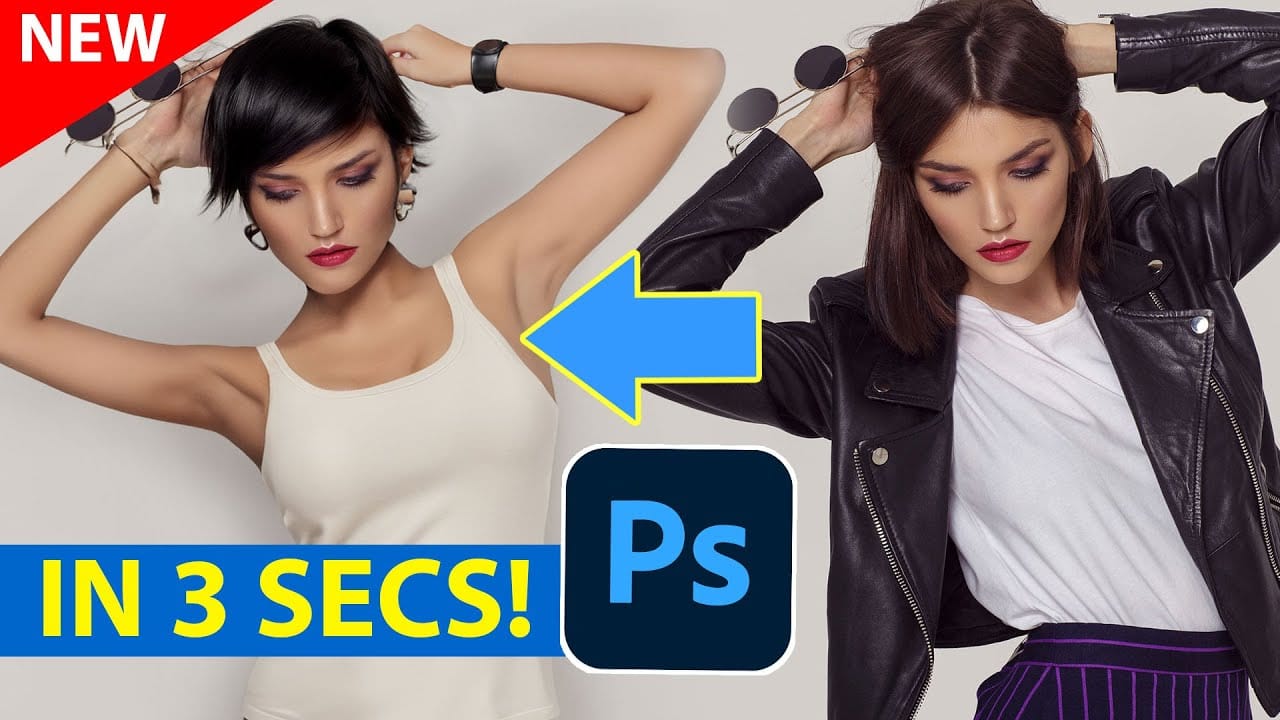
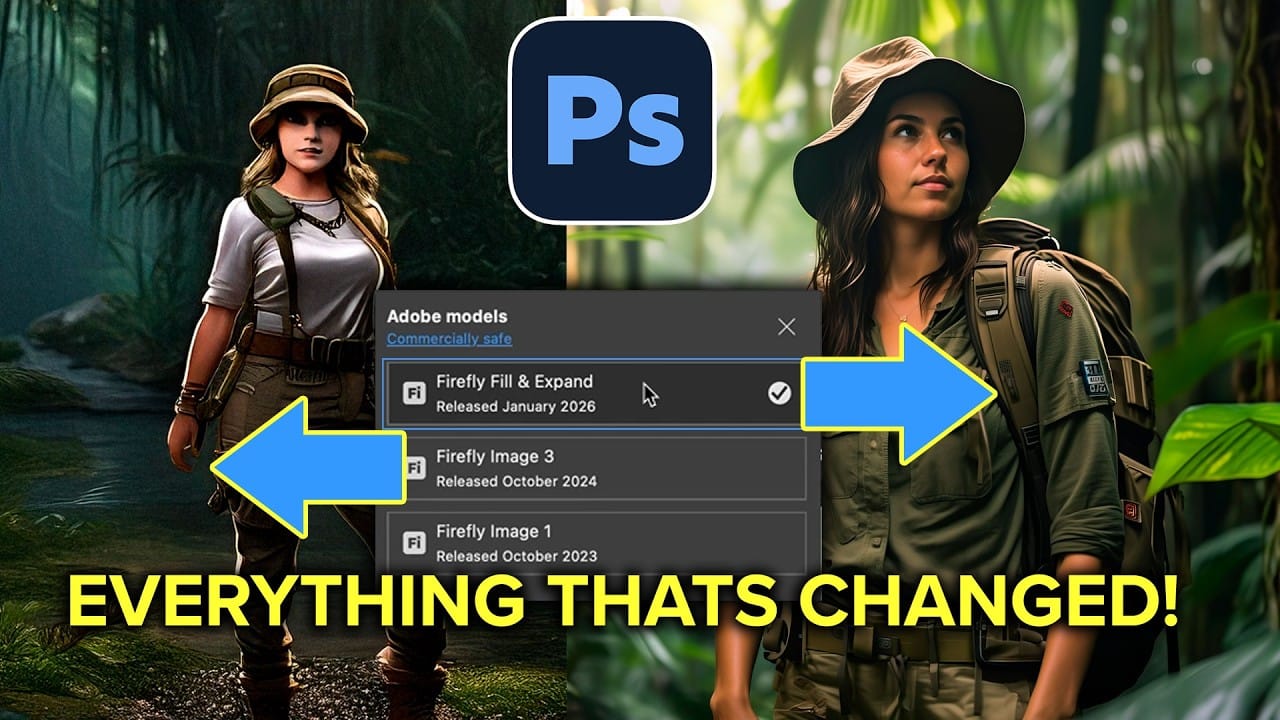
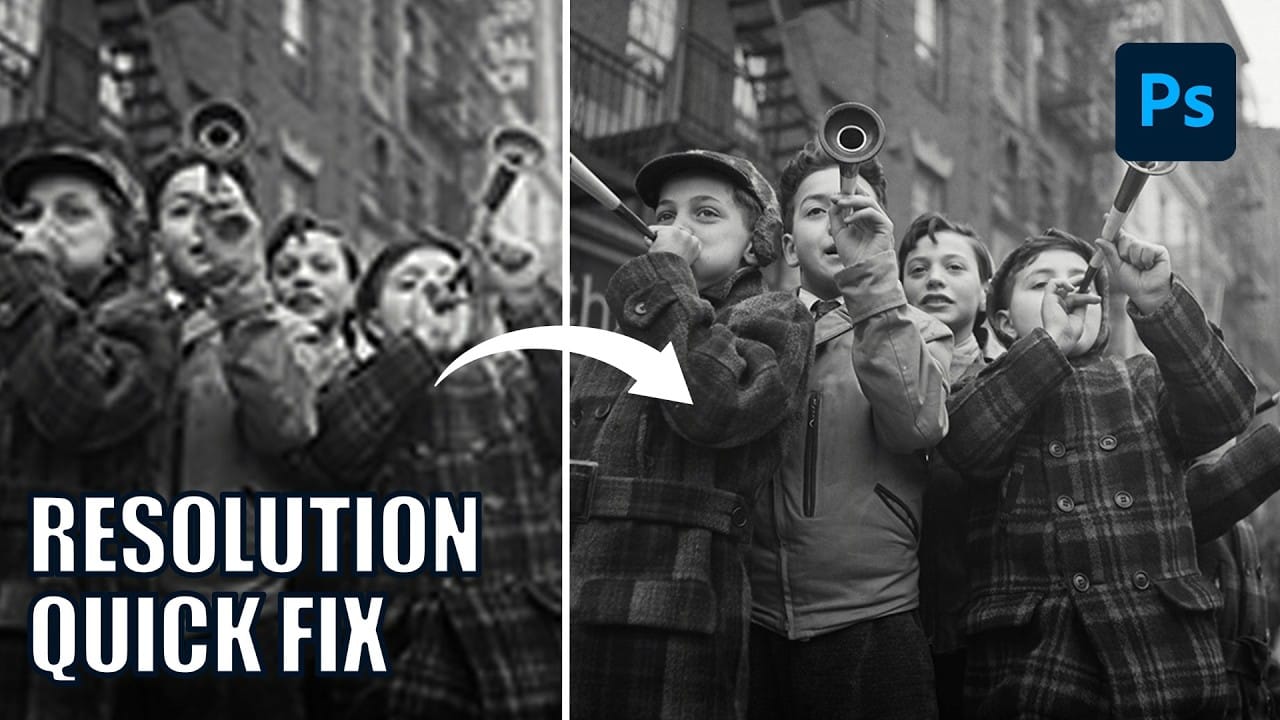
Adobe's latest Firefly Fill and Expand model promises significant improvements over the previous Firefly Image 3, particularly for generating people and replacing backgrounds. The new model doubles the resolution from 1K to 2K and introduces reference image capabilities for face swapping and object replacement.
While the improvements are noticeable, especially for background replacement tasks, generating realistic people from scratch remains challenging with inconsistent results for hands and faces.
Watch the Video
Video by Anthony Morganti. Any links or downloads mentioned by the creator are available only on YouTube
Practical Tips
These key techniques will help you get better results with the new generative model:
- Use Select Subject then invert the selection (Shift+Cmd/Ctrl+I) for cleaner background replacements that preserve your original subject
- Access the reference image feature by clicking the icon next to the model selector - this only works with the new Fill and Expand model
- Choose "Object" instead of "Whole Image" when using reference photos to avoid unwanted background elements in your generation
- Try the enhance detail button (upward arrow icon) on generated results to improve resolution and background quality
- Expect inconsistent results with people generation - the model still struggles with realistic hands and faces despite improvements
Related Articles and Tutorials
Explore more advanced techniques and comparisons for generative editing workflows: