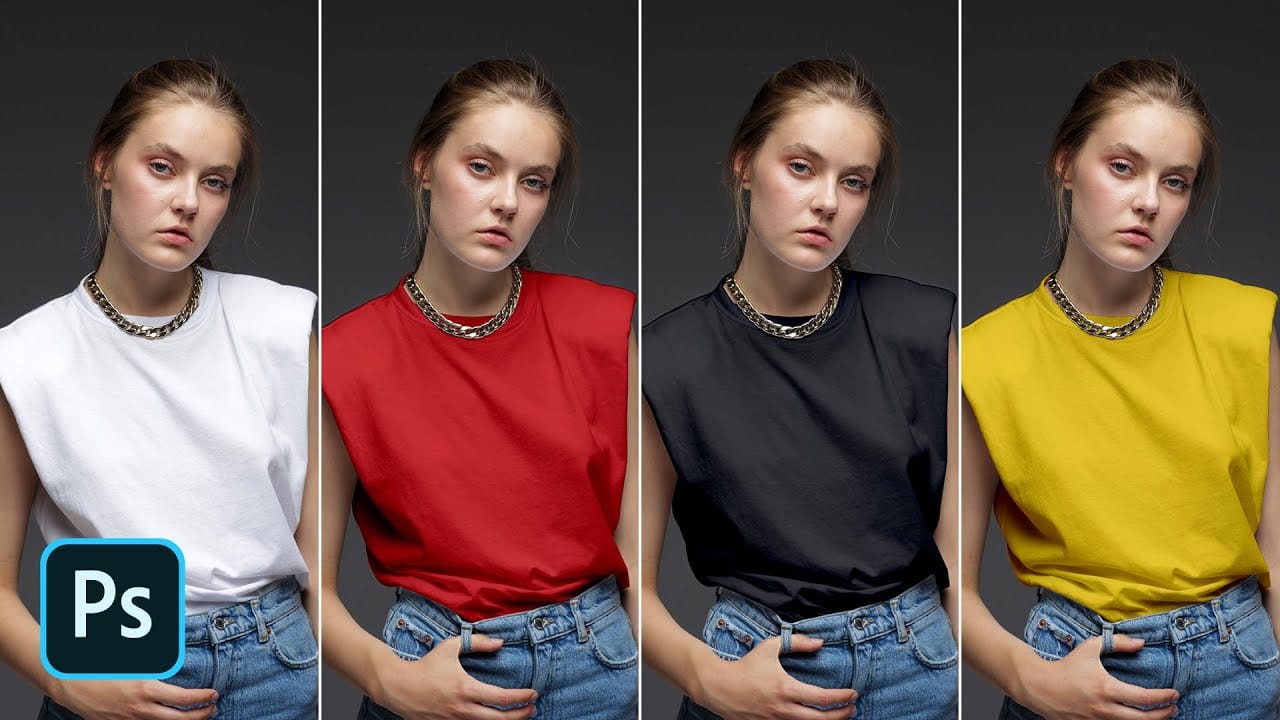
Standard color adjustment tools fail when you try to change pure black or white elements in your photos. These neutral tones lack the hue and saturation data that typical color replacement methods require.
This technique uses Hue/Saturation adjustment layers with strategic lightness modifications to transform both black and white areas into any color you need.
Watch the Tutorial
Video by photoshopCAFE. Any links or downloads mentioned by the creator are available only on YouTube
Essential Tips for Changing Black and White Colors
- Use the Object Selection tool with rectangle mode for faster, more accurate selections of clothing and fabric areas
- Enable the Colorize option in Hue/Saturation before adjusting any color values
- Adjust the Lightness slider first to convert pure black or white into workable gray tones
- Expand your selection by 2 pixels and paint the mask edges with white to eliminate color fringing
- Hide selections with Ctrl+H (Cmd+H) while painting mask refinements to see your work clearly
More Tutorials About Color Replacement in Photoshop
These guides cover additional methods for transforming colors in your images.
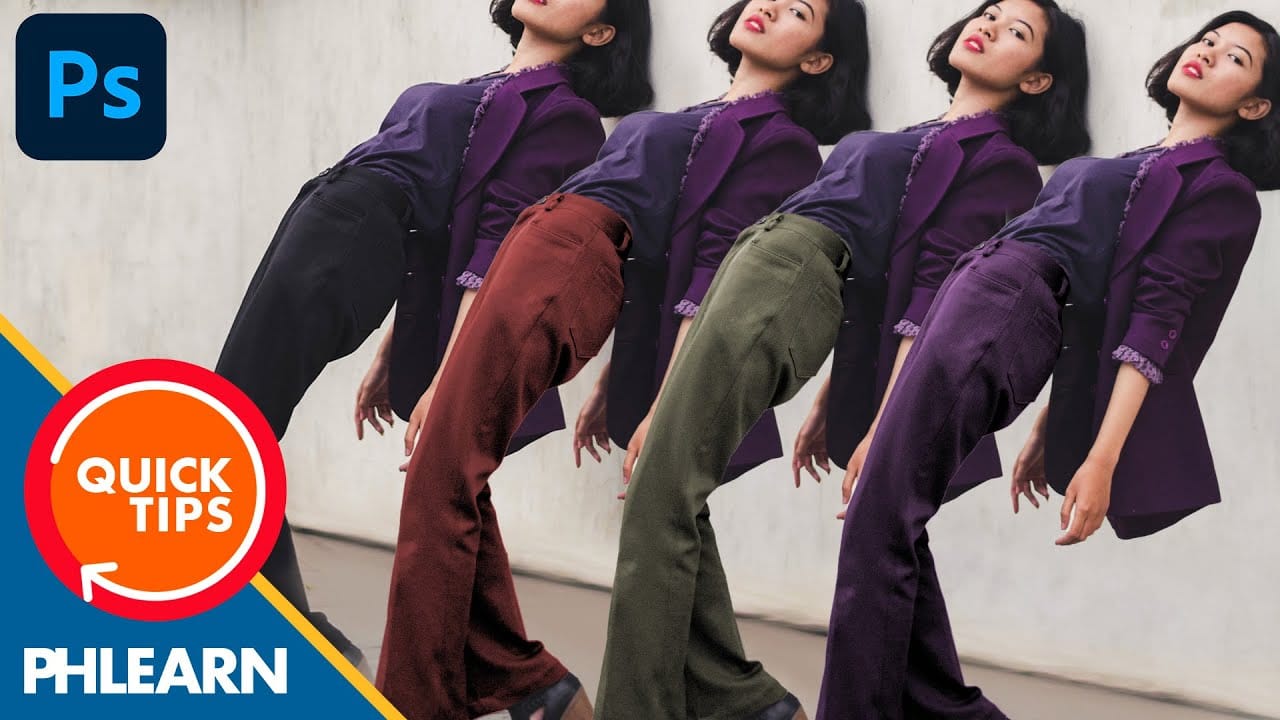
How to Change Black into Any Color in Photoshop
In this tutorial, Aaron Nace demonstrates how to transform black elements in your images into any color using Photoshop. This technique involves utilizing Levels and Hue/Saturation Adjustment Layers to achieve the desired color changes.
Aaron guides you through the process of adjusting these settings to effectively modify black areas in your photos. This method is particularly useful for fashion and product photo retouching, allowing you to customize colors for creative or branding purposes.
T
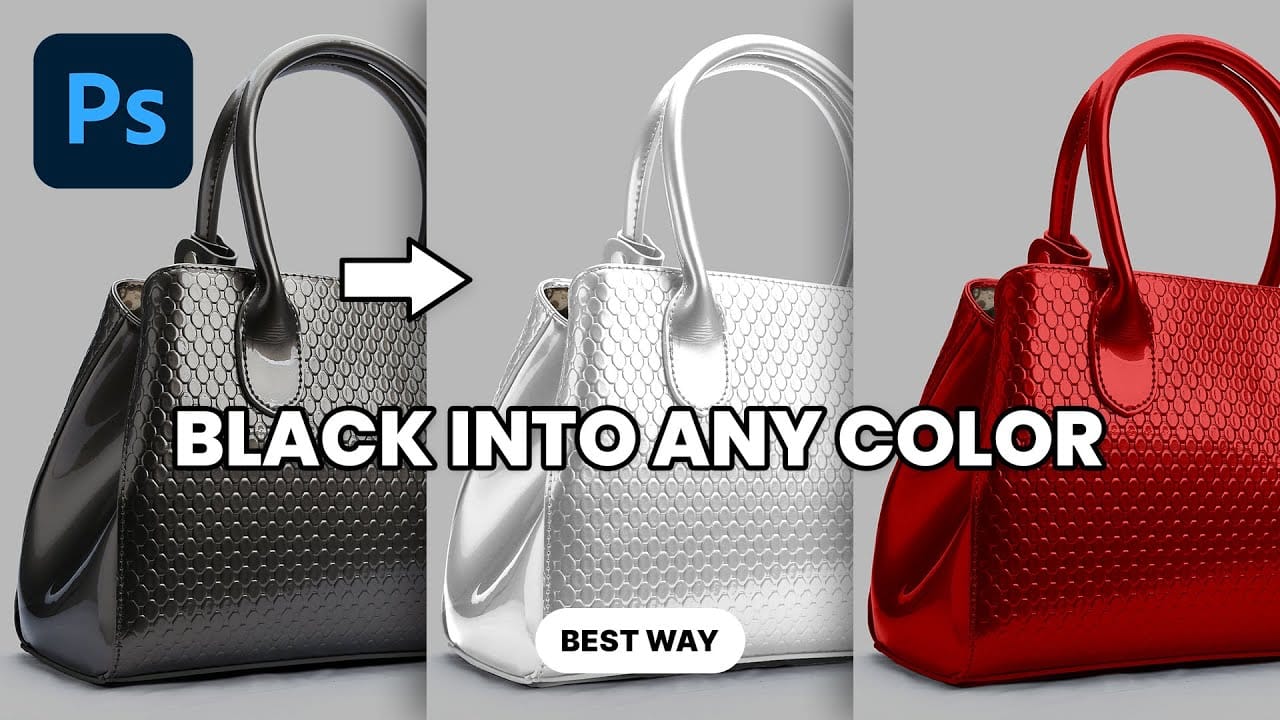
Transform Black to Any Color in Photoshop, Including White: Best Method
Changing the color of a black object in Photoshop can be a surprisingly frustrating task. Standard color adjustment tools often fail because pure black contains no hue or saturation data to manipulate, leaving designers and retouchers searching for a more effective solution.
This tutorial demonstrates a powerful and flexible method for recoloring black objects, allowing you to turn them into any color you choose—even solid white. By learning this non-destructive technique, you can gain precise
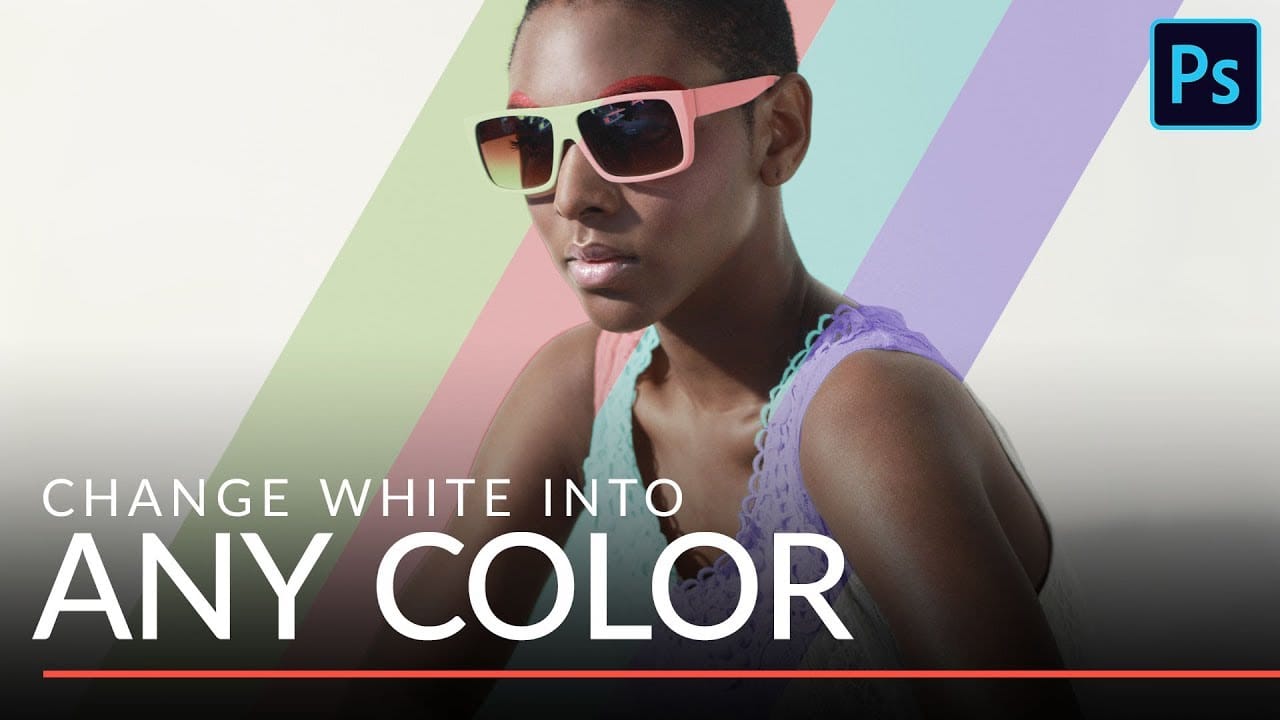
Change white into any color in Photoshop
In this tutorial Aaron Nace from Phlearn, will show you how to make insanely accurate selections and use them to change white clothes and a white background into any color that you want. This incredibly versatile technique will allow you to change any white elements in an image to any other color.
You will learn how to make extremely accurate selections using Channels and then how to use those selections in combination with a Hue/Saturation Adjustment Layer to replace any color that you want.
Turn White into Any Color in Photoshop
In this tutorial, WebFlippy demonstrates how to effortlessly transform white areas into any color using blending modes in Photoshop. This technique is especially useful for photo retouching and product photography, allowing for versatile color adjustments without affecting the overall image quality.
The tutorial provides a straightforward approach to applying this method, ensuring that you can quickly adapt white elements in your photos to match your desired color scheme. With clear instruction