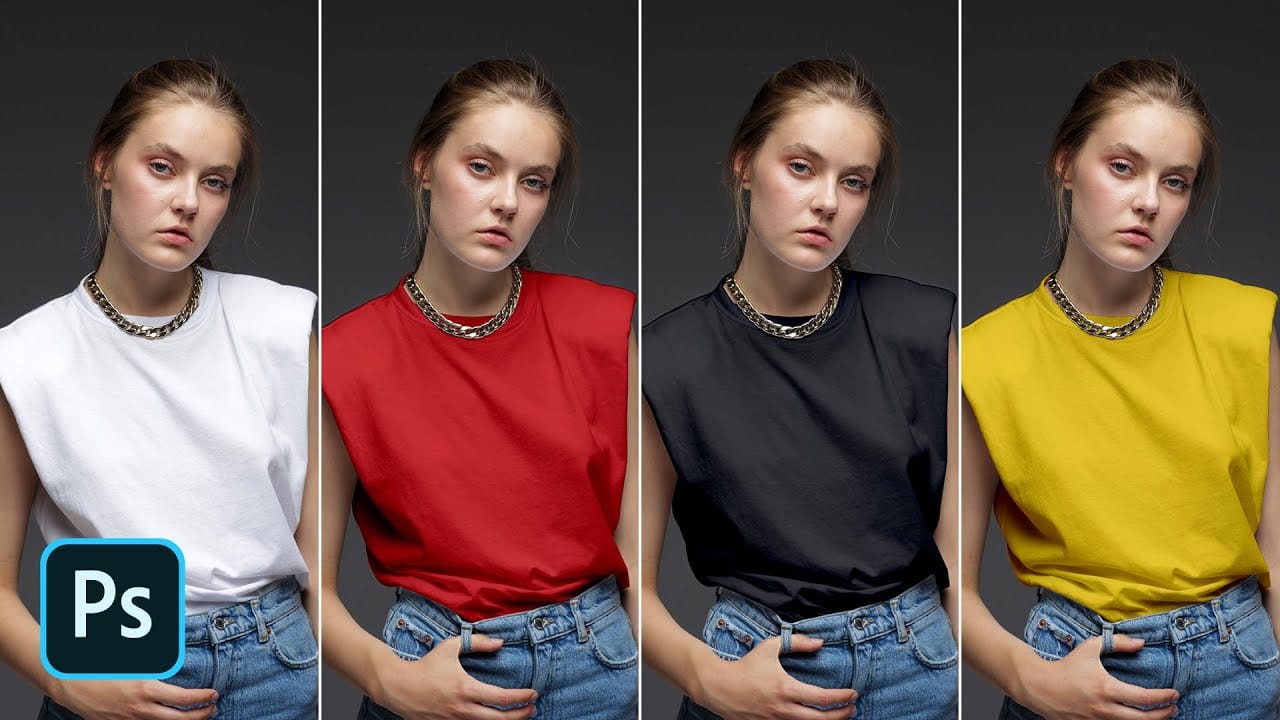
Changing white clothing or objects to any color requires more than basic adjustment layers. White lacks the color information that standard tools need, making this a challenging task for many photographers and designers.
This technique uses channel masking combined with overlay brush techniques to create precise selections that isolate white areas perfectly. The method produces natural-looking color changes while preserving all the original texture and detail.
Watch the Video
Practical Tips
These key techniques will help you achieve professional color transformations:
- Start with the blue channel for maximum contrast between white clothing and skin tones
- Use overlay brush mode when refining your layer mask - it automatically protects opposing tones
- Enhance contrast with levels before creating your selection to get cleaner mask edges
- Enable colorize in the hue/saturation adjustment layer before making color adjustments
- Lighter colors work better than very dark ones when starting from pure white
Related Articles and Tutorials
Explore more color transformation techniques and advanced selection methods:
Turn White into Any Color in Photoshop
In this tutorial, WebFlippy demonstrates how to effortlessly transform white areas into any color using blending modes in Photoshop. This technique is especially useful for photo retouching and product photography, allowing for versatile color adjustments without affecting the overall image quality.
The tutorial provides a straightforward approach to applying this method, ensuring that you can quickly adapt white elements in your photos to match your desired color scheme. With clear instruction
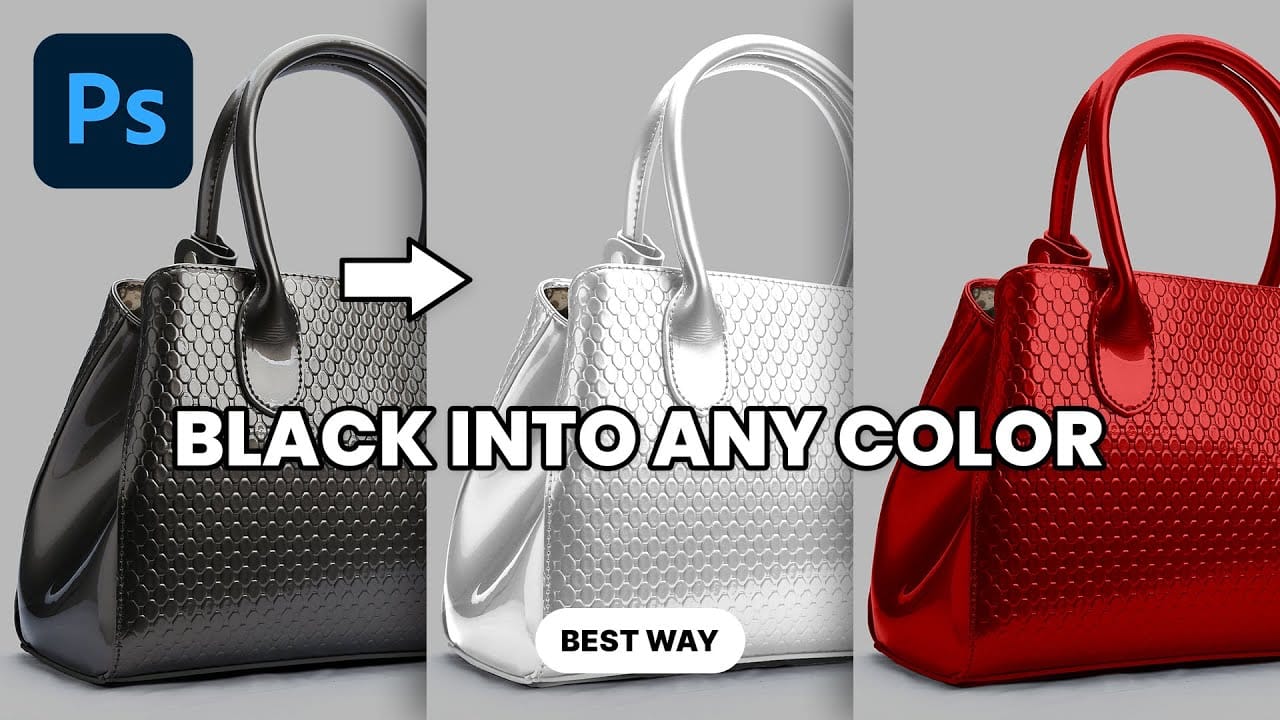
Transform Black to Any Color in Photoshop, Including White: Best Method
Changing the color of a black object in Photoshop can be a surprisingly frustrating task. Standard color adjustment tools often fail because pure black contains no hue or saturation data to manipulate, leaving designers and retouchers searching for a more effective solution.
This tutorial demonstrates a powerful and flexible method for recoloring black objects, allowing you to turn them into any color you choose—even solid white. By learning this non-destructive technique, you can gain precise
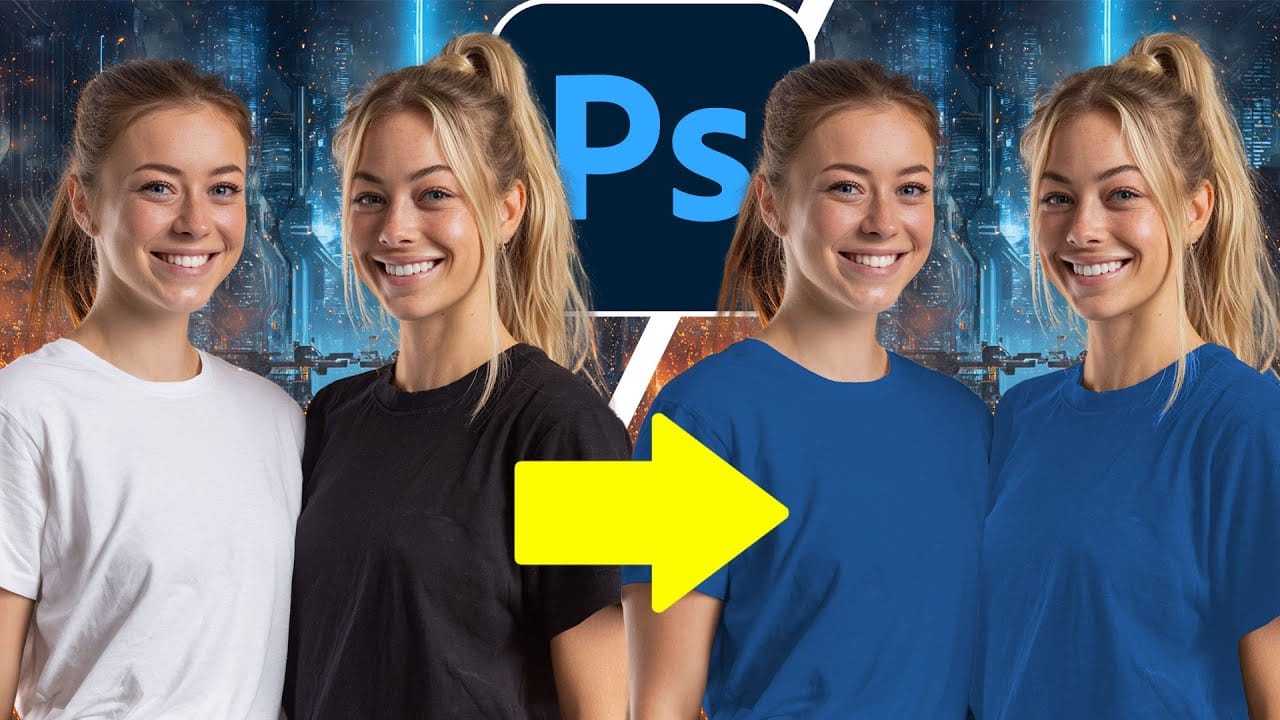
How to Change Black and White to Any Color in Photoshop
Standard color adjustment tools fail when you try to change pure black or white elements in your photos. These neutral tones lack the hue and saturation data that typical color replacement methods require.
This technique uses Hue/Saturation adjustment layers with strategic lightness modifications to transform both black and white areas into any color you need.
Watch the Tutorial
Essential Tips for Changing Black and White Colors
* Use the Object Selection tool with rectangle mode for fast
How to Change Black into Any Color in Photoshop
In this tutorial, Aaron Nace demonstrates how to transform black elements in your images into any color using Photoshop. This technique involves utilizing Levels and Hue/Saturation Adjustment Layers to achieve the desired color changes.
Aaron guides you through the process of adjusting these settings to effectively modify black areas in your photos. This method is particularly useful for fashion and product photo retouching, allowing you to customize colors for creative or branding purposes.
T
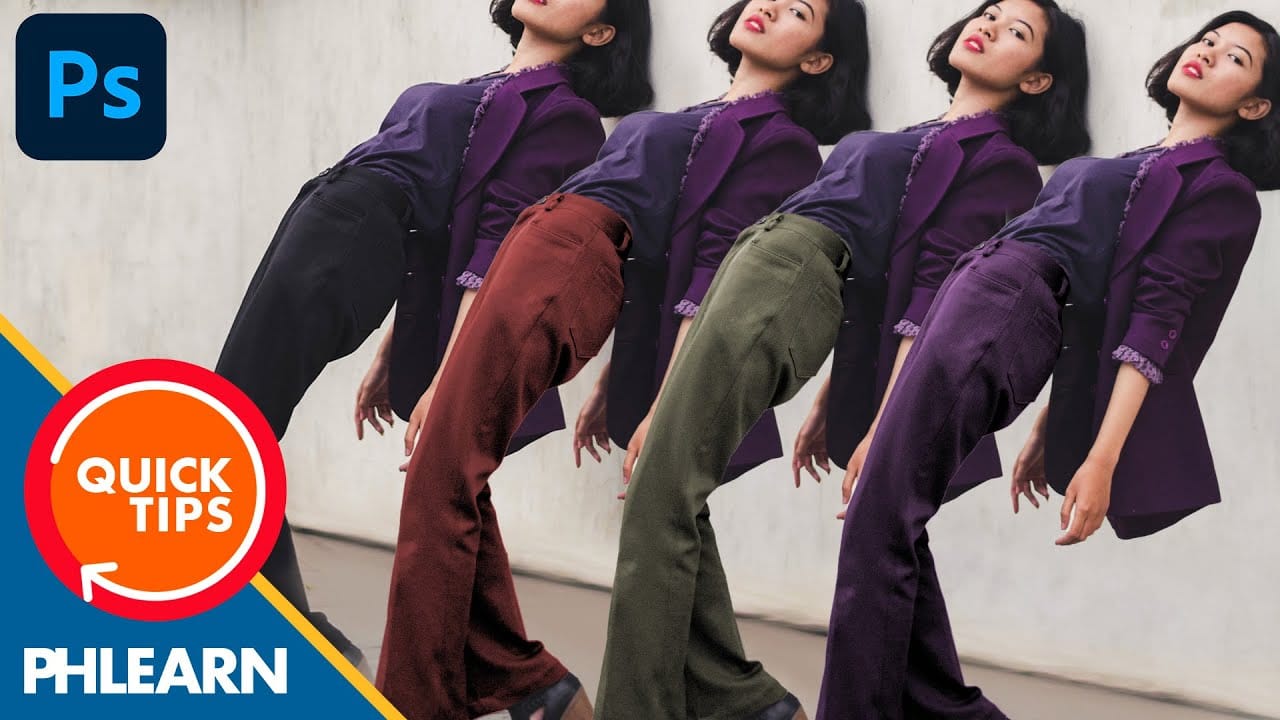
The easiest way to change any color in Photoshop
Changing the color of specific elements within an image can often be a frustrating challenge for designers and photographers. Achieving a precise color shift without affecting surrounding areas, or dealing with complex selections, often leads to a time-consuming and imperfect process.
This guide introduces a highly efficient method utilizing Photoshop's latest updates, specifically the "Adjust Colors" feature found in the contextual taskbar. This technique simplifies accurate color manipulation
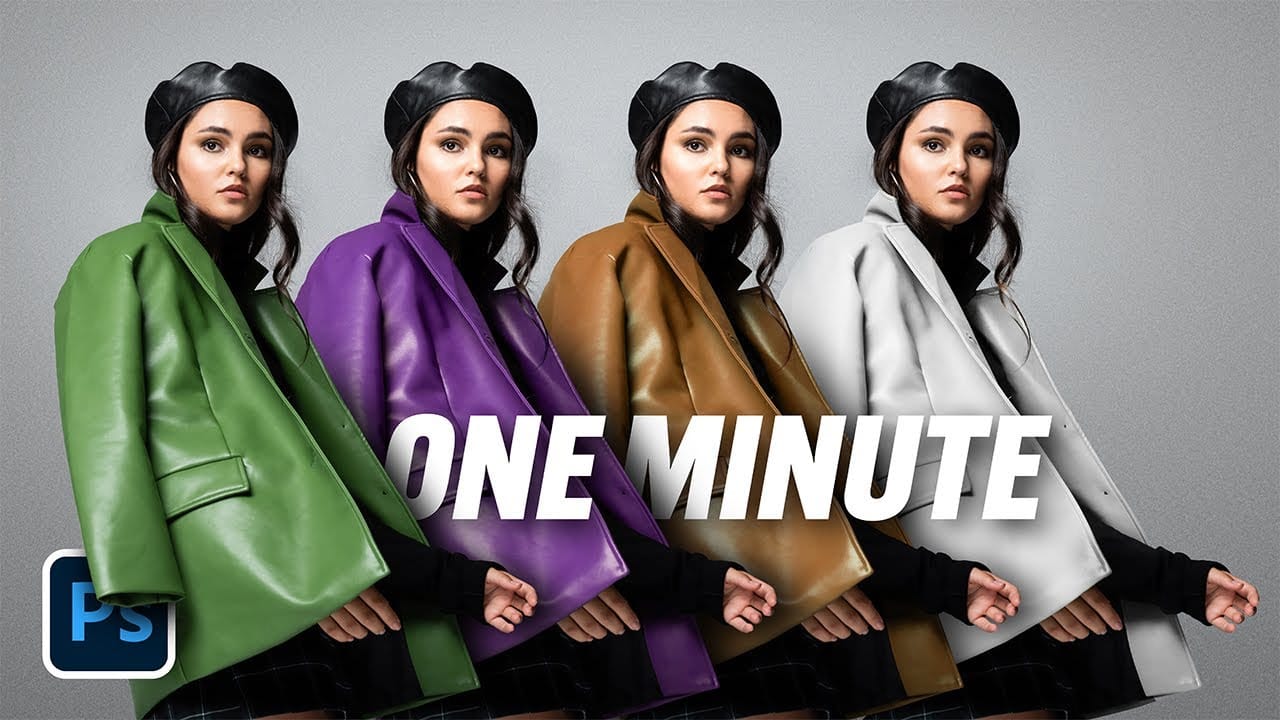
How to Colorize Black and White Photos in Photoshop Without AI
Transforming black and white photographs into vibrant color images requires precision and technique to achieve natural-looking results. This manual colorization method preserves image quality while giving you complete control over every color choice, avoiding the unpredictable results that AI tools often produce.
The non-destructive workflow shown here maintains the original photograph's integrity while building up realistic colors layer by layer.
Watch the Video
Practical Tips
These key t

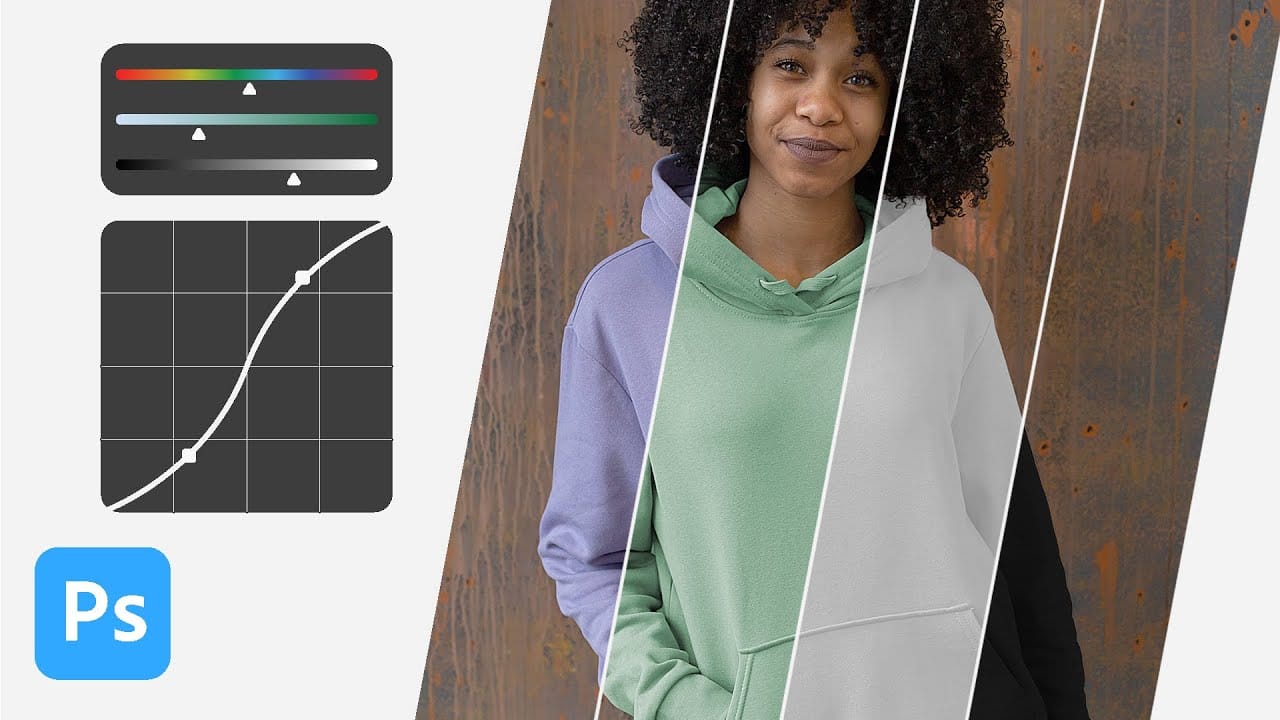
How to change the color of clothing in Photoshop
In this tutorial, Aaron Nace from Phlearn shows you how to change the color of clothing in Photoshop, even transforming it to black or white. This comprehensive guide covers essential tools and techniques to ensure perfect detail and realistic highlights and shadows.
Aaron demonstrates how to use Layer Masks, Curves Adjustment Layers, and Hue/Saturation Adjustment Layers to create precise selections that isolate the clothing from the rest of the image, adjust brightness and contrast, and manipu
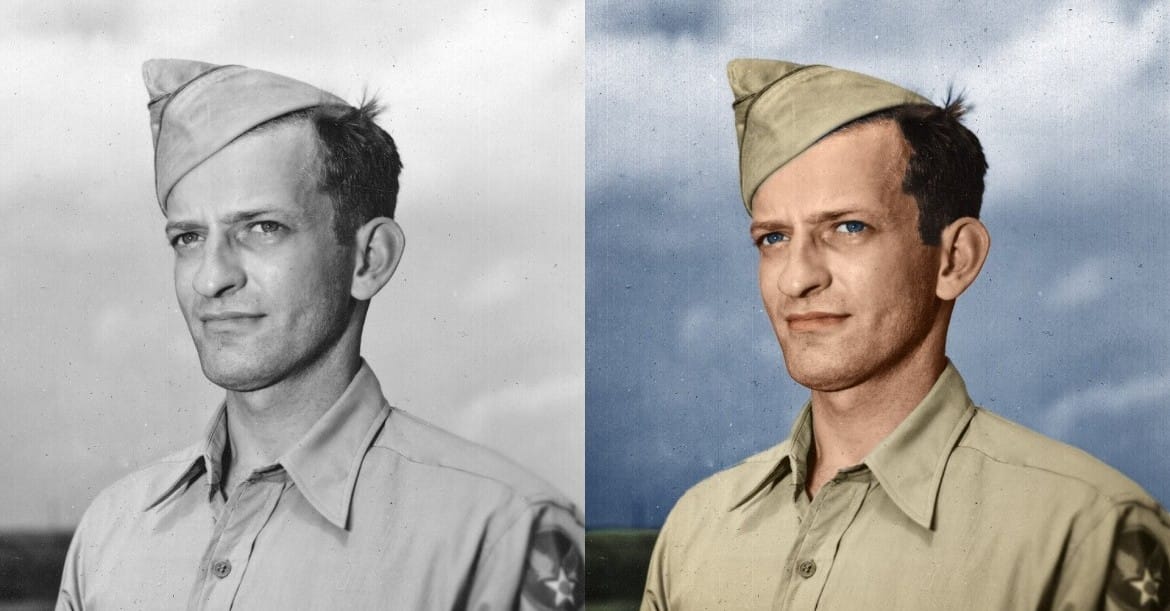
How to Colorize a Old Black and White Photo in Photoshop
Bringing vintage photos into life in Photoshop is fun, especially if it involves old family pictures and portraits. Your first attempts probably were a mess. Don't worry, it's not that simple without the proper knowledge, but it isn't a complex task either. In fact, after watching this video tutorial chances are that you'll become a serial colorizer.
John Shaver from Photoshop Video Academy, explains in this detailed tutorial how to colorize photos using a 100% non-desctrucive technique, wich w
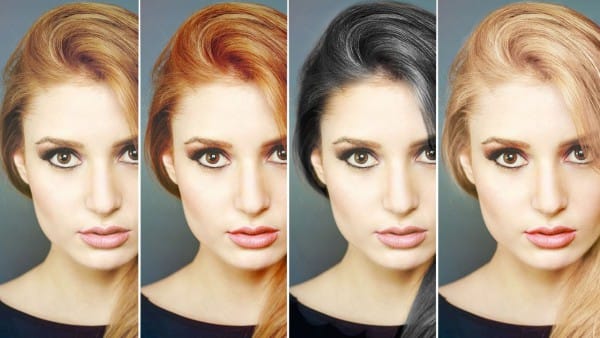
How to Change Hair Color in Photoshop
There are many reasons why you may want to change hair color in Photoshop. Perhaps your subject has recently dyed their hair and it doesn't look natural. Perhaps you want to see what you would look like with dark hair.
Changing Hair color in Photoshop is much easier than doing it in real life and by the time this tutorial is over you will be on your way to color city!
It is much easier to make hair dark than light. If you are starting out with a blonde and want to make her a brunette, not too