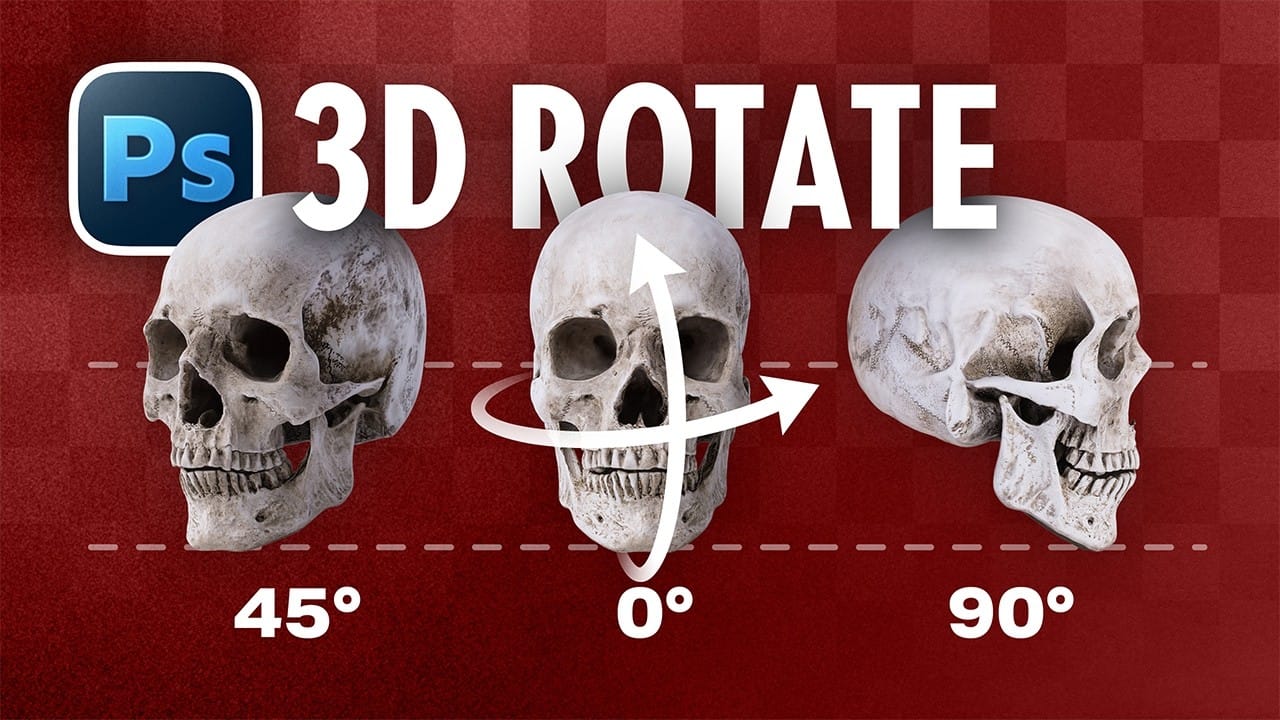
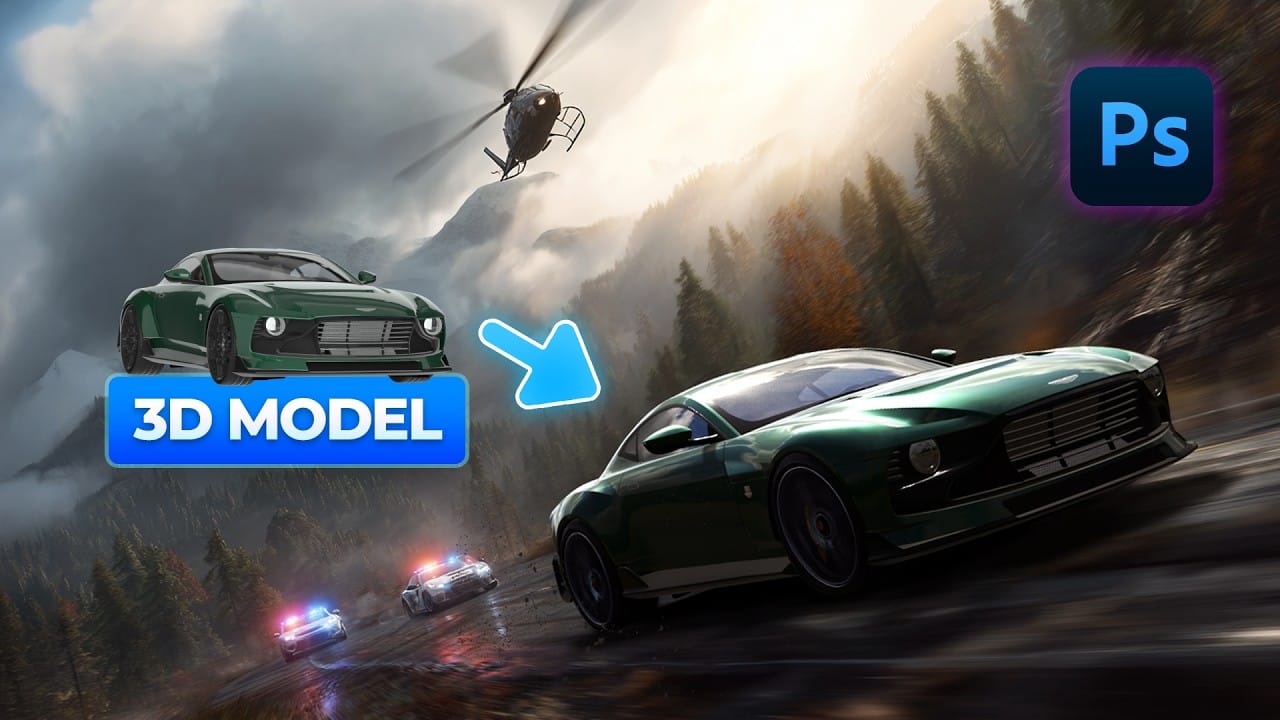
Photoshop's new Rotate Object feature transforms flat 2D images into interactive 3D models that can be repositioned from any angle. This AI-powered tool automatically creates cutouts, maintains original textures, and generates missing details when objects are rotated beyond their original perspective.
The feature opens new possibilities for product photography, compositing, and creative positioning, though it works better with some subjects than others.
Watch the Video
Video by 2-Minute Design. Any links or downloads mentioned by the creator are available only on YouTube
Practical Tips
Master the 3D object rotation workflow with these essential techniques:
- Convert your layer to a Smart Object before applying rotation to maintain non-destructive editing capabilities
- Use the perspective adjustment icon to fine-tune viewing angles and match background elements more precisely
- Don't worry about the low-resolution preview during rotation - full quality returns when you confirm the transformation
- Apply the Harmonize feature after rotation to automatically match lighting and shadows with the background scene
- Position objects first with Free Transform, then activate 3D rotation for better control over the final placement
Related Articles and Tutorials
Explore more advanced rotation techniques and 3D effects to enhance your design workflow:
How to Use the 3D Object Rotation Tool in Photoshop Beta
Adobe's new Rotate Object feature transforms flat 2D images into interactive 3D models that can be repositioned from any angle. This AI-powered tool automatically creates cutouts, maintains original textures, and generates missing details when objects are rotated beyond their original perspective.
The feature opens new possibilities for product photography, compositing, and creative positioning, though it works better with some subjects than others.
Watch the Video
Practical Tips
Master th
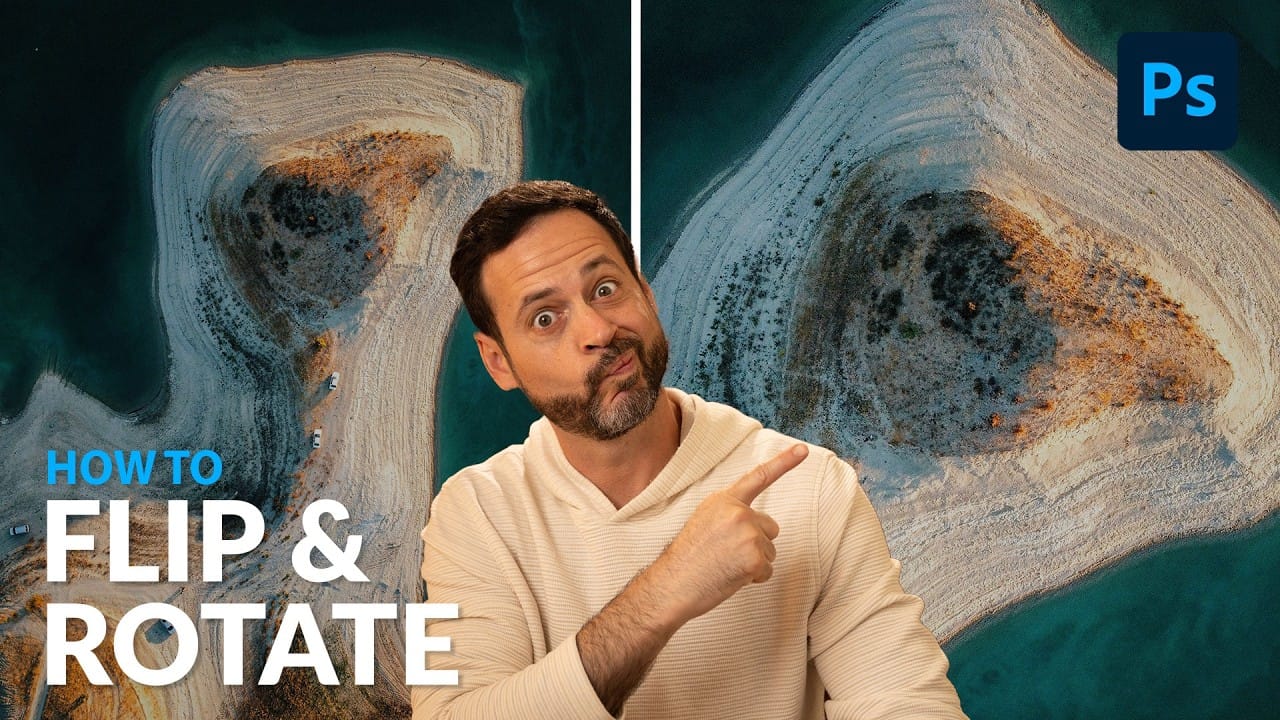
Rotate and Flip Images and Layers with Precision in Photoshop
Often in image editing, photographs or design elements are not oriented correctly or require a creative re-orientation for a new composition. This common challenge can be frustrating when simple rotation tools affect the entire canvas, disrupting other layers, or when precise control over individual elements is needed.
This tutorial demonstrates two distinct methods for rotating and flipping images in Photoshop: one for the entire canvas and another for individual layers.
Understanding these a
Easily Create 3D Text in Photoshop
Three-dimensional text adds significant visual impact, giving designs a sense of depth and dimension that can make elements stand out. It's a popular technique for headlines, logos, and graphic elements seeking a dynamic appearance, moving beyond flat designs.
This guide explores a straightforward method for creating a compelling 3D text effect in Photoshop, focusing on a technique that leverages layer manipulation and a powerful shortcut to build depth efficiently without complex 3D modeling t

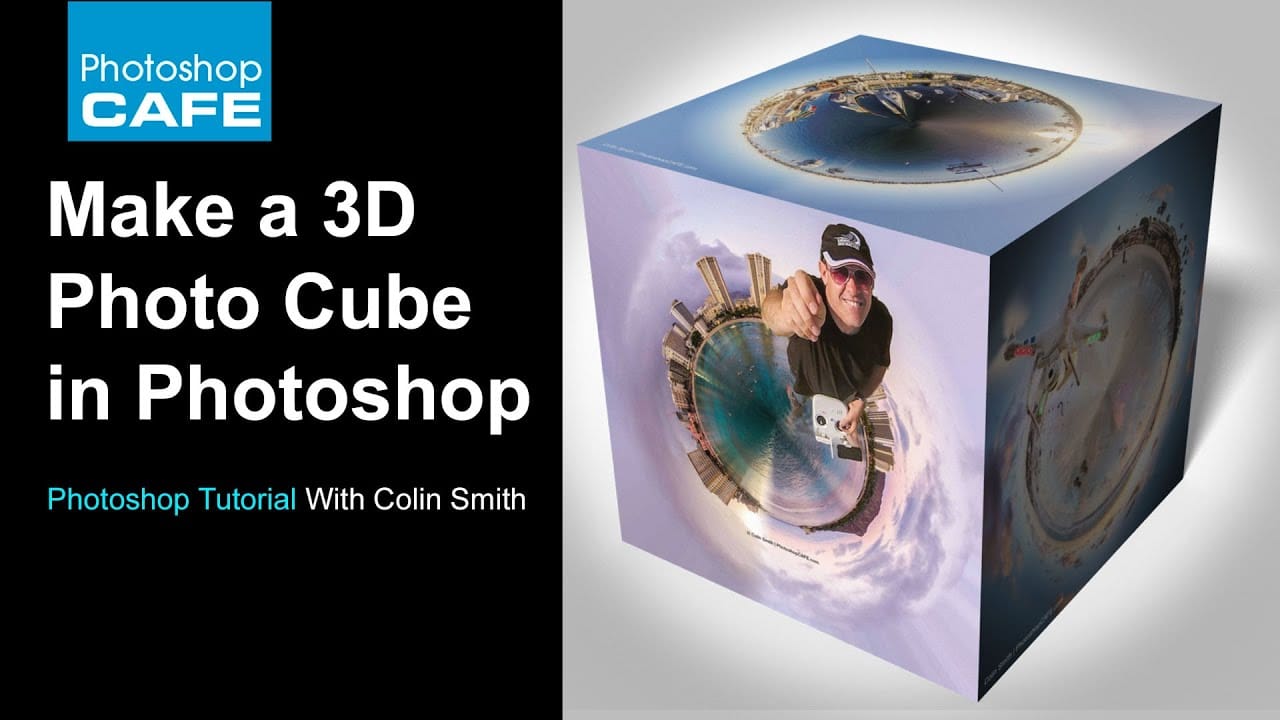
How to make a 3d photo cube in photoshop
According to the tutorial by Colin Smith from Photoshop Cafe, creating a 3D photo cube in Photoshop is a fun and easy process. The instructions are suitable for users of Photoshop CS6 Extended or any version of Photoshop CC.
The author explains that even those with no prior experience in 3D can follow along and create their own 3D photo cube. The tutorial guides the user through the steps of wrapping their photographs onto a 3D cube.
Smith encourages readers to have fun while exploring this fe
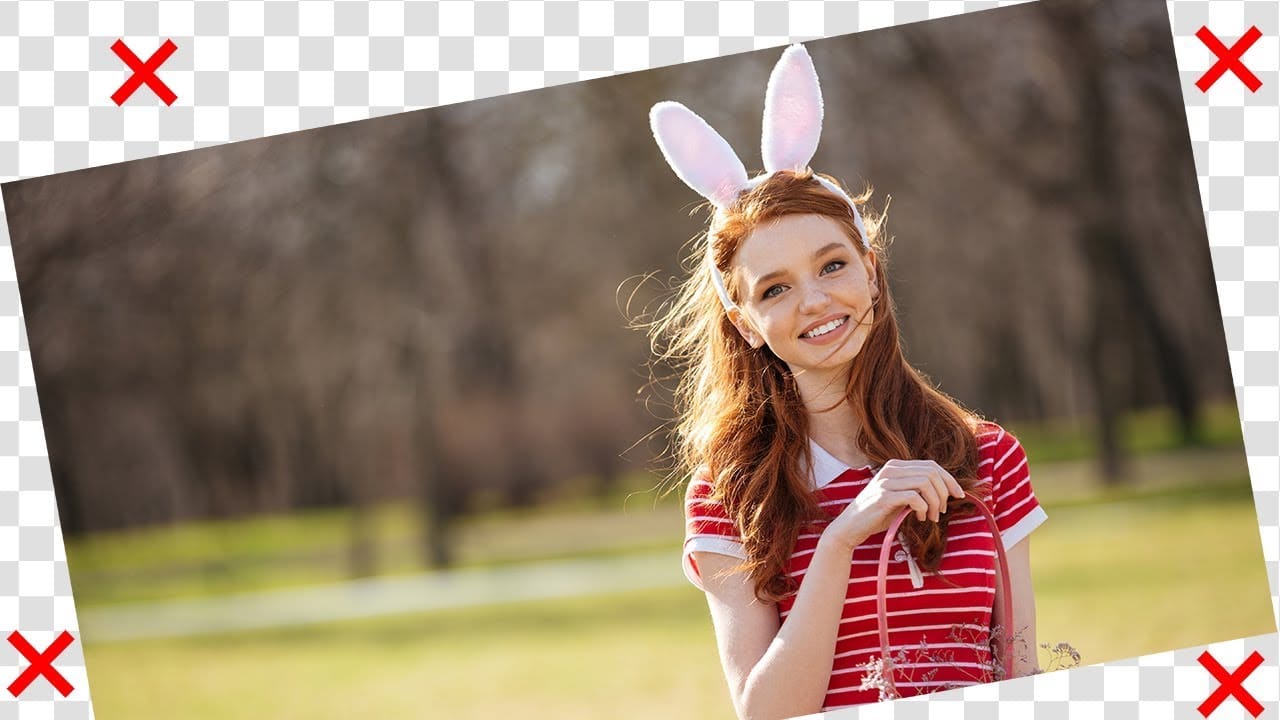
Rotate or straighten images without cropping in Photoshop
In this tutorial, PiXimperfect shows how to rotate or straighten an image without having to crop it in Photoshop. The instructor explains the process of using the Content-Aware Fill feature to fill in the spaces created when rotating the image.
The tutorial guides the viewer through the step-by-step process. First, the image is rotated to the desired angle. Then, the Content-Aware Fill tool is used to fill in the empty spaces around the edges of the image. The author demonstrates how this techn
Epic 3D Text Effects in Photoshop
Transform ordinary text into dynamic 3D visuals using Photoshop's 3D workspace. This tutorial will guide you through creating stunning typographic effects, adding captivating depth and realism to your designs.
You'll learn to build foundational 3D shapes and refine them with Photoshop's compositing tools, combining 3D extrusion precision with artistic freedom for polished, professional results.
Watch the Full Video Tutorial
Integrating Photoshop's 3D and Compositing Workflows
Photoshop's 3

How to Add Realistic 3D Objects in Photoshop
Adding 3D objects to photos often results in fake-looking composites that scream "digital manipulation." The biggest challenge isn't importing the 3D model—it's making the lighting, shadows, and perspective match seamlessly with your background image.
This tutorial demonstrates how to use Photoshop Beta and Substance 3D Beta to create convincing 3D composites. You'll learn essential techniques for matching lighting direction, positioning objects accurately, and applying realistic shadows that i
How to Create a Retro 3D Text Design in Photoshop
Retro design remains captivating, offering a nostalgic aesthetic that enhances modern projects. Dynamic 3D text effects are a powerful way to integrate this vintage charm into digital art, transforming flat typography into eye-catching, dimensional elements.
This tutorial comprehensively guides you through creating compelling retro 3D text in Photoshop, teaching essential techniques for depth, intricate layer styles, and using Smart Objects for flexible, editable designs.
Watch the Video
Un
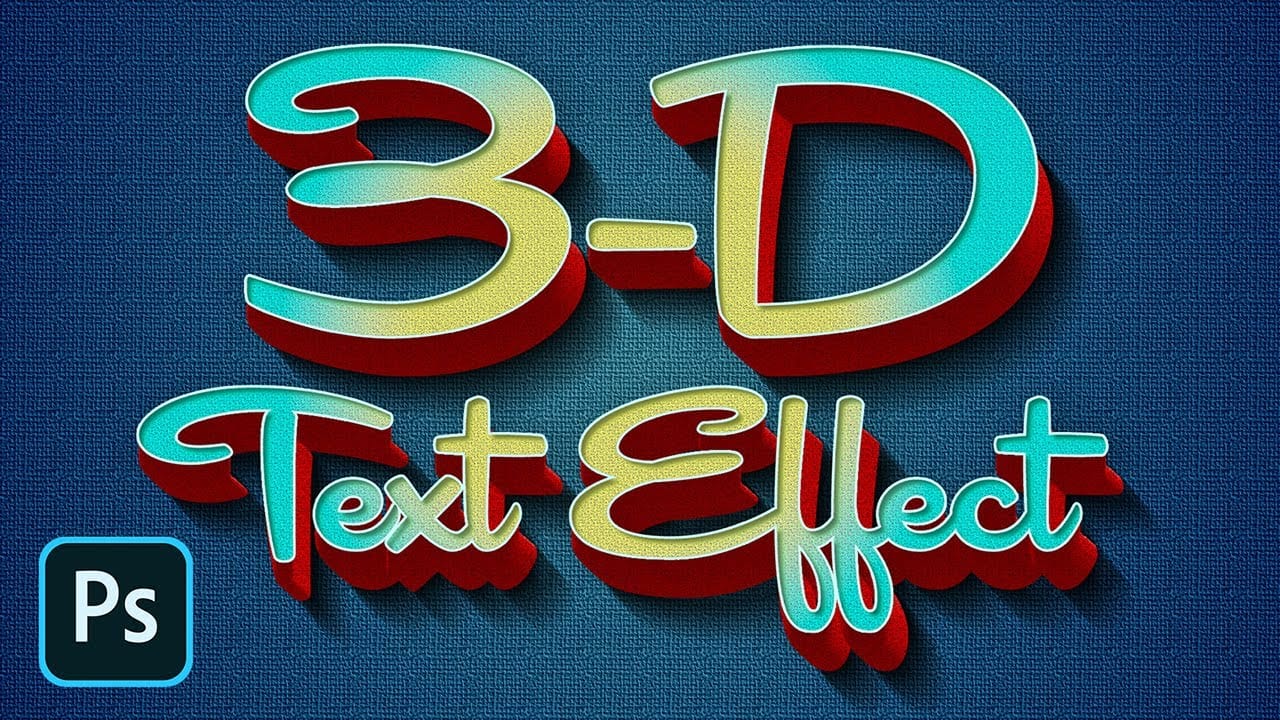
How to Create a 3D Retro Text Effect in Adobe Photoshop
Transform your designs with a classic retro text effect in Adobe Photoshop. This tutorial guides you through creating popular vintage styles, featuring 3D appearances and decorative elements like inset faces.
Learn how to achieve these striking visuals using a combination of powerful Photoshop techniques, ensuring your text remains fully editable and dynamic.
Watch the Video
Leveraging Smart Objects and Advanced Layer Styles for Retro Aesthetics
Achieving a complex retro text effect in Pho