The new Generative Workspace in Photoshop 2025 Beta transforms how you create and iterate on AI-generated images. This dedicated environment streamlines the entire process from initial prompts to final compositions, offering powerful tools for batch generation and precise control over your creative output.
Unlike traditional workflows that require switching between different panels and tools, the Generative Workspace centralizes everything in one interface, making it faster to experiment with variations, apply reference images, and refine your results.
Watch the Video
Practical Tips
Here are key techniques to maximize your efficiency with the new Generative Workspace:
- Start with the inspiration gallery and use "Use Settings" to automatically populate prompts from existing examples
- Create simple colored shape compositions as reference images to control exactly where elements appear in your final images
- Use the Add Variable feature with brackets to generate multiple variations of the same concept in a single batch
- Set composition reference strength to 75% for optimal balance between your layout and natural image flow
- Take advantage of Fast Mode for quicker iterations when experimenting with different prompt variations
Related Articles and Tutorials
Explore more techniques for mastering generative features and advanced workflows:
How Generative Fill in Photoshop is Transforming Photo Editing
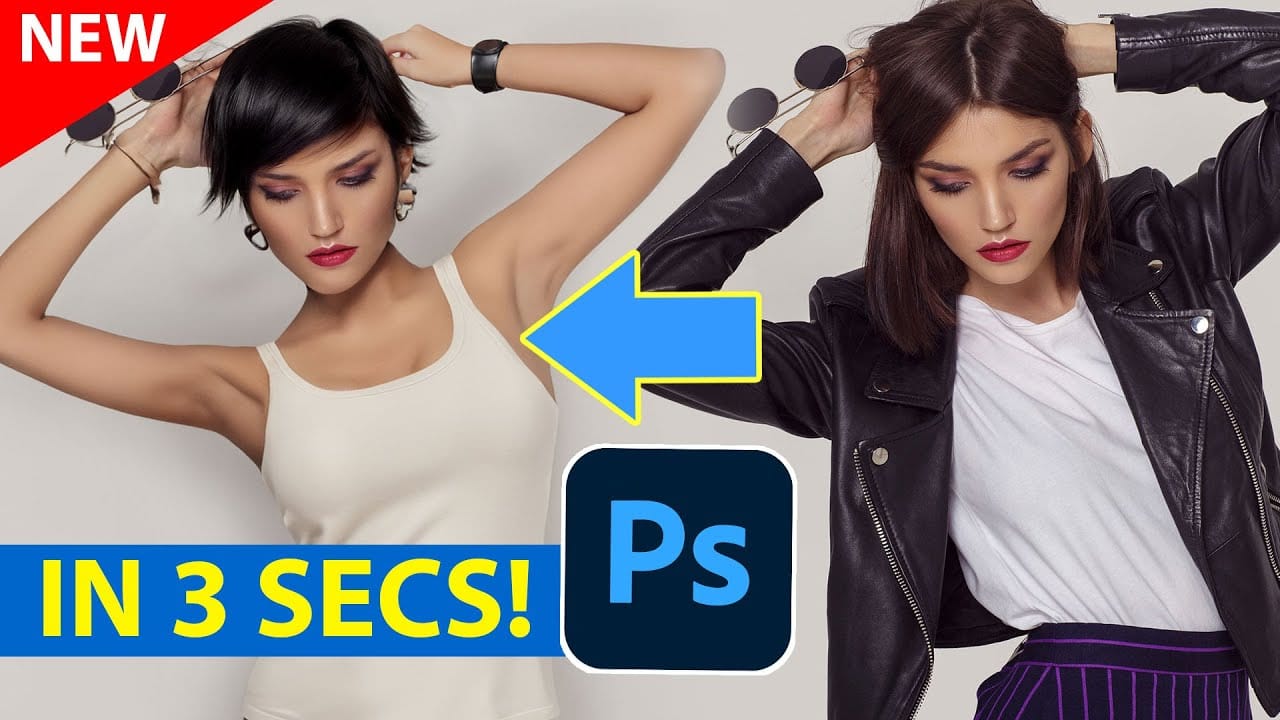
In the ever-evolving realm of photo editing, a game-changing feature has emerged that promises to revolutionize the way we approach image enhancement. Enter Generative Fill, an innovative tool introduced in the Photoshop Beta, and it's already making waves. Spearheaded by the renowned creative mind Aaron Nace from PHLEARN, this tool is poised to reshape the landscape of digital editing.
Generative Fill isn't your typical editing tool that relies on traditional methods. Instead, it leverages the
Generative AI: A new era of Photoshop begins
Generative AI has made its way into the world of Photoshop, and in this fascinating video, Colin Smith from Photoshop Cafe explores its transformative capabilities.
Generative AI is an incredible technology that's transforming the world of artificial intelligence. It's like having a creative companion that can generate all sorts of new content, from stunning images to captivating music and even imaginative stories. With its advanced algorithms and neural networks, generative AI brings a touch o
Photoshop Roadmap Weekly #14
This week, Marty Geller from Blue Lightning TV explores Photoshop's latest AI upgrades—smarter, faster tools that boost creative workflows. New tutorials show you how to turn photos into paintings with Generative Fill, use Grady shading for depth, design 1980s-style vintage tees, master powerful masks, and change black to any color (even white). Plus: get a first look at the new Actions Panel in Photoshop Beta, and what to do if the Remove Tool fails. Don't miss your exclusive freebie: 5 Art Nou
Photoshop Beta: Discover the New Actions Panel
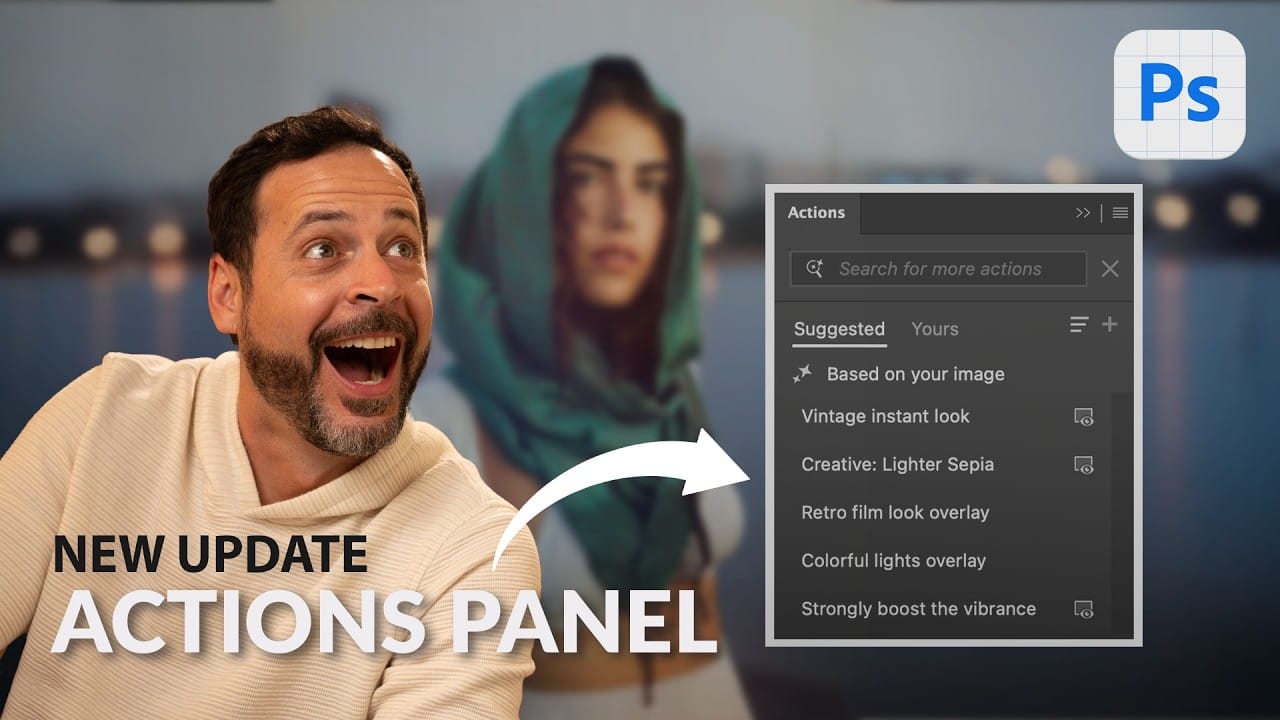
Achieving a specific creative look in Photoshop often requires knowing the right combination of tools and techniques, which can be a significant hurdle for both new and experienced users. While traditional actions can automate repetitive tasks, finding or creating the perfect one for a unique artistic goal isn't always straightforward.
This tutorial explores the completely redesigned Actions panel in Photoshop Beta, which uses AI to simplify complex edits. You will learn how to use natural lang
Photoshop Generative Expand and Composite Techniques Using AI-Generated Images
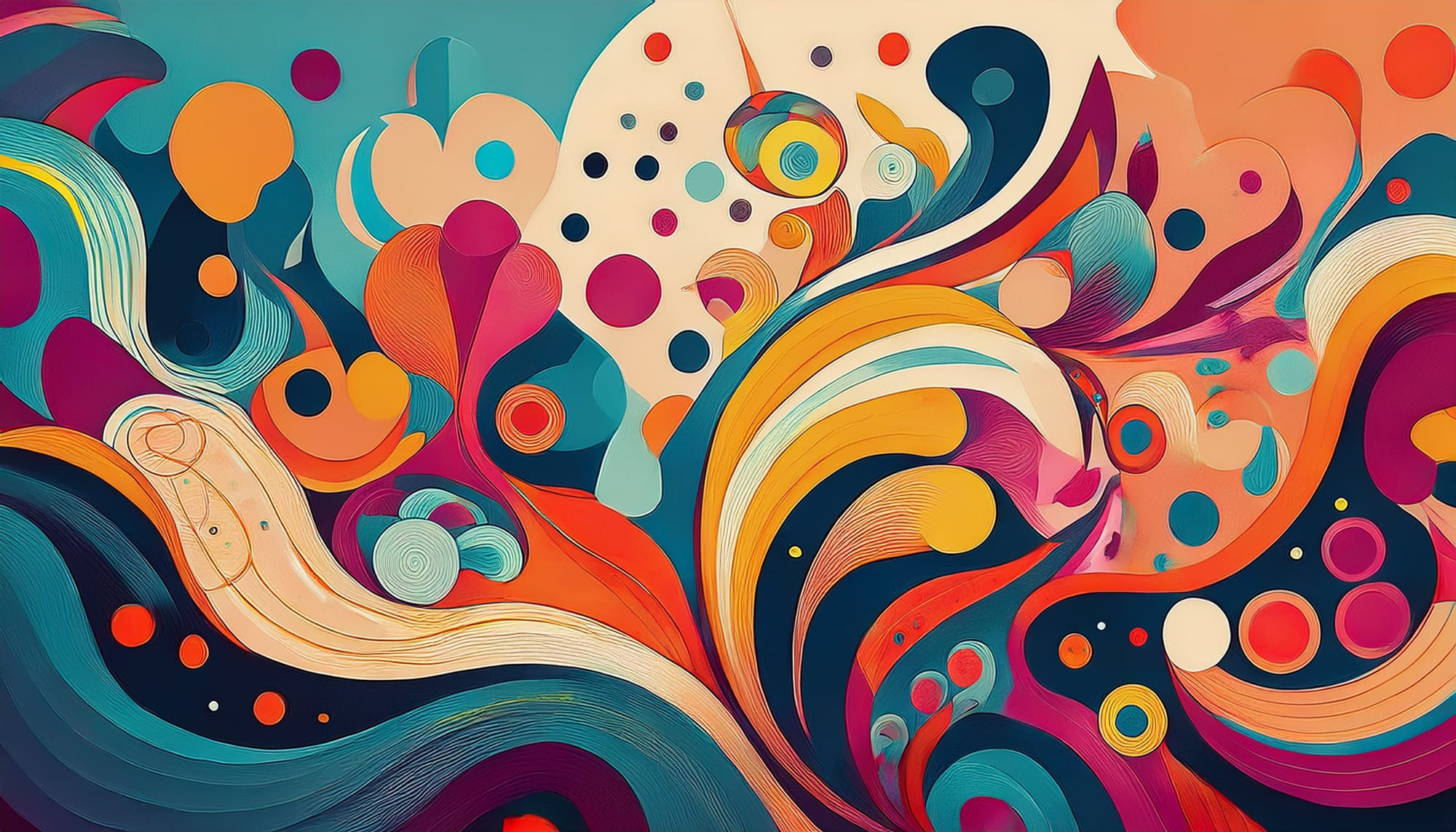
AI-generated imagery opens up endless creative possibilities, but the real magic happens when you know how to refine and enhance these digital creations. Raw AI images often need compositional adjustments, element removal, and seamless blending to reach their full potential.
This tutorial demonstrates practical techniques for extending canvas space, removing backgrounds, and creating cohesive composites using Photoshop's modern tools. The workflow combines traditional compositing skills with AI
Discover Hidden Photoshop AI Tools to Transform Your Photos
Transform ordinary photographs into captivating works of art using advanced Generative AI features in Photoshop. This guide reveals a powerful, often overlooked technique to unlock incredible artistic potential from your images.
Discover how to apply stunning styles, from delicate watercolors to bold Art Deco and futuristic visions, by mastering a subtle yet impactful control within Photoshop's AI capabilities.
Watch the Video
Understanding Generative AI's Creative Control
Generative AI to
Photoshop 2026 New Features: AI Tools and Credit System Overview
Photoshop 2026 introduces powerful AI-driven features including advanced generative fill models, sophisticated upscaling tools, and seamless harmonization effects. These updates promise to streamline complex editing tasks while delivering professional-quality results.
The software now operates on a credit-based system that divides features into standard and premium tiers, fundamentally changing how users access certain tools.
Watch the Video
Key Features and Practical Tips
* Access the co

Exploring the Latest Features in Photoshop 2025
Photoshop 2025 introduces powerful new tools designed to make creative work easier, faster, and more flexible. From fine-tuning selections to moving objects and speeding up your workflow, these features feel built for the way creators actually work.
In this video, we'll show you what's new and how these updates can help you work smarter — saving time on routine tasks, giving you more control over details, and opening up new ways to bring your ideas to life.
Watch the video
Breaking It Down
New This Week in Photoshop Roadmap — Feb 4, 2026
This week's Photoshop Roadmap roundup focuses on faster workflows and cleaner results. The tutorials cover practical edits like creating glow motion effects with gradient maps, changing object colors using Hue/Saturation, and using reference images to guide Generative Fill.
You'll also find useful fixes and retouching techniques, including removing eye bags with dodge and burn, correcting crossed or lazy eyes, eliminating white edge artifacts in selections, and working with the new Camera Raw a