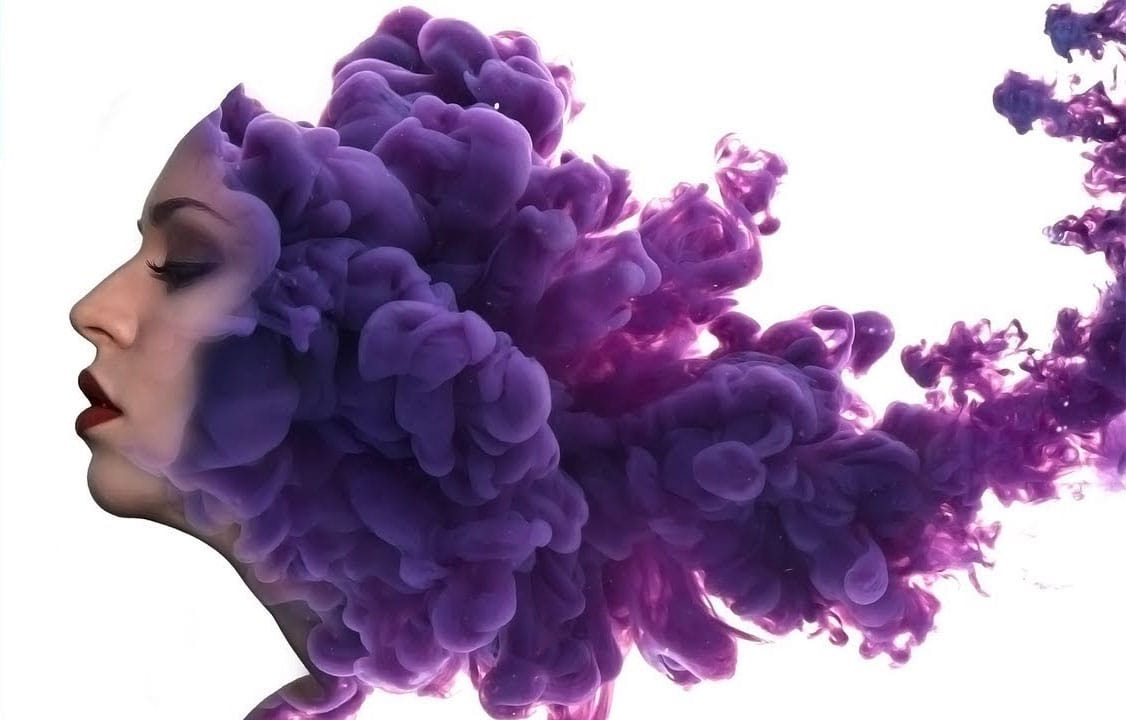
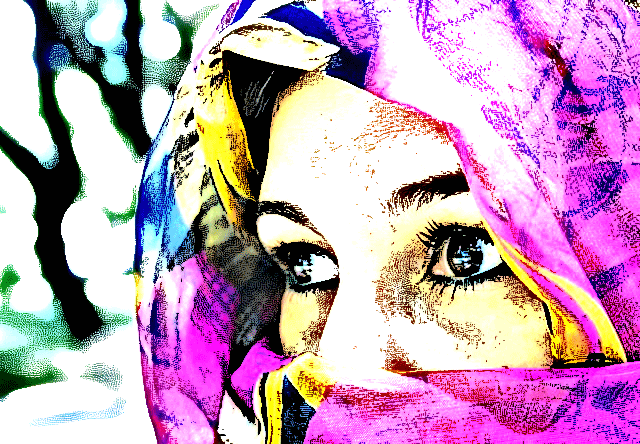
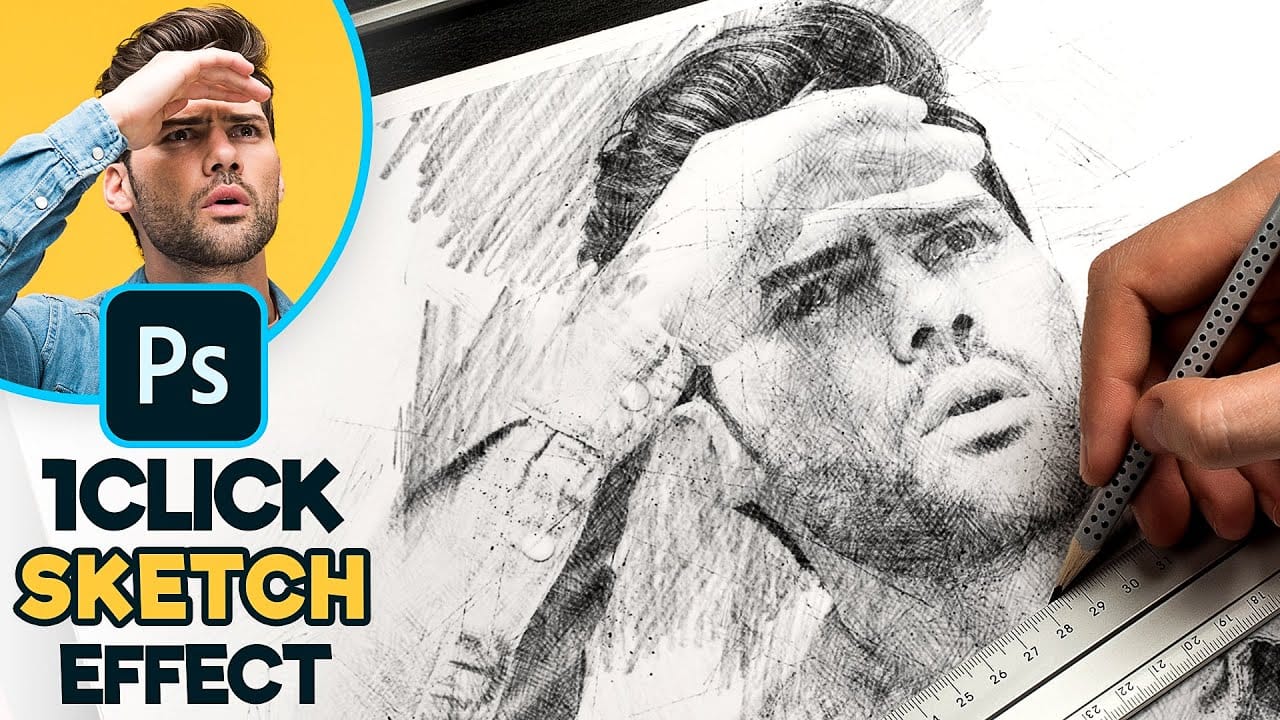
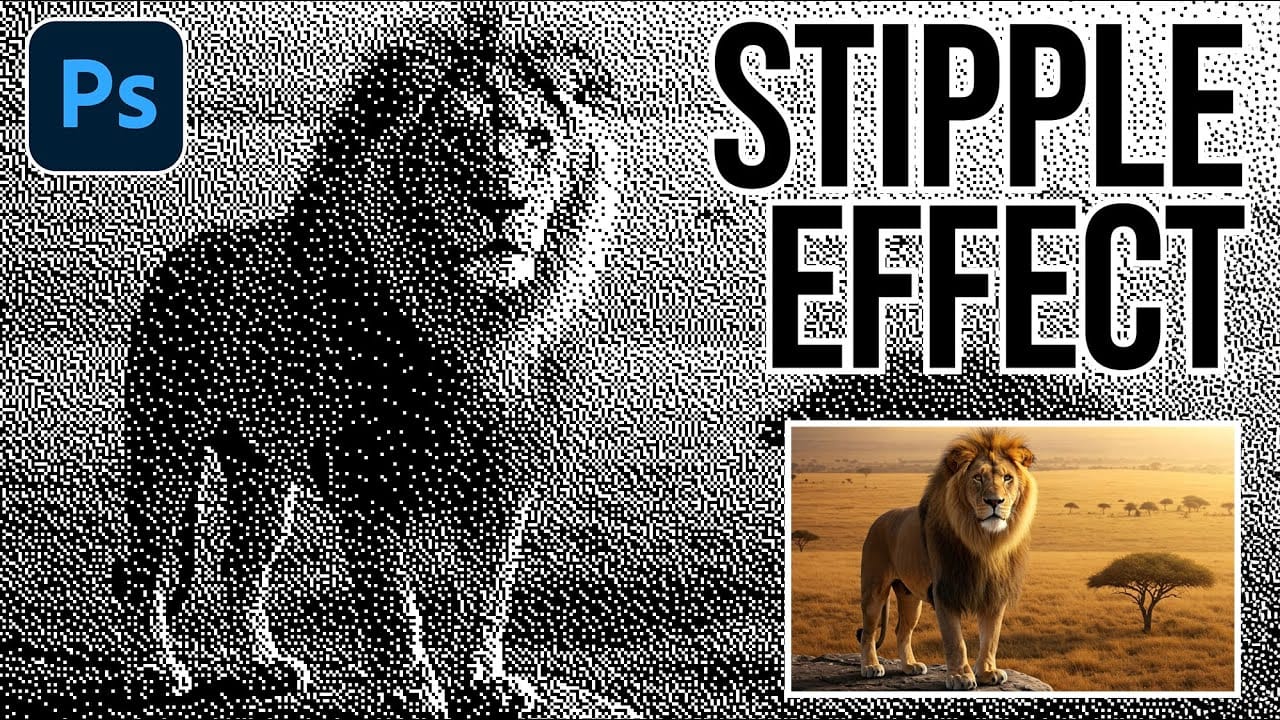
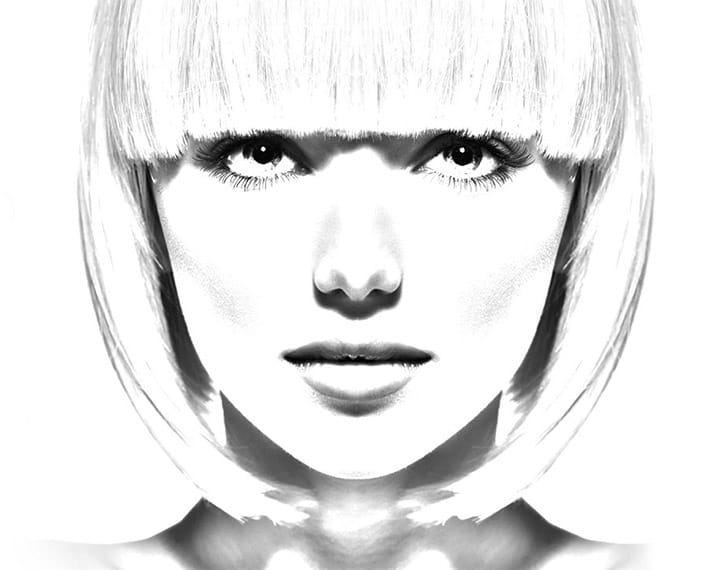
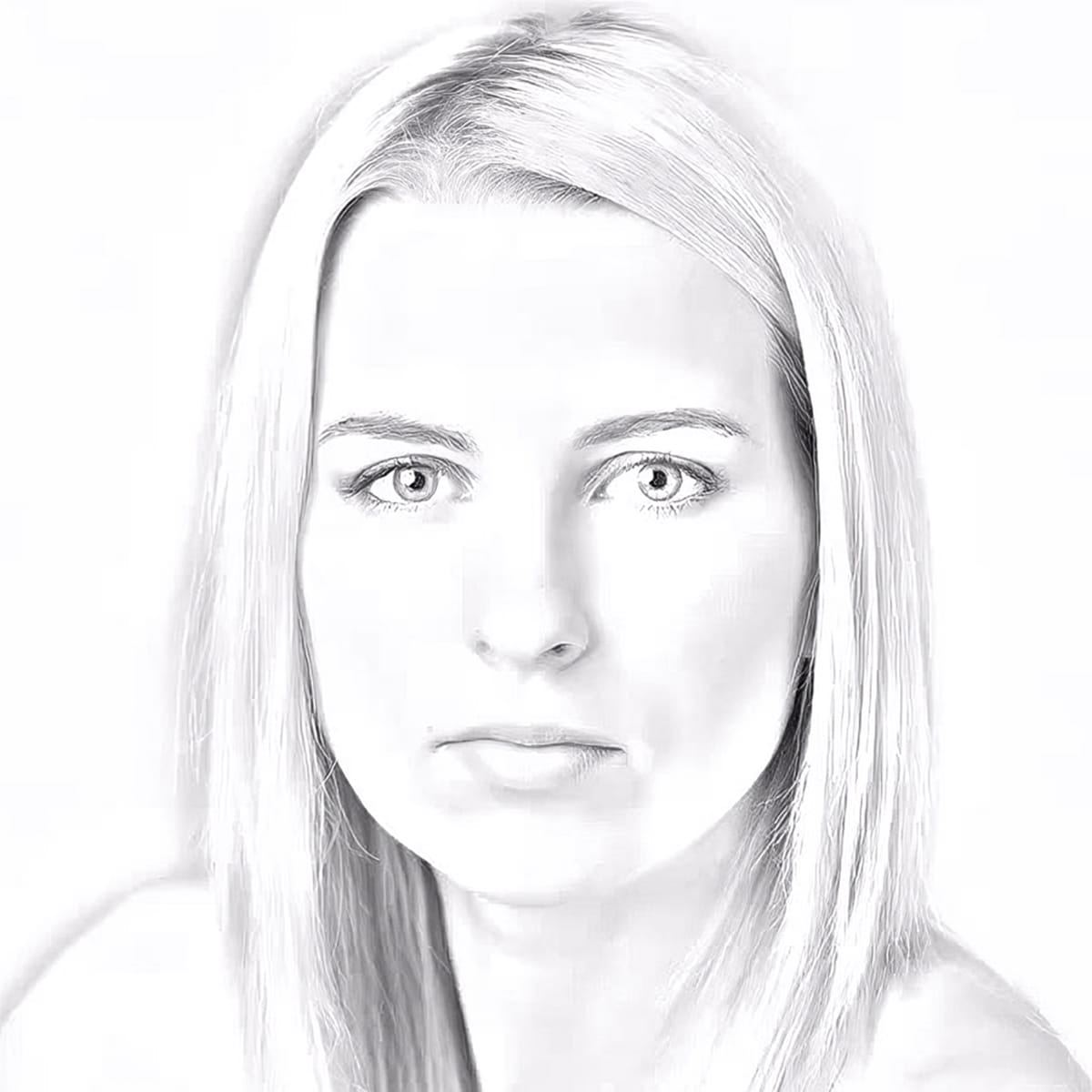
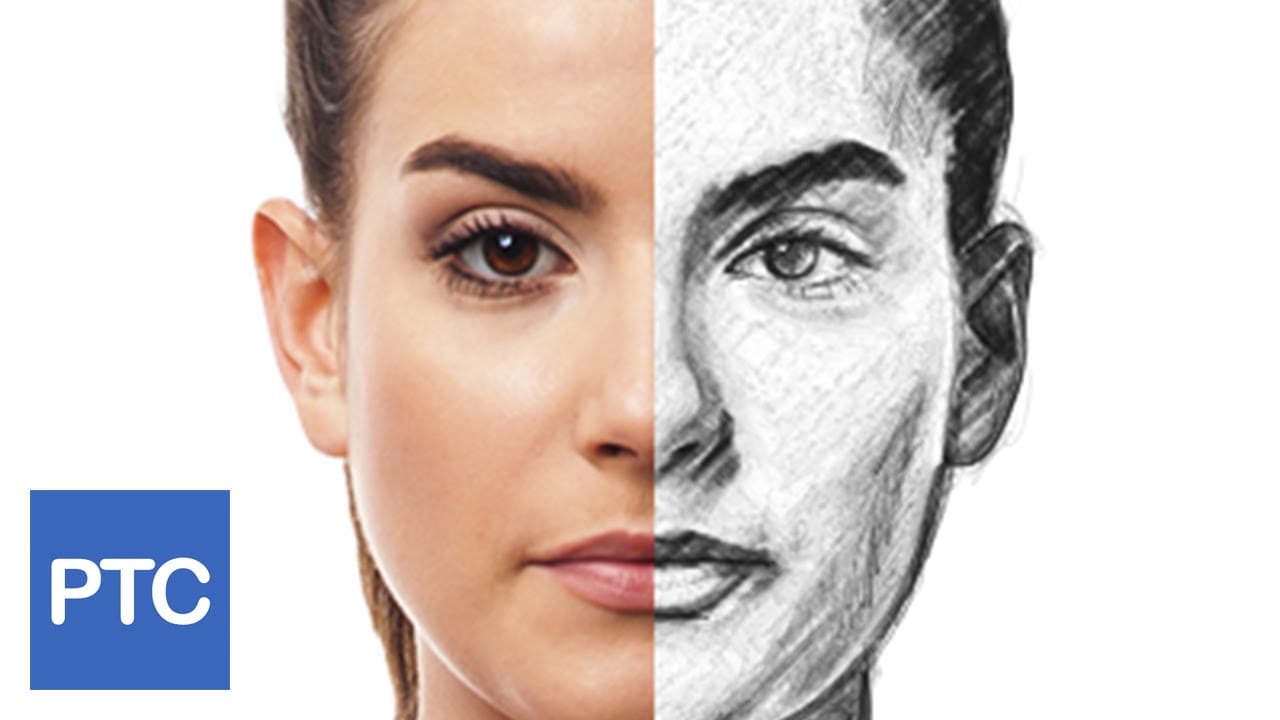
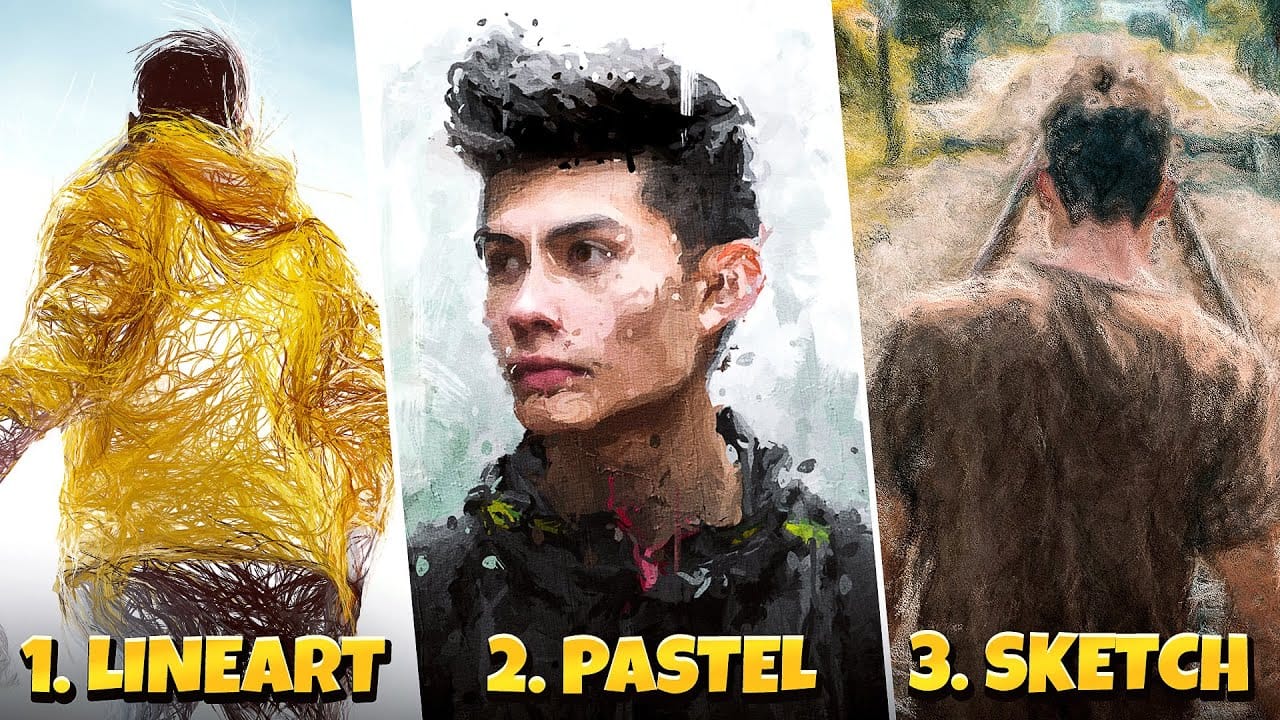
Traditional ink drawings capture bold contrasts and artistic expression through pure black and white elements. This technique transforms ordinary photographs into striking ink artwork by combining specific filters with smart object workflows for complete creative control.
The method uses oil paint effects, shadow adjustments, and threshold conversion to create authentic ink drawing aesthetics while maintaining the ability to fine-tune results through layer masking and selective editing.
Watch the Video
Video by Photoshop Arthouse. Any links or downloads mentioned by the creator are available only on YouTube
Practical Tips
Master these key techniques to achieve professional ink drawing effects from your photos.
- Set your image resolution to 72 PPI with the larger dimension between 2500-3000 pixels for optimal filter performance and processing speed
- Convert layers to smart objects before applying filters to enable non-destructive editing and fine-tuning of all effects
- Use "New Smart Object via Copy" instead of layer duplication to create independent copies that can be edited separately
- Apply layer masks with hard round brushes at 100% opacity to selectively reveal or hide different threshold levels across your image
- Adjust the threshold slider carefully - moving right creates more black areas while moving left preserves more white space and detail
Related Articles and Tutorials
Explore these drawing and artistic effect techniques to expand your creative toolkit.
 Enrique Flouret