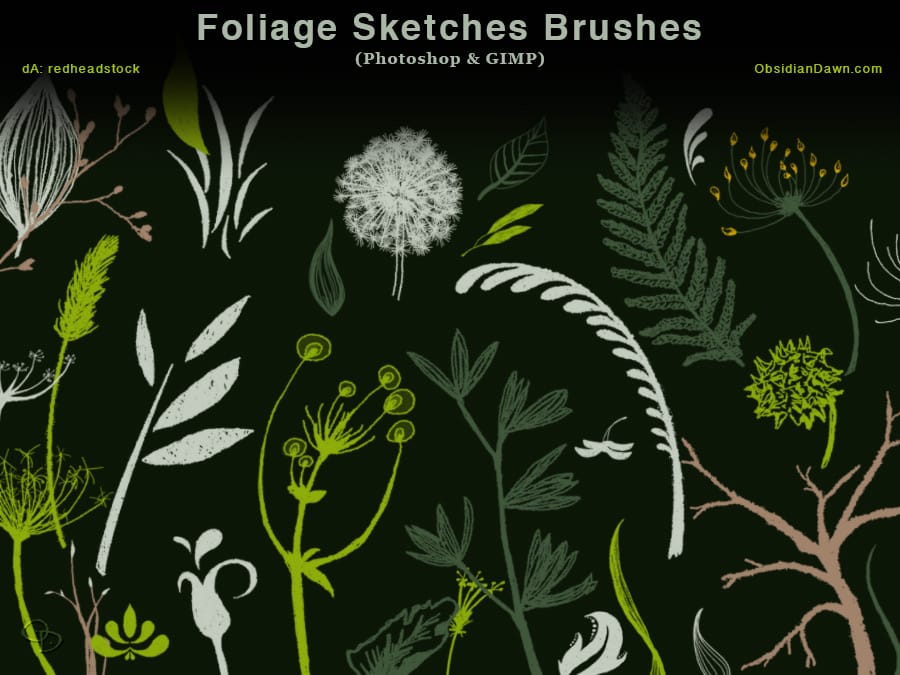
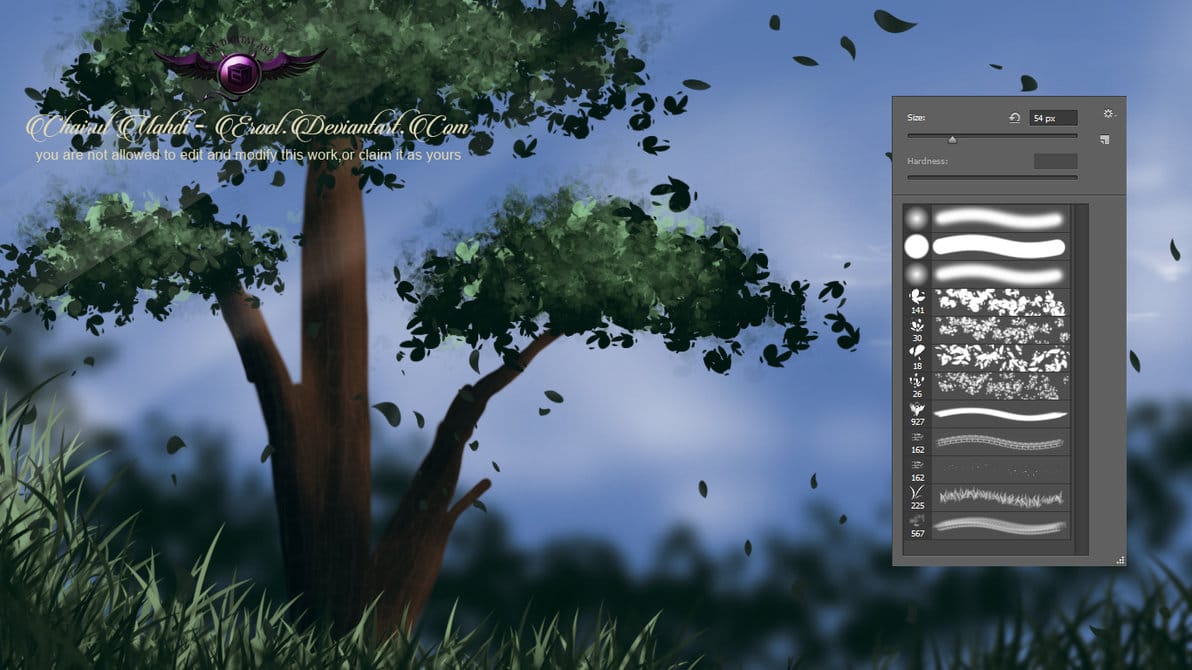
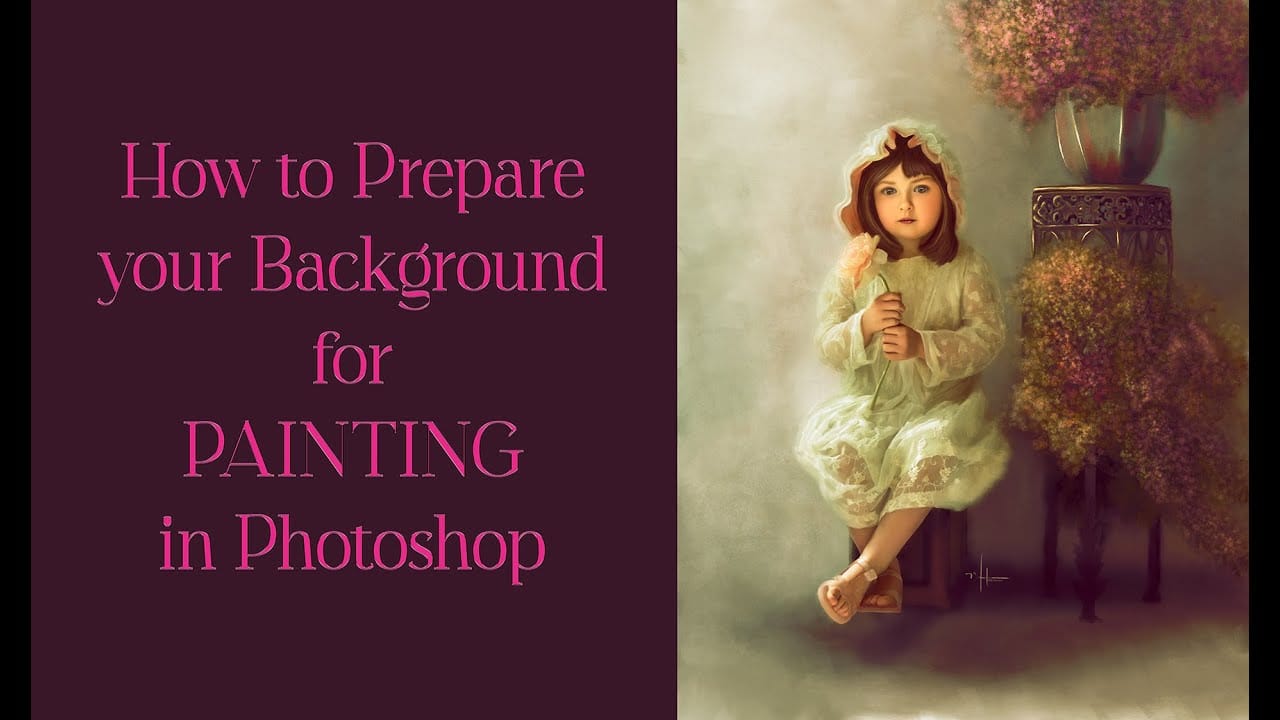
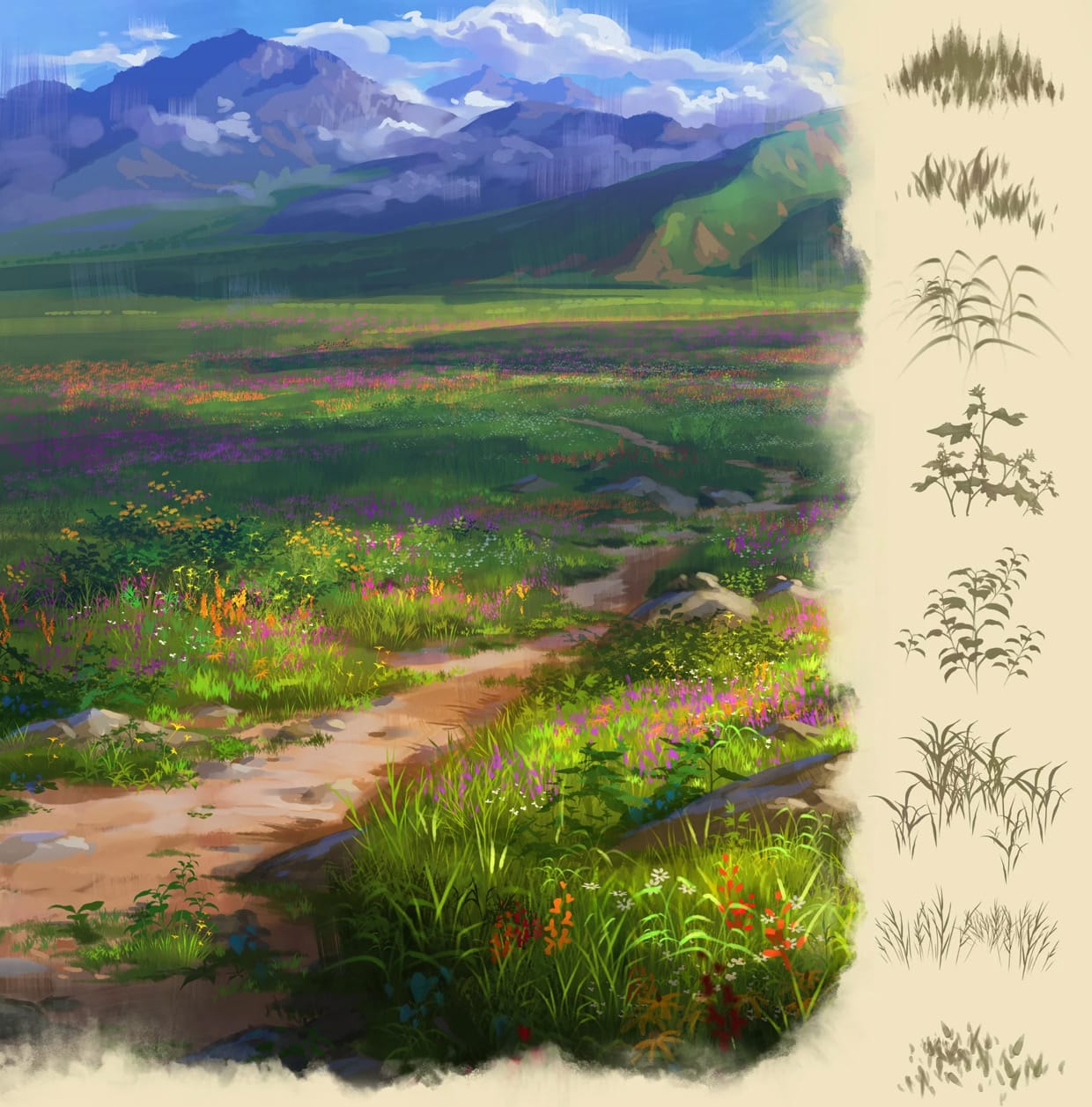
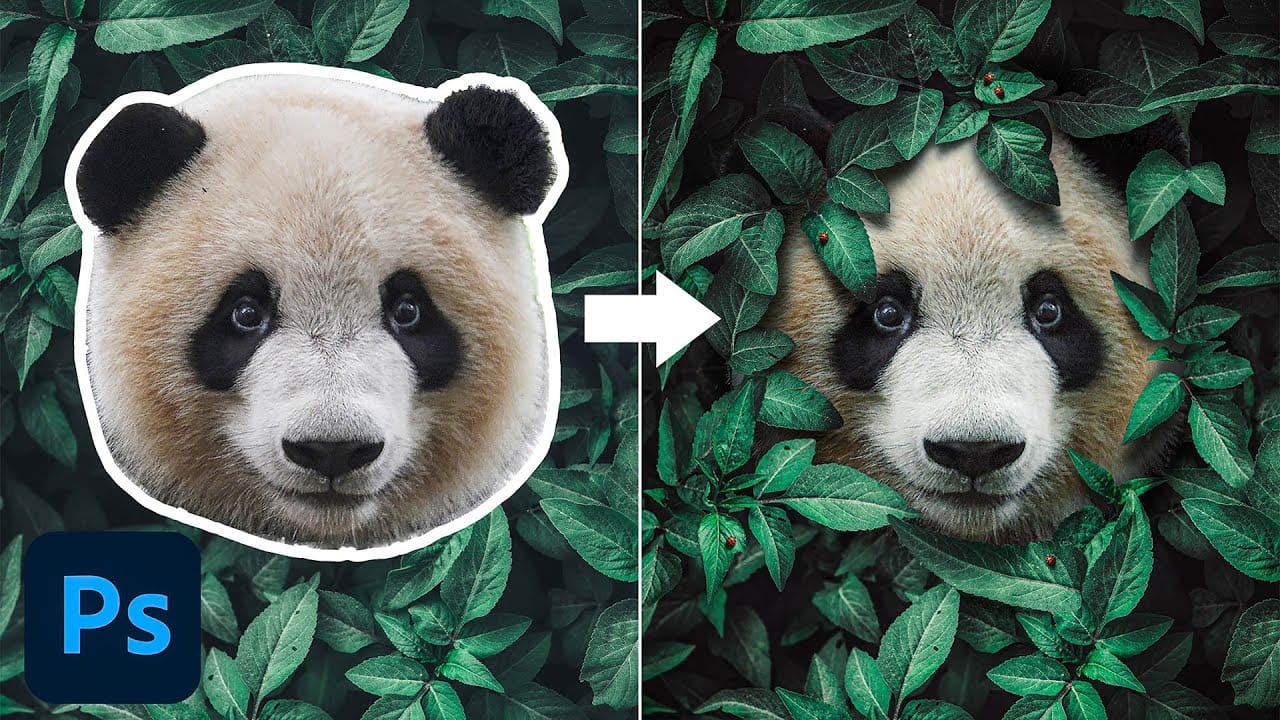
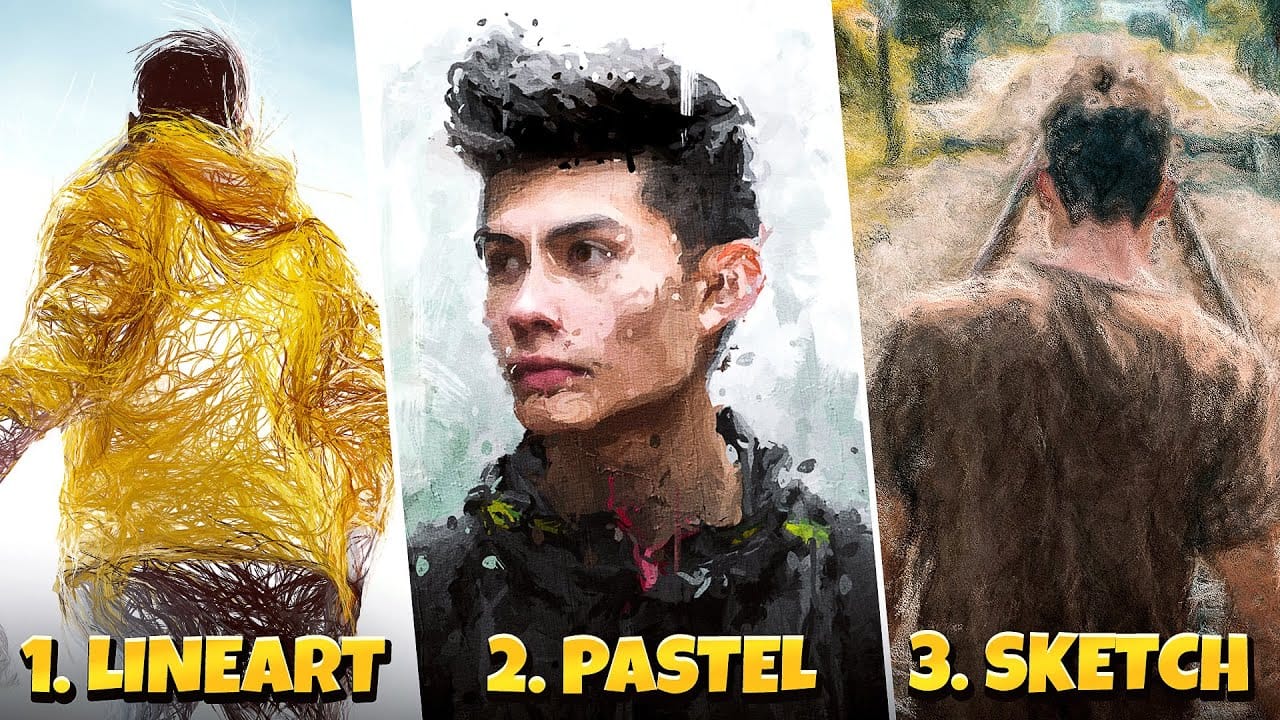
Transforming ordinary photographs into whimsical, romantic scenes often requires replacing or enhancing natural environments. Foliage brushes offer photographers and digital artists a powerful way to overpaint backgrounds, create dimensional leaf structures, and build entirely new environmental elements that feel both surreal and believable.
The key to realistic foliage work lies in understanding light direction, color saturation principles, and layering techniques that mimic how natural vegetation actually grows and catches light.
Watch the Video
Video by Nikki Harrison. Any links or downloads mentioned by the creator are available only on YouTube
Practical Tips
Here are the essential techniques for creating realistic foliage effects:
- Always start with a dark base layer using black overpaint brush at 40% flow before adding foliage elements
- Begin with darker, more saturated colors and gradually build lighter tones on separate layers for depth
- Make brush sizes smaller as you move away from the viewer to create proper perspective
- Use low flow rates (18-30%) when adding highlights to leaf edges to mimic natural light behavior
- Place darker flower and foliage elements in shadow areas while keeping brighter elements where light naturally hits
Related Articles and Tutorials
Explore more brush collections and techniques for natural environment creation:
 Enrique Flouret