


Every designer has that moment.
You're scrolling through Instagram, Behance, or Pinterest and you see a photo effect that stops you cold. The colors are perfect. The lighting is impossible. The composition looks like it came from another dimension.
And you think: "How did they DO that?"
Most people bookmark the image and move on. But you're different—you want to learn how to create it yourself.
That's where these tutorials come in.
Here's what separates good designers from great ones: Great designers don't just admire effects—they reverse-engineer them. They break down the techniques. They practice the methods. They build a toolkit of skills that lets them create whatever they can imagine.
The 100 tutorials in this collection aren't just random effects. They're the foundational techniques that professional designers return to again and again. Master these, and you'll never be stuck wondering "how did they do that?" again.
You'll be the one creating effects that make other people wonder.
Table of Contents
- Artistic & Drawing Effects
- Portrait & Face Effects
- Creative Manipulation & Surreal Effects
- Color & Light Effects
- Texture & Pattern Effects
- Vintage & Retro Effects
- Weather & Environmental Effects
- Digital Art & Modern Effects
- 3D & Dimensional Effects
- Advanced Techniques & Plugins
- Learning Path & Tips
Artistic & Drawing Effects
Transform your photographs into traditional art forms with these tutorials that simulate classic artistic mediums. These effects are perfect for creating gallery-worthy prints or adding an elegant, timeless quality to your work. From realistic pencil sketches to oil paintings, these techniques help bridge the gap between photography and fine art.
 Photoshop Essentials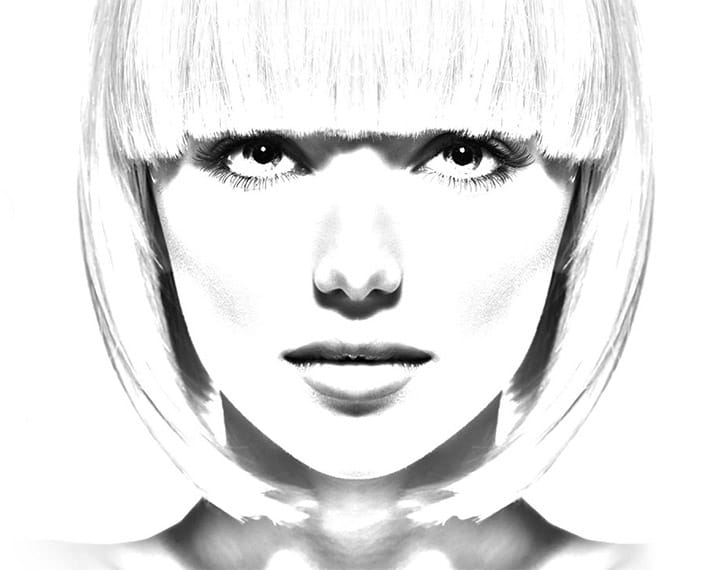
 Let’s Photoshop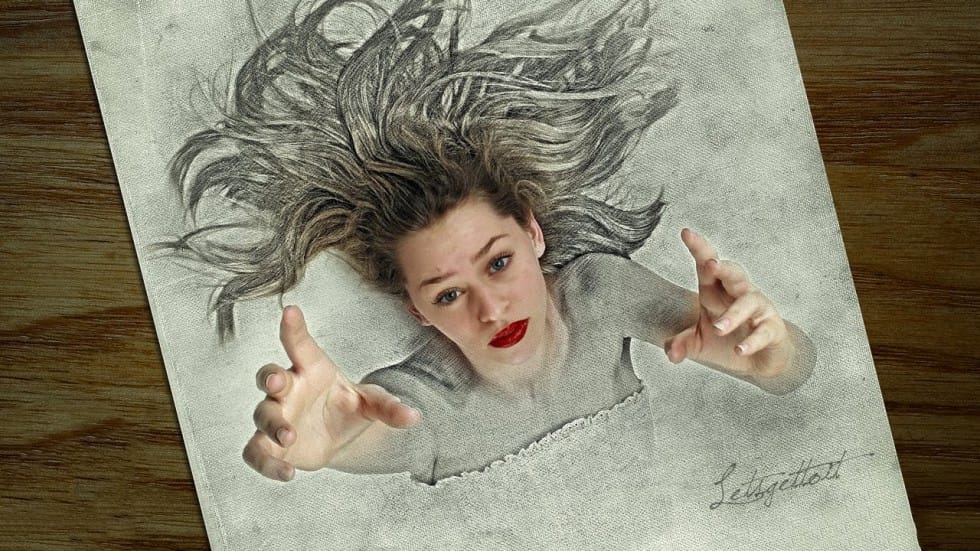
 Topaz Labs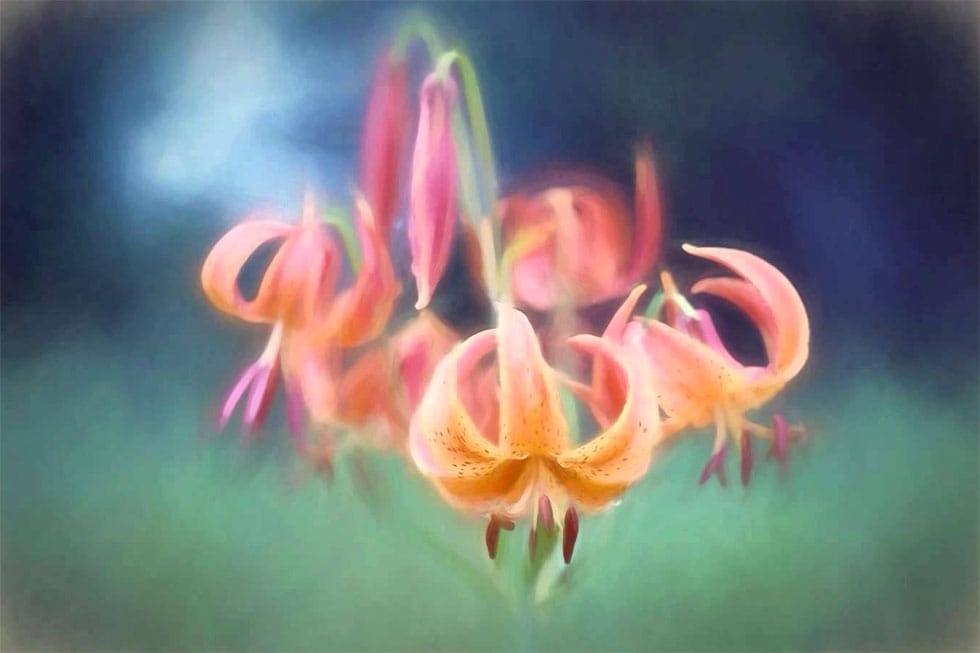
 Blue Lightning TV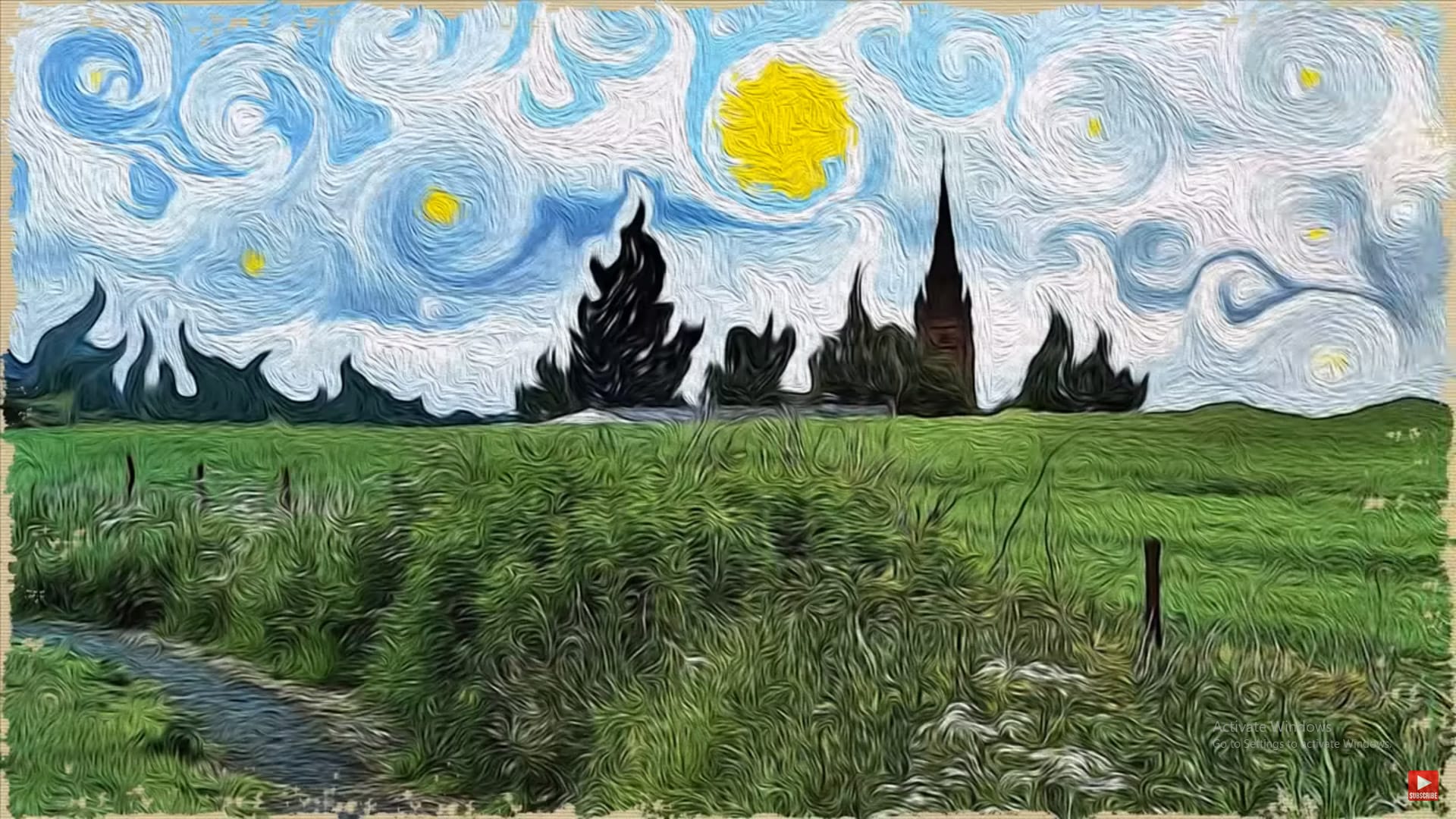
 Blue Lightning TV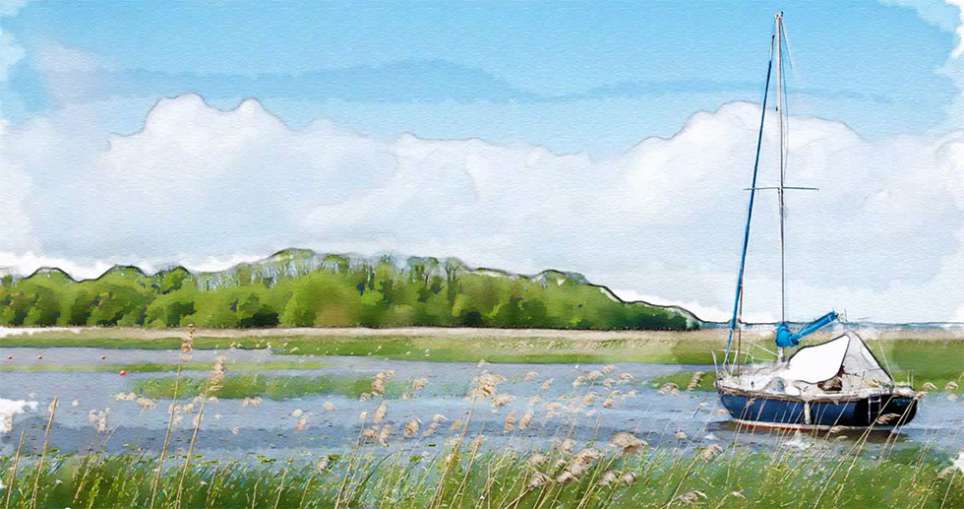
 Blue Lightning TV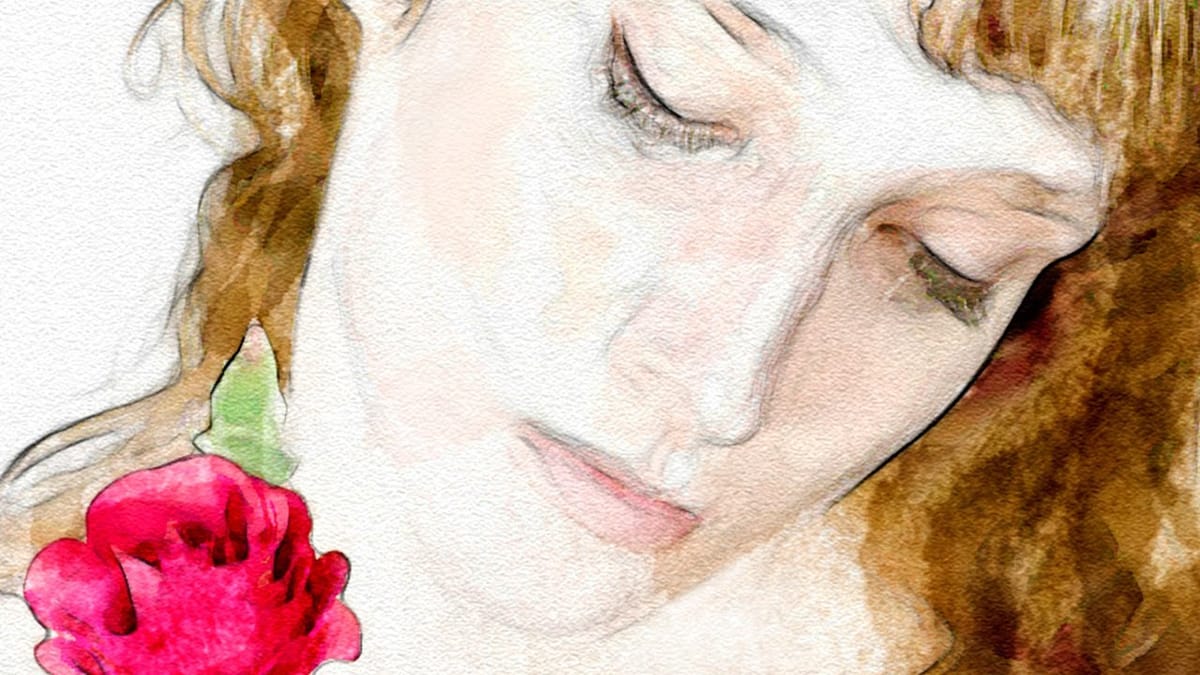
 Blue Lightning TV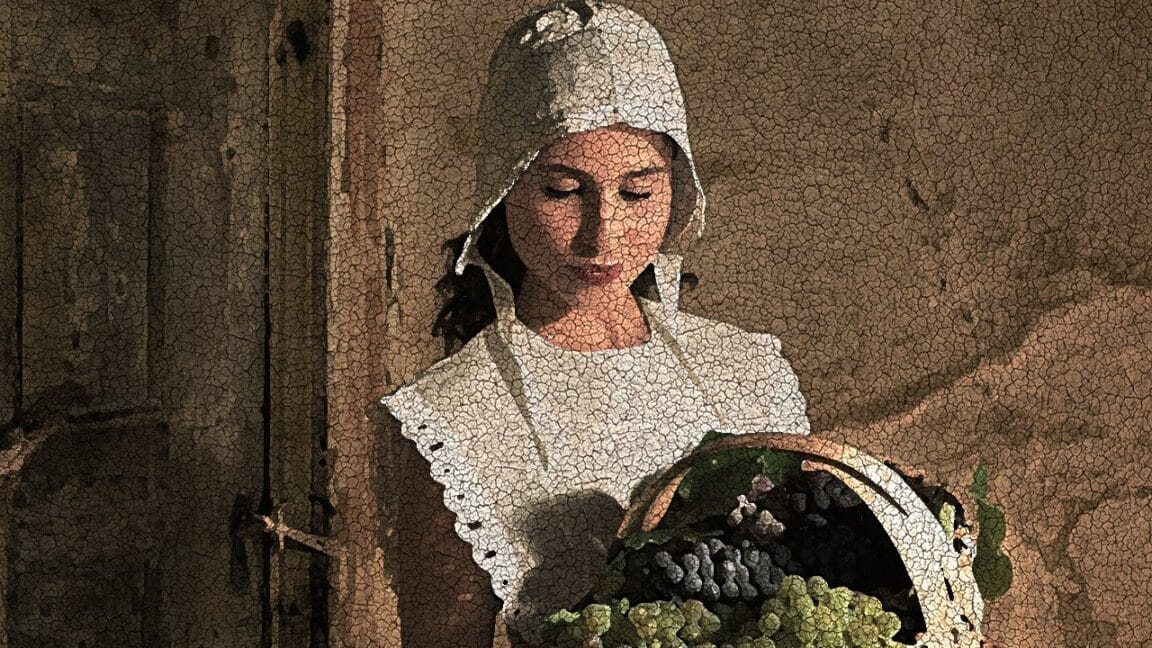
 Adobe Photoshop
 Brendan Williams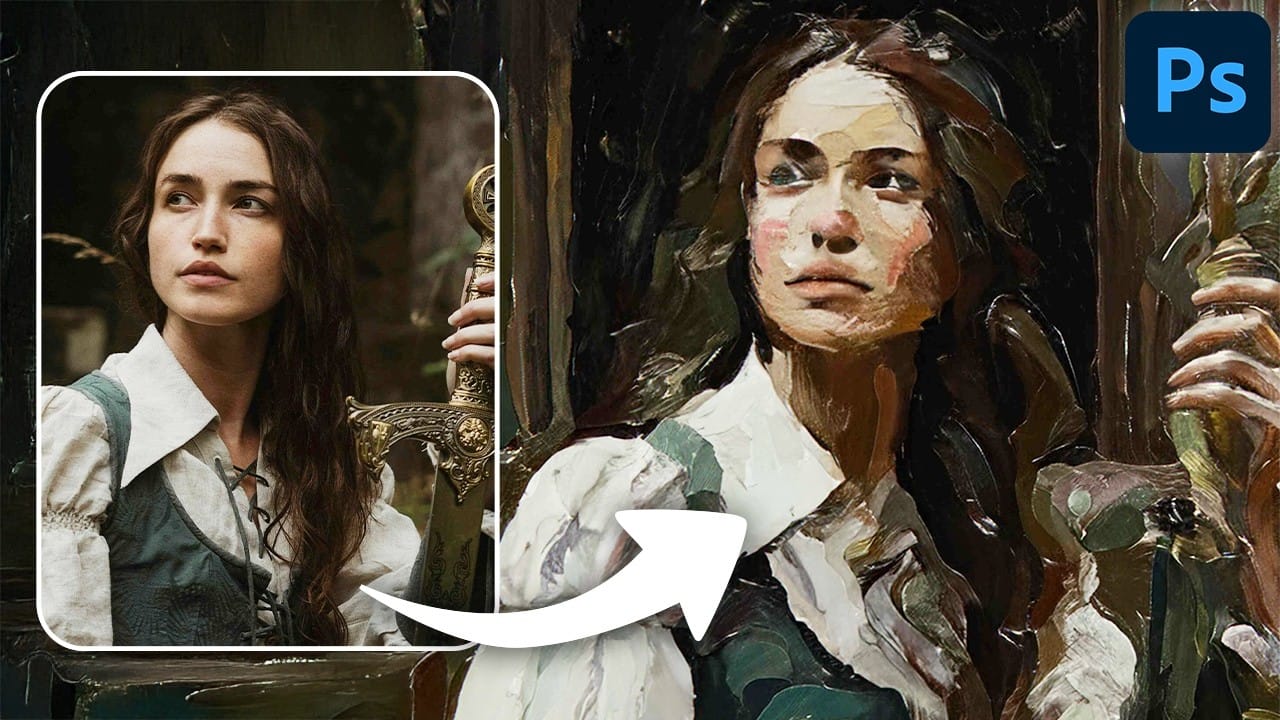
 Blue Lightning TV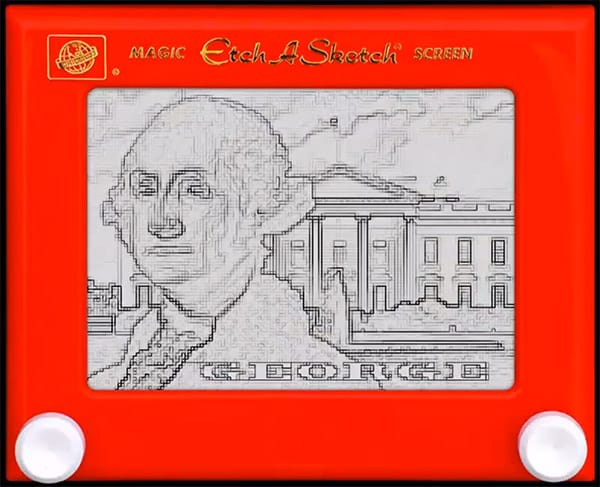
 Blue Lightning TV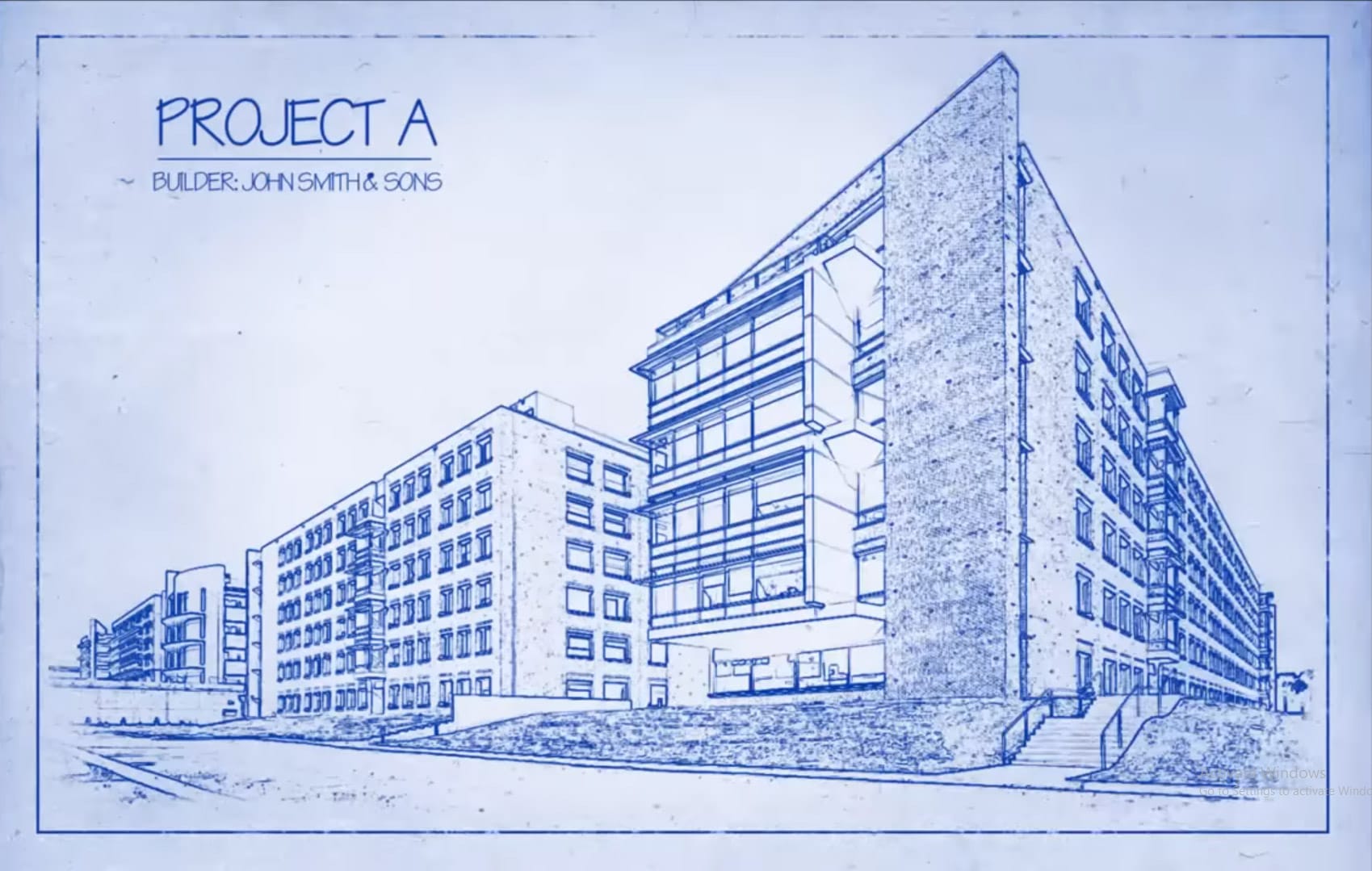
 Brendan Williams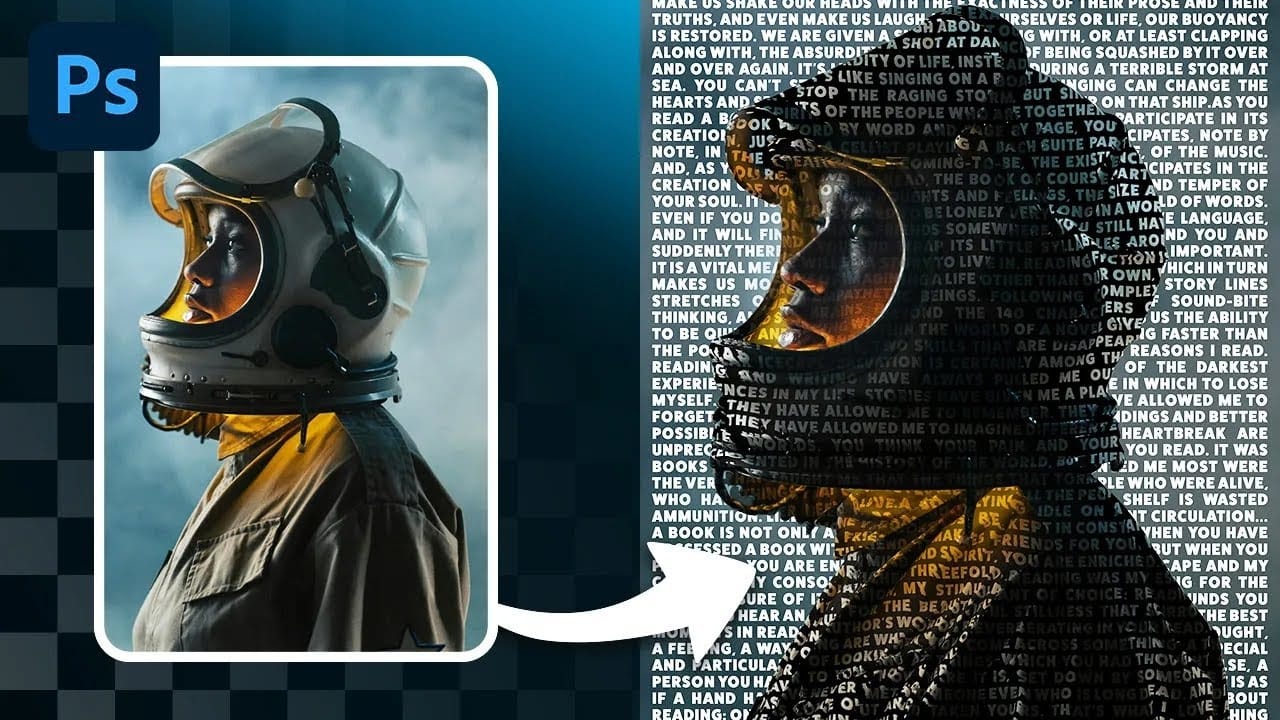
 Spoon Graphics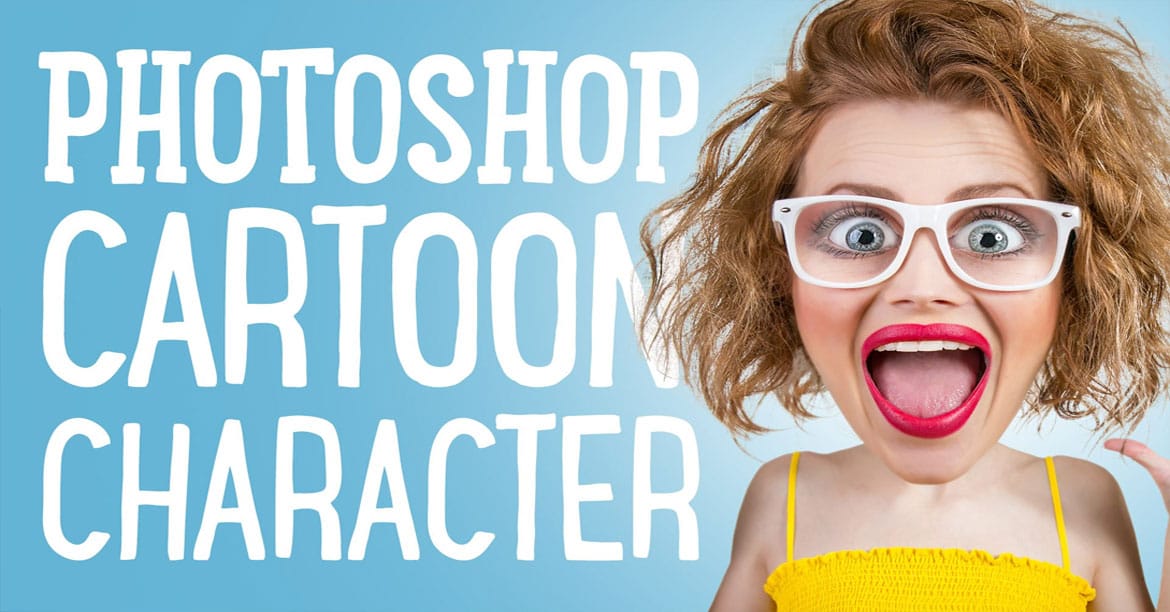
 Let’s Photoshop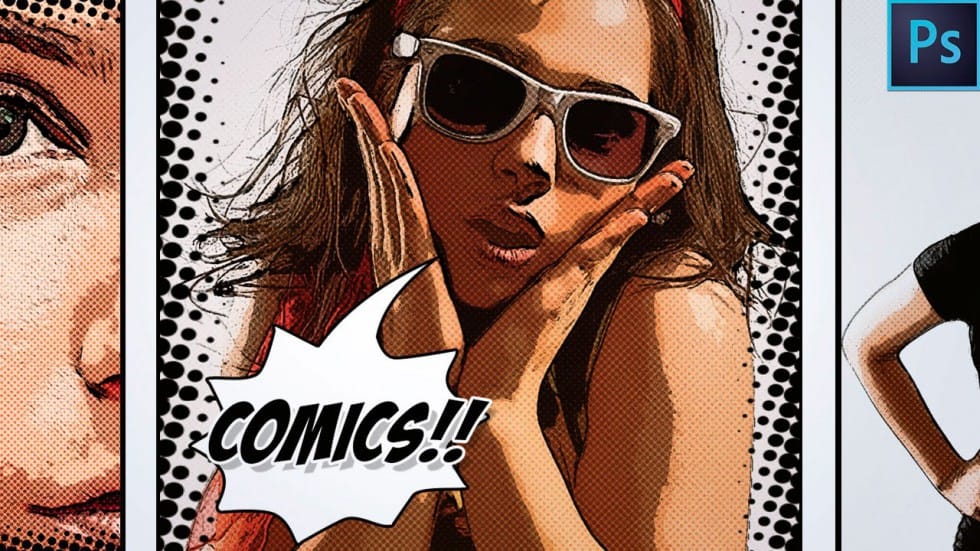
 Enrique Flouret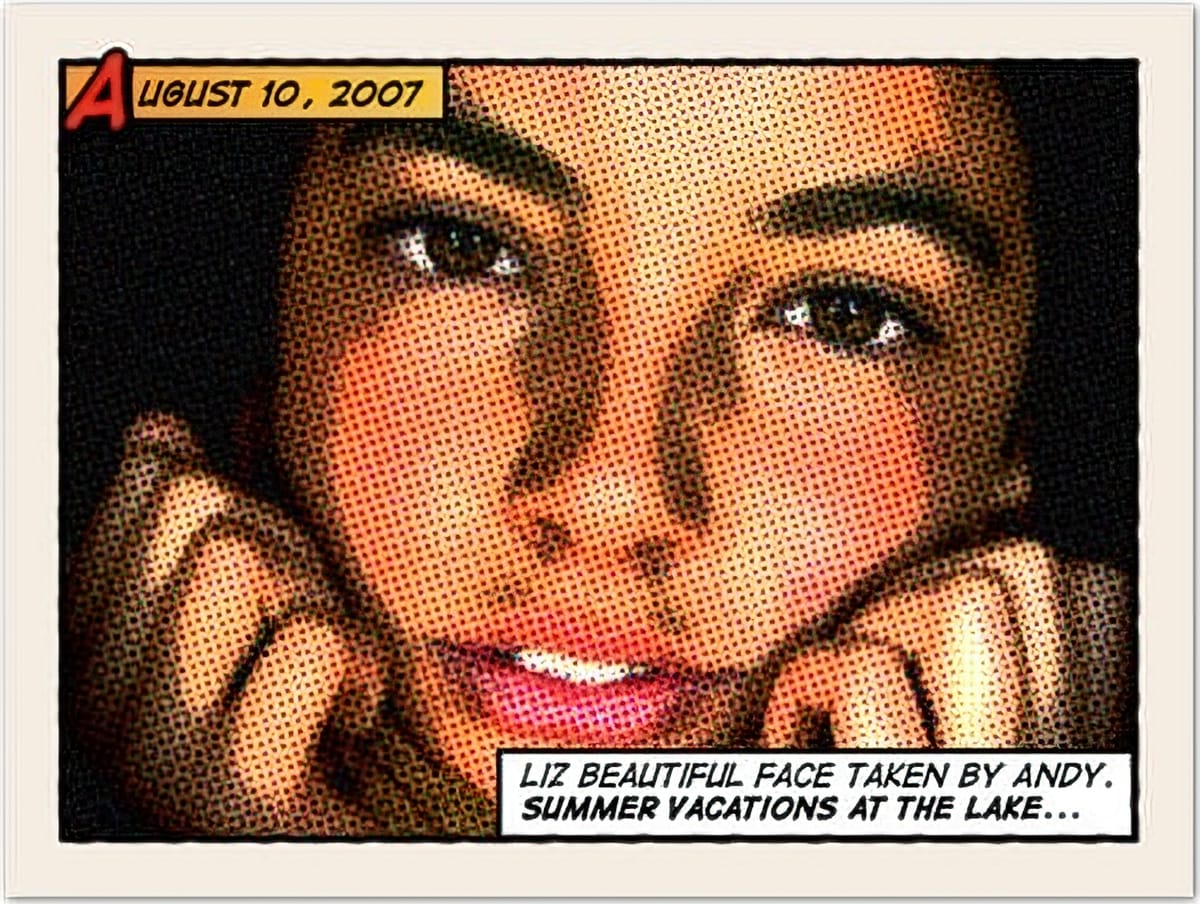
Portrait & Face Effects
Master the art of portrait enhancement and creative face manipulation with these specialized tutorials. These techniques range from subtle beauty retouching to dramatic character transformations. Perfect for portrait photographers, fashion retouchers, or anyone looking to create striking character-based artwork.
 PiXimperfect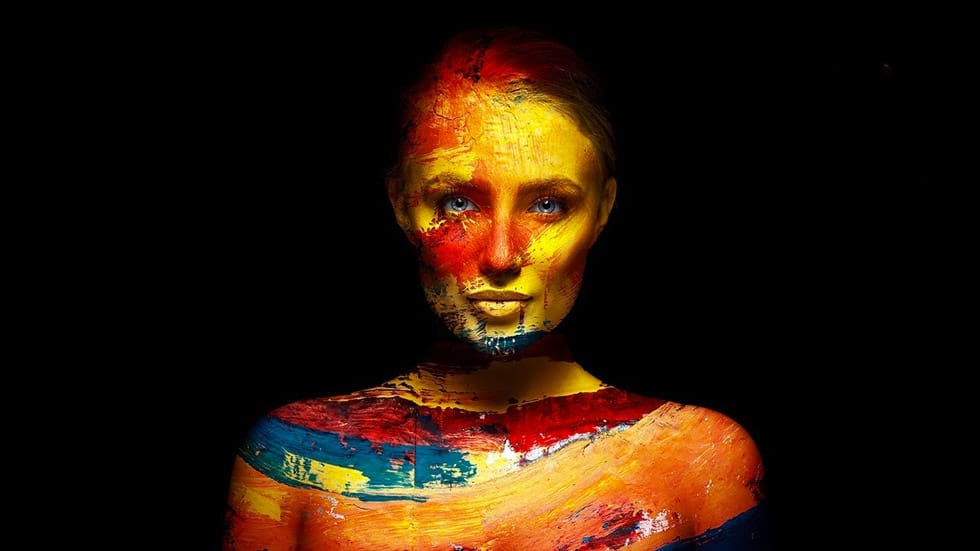
 Nemanja Sekulic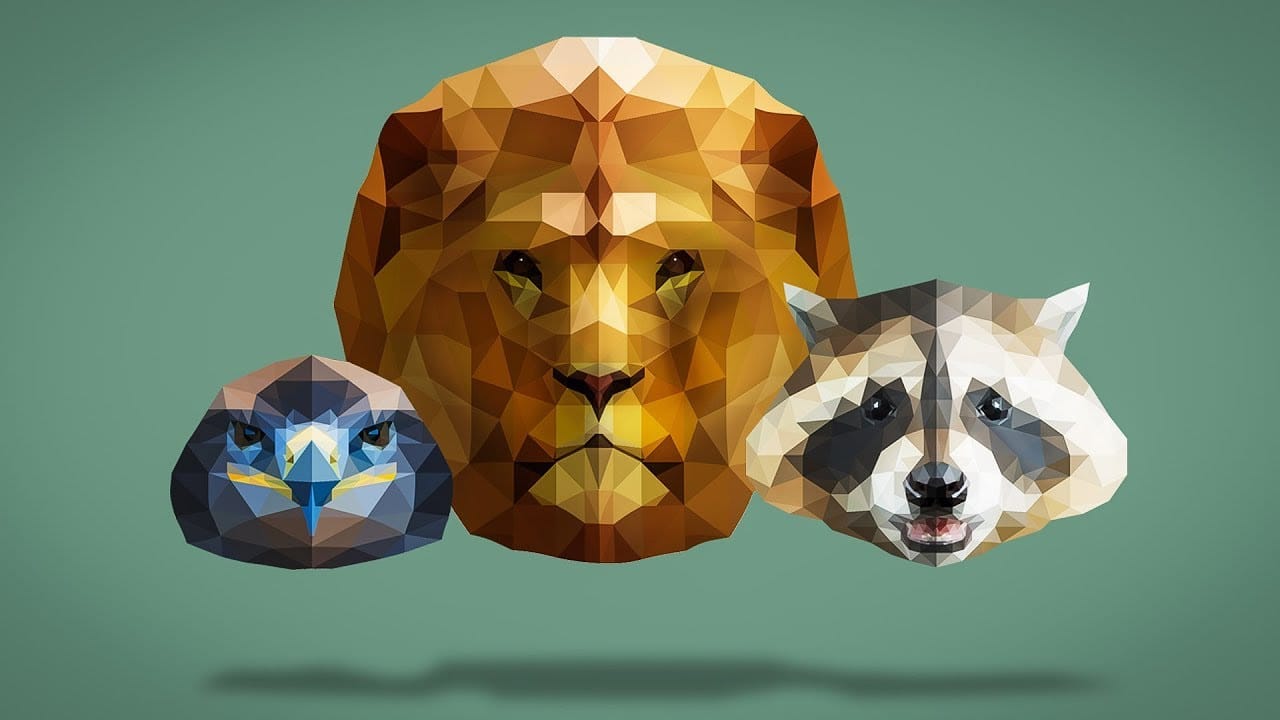
 Blue Lightning TV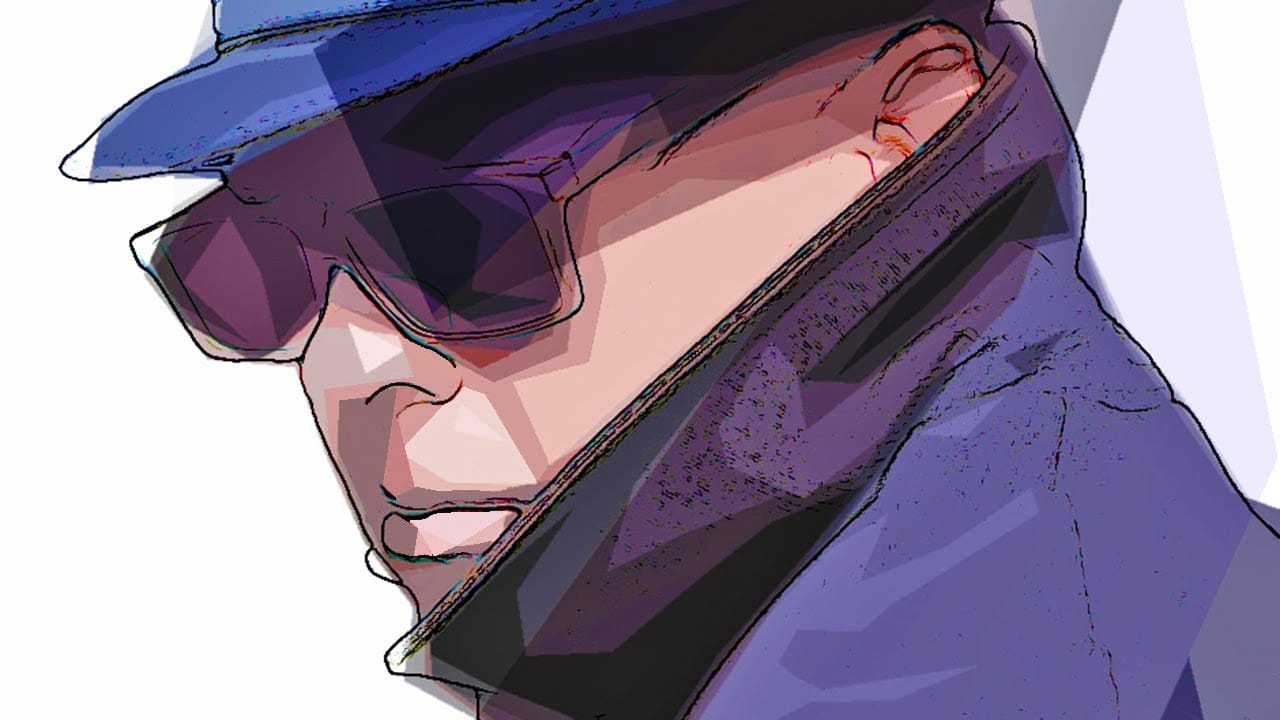
 Blue Lightning TV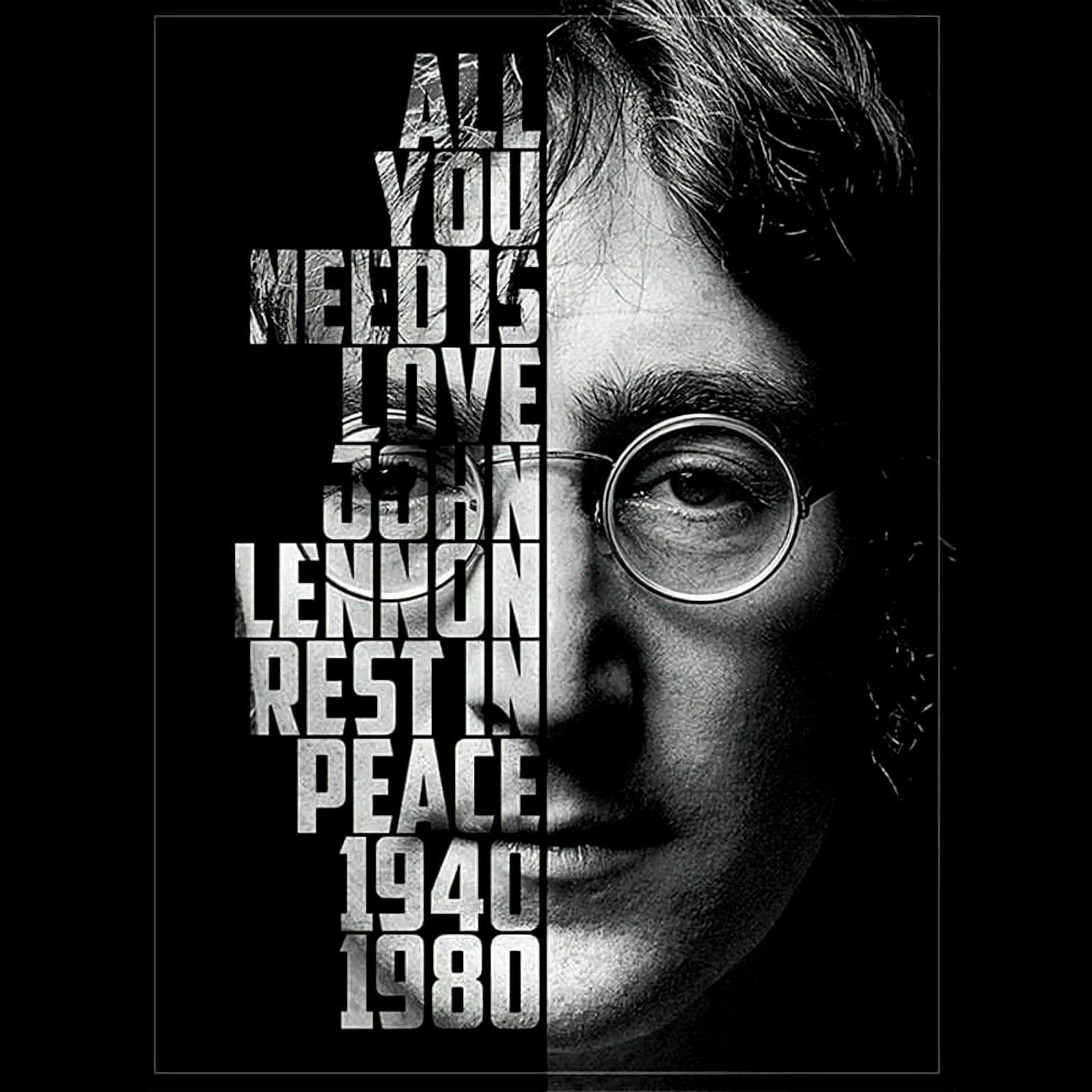
 Blue Lightning TV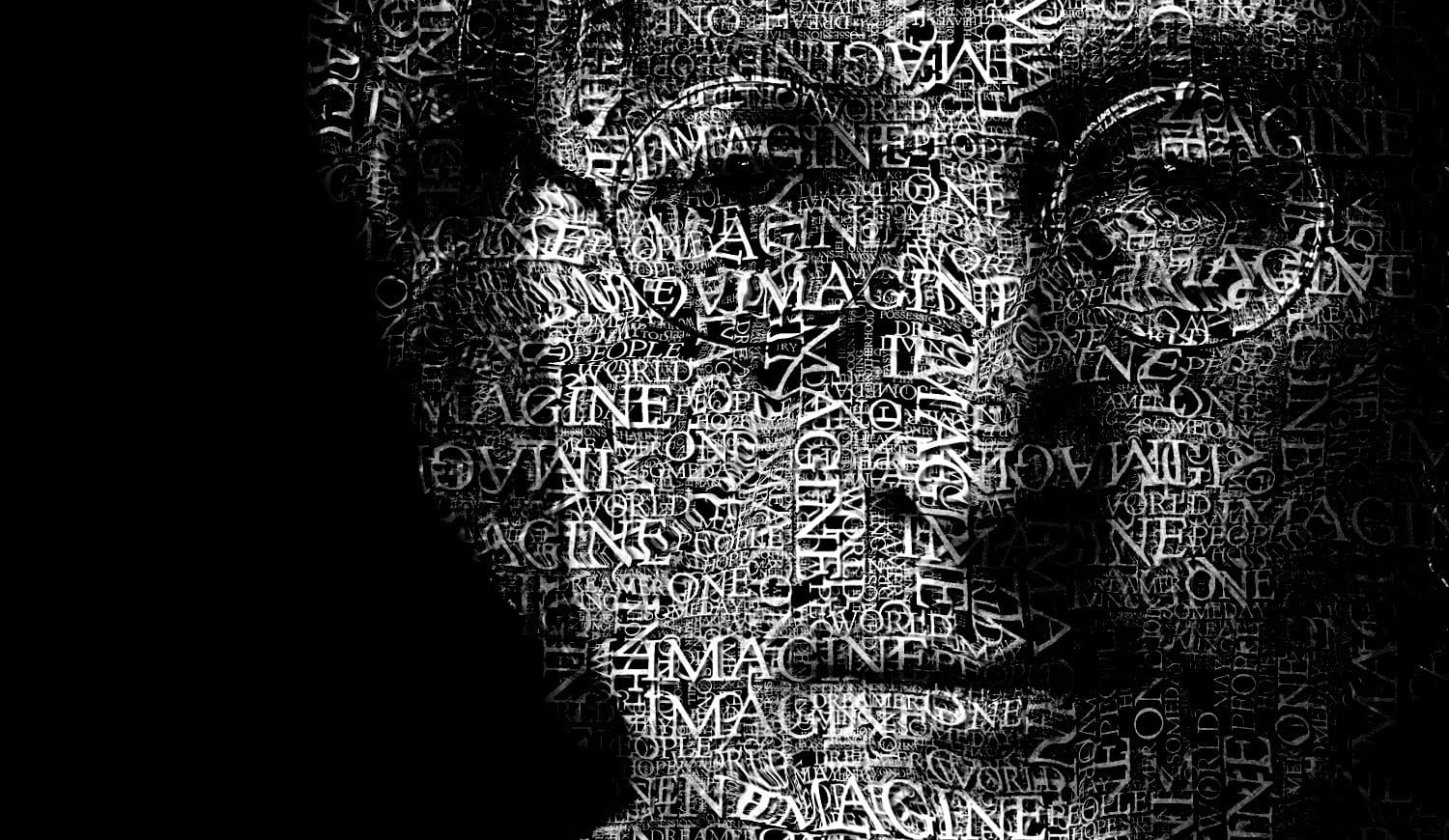
 Blue Lightning TV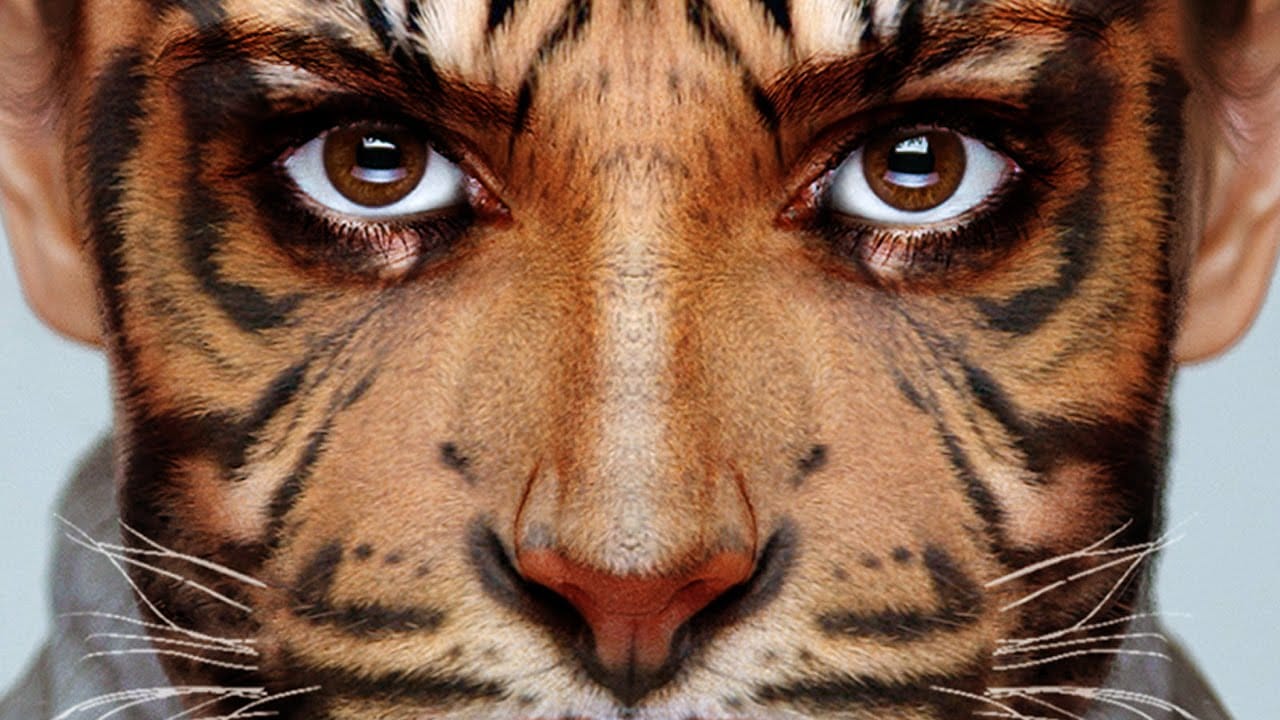
 Phlearn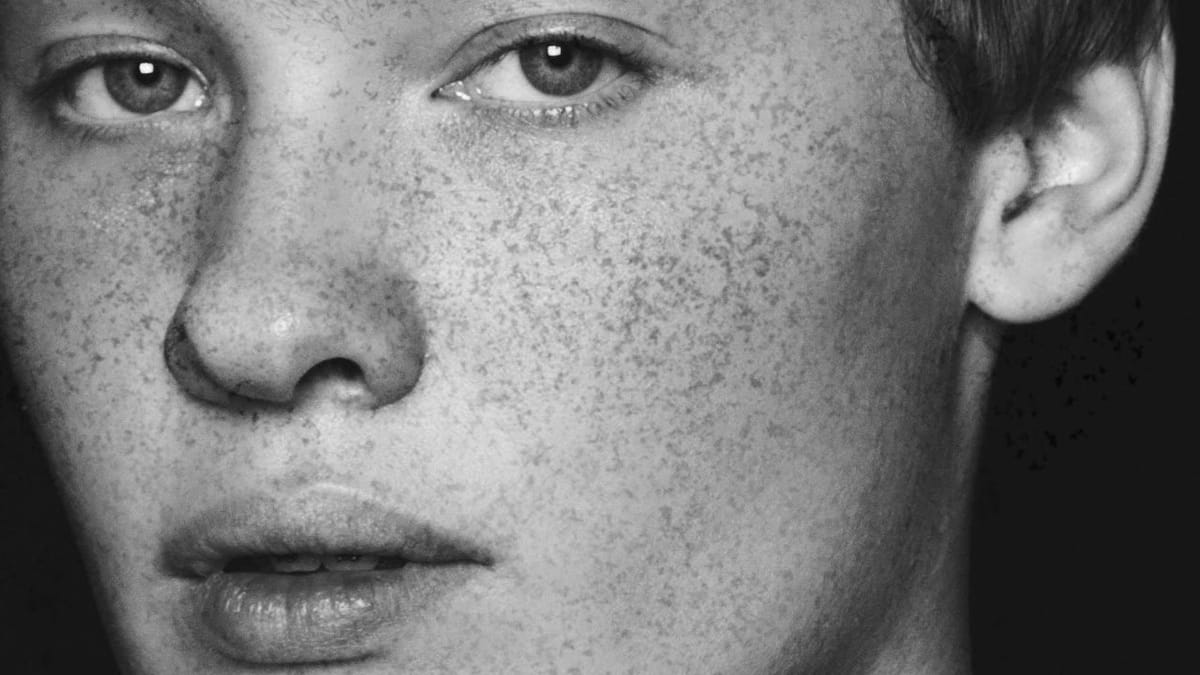
 Phlearn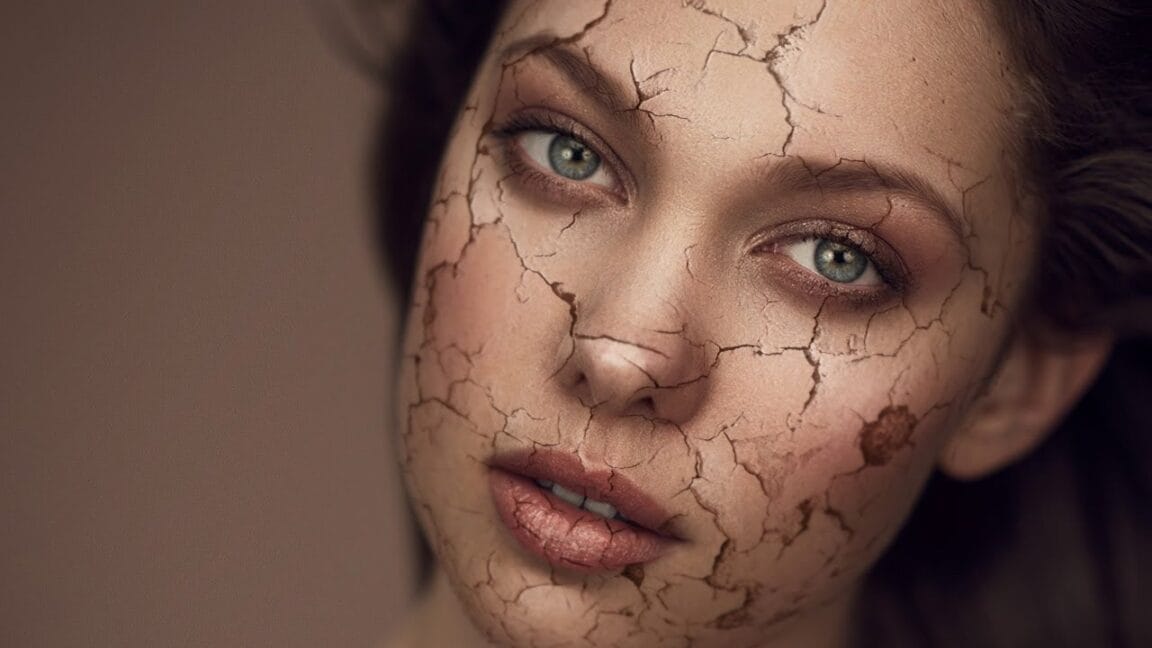
 Blue Lightning TV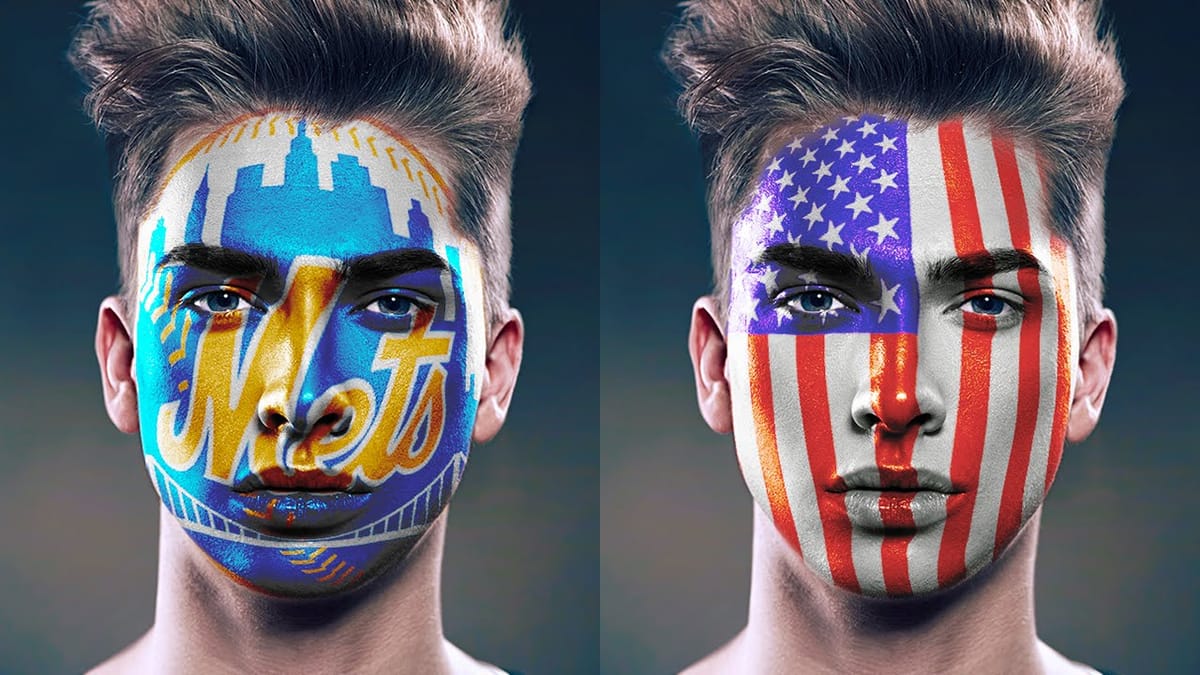
 Phlearn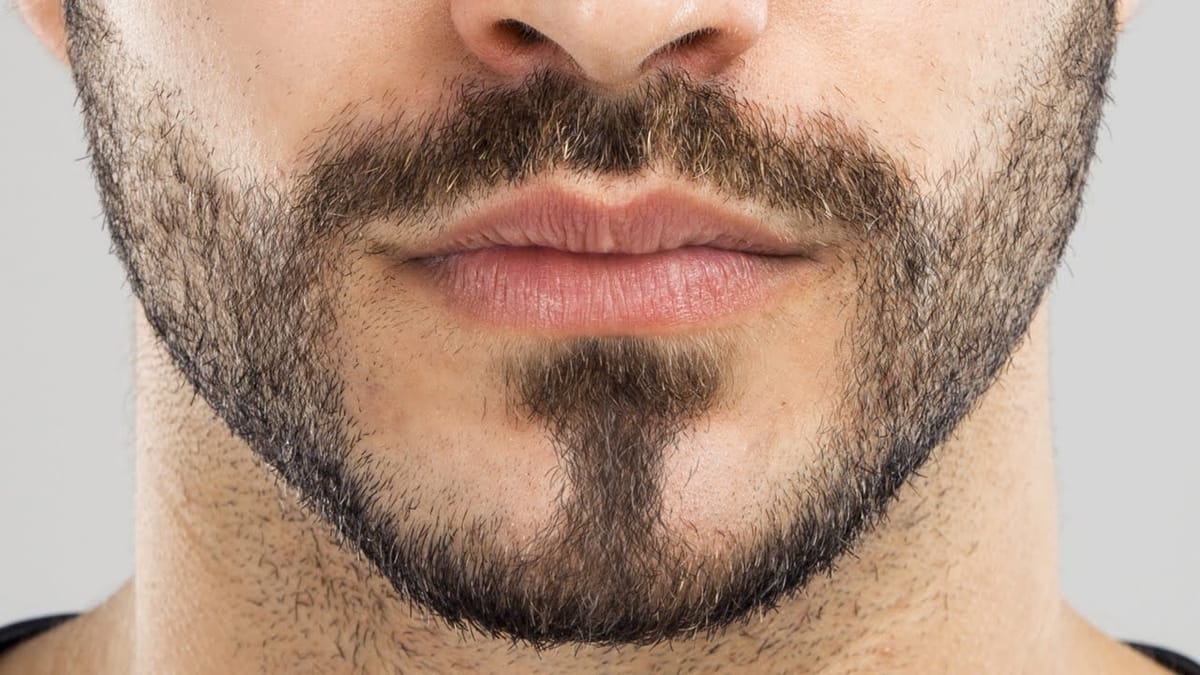
 PSD Box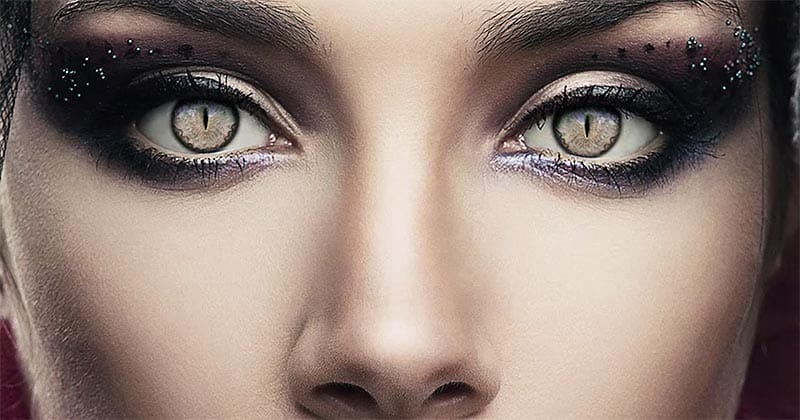
 Phlearn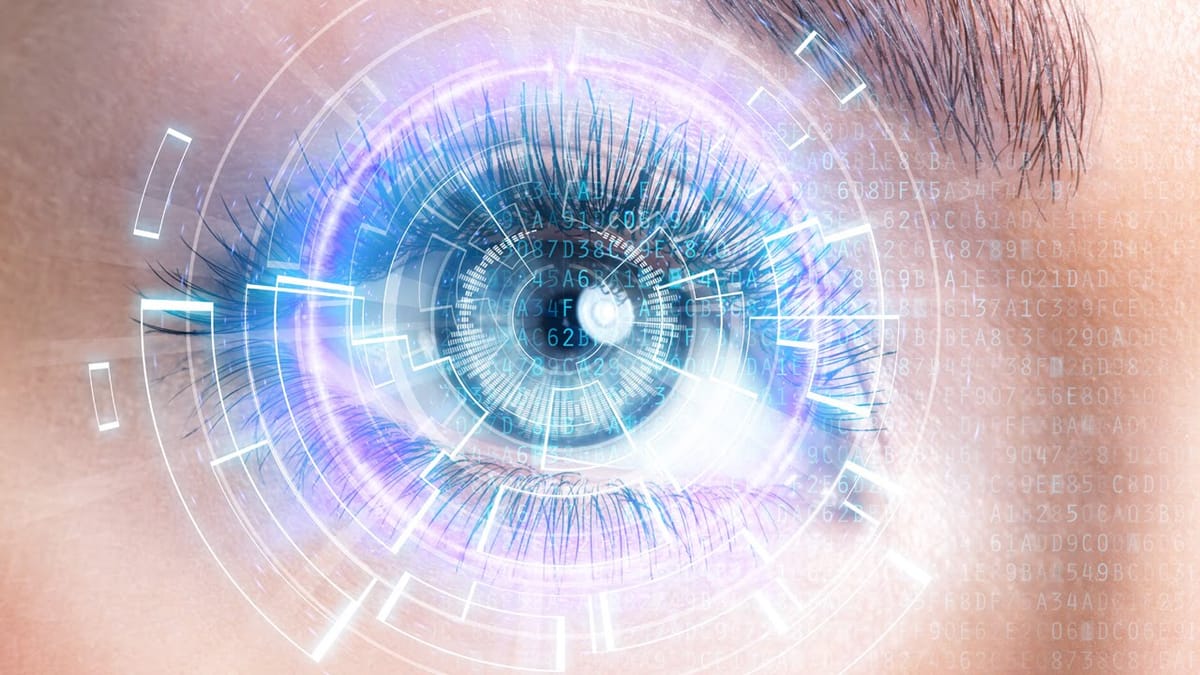
 Phlearn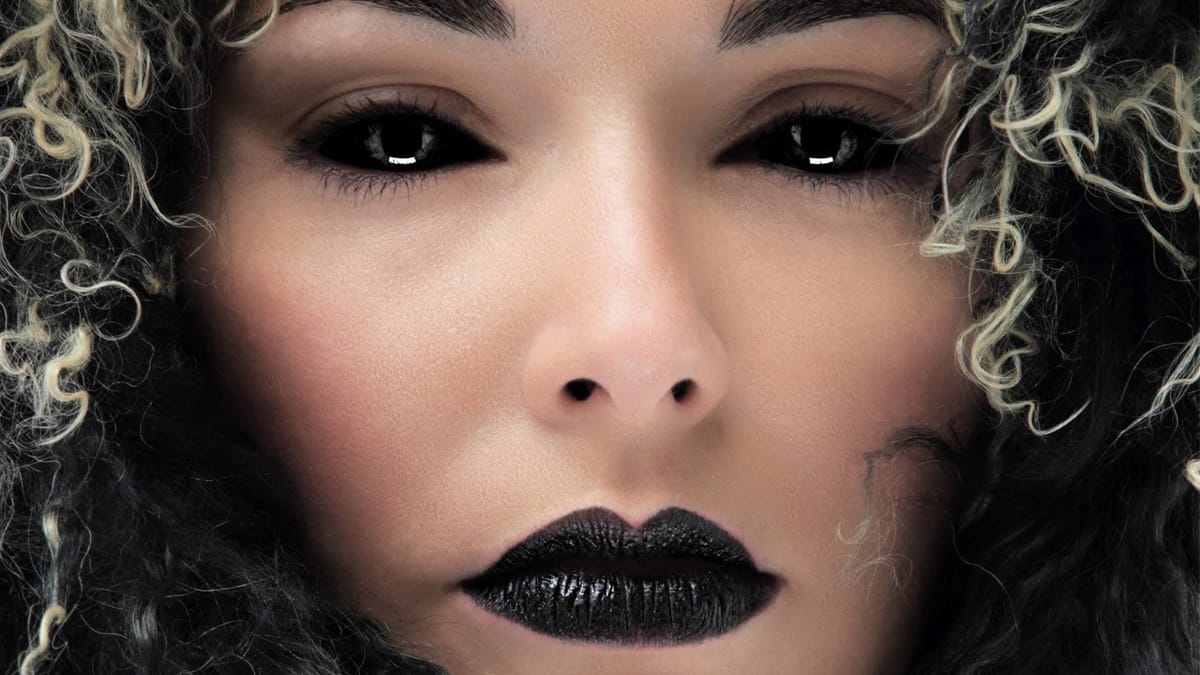
 Michael Woloszynowicz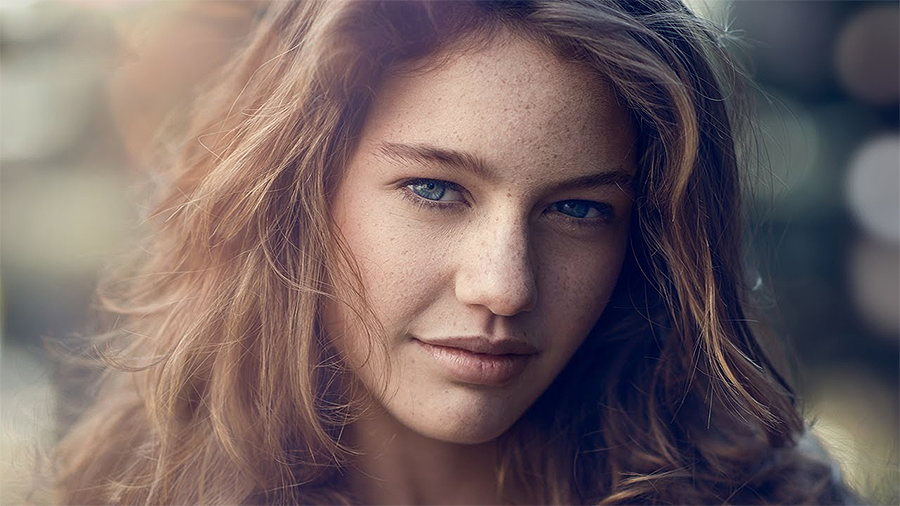
Creative Manipulation & Surreal Effects
Push the boundaries of reality with these mind-bending photo manipulation techniques. These tutorials teach you how to create impossible scenes, dreamlike compositions, and visually striking concepts that challenge perception. Ideal for conceptual artists, advertising professionals, and anyone interested in creating impactful, conversation-starting imagery.
 PTC Photoshop Training Channel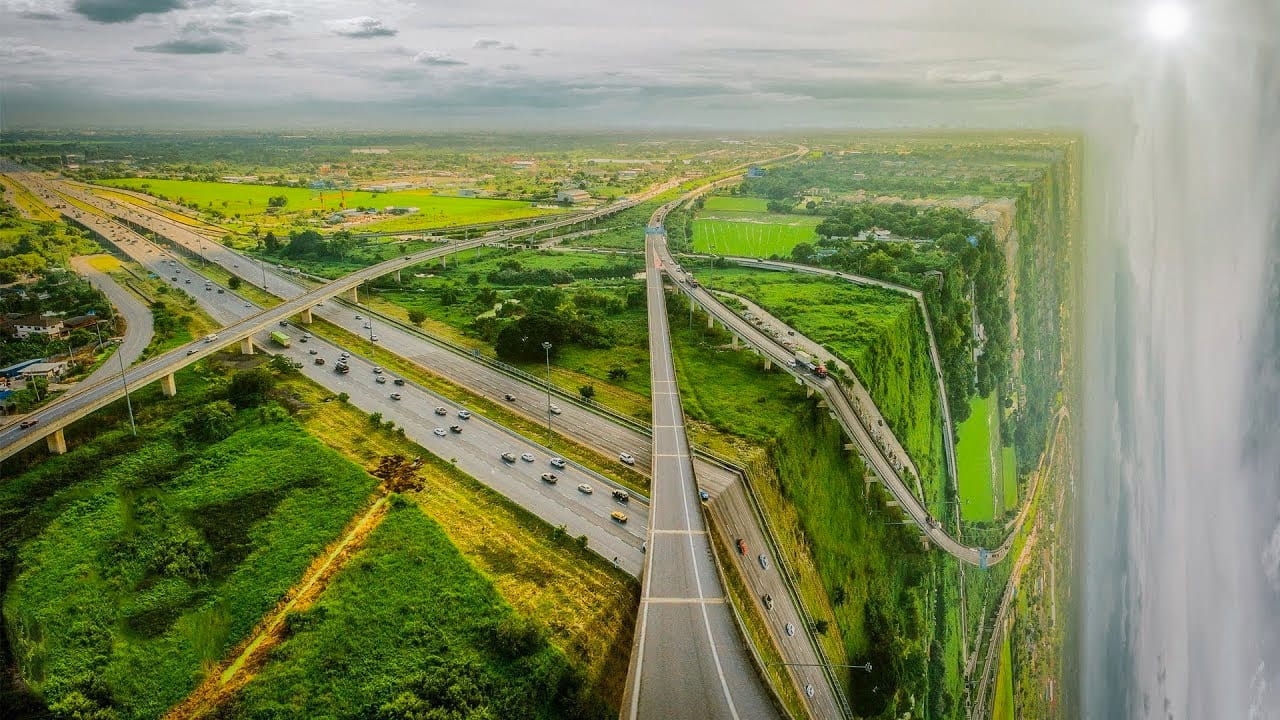
 Tutorials Junction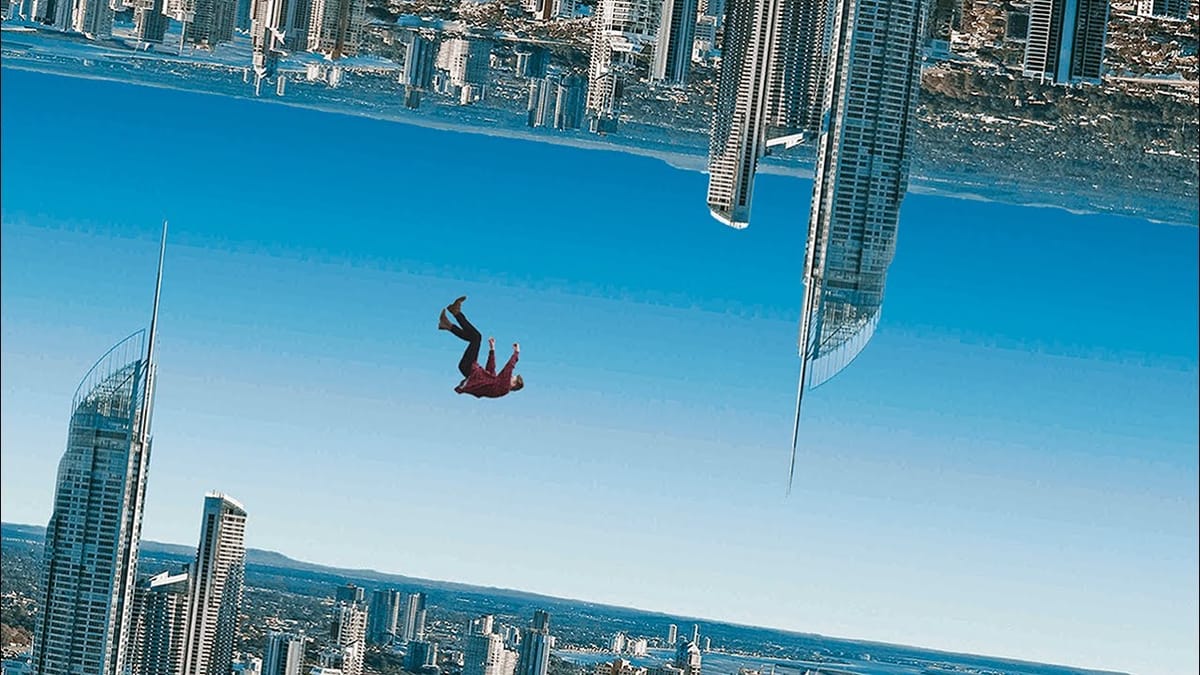
 Phlearn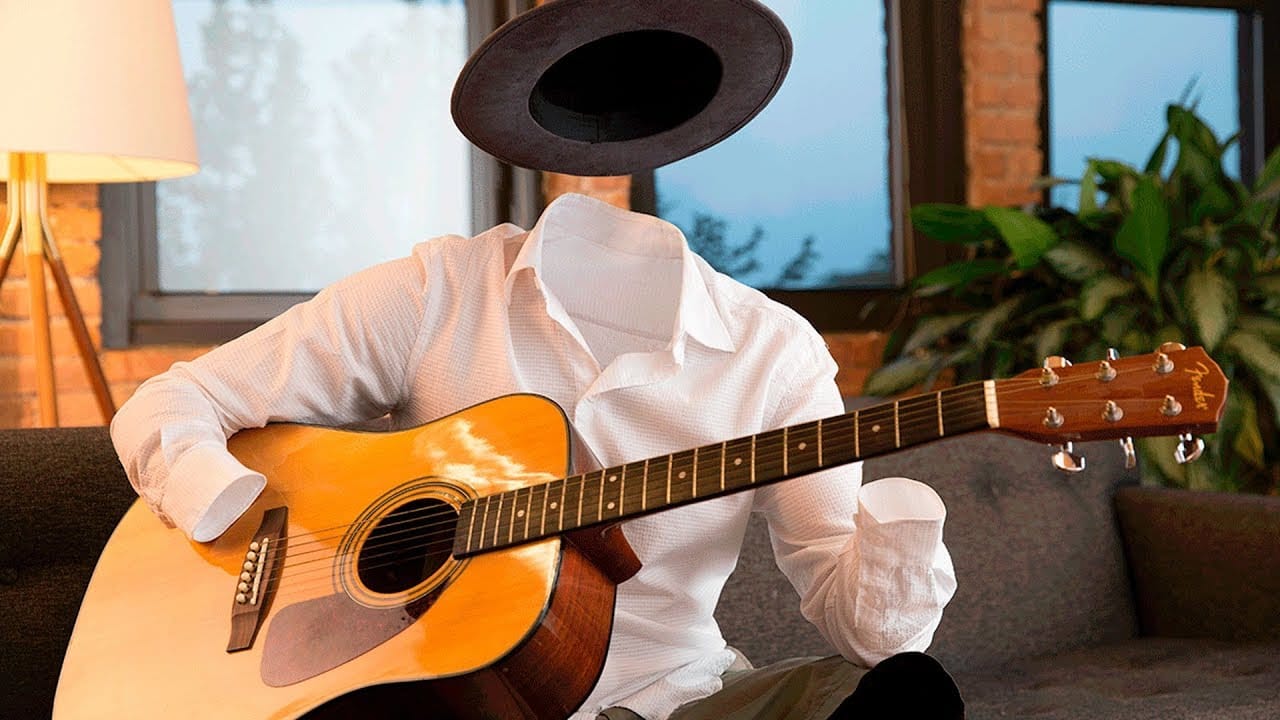
 Peter McKinnon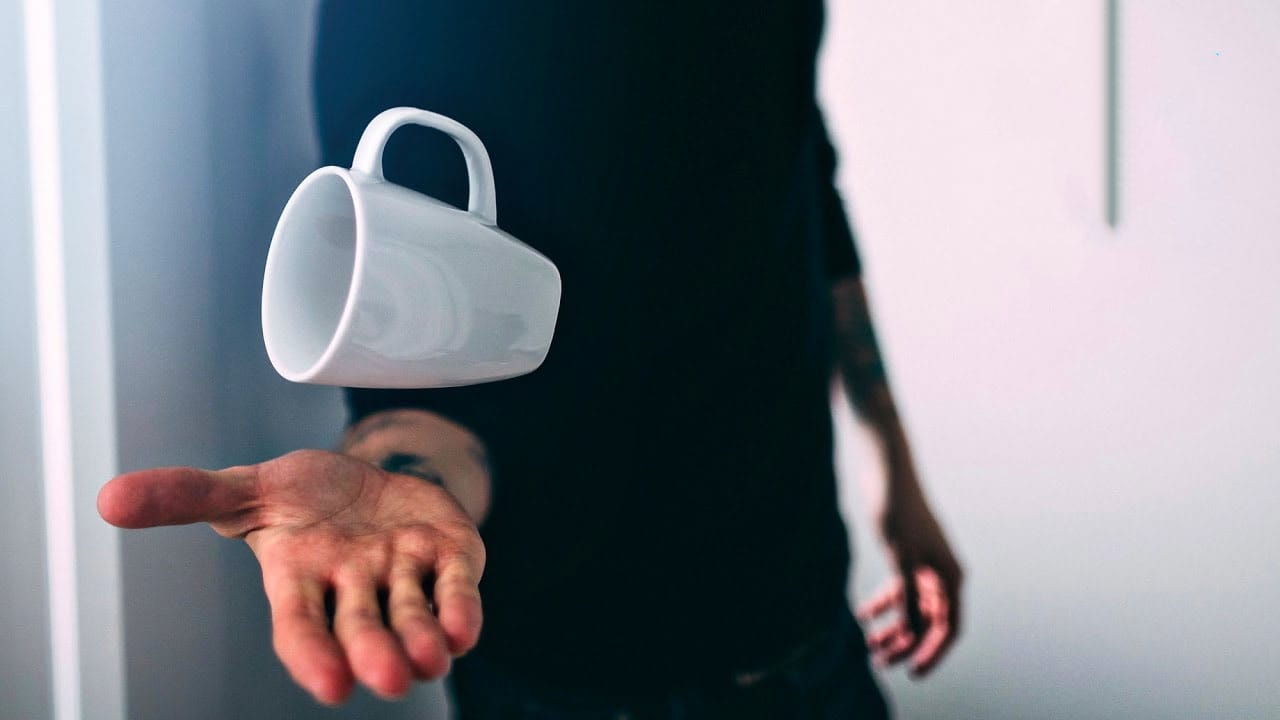
 Photoshop Essentials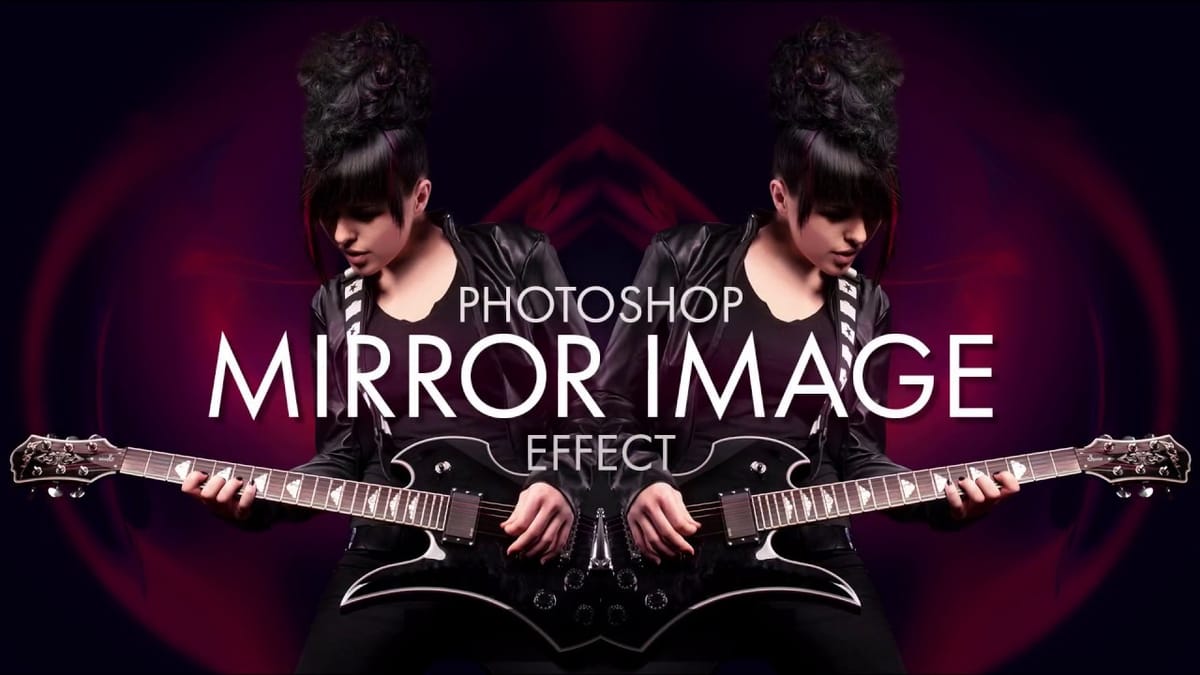
 Howard Pinsky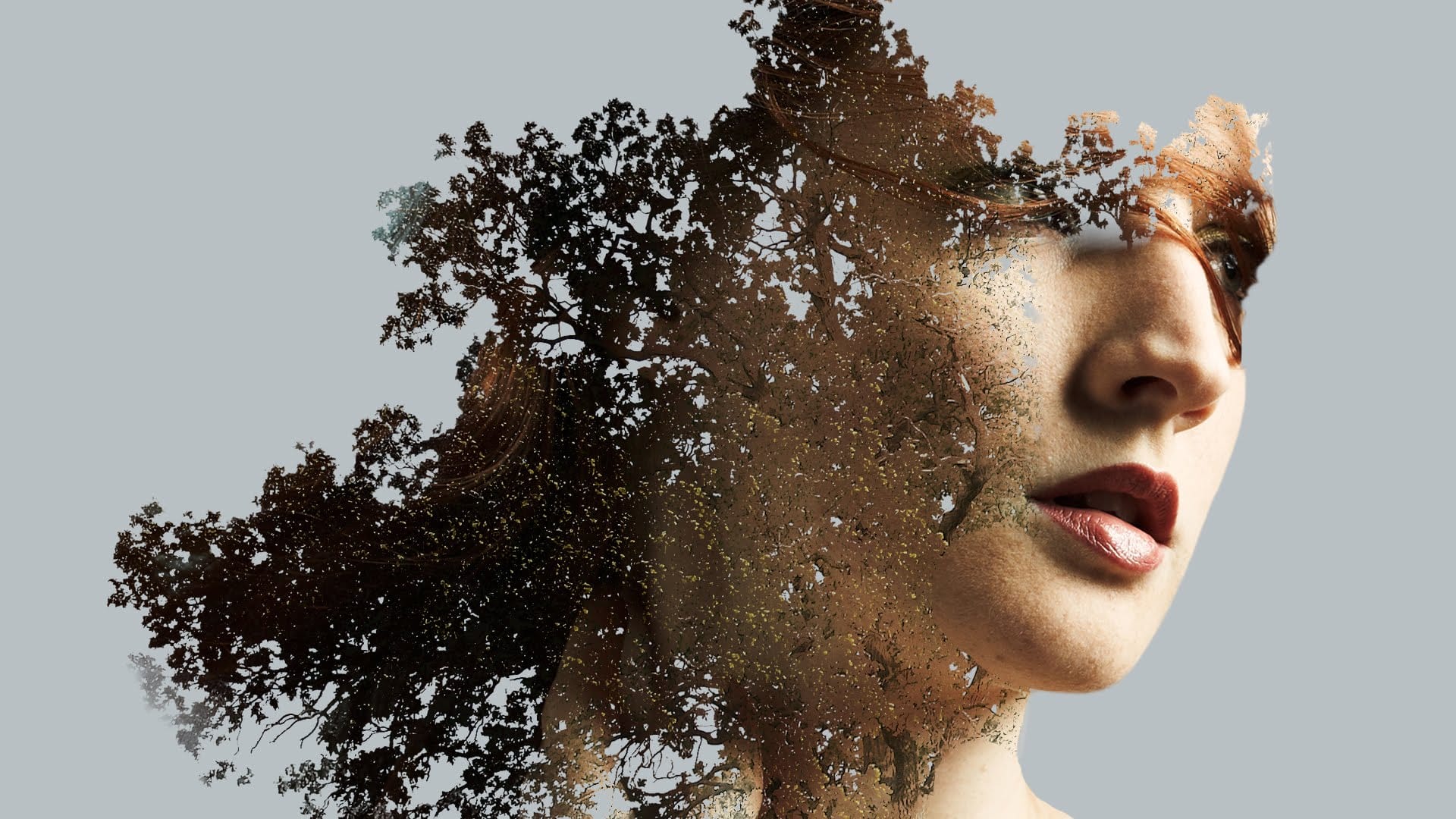
 Photoshop Retouching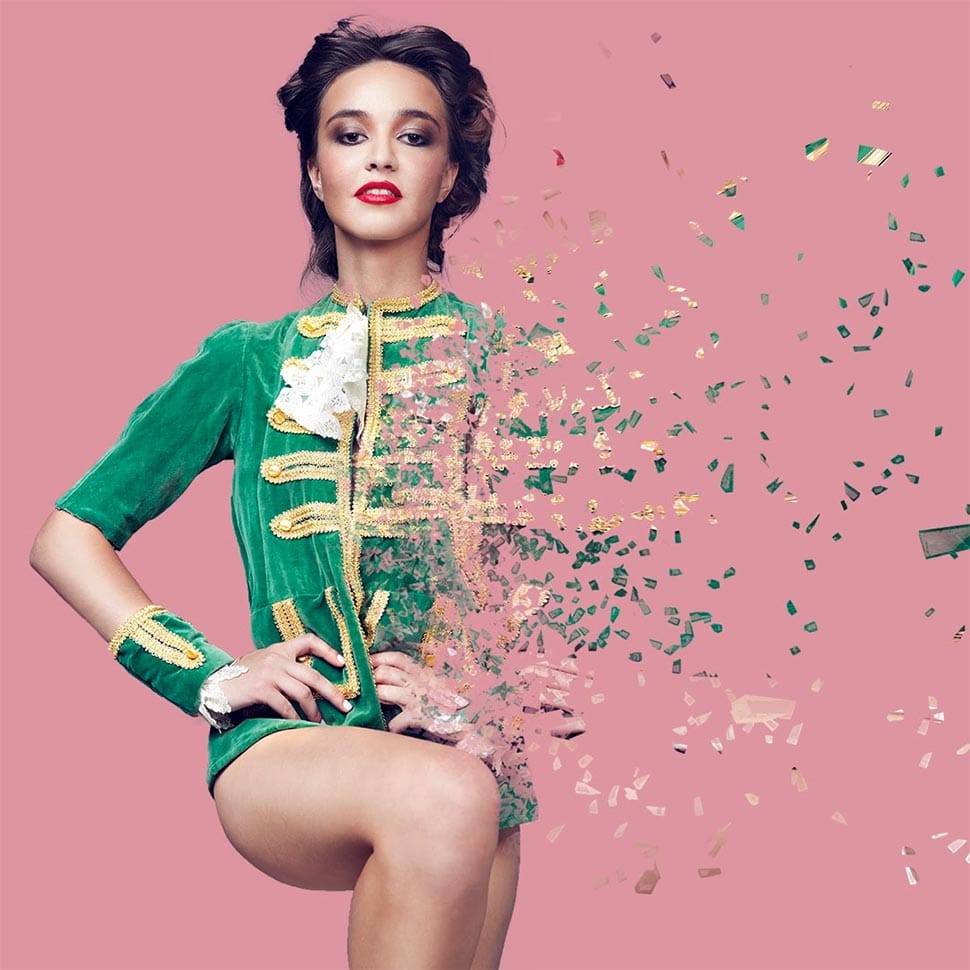
 Blue Lightning TV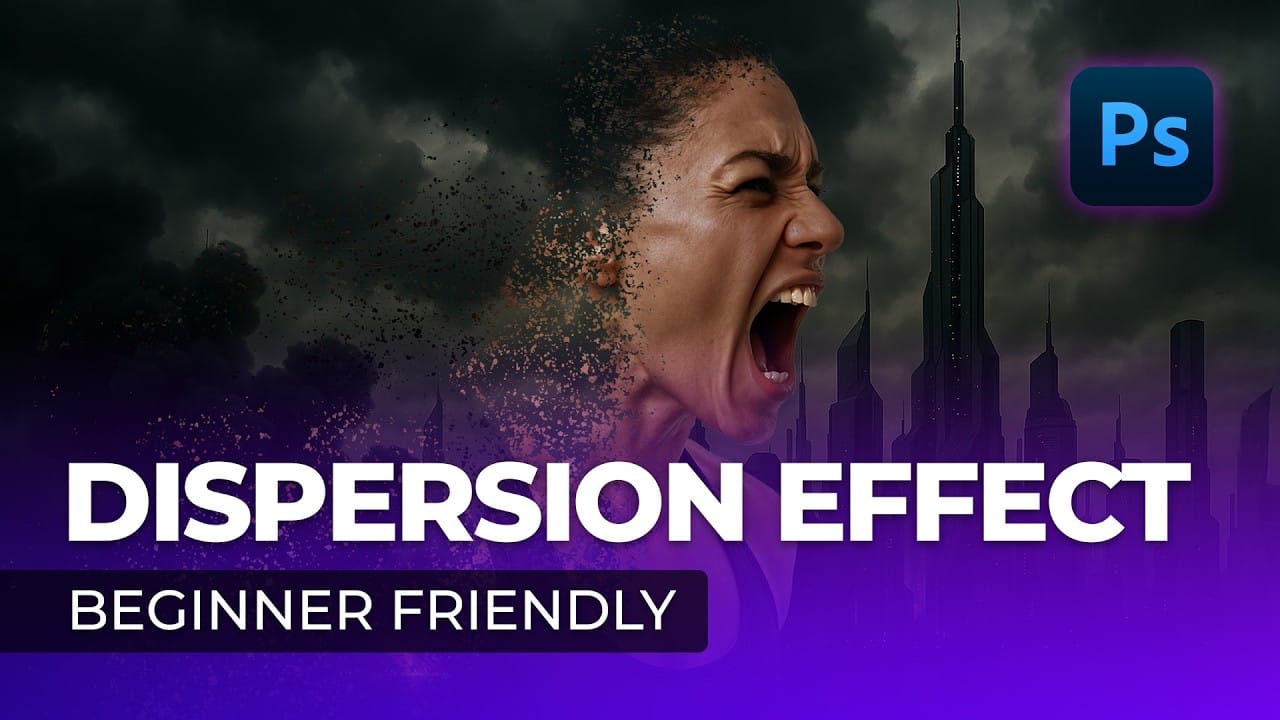
 Tutorials Junction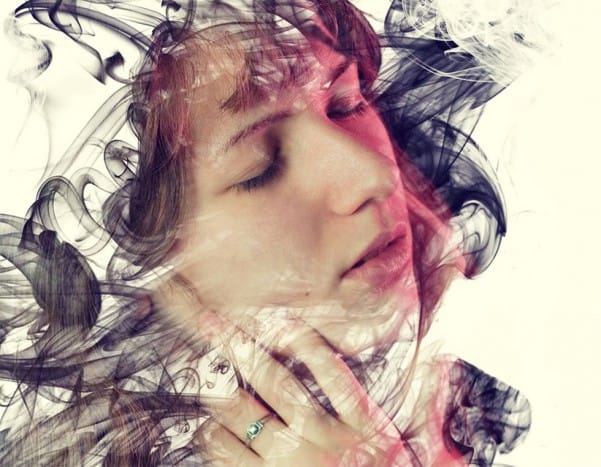
 NyelenehArt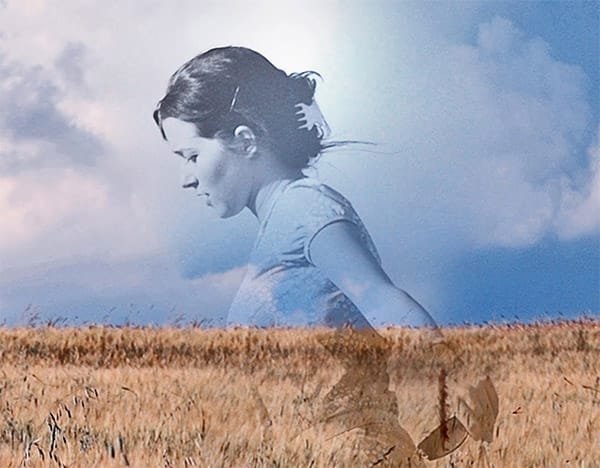
 Photoshop Tutorials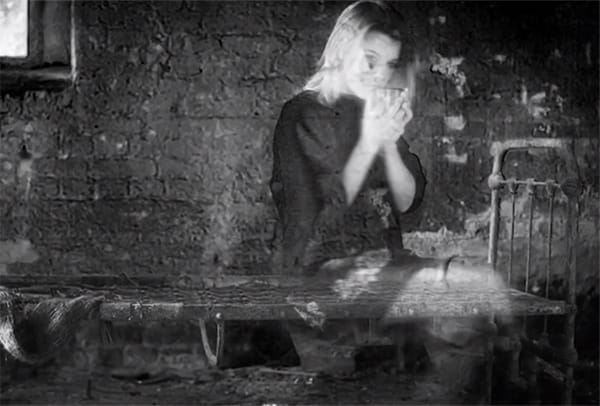
 PSD Box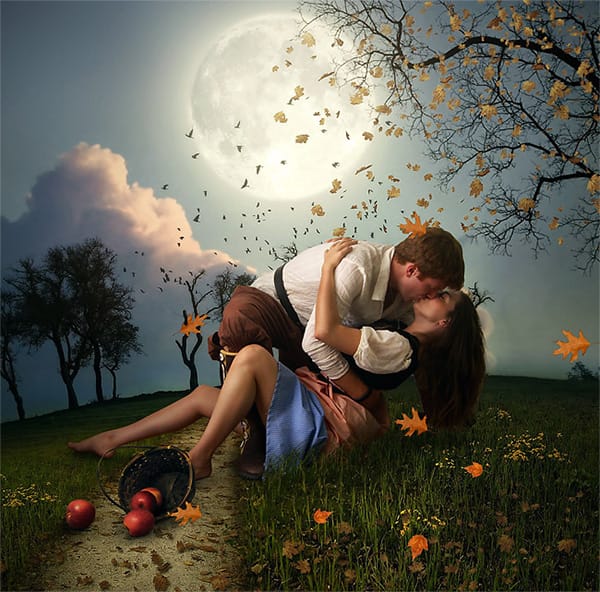
 PSD Box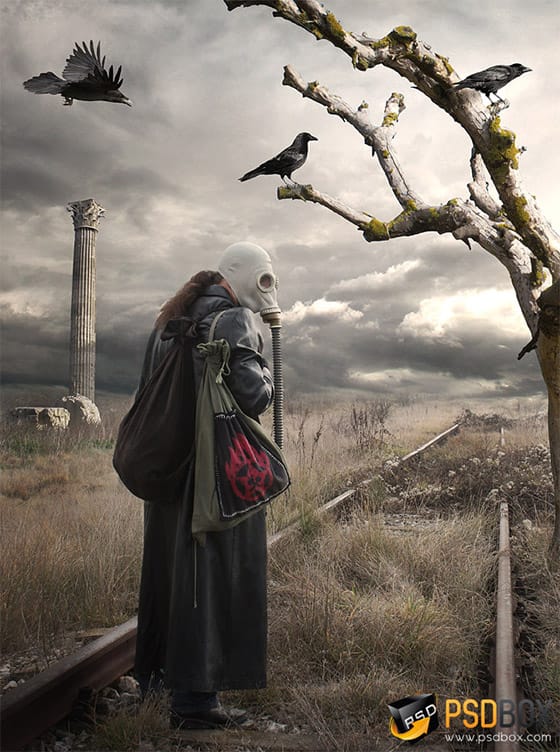
 Lewis Moorhead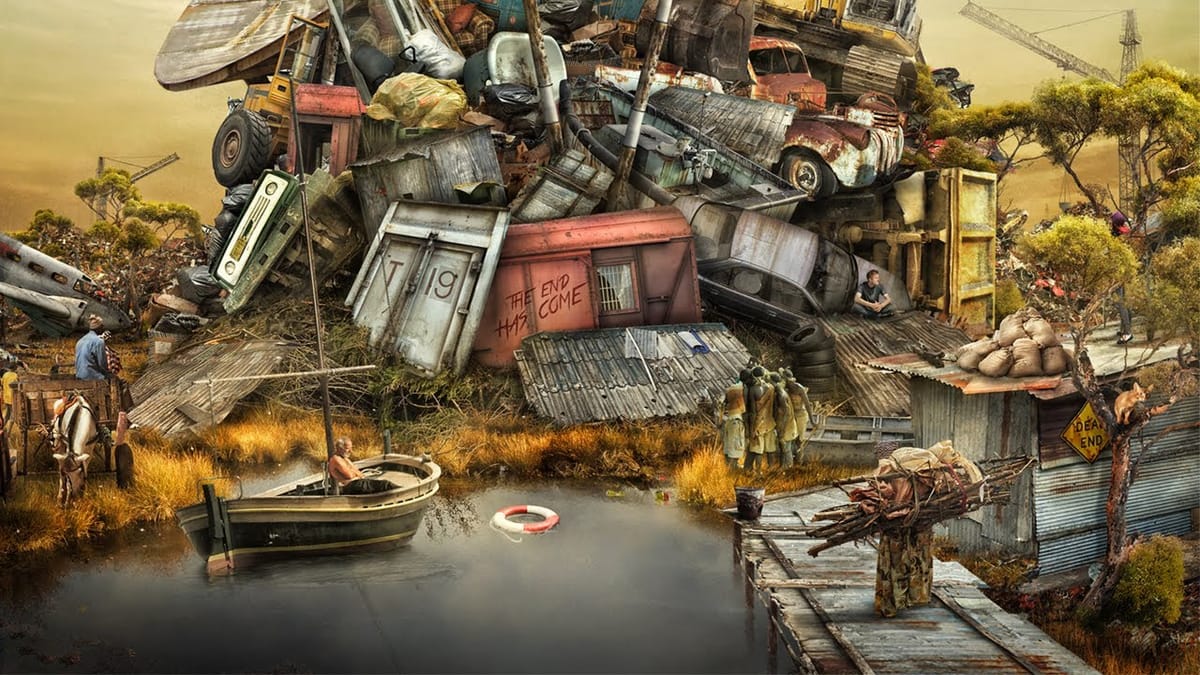
 Blue Lightning TV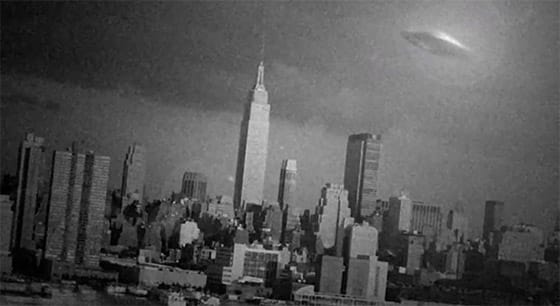
 Blue Lightning TV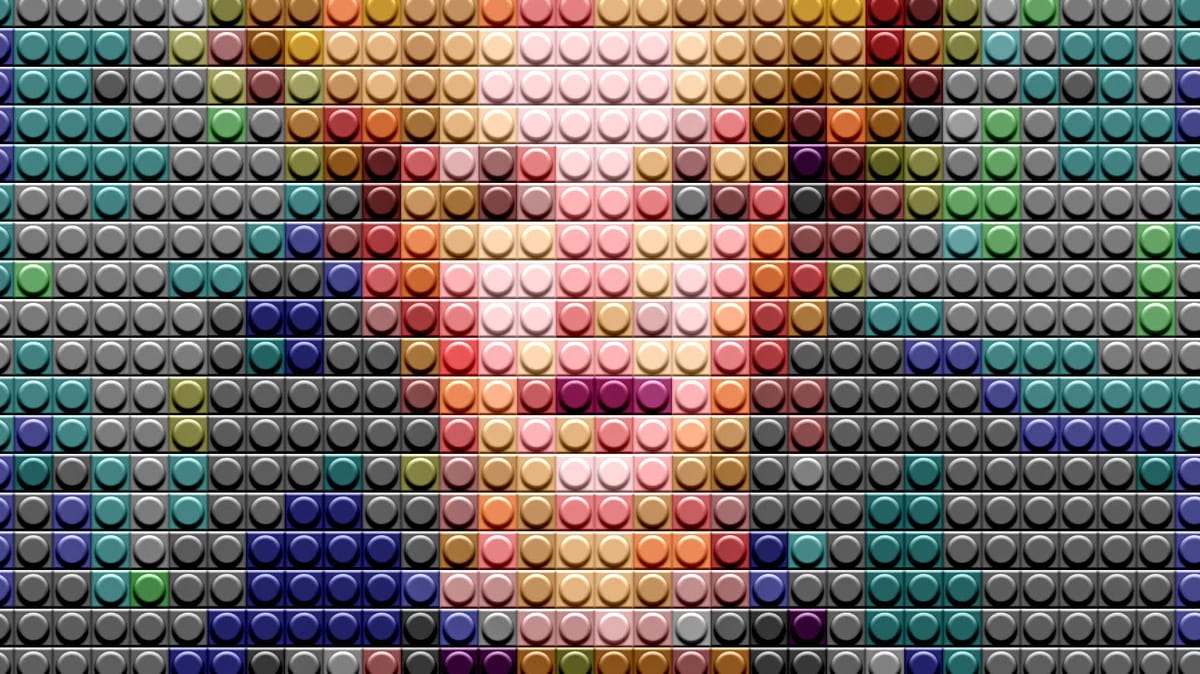
Color & Light Effects
Learn to master the fundamental elements that make or break any photograph. These tutorials focus on color grading, lighting enhancement, and mood creation through strategic color and light manipulation. Essential skills for any photographer or designer looking to create professional-quality images with emotional impact.
 Kelvin Designs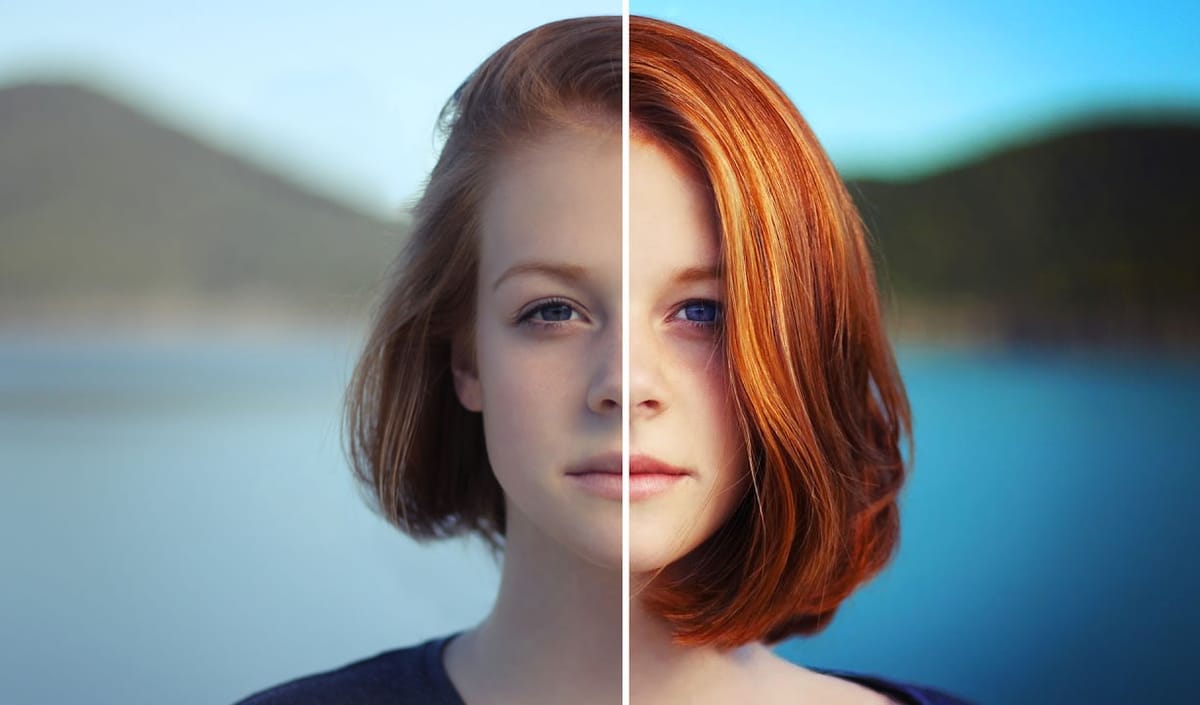
 Photoshop Cafe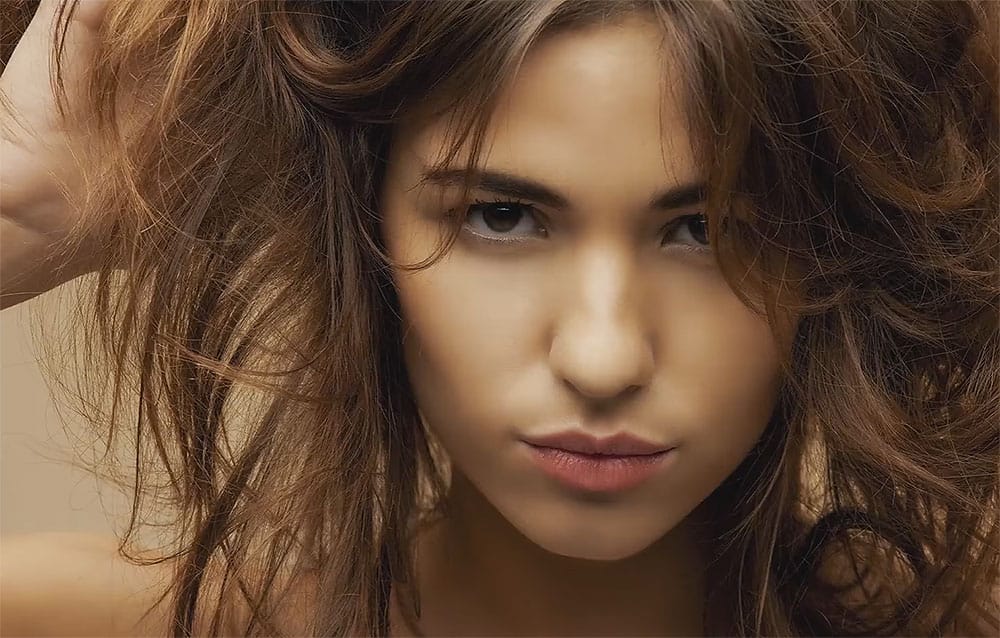
 Justin Odisho
 PiXimperfect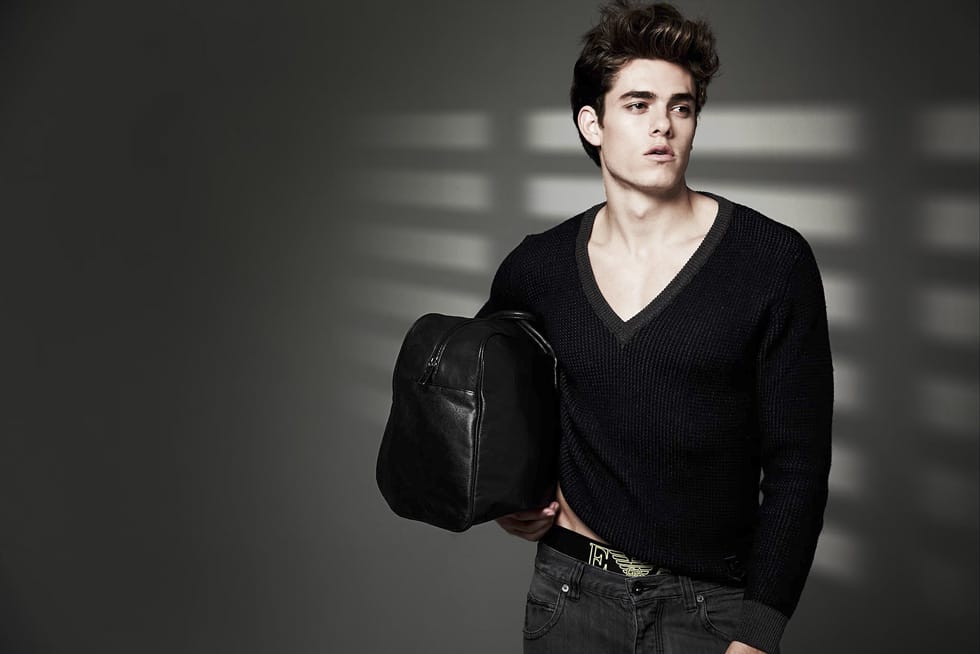
 Photoshop Retouching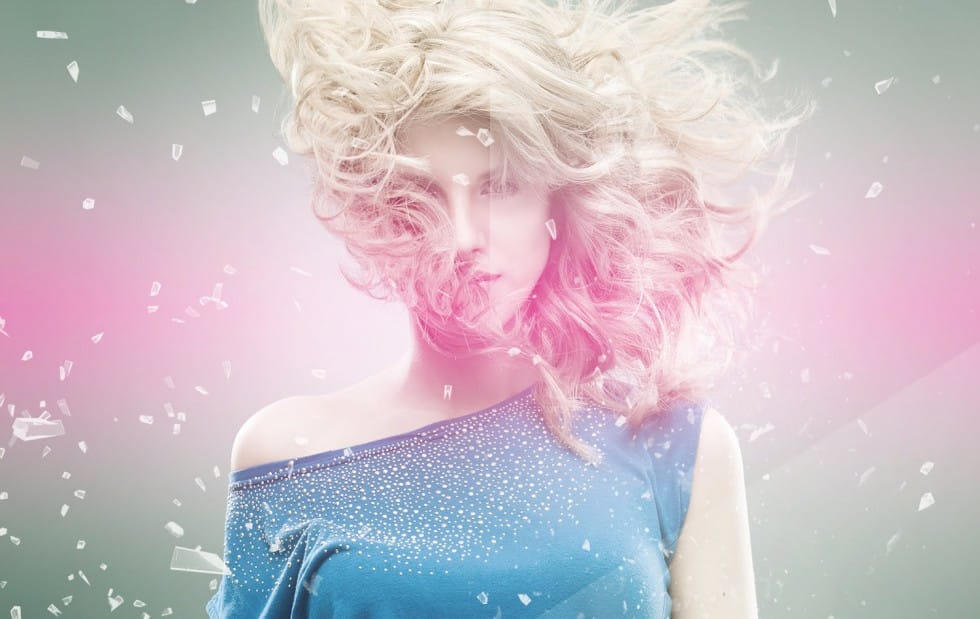
 Topaz Labs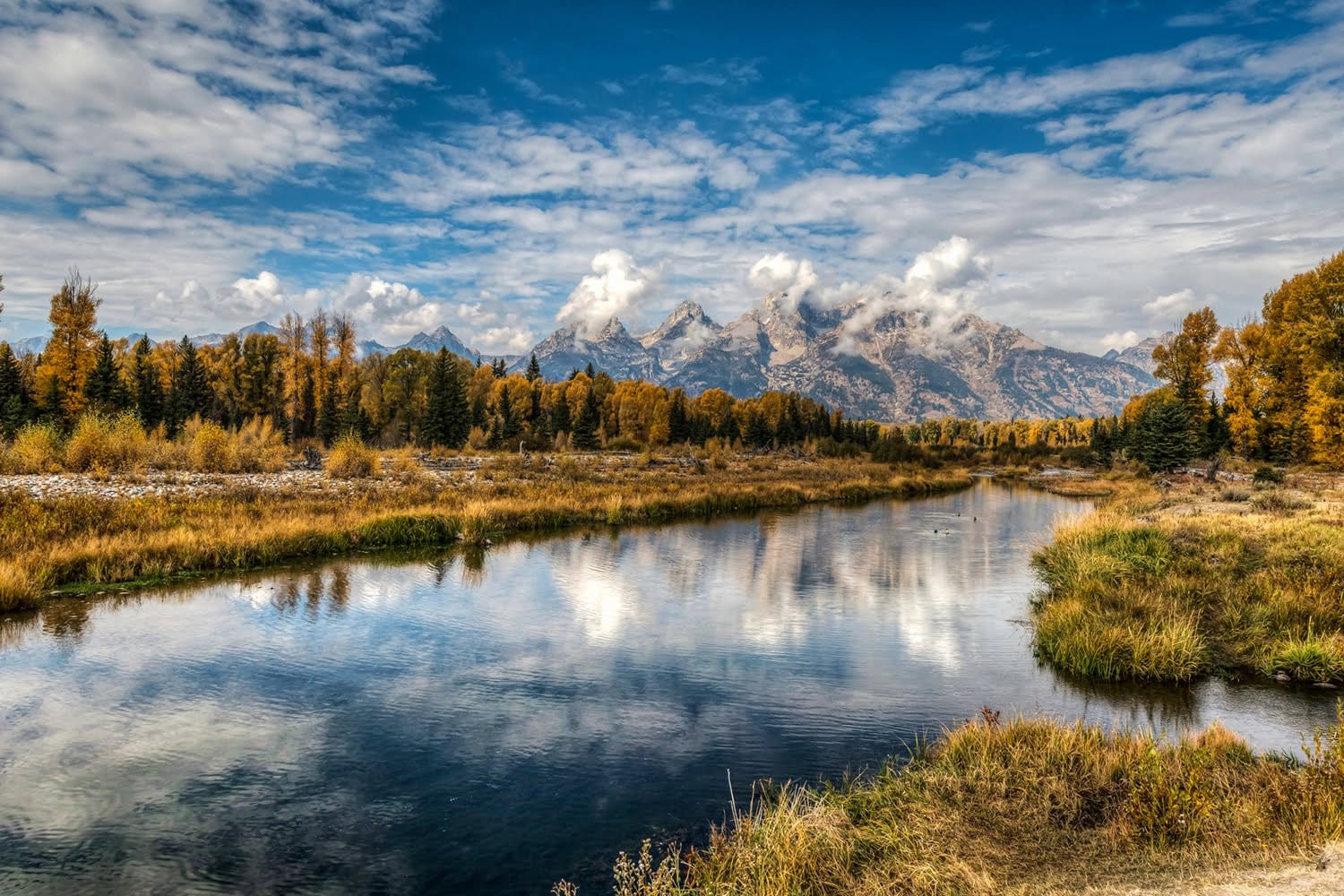
 Phlearn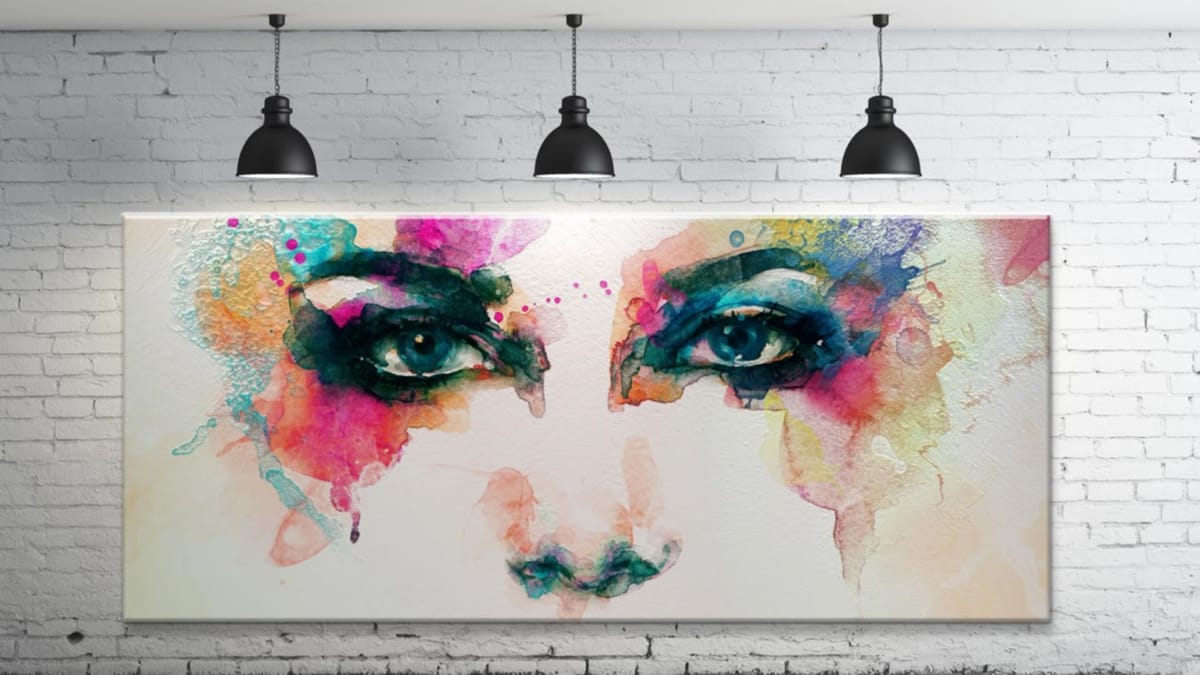
 Blue Lightning TV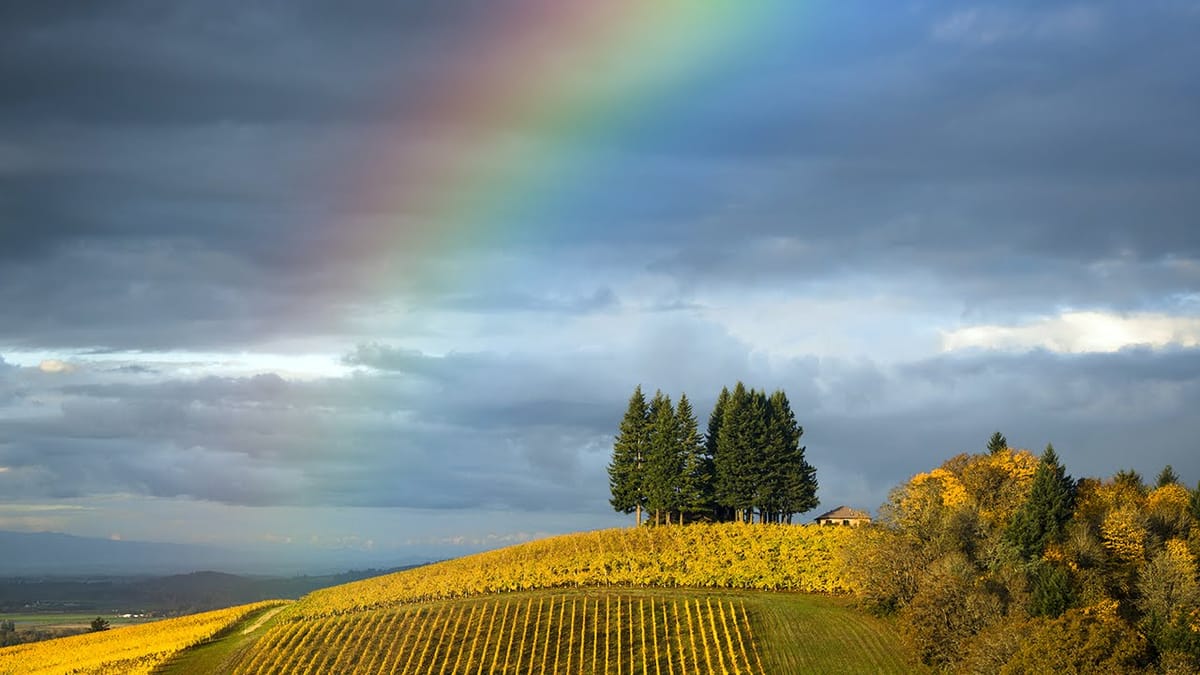
 Serge Ramelli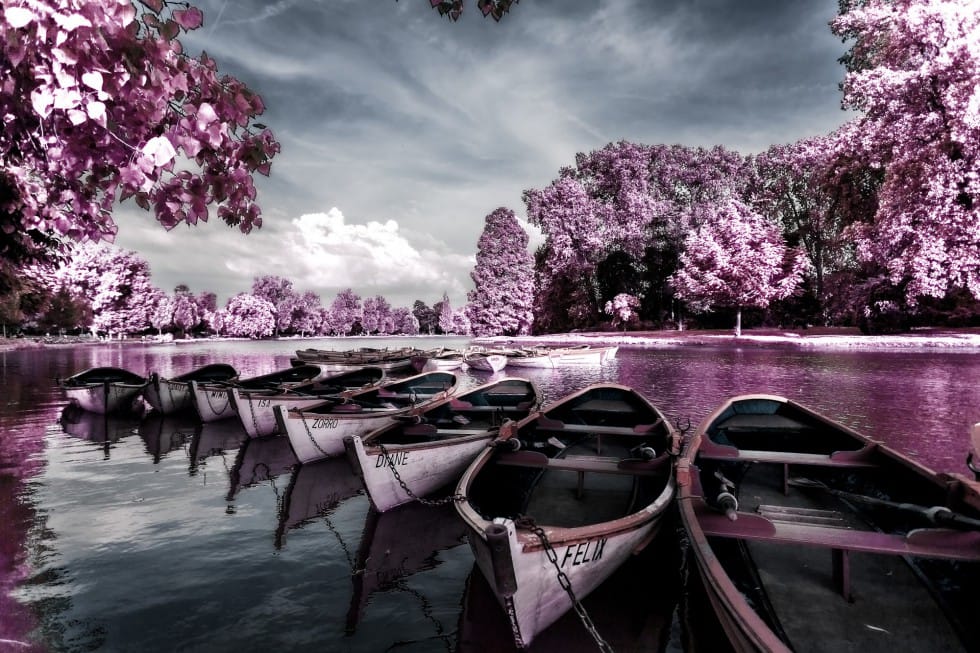
 PiXimperfect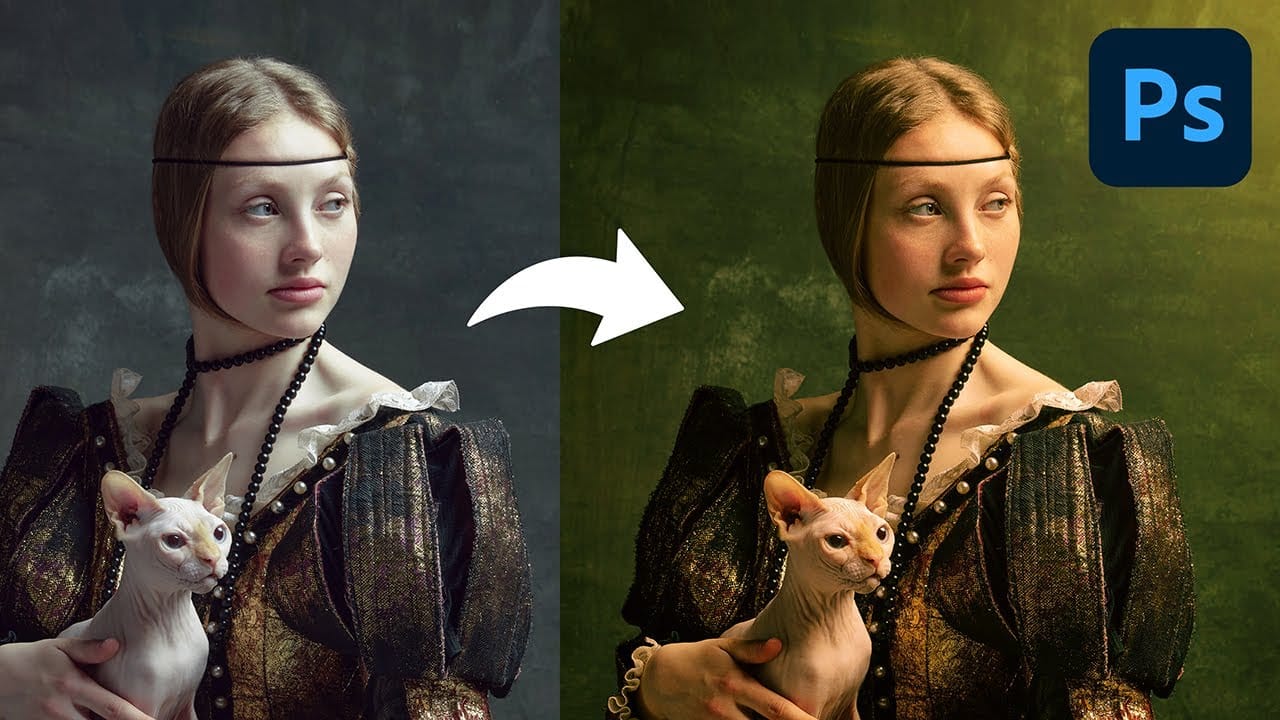
 Topaz Labs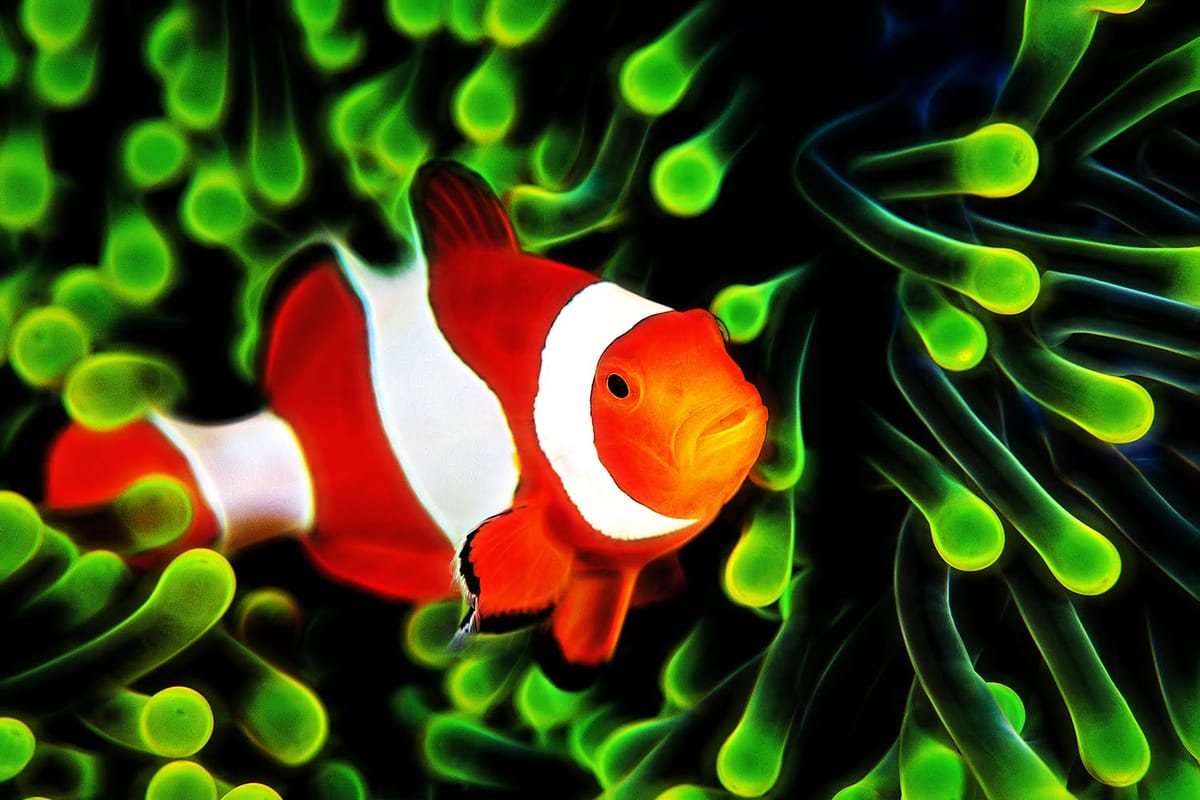
 PSD Box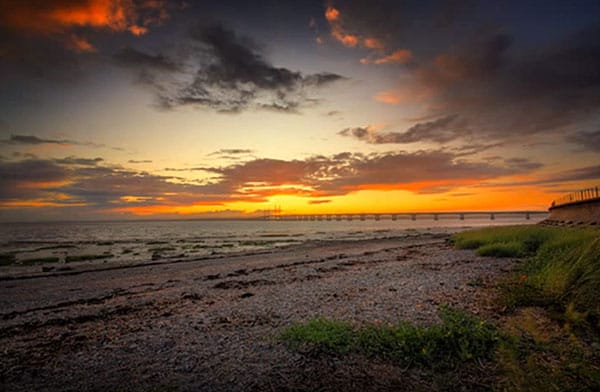
Texture & Pattern Effects
Add depth, interest, and tactile quality to your images with these texture and pattern-based effects. These techniques help create visual complexity and can transform flat images into rich, layered compositions. Perfect for creating unique backgrounds, artistic overlays, or completely reimagining the surface qualities of your photographs.
 Tutorials Junction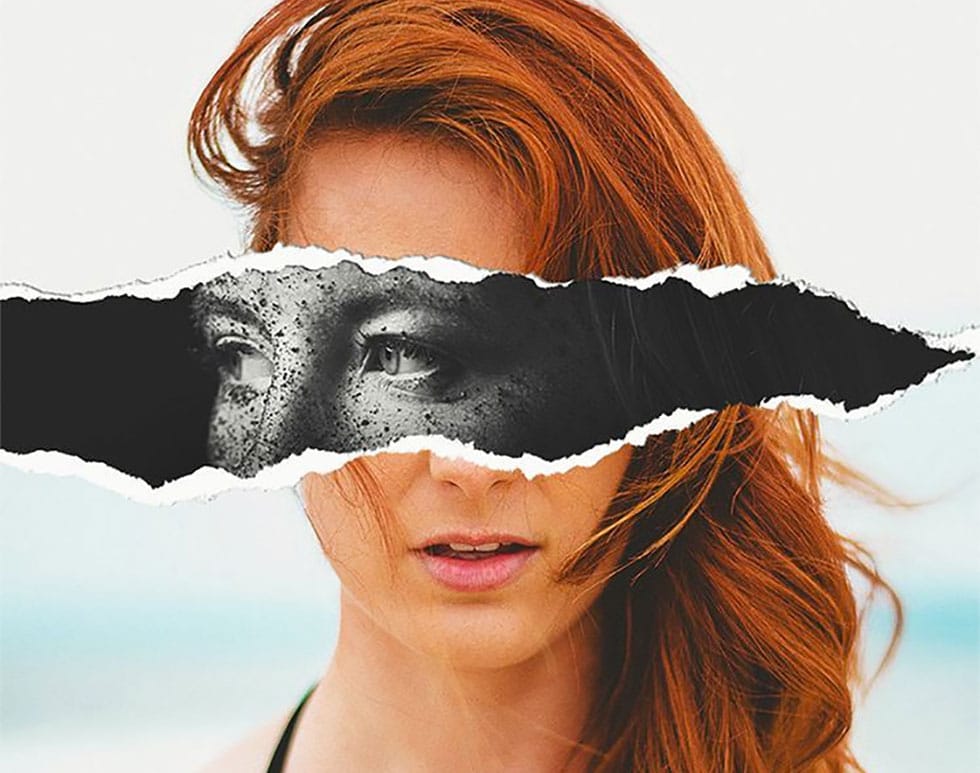
 Blue Lightning TV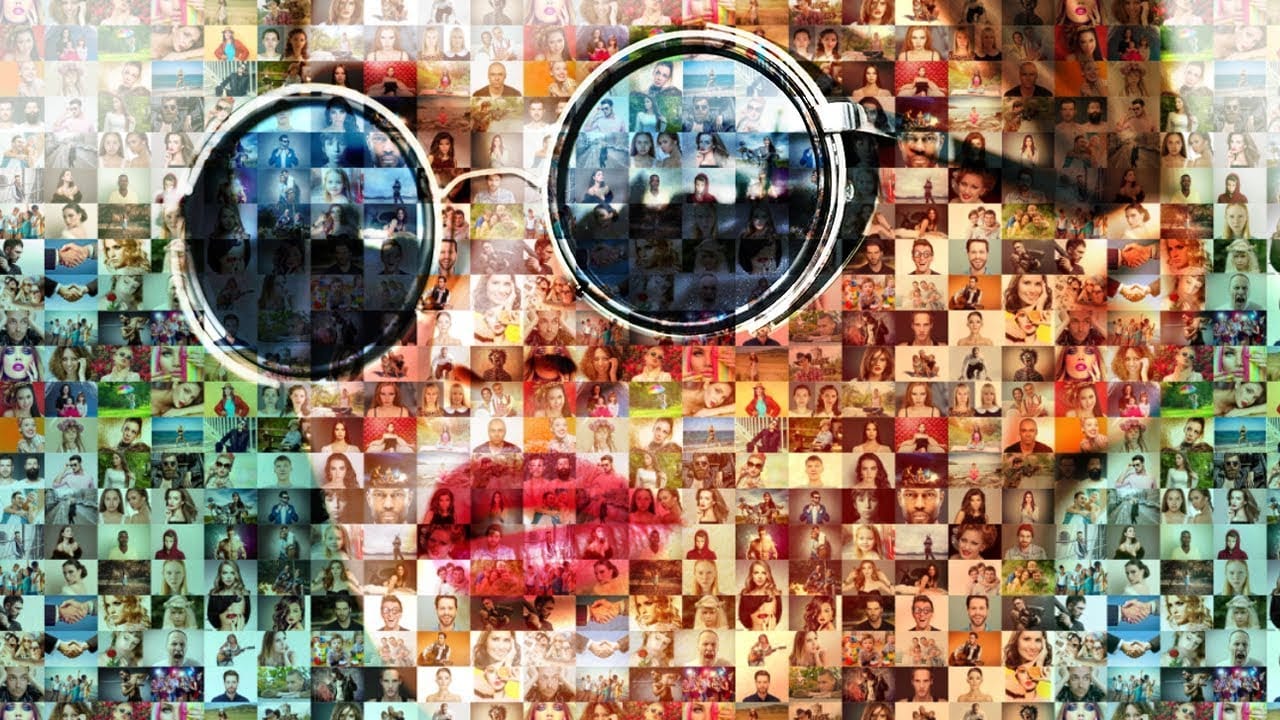
 Blue Lightning TV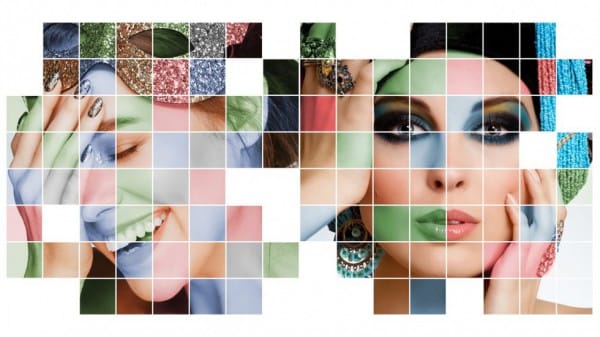
 Phlearn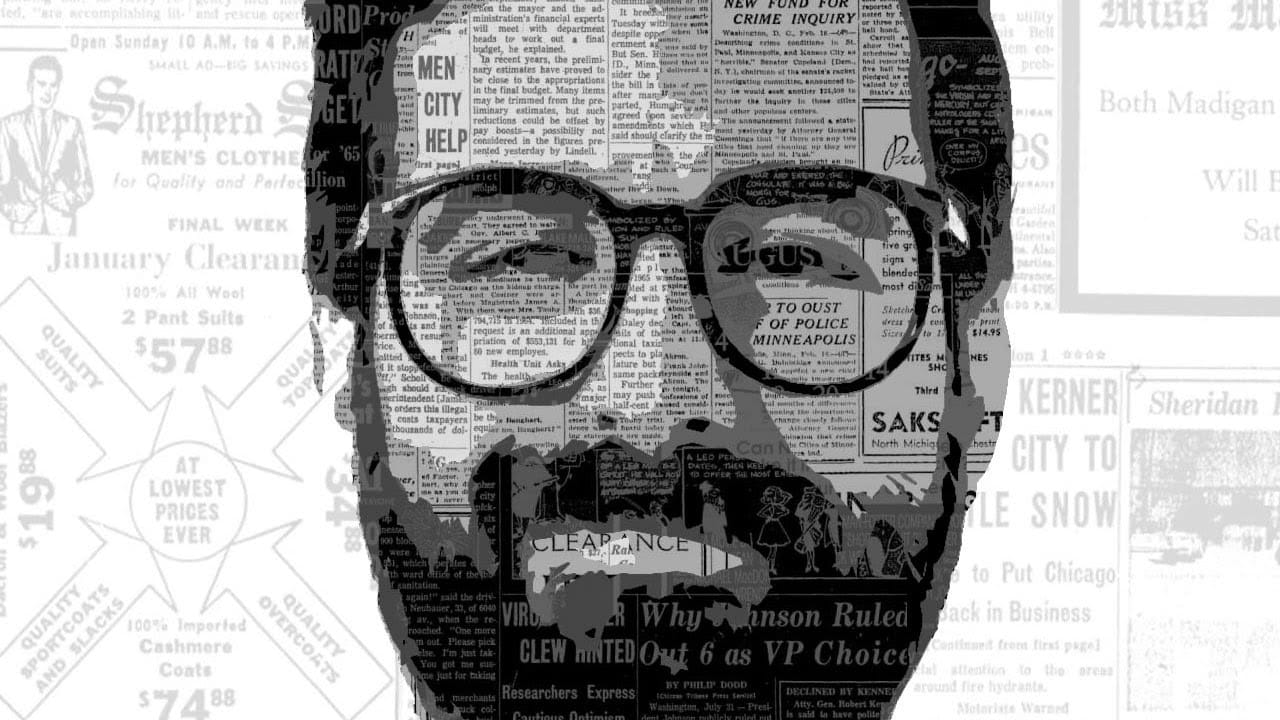
 Blue Lightning TV
 Phlearn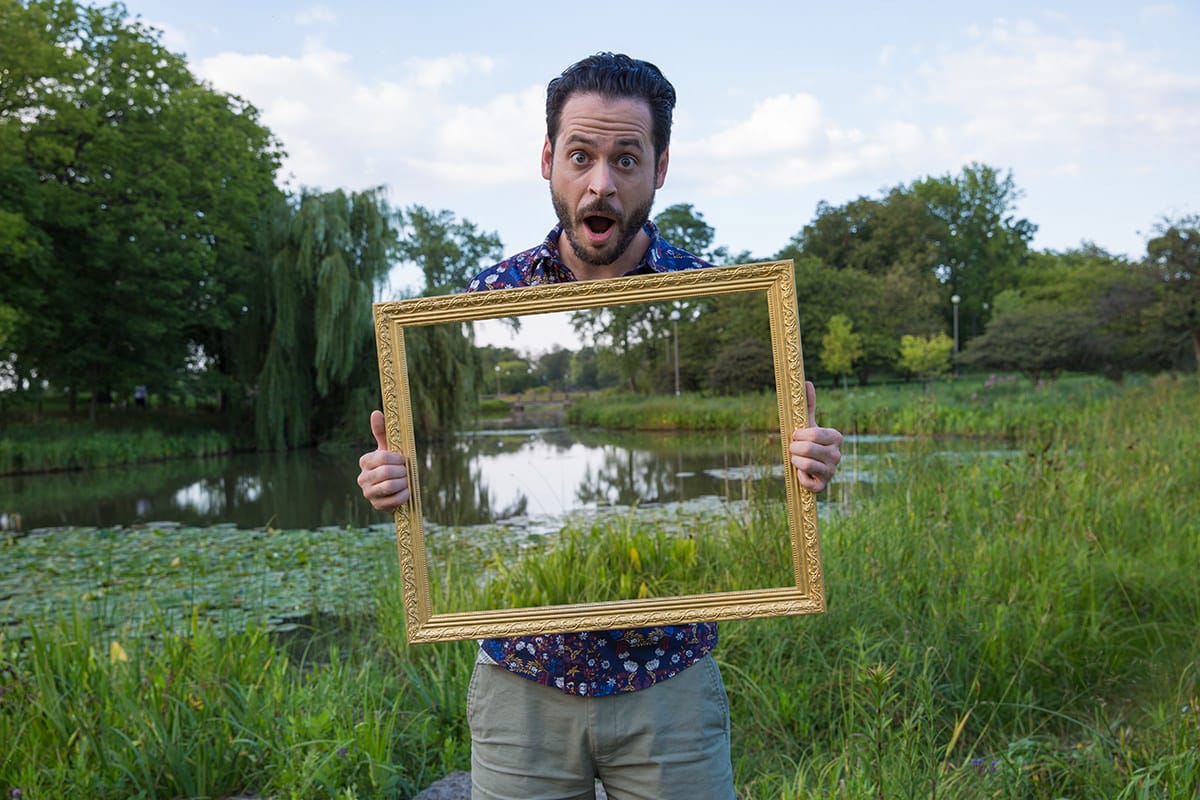
 Phlearn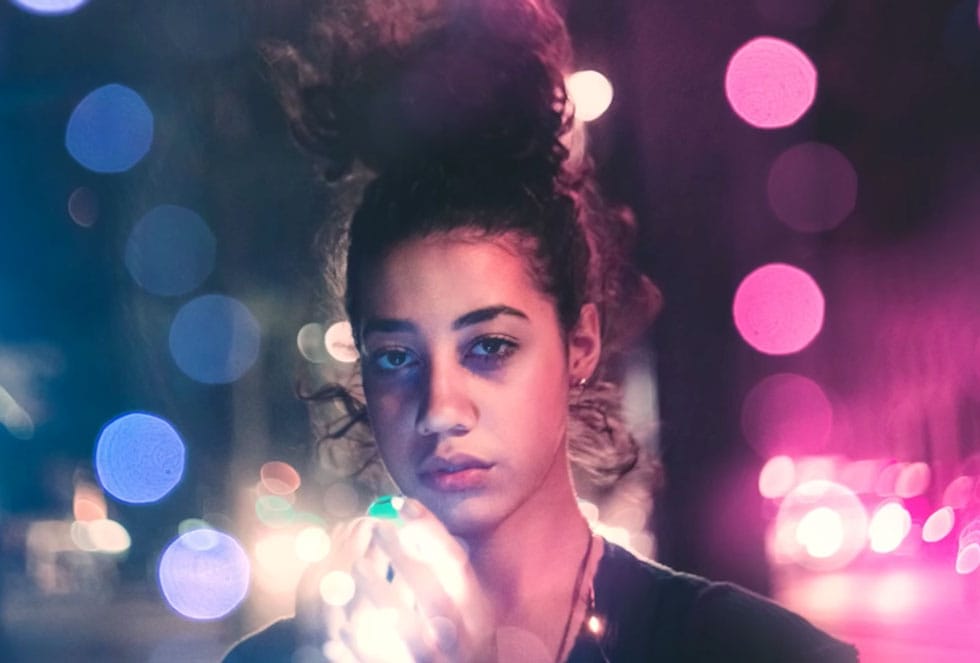
 Panter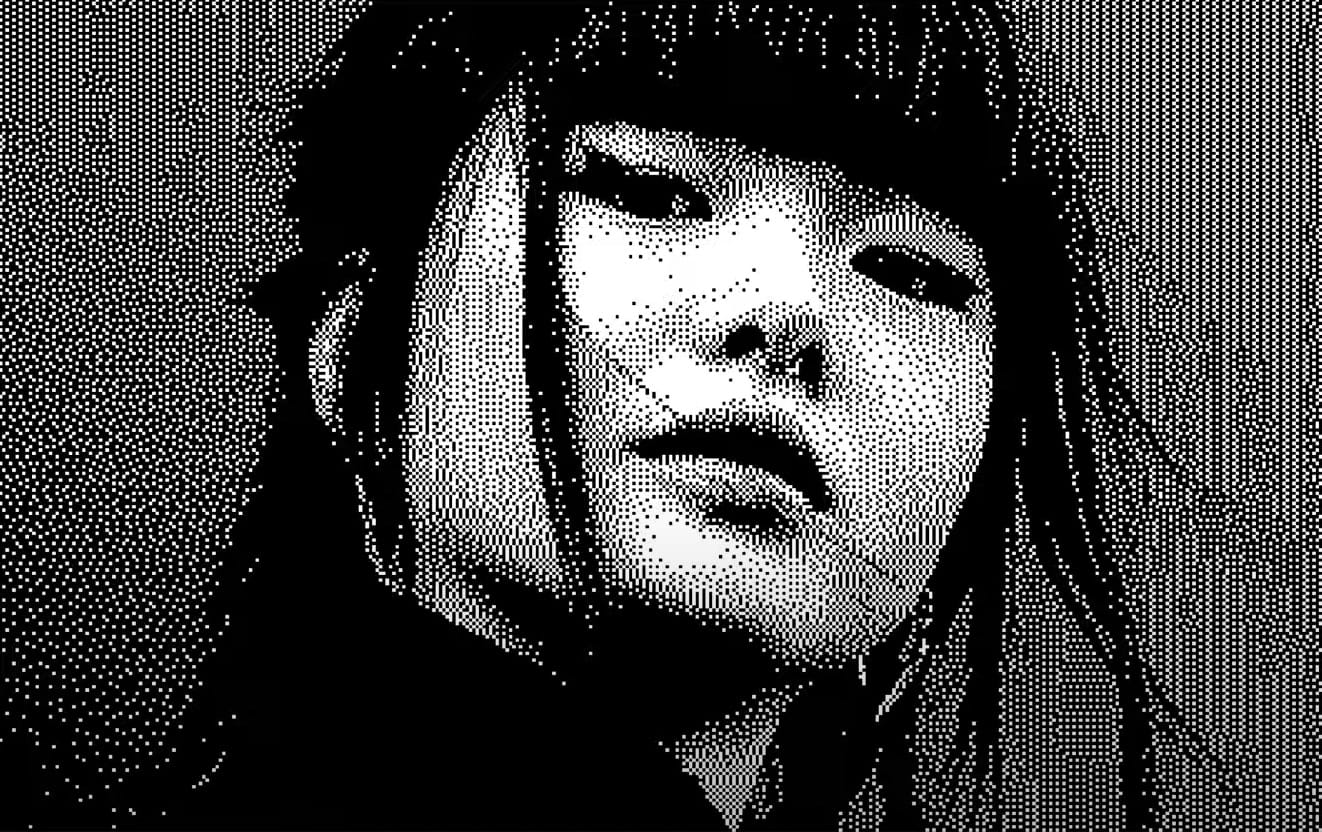
 Phlearn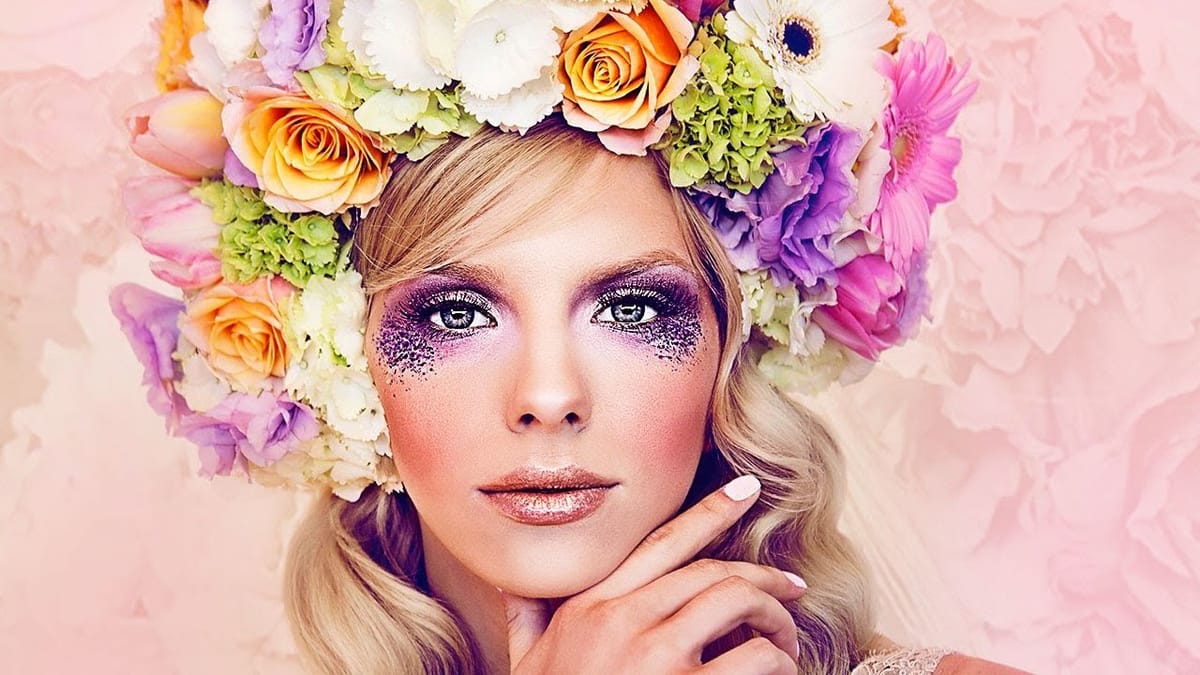
 Blue Lightning TV
 Jessica Kobeissi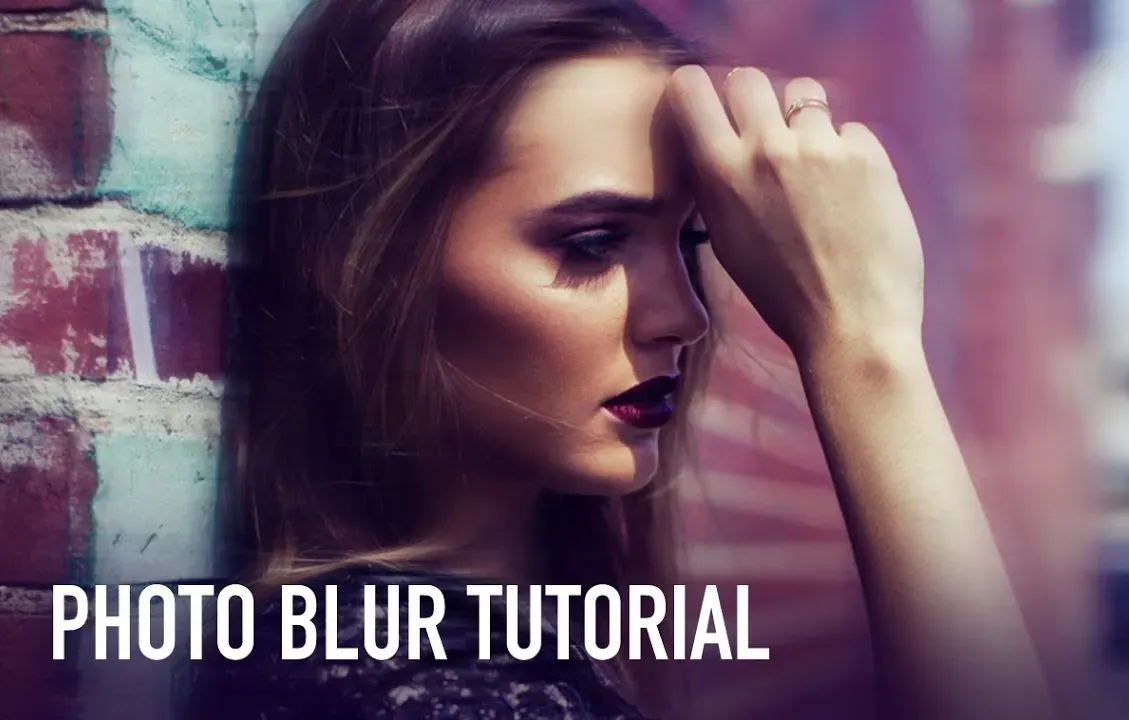
Vintage & Retro Effects
Capture the nostalgic charm of bygone eras with these vintage and retro photo effects. From classic film looks to Instagram-inspired filters, these tutorials help you recreate the aesthetic qualities of different time periods. Perfect for fashion photography, lifestyle brands, or anyone looking to add timeless appeal to their imagery.
 Photoshop Essentials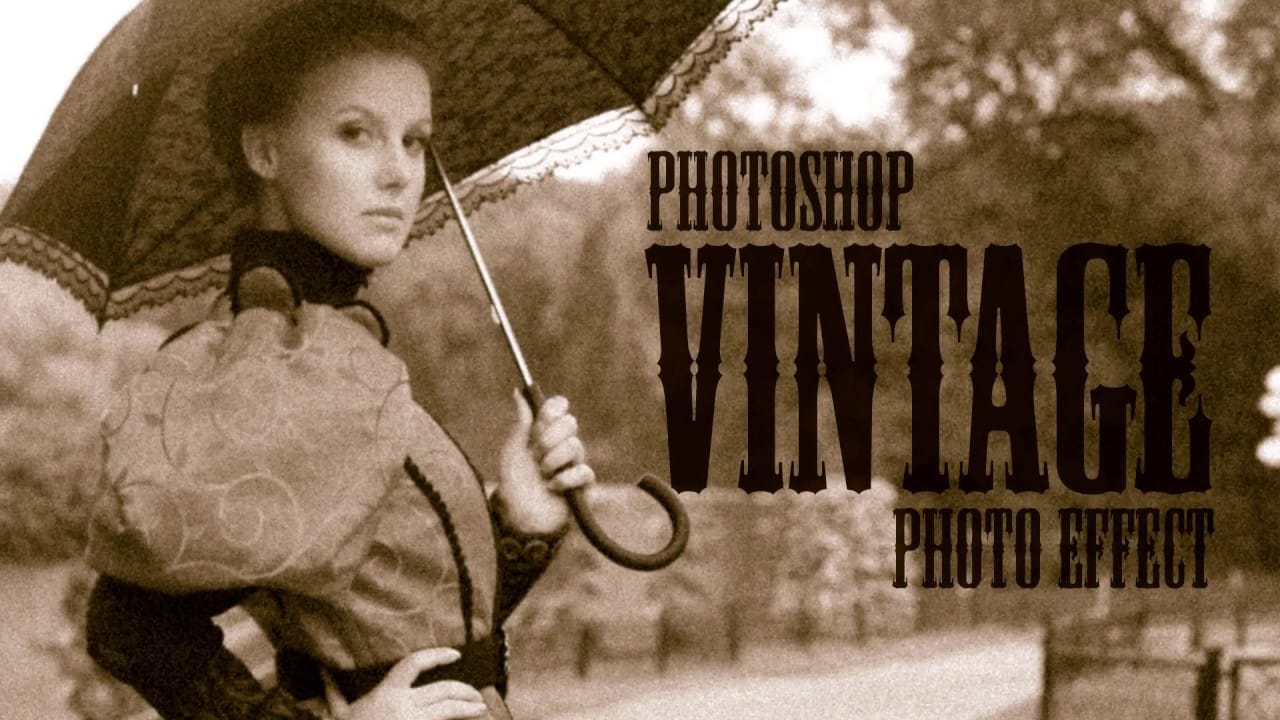
 Let’s Photoshop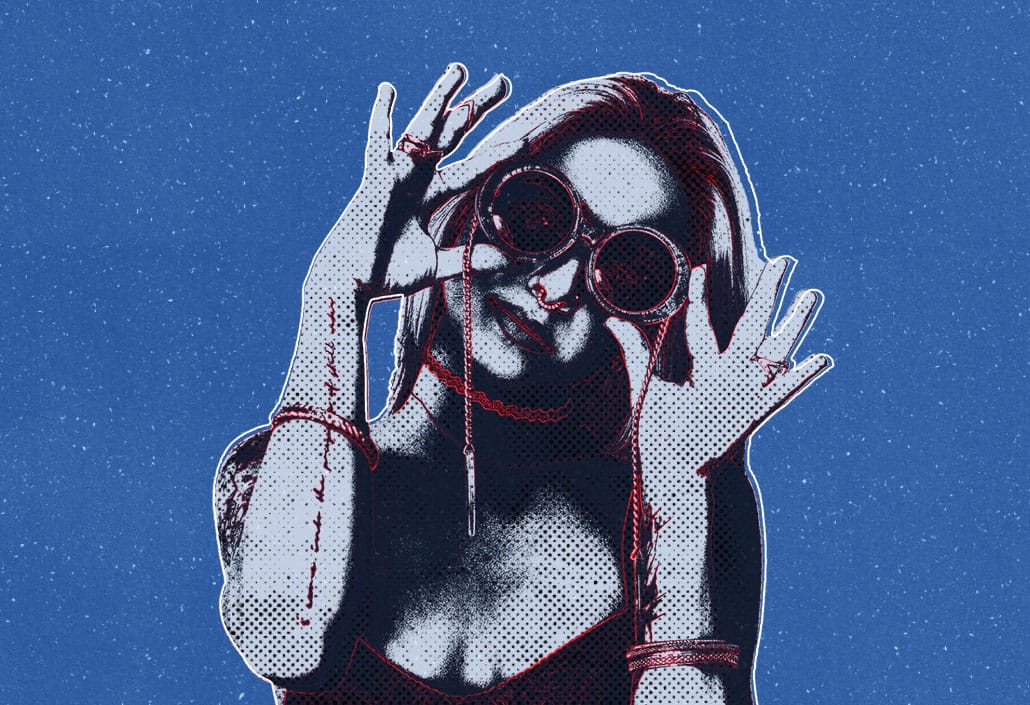
 Blue Lightning TV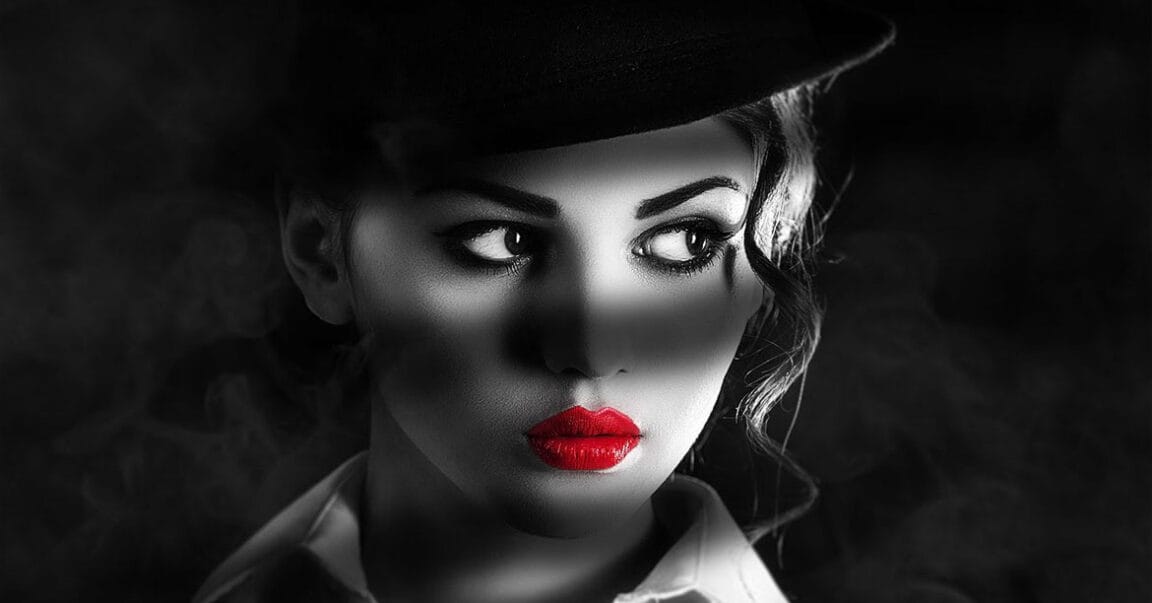
 Blue Lightning TV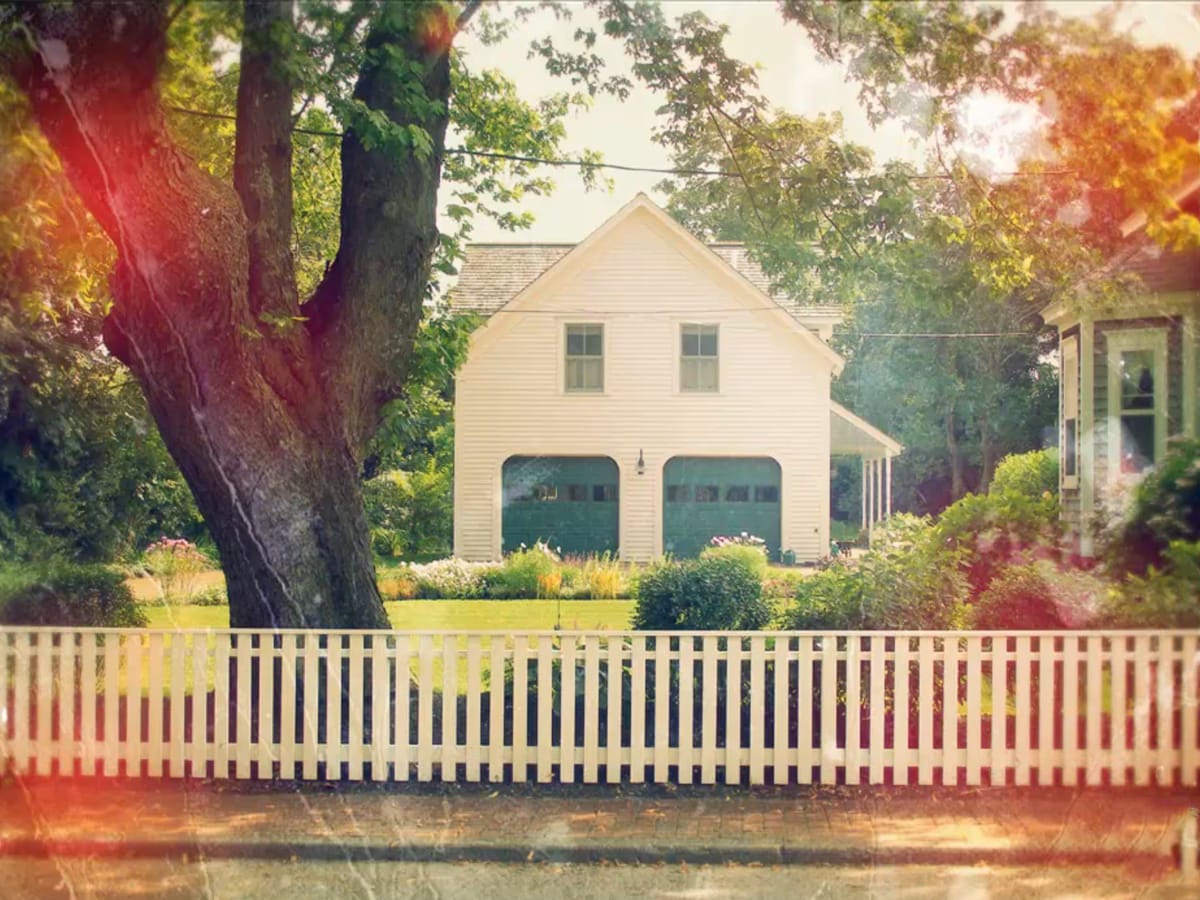
 Blue Lightning TV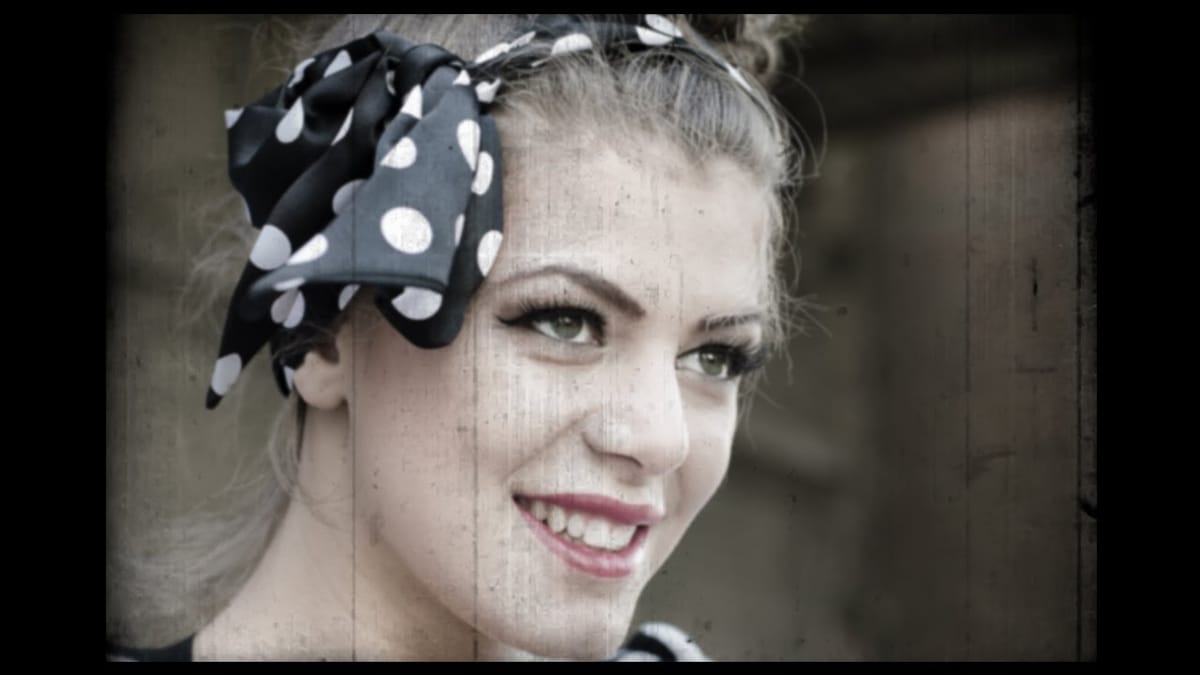
 Justin Odisho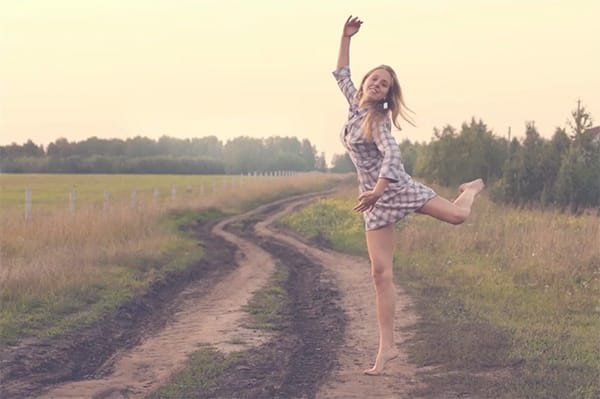
 Retutpro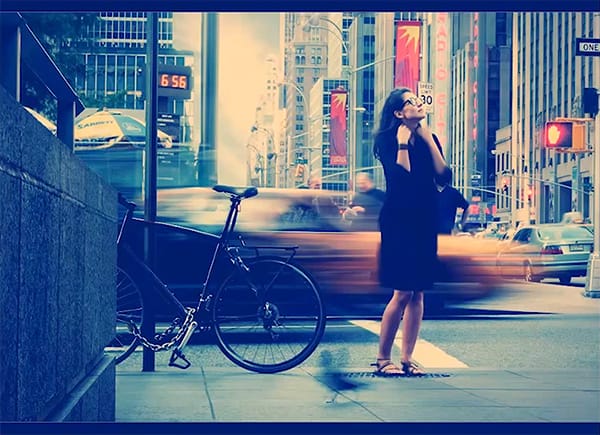
 Richard Brouwer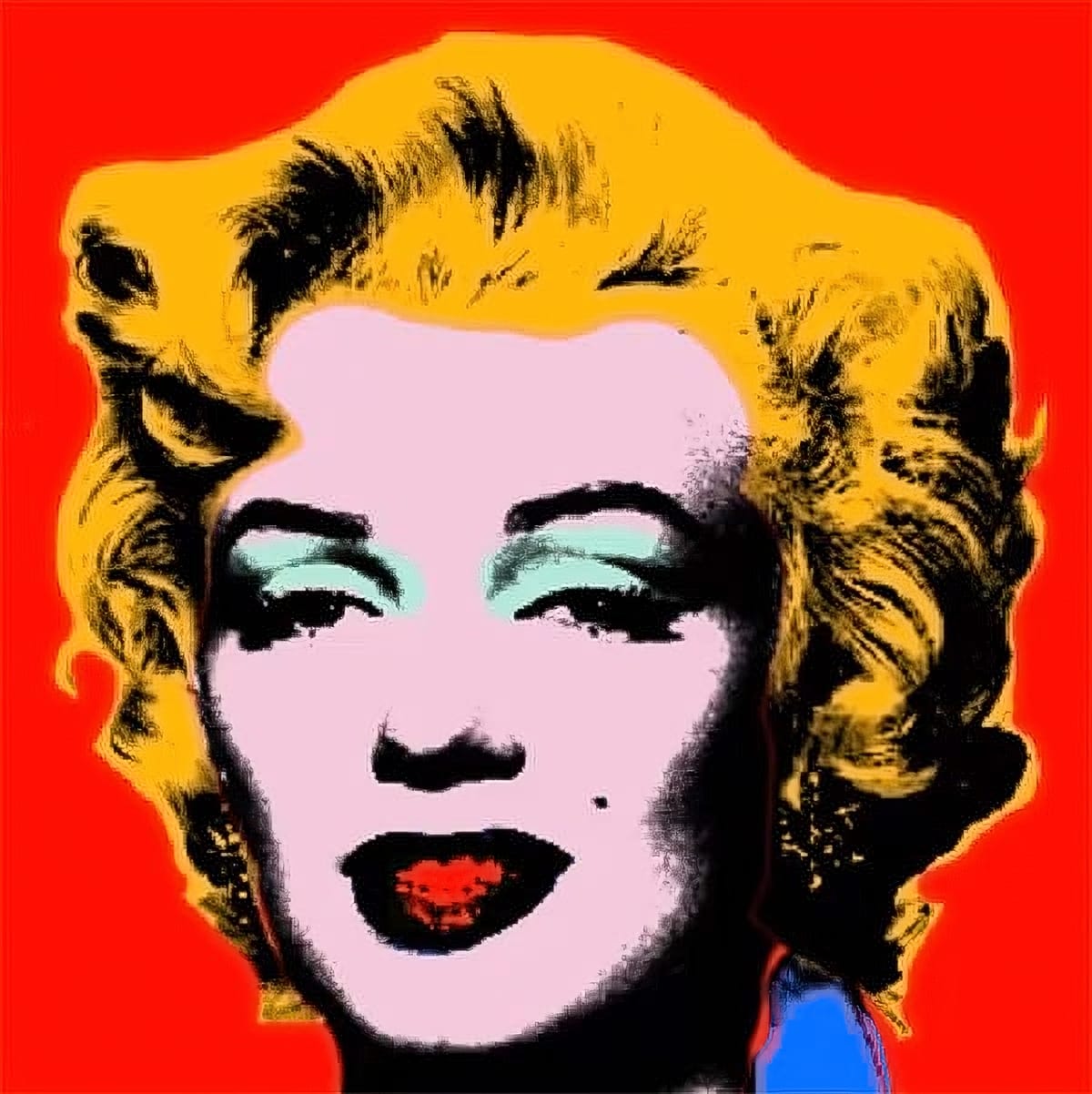
 Enrique Flouret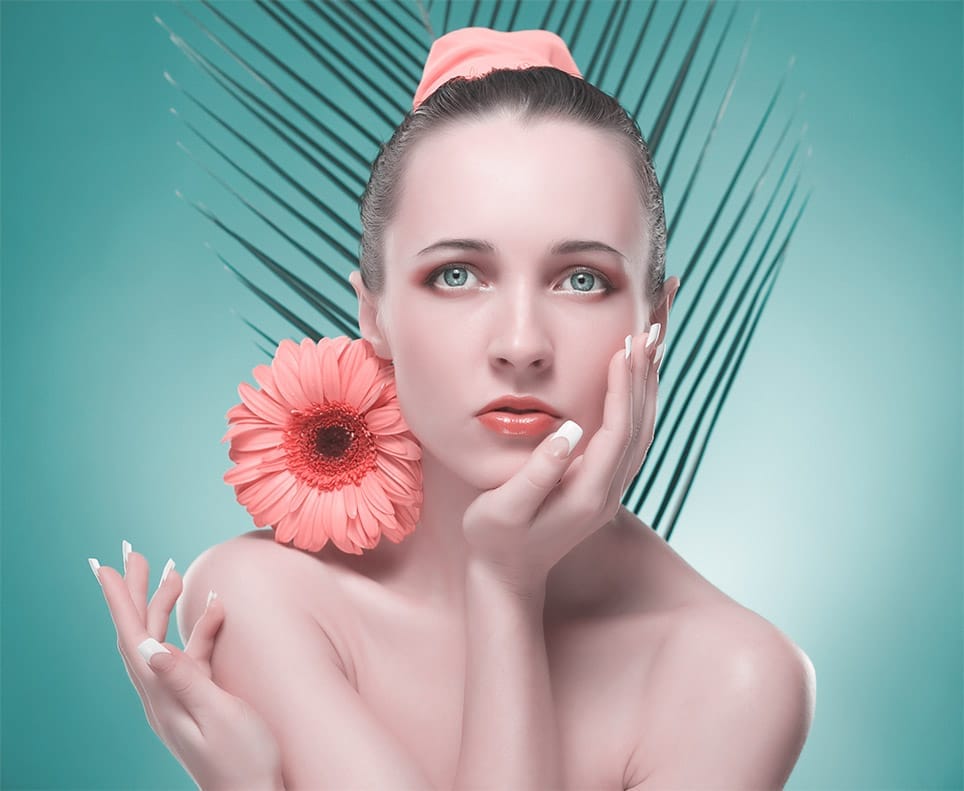
 Pixivu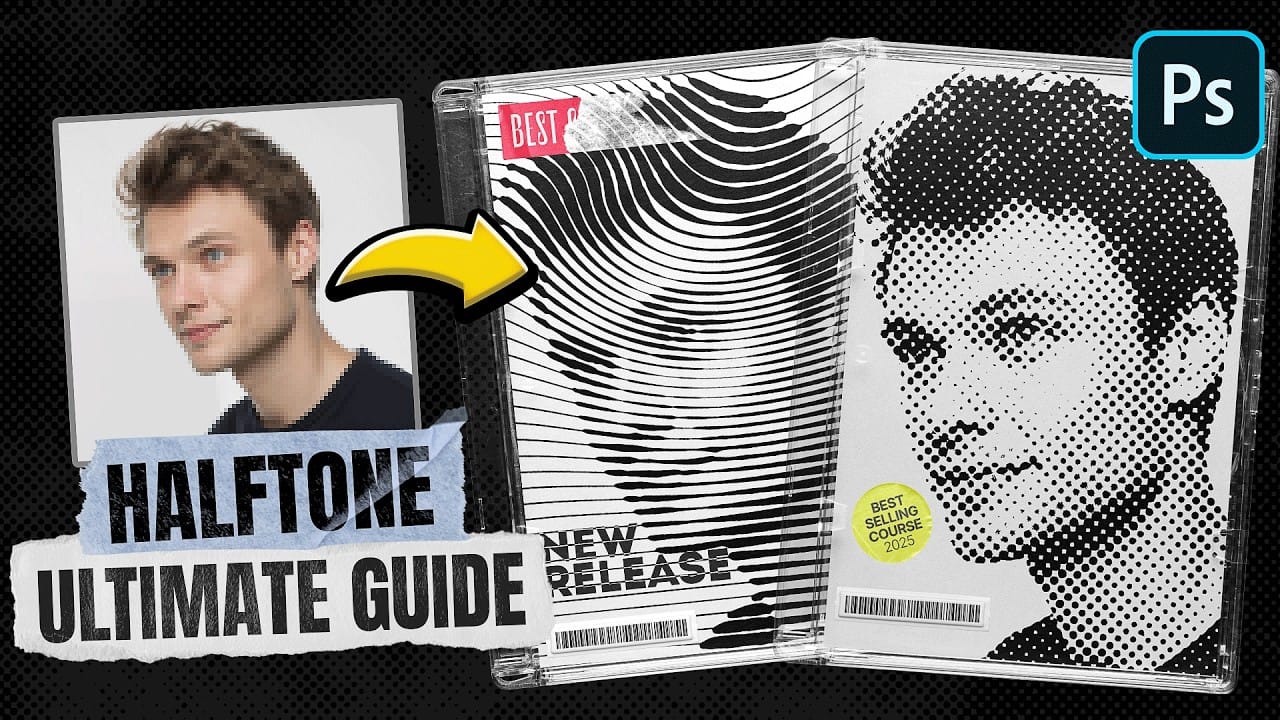
Weather & Environmental Effects
Bring nature's drama into your photographs with these weather and environmental effect tutorials. Learn to add realistic atmospheric conditions, seasonal elements, and environmental storytelling to your images. These techniques are invaluable for landscape photographers, composite artists, and anyone looking to enhance the natural drama in their work.
 Glyn Dewis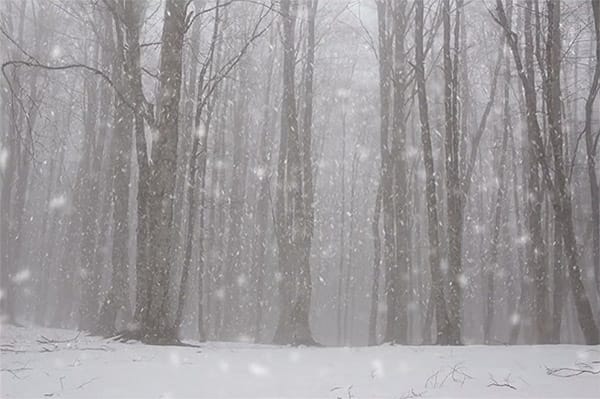
 Blue Lightning TV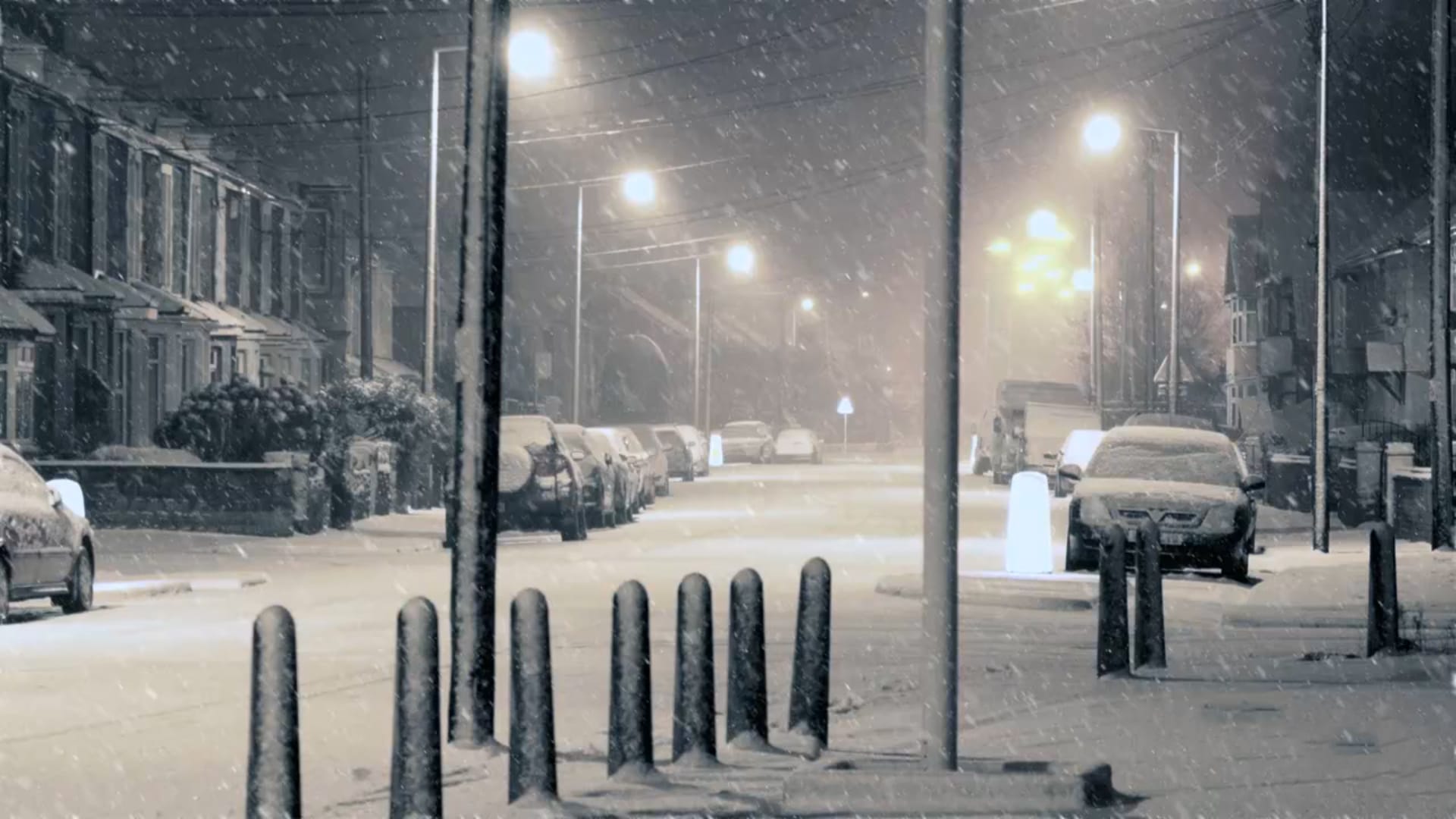
 Howard Pinsky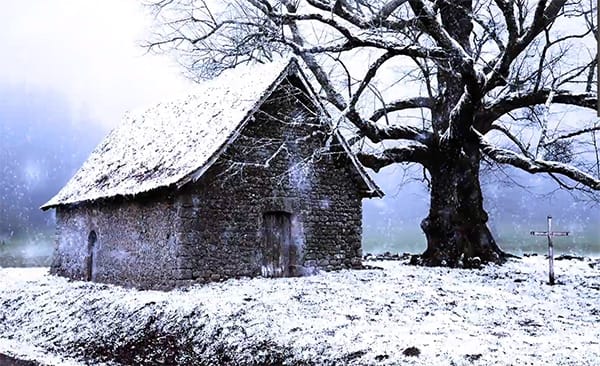
 Blue Lightning TV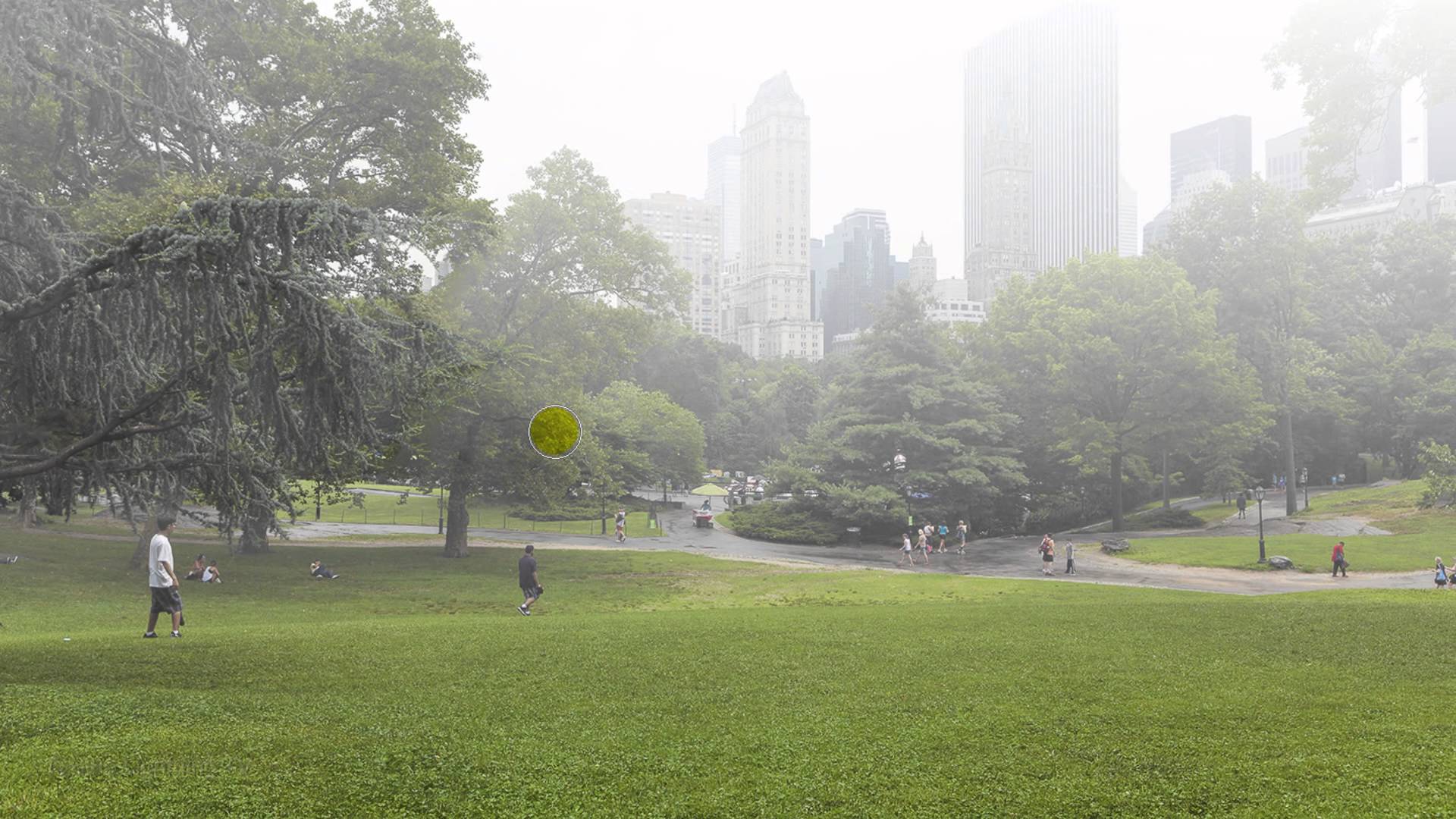
 Blue Lightning TV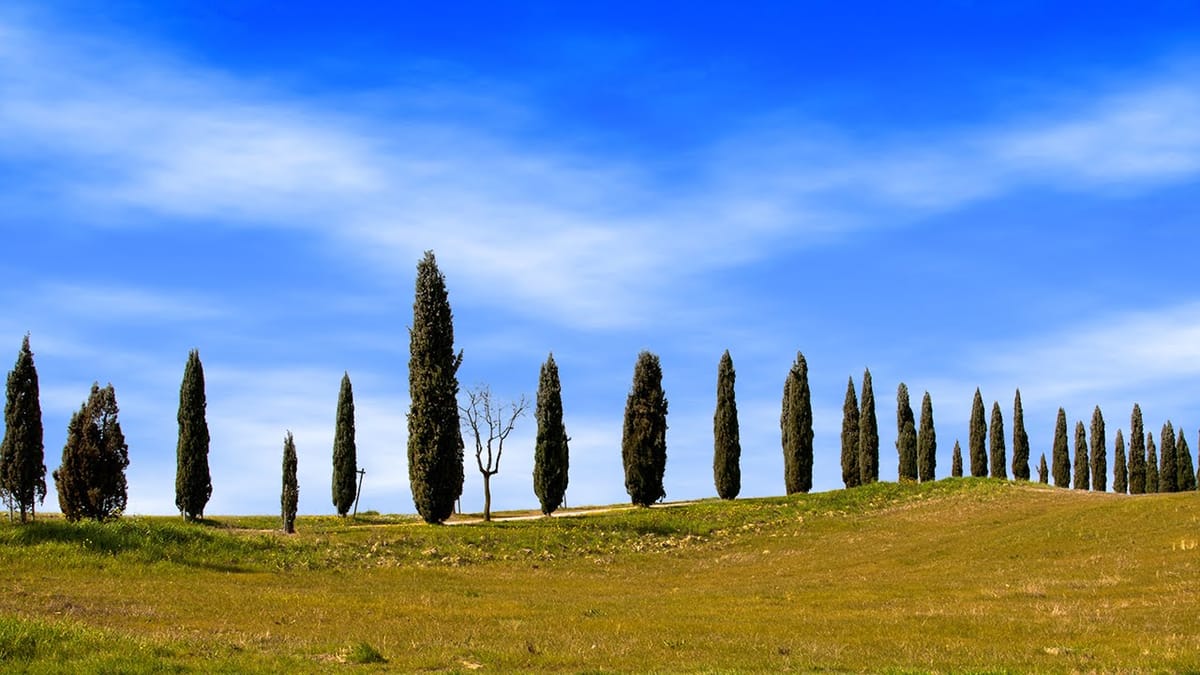
 Blue Lightning TV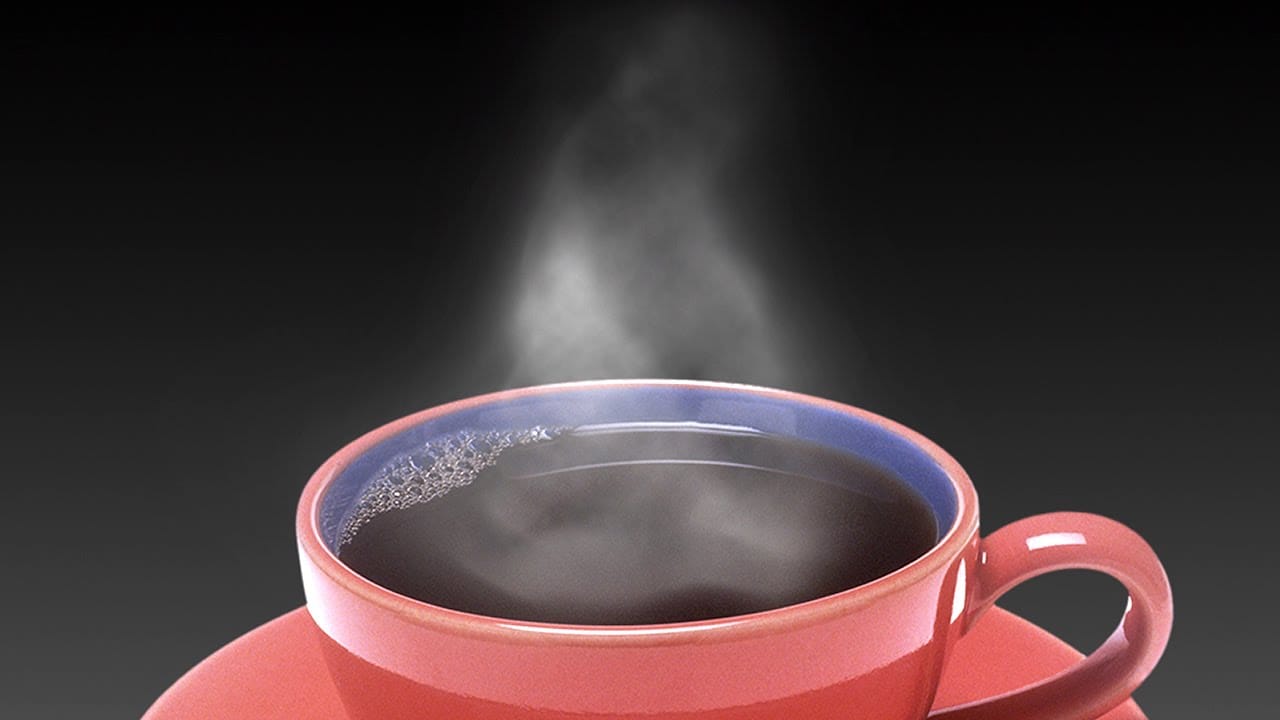
 Blue Lightning TV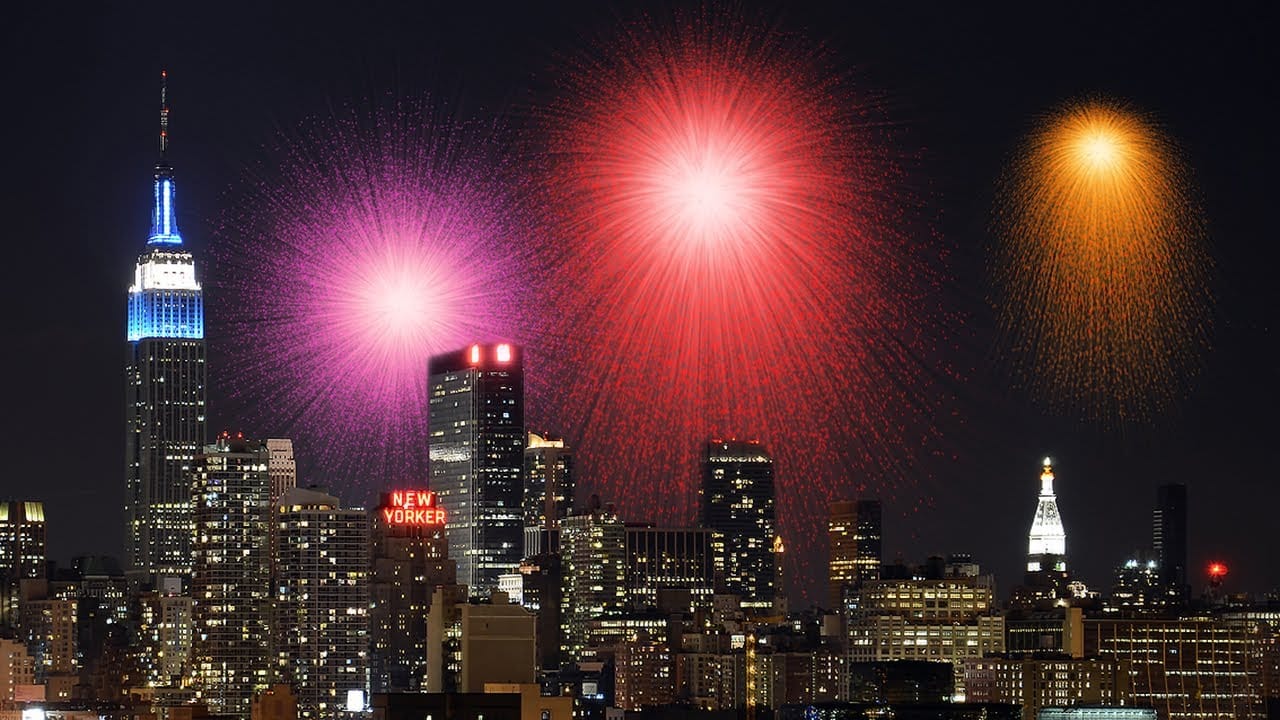
 Phlearn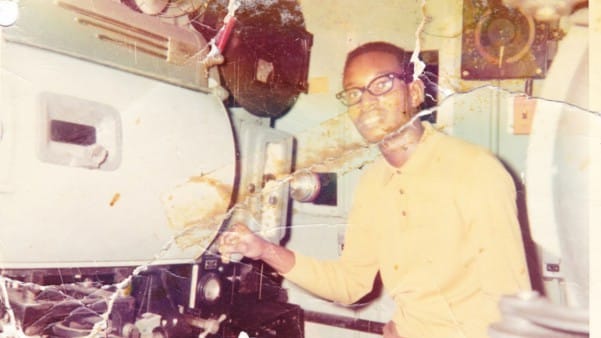
Digital Art & Modern Effects
Explore contemporary digital art techniques that push creative boundaries and embrace modern aesthetic trends. These tutorials focus on current design movements, experimental techniques, and cutting-edge visual effects that define today's digital art landscape. Perfect for artists looking to stay current with modern design trends.
 Blue Lightning TV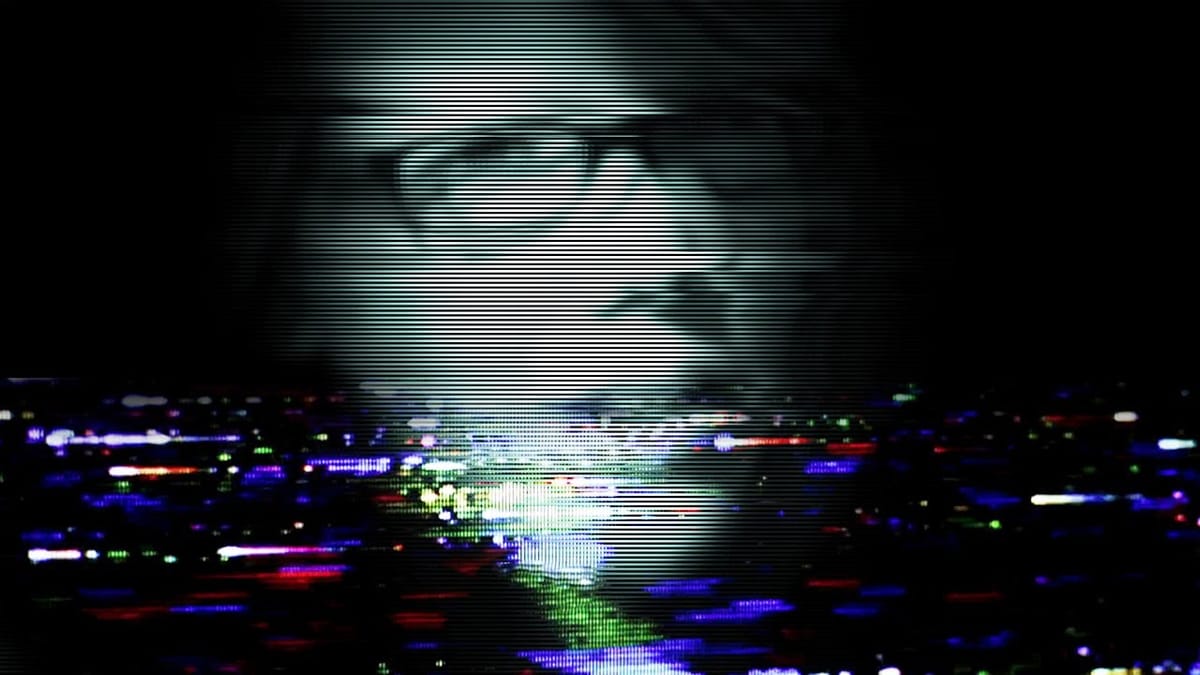
 Tutorials Junction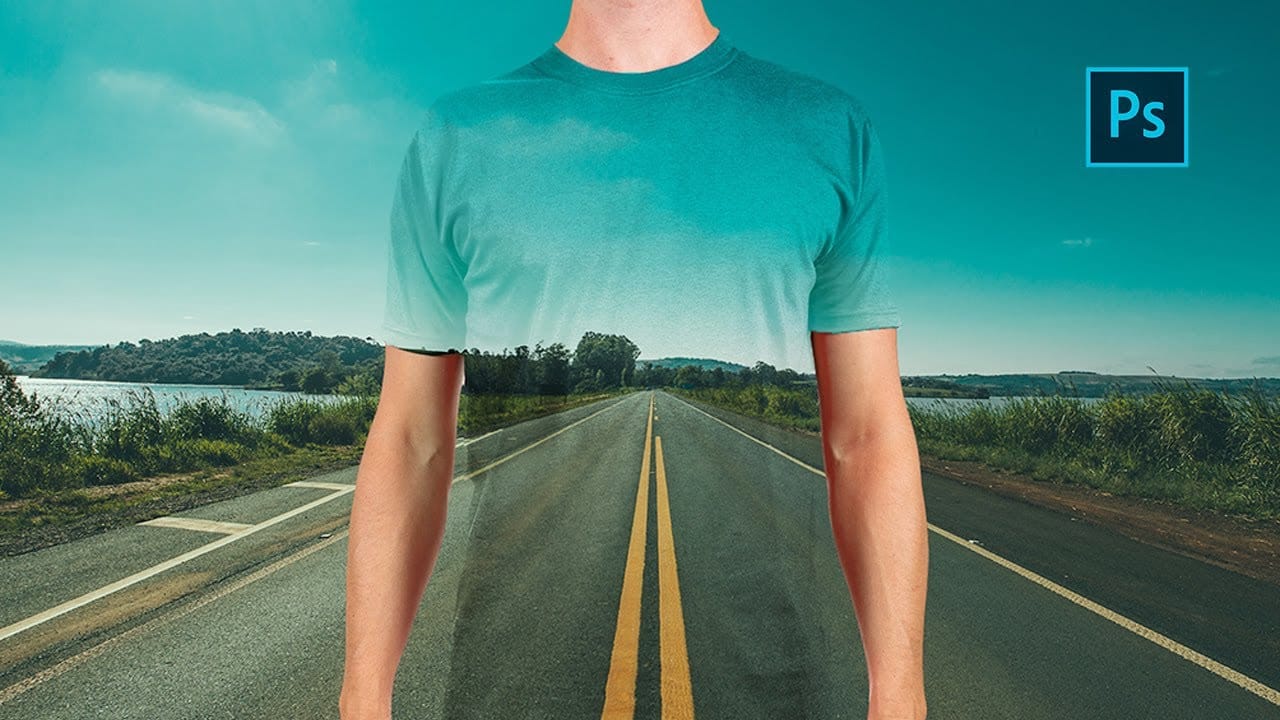
 Blue Lightning TV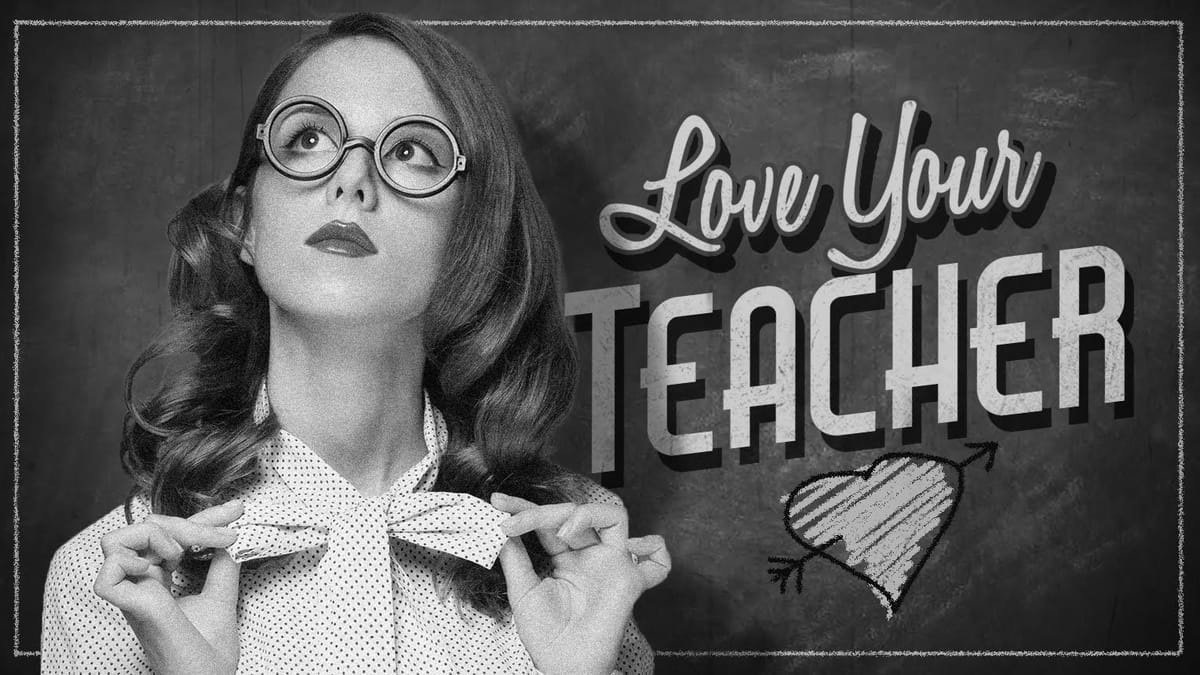
 Blue Lightning TV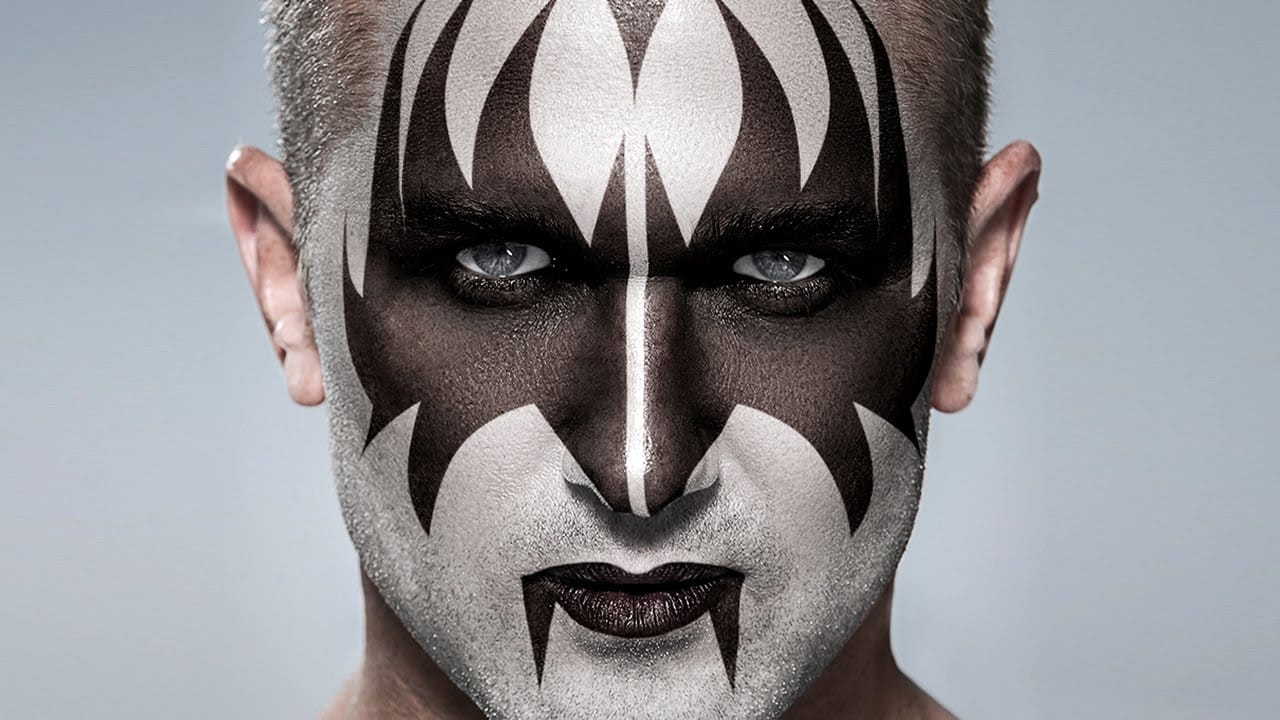
 Blue Lightning TV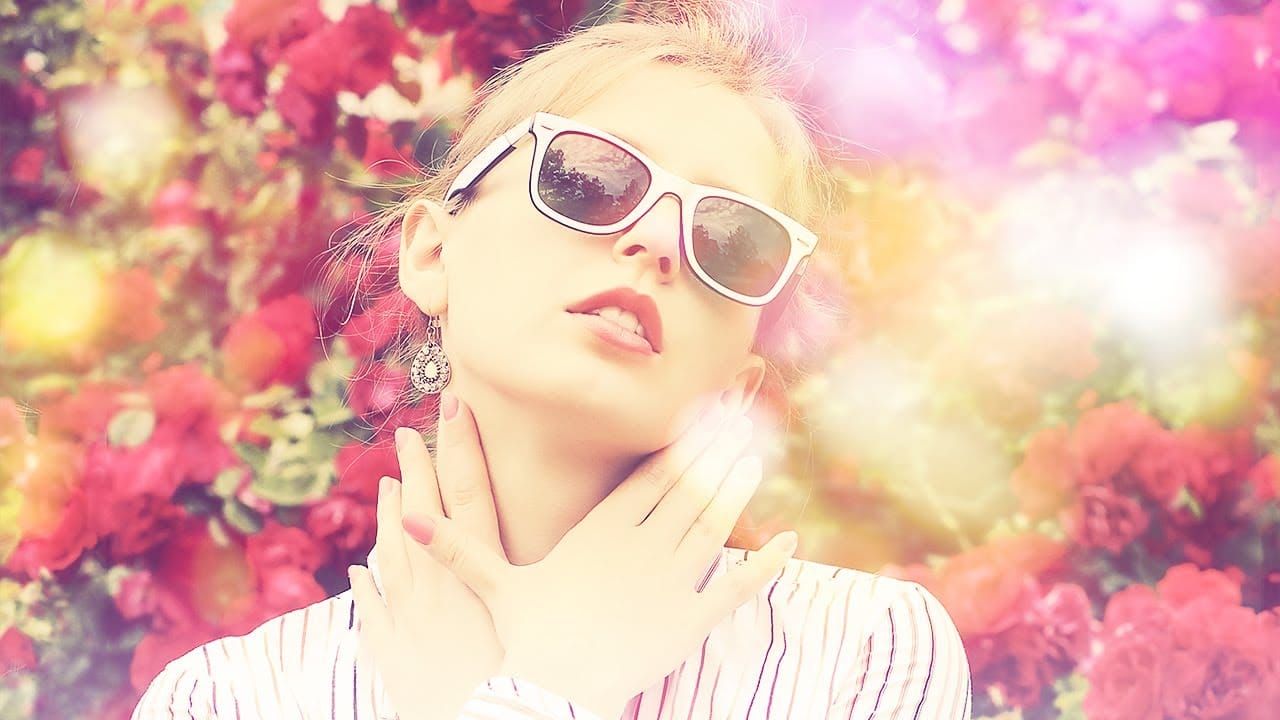
 Howard Pinsky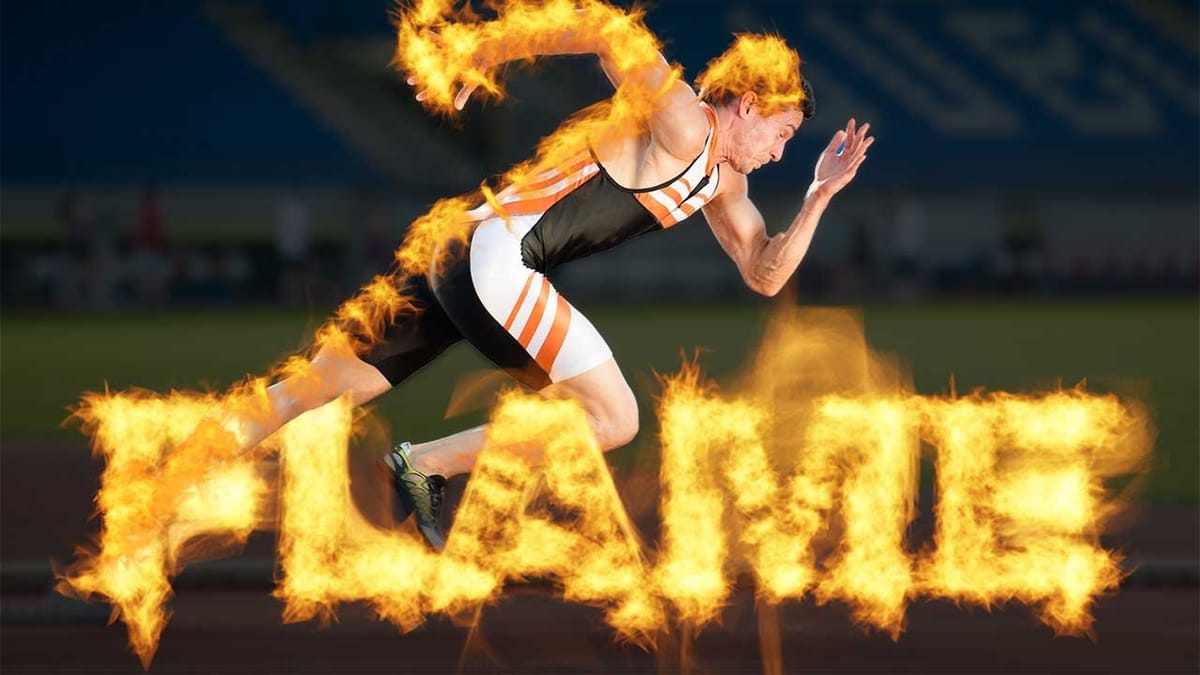
3D & Dimensional Effects
Add depth and dimension to your flat photographs with these 3D and perspective-based tutorials. These techniques help create the illusion of three-dimensional space, volume, and physical presence in your 2D images. Essential for product photographers, digital artists, and anyone interested in creating more immersive visual experiences.
 Photoshop Cafe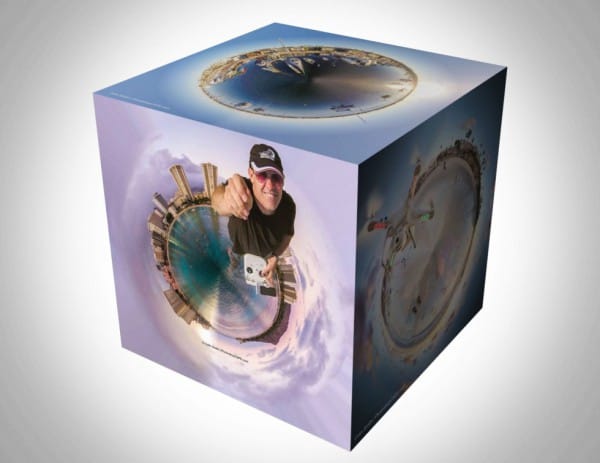
 Blue Lightning TV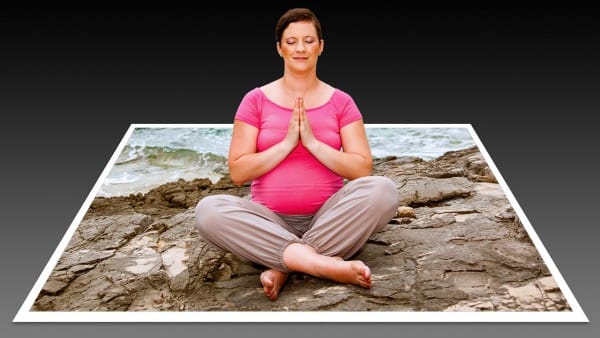
 Justin Odisho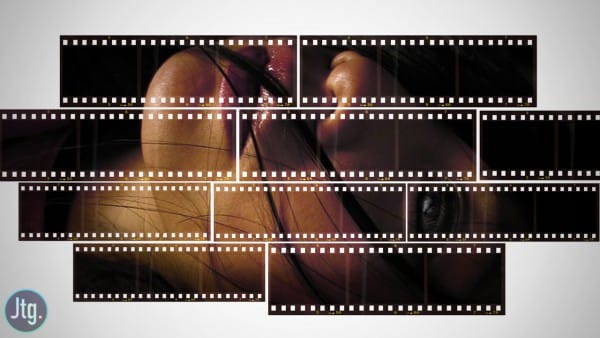
 Phlearn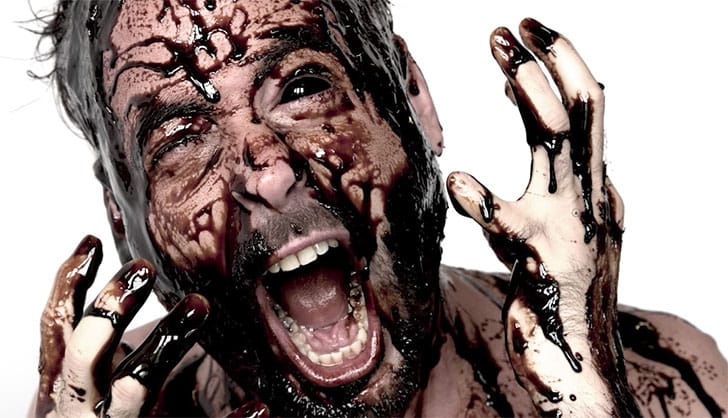
 Glyn Dewis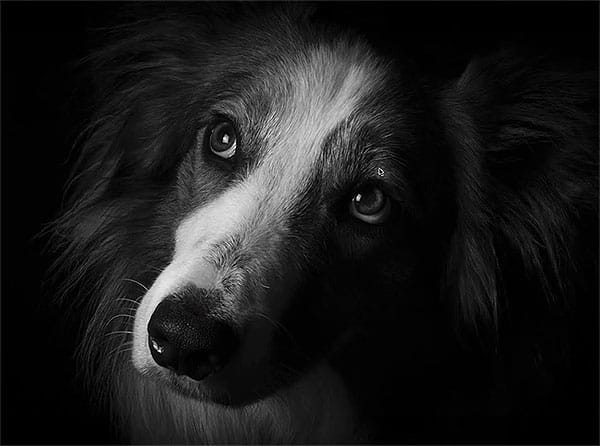
 PSD Box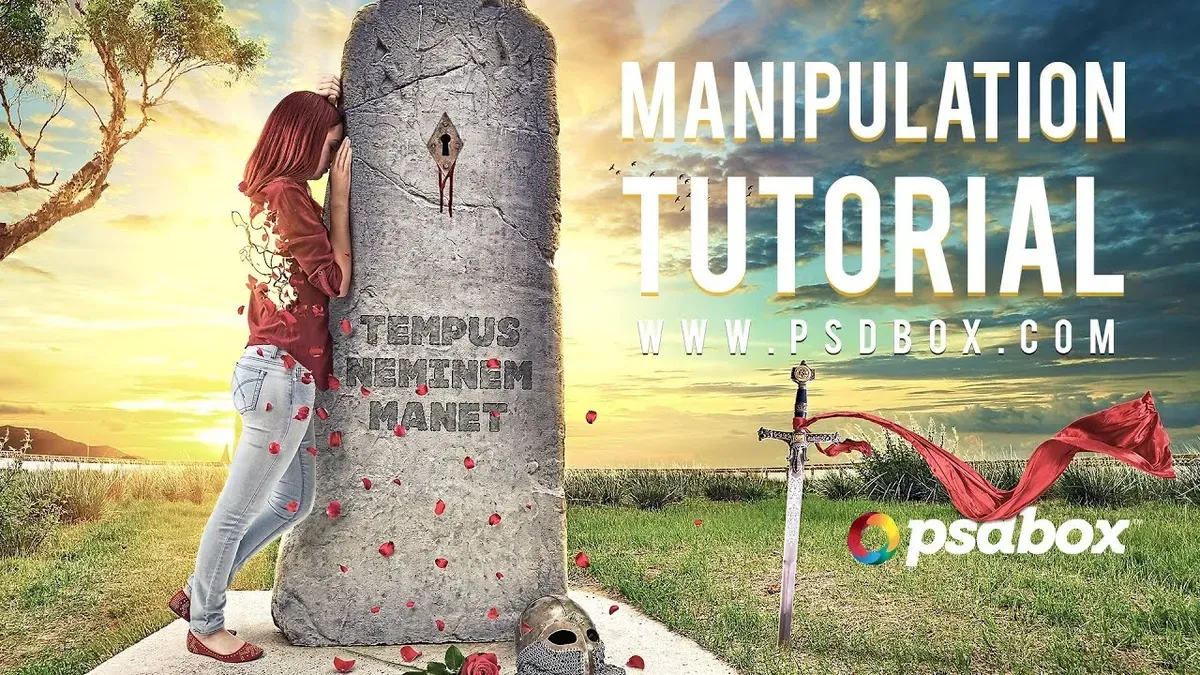
Advanced Techniques & Plugins
Master professional-level techniques and third-party plugin workflows that can dramatically speed up your editing process and achieve results that would be difficult with Photoshop alone. These tutorials are designed for serious practitioners looking to expand their technical capabilities and workflow efficiency.
 Topaz Labs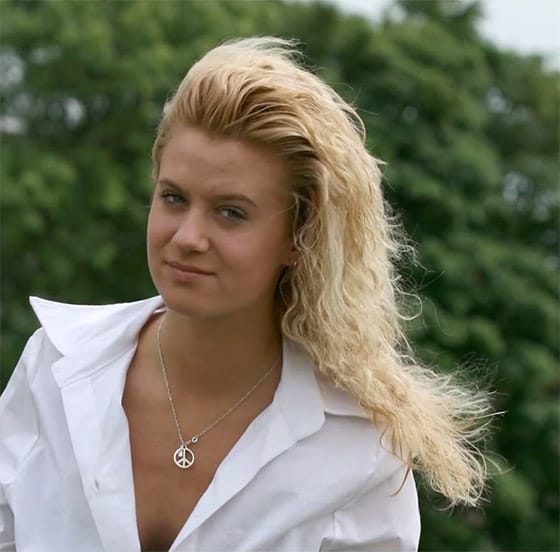
 Lee Varis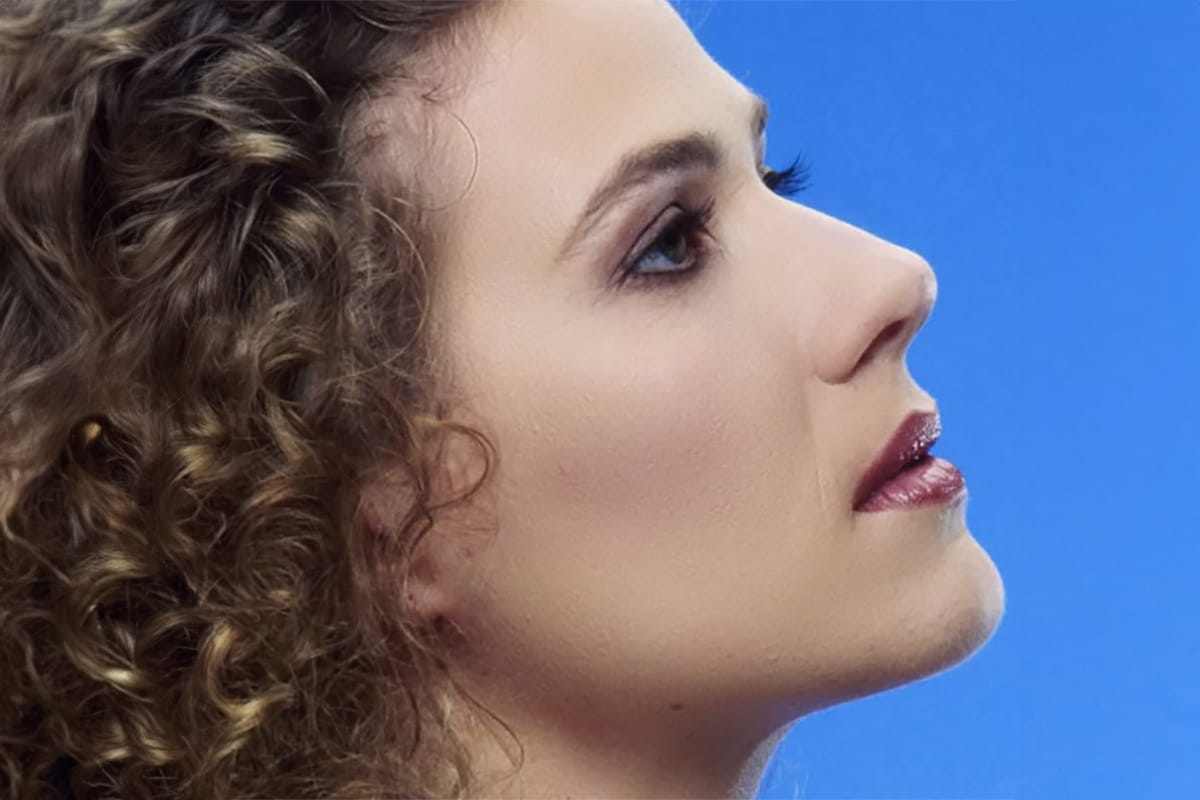
Learning Path & Tips
Recommended Learning Progression
- Beginner Level (Start Here): Begin with Color & Light Effects to build a solid foundation in Photoshop's core adjustment tools. These skills form the backbone of all photo editing and will be used in virtually every other technique you learn. Focus on understanding layers, blend modes, and basic color theory.
- Early Intermediate: Move on to Vintage & Retro Effects and Texture & Pattern Effects. These categories teach you how to work with filters, textures, and more complex layer interactions while still producing achievable results that build confidence.
- Intermediate Level: Tackle Artistic & Drawing Effects and Portrait & Face Effects. These require more precision and understanding of light, shadow, and form, but the results are immediately impressive and help develop your artistic eye.
- Advanced Intermediate: Explore Weather & Environmental Effects and Digital Art & Modern Effects. These tutorials introduce more complex compositing techniques and require a good understanding of how different elements interact realistically.
- Advanced Level: Master Creative Manipulation & Surreal Effects and 3D & Dimensional Effects. These are the most technically challenging and require strong fundamentals in all previous categories.
- Professional Level: Finally, dive into Advanced Techniques & Plugins to optimize your workflow and achieve professional-quality results efficiently.
Essential Tips for Success
- Practice Consistently: Set aside regular time for practice. Even 30 minutes a few times per week will yield better results than marathon sessions followed by long breaks.
- Start with Good Source Images: High-resolution, well-lit photographs will always produce better results. Invest time in selecting quality base images for your effects.
- Master the Fundamentals: Understanding layers, masks, blend modes, and adjustment layers is crucial. These tools appear in nearly every advanced technique.
- Experiment with Variations: Don't just follow tutorials exactly. Try different settings, colors, and approaches to develop your own style and deeper understanding.
- Build a Reference Library: Save examples of effects you admire. Having visual references helps you understand what makes certain effects work well.
- Learn Layer Management: Keep your layers organized with clear names and group related elements. This becomes crucial as your compositions grow more complex.
- Study Light and Shadow: Understanding how light behaves in real life will make your digital effects more convincing and professional-looking.
- Be Patient with Complex Effects: Advanced manipulations can take hours or even days to perfect. Don't rush the process, especially when learning new techniques.
This comprehensive collection represents hundreds of hours of learning potential.
Take your time, enjoy the creative process, and remember that mastering photo effects is a journey that rewards persistence and experimentation.
Each tutorial you complete builds skills that will enhance every future project.







